
inflearn logo

[Unity6] From Game Development to Launch with Claude Code CLI

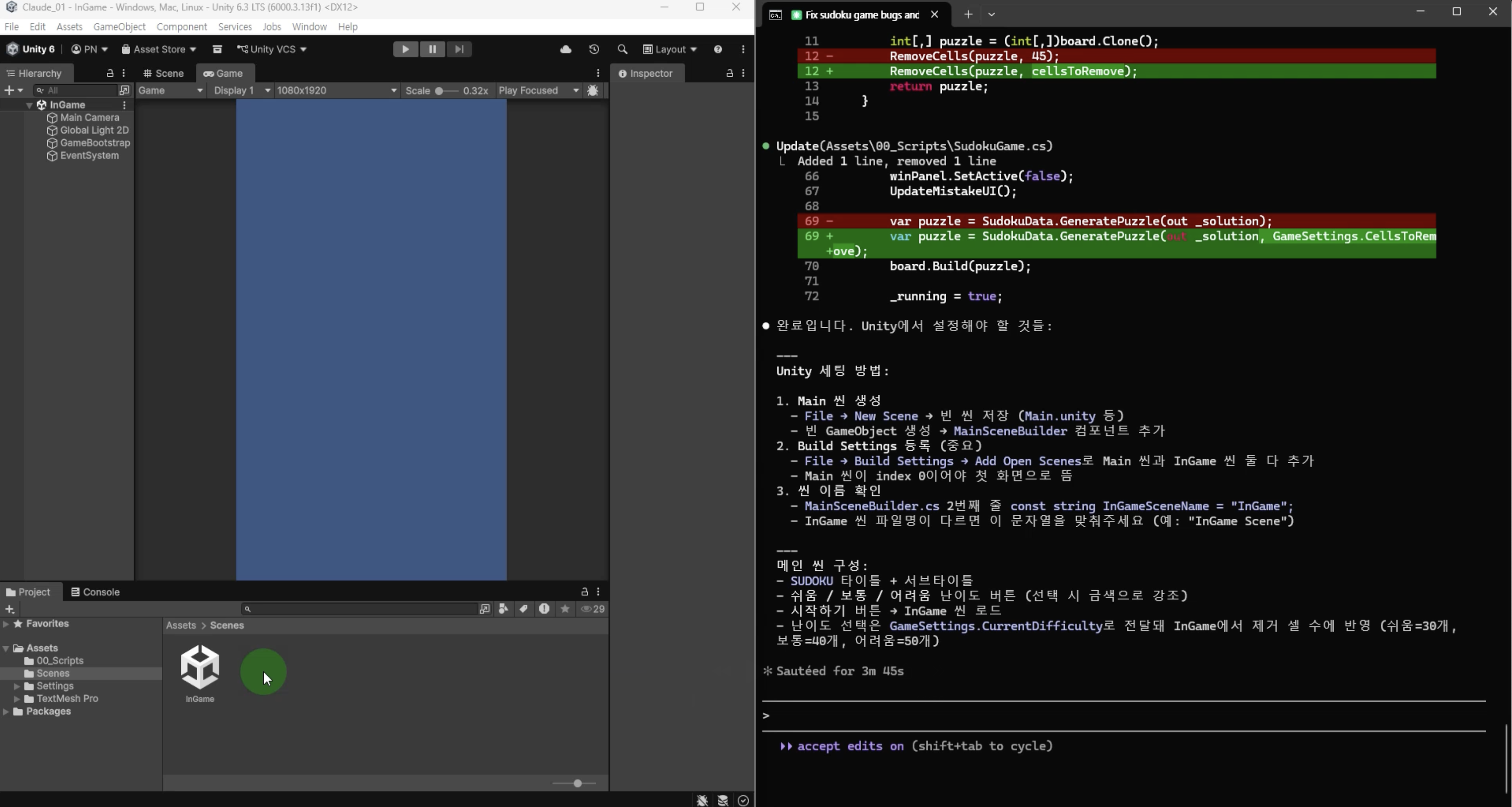
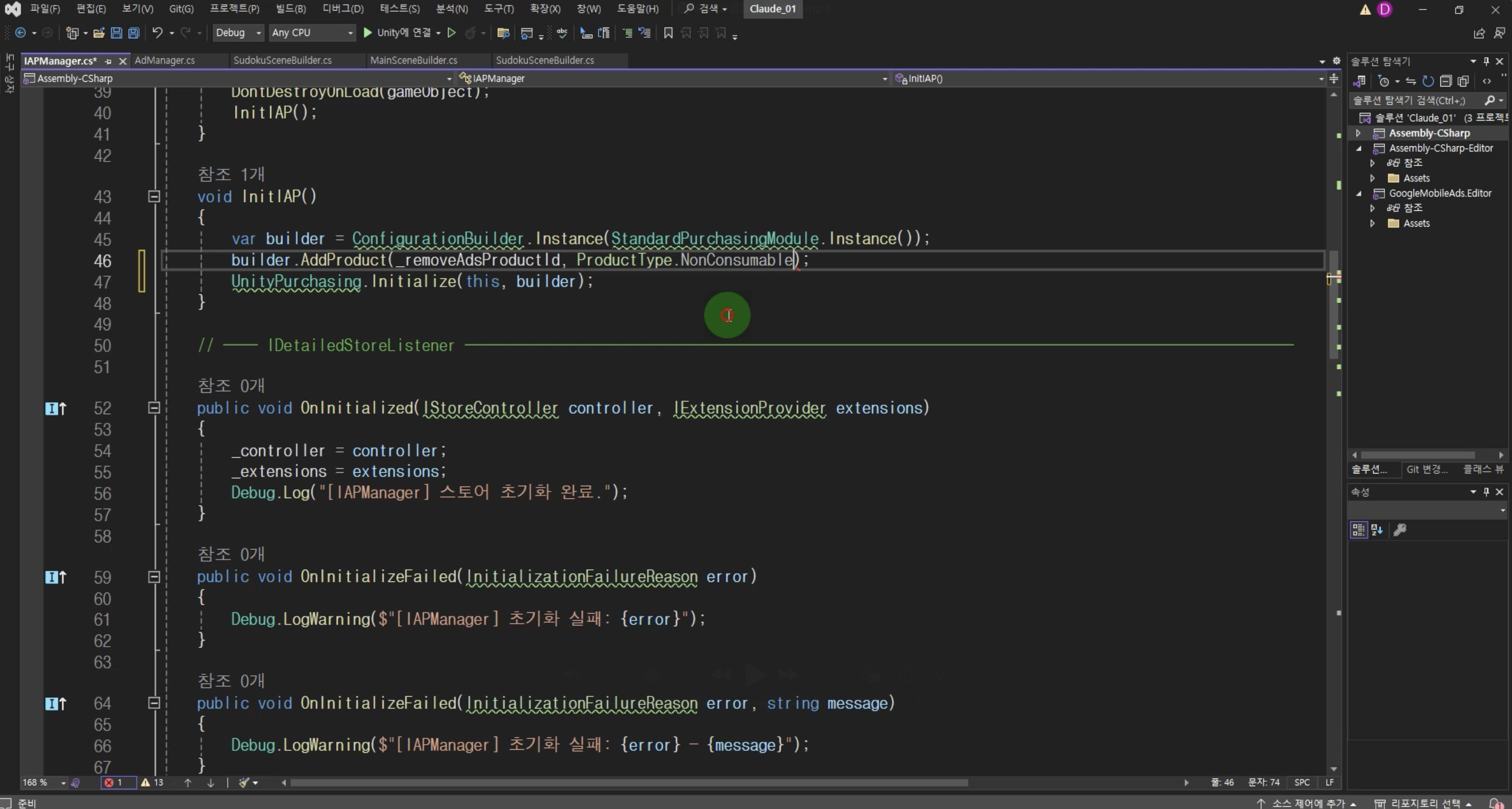
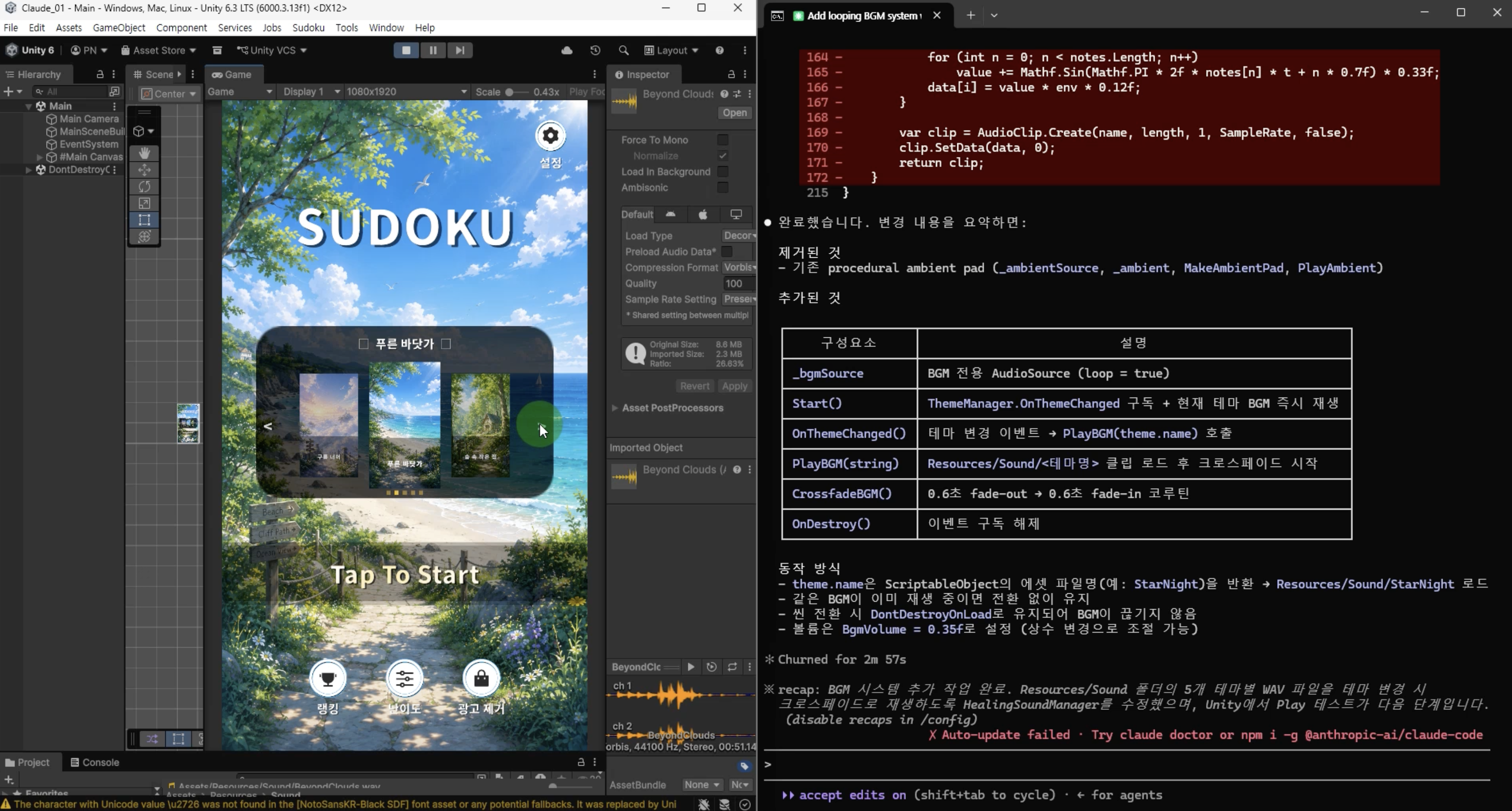
This is a practical course where you will go through the entire process of game development, ad integration, in-app purchase implementation, Android and iOS builds, and actual store release using the Claude Code CLI. You will experience the full workflow of completing a game in collaboration with AI and launching a service-ready game, going beyond simple development.

2 learners are taking this course

Level Beginner

Course period Unlimited

cli
cli
claude
claude
Unity
Unity
Unity6
Unity6
C#
C#
cli
cli
claude
claude
Unity
Unity
Unity6
Unity6
C#
C#

What you will gain after the course

  • How to develop a game using Claude Code CLI

  • How to integrate advertisements (AdMob) and in-app purchases (IAP) into your game

  • How to build and release games for Android and iOS platforms

  • How to speed up development and handle repetitive tasks efficiently by collaborating with AI

Creating your own game with AI

This course is a project-based lecture where you will complete a mobile game yourself using Claude Code.

We will go through the entire process required for an actual service, including not only implementing game features but also integrating advertisements, in-app purchases, and releasing the game on the Google Play Store and Apple App Store.

Now, AI is no longer just a simple code generation tool. It has become a reliable development partner that quickly brings ideas to life, reduces repetitive tasks, and stays with you throughout the entire development process.

Try creating your own game with Claude Code and take on the challenge of even servicing it to actual users.

The way we develop has now changed.

  • In the past, implementing a single feature required countless searches and much trial and error.


  • However, with the emergence of AI, developers can now focus less on just writing code and more on the role of contemplating what to create and designing the overall direction.

  • Claude Code is a powerful tool that makes the development process even faster.


    In this course, you will experience the entire process of creating a game using AI, integrating advertising and payment systems, and launching it on an actual store.

  • See for yourself how game development is done in this new era.

[Development Method]

Claude CLI writes the code, and we decide the direction.

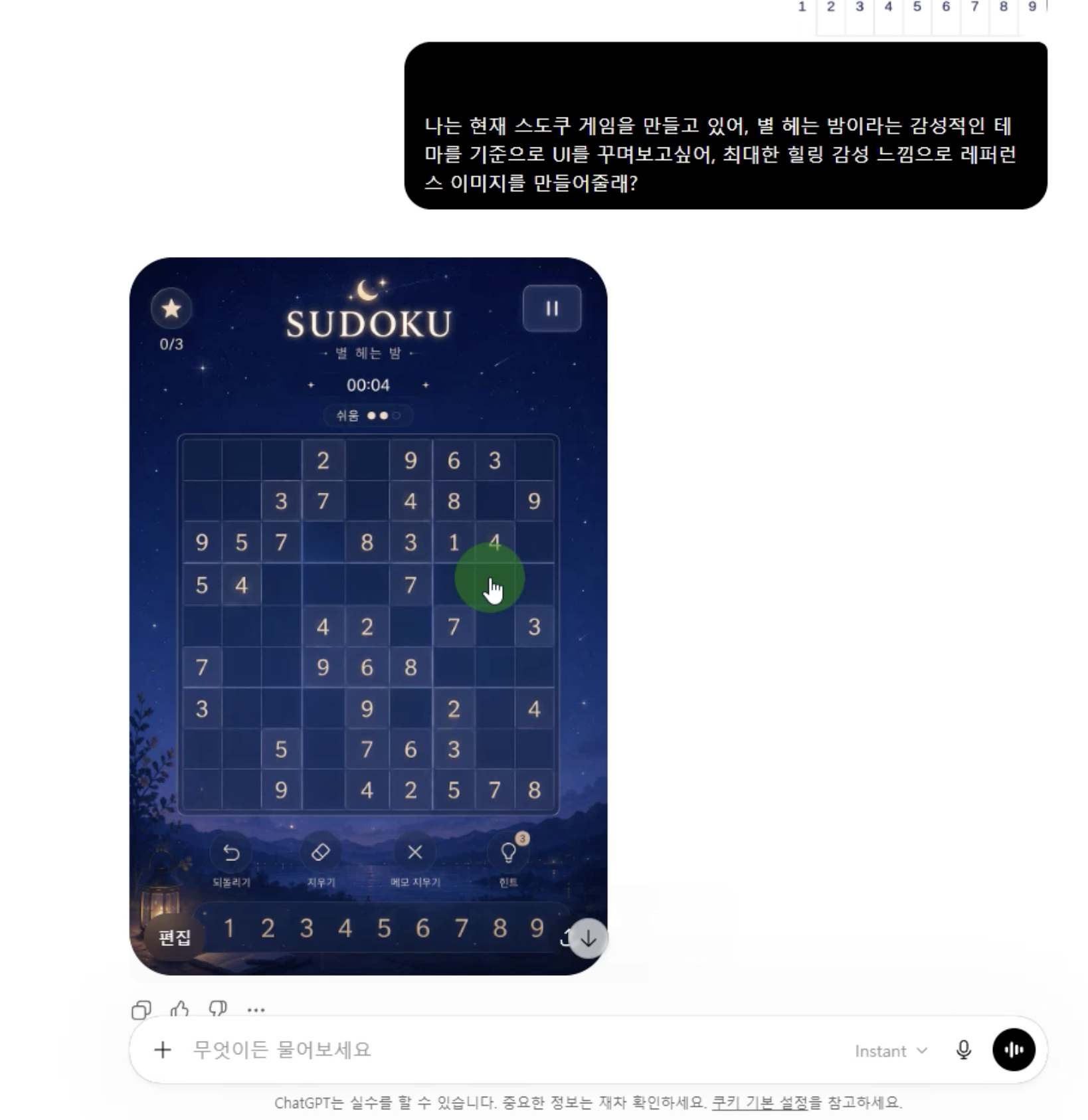
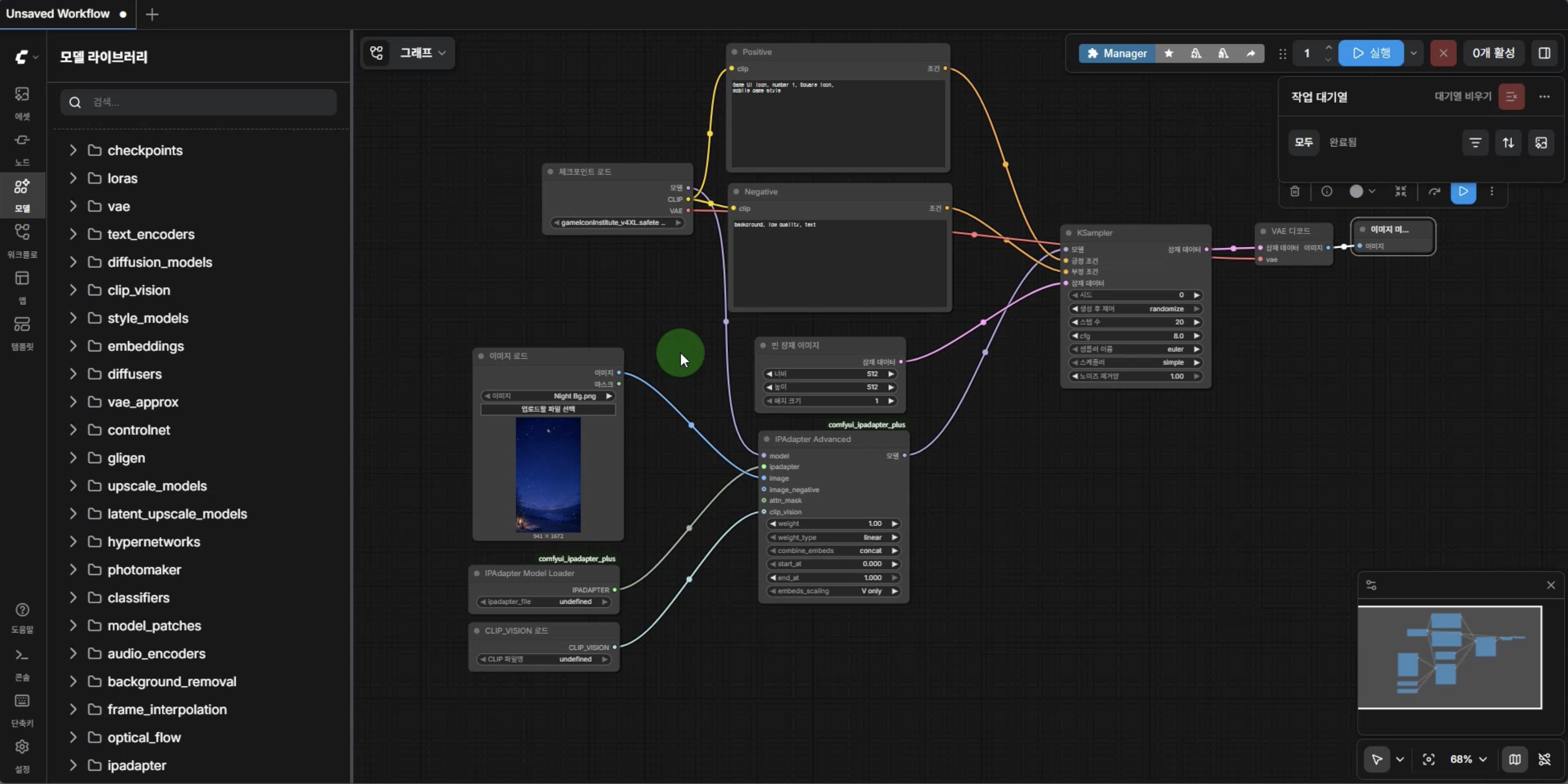
From planning to UI/UX, we create together with AI.

To achieve the desired results, a process of properly utilizing and training the AI is also necessary.

AI can write advertising and in-app purchase code, but the actual service registration and configuration process is the developer's role.

<Final Result>

Complete your game and launch it on the actual store.

Q. Why game development using AI?

1. You can dramatically increase development speed.

Previously, implementing a single feature required countless searches and trial and error.
By utilizing AI, you can reduce the time spent on repetitive coding and problem-solving,
allowing developers to focus more on the direction and quality of the game.


2. You can take on larger projects even on your own.

Game development requires knowledge in various fields such as planning, UI/UX, programming, and data management.
AI serves as an assistant in each area,
helping solo developers handle a much wider range of tasks than before.


3. What's important is directing ability rather than coding.

AI can generate code, but deciding what features to create
and in which direction to develop them remains the developer's responsibility.
To produce high-quality results, the ability to properly utilize and verify AI is crucial.


4. You can experience everything from launch to monetization

Game development does not end with completing the project.
Processes necessary for actual service, such as ad integration, in-app purchase settings, and store registration, are also essential.
In this course, you can develop a game with AI and experience the entire process through to actual release and monetization.

[Notes Before Taking the Course]

This course is based on Unity 6 and covers everything from actual mobile game development to releasing on the Google Play Store and Apple App Store. Please check the details below before taking the course.

Required Unity Version

  • Unity 6 or higher

  • Recommended to use the same version as the lecture or the latest version

Recommended Development Environment

  • Windows or macOS(macOS is required to use Xcode for App Store release)

  • Code editors such as Visual Studio, VSCode, Rider, etc.

  • 8GB RAM or more recommended

  • SSD recommended

Accounts required for release and monetization

In the latter half of the lecture, we will proceed with ad integration, in-app purchases, and the store release process.

  • Google Play Console developer account

  • Apple Developer Program account (for iOS release)

  • Google AdMob Account

Developer Registration Fees

Store distribution incurs separate costs according to each platform's policy.

  • Google Play Console developer registration fee: approximately $25 (one-time)

  • Apple Developer Program : $99 per year

  • Google AdMob : Free

※ Developer registration fees are subject to change according to platform policies and are not included in the course tuition.

This course is not just about learning how to request code from AI.

It is structured so that you can experience the entire process of a game, from planning and implementation to applying advertisements and in-app purchases, and finally launching it on an actual store.

AI is a powerful tool, but great results ultimately stem from the developer's ideas and judgment.
I hope that through this course, you will learn how to collaborate with AI and gain the experience of completing your own game.

Although there may be areas that are lacking, I hope this course will be of some help in your challenge to release and monetize your first game.

We will experience a new way of game development in the AI era as we build it together.

Recommended for
these people

Who is this course right for?

  • Development that aims to increase game development productivity using AI

  • Those who want to experience the entire process from game development to launch all at once

  • A solo developer who creates games alone with the goal of monetization.

  • Those who want to learn practical topics such as advertising, in-app purchases, and store launches.

  • Those who want to apply AI development tools like Claude Code CLI to real-world projects

Hello
This is Pinous

Inflearn Verified

1,771

Learners

126

Reviews

196

Answers

4.7

Rating

12

Courses

[Introduction]
Hello, I am the CEO of Pinus Co., Ltd.

I began teaching myself Unity, driven solely by my childhood dream of simply wanting to make games. With the mindset of working harder than anyone else because I was self-taught, I continued to learn and have now come to hold the position of CEO of a company.
About four years have passed since we began growing as a development studio. We are now moving forward with the goal of developing our own games, and we intend to film that process to create lectures on game development that can actually generate revenue.

Email
pinous.g@gmail.com


More
Published: 
Last updated: 

Reviews

Not enough reviews.
Please write a valuable review that helps everyone!

Pinous's other courses

Check out other courses by the instructor!

Similar courses

Explore other courses in the same field!

Limited time deal

$53,900.00

30%

$59.40