

강의

멘토링

커뮤니티

Applied AI

/

Applied AI Development

Creating and Monetizing a Toss Game App with AI

How to easily create games with AI and monetize by launching your game on the Toss app with 30 million users

23 learners are taking this course

Level Beginner

Course period Unlimited

  • cosart
AI
AI
React
React
ChatGPT
ChatGPT
C#
C#
Unity6
Unity6
AI
AI
React
React
ChatGPT
ChatGPT
C#
C#
Unity6
Unity6

What you will gain after the course

  • AI-Powered Game Development

  • Game Launch Ad Monetization

Create your own game with AI
Launch it on Toss app and monetize!

Showcase your game to 30 million Toss users.


In the AI era, game development is no longer difficult.
Anyone can easily create games and launch them directly on the massive platform
called Toss App to earn advertising revenue. Learn AI-based game development and Toss App monetization strategies.


Toss Game App AI Creation
Create games directly with AI and launch them on the Toss app to monetize.

Learn ChatGPT, Unity, C#, React, and other cutting-edge technologies to master
AI-based game development and ad monetization strategies.


Beyond simple AI utilization, we provide experience in launching games on the Toss app with 30 million users
and building services that generate actual advertising revenue.


From casual game planning to AI code generation, Unity build, React porting, and Toss app launch
Experience the entire process firsthand and complete your own game.

This course is about making games with coding

It's not a course focused on that, but rather using AI to create apps in Toss

This is a course that quickly explains how to deploy and generate revenue.

Make a Toss App Game
with AI and Capture Revenue

Section 1 - Toss App Game Launch and Monetization Overview

We introduce how to launch games on the Toss app, which has 30 million users, and monetize them through advertising revenue. Learn about the market opportunities of Toss mini app games and AI-powered development approaches.

Section 2 - AI-Based Casual Game Development and Content Creation

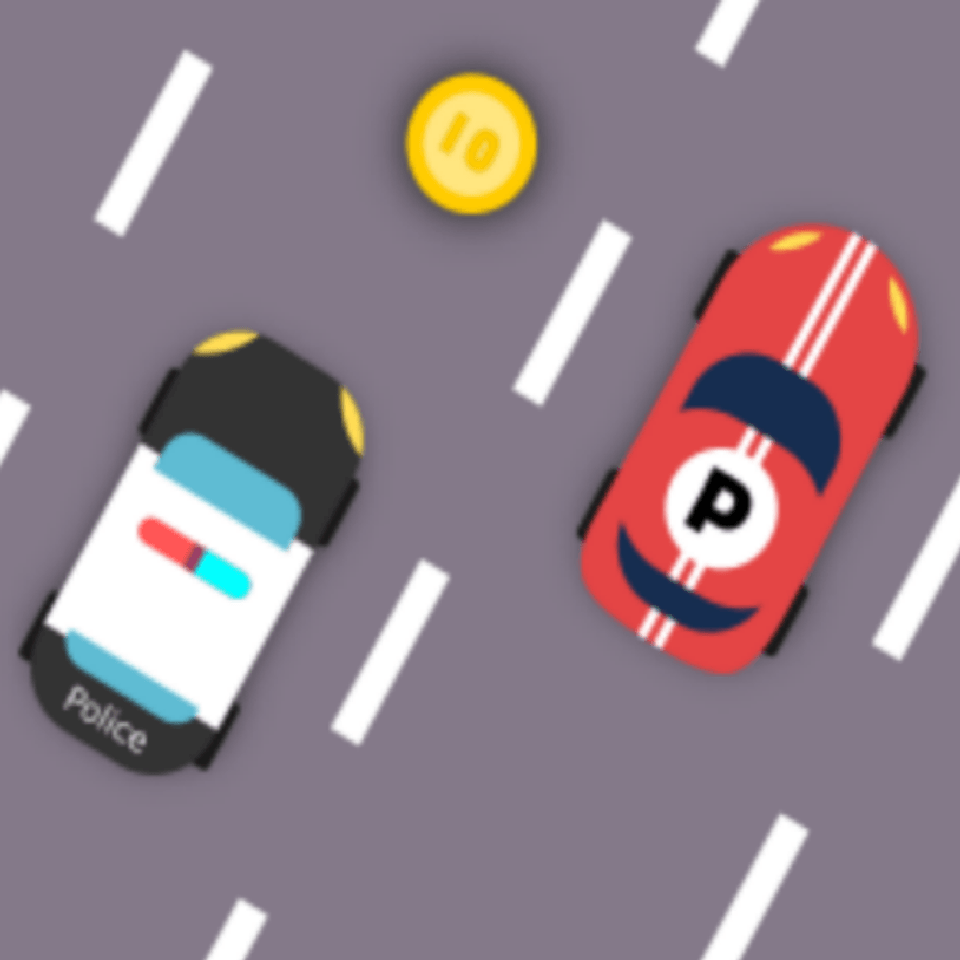
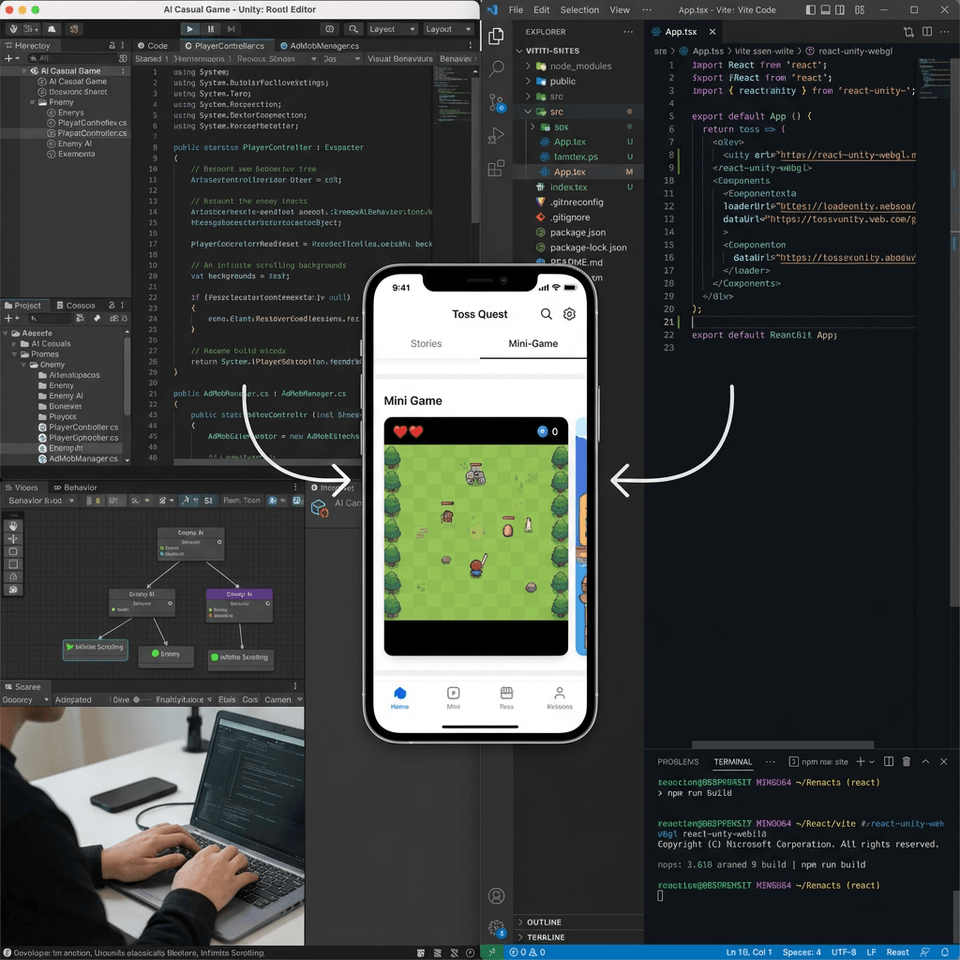
Learn how to implement background scrolling, player scripts, enemy AI, and spawn logic using Unity and AI. We provide AdMob monetization setup and sample code to support your development process.

Section 3 - Build and Porting for Toss App Deployment

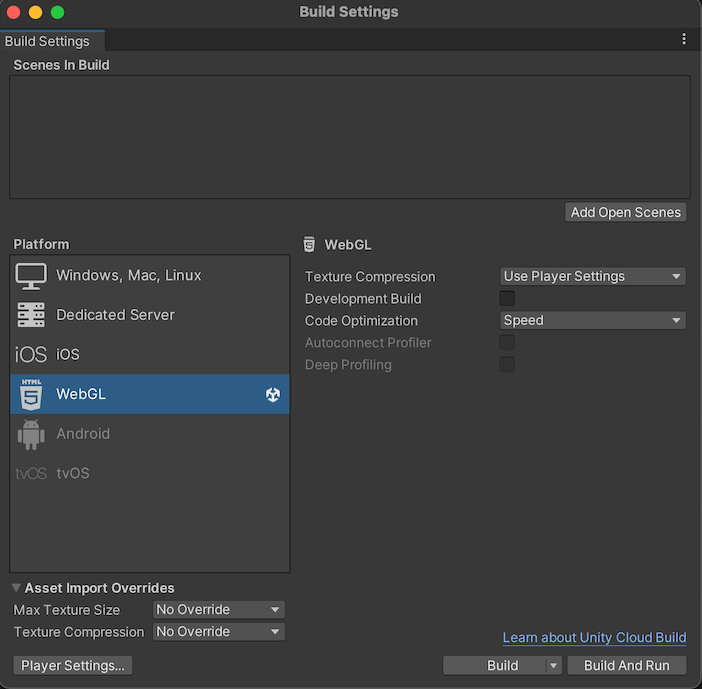
This covers game build settings, Google Play Developer Console registration, Unity WebGL build, and the porting process based on React Vite configuration. Through this, you will learn how to effectively deploy your developed game to the Toss app.

Section 4 - Toss App Launch and Data Integration

This guide provides detailed instructions on configuring AIT files for Toss app release, integrating advertisements, and establishing data communication functions between Unity and React. These steps support successful game launches and smooth operations.

Making a Game with AI and Launching it on Toss

Point 1. Launching a game to 30 million users

Seize the special opportunity to launch your own game and generate revenue on the Toss app, which has 30 million monthly users. You can become a pioneer in the mini-game app ecosystem that can be enjoyed immediately without complex installation processes.


Point 2. Easy and Fast Game Development with AI

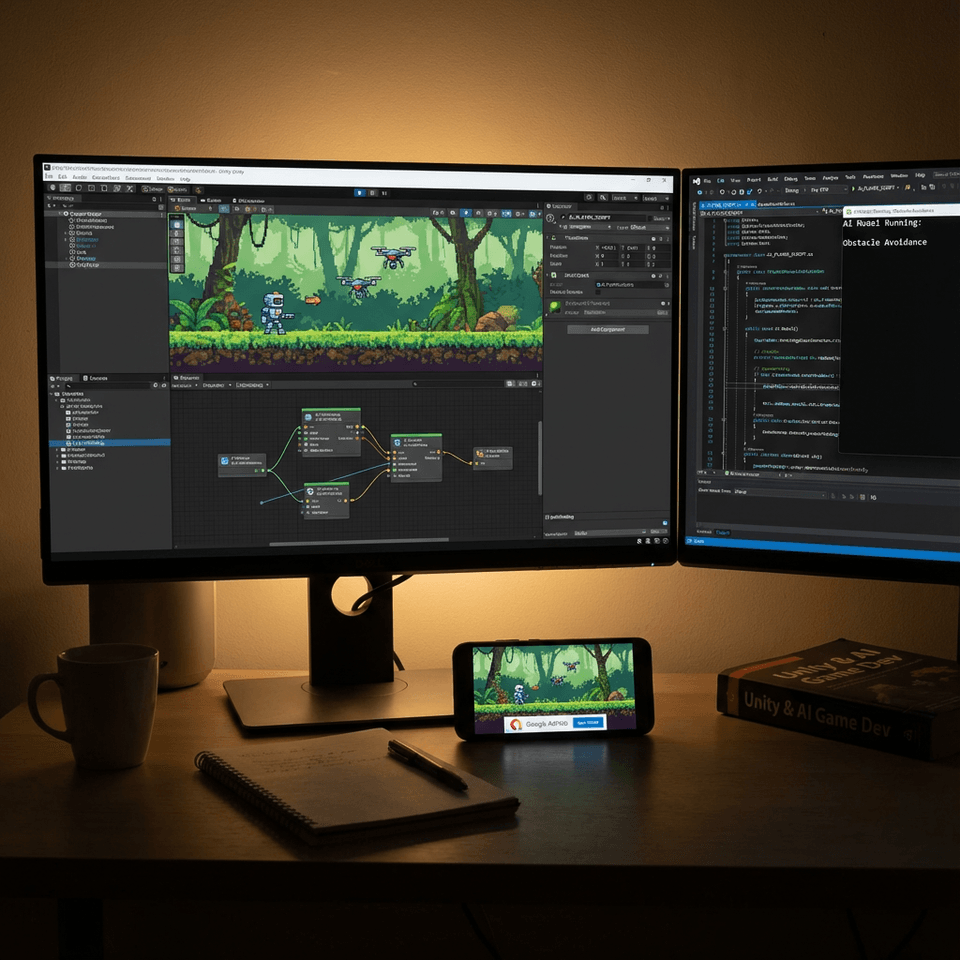
It's okay if you lack development experience. With AI assistance in Visual Studio Code, you can easily implement game logic, player scripts, and even enemy AI. Use the provided sample code and AI prompts to significantly reduce development time.


Point 3. Master Practical Ad Monetization Methods

Do you want to learn effective monetization methods after launching your game? This course focuses on advertising monetization strategies, including AdMob setup. You can gain hands-on experience earning actual revenue through integration with Toss Points and payment systems.


Point 4. Unity-React Integration and Deployment

You will learn the entire process of porting a Unity-developed game to a React Vite environment and optimizing it for the Toss app in WebView style. From Unity WebGL builds to React Native integration and final app release, you'll master a technology stack that can be immediately applied in real-world projects.


Using Artificial Intelligence (AI), React, ChatGPT, C#, Unity 6

Does making a game with AI and launching it on the Toss app
feel difficult to you?This course was created specifically for people like you.


✔️ Those who want to challenge AI-powered game development and monetization

  • Anyone who wants to explore new possibilities in game development using AI and ChatGPT

  • Those who want to create games themselves using the latest technology stacks such as React and Unity

  • Those who want to earn additional income through game releases and ad monetization

✔️ Those who want to launch their game in the Toss app ecosystem

  • Anyone who wants to seize the opportunity to launch a game on the Toss app, which has over 30 million users

  • Those who want to quickly gain first-mover advantage in the growing Toss Mini App market

  • For those who want to meet users with casual games that run instantly without installation

✔️ Those who have coding experience but are new to AI development

  • Anyone who wants to learn AI-based development methodologies and practice them directly in Visual Studio Code

  • Anyone who wants to maximize development productivity through AI prompt engineering

  • For those who want to complete the AI game development and Toss app launch process based on the instructor's real-world experience

Don't hesitate any longer. With AI by your side, you too can become a successful game developer for the Toss app. Start now and showcase your own game to the world!


✔️ Those who dream of monetizing games targeting 30 million Toss users

Notes Before Enrollment


Practice Environment

  • React, Unity, Visual Studio Code, and other development tools are required.

  • Windows or macOS operating system is recommended.

  • We recommend 8GB or more of RAM for smooth development.

Prerequisites and Important Notes

  • You need to understand the basic syntax of React.

  • If you have Unity game development experience, it will help with your learning.

  • It would be great if we could materialize AI utilization ideas.

Learning Materials

  • AI development prompt examples are provided.

  • I provide sample code needed for practice.


Recommended for
these people

Who is this course right for?

  • People who want to try AI-powered game development

  • People who want to monetize using AI

Need to know before starting?

  • Unity Basic Usage

  • C# Basics

Hello
This is

892

Learners

51

Reviews

52

Answers

4.4

Rating

19

Courses

Coding Academy Hard Training

Office workers, students, and indie developers gather here to study.

I mainly teach Java or game programming portfolio courses.

Blockchain exchanges, stock exchanges, game servers, game clients, corporate and freelance outsourcing development

CEO of a game development and game education company

Academy lecturing, freelance outsourcing, and indie development

(Unity Korea, Korea Chamber of Commerce and Industry, Etivers Learning) Unity Bootcamp Offline Lecture

Unity Certified Instructor

Extensive development and teaching career, including Unity lectures at the Content Korea Academy (Hongneung).

Active as a professional developer, indie developer, and R&D instructor for Team KOSAT.

 Unity Certified Professional: Programmer

Like Lion Education Instructor

Indie Code student team of three

111%, 3 billion won support 'Super Fast Batch'

2nd Generation Winners

T-Team R&D Lecture Activities Unity Certified Professional: Programmer Like Lion Education Instructor IndieCode 3-Student Team Winner of 111 Percent & 3 Billion Won Supported 'Super Fast Batch' Season 2

Curriculum

All

11 lectures ∙ (2hr 6min)

Course Materials:

Lecture resources
Published: 
Last updated: 

Reviews

Not enough reviews.
Please write a valuable review that helps everyone!

$84.70

cosart's other courses

Check out other courses by the instructor!

Similar courses

Explore other courses in the same field!