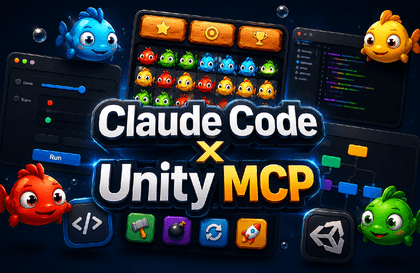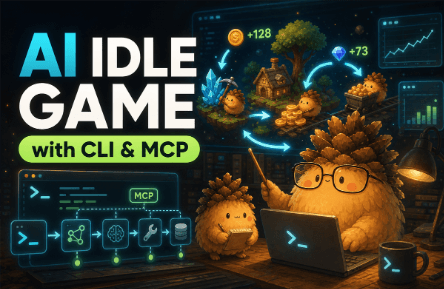

[CLI, MCP] Creating a Unity Idle Game with AI

This course covers implementing combat, UI, data, and server functions for a Unity idle game using CLI and MCP-based AI tools. You will learn the entire process of releasing a mobile game to Google Play, including the application of Firebase, advertisements, in-app purchases, and Addressables.

16 learners are taking this course

Level Beginner

Course period Unlimited

C#
C#
codex
codex
AI
AI
cli
cli
Model Context Protocol
C#
C#
codex
codex
AI
AI
cli
cli
Model Context Protocol

What you will gain after the course

  • Unity Game Development Workflow

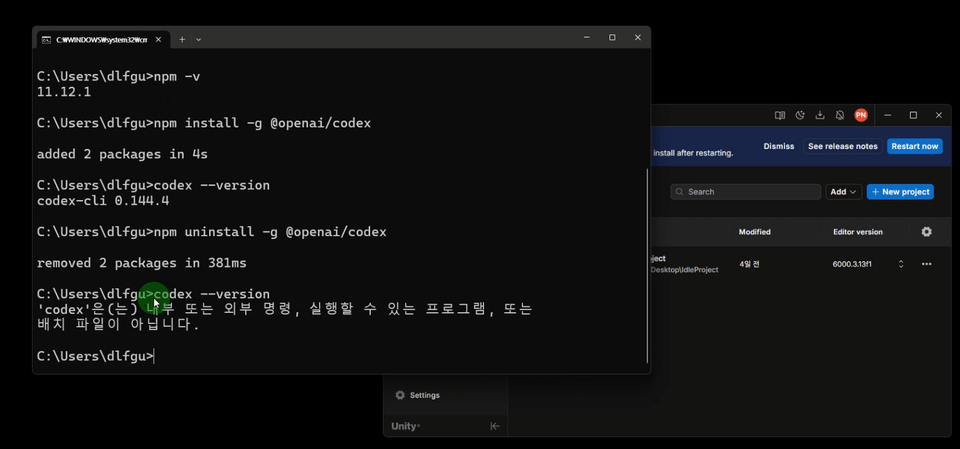
  • CLI-based AI coding proficiency

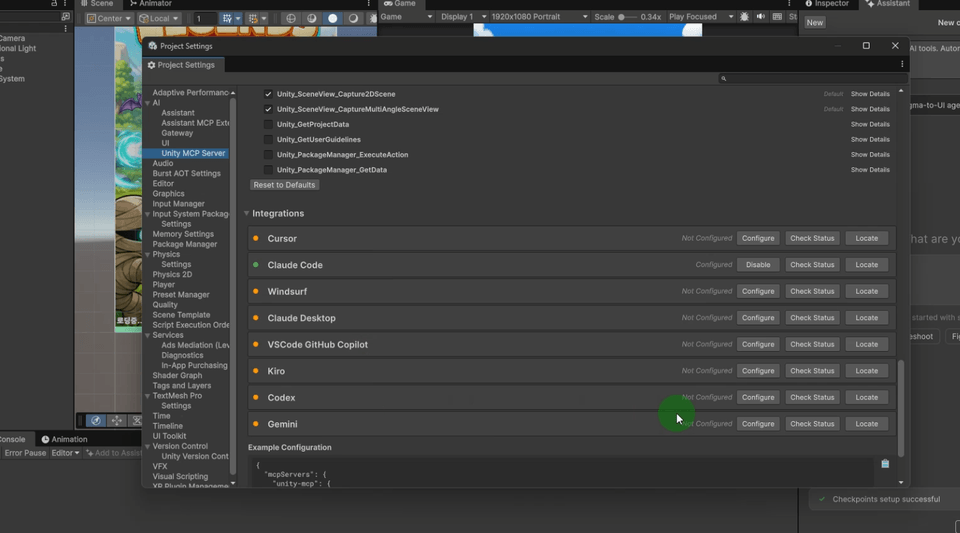
  • Ability to control Unity projects using MCP

  • Experience in implementing core systems for idle games

  • Mobile game UI creation skills

A new way of game development created with AI

This lecture is a project-based course where you will directly complete a Unity idle mobile game using AI CLI and MCP.

Beyond simply having AI write code, this course covers how to utilize AI throughout the entire actual game development process, from designing the game structure and implementing features to UI configuration, data management, server integration, and optimization.

From writing code and controlling projects via CLI to direct integration with the Unity Editor using MCP, you will experience a new way of developing where AI works alongside you within the development environment.

It is not about leaving everything to the AI, but rather about the developer making judgments and verifications while using AI to expand development speed and the scope of work.

Experience firsthand how Unity developers collaborate with AI in the AI era.

  • In the past, implementing a single feature required countless searches and much trial and error.

  • Now, you can accompany the entire development process, from code writing to modification and analysis, through AI CLI.

  • By utilizing MCP here, you can connect the Unity Editor with AI to perform an even wider variety of tasks.

  • In this course, you will create an idle game with AI and go through the entire process from integrating ads and payments to launching it on the actual store.

  • Experience the new era of Unity game development for yourself.

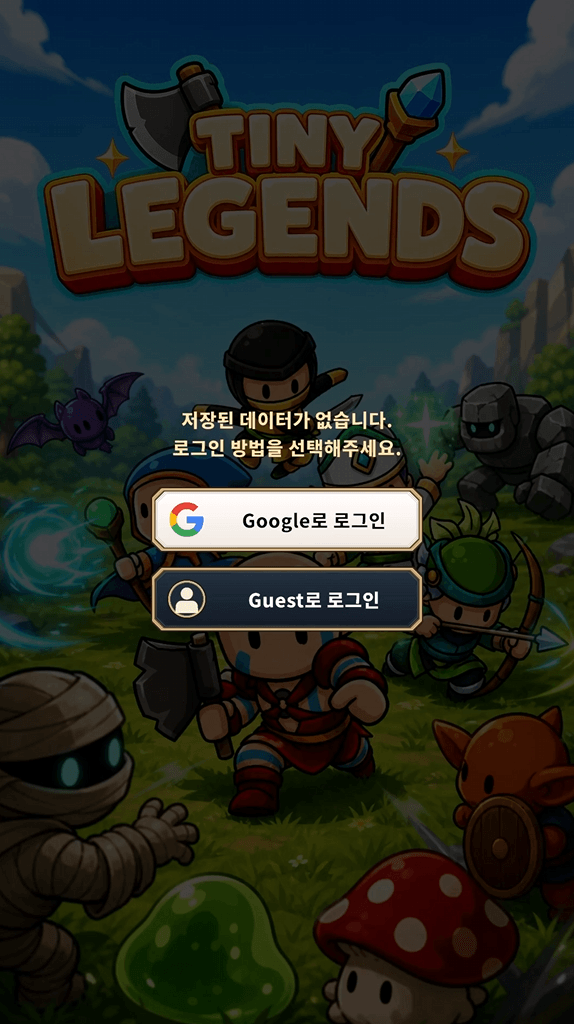
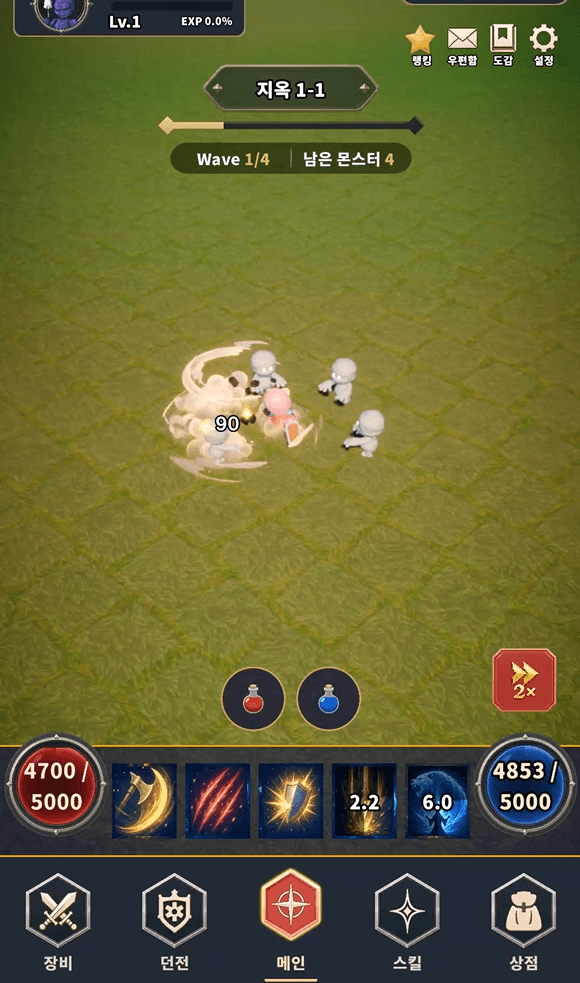
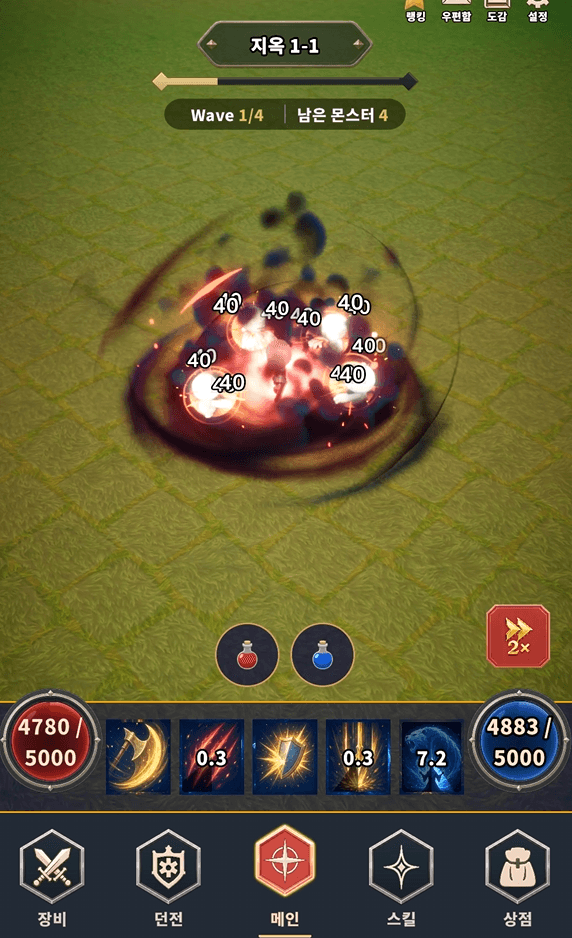
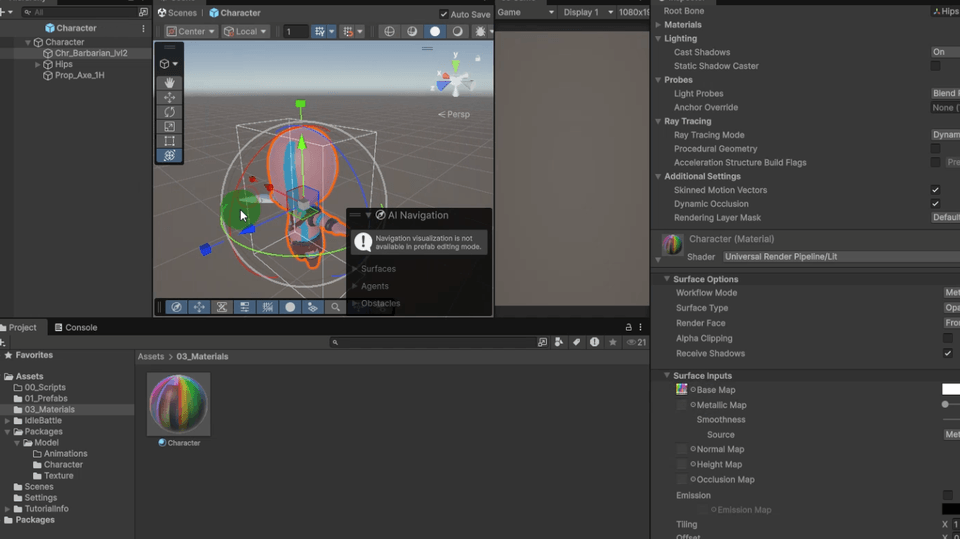
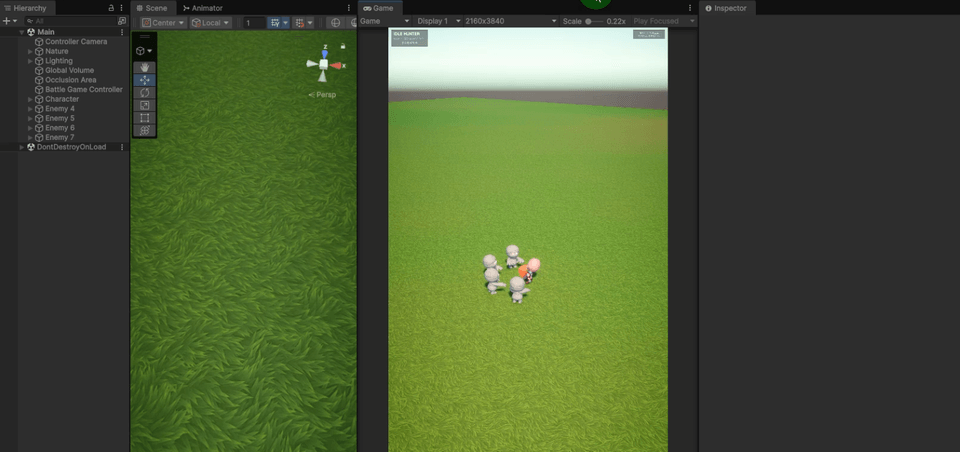
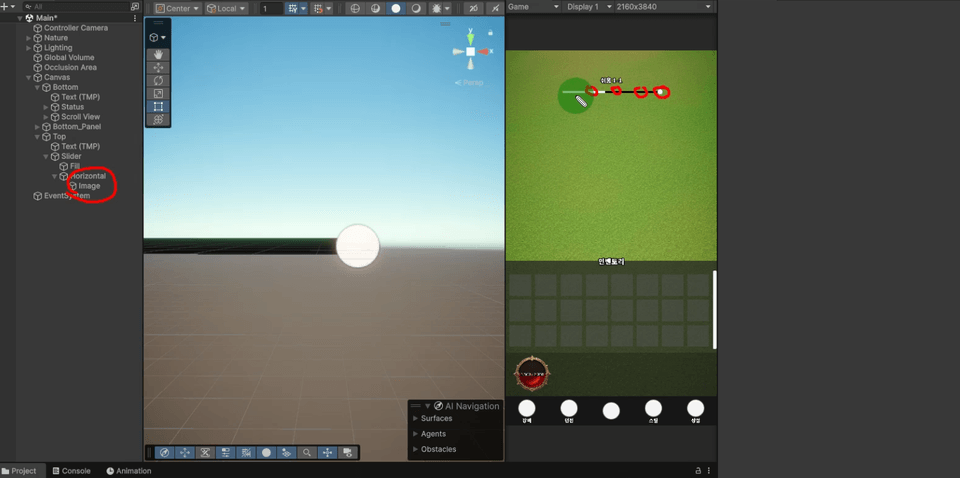
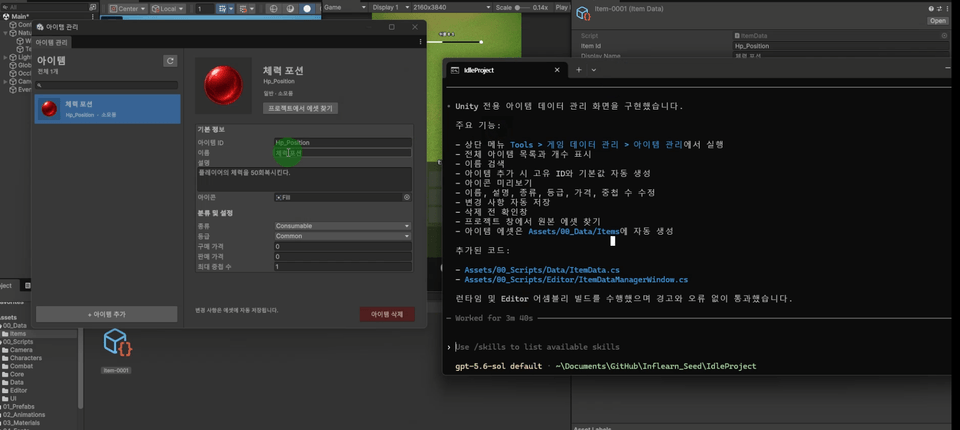
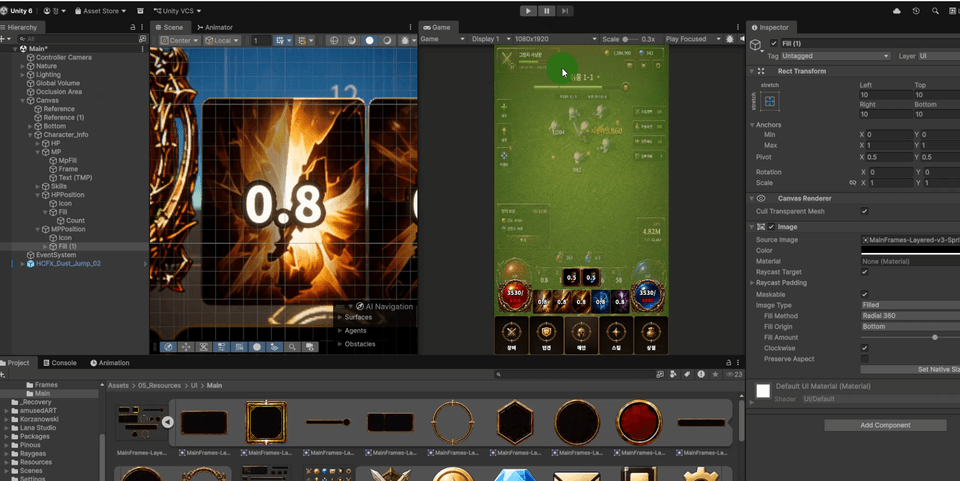
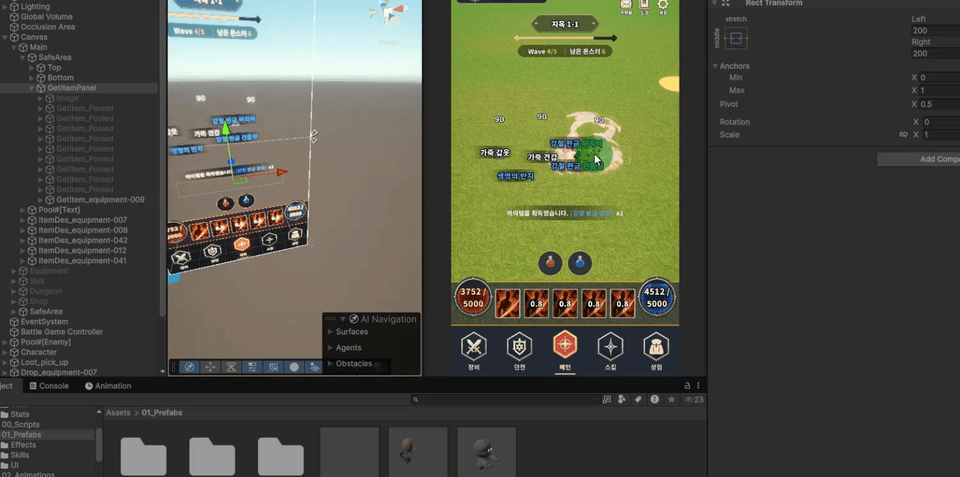
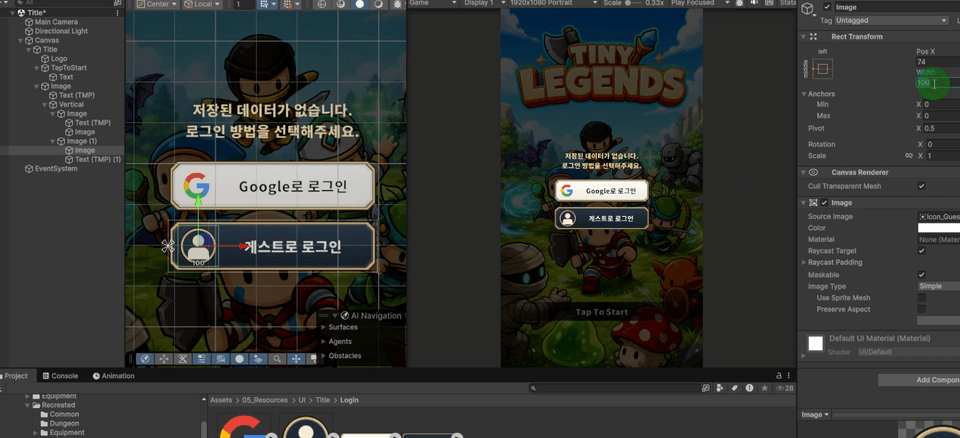
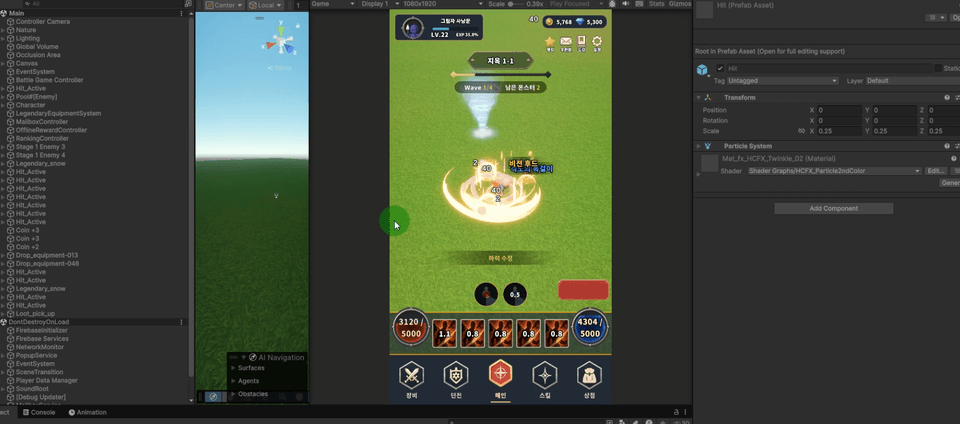
<This is a game developed within the actual course>

<1>

<2>

<3>

Using CLI and MCP, we will quickly and easily implement everything from complex cloud server-based login systems to various combat logics together with AI.

Complete an idle game
with CLI and MCP!

Section 1 - Preparing the Unity and Command Line Development Environment

Learn the basic concepts of game engines, install Unity, and familiarize yourself with its interface. You will also learn the roles of command-line tools and how to install them. Finally, you will set up a basic environment for managing and developing Unity projects using the command line.

Section 2 - Implementing the Basic Structure of an Idle Game

Start a Unity project and create game components using Prefabs, Mixamo, Animator, and the Asset Store. Implement the basic play structure of an idle game by creating terrain and trail effects, and linking combat effects and skills.

Section 3 - Combat UI and Game Optimization

Configure the Canvas-based combat UI and apply combat text effects and game fonts. Implement an object pool to improve the performance of combat elements that are generated repeatedly.

Section 4 - Creating Idle Game UI

Plan the UI required for an idle game, create the actual screens, and connect the UI with in-game systems using the Singleton pattern.

Section 5 - Game Data Design and Management

Structure game data using ScriptableObjects and resources, and design stage data based on exponential formulas. Learn everything from CSV data management to creating editor windows.

Section 6 - UI Design Using Command Lines and AI

Plan UI frames and screen designs using AI tools, and create UI elements and scenes based on the command line. Implement wireframes and actual UIs, and apply the safe area for mobile screens.

Section 7 - Item Drops and Data Storage

Implement an item drop system based on combat results, and save and load game data using player preferences and JSON format. Establish a foundation for reliably managing item and player progress information.

Section 8 - Firebase and External Server Integration

Utilize Firebase, configure the login and title scenes, and then set up the keystore and SHA fingerprint to implement Google Login.

Section 9 - MCP Unity Development Using MCP

Understand the concept and purpose of MCP and learn how to control projects by connecting it with Unity. Use MCP to automate development tasks, analyze projects, and optimize them.

Section 10 - Implementing Service Features for Idle Games

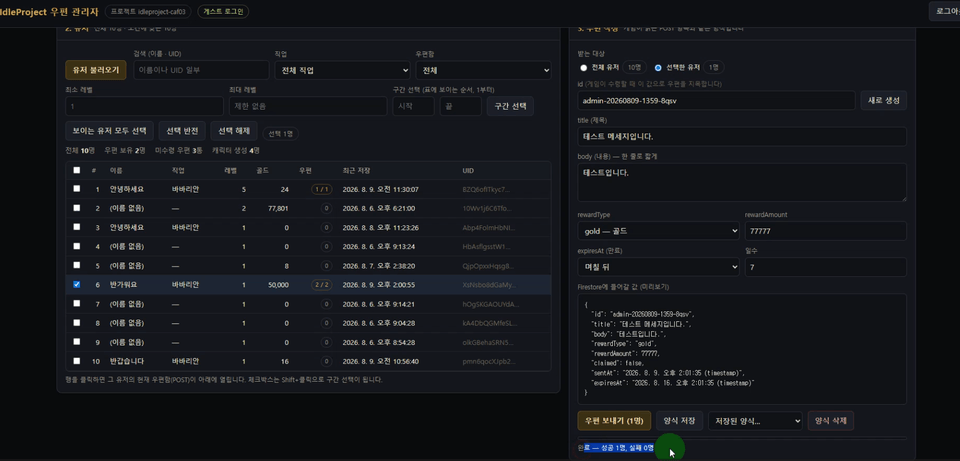
Configure the screen features for a live-service game using render textures and common pop-ups. Complete the essential functions for continuous play and operation by implementing the mailbox, admin page, offline rewards, and ranking system.

Section 11 - Utilizing AI Assets and Enhancing Game Quality

Create and apply game assets using AI-based audio and 3D modeling tools. Enhance the game's quality and polish by improving the sense of impact and implementing localization to support multiple languages.

Section 12 - Build, Monetization, and Game Launch

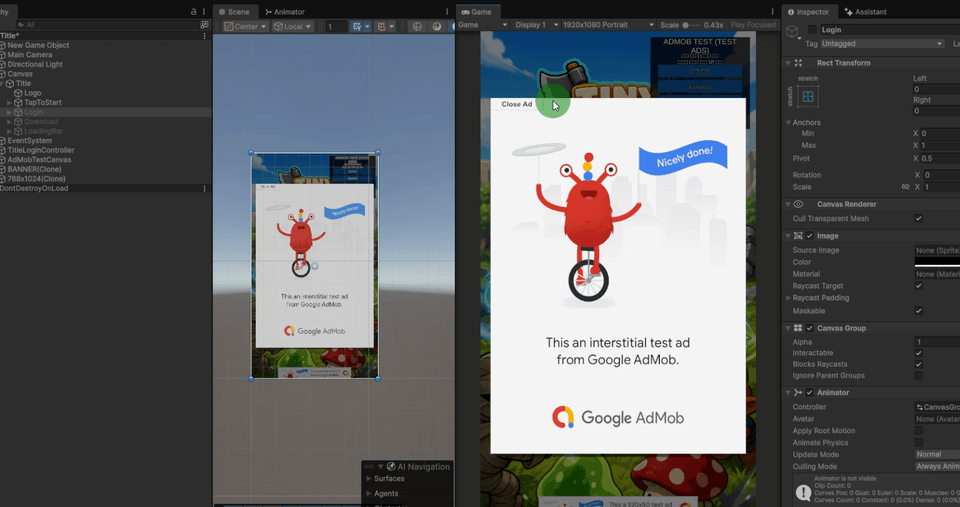
We will set up the Google Play Console, proceed with builds and internal testing, and configure an efficient resource distribution environment. After implementing advertisements and in-app purchases, we will complete the entire mobile game distribution process up to the official production release.

[Notes Before Taking the Course]

This course is conducted based on Unity 6.

Please check the details below before taking the course.

Required Unity Version

  • Unity 6 or higher

  • It is recommended to use the same version as the lecture or the latest version.

Recommended Development Environment

  • Windows or macOS(MacOS is required to use XCode for App Store releases)

  • Code editors such as Visual Studio, VSCode, Rider, etc.

  • 8GB RAM or more recommended

  • SSD recommended

Accounts required for release and monetization

In the latter part of the lecture, we will proceed with ad integration, in-app purchases, and the store release process.

  • Google Play Console developer account

  • Apple Developer Program account (for iOS release)

  • Google AdMob Account

Developer Registration Fees

Store distribution incurs separate costs according to each platform's policy.

  • Google Play Console Developer Registration Fee: approx. $25 (one-time)

  • Apple Developer Program : $99 per year

  • Google AdMob: Free

※ Developer registration fees are subject to change according to platform policies, and these costs are not included in the course tuition.

[Notice Regarding Assets]

In this course, we will utilize various assets from the Unity Asset Store to enhance the quality of the game. Please check the details below before taking the course.

Reasons for using assets

The assets used in the lecture are primarily utilized to compose high-quality 3D modeling, effects, and other resources that are currently difficult to create using only CLI and MCP.

While game functions and systems should be implemented by actively utilizing AI, we recommend actively using verified assets for high-quality resources such as modeling or effects.

Assets used in the lecture

Some assets used in the lecture require a separate purchase, and the list of assets used is attached separately in the lecture materials.

※ The cost of purchasing assets is not included in the course tuition fee.

※ Since this course focuses on creating games using a CLI, the results may not be exactly the same as in the lecture depending on your prompt and development environment.

Therefore, rather than using the assets from the lecture as they are, I recommend that you actively search for and utilize assets that match the concept and direction of the game you are creating.

With the emergence of AI, the way games are developed is changing rapidly.

In this lecture, we applied CLI and MCP to a Unity project and explored the extent to which AI can be utilized in the game development process.

Although AI has become capable of handling many tasks, it is ultimately the developer's responsibility to decide which features to create and how to utilize them.

Through this lecture, I hope you go beyond simply following along to create a single game and learn how to integrate AI into your own development process.

I hope this lecture will be of some help to the various games and projects you will create in the future.

Create faster with AI and bring more of your ideas to life yourself.

Recommended for
these people

Who is this course right for?

  • A beginner who wants to make their first game with Unity

  • Developers who want to properly utilize AI in game development

  • A solo developer who wants to complete a mobile idle game by themselves.

  • Learners who have taken basic Unity courses but have no experience completing a project.

  • Job seekers who need a portfolio of shippable games

Need to know before starting?

  • Basic knowledge of programming languages

Hello
This is Pinous

Inflearn Verified

Career Verified

2,013

Learners

134

Reviews

204

Answers

4.7

Rating

14

Courses

[Introduction]
Hello, I am the CEO of Pinus Co., Ltd.

I began teaching myself Unity, driven solely by my childhood dream of simply wanting to make games. With the mindset of working harder than anyone else because I was self-taught, I continued to learn and have now come to hold the position of CEO of a company.
About four years have passed since we began growing as a development studio. We are now moving forward with the goal of developing our own games, and we intend to film that process to create lectures on game development that can actually generate revenue.

Email
pinous.g@gmail.com


More

Curriculum

All

63 lectures ∙ (14hr 43min)

Course Materials:

Lecture resources
Published: 
Last updated: 

Reviews

Not enough reviews.
Please write a valuable review that helps everyone!

Pinous's other courses

Check out other courses by the instructor!

Similar courses

Explore other courses in the same field!

Limited time deal

$92,400.00

30%

$102.30