Photoshop 2026 Master Class: From Basics to Practical Application
comt
Anyone can easily learn the latest version of Photoshop 2026 with subtitles.

Beginner
Photoshop, Photography, AI
This is a computer course that even those who don't know anything about computers can take on. You can learn how to solve various PC problems, as well as various convenient Windows 10 apps.

Install Windows 10
Troubleshooting PC Problems
Mouse Settings and Computer Tips
How to use the translator
How to Use Useful Computer Apps
Learn the basics of computer usage and Windows 10.
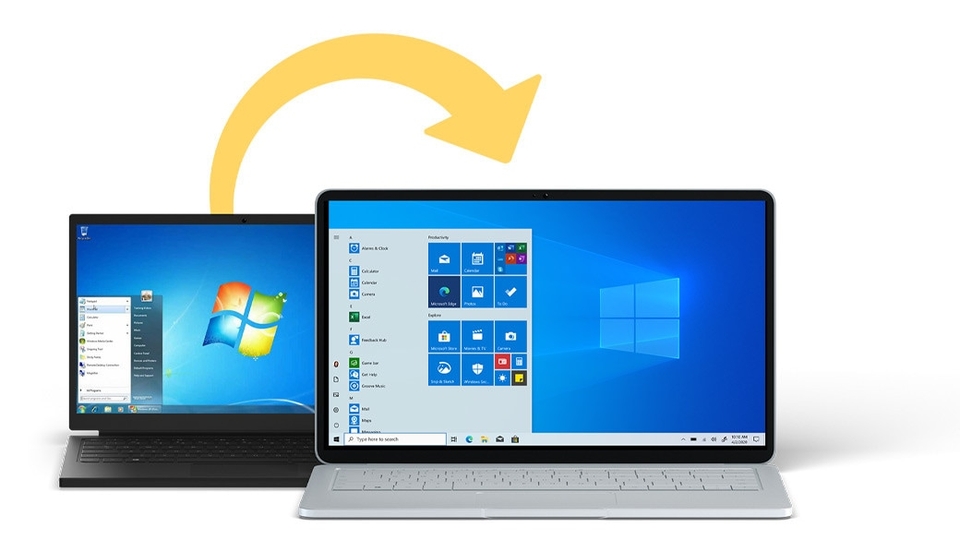
To use my computer in a more comfortable environment, management is necessary.
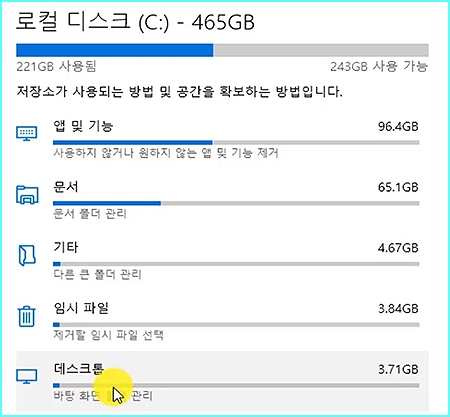
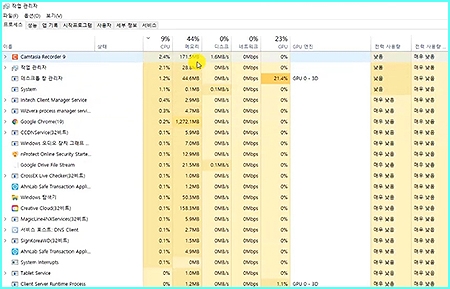
Try out the various amazing features of Naver and Google.
Your life becomes more convenient.


Who is this course right for?
For those who want to learn computers
For those of you who are curious about how to use Windows 10
Need to know before starting?
No. Even computer illiterate people can start~

Career Verified
1,903
Learners
165
Reviews
4
Answers
4.8
Rating
36
Courses
Back when Apple's MAC computers made it possible to design even better.
It's already been well over 25 years since I first started teaching Adobe Photoshop and Illustrator at the academy~~^^
I remember the days when, instead of calling the instructors Teacher Eom, Teacher Ha, and Teacher Gu, we used to call them Eom-T and Gu-T.
Together with those teachers, we started using ComTee as an abbreviation for Computer Teacher!
I will continue to be a "Computer Teacher" who works hard to share knowledge for all those who are learning.
Thank you!!
Thank you!!
Together with everyone, we've come to use "Com-T" as a shorthand for Computer Teacher! We will continue to be a Computer Teacher that works hard to share knowledge for all learners. Thank you!!
Together with everyone, we've come to use "Com-T" as a shorthand for Computer Teacher! We will continue to be a Computer Teacher that works hard to share knowledge for all learners. Thank you!!
All
36 lectures ∙ (7hr 6min)
All
2 reviews
4.5
2 reviews

Reviews 5
∙
Average Rating 5.0
Reviews 93
∙
Average Rating 4.5
4
I think it's good because you can build a solid foundation.
There is so much to learn about computers, but if you just learn the basics, you will be able to get close to not only the computer operating system, but also the applications. Thank you.
Check out other courses by the instructor!
Explore other courses in the same field!
Limited time deal ends in 02:42:09
$13,860.00
30%
$15.40


![InDesign 2024 Basics to Practical Use Master Course [Subtitles Included]Course Thumbnail](https://cdn.inflearn.com/public/courses/333362/cover/91faa49d-01d6-4fc6-90a0-d339c5dbfe65/333362.jpg?w=420)


![[Master] Mastering Cubase with Solid Fundamentals CourseCourse Thumbnail](https://cdn.inflearn.com/public/files/courses/328633/cover/ai/0/55019ddb-2451-4429-8caa-5230574e4ca2.png?w=420)
![[Sebasi] Kim Chang-ok's Self-Authenticity Speech Class | Communication Expert Kim Chang-okCourse Thumbnail](https://cdn.inflearn.com/public/files/courses/338010/cover/01jz9qa9e8qwxen7tv5bhd5cnf?w=420)
![[Humanities for Professionals] Human Psychology in MoviesCourse Thumbnail](https://cdn.inflearn.com/public/files/courses/338164/cover/01k095amgwmsn3kt6nt25mkq4f?w=420)

![Kim Hak-gyun and Ahn Seung-chan's Investment Mindset: Common Choices of Those Who Never Fail [E-book Provided]Course Thumbnail](https://cdn.inflearn.com/public/files/courses/341574/cover/01kmhqkah588y1nsmdy0d6704b?w=420)
![[Wang Dumok] Computer Literacy Level 1 Written Exam 2025Course Thumbnail](https://cdn.inflearn.com/public/courses/335709/cover/34fd8c68-e0e8-4f00-8eaa-fe91bf66705f/335709.jpg?w=420)



![[Black-and-White Office Worker] Workplace Sexual Harassment Prevention TrainingCourse Thumbnail](https://cdn.inflearn.com/public/files/courses/343698/cover/ai/2/89eed4b2-24ef-49dc-acef-1e936d2a4258.png?w=420)