강의

멘토링

커뮤니티

Design

/

Graphic Design

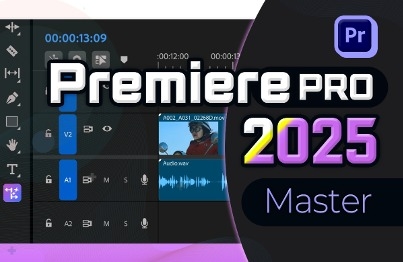
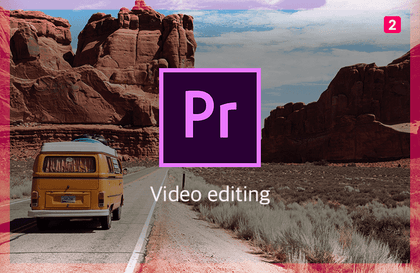
Premier 2024 Video Editing Easy to Learn Even for Beginners

For video editing, it's Premier Pro! With subtitles, even beginners can easily learn.

(5.0) 1 reviews

26 learners

Level Beginner

Course period 5 months

  • comt
Premiere Pro
Premiere Pro
Premiere Pro
Premiere Pro

What you will gain after the course

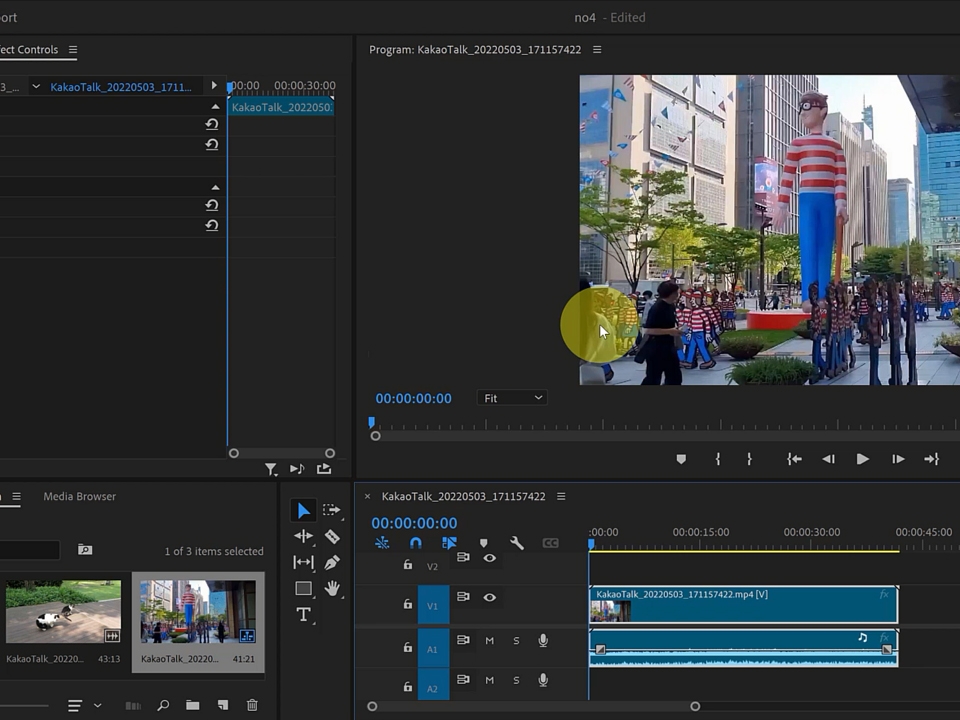
  • Learn the digital concepts and frames of video editing.

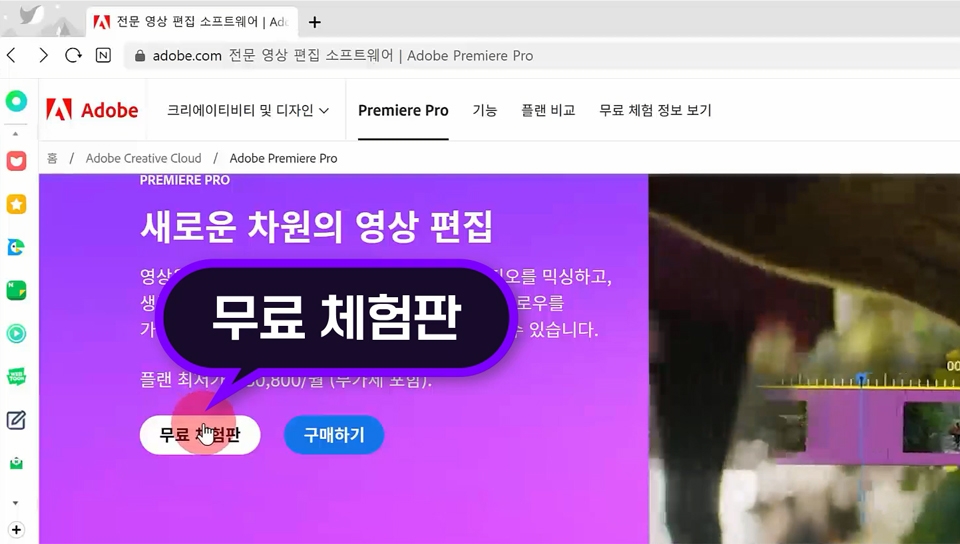
  • Learn about Premiere installation and necessary apps.

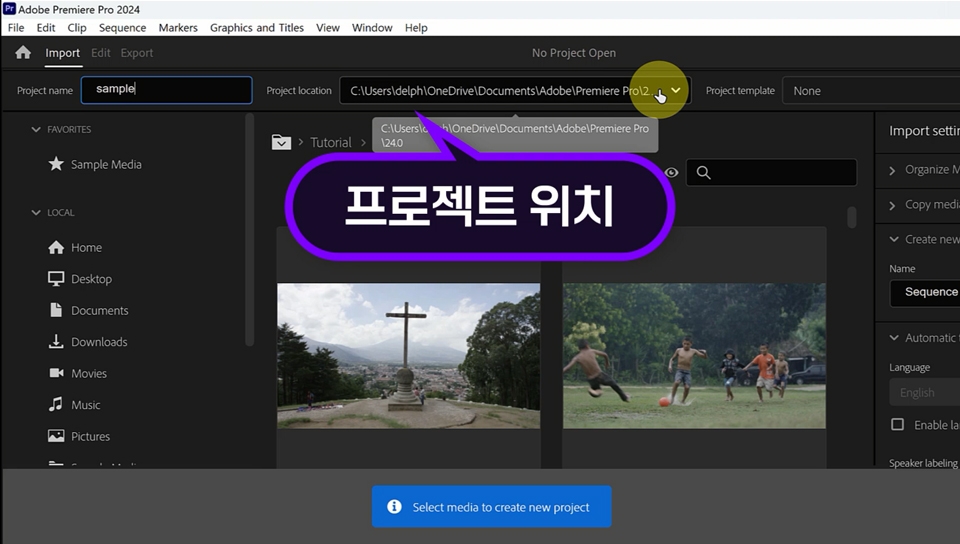
  • Learn the concept of a project and how to create and save it.

  • I can use Premiere and edit videos.


A new level of video editing software!!!
Adobe Premiere Pro 2024!!!

Edit and trim your videos, add transitions, mix audio,
Create vibrant titles.


Learn about these things

Learn the concepts of video editing and how to install Premiere Pro.

  • Concept and frame of digital image

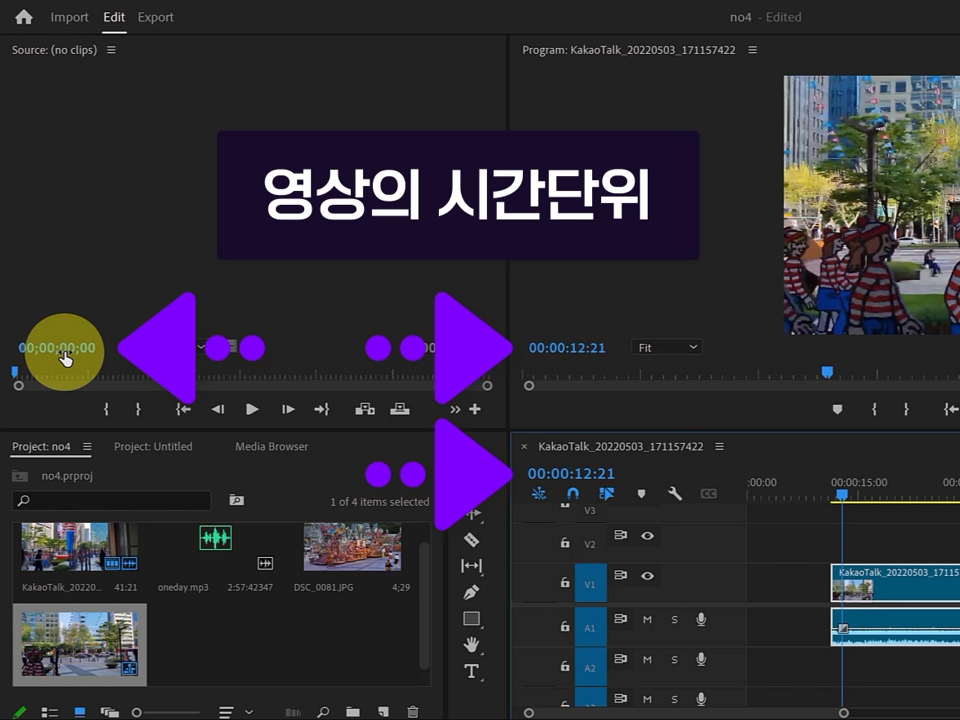
  • Understanding Key Frames and FPS

  • Project concept


  • Format and Codec

  • Nextpodcoder department

    Installing the Shanna Encoder

  • How to install Premiere Pro

Learn the concept of projects and the basics of using Premiere.

  • How to create a project

  • How to create a sequence

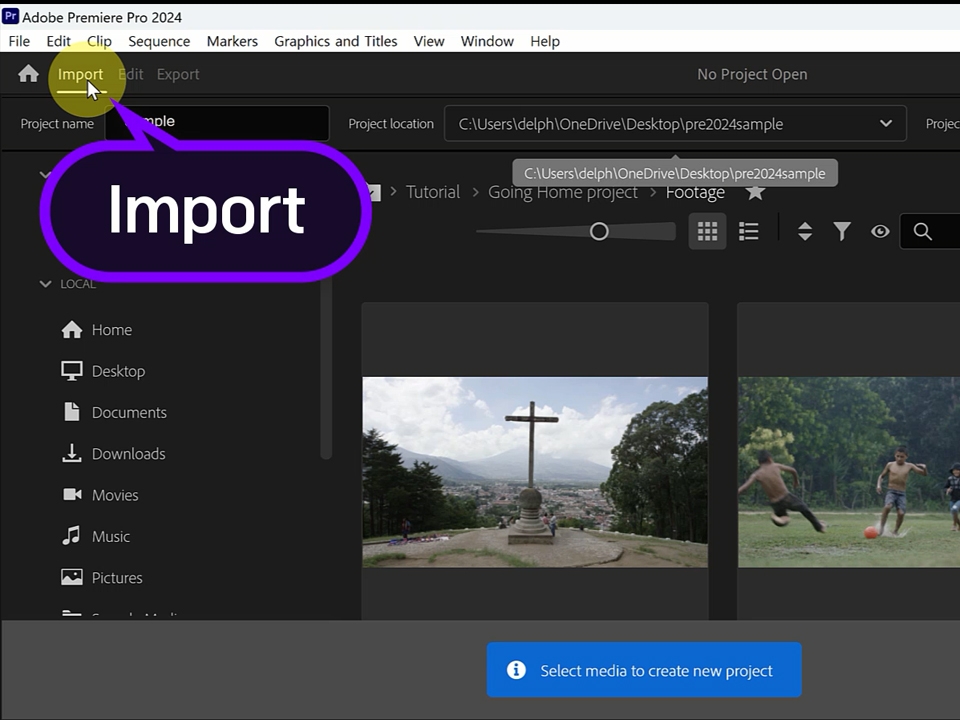
  • Import source files

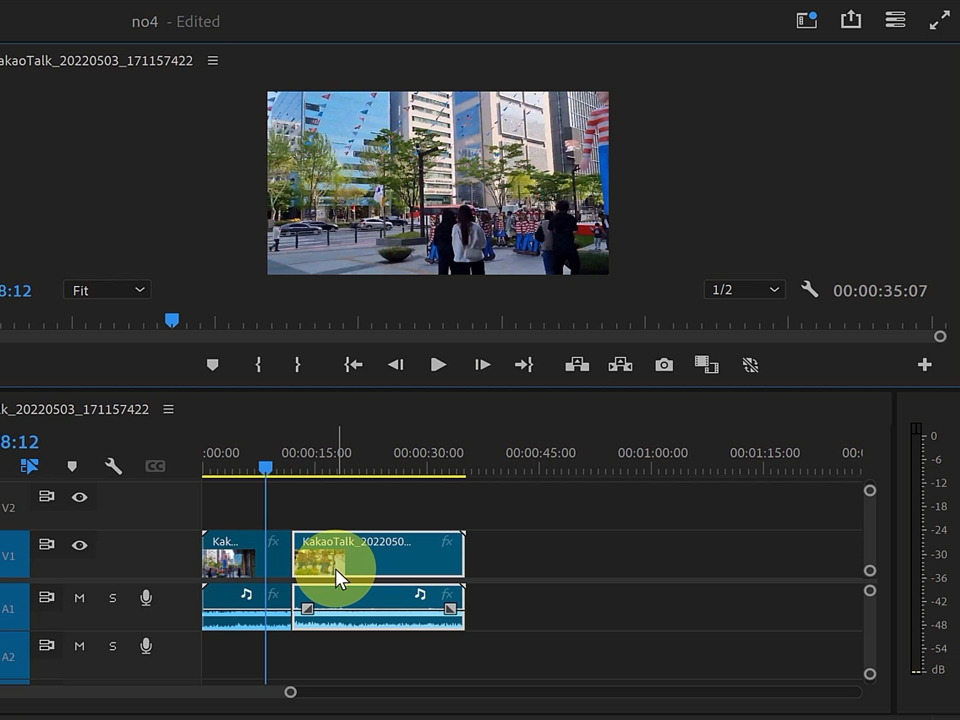
  • Adding source files to the timeline

  • Create and save a project

  • Basic usage of the Selection tool

Learn how to apply and edit various effects in Premiere.

  • Adjust the brightness and color of the image

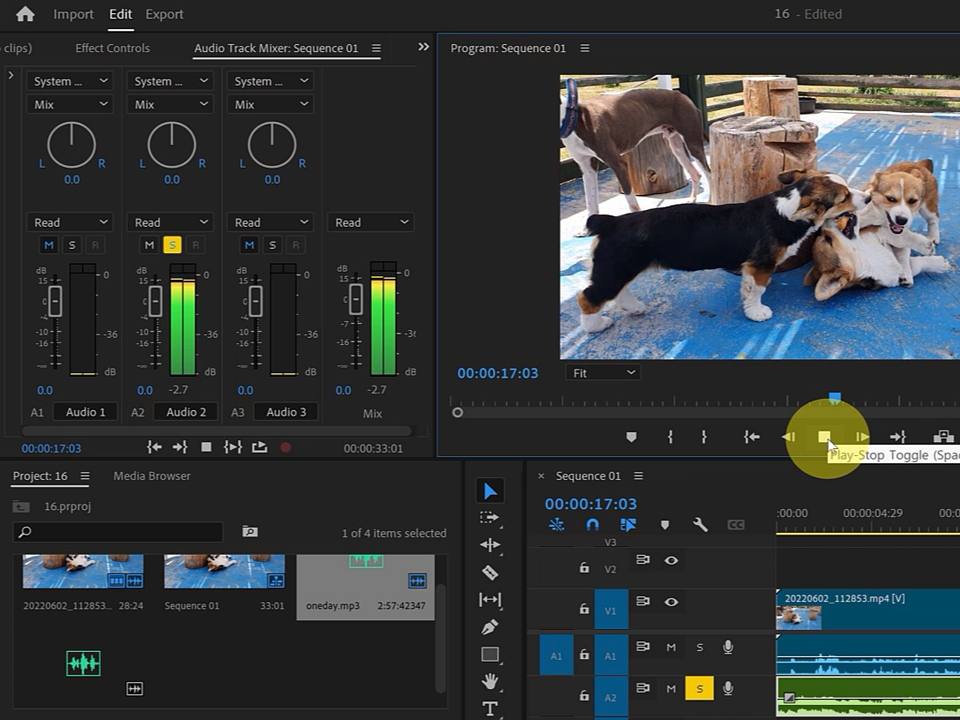
  • Understanding and Using Effects

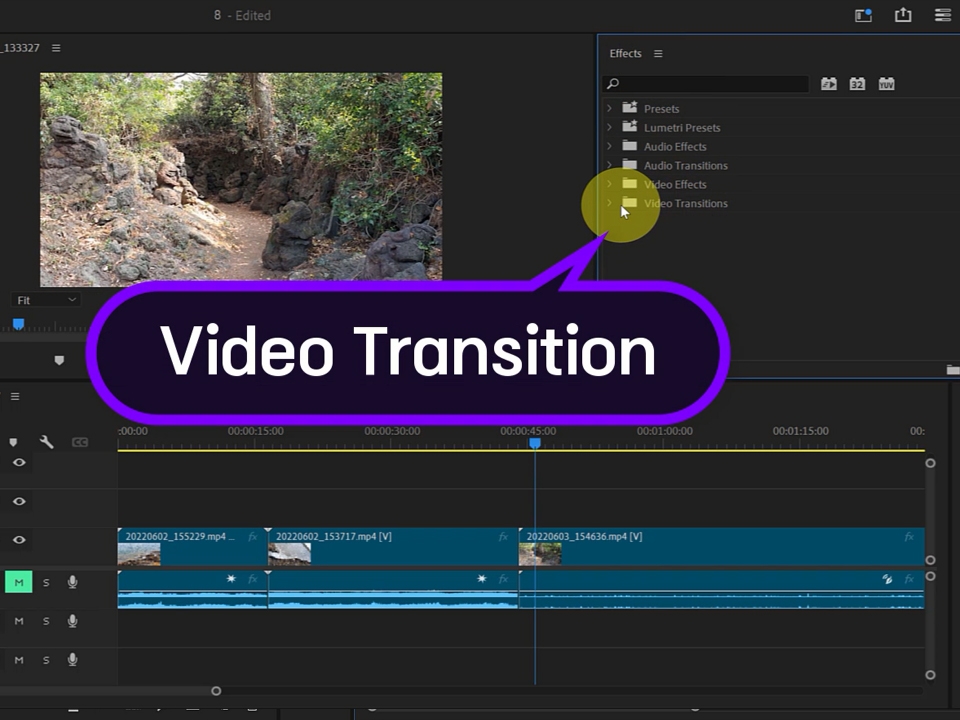
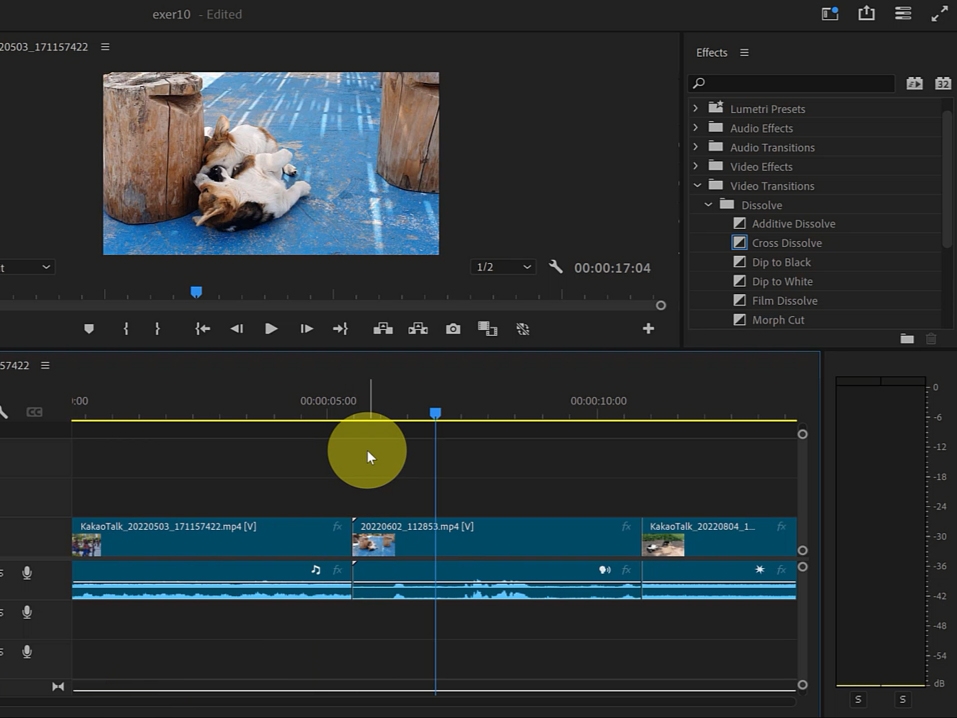
  • How to apply scene transitions and basic usage

  • Setting the section to output to the workarea bar

  • Open the output window in Export/Media

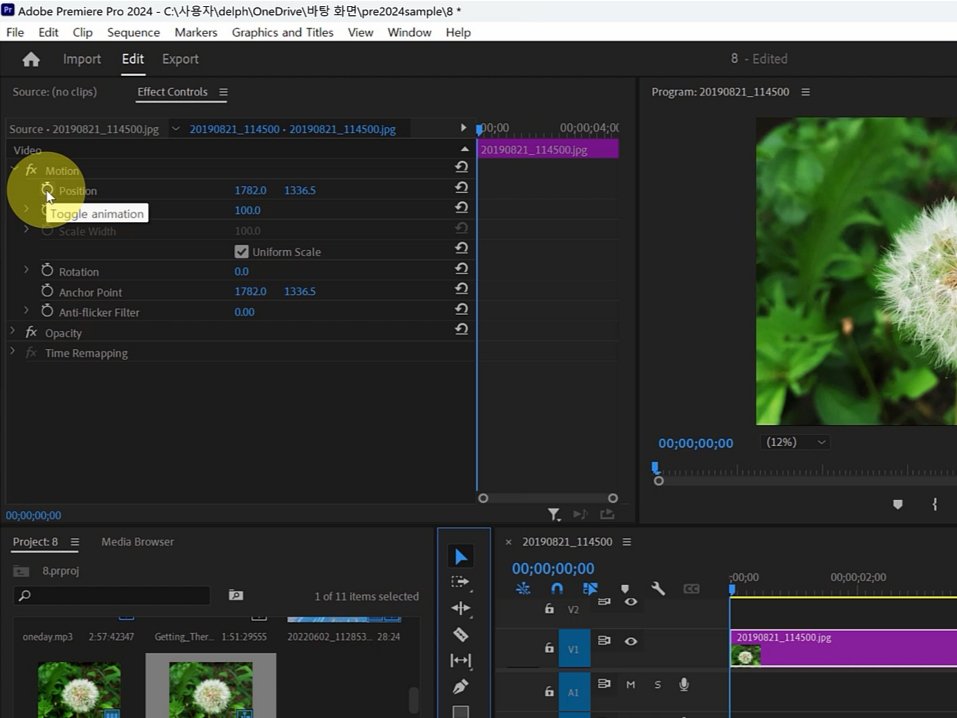
  • Creating a Keyframe Animation Example

How to install Premiere Pro program

How to set the save path and create a file

Understanding the time units of video

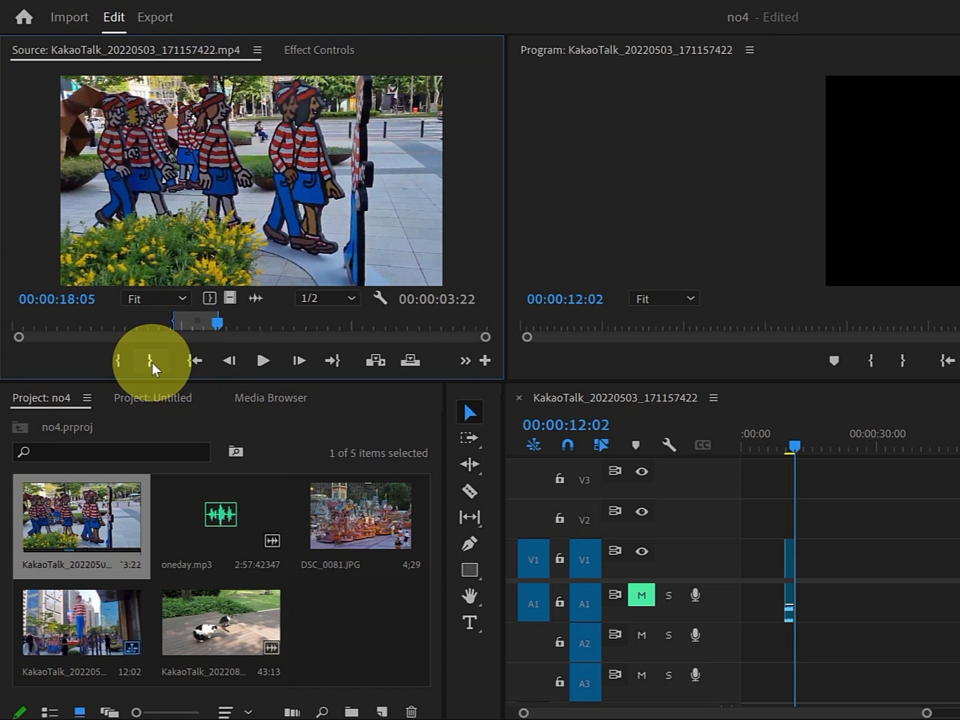
How to cut a section of a source file in the source panel

How to set the size of the program window's work screen

How to apply scene transitions and basic usage

Learn basic tasks through examples

How to use Toggle Animation

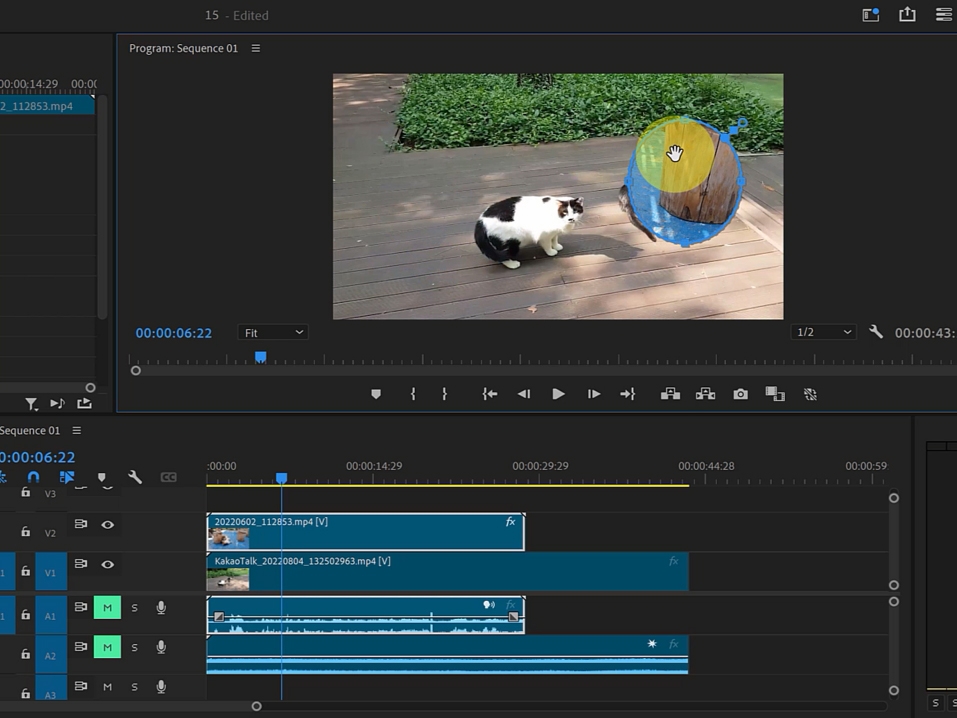
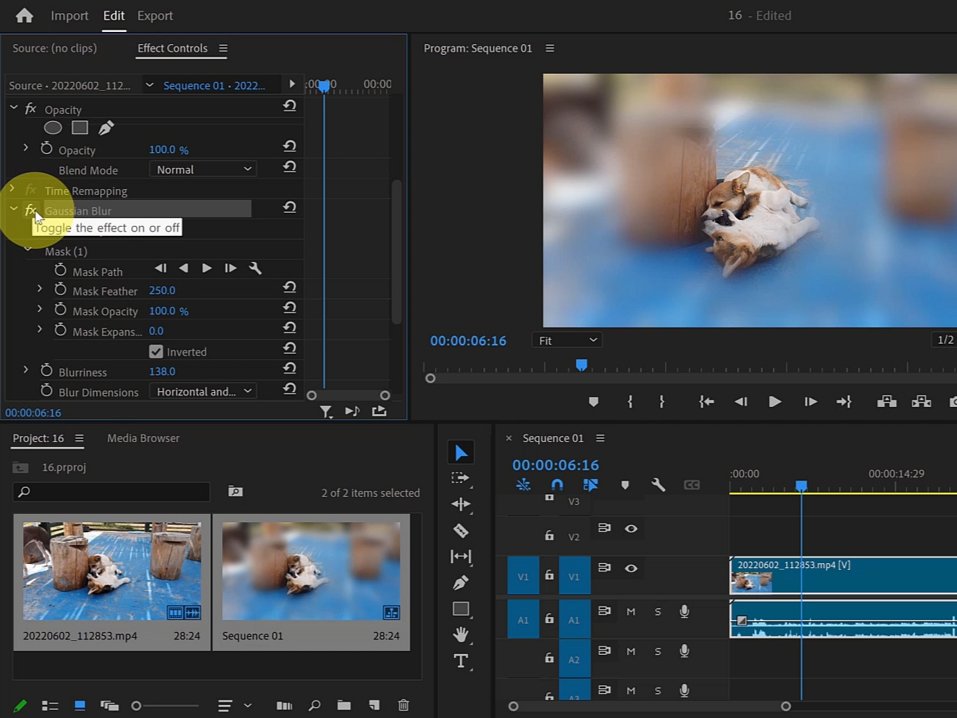
Basic usage of Mask

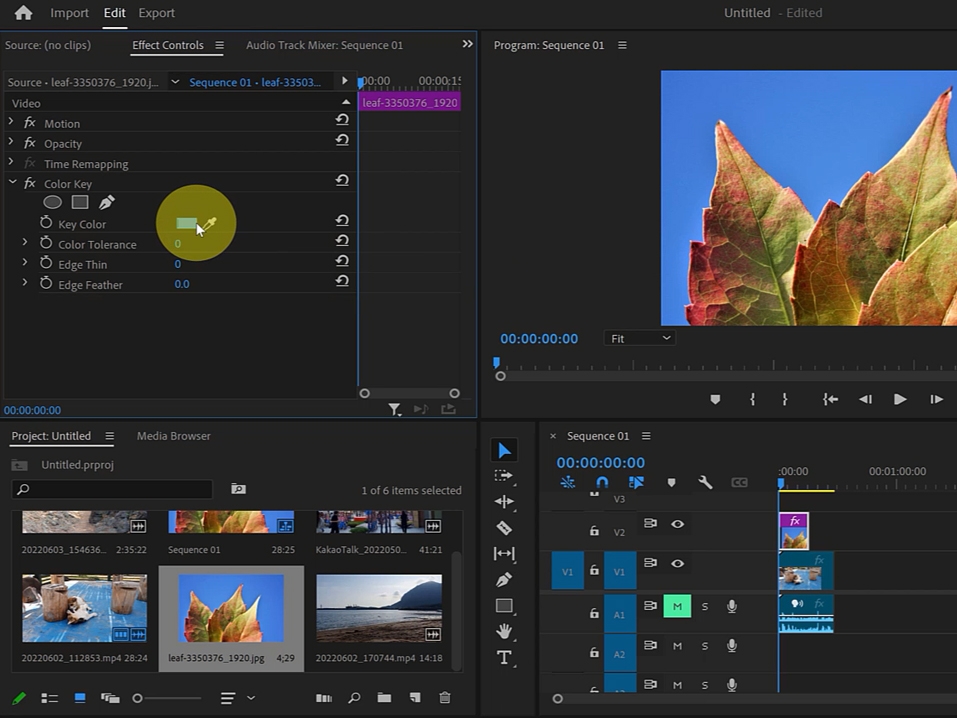
Understanding and Using Effects

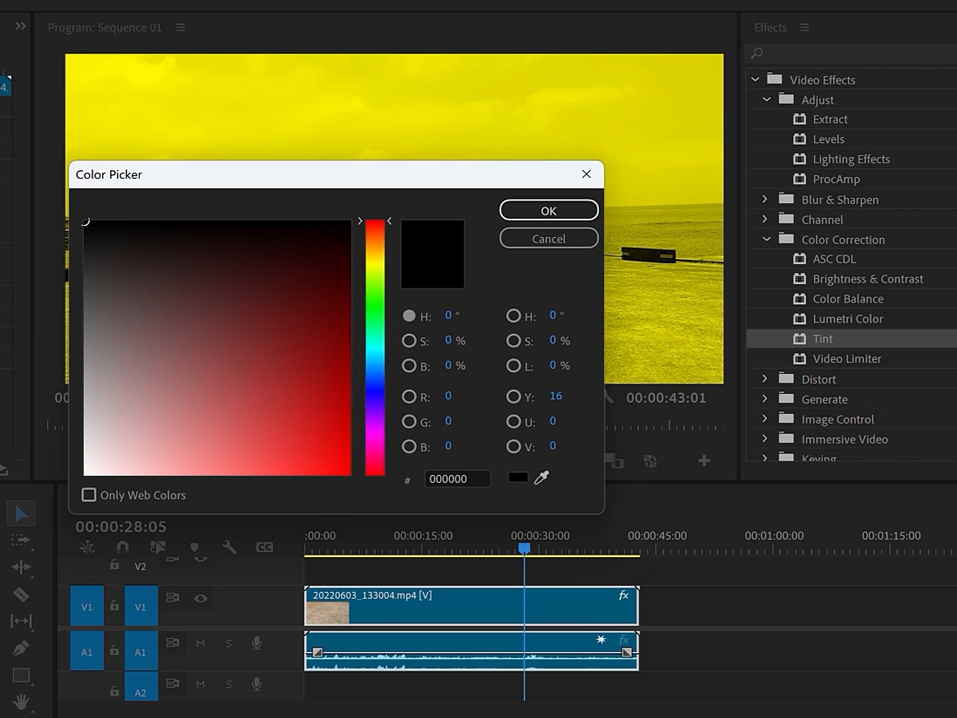
How to adjust the brightness and color of a video

Useful tips for working in Premiere Pro

Things to note before taking the class

Practice environment

  • Operating System and Version (OS): Windows 10 (64-bit) version 22H2 or later or Windows 11

  • Processor (minimum): Intel 6th generation or later CPU or AMD Ryzen 1000 series or later CPU.
    AVX2 (Advanced Vector Extensions 2) support required

  • Processor (Recommended): Intel 11th generation or later CPU with Quick Sync or
    AMD Ryzen 3000 series/Threadripper 3000 series or higher CPU

  • Memory: 8GB (standard), 32GB (recommended)

  • For detailed system requirements (MAC environment, etc.), please refer to Adobe Premiere Pro .

Learning Materials

  • You can download the source from Lesson 1 and download it separately.

    Lesson materials are not provided.

Recommended for
these people

Who is this course right for?

  • Those who want to learn video editing

  • Aspiring YouTubers

  • Those who want to try editing the videos I filmed

Need to know before starting?

  • It's good if you know a photo program such as Photoshop.

  • Knowing the resolution is helpful.

Hello
This is

1,619

Learners

140

Reviews

4

Answers

4.7

Rating

33

Courses

Back when Apple's MAC computers made it possible to design even better.

It's already been well over 25 years since I first started teaching Adobe Photoshop and Illustrator at the academy~~^^

I remember the days when, instead of calling the instructors Teacher Eom, Teacher Ha, and Teacher Gu, we used to call them Eom-T and Gu-T.

Together with those teachers, we started using ComTee as an abbreviation for Computer Teacher!

I will continue to be a "Computer Teacher" who works hard to share knowledge for all those who are learning.

Thank you!!

Thank you!!

Together with everyone, we've come to use "Com-T" as a shorthand for Computer Teacher! We will continue to be a Computer Teacher that works hard to share knowledge for all learners. Thank you!!

Together with everyone, we've come to use "Com-T" as a shorthand for Computer Teacher! We will continue to be a Computer Teacher that works hard to share knowledge for all learners. Thank you!!
Curriculum

All

20 lectures ∙ (5hr 6min)

Course Materials:

Lecture resources
Published: 
Last updated: 

Reviews

All

1 reviews

5.0

1 reviews

  • lilykim님의 프로필 이미지
    lilykim

    Reviews 7

    Average Rating 5.0

    5

    35% enrolled

    I'm hearing about Premiere Pro for the first time, and it was so very beneficial and helpful. I think people who have never used Premiere before would be able to learn step by step if they listen to this!

    $53.90

    comt's other courses

    Check out other courses by the instructor!