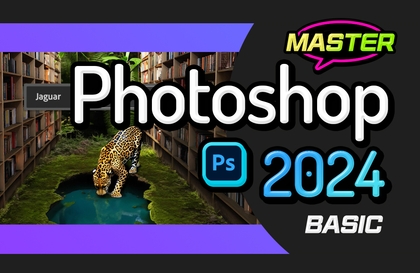
Mastering Core Features of Photoshop CC 2023 for Beginners

This course focuses on the core features of Photoshop 2023 to make learning as easy as possible. It is a core functionality course designed for quick learning.

(3.5) 2 reviews

25 learners

Level Beginner

Course period 5 months

Photoshop
Photoshop
Photoshop
Photoshop

What you will gain after the course

  • Photoshop Basics

  • Compositing using Photoshop

  • How to edit photos

  • Learning various tools in Photoshop

Photoshop for image work! 🎨
Learn everything from the basics to advanced applications all at once.

Adobe Photoshop 2023?

Photoshop, the ultimate tool for photo editing, image composition, and retouching!
Learn the latest 2023 version of Photoshop.
Start studying now and quickly challenge yourself to become a Photoshop expert.


Learn Photoshop Easily

Learn Photoshop easily with core features!
Through this well-structured curriculum,
you can master Photoshop.

Lecture materials are
provided.

  • [For each section] - [Opening photos, resizing, rotating, straightening crooked photos, saving as JPG] 
         You can download the source files (work files) used in the lecture.

    Some images used cannot be attached or distributed due to licensing.
    You can search for the following English names on Pixabay (Photos) and download them for free. 
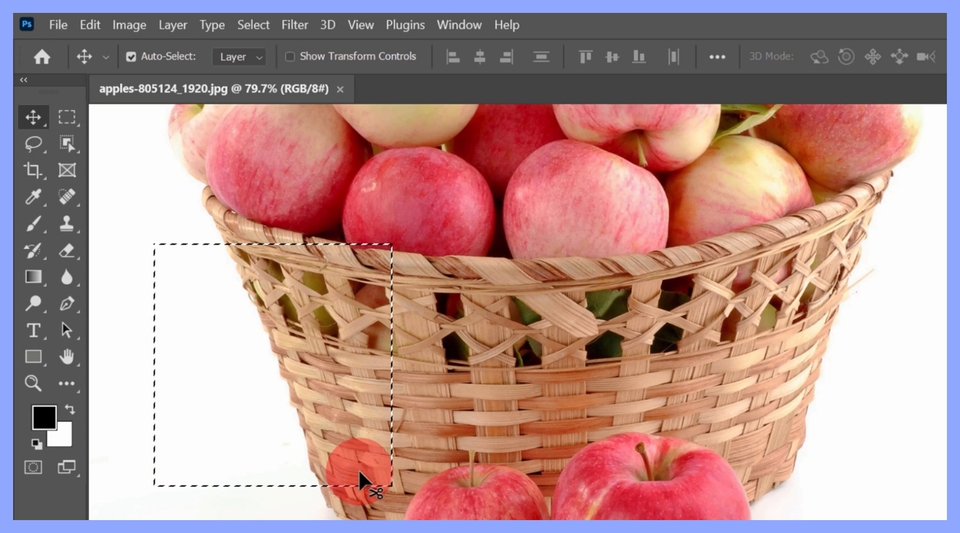
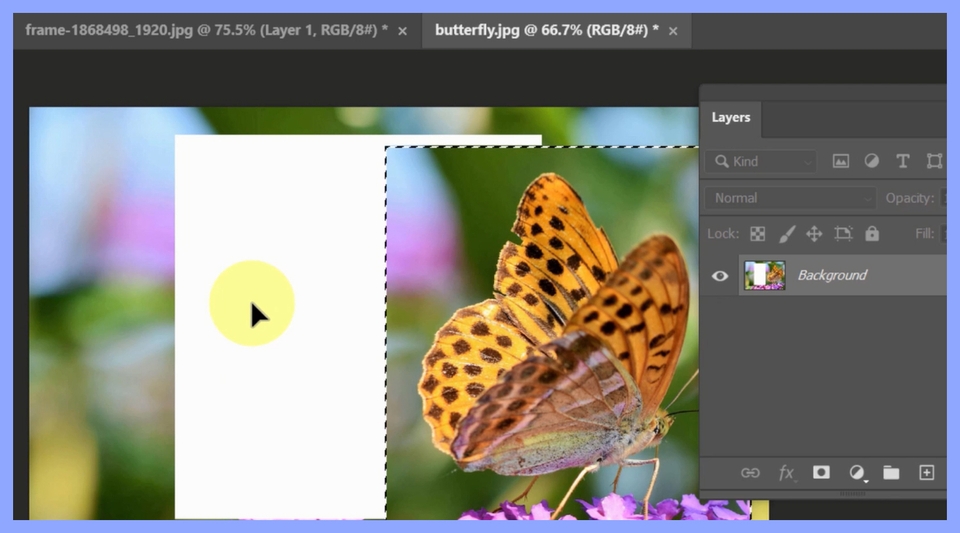
    Lesson 2: apples / Lesson 3: butterflys, frame / Lesson 7: maldives,
    frame / Lesson 14: city (man) / Lesson 15: tucan (bird), data storage (drive page 2)

This is what you'll learn!

<Section 0>

  • Opening photos, resizing, rotating, straightening crooked photos, and saving as JPG
  • Learning the basics of selection and movement
사진열기, 사이즈조절, 회전, JPG로 저장
선택과 이동의 기본익히기

<Section 1>

  • Learning the basics of layers and creating simple composites
  • Creating examples using selections, layers, applying colors, deselecting, and utilizing guides
  • Learning the Type tool for entering text
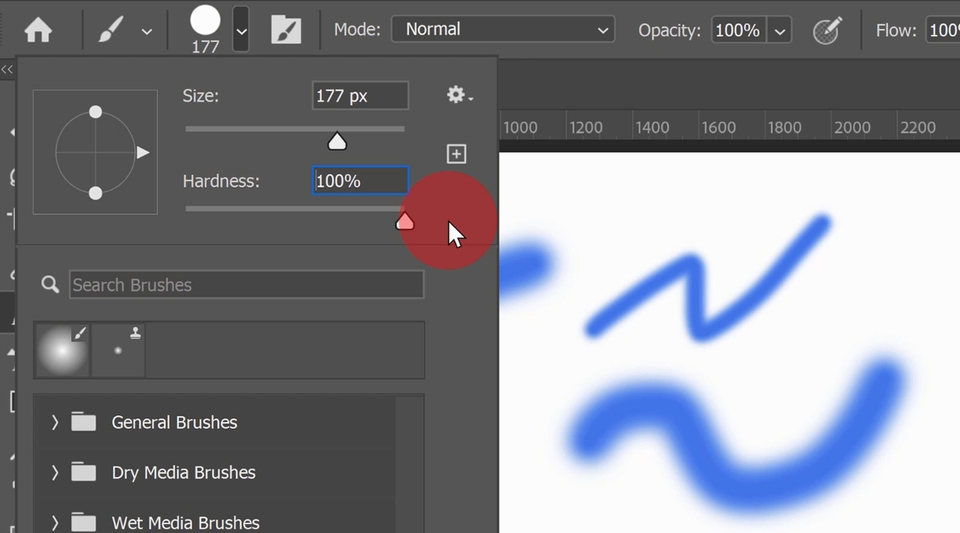
  • Learning the Brush Tool
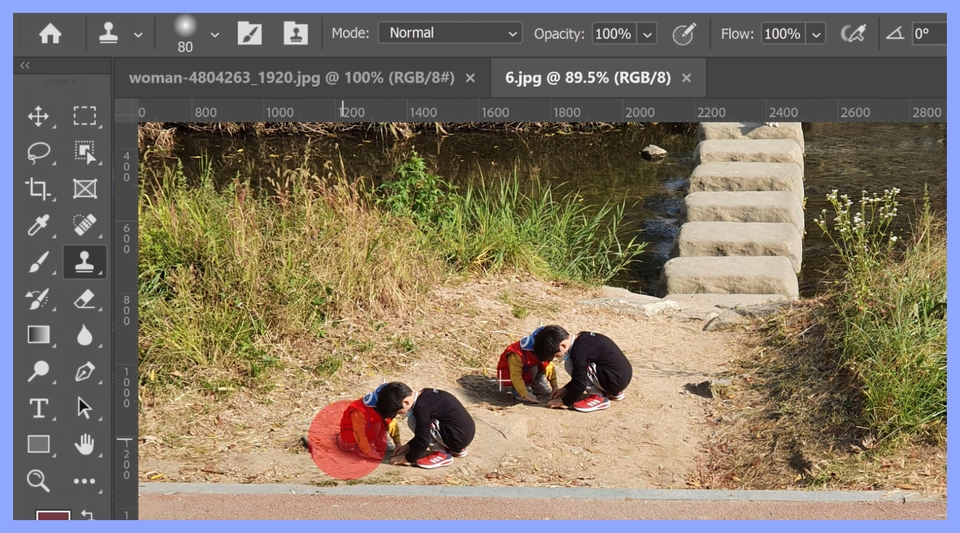
  • Portrait retouching methods using the Stamp Tool and Healing Brush, and how to use the Clone Stamp Tool
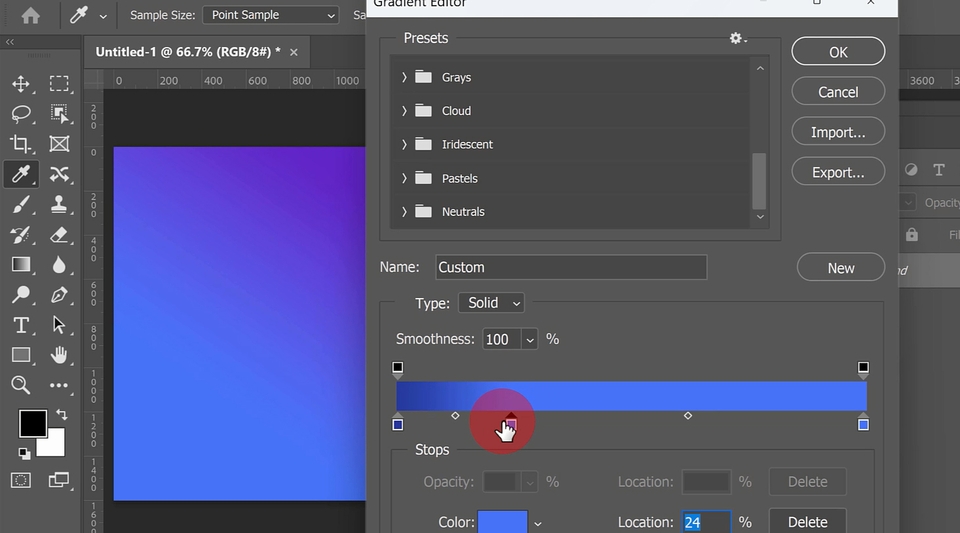
  • How to create a background with the Gradient Tool and fill selected areas with color
  • Learning the principles and usage of the Pen Tool
레이어의 기초를 익히고 간단한 합성 만들기
도장툴과 힐링브러쉬를 이용한 인물사진 보정방법
그라디언트 툴로 배경 만들고 선택구역에 색 넣는 방법
브러시 툴 익히기

<Section 2>

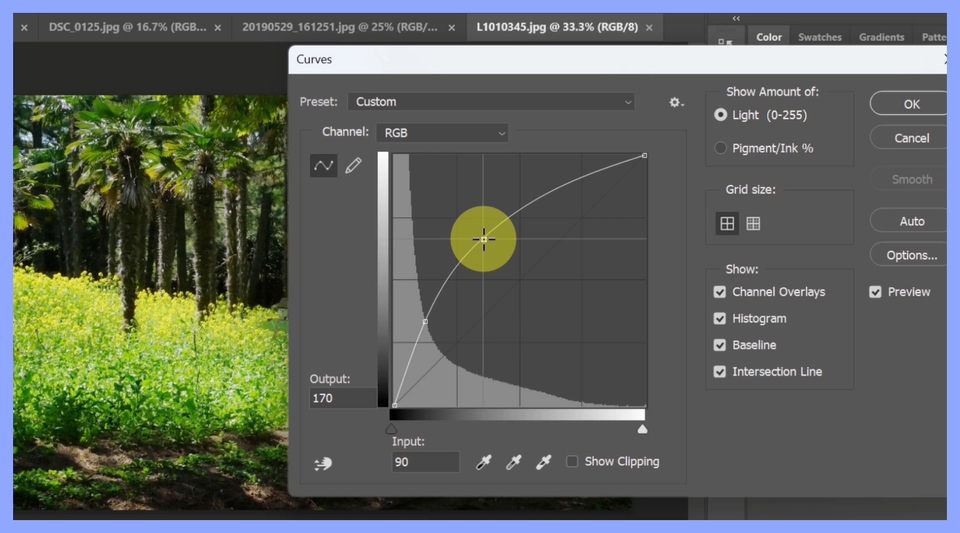
  • Mastering basic functions for adjusting brightness and color: Levels, Curves, and Hue/Saturation
  • Adding borders, shadows, and gradients to text
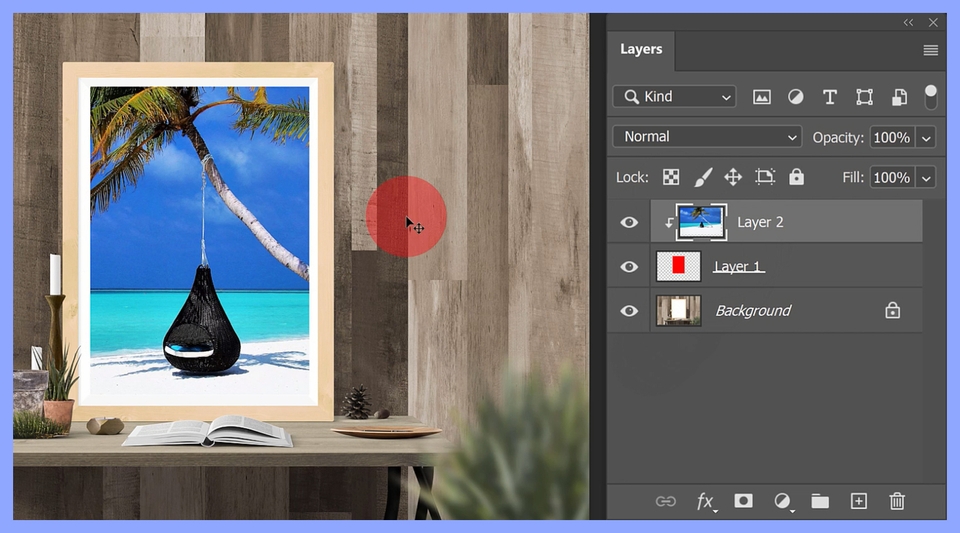
  • Creating various composites using clipping masks
  • Correcting distorted photos
  • Content-Aware: How to perfectly erase unwanted parts of a photo
  • How to master mask functions and apply them to compositing
level, curve, hue/saturation 익히기
클리핑 마스크를 활용한 다양한 합성하기

Instructor Introduction ✔️

Recommended for
these people

Who is this course right for?

  • Those who are new to Photoshop

  • Those who lack a basic foundation in Photoshop

Hello
This is comt

Career Verified

1,903

Learners

165

Reviews

4

Answers

4.8

Rating

36

Courses

Back when Apple's MAC computers made it possible to design even better.

It's already been well over 25 years since I first started teaching Adobe Photoshop and Illustrator at the academy~~^^

I remember the days when, instead of calling the instructors Teacher Eom, Teacher Ha, and Teacher Gu, we used to call them Eom-T and Gu-T.

Together with those teachers, we started using ComTee as an abbreviation for Computer Teacher!

I will continue to be a "Computer Teacher" who works hard to share knowledge for all those who are learning.

Thank you!!

Thank you!!

Together with everyone, we've come to use "Com-T" as a shorthand for Computer Teacher! We will continue to be a Computer Teacher that works hard to share knowledge for all learners. Thank you!!

Together with everyone, we've come to use "Com-T" as a shorthand for Computer Teacher! We will continue to be a Computer Teacher that works hard to share knowledge for all learners. Thank you!!

More

Curriculum

All

15 lectures ∙ (3hr 22min)

Course Materials:

Lecture resources
Published: 
Last updated: 

Reviews

All

2 reviews

3.5

2 reviews

  • kimhr4912님의 프로필 이미지
    kimhr4912

    Reviews 1

    ∙

    Average Rating 4.0

    4

    33% enrolled

    • gunpoebizd2300225610님의 프로필 이미지
      gunpoebizd2300225610

      Reviews 3

      ∙

      Average Rating 4.3

      3

      100% enrolled

      I'm a total beginner in Photoshop, but I learned it well, but it's a bit fast...ㅠ And when I followed each lecture, there were no pictures that were the same, so I had a hard time practicing. Next time, please make it possible to download the same pictures.

      • comt
        Instructor

        Thank you for your review. There are many beginner Photoshop courses, but this one seems to have been faster. Some of the photo images are difficult to distribute due to copyright issues, but I will check and attach the photos that I can. I apologize for not being more considerate.

    comt's other courses

    Check out other courses by the instructor!

    Similar courses

    Explore other courses in the same field!

    Limited time deal ends in 00:25:05

    $22,330.00

    30%

    $25.30