Photoshop 2026 Master Class: From Basics to Practical Application
comt
$41.80
28%
$29.70Beginner / Photoshop, Photography, AI
5.0
(2)
Anyone can easily learn the latest version of Photoshop 2026 with subtitles.

Beginner
Photoshop, Photography, AI

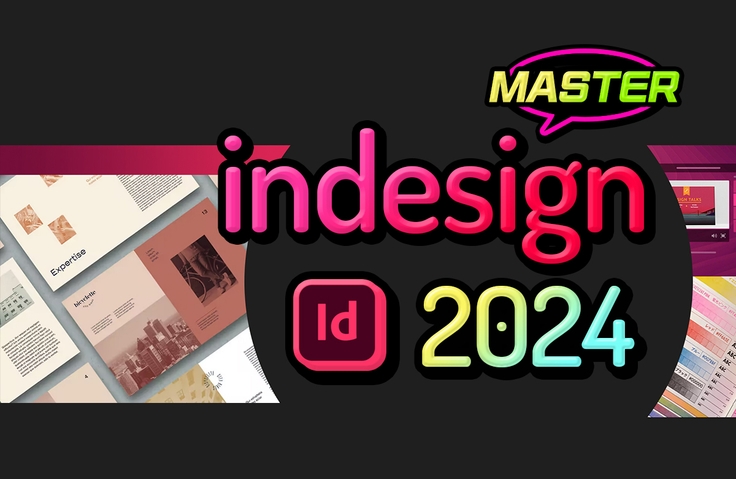
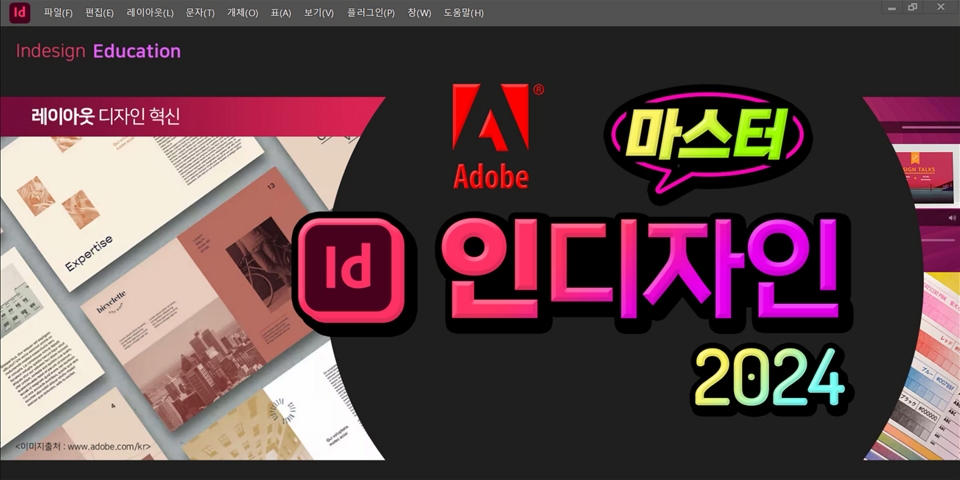
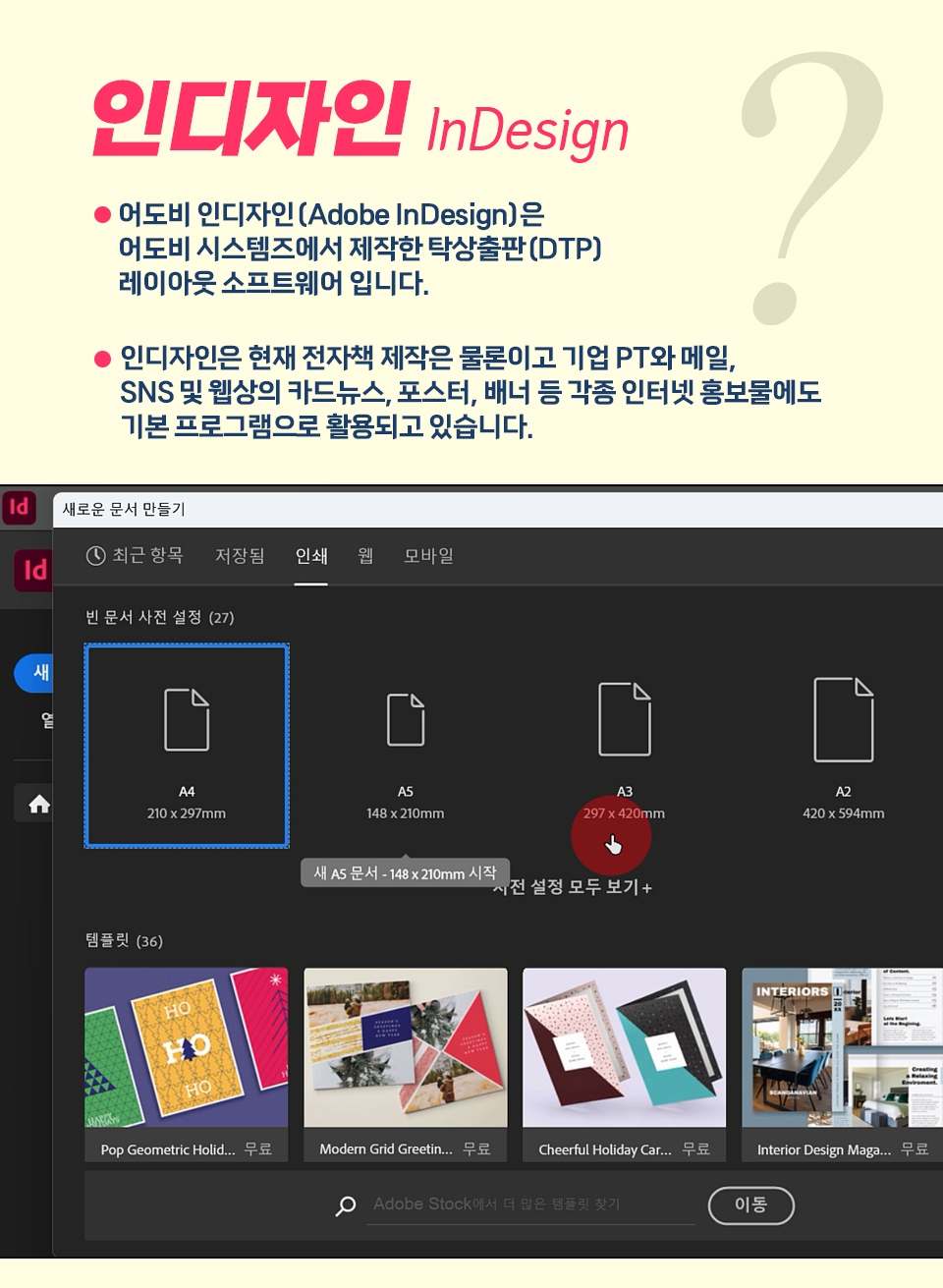
This is a practical course where you can learn InDesign 2024, the standard for editing e-books and various printed materials.
How to use the basic menu in InDesign
Print Editing Production
How to create an e-book for electronic publishing
How to use the master page
InDesign can create not only paper books but also e-books.
This course covers the basics of the latest version, InDesign 2024, and is essential for practical use.
You can also learn how to link InDesign, Photoshop, and Illustrator, and convert them to e-book files (ePub).

Anyone who needs to produce printed materials
Those who want to learn editorial design
Anyone who wants to do e-publishing
You can edit designs using InDesign.
You can produce printed materials using editorial design.
You can learn how to link Illustrator and Photoshop.
You can also create a variety of printed materials and e-books.
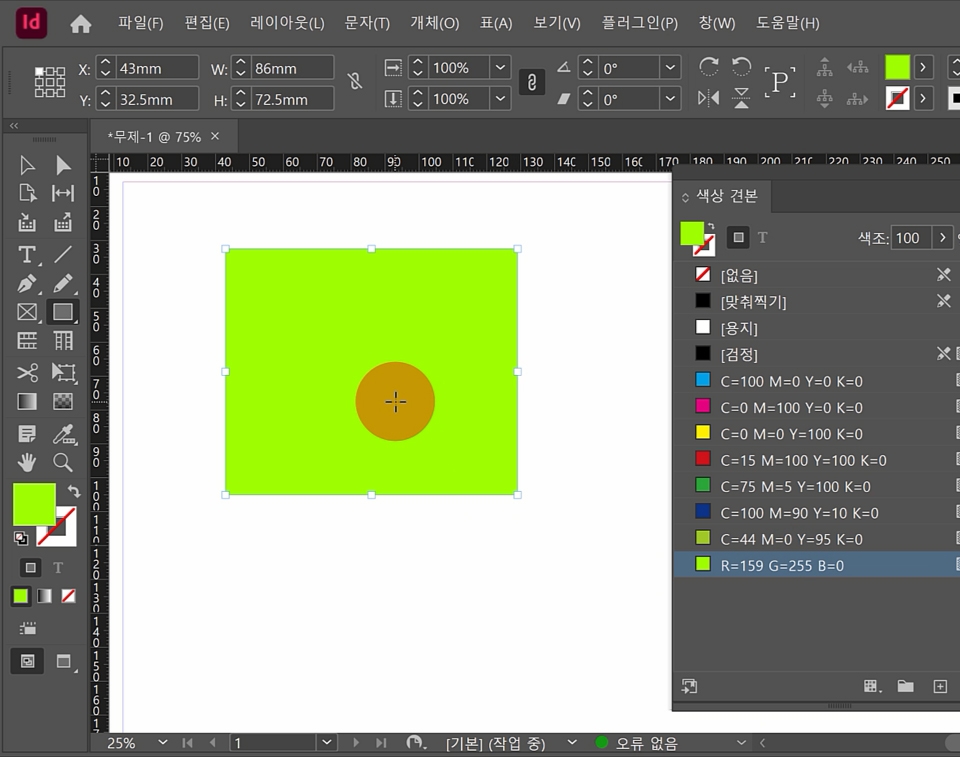
CMYK, an important color for print production
Unlike RGB on a monitor, printed materials must make good use of CMYK and spot colors to avoid any problems with printed products.
You can clearly see the difference between RGB and CMYK.
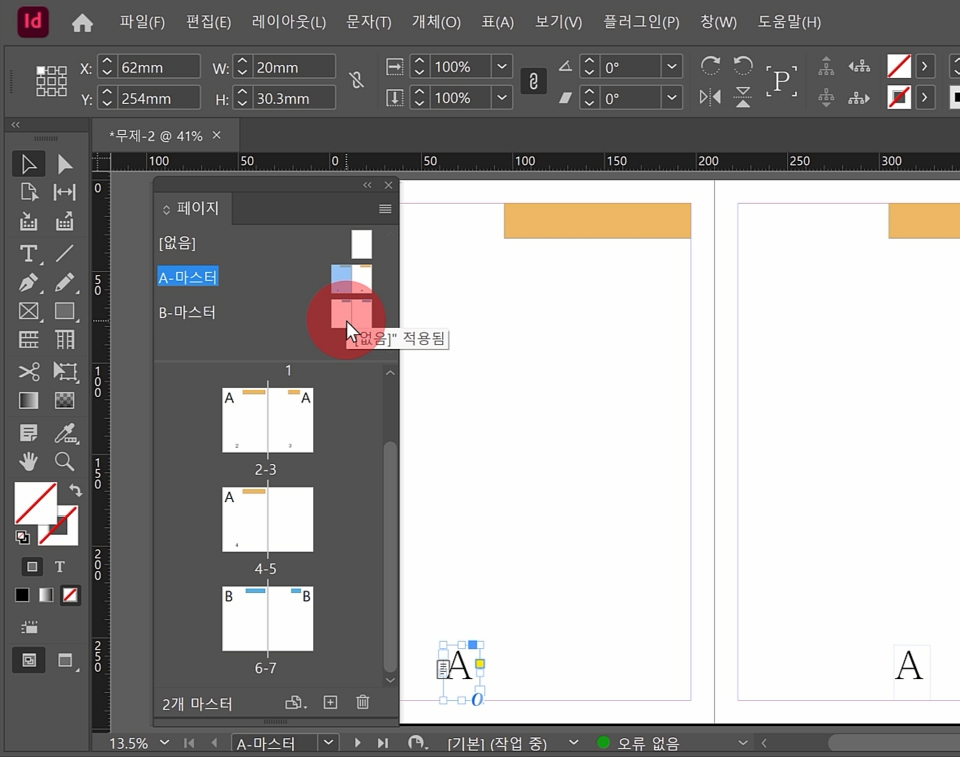
Master pages to easily create many pages
InDesign's greatest strength is that it can easily create hundreds of pages of booklets.
You can create them efficiently. By making good use of master pages, you can create any booklet with ease.
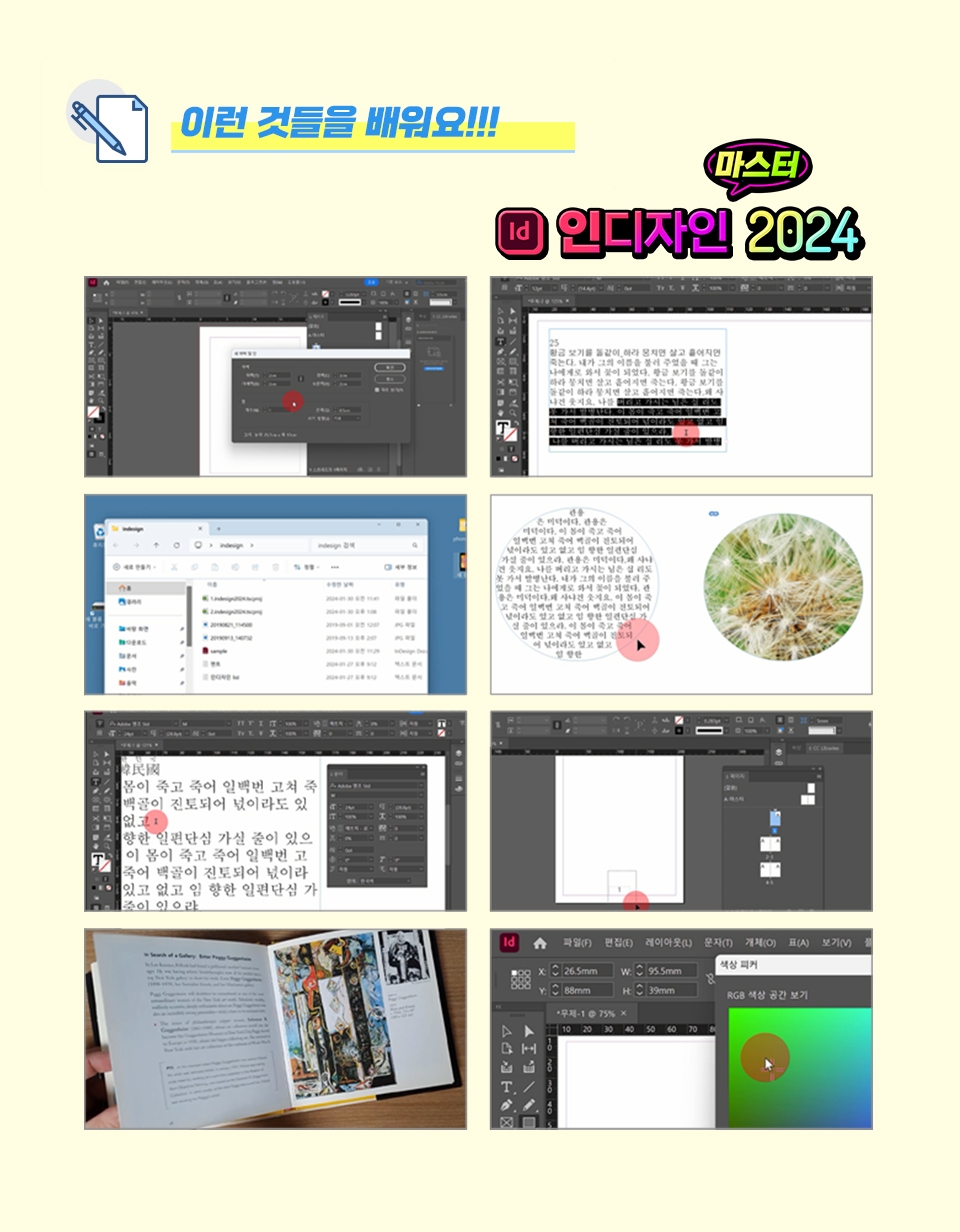
Open the text frame options window, wrap text, specify the number of columns, adjust inset spacing, apply vertical alignment effects, and use text links.
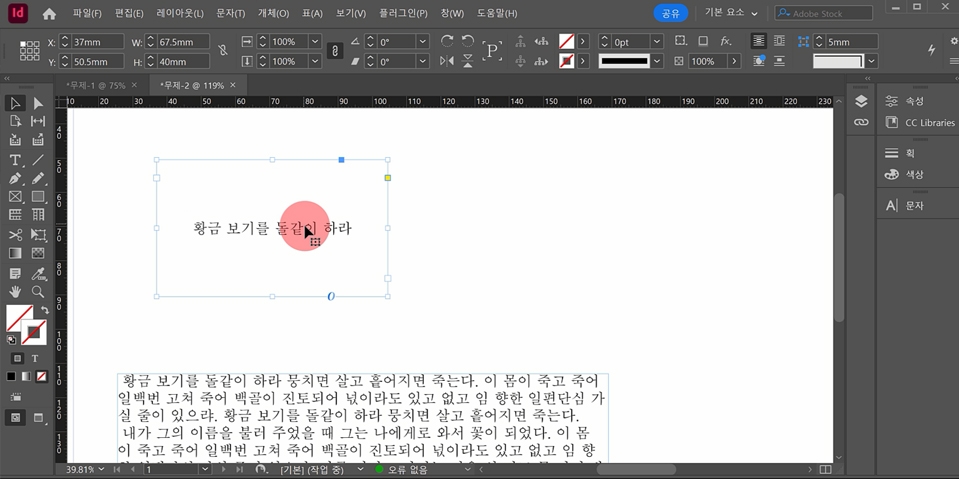
Text frame
Set up and specify document margins and number of columns, create folders and save InDesign files, create pages and master pages, specify page numbers, import images, move images within picture boxes, link text boxes, set characters and align paragraphs, check with preview, convert to PDF, and bundle work files into packages.
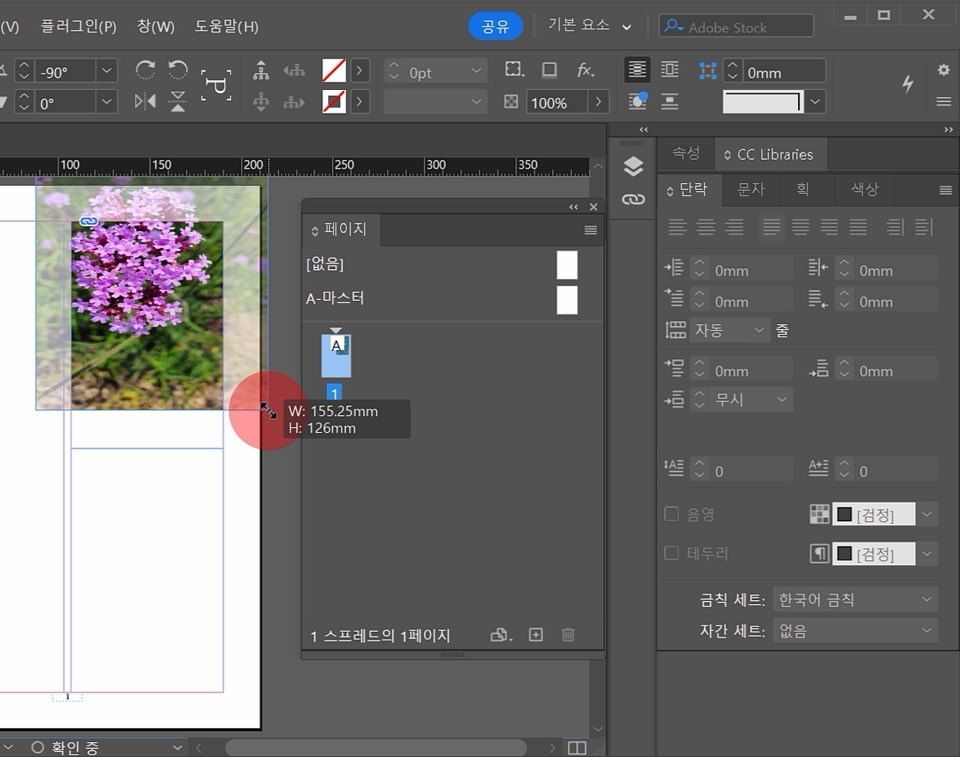
Import image
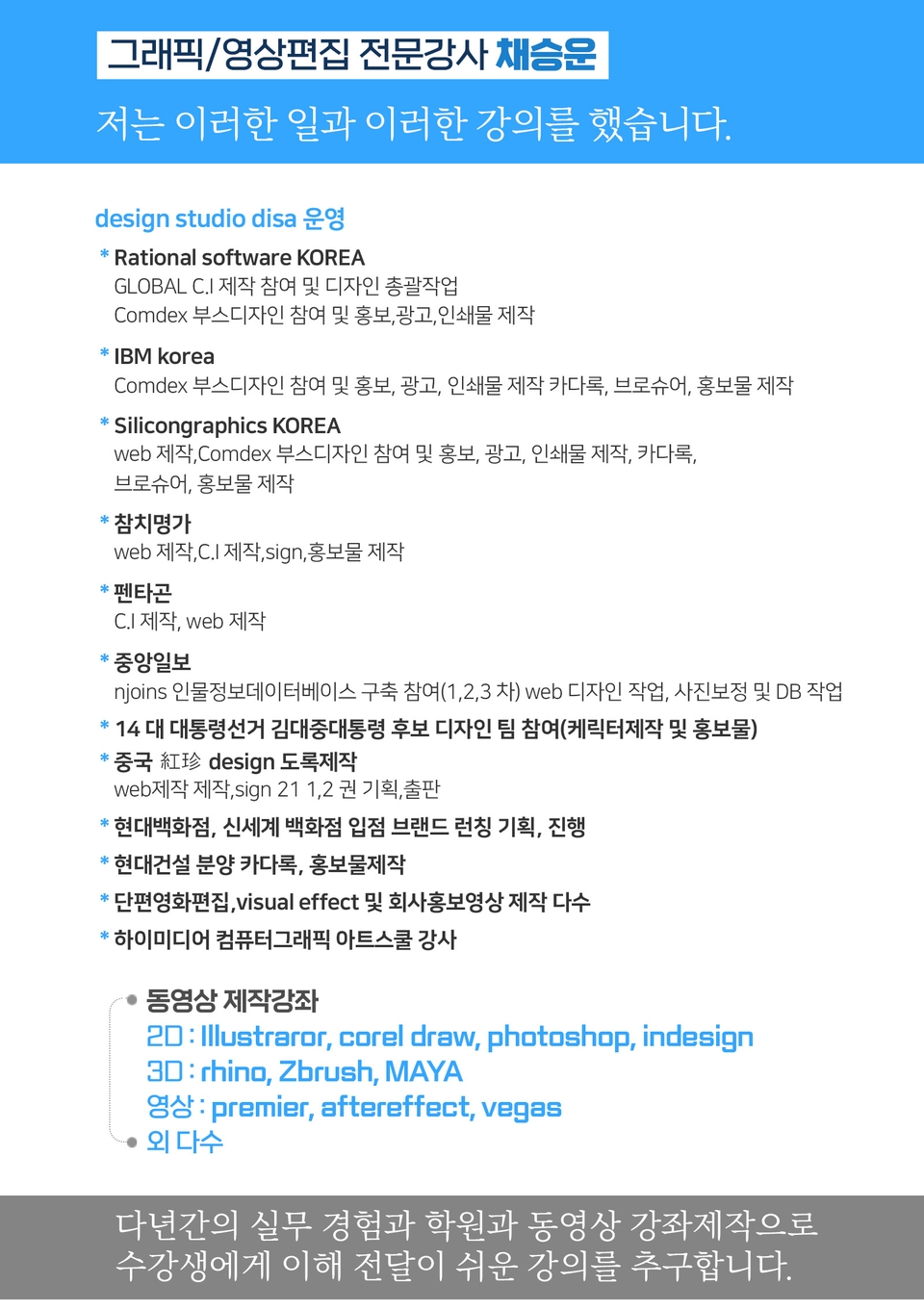
Instructor Introduction
The program is available by subscribing to the InDesign program on the Adobe website.
The lecture sources can be found in Section 0.
You can create logos, symbols, illustrations, and shapes in Illustrator and import them.
You can retouch your photos in Photoshop and import them at your desired resolution and size.
Who is this course right for?
For those who want to do electronic publishing
People who work in editing design
People in the publishing and printing industry
For those who want to create a book or brochure
Need to know before starting?
Illustrator
Photoshop

Career Verified
1,903
Learners
165
Reviews
4
Answers
4.8
Rating
36
Courses
Back when Apple's MAC computers made it possible to design even better.
It's already been well over 25 years since I first started teaching Adobe Photoshop and Illustrator at the academy~~^^
I remember the days when, instead of calling the instructors Teacher Eom, Teacher Ha, and Teacher Gu, we used to call them Eom-T and Gu-T.
Together with those teachers, we started using ComTee as an abbreviation for Computer Teacher!
I will continue to be a "Computer Teacher" who works hard to share knowledge for all those who are learning.
Thank you!!
Thank you!!
Together with everyone, we've come to use "Com-T" as a shorthand for Computer Teacher! We will continue to be a Computer Teacher that works hard to share knowledge for all learners. Thank you!!
Together with everyone, we've come to use "Com-T" as a shorthand for Computer Teacher! We will continue to be a Computer Teacher that works hard to share knowledge for all learners. Thank you!!
All
15 lectures ∙ (3hr 49min)
Course Materials:
All
4 reviews
5.0
4 reviews

Reviews 1
∙
Average Rating 5.0
Reviews 1
∙
Average Rating 5.0
Reviews 2
∙
Average Rating 5.0
Reviews 1
∙
Average Rating 5.0
Check out other courses by the instructor!
Explore other courses in the same field!
Limited time deal ends in 00:25:37
$558,884.00
26%
$28.60

![[Master] A Solid Beginner’s Course for Mastering InDesignCourse Thumbnail](https://cdn.inflearn.com/public/files/courses/328566/cover/ai/0/7c36be56-f5db-4e3e-98fc-0de0939268dd.png?w=420)