SQL Survival Kit for Data Beginners
swa
Through a hands-on curriculum using MariaDB and HeidiSQL, you can learn the core concepts of SQL and how to use it in practice while collecting, preprocessing, and analyzing data.

Basic
MariaDB, MySQL, SQL


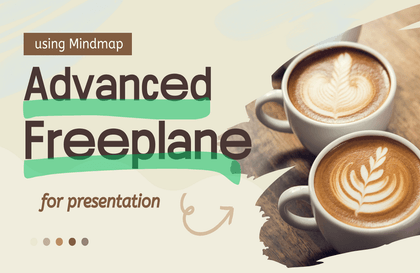
How to use Freeplane, a mind mapping application
that organizes your scattered thoughts into one 💬
In this course?

By creating mind maps through Freeplane,
clarify and flesh out your thoughts more effectively,
and get help across all areas of your life, including work and hobbies 😆
Did you check one or more out of the five?
If so, pay attention to this lecture!
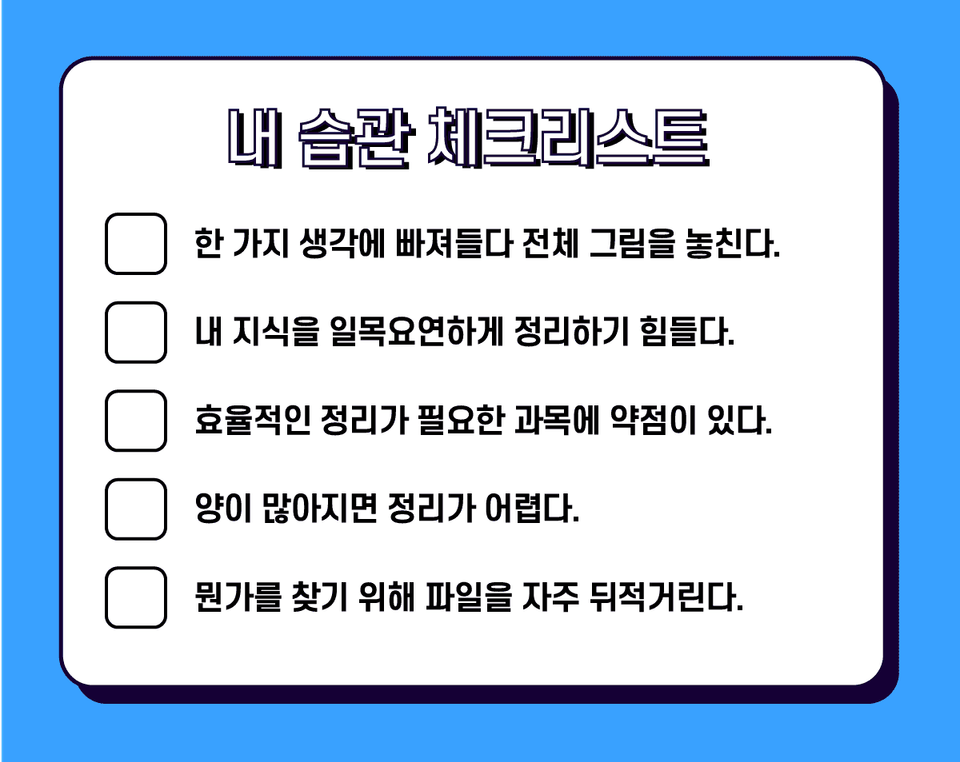

More people than you might think live their lives swept away by the flow of their own thoughts. Just as a hunter in the field should not be dragged around aimlessly by their hunting dog, the same applies to thoughts. Incoherent thoughts will ultimately result in a waste of time and energy. Therefore, it is very important to develop a habit of calmly visualizing your thoughts, words, and actions one by one, often—if not frequently. I believed that if you practice these skills through mind mapping, you will certainly be able to correct, one by one, your own hidden mistakes that you might have missed or failed to notice.
A mind map is an organizing technique that can be freely written with just a piece of paper and a pencil, but it is not easy to contain more than a set amount due to the spatial limitations of paper. However, I decided to introduce an application that implements mind mapping techniques because I believe that through a PC application, there will be no shortage of space to find, record, and organize even the most deeply hidden details one by one.

"I want to utilize mind maps
properly."

"I want to do my work or tasks
efficiently."

"I am very interested in
note-taking and organizing."

You might be able to visualize a method of 'organization' that is one step above mere 'note-taking.'

You can see how thoughts flow and understand that they don't just manifest as simple text.

Instead of mindlessly cramming information, you will be able to flexibly utilize the vessel of memory.

You can understand the structure of your memory and learn how to remember things more effectively.
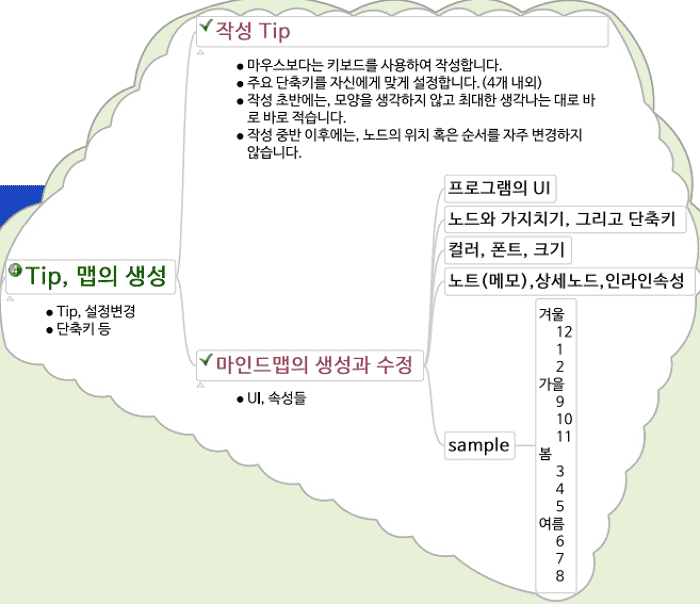
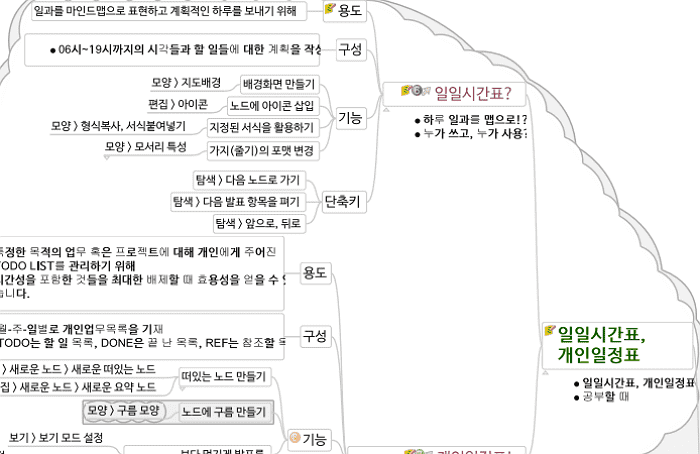
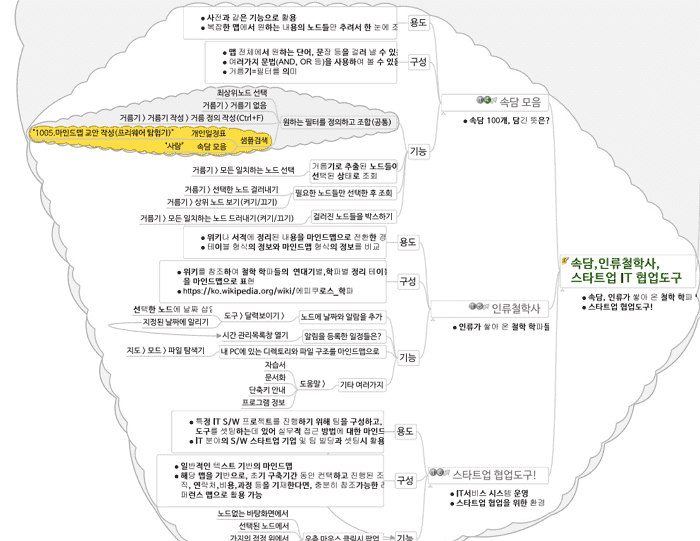
Q. Is it okay if I don't know what a mind map is?
A. According to Wikipedia, "Mind map, a theory proposed by former British journalist Tony Buzan that caused a sensation in Europe, is a method for managing oneself or things one has learned so far, much like drawing a map. A mind map is a hierarchical structure and displays the relationships between pieces of the whole. (Source: Wikipedia, Mind Map)." To put it simply, it is a "sorting technique that visualizes thoughts." There are various types of maps, but in my own words, I would say, "You can't help but understand it just by looking at it." In other words, it's okay if you don't know what it is.
Q. Freeplane, does it require a subscription or payment?
A. There are countless other free mind map programs available. AlMind, XMind, FreeMind, online-based MindMeister and GitMind, and SimpleMind, which offers a free version with limited commercial features... You can choose any of them, as their usage is largely similar. Freeplane is a free tool that is continuously being developed and improved.
Q. I would also like to know about mind mapping apps used on smartphones.
A. In the course, I introduced a paid app called SimpleMind. Personally, in a mobile environment, I believe the device should be at least 7 inches or larger (such as a tablet) to truly benefit from mind mapping. For sizes smaller than that, using a memo app is more effective.
Q. To what level does the course cover the content?
A. We cover up to 90% of Freeplane's detailed functions by menu. This is not a lecture that teaches mind mapping itself.