![[Beginner] Mastering Basic Vocabulary with a Strong Foundation CourseCourse Thumbnail](https://cdn.inflearn.com/public/files/courses/329990/cover/01m05qtvdpfm5nx33ywnh2d2t0?w=420)
[Beginner] Mastering Basic Vocabulary with a Strong Foundation Course
EDUPIC
$17.60
Beginner / Word, MS-Office
4.3
(4)
Take an EDUPIC course and become a true fan! This is an introductory course for Word 2013&2016.

Beginner
Word, MS-Office

The absence of sound mechanisms hidden behind convenience. Beyond the convenience of pressing a button, EDUPIC gives you the “true self-reliance” to control audio and MIDI on your own.
Lifetime unlimited access | Free updates to the latest 2027 version guaranteed | 1:1 customized example files & PDF course materials on Google Drive
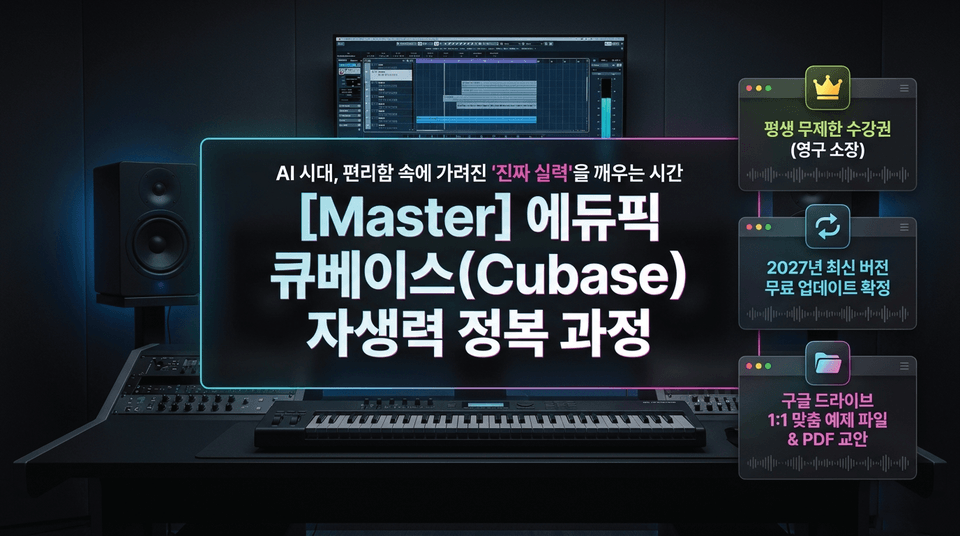
"In the age of AI and templates, build 'real skills' that won’t waver."
Go beyond superficial imitation and master the essential sound manual applicable from Cubase 9 through the latest version.
Master Cubase Basics: Go Beyond Simple Imitation and Build the Foundation of a Master Who Can Solve Sound Problems Independently.
In an age when artificial intelligence arranges music for you, if you don’t understand the basic principles, even a slight change in circumstances will make your musical self-reliance disappear.

Countless tutorials promise flashy results. But mindlessly following along while relying on templates created by others can never truly become your own.
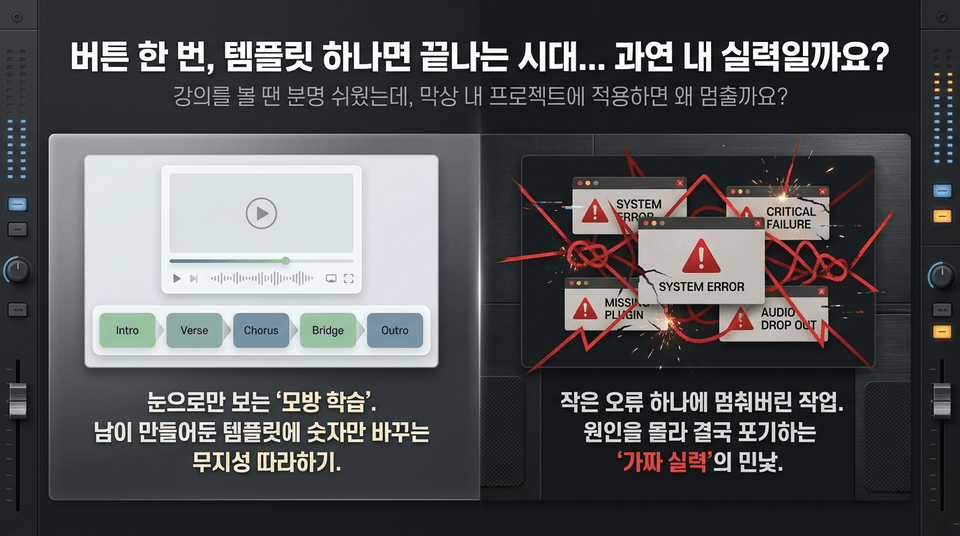
It seemed easy while watching the lecture, so why do you get stuck when applying it to your own project?
You need to face the stark reality of “fake skills”: work that comes to a halt over a single small error, leaving you unable to identify the cause and ultimately giving up.
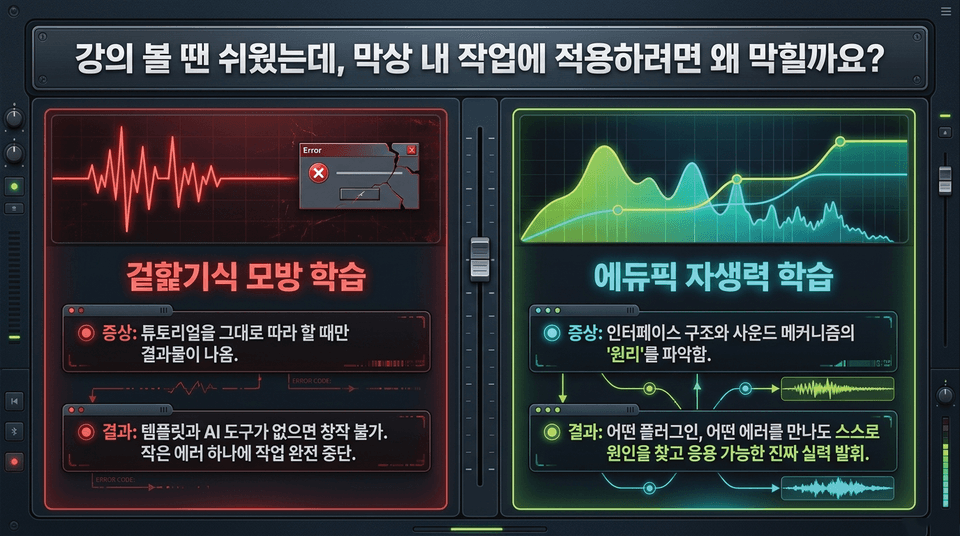
• 🔴 Superficial imitation-based learning: You only get results when following a tutorial ➔ You cannot create anything without templates and AI tools. Even a single small error brings the entire process to a halt.
• 🟢 EduPick self-reliance learning: Understand the “principles” of interface structure and sound mechanisms ➔ No matter which plugin or error you encounter, identify the cause yourself and demonstrate real skills that can be applied in any situation.
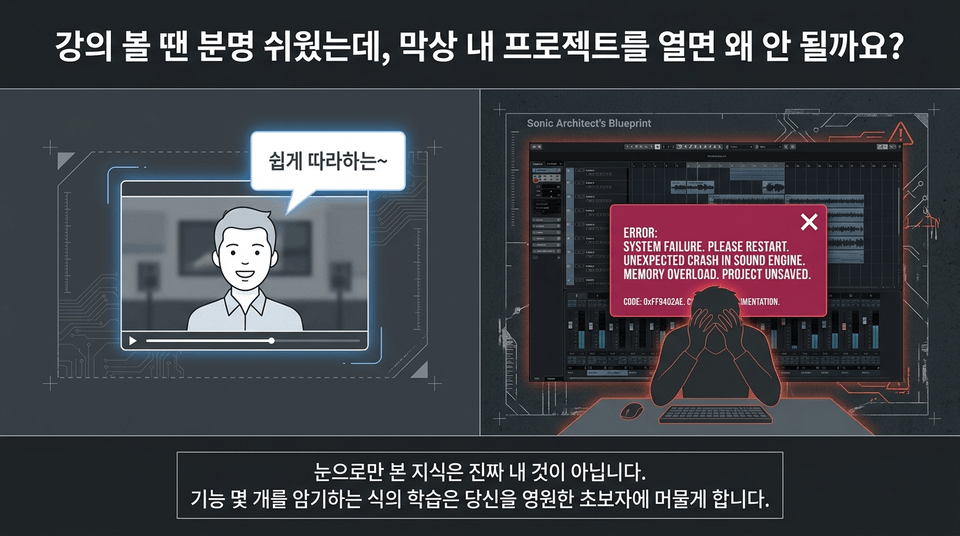
The fatal limitations of relying solely on templates and AI for learning:
• You can produce results quickly, but when even a small error occurs, all work comes to a halt (you can’t solve it yourself).
• You can’t apply what you’ve learned elsewhere, ultimately remaining at the level of imitating others’ work.
ERROR: Playback Halted. Critical System Failure.
When watching the course, you may have felt that you understood everything perfectly. However, if you rely solely on templates created by others, your work can come to a complete halt because of even the smallest error message or a single shortcut mistake.
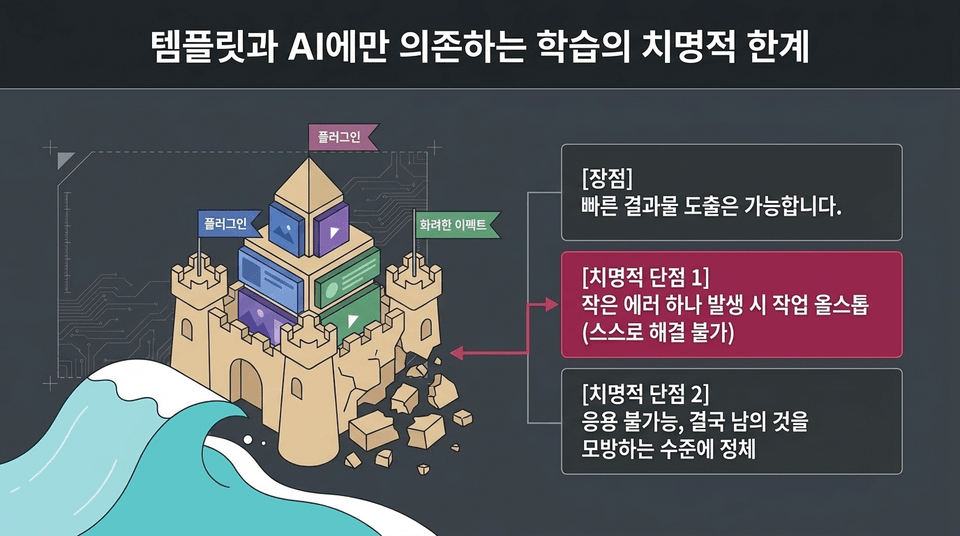
Like a castle built on sand, knowledge built solely by piling on plugins and effects is destroyed by even the smallest wave. Only by mastering the basic manual and underlying principles can you control any cutting-edge AI tool as you wish.
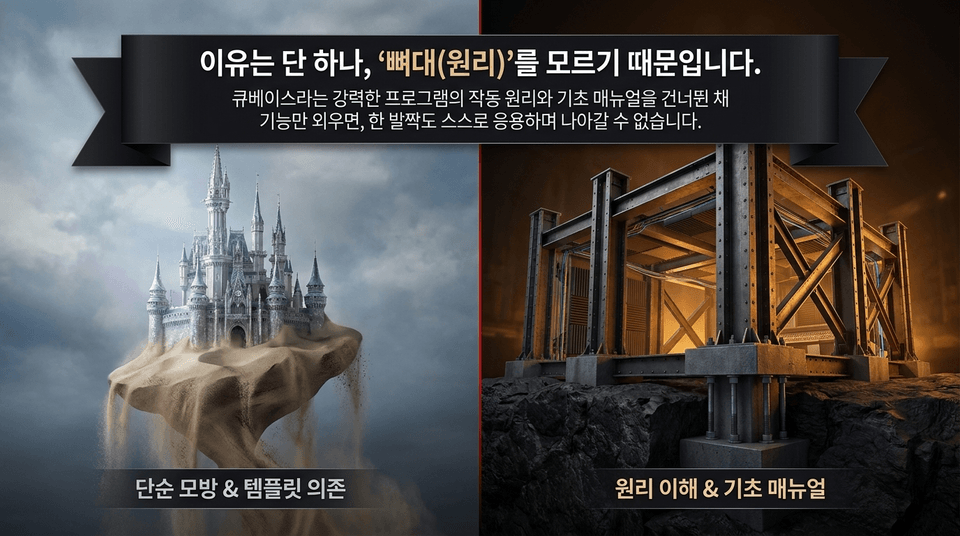
If you memorize only the features of the powerful program called Cubase while skipping its operating principles and basic manual, you won’t be able to independently apply them or move forward even one step.
• Simple imitation & reliance on templates: A sandcastle floating in midair ❌
• Understanding the principles & basic manual: A solidly constructed steel frame ⭕
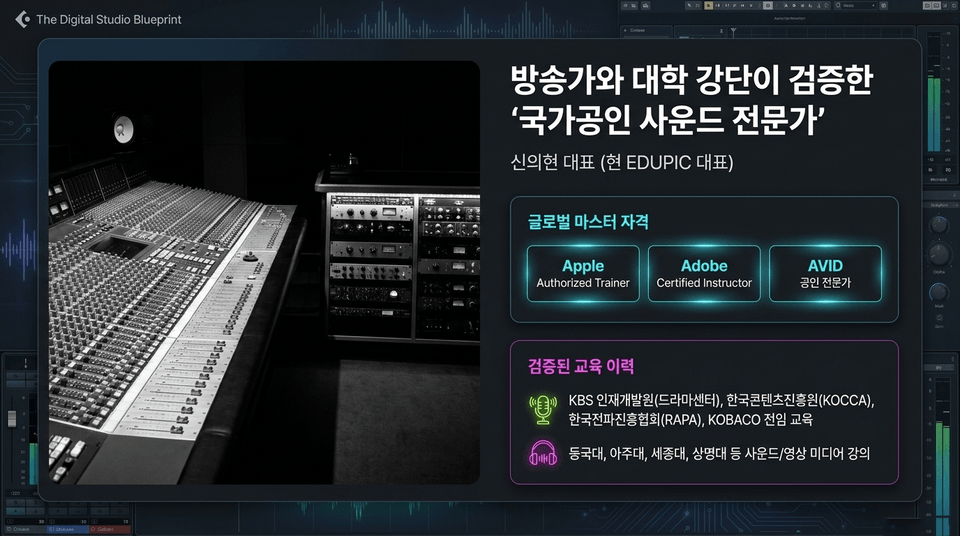
CEO Shin Eui-hyun (Current CEO of EDUPIC)
• Global master certifications: Apple Authorized Trainer | Adobe Certified Instructor | AVID Certified Professional
• Proven teaching experience: Full-time training at KBS Human Resources Development Center (Drama Center), KOCCA, RAPA, and KOBACO, as well as sound/video media courses at Dongguk University, Ajou University, Sejong University, and Sangmyung University
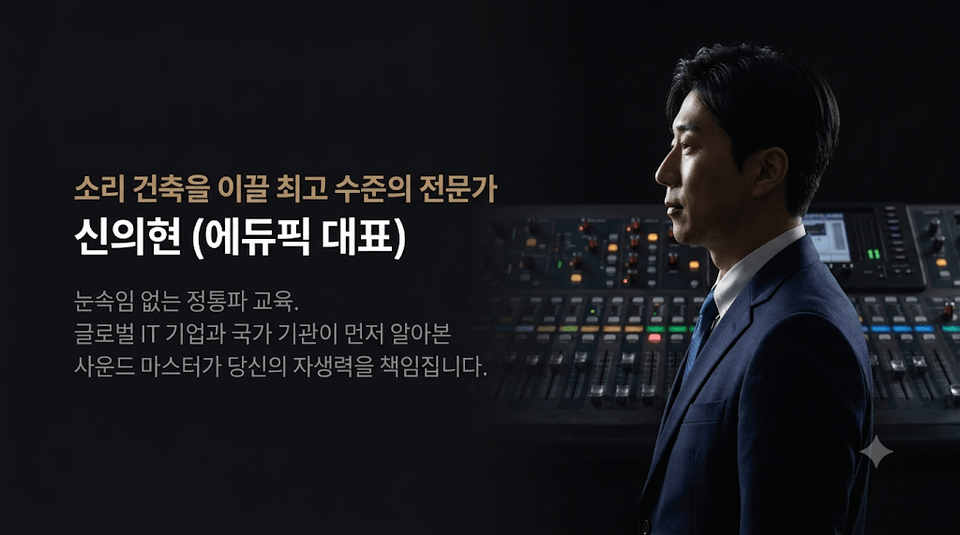
Authentic education without gimmicks. A sound master recognized first by global IT companies and national institutions will take responsibility for your self-reliance.
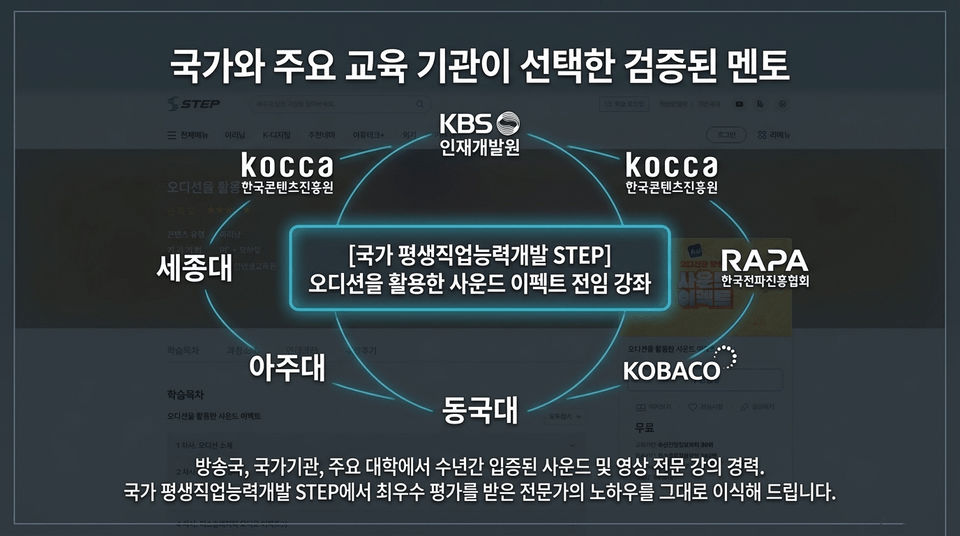
A series of dedicated sound effects courses developed through the National Lifelong Vocational Skills Development STEP audition.
Years of proven experience teaching sound and video at broadcasting stations, government agencies, and leading universities. We directly bring you the expertise of a professional who received the highest rating from the National Lifelong Vocational Skills Development STEP.
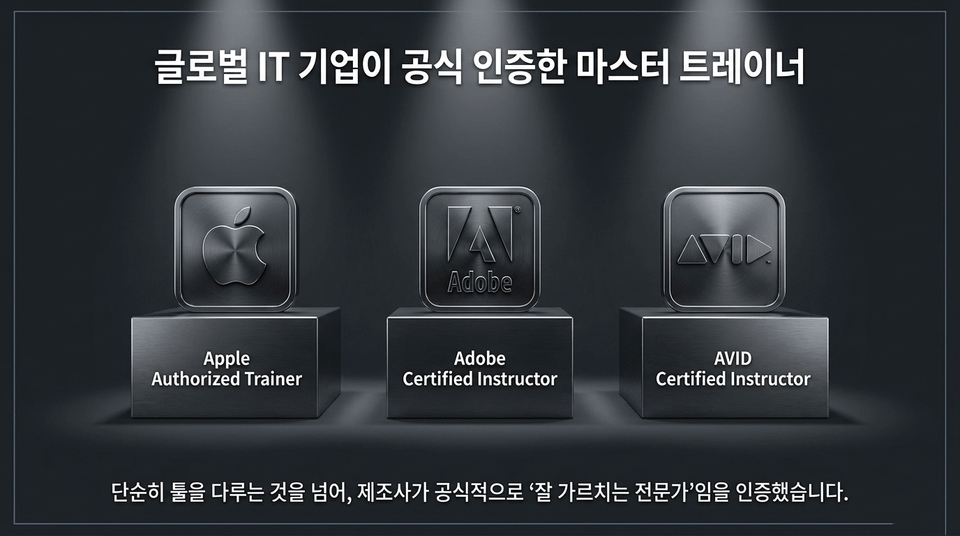
Beyond simply using the tools, the manufacturers have officially certified them as “experts who teach well.” (Apple Authorized Trainer | Adobe Certified Instructor | AVID Certified Instructor)
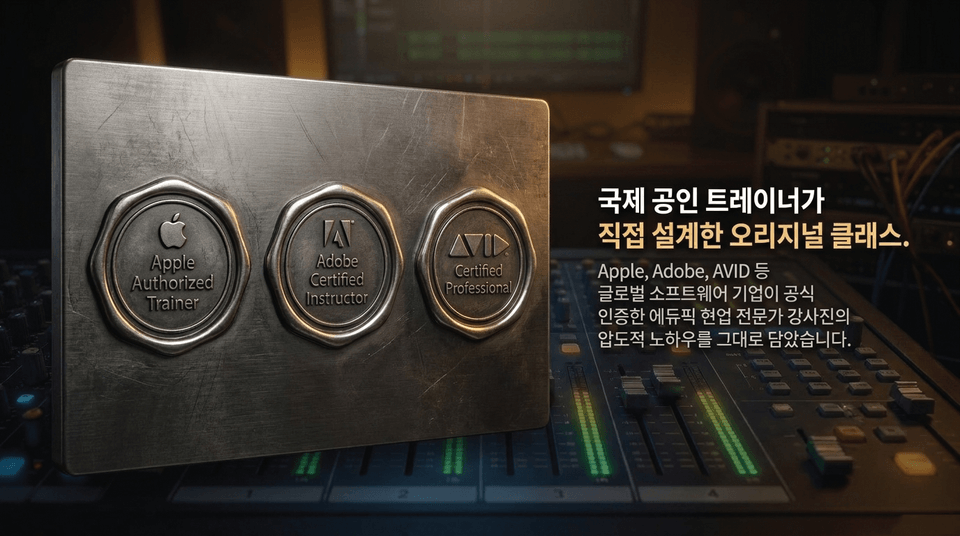
It contains the unparalleled know-how of Edypick’s practicing expert instructors, officially certified by global software companies such as Apple, Adobe, and AVID.
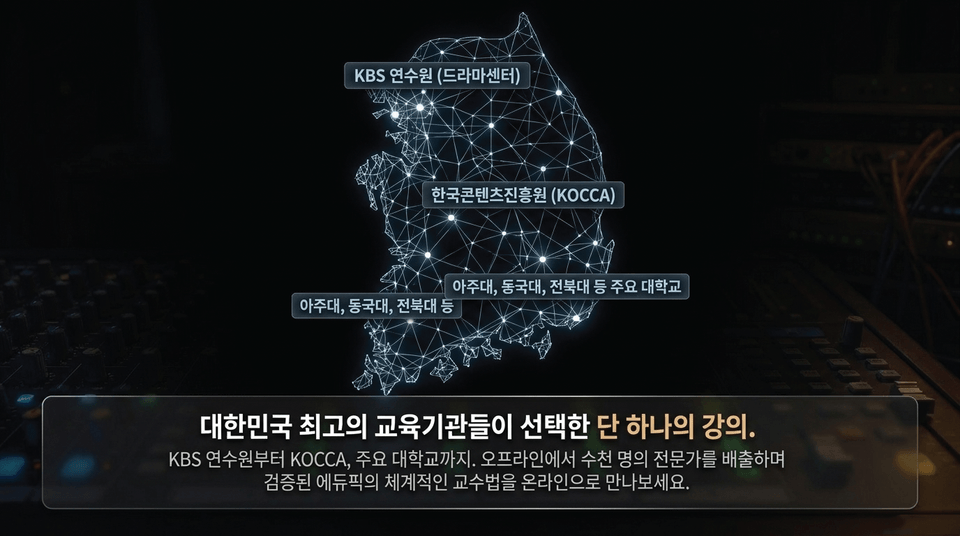
From the KBS Training Center to KOCCA and leading universities. Experience Eduepic’s systematic teaching methods online—proven by training thousands of professionals offline.
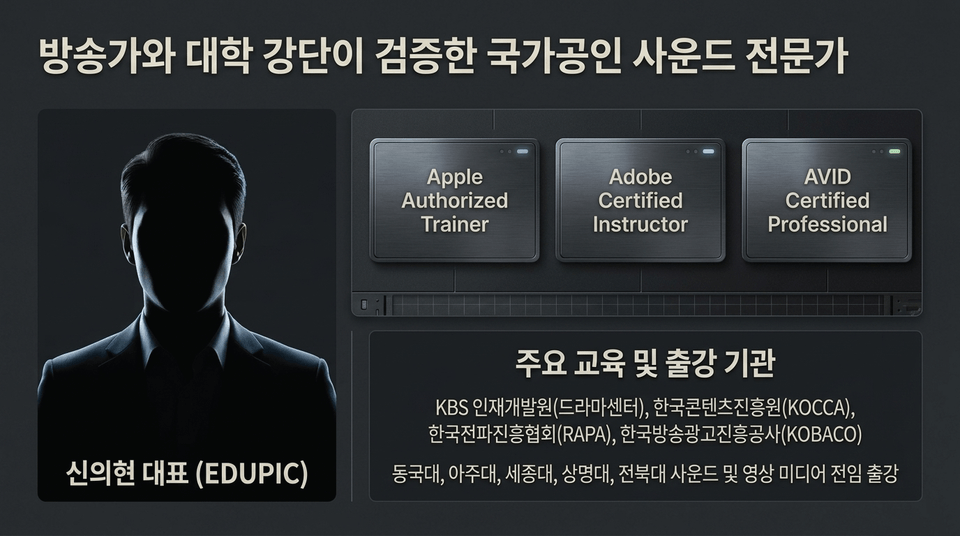
Holder of three major global certifications: Apple Authorized Trainer / Adobe Certified Instructor / AVID Certified Professional.
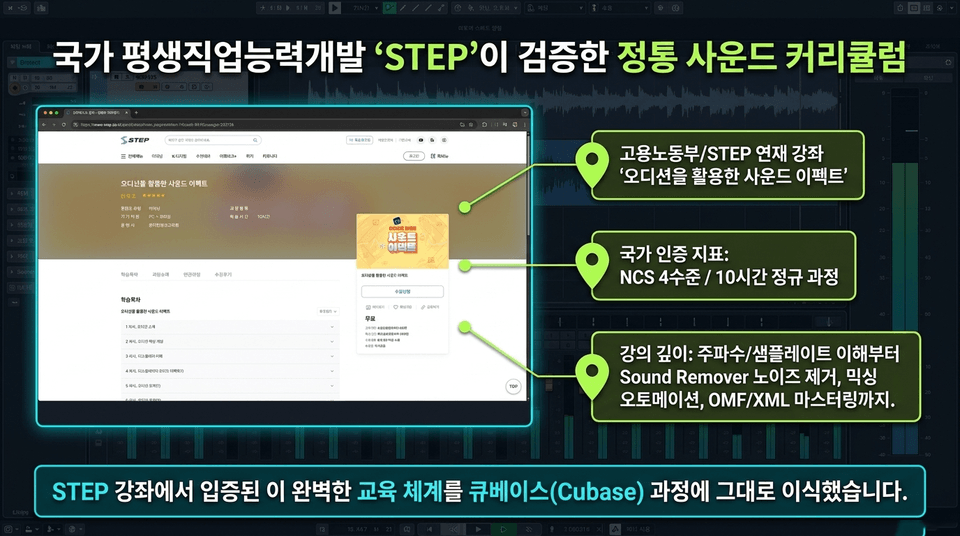
• Ministry of Employment and Labor/STEP series course: "Sound Effects Using Audition"
• National certification standard: NCS Level 4 / 10-hour regular course
• Course depth: From understanding frequencies and sample rates to Sound Remover noise reduction, mixing automation, and OMF/XML mastering.
We have directly integrated this proven, comprehensive educational system from the STEP course into the Cubase course.
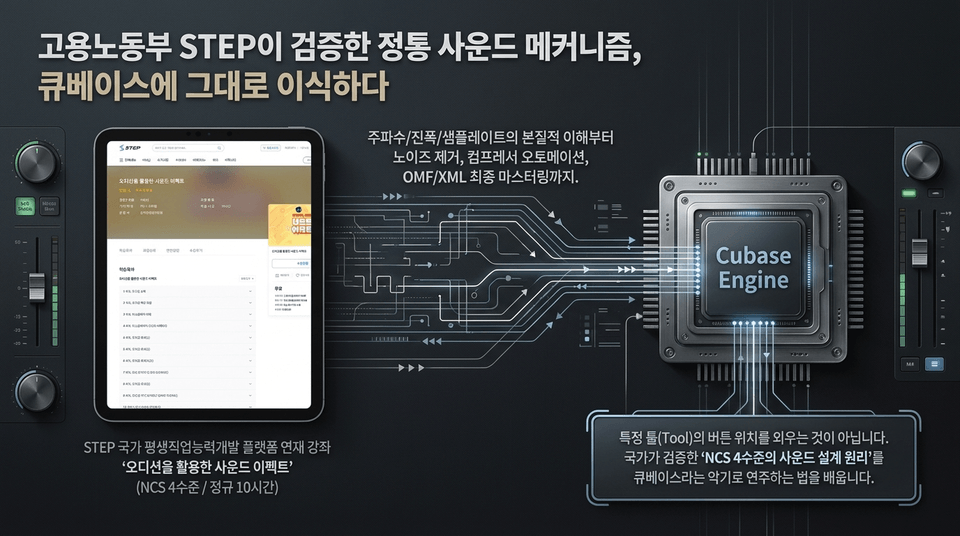
From a fundamental understanding of frequency, amplitude, and sample rate to noise removal, compressor automation, and final OMF/XML mastering. This is not about memorizing the locations of buttons in specific tools. You will learn how to play the instrument called Cubase using the nationally validated 'NCS Level 4 sound design principles'.
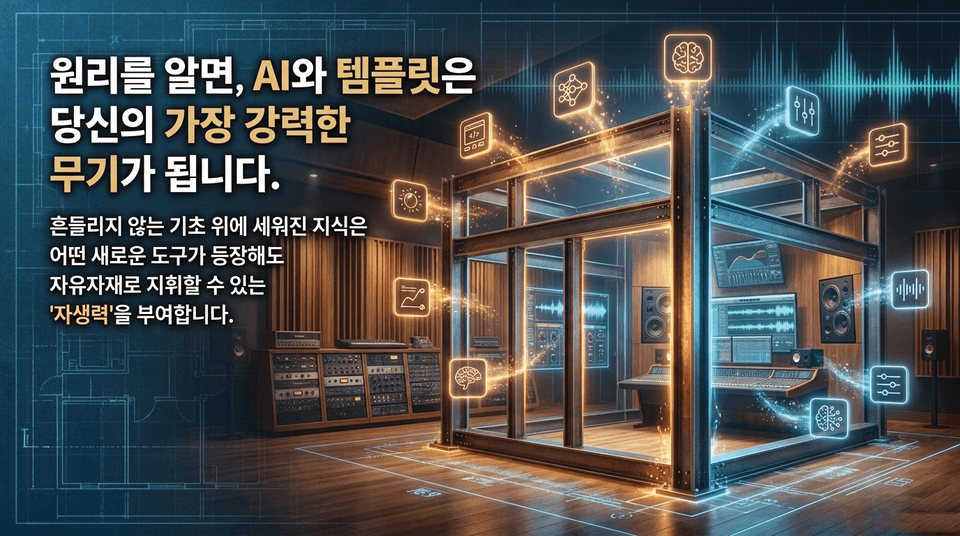
Knowledge built on an unwavering foundation gives you the 'self-reliance' to skillfully command any new tool that emerges.
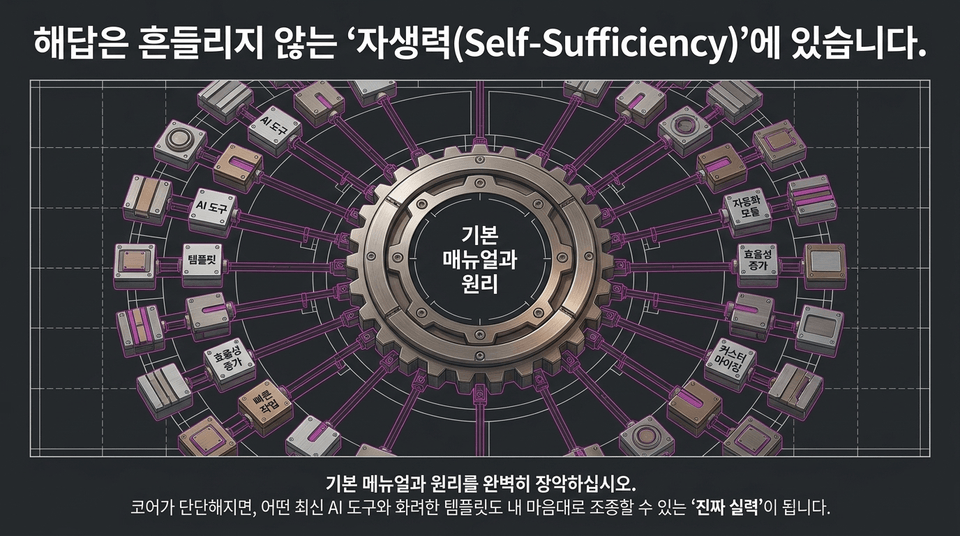
Master the basic manual and principles completely. Once your core is solid, you’ll develop the “real skills” to control any cutting-edge AI tool or flashy template however you want.
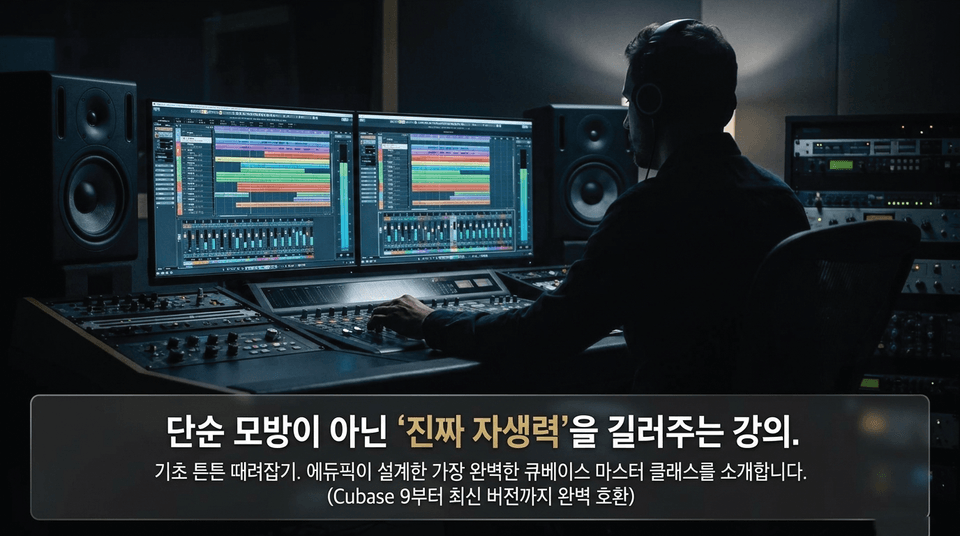
Master the fundamentals completely. Introducing the most comprehensive Cubase master class designed by Edupick. (Fully compatible from Cubase 9 through the latest version)
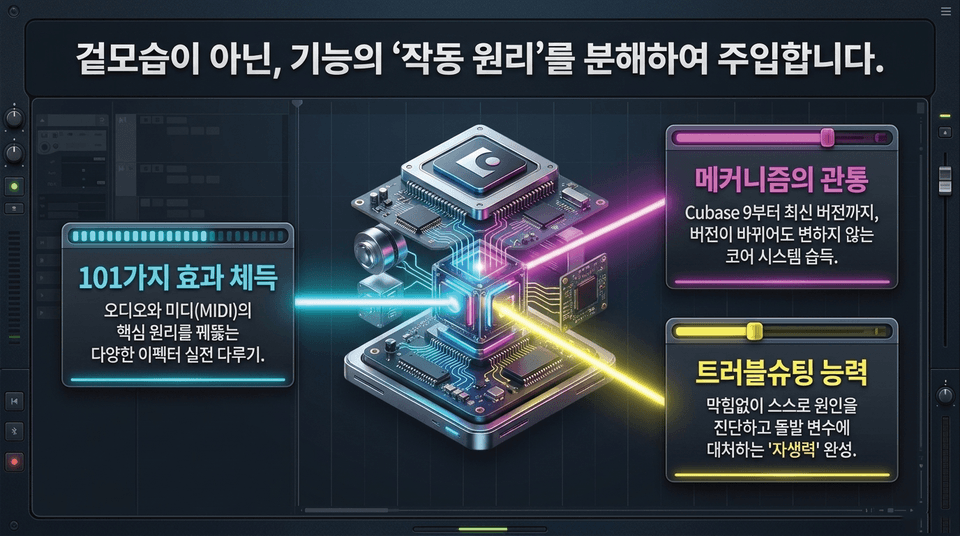
• Master 101 effects: Gain hands-on experience with a variety of effects that reveal the core principles of audio and MIDI.
• Master the underlying mechanisms: Learn the core systems that remain unchanged across versions, from Cubase 9 through the latest version.
• Troubleshooting skills: Develop the 'self-reliance' to diagnose causes independently without getting stuck and respond to unexpected variables.
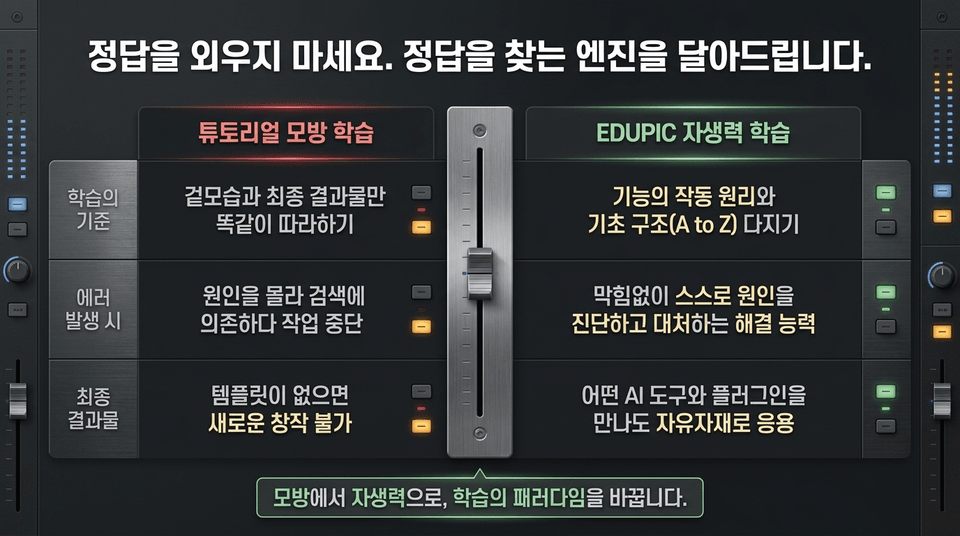
• Tutorial imitation learning: Simply copying the appearance and final result ➔ Being unable to continue working because you don’t know the cause and have to rely on searches ➔ Being unable to create anything new without a template
• EDUPIC self-reliance learning: Building a foundation in how functions work and basic structures (A to Z) ➔ Developing the ability to diagnose and address causes independently without getting stuck ➔ Freely applying your skills no matter what AI tools or plugins you encounter
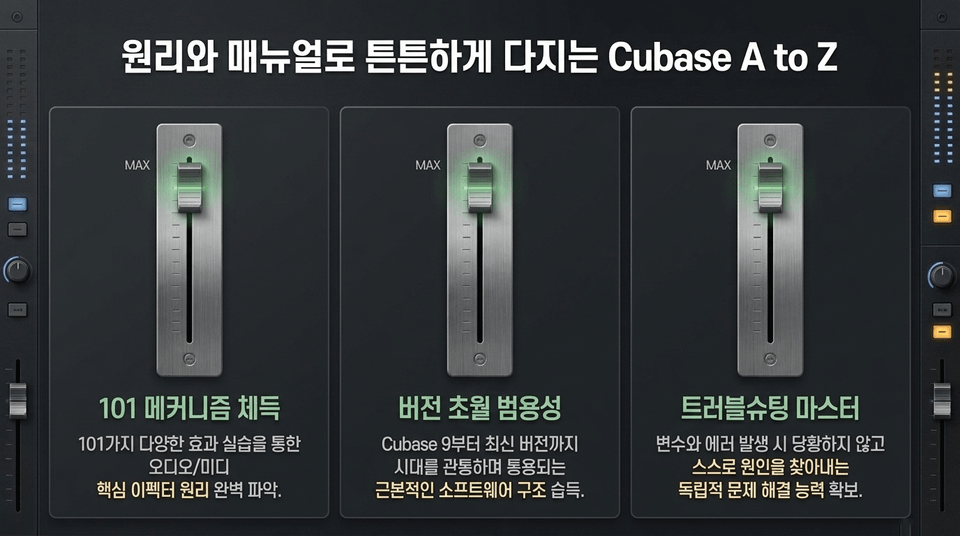
1. Master the 101 mechanisms: Fully understand the principles of core audio/MIDI effects through hands-on practice with 101 diverse effects.
2. Version-transcending versatility: Learn the fundamental software structure that remains applicable across eras, from Cubase 9 to the latest version.
3. Troubleshooting mastery: Develop the independent problem-solving skills to identify the causes of variables and errors yourself without panicking.
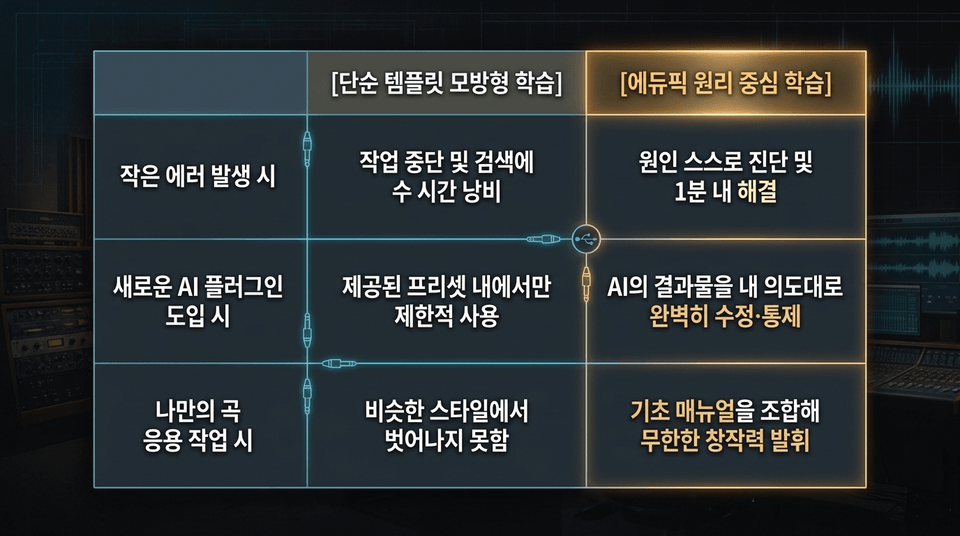
• When a minor error occurs: Stop working and waste hours searching vs. Diagnose the cause yourself and resolve it within one minute
• When introducing a new AI plugin: Use it only in limited ways within the provided presets vs. Perfectly modify and control the AI’s output according to your intentions
• When working on your own song: Remain stuck in a similar style vs. Combine the basic manuals to unleash infinite creativity
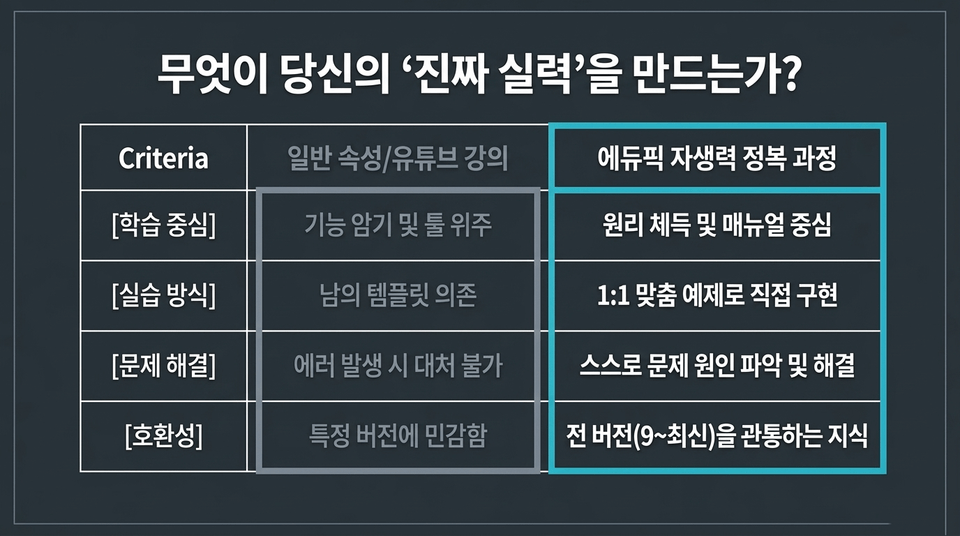
Criteria | General features/YouTube tutorials vs. Ed픽’s Self-Reliance Mastery Course
• Learning focus: Memorizing features and focusing on tools ❌ vs. Mastering principles and focusing on the manual ⭕
• Practice method: Relying on others’ templates ❌ vs. Implementing solutions directly with 1:1 customized examples ⭕
• Problem-solving: Unable to respond when errors occur ❌ vs. Identifying and resolving the causes of problems independently ⭕
• Compatibility: Sensitive to specific versions ❌ vs. Knowledge applicable across all versions (9 to the latest) ⭕
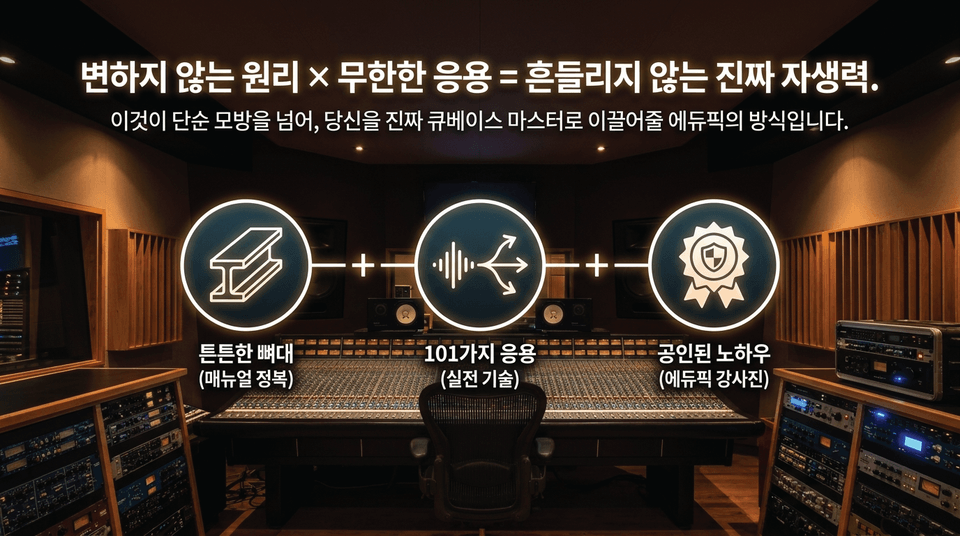
A solid foundation (mastering the manual) + 101 applications (practical techniques) + proven know-how (EduPick instructors).
This is EduPick’s approach to taking you beyond simple imitation and turning you into a true Cubase master.
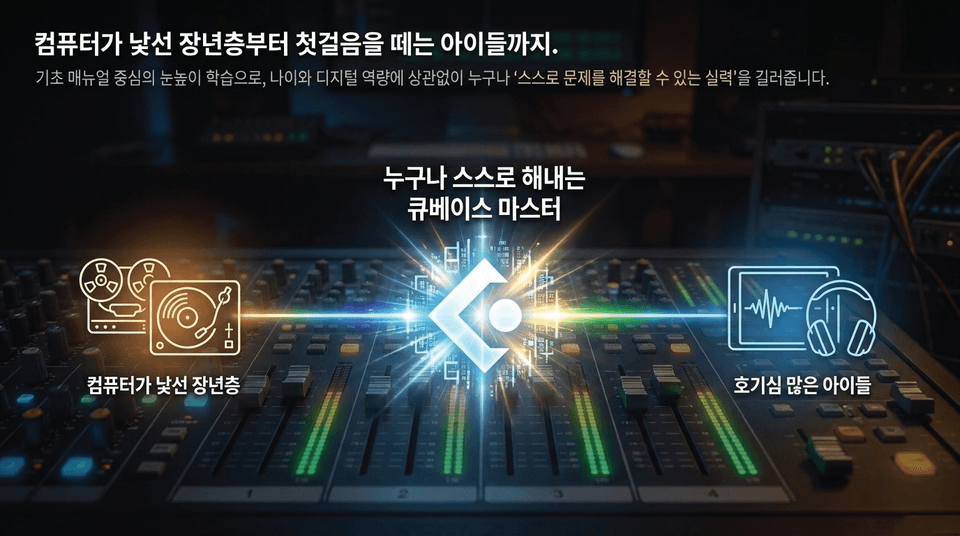
Through level-appropriate learning centered on foundational manuals, it helps anyone, regardless of age or digital proficiency, develop the skills to “solve problems independently.” (Older adults unfamiliar with computers ↔ Anyone becoming a self-reliant Cubase master ↔ Curious children)
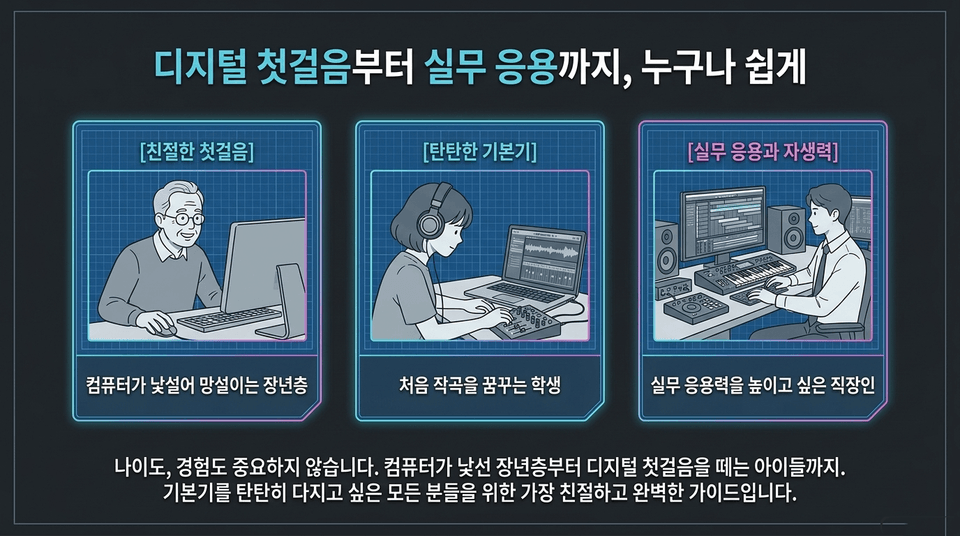
• A friendly first step: middle-aged and older adults who feel hesitant because computers are unfamiliar
• Solid fundamentals: students who dream of composing music for the first time
• Practical application and self-reliance: working professionals who want to enhance their practical application skills
Age and experience don’t matter. This is the friendliest and most comprehensive guide for anyone who wants to build a solid foundation.
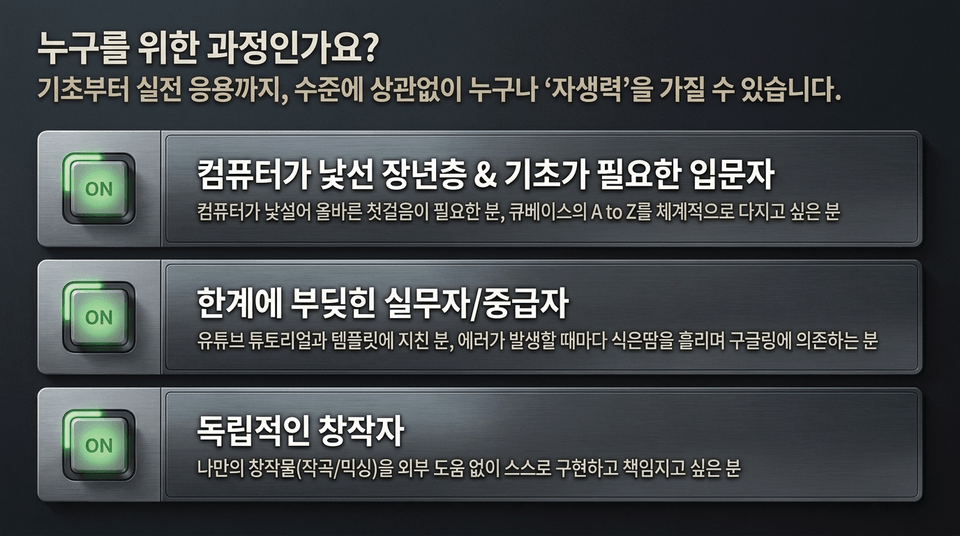
☑ ON | Older adults who are unfamiliar with computers & beginners who need the basics: Those who need to take the right first step and want to systematically build a solid understanding of Cubase from A to Z
☑ ON | Working professionals/intermediate users who have hit their limits: Those tired of YouTube tutorials and templates, and who break into a cold sweat every time an error occurs and have to rely on Google searches
☑ ON | Independent creators: Those who want to create and take responsibility for their own work (composition/mixing) without outside help
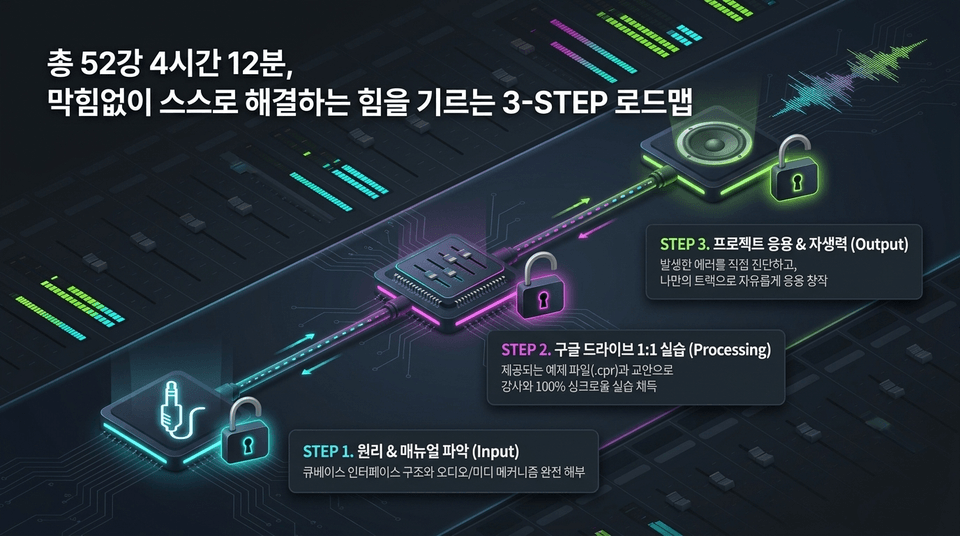
• STEP 1. Understand the Principles & Manual (Input): Fully dissect the structure of the Cubase interface and the mechanisms of audio/MIDI
• STEP 2. 1:1 Google Drive Practice (Processing): Master hands-on practice in 100% sync with the instructor using the provided example files (.cpr) and course materials
• STEP 3. Project Application & Self-Reliance (Output): Diagnose errors yourself and freely apply your skills to create your own tracks
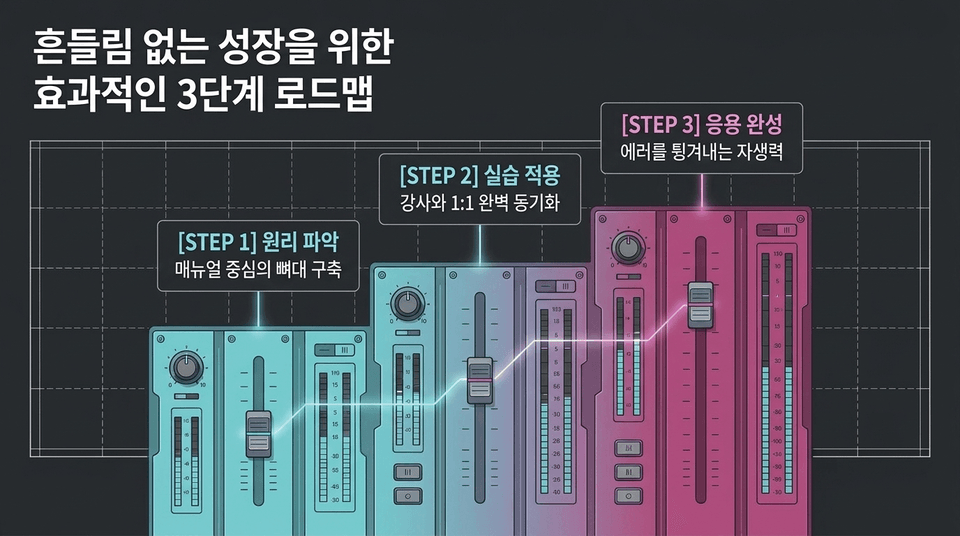
STEP 1: Understanding the Principles: Build a Manual-Based Foundation ➔ STEP 2: Practical Application: Perfect 1:1 Synchronization with the Instructor ➔ STEP 3: Completing the Application: Build the Self-Reliance to Bounce Back from Errors.
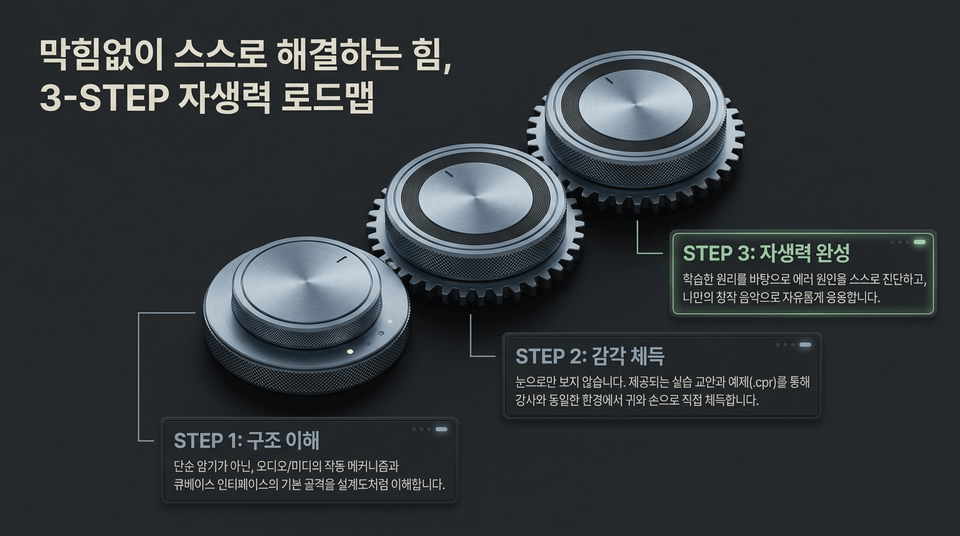
• STEP 1: Understand the Structure: Rather than simply memorizing, understand the operating mechanisms of audio/MIDI and the basic framework of the Cubase interface like a blueprint.
• STEP 2: Develop Your Instincts: Don’t just watch. Using the provided practice materials and examples (.cpr), gain hands-on experience with your ears and hands in the same environment as the instructor.
• STEP 3: Build Self-Reliance: Based on the principles you have learned, diagnose the causes of errors on your own and freely apply them to create your own music.
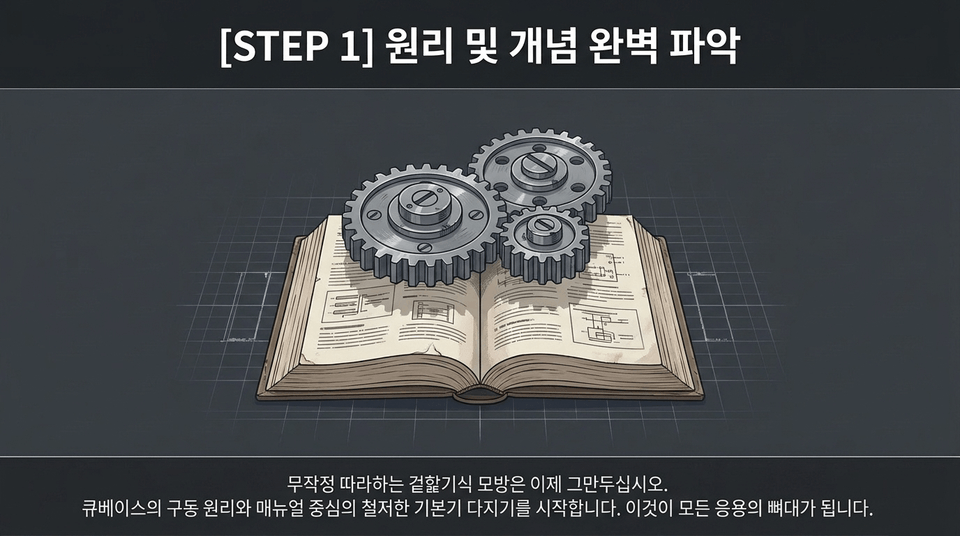
Stop blindly imitating through superficial copycat practice. Start building a thorough foundation centered on Cubase’s operating principles and manual. This will become the backbone of all your creative applications.
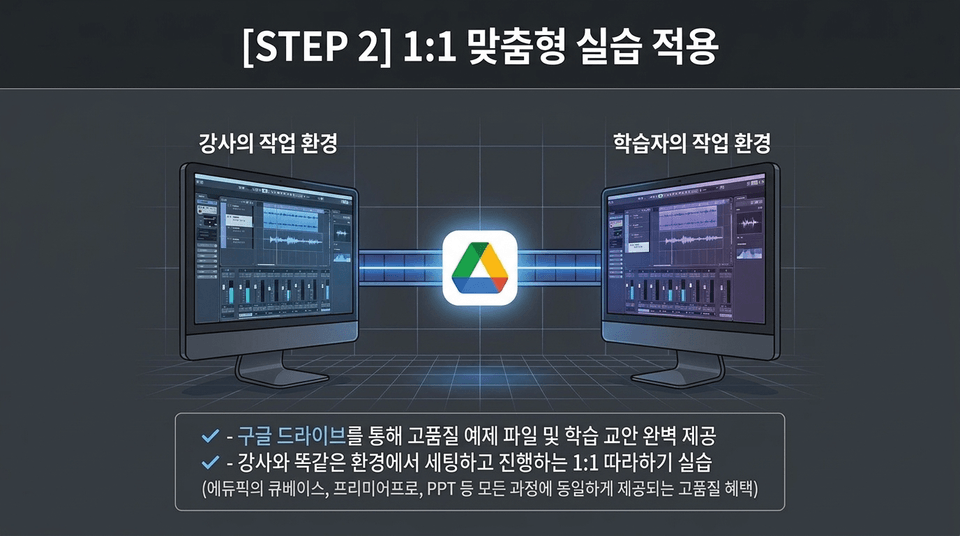
• Complete provision of high-quality example files and learning materials via Google Drive
• 1:1 follow-along practice conducted in the same environment as the instructor (a high-quality benefit provided across all of Edubic’s courses, including Cubase, Premiere Pro, and PPT)
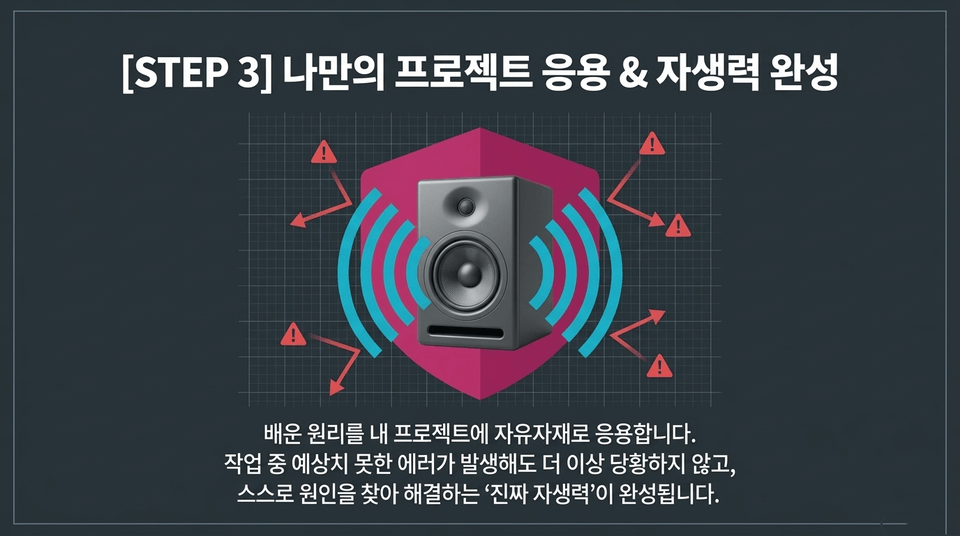
You will apply the principles you learn freely and skillfully to your own projects. Even when unexpected errors occur during your work, you will no longer panic—you will develop 'true self-reliance' to identify and solve the cause on your own.
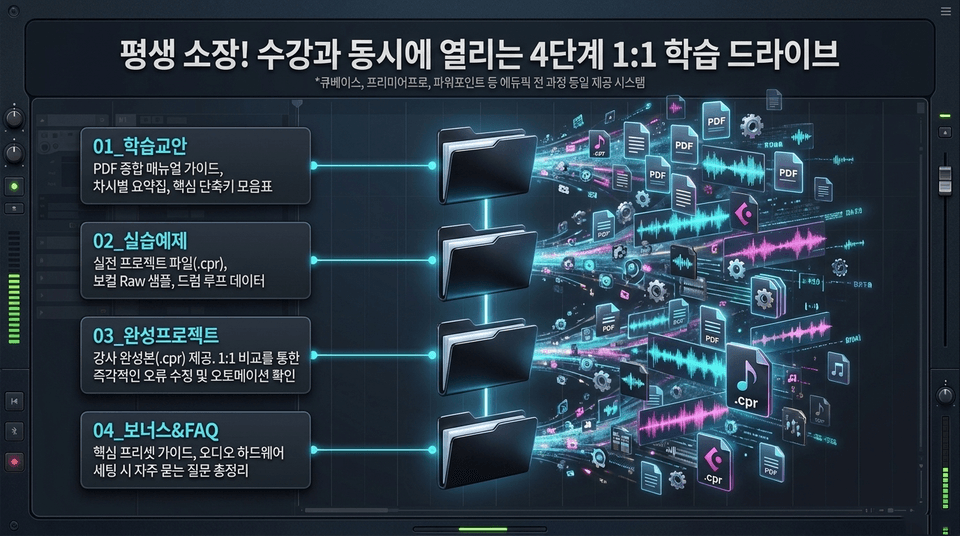
(Cubase, Premiere Pro, PowerPoint, and other Edupick courses all use the same provision system)
• 📄 01_Learning Materials: Comprehensive PDF manual guide, session-by-session summaries, and a collection of essential keyboard shortcuts
• 🎵 02_Practice Examples: Real-world project files (.cpr), vocal raw samples, and drum loop data
• 🎹 03_Completed Project: Instructor’s completed version (.cpr) provided. Instantly correct errors and check automation through 1:1 comparison
• 💡 04_Bonus&FAQ: Essential preset guide and a comprehensive collection of frequently asked questions about audio hardware setup
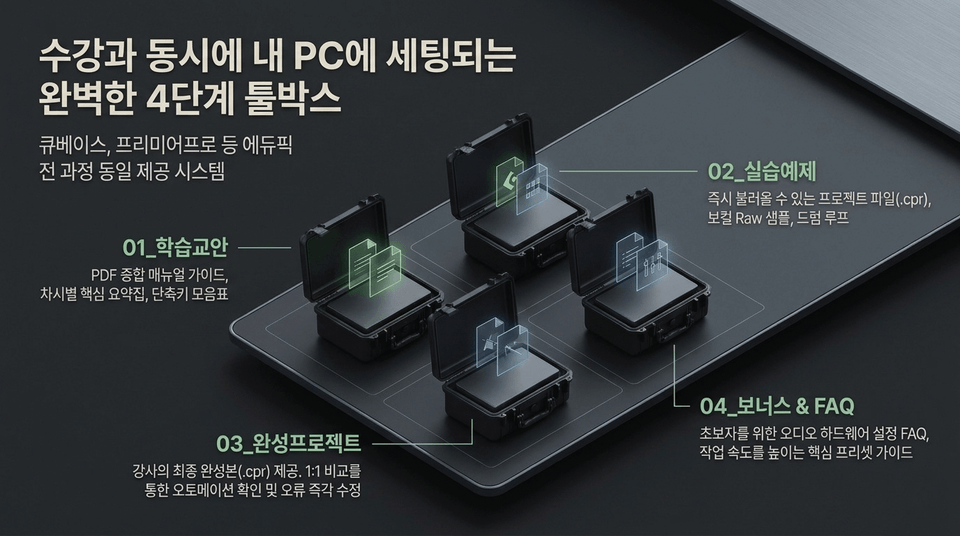
01_Study Materials ➔ 02_Practice Examples ➔ 03_Completed Projects ➔ 04_Bonus & FAQ.
These assets are provided through free 1:1 Google Drive integration across all Edupick courses, including Cubase and Premiere Pro.
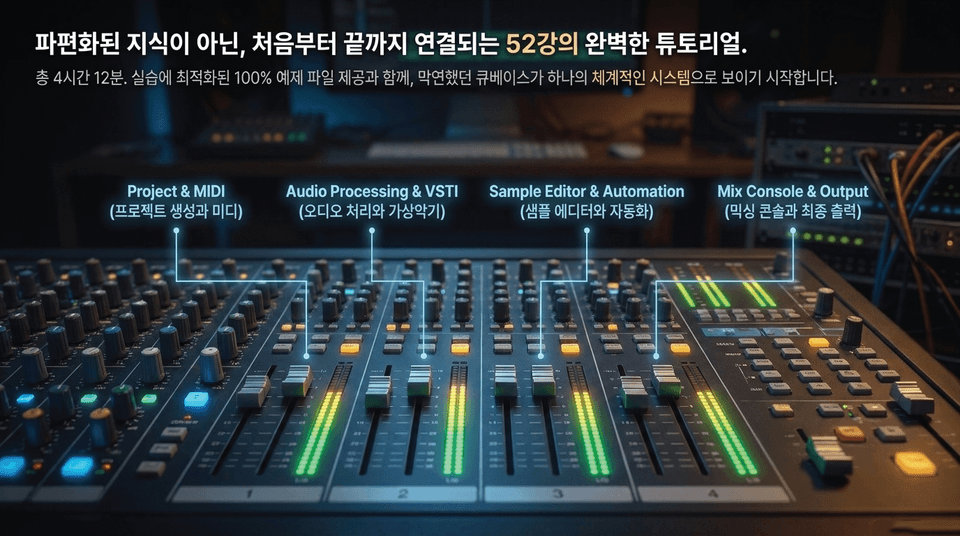
Total 4 hours 12 minutes / 100% example files optimized for hands-on practice provided
• Project & MIDI: Creating projects and MIDI
• Audio Processing & VSTi: Audio processing and virtual instruments
• Sample Editor & Automation: Sample editing and automation
• Mix Console & Output: Mixing console and final output

A solid foundation makes it easy to edit any effect. An all-in-one curriculum that takes you from the very basics to real-world practice and helps you master everything in one go.
(Installation ➔ Preferences ➔ Audio Recording ➔ Sample Editor ➔ MIDI Basics ➔ VaryAudio ➔ Remixing in Practice ➔ Chord Pad Composition ➔ Mix Console)
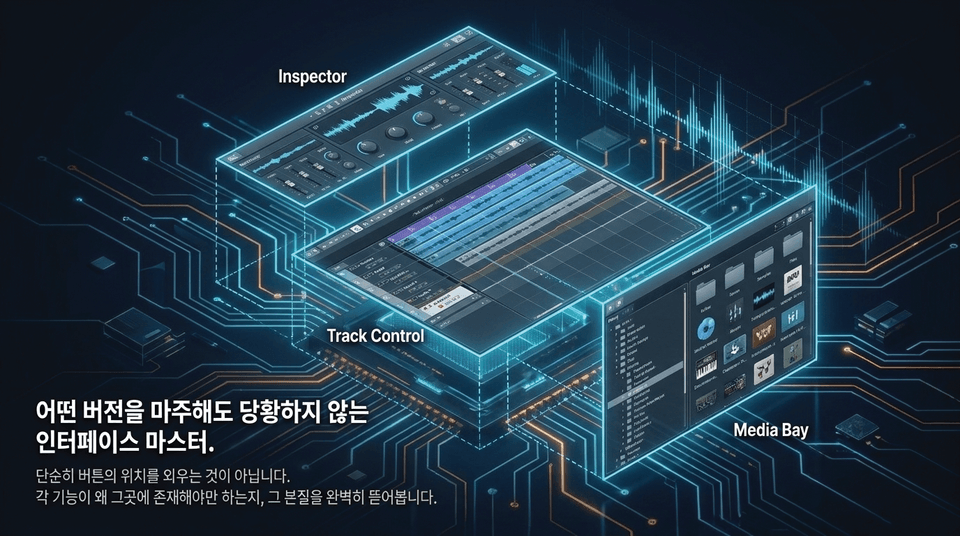
It’s not simply about memorizing the locations of buttons. We thoroughly examine the essence of why each feature, such as the Inspector, Track Control, and Media Bay, must exist where it does.
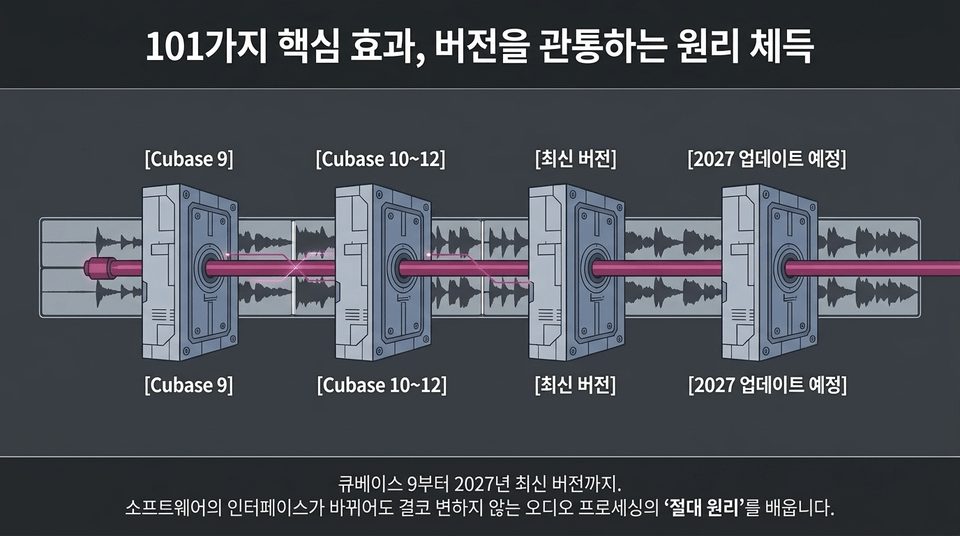
[Cubase 9] ➔ [Cubase 10~12] ➔ [Latest Version] ➔ [2027 Update Planned].
From Cubase 9 through the latest version in 2027, learn the 'fundamental principles' of audio processing that never change, even when the software interface does.
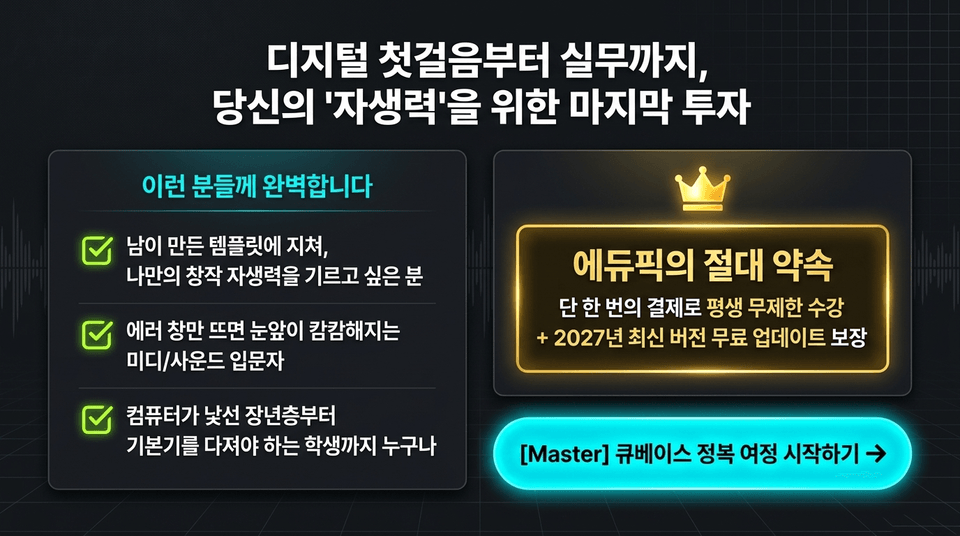
• Perfect for: Those tired of using templates created by others who want to develop their own creative independence / MIDI and sound beginners who feel completely lost whenever an error window appears / Everyone from older adults unfamiliar with computers to students who need to build a solid foundation
• Edupick’s absolute promise: One-time payment for unlimited lifetime access + guaranteed free updates to the latest version in 2027

Learning Cubase requires a rhythm that’s uniquely your own. Master it at your own pace with a 'lifetime pass' with no expiration date.
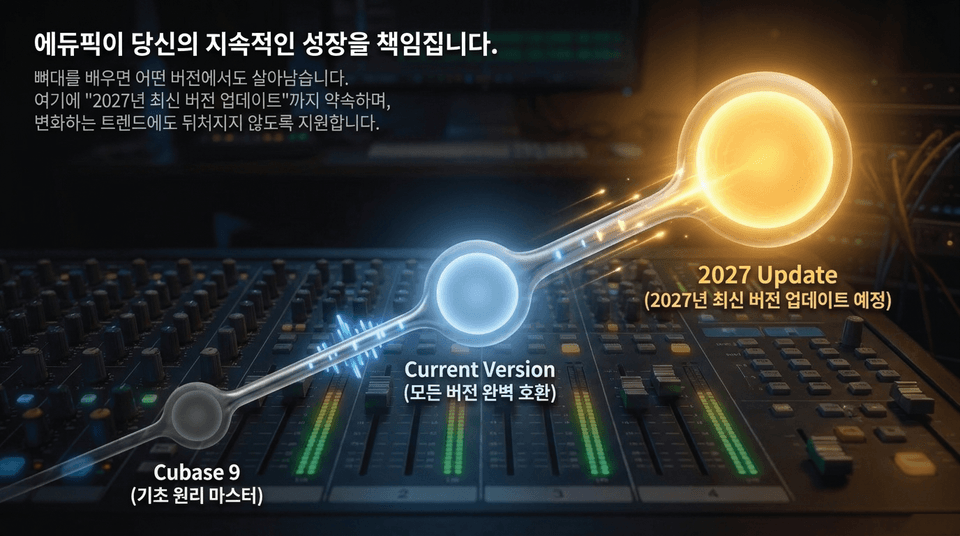
Cubase 9 (Master the Fundamentals) ➔ Current Version (Fully Compatible with All Versions) ➔ 2027 Update (Latest 2027 Version Update Planned).
Once you learn the fundamentals, you can thrive on any version. We also promise a "2027 Latest Version Update" to ensure you stay up to date with changing trends.
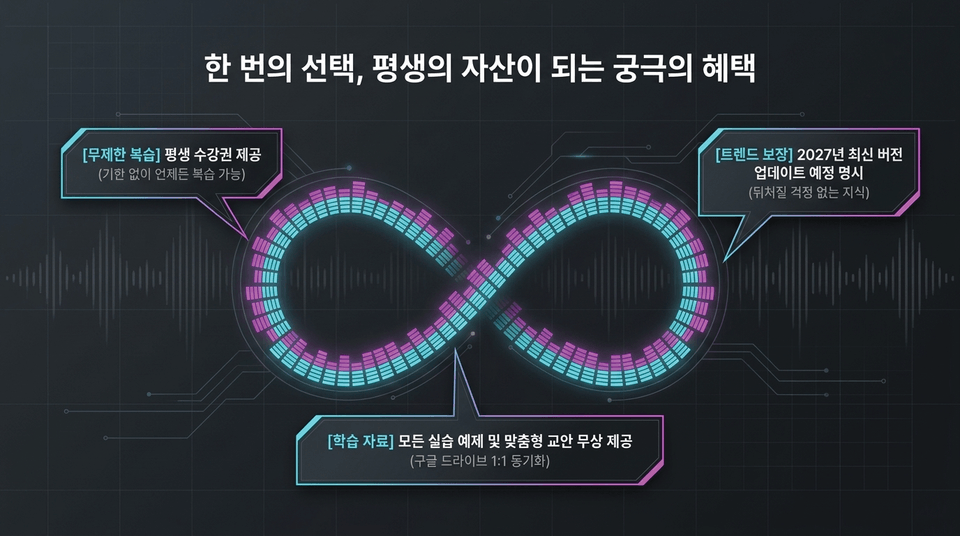
• Unlimited review: Lifetime access provided (review anytime with no expiration)
• Learning materials: All hands-on examples and customized course materials provided free of charge (1:1 Google Drive synchronization)
• Future-proof trends: Explicitly promises updates to the latest 2027 version (knowledge that won’t leave you behind)

52 lessons total (4 hours 12 minutes) | 100% hands-on examples provided | Certificate of completion issued (Inflearn)
List price $169.40 ➔ 25% off for new members $129.40
[ Start Mastering Cubase Basics ]
Master Cubase independence right now and build your own unique sound with confidence. EduPick will guide you every step of the way.
Start your enrollment ➔
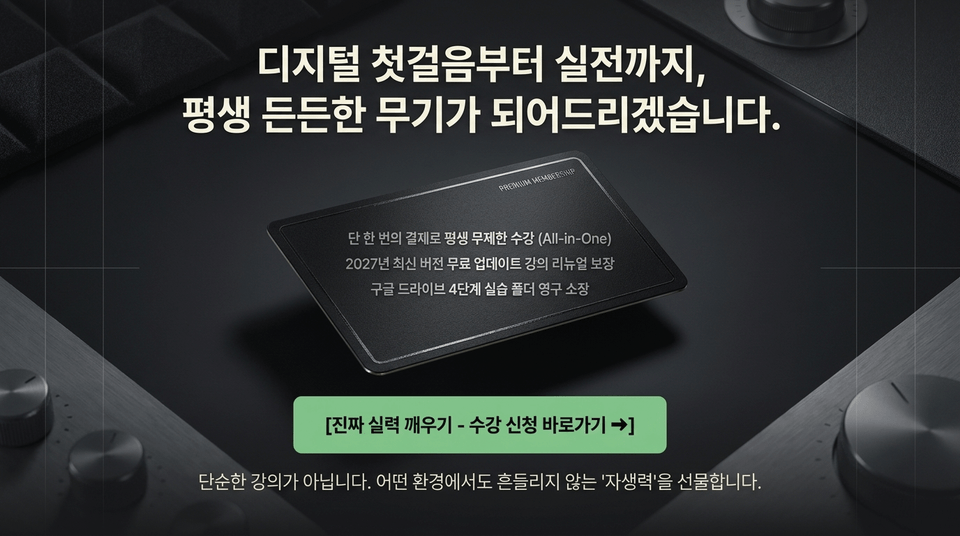
Unlimited lifetime access with a single payment (All-in-One)
Guaranteed course renewal with free updates to the latest 2027 version
Keep the four-step Google Drive practice folder forever
Awaken your true skills – Go straight to enrollment ➔
This is more than just a course. It gives you the 'self-reliance' to stay confident in any environment.


![[Master] A Solid Basics Course for Mastering Vegas ProCourse Thumbnail](https://cdn.inflearn.com/public/files/courses/333400/cover/ai/2/979a70a0-ec99-47ef-bd7b-7883f25abc66.png?w=420)
![[Master] Logic Pro X Course for Solid FundamentalsCourse Thumbnail](https://cdn.inflearn.com/public/files/courses/333265/cover/ai/2/17a32478-e555-4570-9048-60d185dff97c.png?w=420)
![[Master] Basic Solid Audition CourseCourse Thumbnail](https://cdn.inflearn.com/public/files/courses/333264/cover/ai/2/97588aa2-8f02-4d97-ab60-793af35babc7.png?w=420)
![[Master] Solid Basics After Effects CC CourseCourse Thumbnail](https://cdn.inflearn.com/public/files/courses/333257/cover/ai/2/cc466790-af2d-4198-b5e8-1795be65e85a.png?w=420)
![[Master] Solid Cinema 4D Basics CourseCourse Thumbnail](https://cdn.inflearn.com/public/files/courses/333255/cover/ai/2/9c49cd06-4ea4-4208-bbe6-53012a50e97c.png?w=420)
![[Master] Basic Solid: Follow Along with 101 Premiere Pro EffectsCourse Thumbnail](https://cdn.inflearn.com/public/files/courses/330105/cover/ai/2/e8ee2cfe-abd5-48f9-92f2-f49829f2014a.png?w=420)
![[Advanced] Mastering Excel: Building a Solid Foundation CourseCourse Thumbnail](https://cdn.inflearn.com/public/files/courses/330004/cover/01m04tf9hsr0m5gzxrskce1nja?w=420)

![[Intermediate] Mastering Excel with a Solid Foundation CourseCourse Thumbnail](https://cdn.inflearn.com/public/files/courses/330003/cover/01m04pa6n703t49hn2dmwpy0ct?w=420)
![[Beginner] Mastering Excel with a Solid Foundation CourseCourse Thumbnail](https://cdn.inflearn.com/public/files/courses/330002/cover/01m01nqapy9skgs8gsn4geedyp?w=420)
![[Master] Basic, Solid PowerPoint CourseCourse Thumbnail](https://cdn.inflearn.com/public/files/courses/330000/cover/ai/2/5012d48c-44e2-4646-a0ce-862974174b5a.png?w=420)
![[Advanced] Mastering Basic Solid Vocabulary CourseCourse Thumbnail](https://cdn.inflearn.com/public/files/courses/329993/cover/01m05r0fqknfxtp3x8z47xe9wv?w=420)
![[Intermediate] Mastering Basic Vocabulary with a Solid Foundation CourseCourse Thumbnail](https://cdn.inflearn.com/public/files/courses/329992/cover/01m05qy1cw6ff6j32fmydcqjrb?w=420)
![[Master] Course: Mastering Motion 5 with Solid FundamentalsCourse Thumbnail](https://cdn.inflearn.com/public/files/courses/329588/cover/ai/2/0cb79354-a333-4c64-966b-d74732d58a47.png?w=420)
![[Master] Mastering Illustrator with Solid Fundamentals CourseCourse Thumbnail](https://cdn.inflearn.com/public/files/courses/329341/cover/ai/2/2fc896c1-5fa9-47b2-964a-c77c04aecc1b.png?w=420)
![[Master] Mastering Premiere Pro: The Fundamentals and Essentials CourseCourse Thumbnail](https://cdn.inflearn.com/public/files/courses/328934/cover/ai/2/a3f2420d-f7b9-40f8-9c1f-20e6fcdef11f.png?w=420)
![[Master] Solid Fundamentals Final Cut Pro X CourseCourse Thumbnail](https://cdn.inflearn.com/public/files/courses/328720/cover/ai/0/5d3a6fdc-11f8-4076-9d98-68cabf216f68.png?w=420)