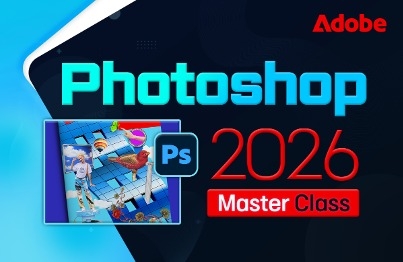
Photoshop 2026 Master Class: From Basics to Practical Application
comt
Anyone can easily learn the latest version of Photoshop 2026 with subtitles.

Beginner
Photoshop, Photography, AI
A comprehensive summary of lectures on upgrading from Windows 10, how to individually install Windows 11, how to use various computers, and how to use smartphones more conveniently
9 learners are taking this course
Level Beginner
Course period 4 months
How to upgrade windows 10
New and useful features in Windows 11
How to use your smartphone smartly
The operating system (OS) controls and manages all hardware and software.
It plays a role in enabling efficient use of the interface with the user.

The most popular and widely used Windows is
It is a computer operating system developed by Microsoft Corporation .
Windows 11 is now the latest version, adding new and useful features and fixing the instability issues of Windows 10.
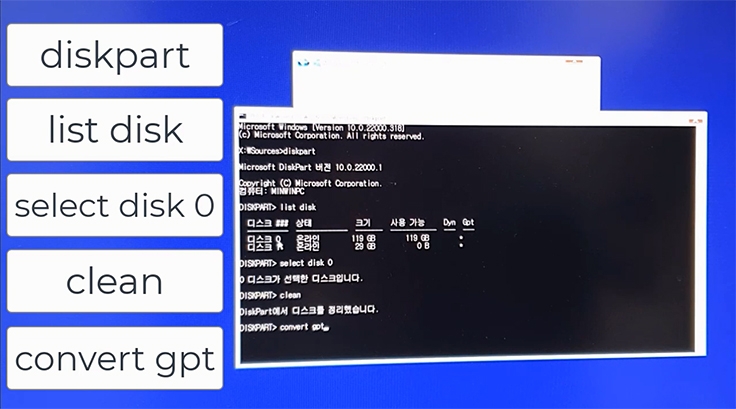
Install Windows 11
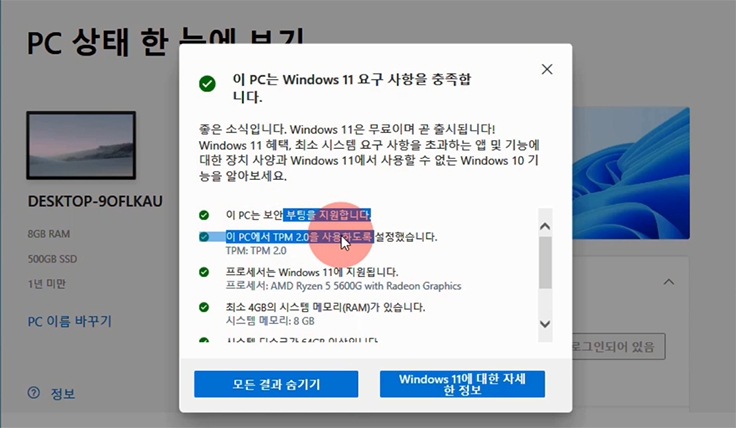
Windows 11 Installation Requirements
9 New and Useful Features in Windows 11
How to Optimize Windows 11 for Your Needs
Windows 11 Changed Desktop Settings
How to Speed Up Windows 11 Boot
How to adjust the color and brightness of your monitor and optimize its display
How to set the display scale and switch between portrait and landscape
How to Use and Utilize the Search Function on the Windows Taskbar
How to set up Windows sound
How to use and utilize Windows folders
How to Set Sleep Mode on a Windows PC
How to Set Windows 11 Themes and Backgrounds
How to install and uninstall apps on your computer
How to set and arrange desktop icons
How to multiply one computer with virtual desktops
How to compress and decompress on your computer
How to Use Chat GPT with Bing AI on Windows

Learn various ways to make your smartphone smart and comfortable.
Home screen settings
Set wallpaper
Wi-Fi settings
Connecting and Disconnecting Bluetooth
How to connect a printer
Set lock screen style
Hidden Features of the App Badge
Set ringtone
Self-diagnosis method
Call recording function
Battery Care Tips
How to set up and send phone messages
Convenient features of the receiving screen
How to create a KakaoTalk group chat
How to easily manage your smartphone's storage space
How to Prepare for an Emergency Using Your Smartphone
How to completely protect your sensitive personal information on your smartphone
Essential settings to keep in mind when taking photos with your smartphone camera.
How to completely block ads and spam calls
How to completely block ads and spam messages
A feature that must be set when using smartphone messaging
How to conveniently use your smartphone in split screen mode
How to check apps installed on your smartphone and cancel subscriptions
How to manage your lost smartphone remotely
How to Use the Auxiliary Menu That 99% of Smartphone Users Don't Know About
How to Use Your Smartphone's Edge Panel
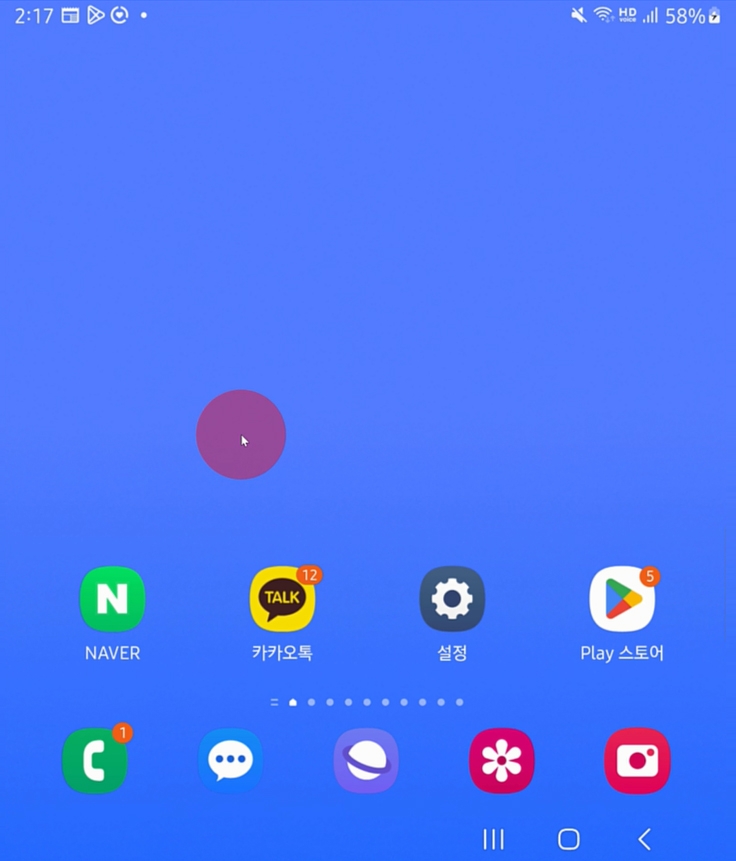
Smartphone home screen settings
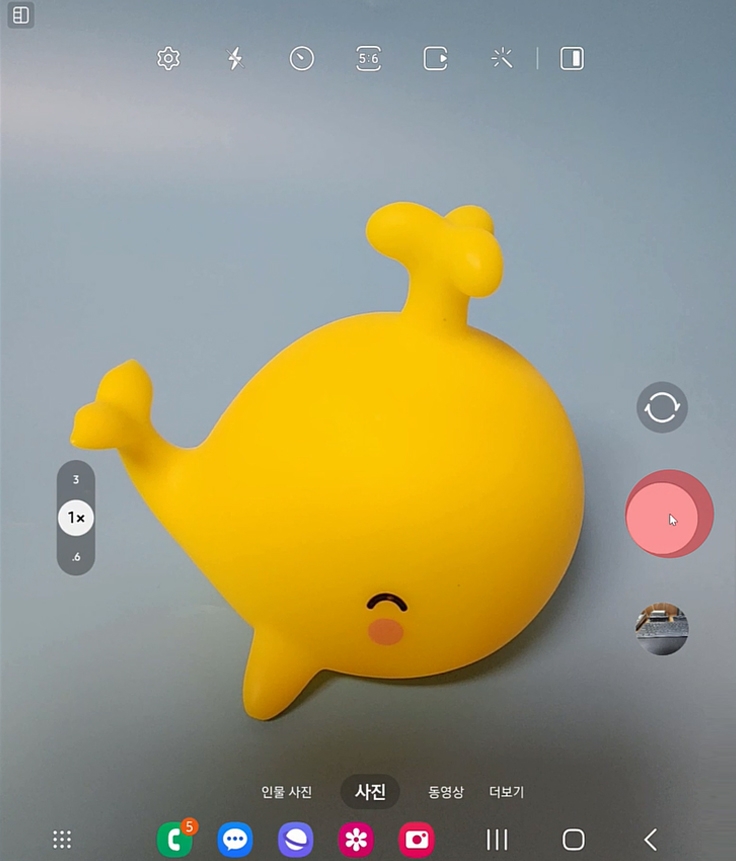
Smartphone camera shooting settings
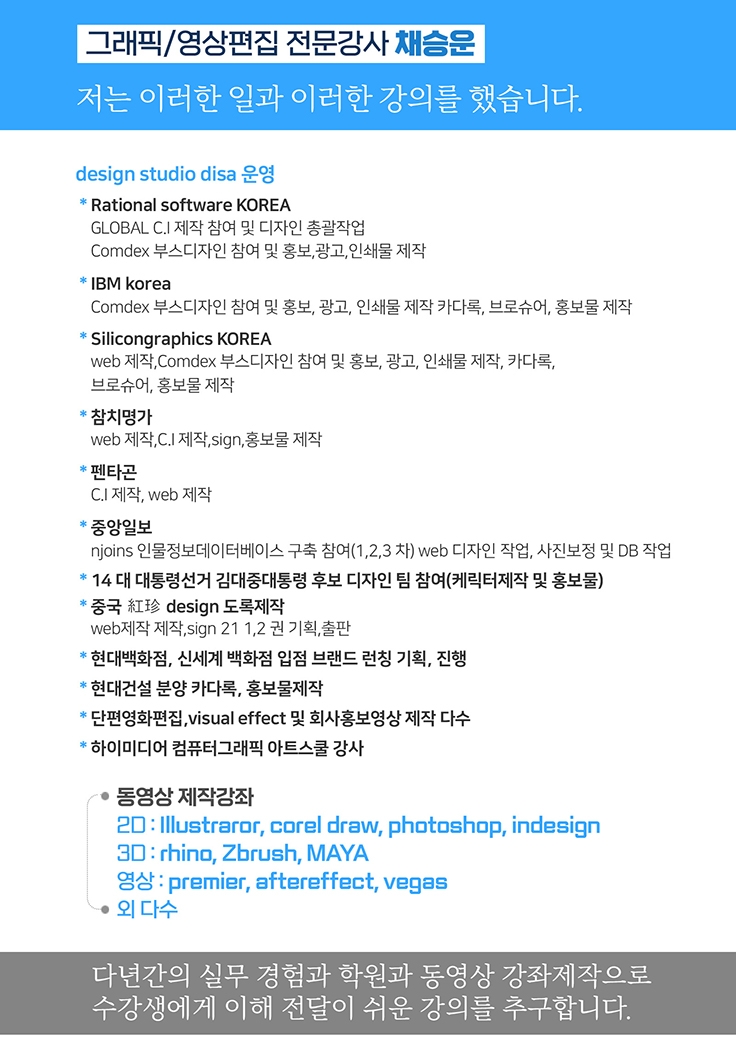
Chae Seung-woon Comti
Who is this course right for?
Beginners who want to learn computers
For those who want to use their smartphone well
For those who want to install Windows 11
People who don't know the functions of a smartphone and only use it for phone calls
Need to know before starting?
No, anyone can start.

Career Verified
1,886
Learners
162
Reviews
4
Answers
4.8
Rating
36
Courses
Back when Apple's MAC computers made it possible to design even better.
It's already been well over 25 years since I first started teaching Adobe Photoshop and Illustrator at the academy~~^^
I remember the days when, instead of calling the instructors Teacher Eom, Teacher Ha, and Teacher Gu, we used to call them Eom-T and Gu-T.
Together with those teachers, we started using ComTee as an abbreviation for Computer Teacher!
I will continue to be a "Computer Teacher" who works hard to share knowledge for all those who are learning.
Thank you!!
Thank you!!
Together with everyone, we've come to use "Com-T" as a shorthand for Computer Teacher! We will continue to be a Computer Teacher that works hard to share knowledge for all learners. Thank you!!
Together with everyone, we've come to use "Com-T" as a shorthand for Computer Teacher! We will continue to be a Computer Teacher that works hard to share knowledge for all learners. Thank you!!
All
53 lectures ∙ (8hr 39min)
Check out other courses by the instructor!
Explore other courses in the same field!
Limited time deal
$29.70
25%
$39.60


![InDesign 2024 Basics to Practical Use Master Course [Subtitles Included]Course Thumbnail](https://cdn.inflearn.com/public/courses/333362/cover/91faa49d-01d6-4fc6-90a0-d339c5dbfe65/333362.jpg?w=420)