inflearn logo

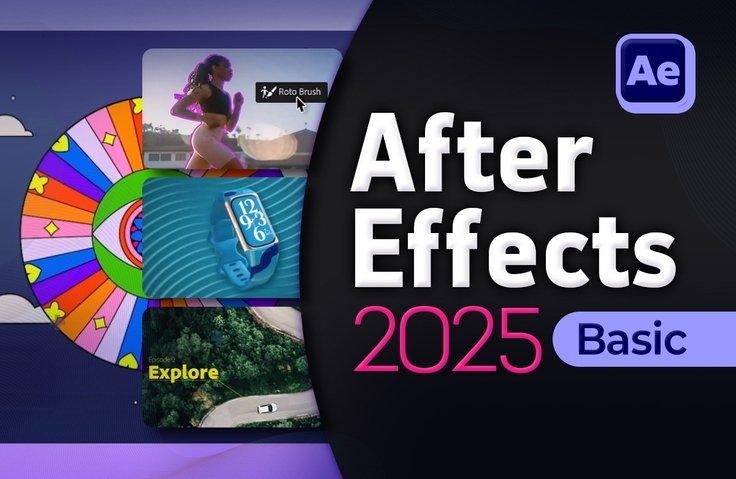
After Effects 2025 Basics for Beginners

This course covers the basic features and installation methods of After Effects 2025, as well as various special effects required for each scene.

1 learners are taking this course

Level Basic

Course period 5 months

After Effects
After Effects
Animation
Animation
Video Production
Video Production
After Effects
After Effects
Animation
Animation
Video Production
Video Production

What you will gain after the course

  • How to install After Effects

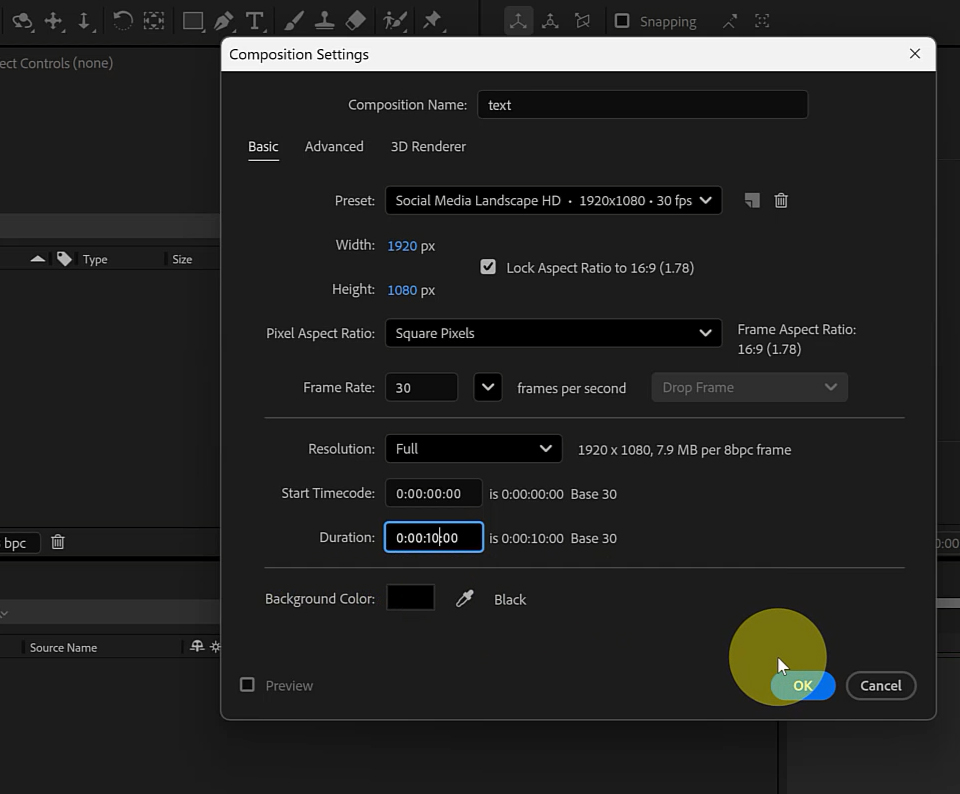
  • Understanding Projects and Compositions

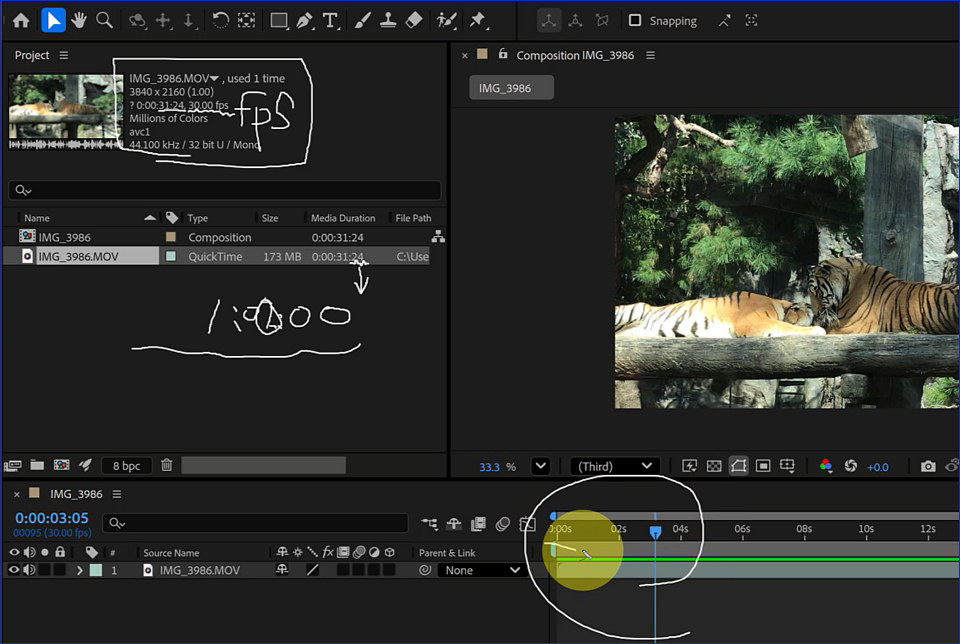
  • Understanding the Basic Time Units of the Timeline

  • Understanding the Basic Principles of Animation in After Effects

  • Understanding the Concepts of Frames and Keyframes

  • Difference between Contents and Transform of a Shape Layer

  • Understanding the correlation between the source and the applied mask

  • Understanding the difference between Bitmap and Vector methods

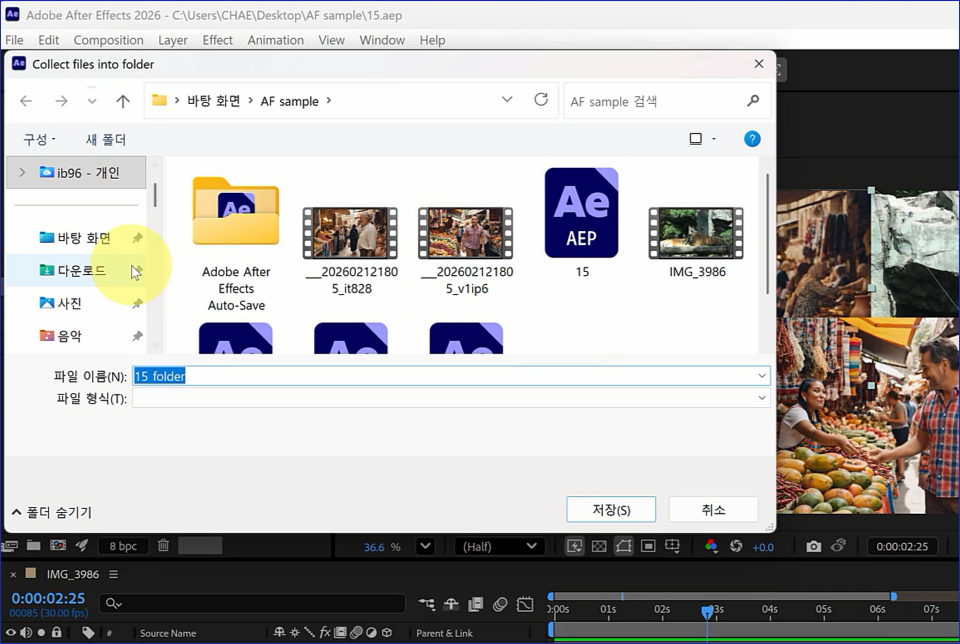
  • Understanding how sources are managed when working in After Effects

Captivating Video Effects
Master the Basics of After Effects!

The essential program for creating differentiated videos


Even beginners in video editing can easily follow along.
Build your foundational skills through a systematic curriculum, from installing After Effects to creating special effects and titles.
.


After Effects 2025 Basics allows you to
experience the fundamental functions of creating video special effects.

From installation methods to the timeline, transform functions, creating new compositions, and various special effects,
you will learn the essential skills for video editing beginners.

You will practice everything from basic tools, shortcuts, layer animation, using text and shapes,
to the process of exporting the finished result as a video.

After Effects 2025
Learning basic functions, installation methods, and core features

Section 1 - After Effects Installation and Interface

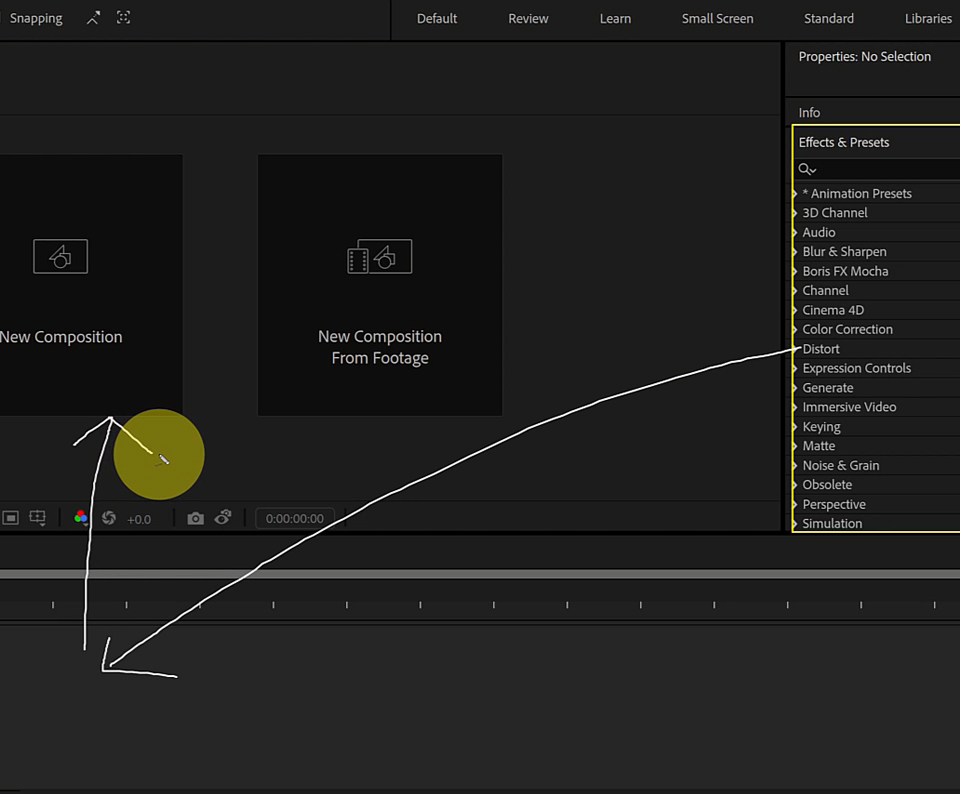
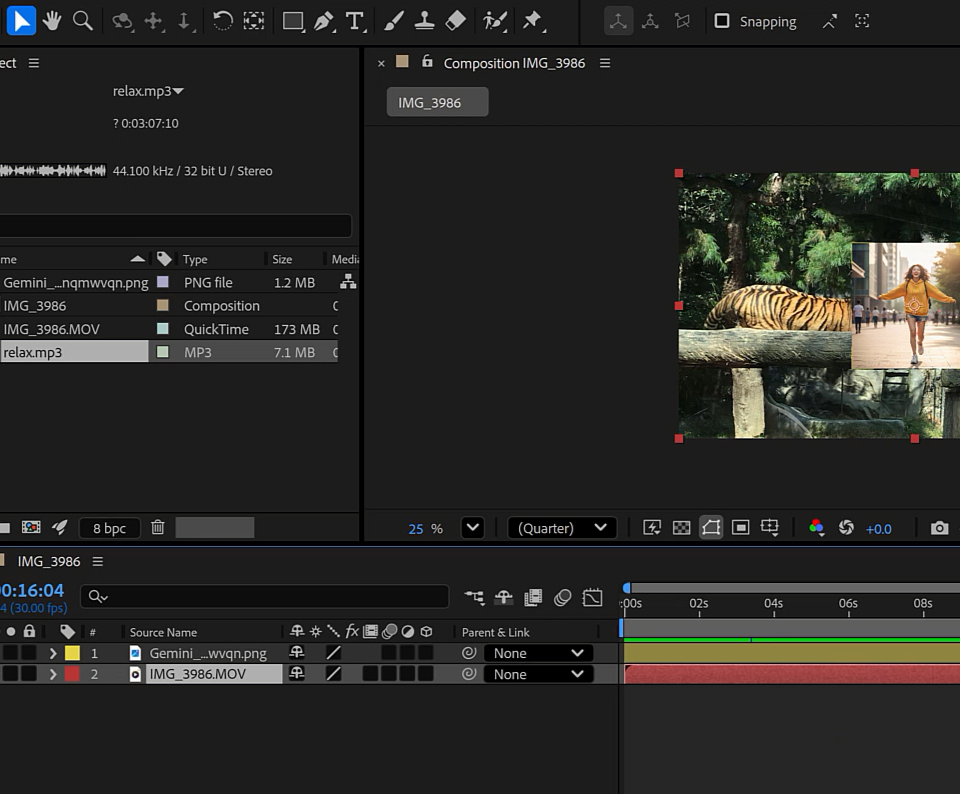
Learn how to install After Effects 2025 and become familiar with the program's basic environment and workspace. Additionally, understand the differences between After Effects and other video editing software, and identify the key features and panels (Project, Timeline, Composition) of After Effects.

Section 2 - Core Functions and Exporting Video

Learn how to apply masks using shapes, work with Bezier curves using the Pen Tool, and understand the concepts and applications of blending modes and various effects. Complete the process by learning how to export the final result as a video file.

Video editing is done in Premiere Pro, and special effects are done in After Effects

Point 1. After Effects isn't difficult!

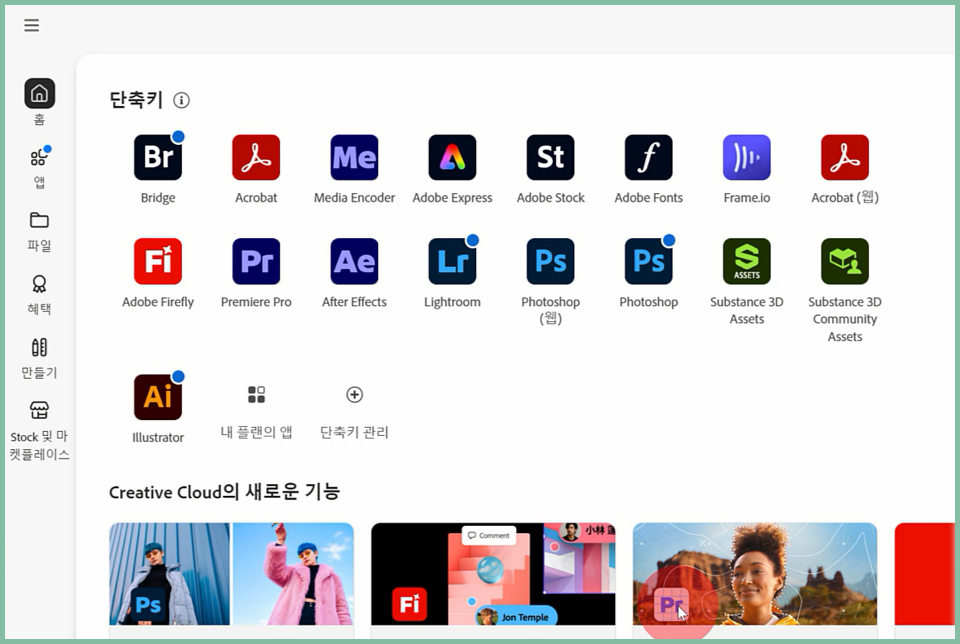
We provide detailed instructions from the installation of After Effects 2025 to the basic workspace setup so that even beginners can easily follow along.


Point 2. Mastering Scene-Overwhelming Special Effects

You can learn various special effects seen in movies and dramas, such as dynamic text animations, and master how to apply them to your videos.

Point 3. Creating Captivating Video Titles and Subtitles

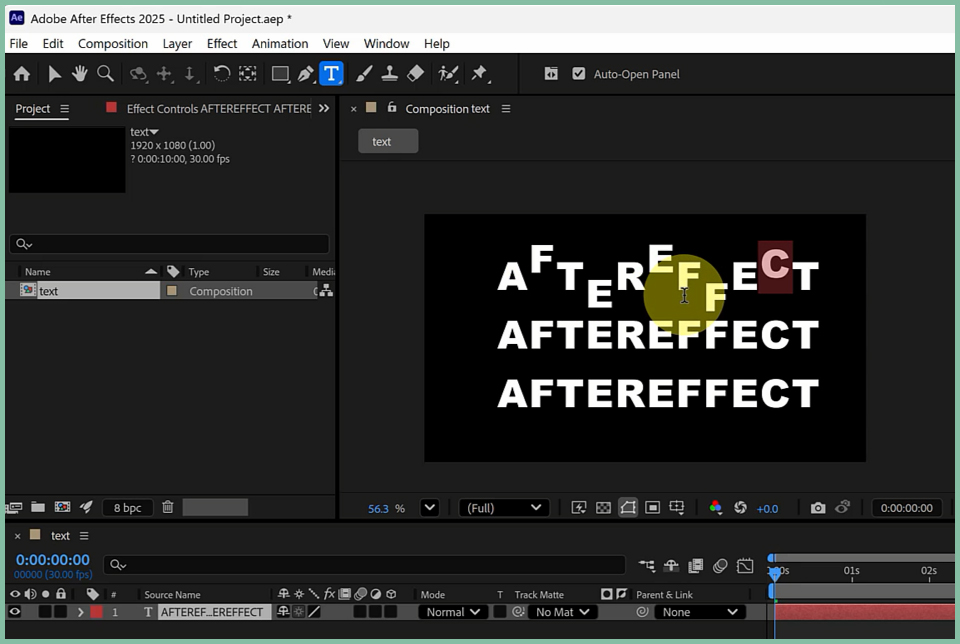
Learn the techniques for creating titles and subtitles, which are key elements in enhancing the quality of video content.
Use text animations and effects to create results that capture the viewer's attention.


Point 4. Animation of Layer Transform Elements

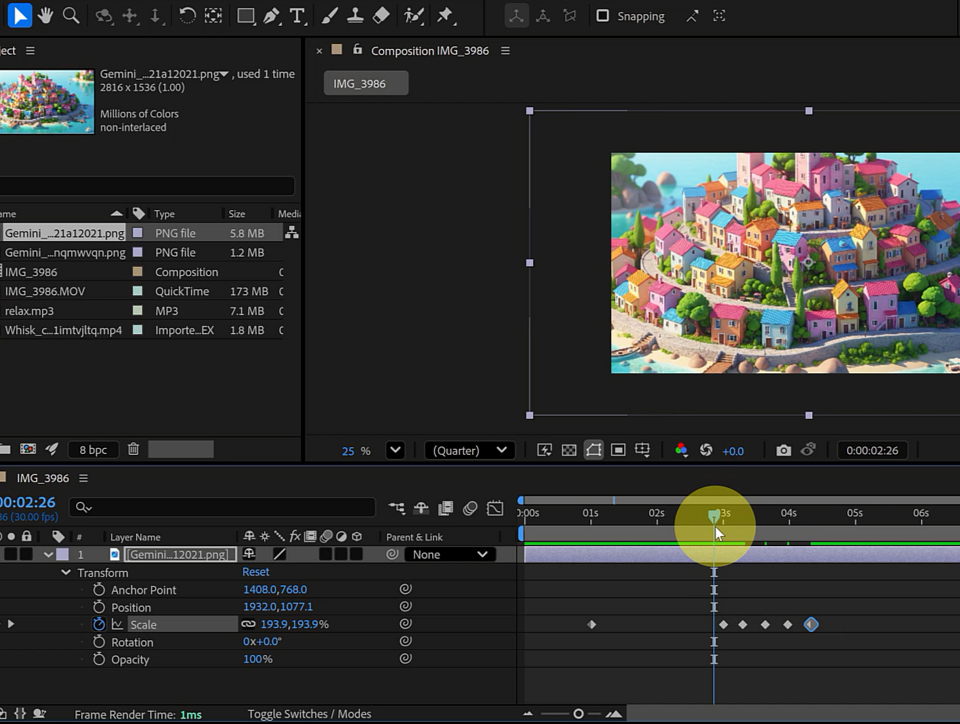
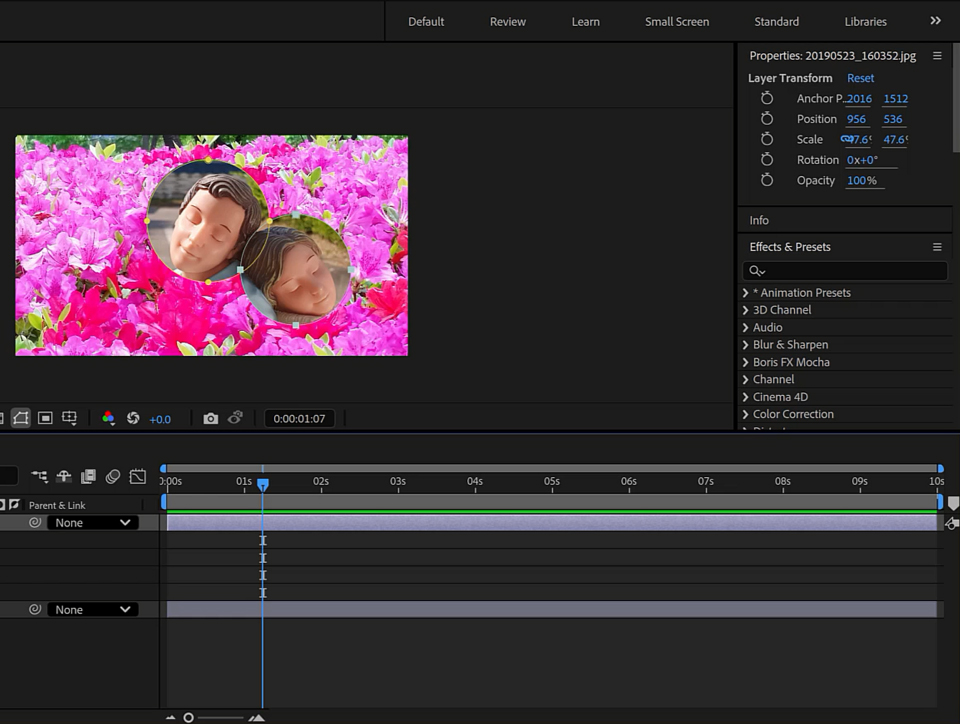
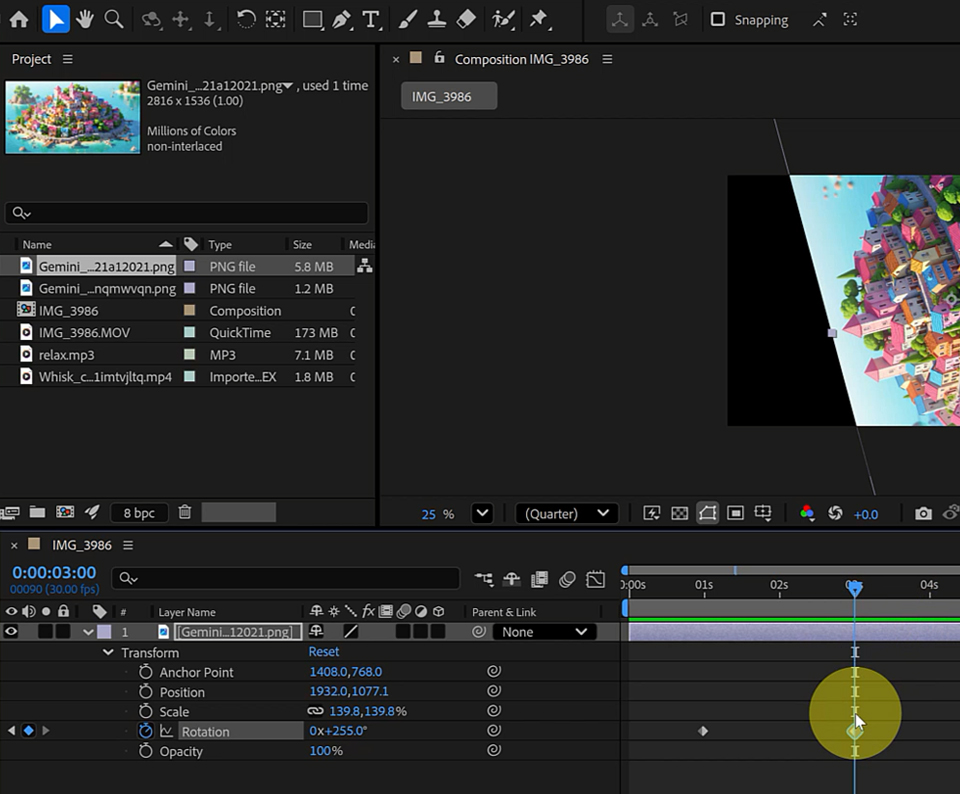
Open the Transform menu in the layer, understand the coordinate values in the Composition window, and create an animation example where Position, Scale, Rotation, and Opacity are all applied simultaneously.

Does video editing feel difficult to you?
This course was created specifically for people like you.


✔️ Those who are looking to get started with video editing for the first time

  • Those who want to learn everything from installing video editing software to basic usage techniques

  • Those who want to create their own attractive video titles and subtitles

  • Those who want to understand the basic principles of special effects that will enhance video quality

✔️ Those who want to learn visual effects and compositing for video

  • Those who want to understand the production principles of various special effects, such as explosions, smoke, and text animations

  • Those who want to master the use of compositions and timelines, which are the core features of After Effects

  • Those who want to go beyond simple editing and create dynamic graphics

✔️ Those who want to create advertising and marketing content

  • Those who want to personally create advertising video effects that capture the viewers' attention

  • Those who want to create dynamic brand content, such as 2D/3D logo animations.

  • Those who want to learn the overall process of video production and apply it directly to practical work


Static lists of text and images are no longer enough.
Become a content creator who captures the audience's attention by creating your own special video effects.

Notes before taking the course


Practice Environment

  • To use the After Effects 2025 program smoothly, a macOS or Windows operating system is
    required.

  • A certain level of CPU, GPU, and RAM specifications is required for video editing and special effects work.

  • An Adobe Creative Cloud subscription is required, and the English version is recommended for installation.

Prerequisites and Important Notes

  • It is helpful to have an understanding of After Effects installation and the basic interface.

  • Prior experience using video editing software will be even more helpful for your learning.

  • It is recommended to use the English version to avoid confusion with terminology when translated into Korean.

Learning Materials

  • You can follow along directly using the practice example files provided in the lecture.

  • You can enhance your understanding by referring to the tutorials and help materials on the official Adobe website.

  • It is recommended to refer to relevant design materials to create various special effects.


Recommended for
these people

Who is this course right for?

  • Those who are looking to get started in video editing

  • Those who want to learn visual effects and compositing methods for video.

  • Those who want to create video titles and subtitles

  • Those who wish to create advertising and marketing content

  • Those who want to create dynamic graphics such as 2D/3D logo animations.

Need to know before starting?

  • Premiere's basic video editing program

  • Image editing programs like Photoshop

Hello
This is comt

1,660

Learners

143

Reviews

4

Answers

4.7

Rating

34

Courses

Back when Apple's MAC computers made it possible to design even better.

It's already been well over 25 years since I first started teaching Adobe Photoshop and Illustrator at the academy~~^^

I remember the days when, instead of calling the instructors Teacher Eom, Teacher Ha, and Teacher Gu, we used to call them Eom-T and Gu-T.

Together with those teachers, we started using ComTee as an abbreviation for Computer Teacher!

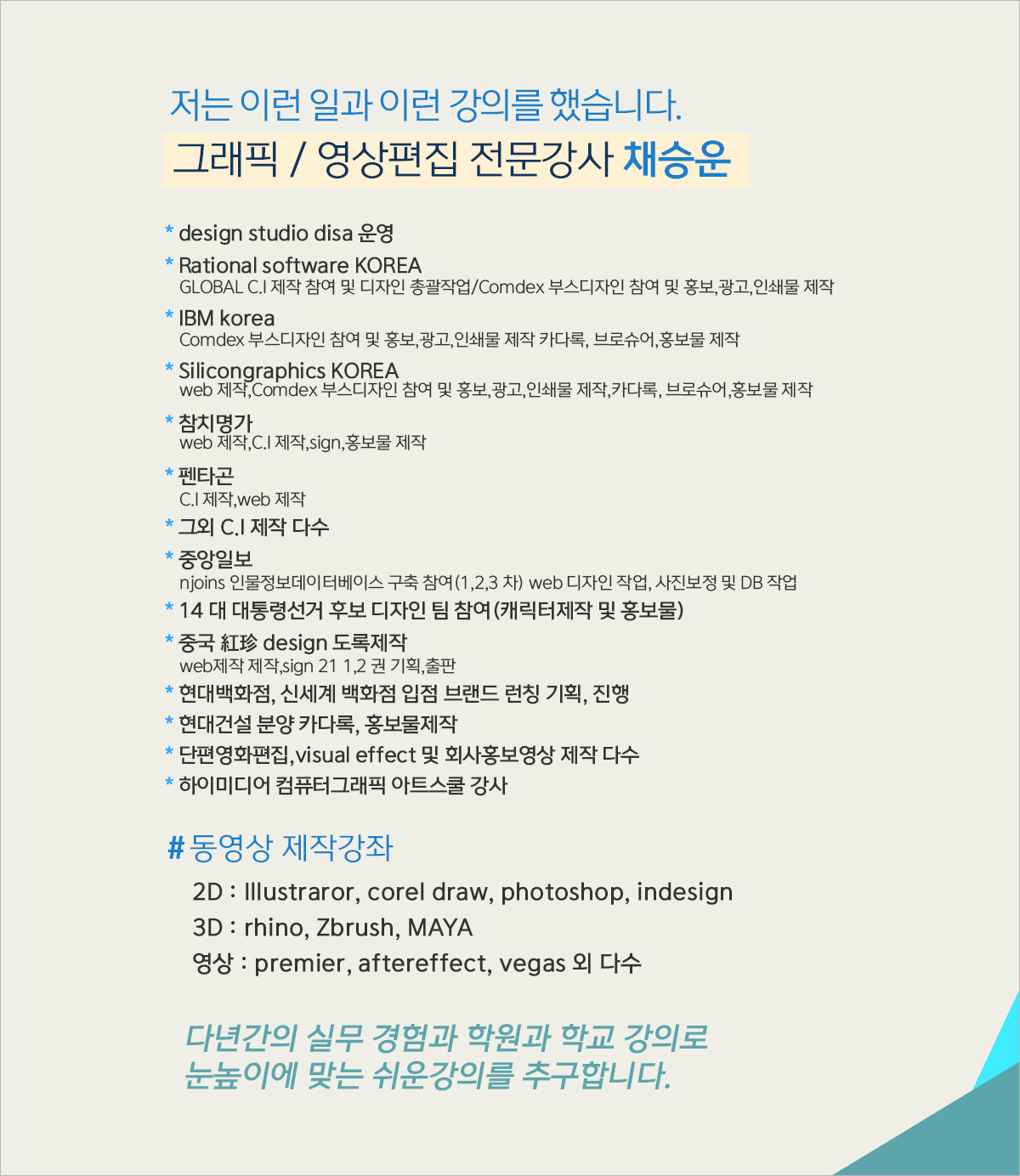
I will continue to be a "Computer Teacher" who works hard to share knowledge for all those who are learning.

Thank you!!

Thank you!!

Together with everyone, we've come to use "Com-T" as a shorthand for Computer Teacher! We will continue to be a Computer Teacher that works hard to share knowledge for all learners. Thank you!!

Together with everyone, we've come to use "Com-T" as a shorthand for Computer Teacher! We will continue to be a Computer Teacher that works hard to share knowledge for all learners. Thank you!!

More

Reviews

Not enough reviews.
Please write a valuable review that helps everyone!

comt's other courses

Check out other courses by the instructor!

Similar courses

Explore other courses in the same field!

Limited time deal

$60,060.00

30%

$66.00