AutoCAD 2025 Easy to Learn for Beginners
comt
This is an introductory course for those who want to learn AutoCAD but are short on time and worried about its difficulty. Subtitles are also provided, so please enjoy the course!
Beginner
CAD, AutoCAD
Learn Illustrator, an attractive graphic design program, and start creating your own amazing designs~
How to Use Illustrator
How to Install Illustrator
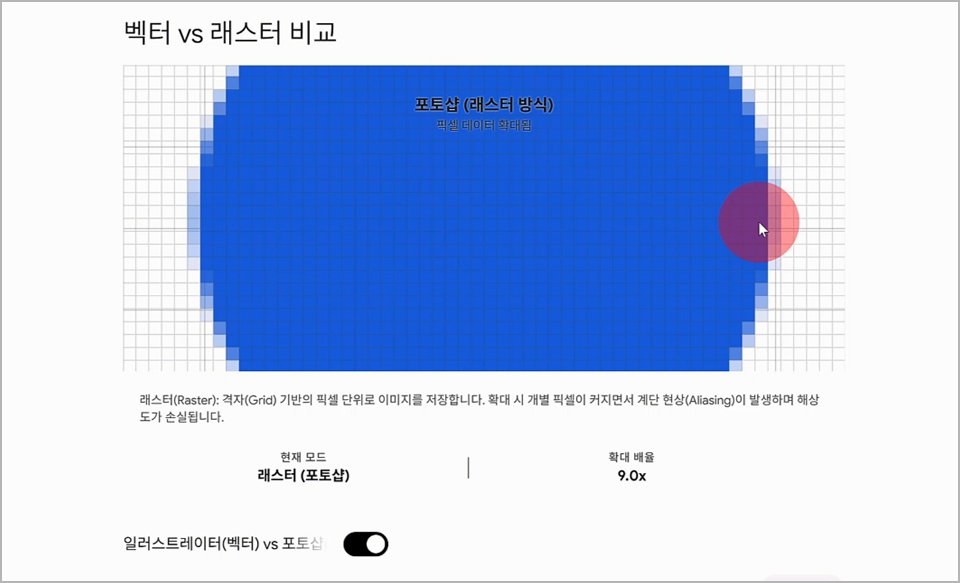
Differences between vector-based and bitmap programs
The Concept of Layers in Illustrator
Advanced Techniques for Creating and Transforming Brushes
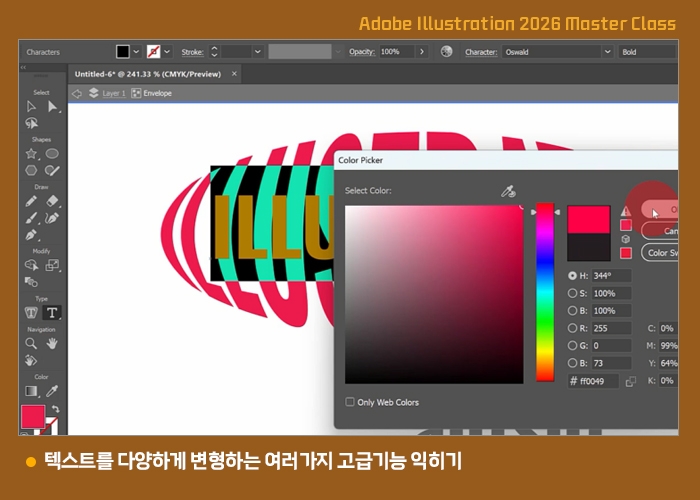
Advanced features for transforming text in various ways
Illustrator 2026 Essential Class
No matter how advanced AI becomes, the human touch will always be necessary.
To make the changes you want, you definitely need a program for editing images.
Select a subscription plan on the Adobe website.
You need to understand the difference between RGB and CMYK.
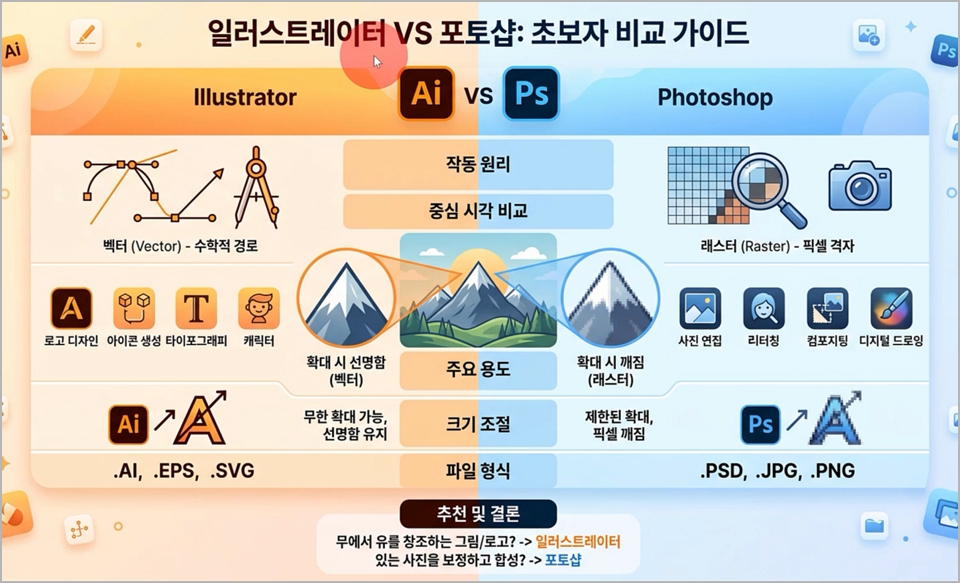
Learn about the differences between Illustrator and Photoshop.
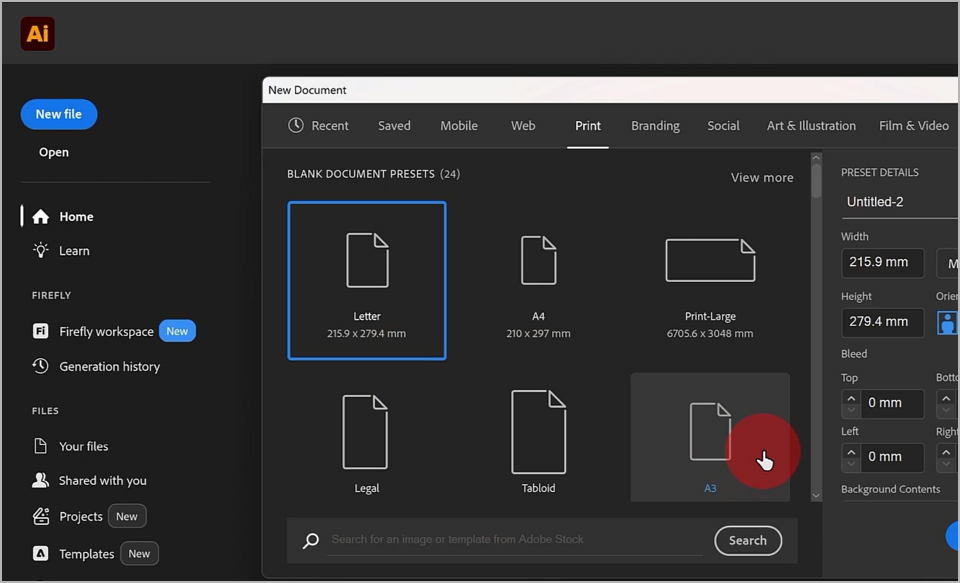
Learn how to create a new canvas using New File.
Save the Illustrator file as an AI file, and save it as a PDF or JPG.
Basic Shortcuts: Hand Tool and Zoom Tool Shortcuts
The Principles of Drawing Shapes in Illustrator
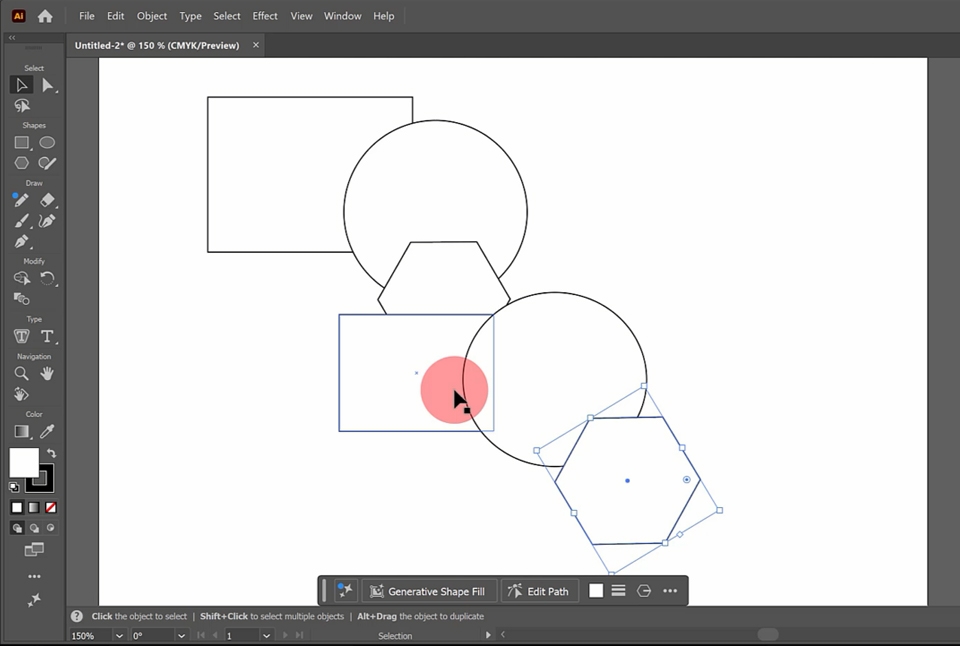
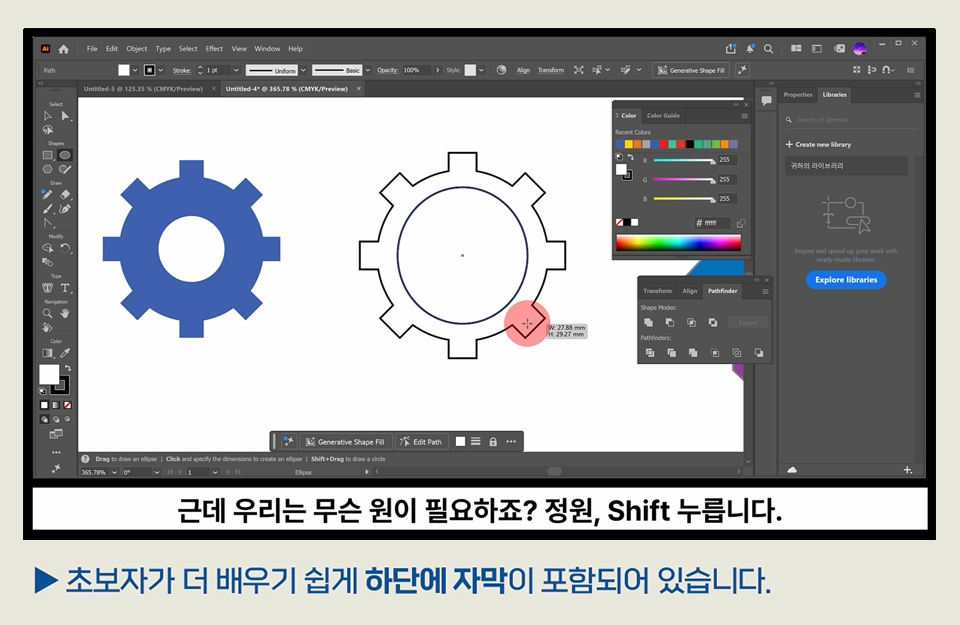
Draw rectangles, circles, and hexagons
Drawing a square and an ellipse
Resizing shapes with the bounding box
Selecting and Deselecting Objects
How to select multiple objects simultaneously
Those who need to do graphic-related work
For those who want to create illustrated characters
Those who want to create a logo mark
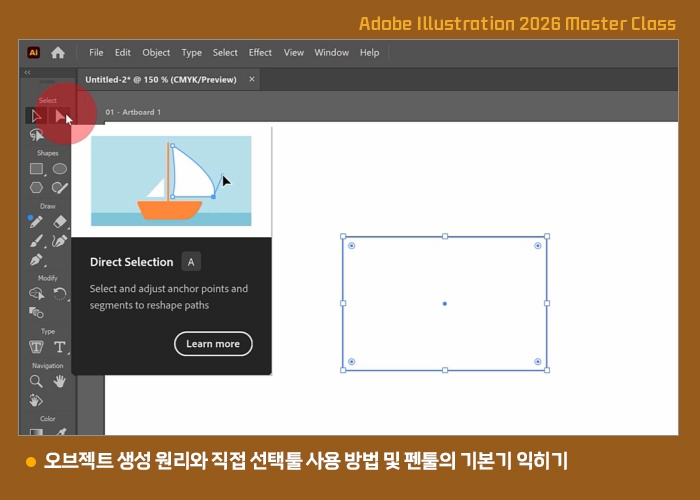
Object creation principles and how to use the Direct Selection and Pen Tools
How to Use the Direct Selection Tool and Transform Shapes
Principles of object composition
Anchor Point
How to draw objects with the Pen Tool
Rotating objects
Adding and Deleting Points
Deleting points with Delete and reconnecting them with the Pen Tool
Using the Basic Guide
Move in a straight line using the Shift shortcut
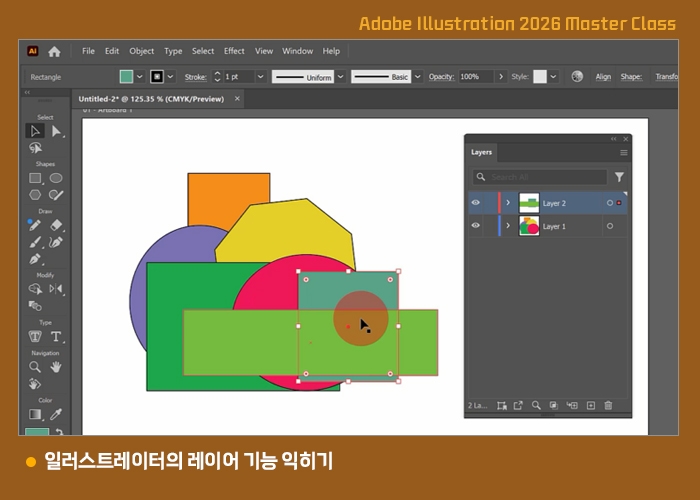
Learn Illustrator’s Layer feature
Open the Layers panel
Understand the stacking order of objects on the artboard
Adjusting the front-to-back position of objects in Arrange
Creating a new layer and learning the concept of layers
Moving and copying between layers
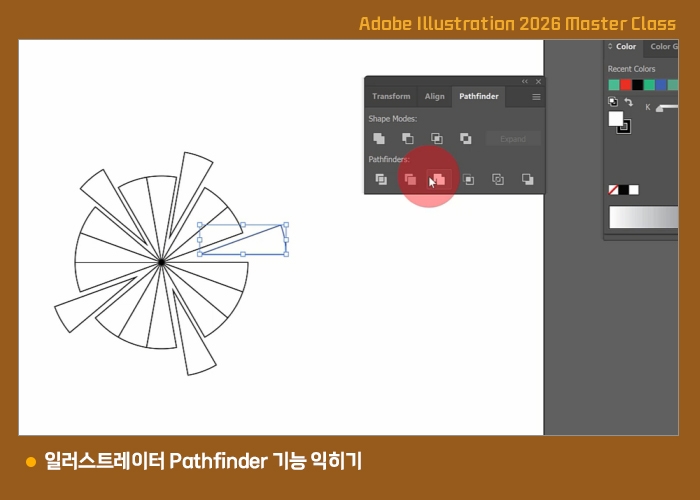
Learn Illustrator’s Pathfinder functions
Open the Pathfinder panel
Understanding the Union, Difference, Intersection, and Exclusion functions between objects
Understanding the Divide function
Understanding the Trim function
Pizza-shaped example
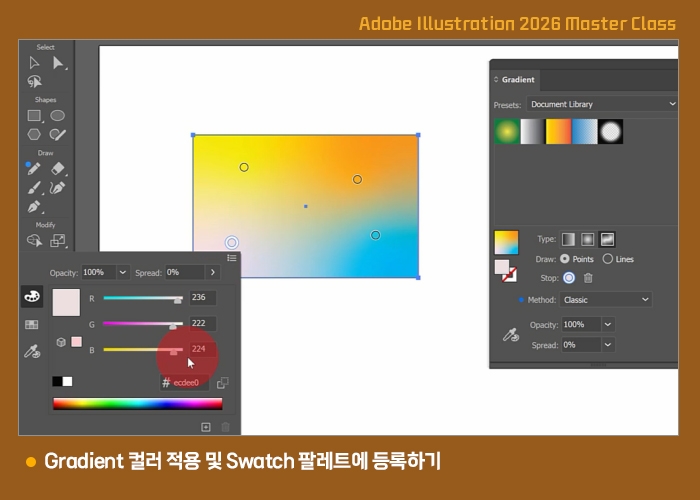
Applying Gradient Colors and Registering Them in the Swatch Palette
Open the Gradient panel
Applying basic gradient colors
Selecting and Adding Gradient Colors
Various Gradient Color Settings
Registering with the Swatch palette
Register objects and colors in the palette and
reuse them
Applying Gradients to Object Fills and Strokes
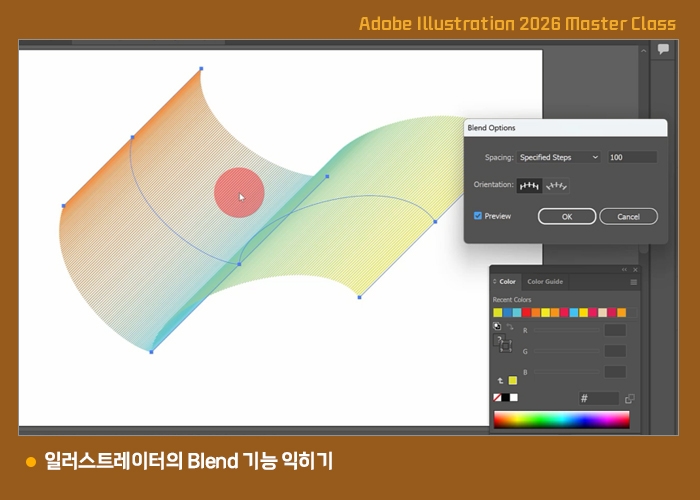
Learn Illustrator’s Blend feature
Understanding the concept of Blend
Setting Blend Options
Applying Color Blends
Transforming Blend Paths
Applying Blend to Lines
Various features of the Path menu to help you work more conveniently
Join
Average
윤곽선 스트로크
Offset Path
Simplify
Smooth
Add Anchor Point
You can subscribe to and use Illustrator on the Adobe website (https://www.adobe.com/kr/).
You can download the course materials from “Lesson 1: Basic Concepts, Workspace, and Installation Methods of Illustrator.”
Who is this course right for?
Those who need to learn graphic design programs
Those involved in printing, such as banner production.
Those who want to create illustrated characters
Those who want to create a logo mark, BI, or CI.
Need to know before starting?
There isn't any~
Career Verified
1,884
Learners
162
Reviews
4
Answers
4.8
Rating
36
Courses
Back when Apple's MAC computers made it possible to design even better.
It's already been well over 25 years since I first started teaching Adobe Photoshop and Illustrator at the academy~~^^
I remember the days when, instead of calling the instructors Teacher Eom, Teacher Ha, and Teacher Gu, we used to call them Eom-T and Gu-T.
Together with those teachers, we started using ComTee as an abbreviation for Computer Teacher!
I will continue to be a "Computer Teacher" who works hard to share knowledge for all those who are learning.
Thank you!!
Thank you!!
Together with everyone, we've come to use "Com-T" as a shorthand for Computer Teacher! We will continue to be a Computer Teacher that works hard to share knowledge for all learners. Thank you!!

All
15 lectures ∙ (2hr 58min)
Course Materials:
Check out other courses by the instructor!
Explore other courses in the same field!
Limited time deal
$29.70
28%
$41.80