
Premiere 2025, the epitome of video editing
comt
$48.40
25%
$36.30Basic / Premiere Pro
5.0
(9)
Learn & Master Premiere 2025 Basics Easily [Subtitles Provided]

Basic
Premiere Pro

This SketchUp 2026 course is for beginners starting with 3D programs, as well as those who want to learn more features. The course includes subtitles, making it easy to learn.
1 learners are taking this course
Level Beginner
Course period 4 months
You can learn how to use SketchUp.
You can learn 3D modeling.
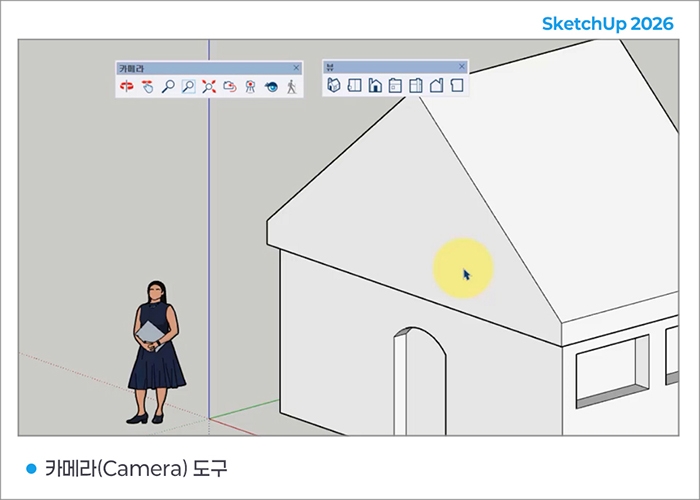
You can learn how to specify the View and Camera tools.
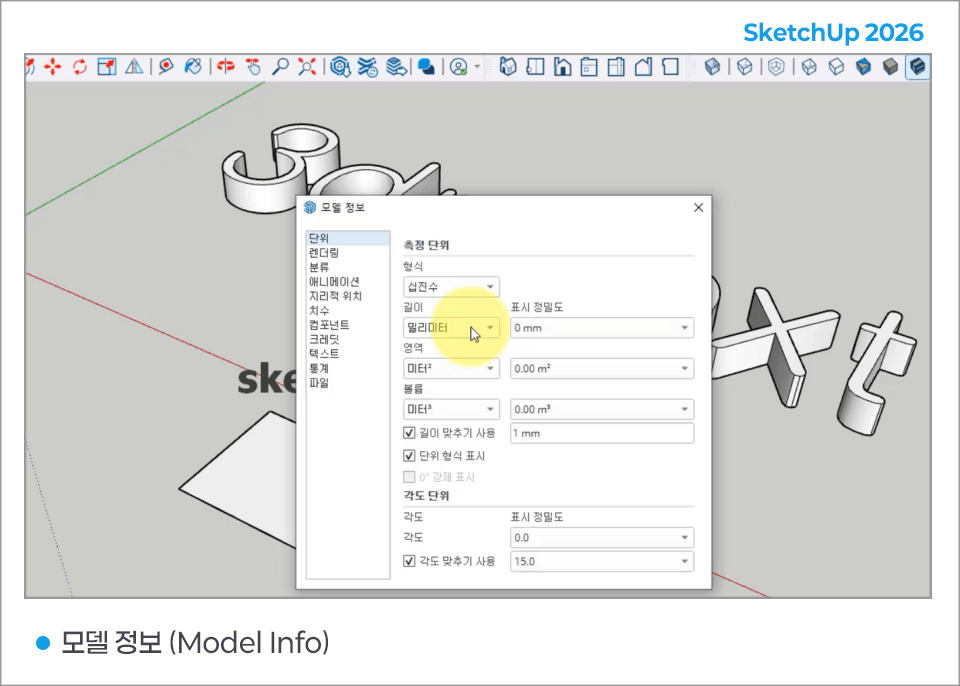
You can identify object information and model information.

SketchUp mark
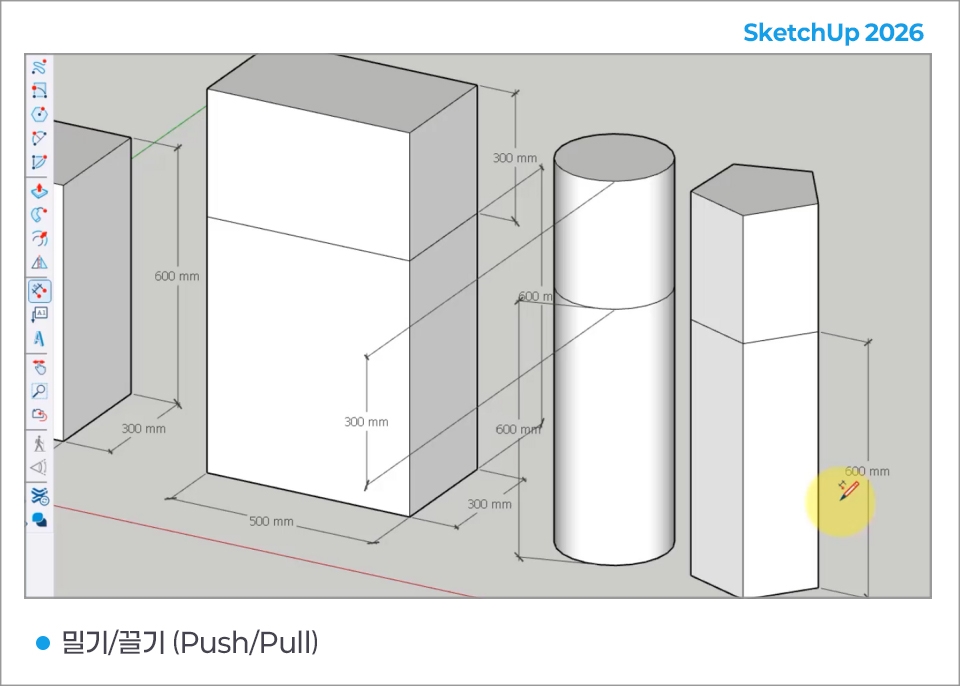
SketchUp's unique Push/Pull feature provides the easiest way to draw in 3D,
and is software that allows anyone to easily and quickly create 3D models in any shape they want.
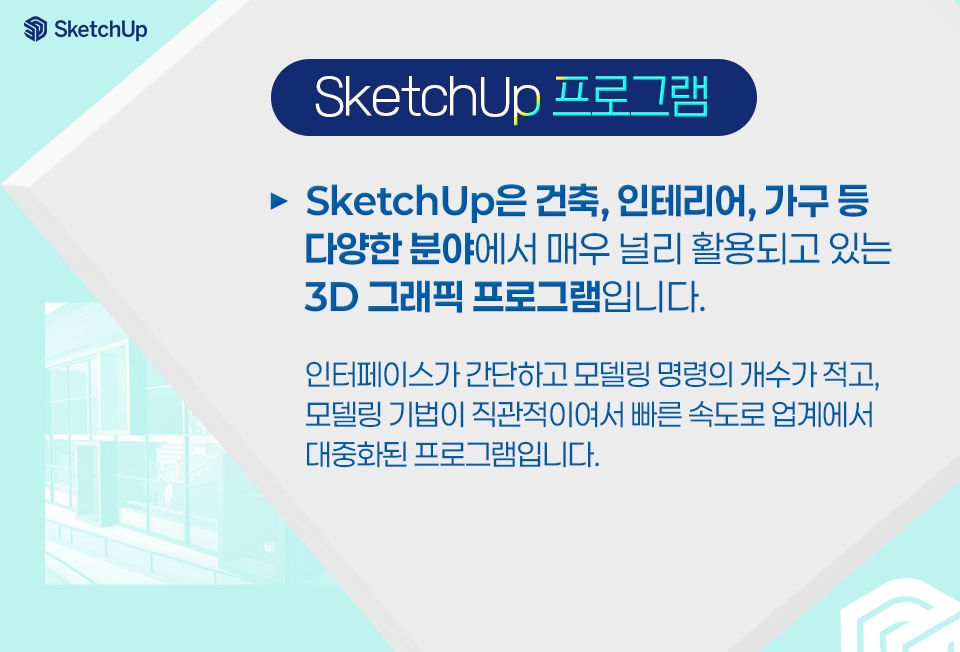
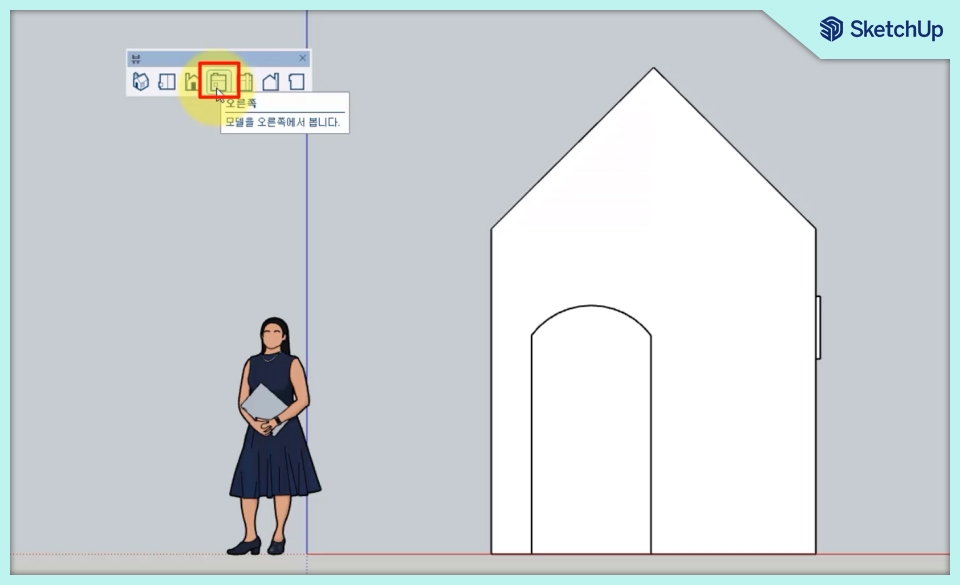
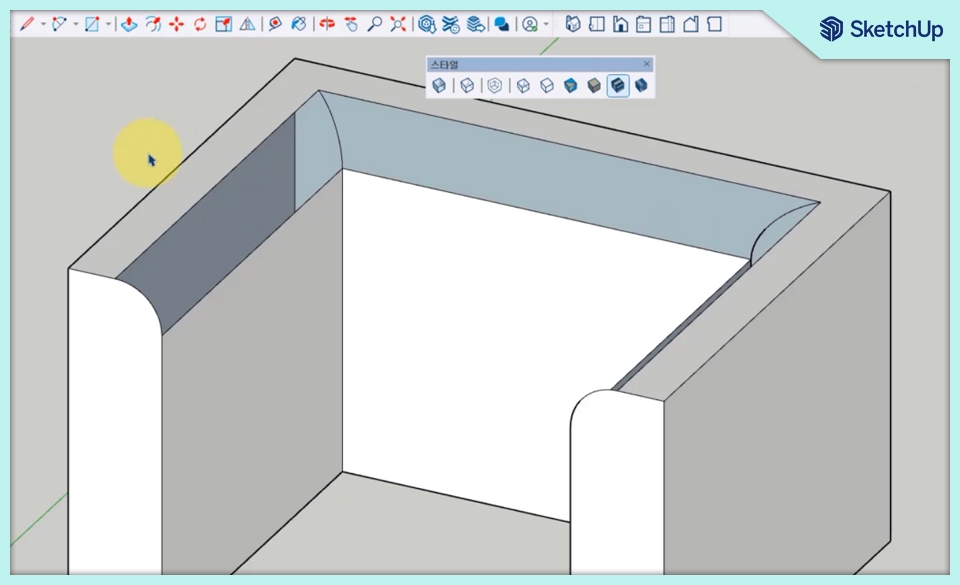
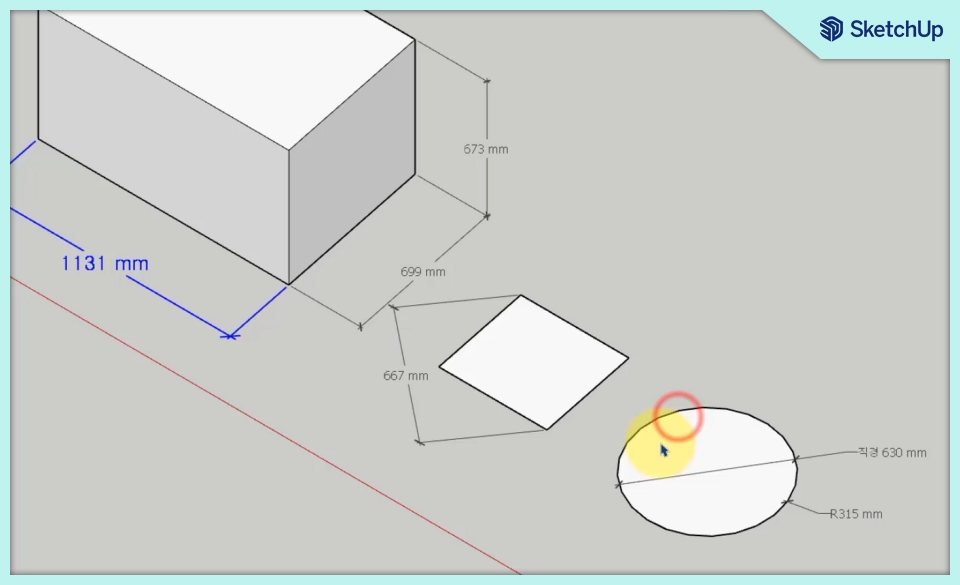
You can work quickly and create impressive results.
SketchUp is easy to learn
and easy to use
It is a 3D modeling tool.
You can draw and think in 3D.
You can express the user's thoughts in 3D
expression
with the best solution.
You can create intricate models.
Accurately down to one-thousandth
design is possible, so
you can plan precisely.
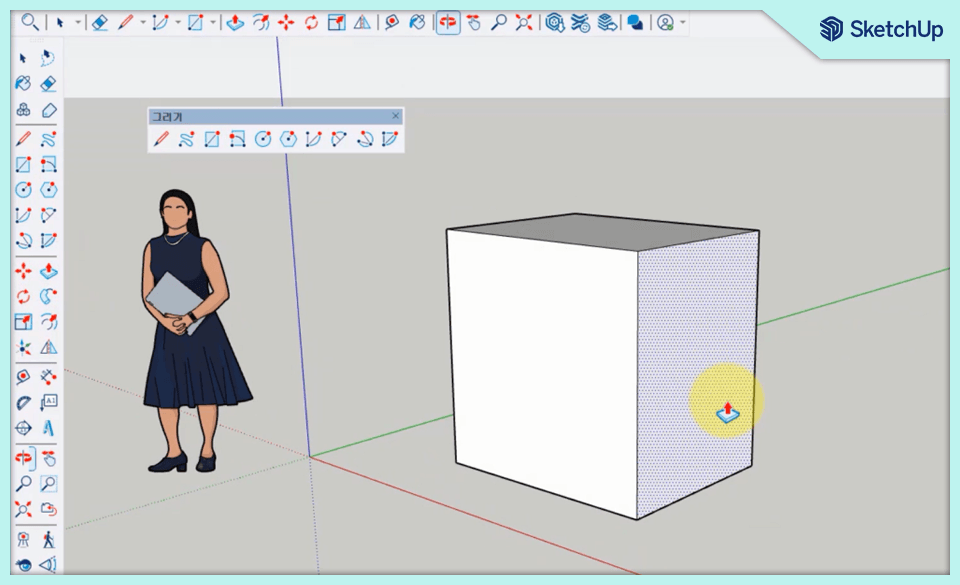
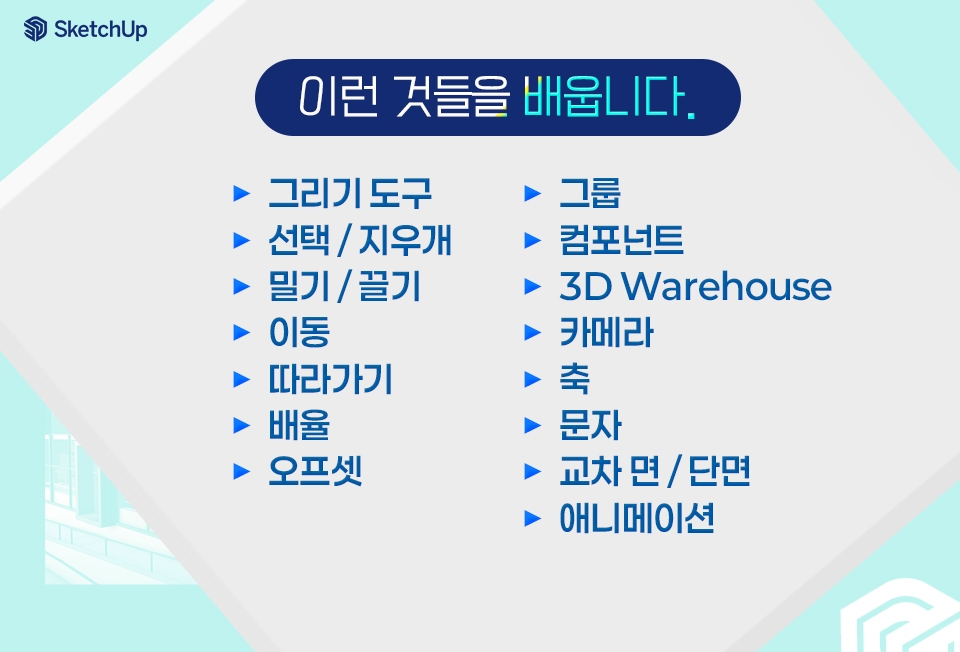
▶ Drawing Tools
▶ Select / Eraser
▶ Push / Pull
▶ Move
▶ Follow Me
▶ Scale
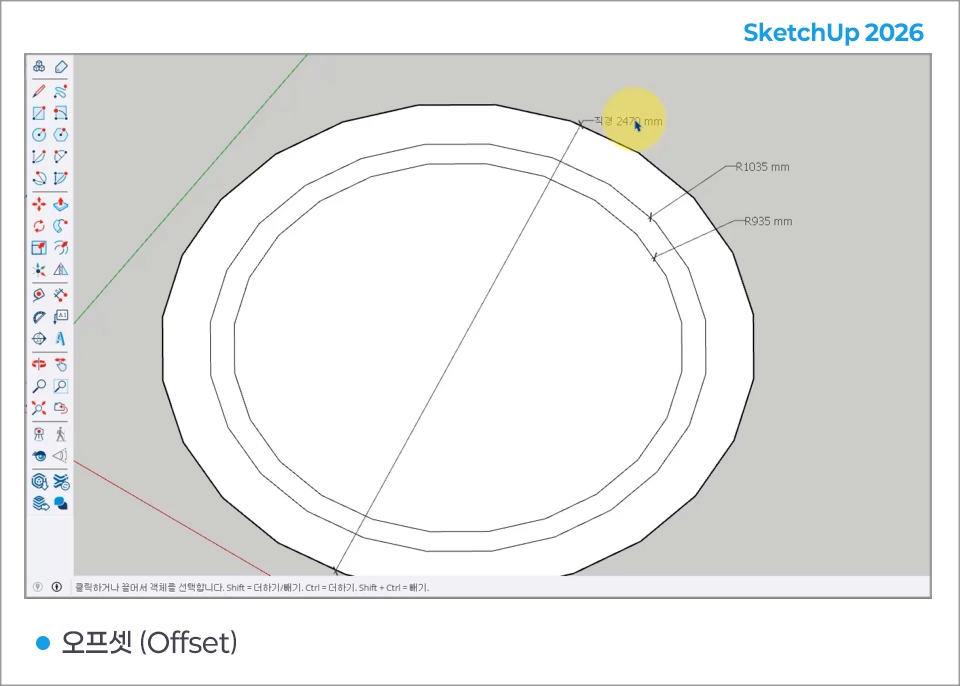
▶ Offset
▶ Groups
▶ Components
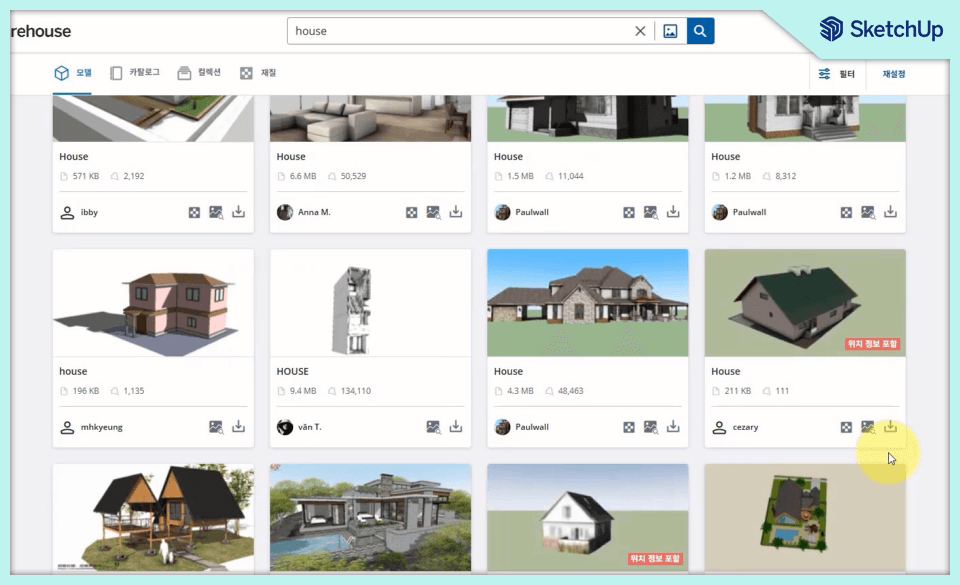
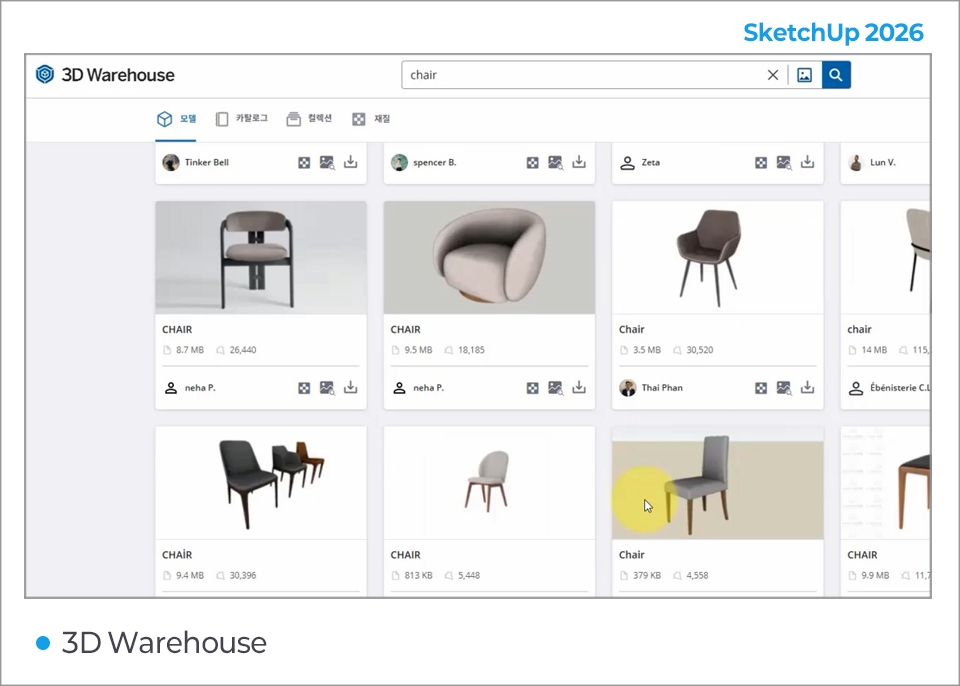
▶ 3D Warehouse
▶ Camera
▶ Axes
▶ Text
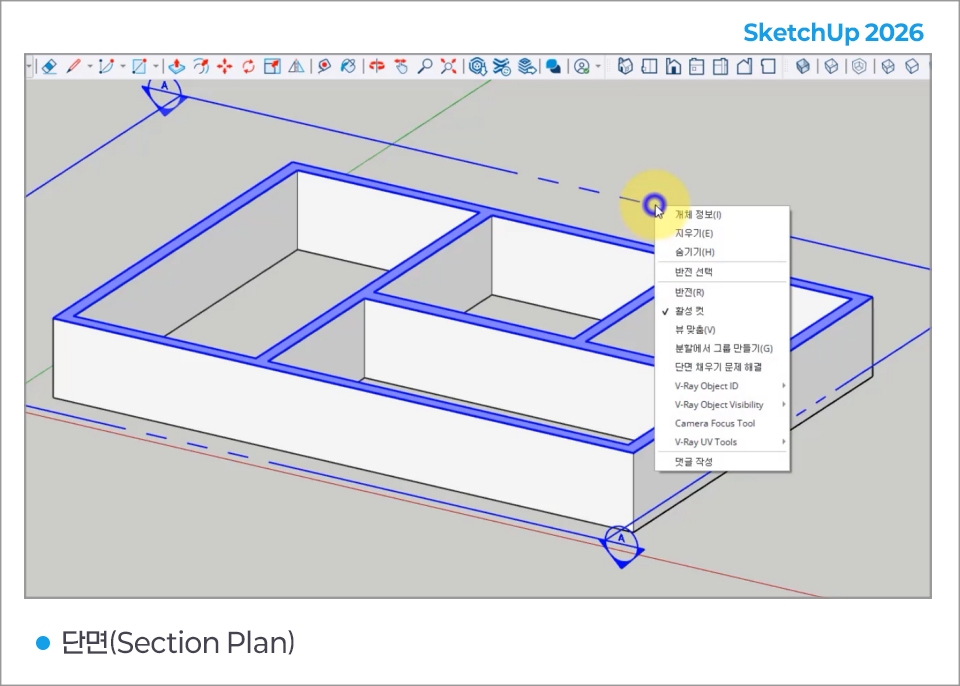
▶ Intersecting Faces / Sections
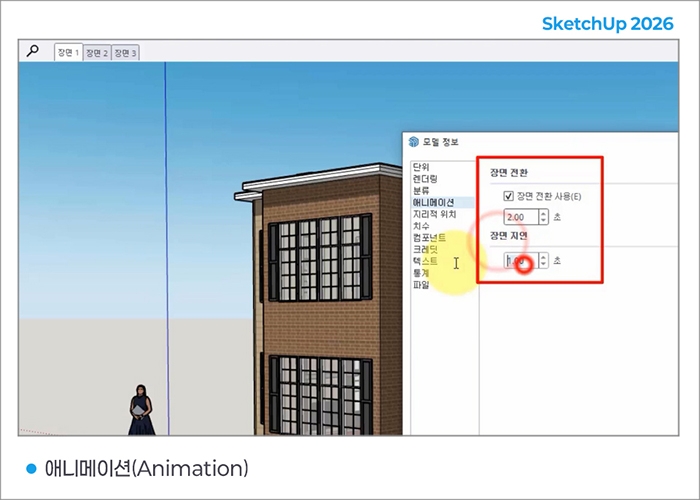
▶ Animation
- Select a face, drag to specify the direction, then enter the extrusion value in the VCB
- Rotate or mirror objects
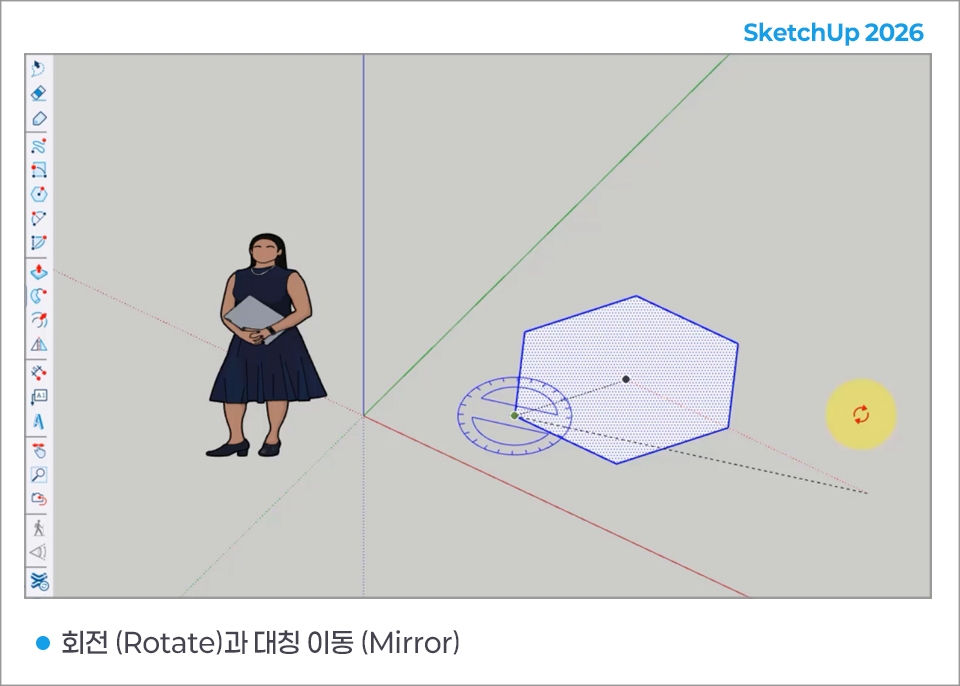
- Create dimensions such as the length, diameter, and radius of objects
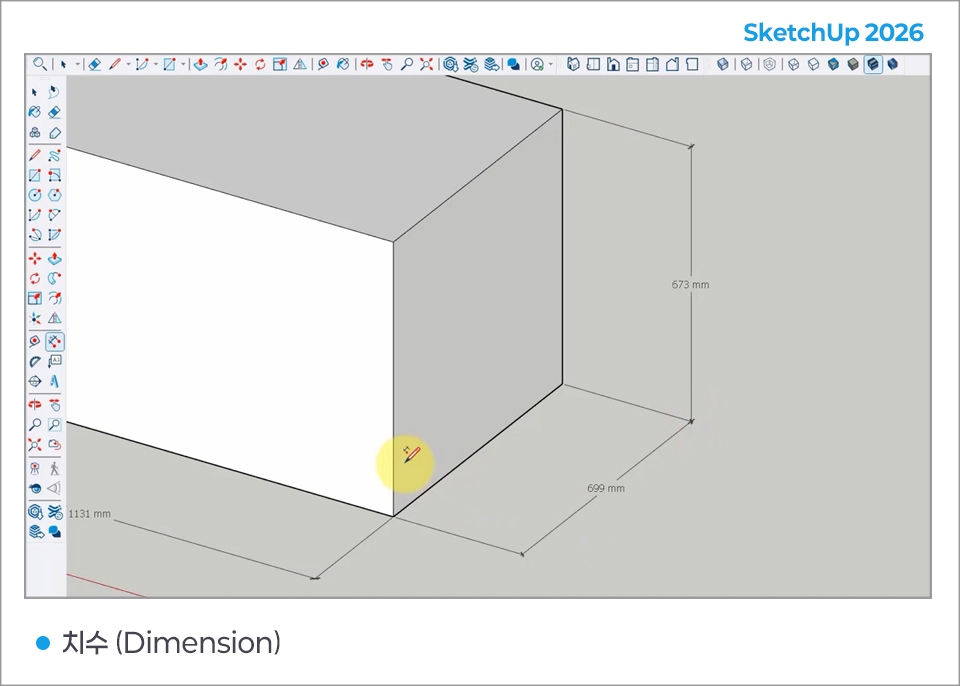
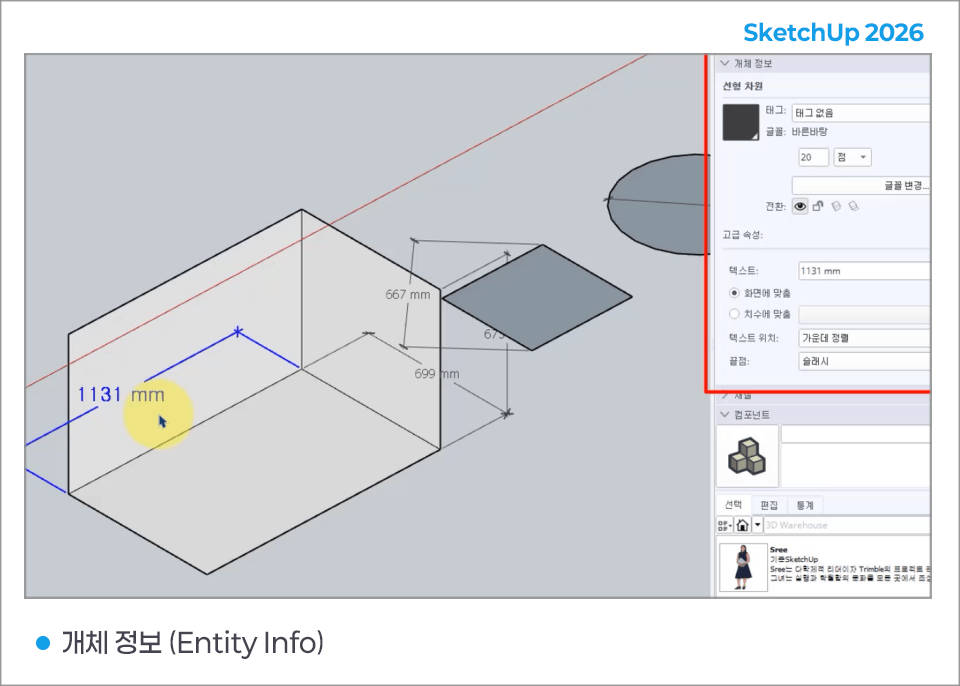
- Display the properties of the selected object
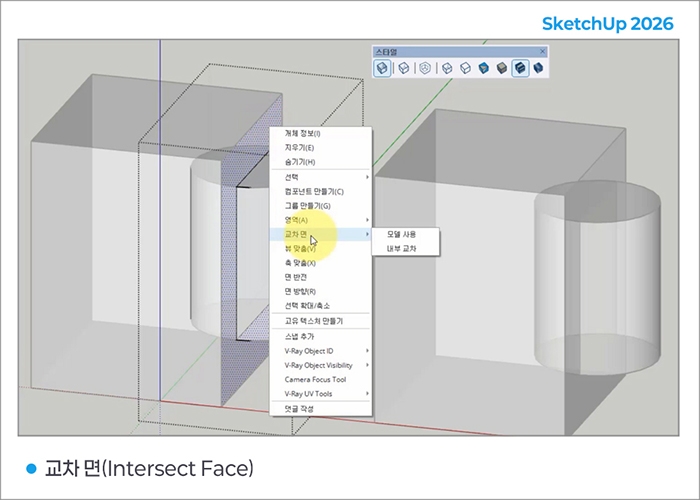
- Creates lines and faces where two elements intersect
- View a cross-section of the model or create section lines
- Copy an object at a specified interval
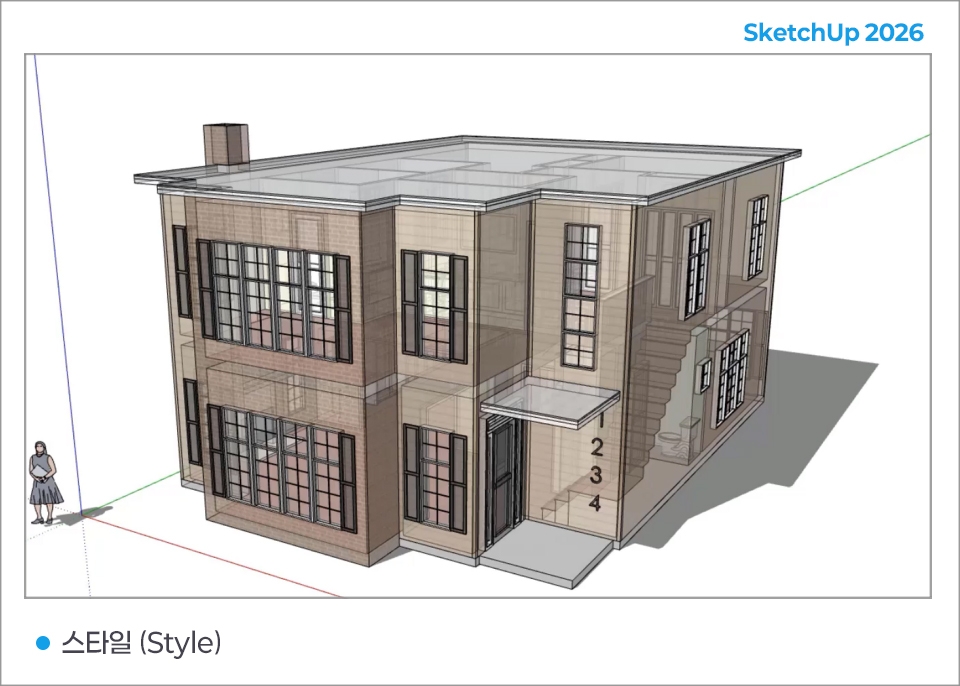
- Expresses a pencil-drawn or marker-drawn look
You must be connected to the internet to install and authenticate your subscription.
Some features within SketchUp also require an internet connection.
Windows 11
2GHz or faster processor.
A graphics card separate from the CPU (also known as a discrete graphics card). The latest generation of commercially available AMD or NVIDIA cards is considered discrete.
At least 8GB of RAM.
At least 6GB of available hard disk space.
A modern GPU with at least 8GB of VRAM. OpenGL 3.1 support is required for SketchUp’s classic renderer. SketchUp performance depends heavily on the graphics card driver specifications and whether it supports OpenGL 3.1 or higher.
A modern GPU with at least 32GB of VRAM is required when interacting with models that use materials including physically based rendering (PBR) texture maps, ambient occlusion, and image-based lighting (IBL).
3-button scroll wheel mouse.
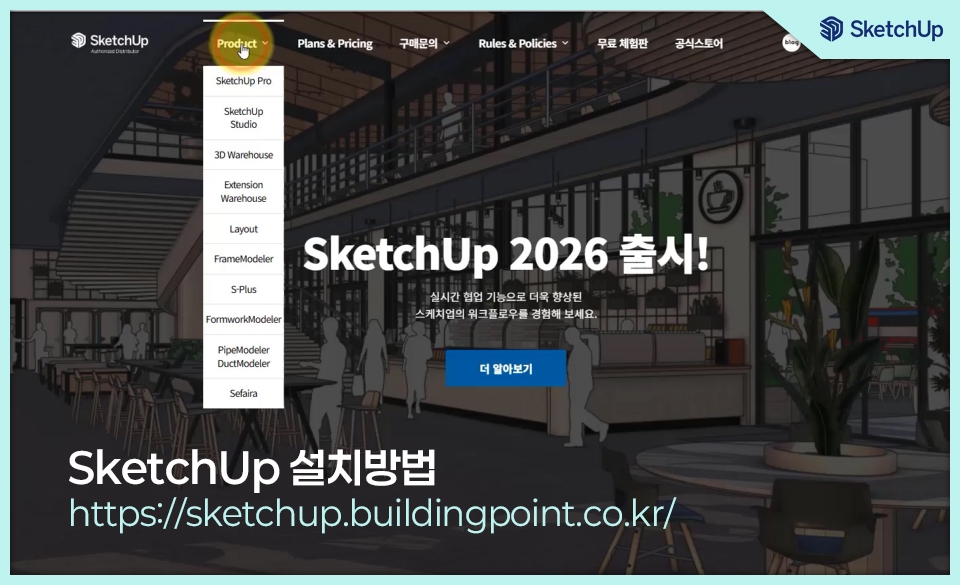
For more details, see https://sketchup.buildingpoint.co.kr/.
Photoshopusers may find it helpful when expressing materials.
Those familiar with AutoCAD can use detailed drawings.
Who is this course right for?
Those who want to learn a really easy 3D program
Those who want to design interiors with SketchUp
Those who want to design products, furniture, and more with SketchUp
Need to know before starting?
It may be helpful for those who use Photoshop when expressing textures.
Those who use AutoCAD can work with detailed drawings.

Career Verified
1,924
Learners
171
Reviews
4
Answers
4.8
Rating
37
Courses
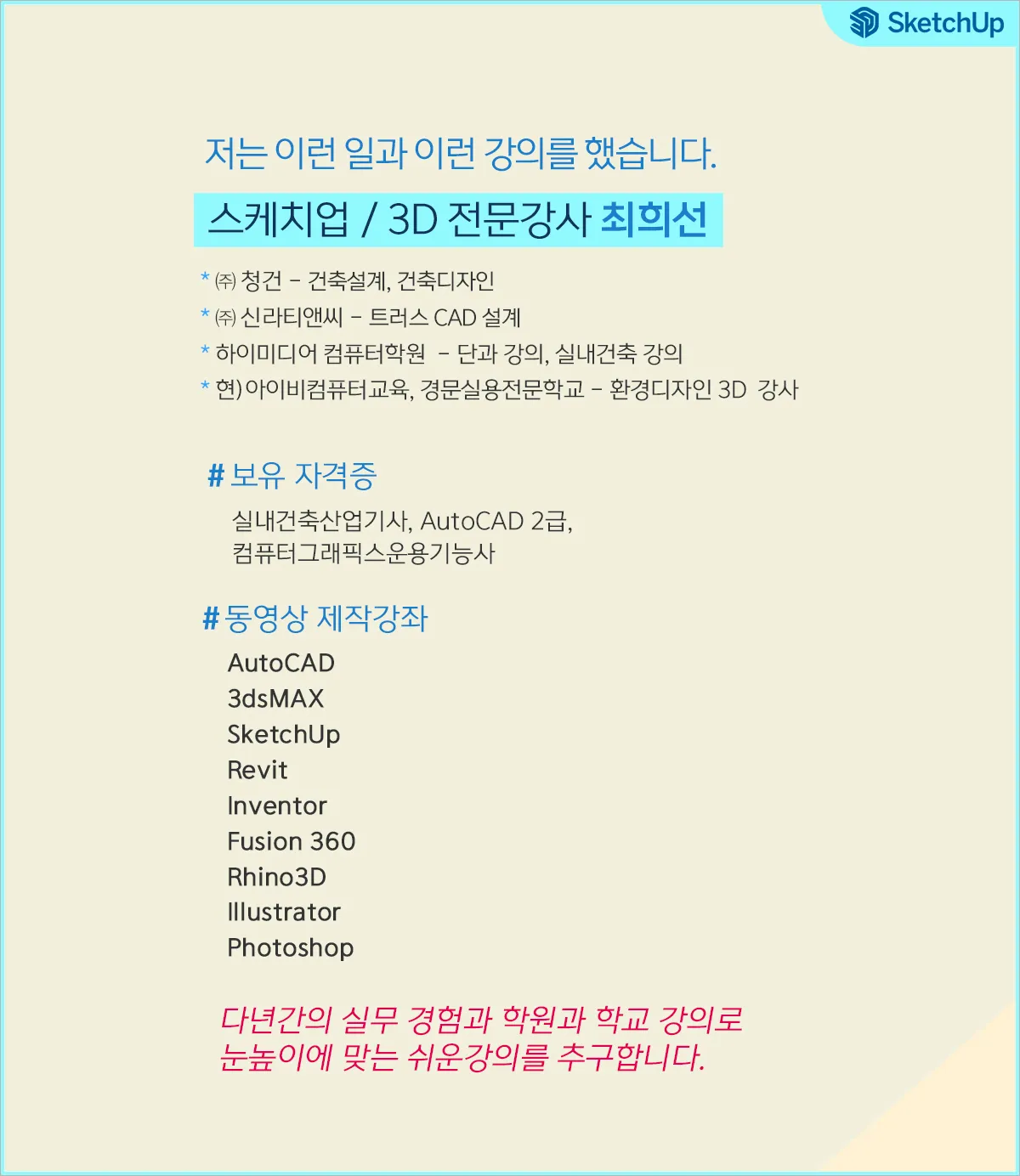
Back when Apple's MAC computers made it possible to design even better.
It's already been well over 25 years since I first started teaching Adobe Photoshop and Illustrator at the academy~~^^
I remember the days when, instead of calling the instructors Teacher Eom, Teacher Ha, and Teacher Gu, we used to call them Eom-T and Gu-T.
Together with those teachers, we started using ComTee as an abbreviation for Computer Teacher!
I will continue to be a "Computer Teacher" who works hard to share knowledge for all those who are learning.
Thank you!!
Thank you!!
Together with everyone, we've come to use "Com-T" as a shorthand for Computer Teacher! We will continue to be a Computer Teacher that works hard to share knowledge for all learners. Thank you!!
Together with everyone, we've come to use "Com-T" as a shorthand for Computer Teacher! We will continue to be a Computer Teacher that works hard to share knowledge for all learners. Thank you!!
All
20 lectures ∙ (4hr 58min)
2. Drawing Tool
14:09
4. Push/Pull
14:19
5. Move
15:23
7. Scale and Offset
14:51
8. Group
14:20
10. Camera tool
14:28
11. Axes
14:43
18. Section Plan
14:32
19. Shadow and Style
15:35
20. Animation
16:02
Check out other courses by the instructor!
Explore other courses in the same field!
Limited time deal
$4,495.00
28%
$38.50


![InDesign 2024 Basics to Practical Use Master Course [Subtitles Included]Course Thumbnail](https://cdn.inflearn.com/public/courses/333362/cover/91faa49d-01d6-4fc6-90a0-d339c5dbfe65/333362.jpg?w=420)




![[Beginner] Learn how to create 3D animated videos with no-code using CreateStudio3, even if it's your first time [Super Easy]Course Thumbnail](https://cdn.inflearn.com/public/files/courses/340594/cover/01kfwdvk88zkg41ewrb9tg73xa?w=420)