


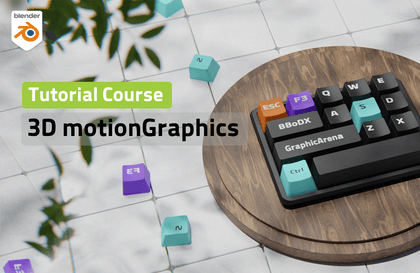
Motion graphics made with blender
BBoDX
This is a 3D motion graphics course that can be completed all with Blender.

Basic
Blender, Motion Graphic
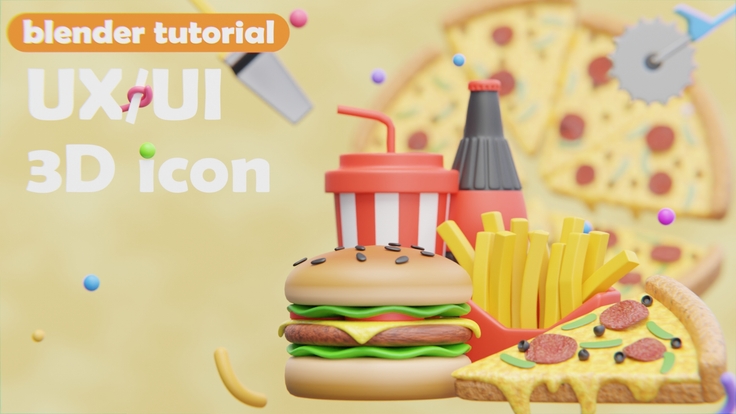
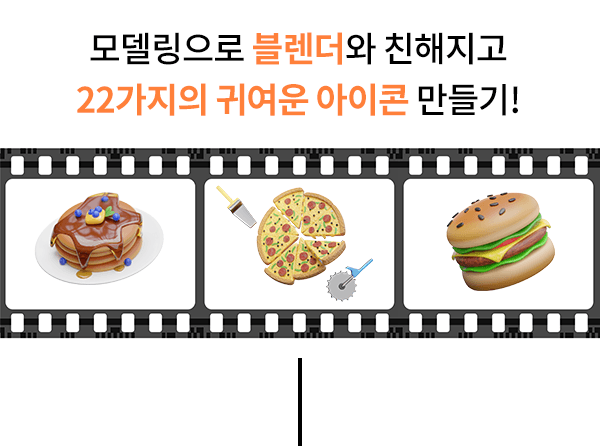
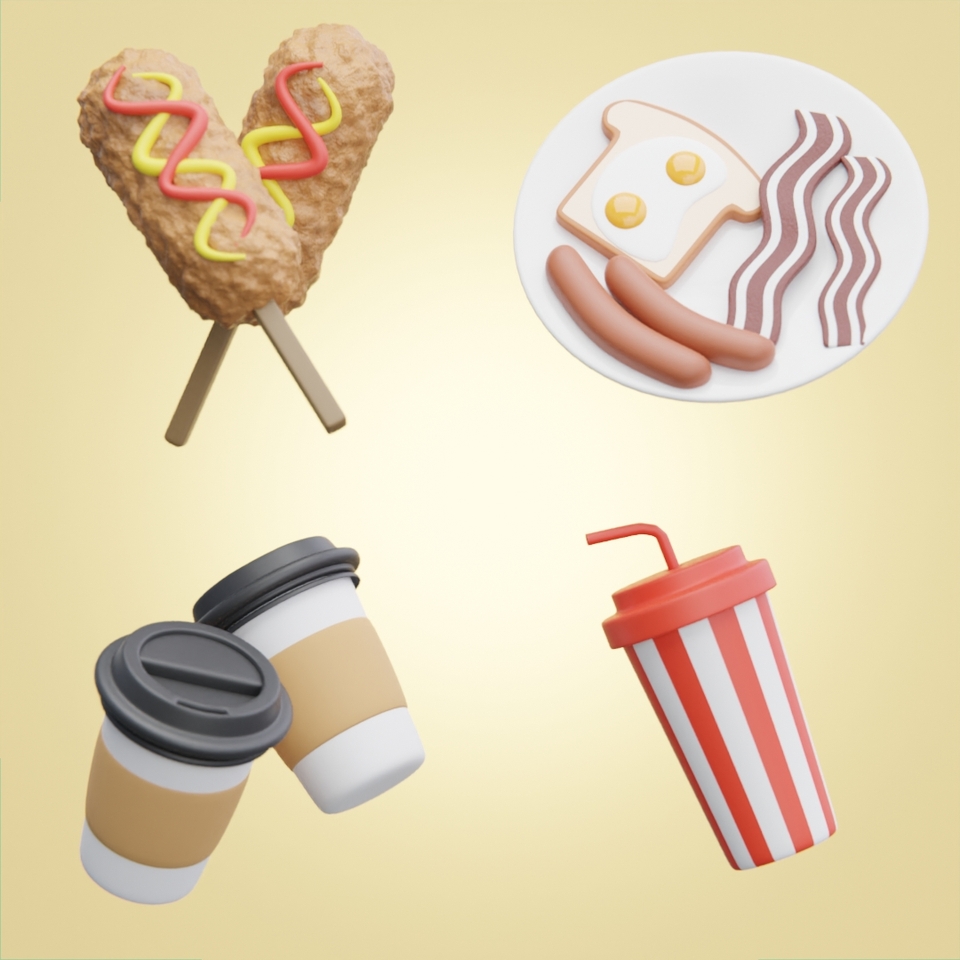
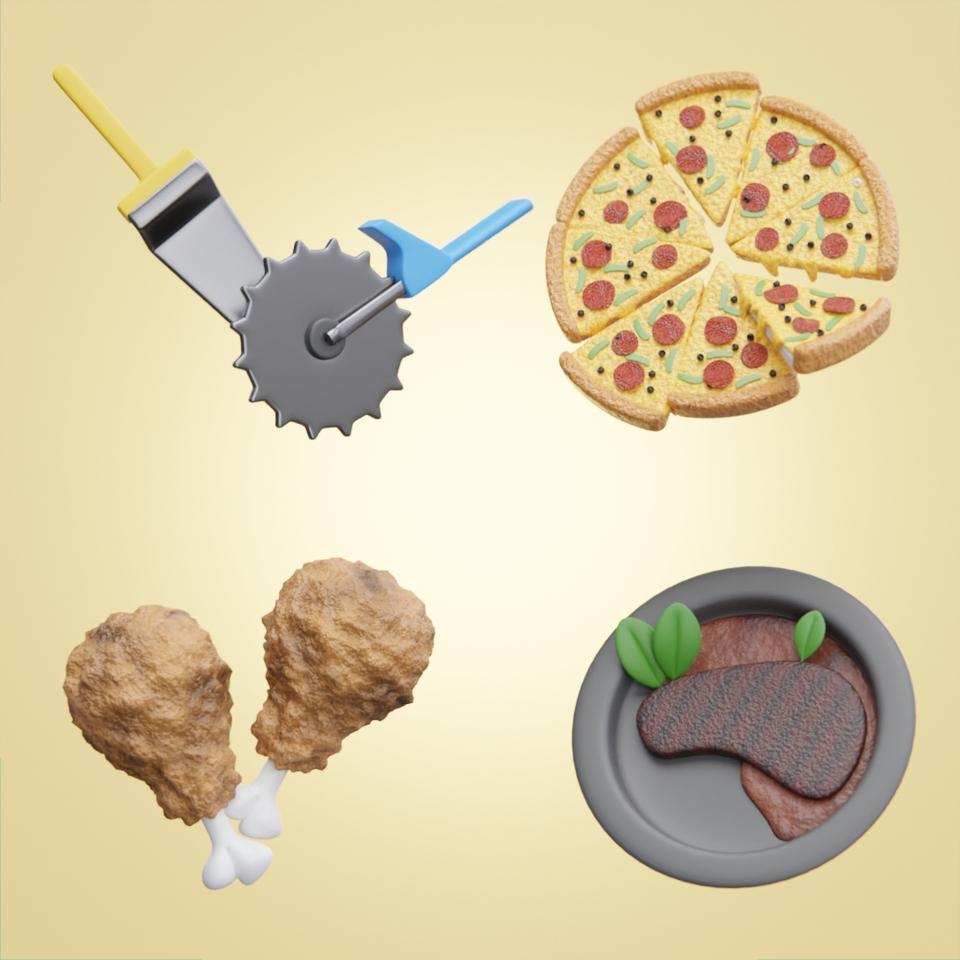
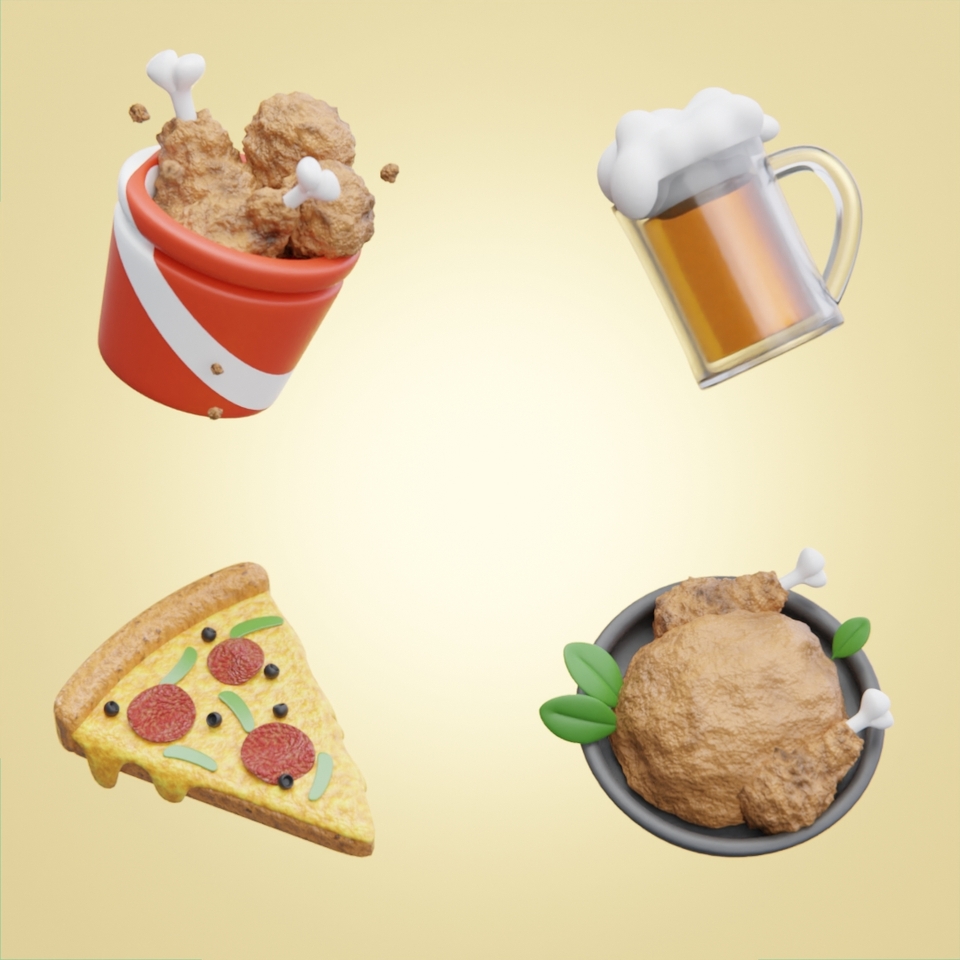
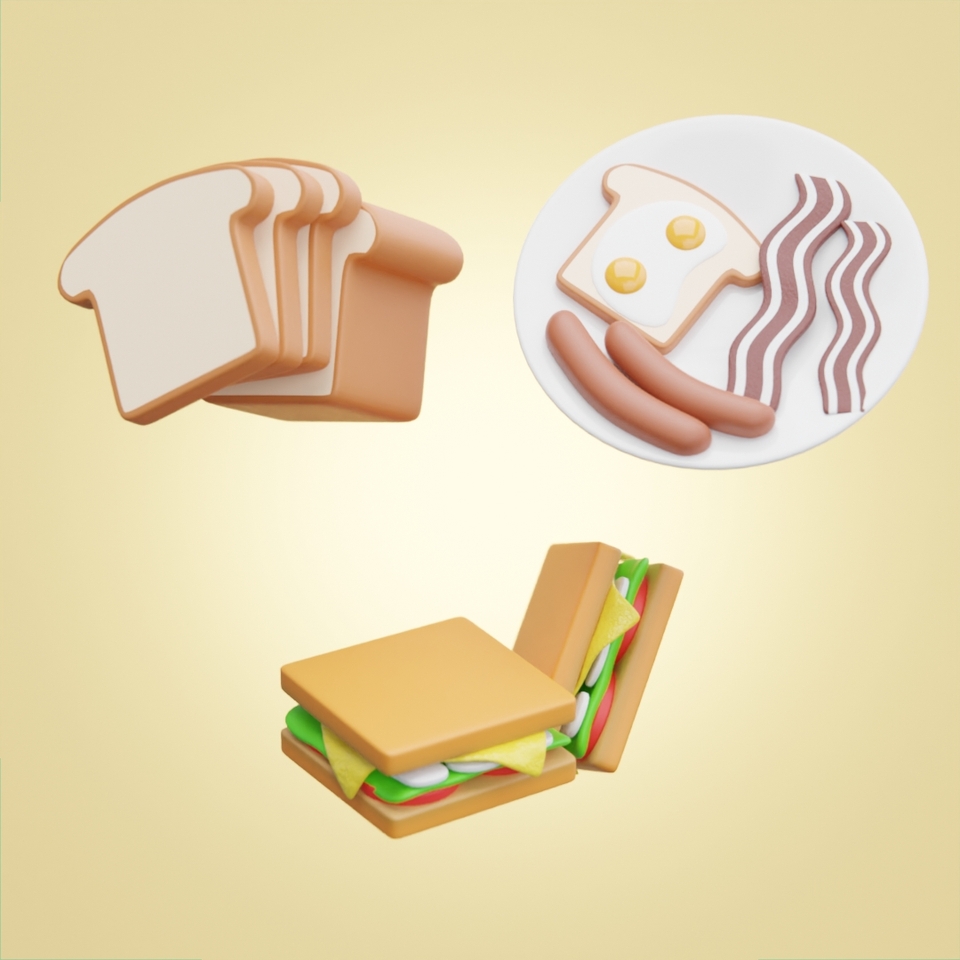
(Isn't it just delicious? After taking this course, you'll be able to freely create cute icons like these! 🍔🍕 🥞 )
Have you ever hesitated to try 3D modeling because you thought it would be too difficult? After taking this fun class with me, you'll soon have 22 adorable icons in your hands.
| 
|
| 
|
| |
Don't worry if you don't know anything! We'll teach you step-by-step, starting with the basics. You'll gain a comprehensive understanding of modeling, materials, and rendering, all essential for working with 3D. Especially since it's real-time, not editing, you can create it yourself with shortcuts and commentary subtitles, making it easy to understand .
| 
|
| 
|
Create your own cute icon in 3D
UI designer who wants to create
Blender, a 3D program
Those who want to learn properly
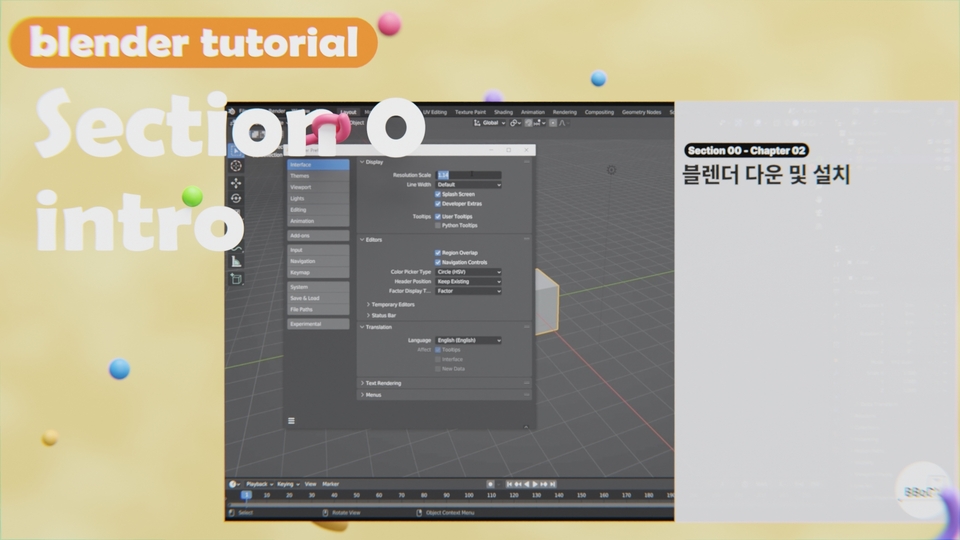
1. Intro
You can learn the very basics of Blender operation from installing Blender.
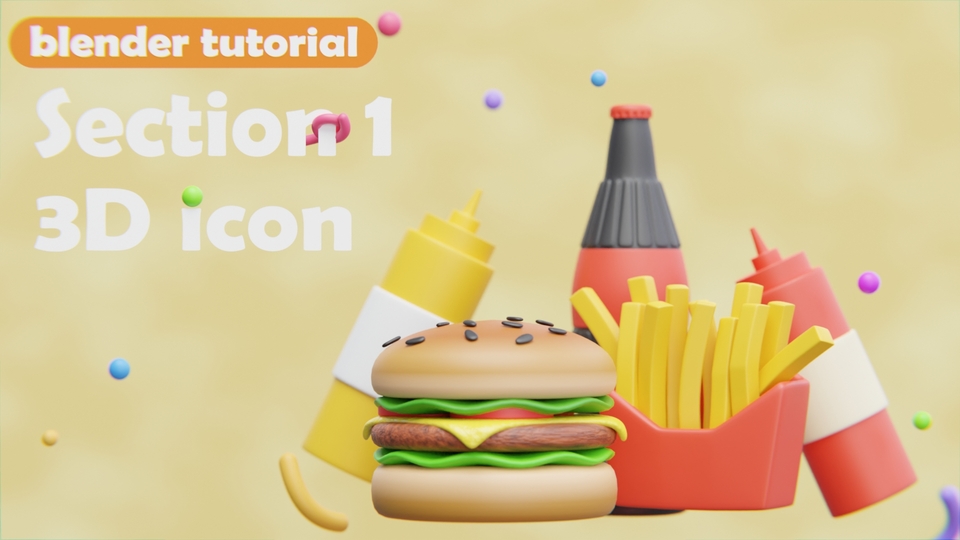
2. Get familiar with Blender through modeling
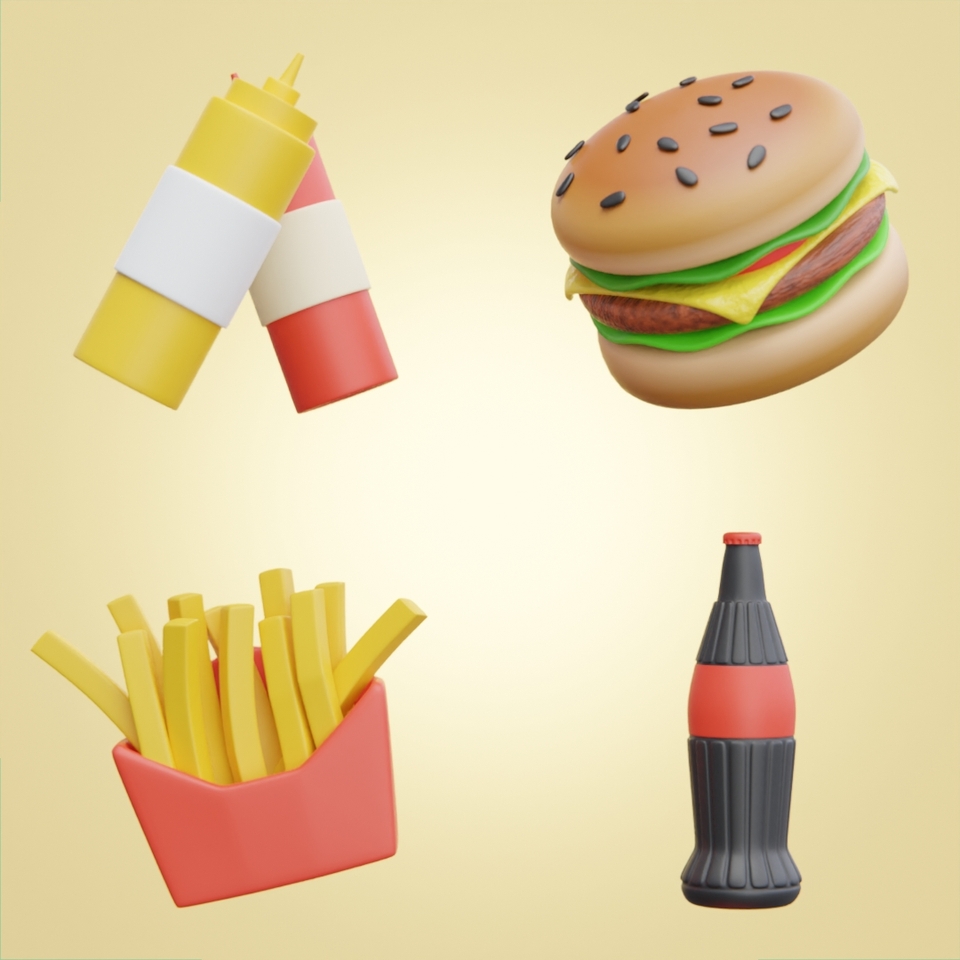
Get familiar with the blender by making 3D icons: sauce can, french fries, hamburger, and cola bottle.
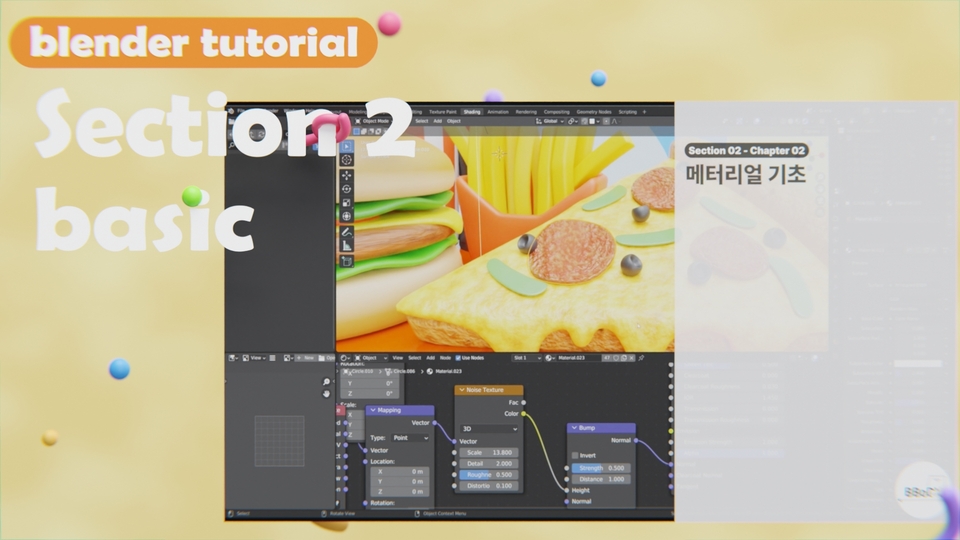
3. Blender Basics for Creating Images
We'll cover lighting, rendering, materials, and basic setup. This course covers the fundamentals of creating a variety of images using Blender.
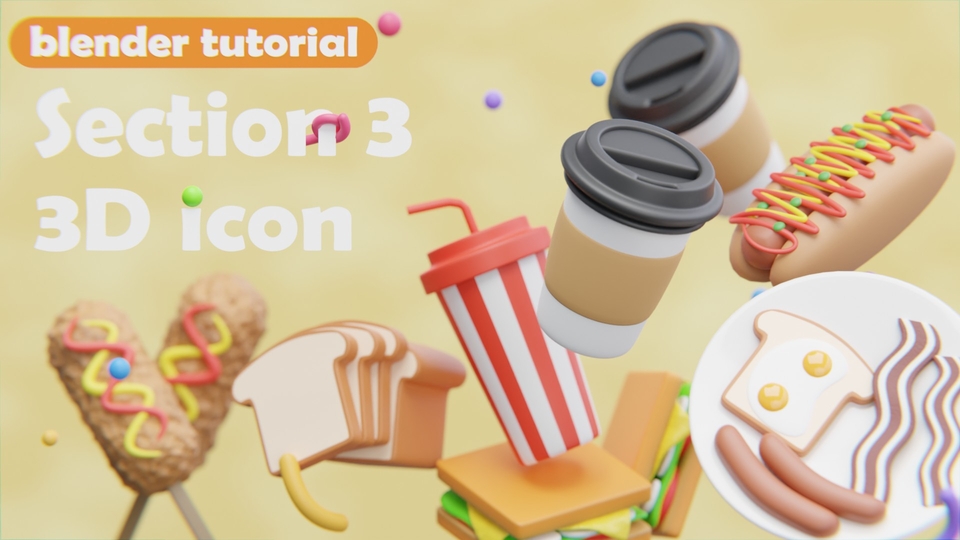
4. Learn the basics of materials
Let's work on a lookdev using materials. We'll create 3D icons of bread, breakfast, a beverage cup, a takeout cup, and two hot dogs.
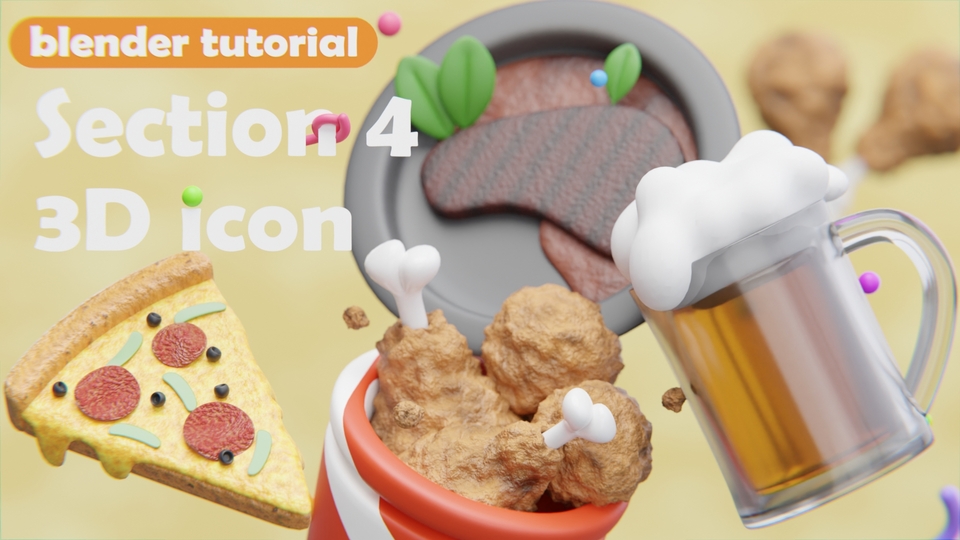
5. Let's cover more advanced materials.
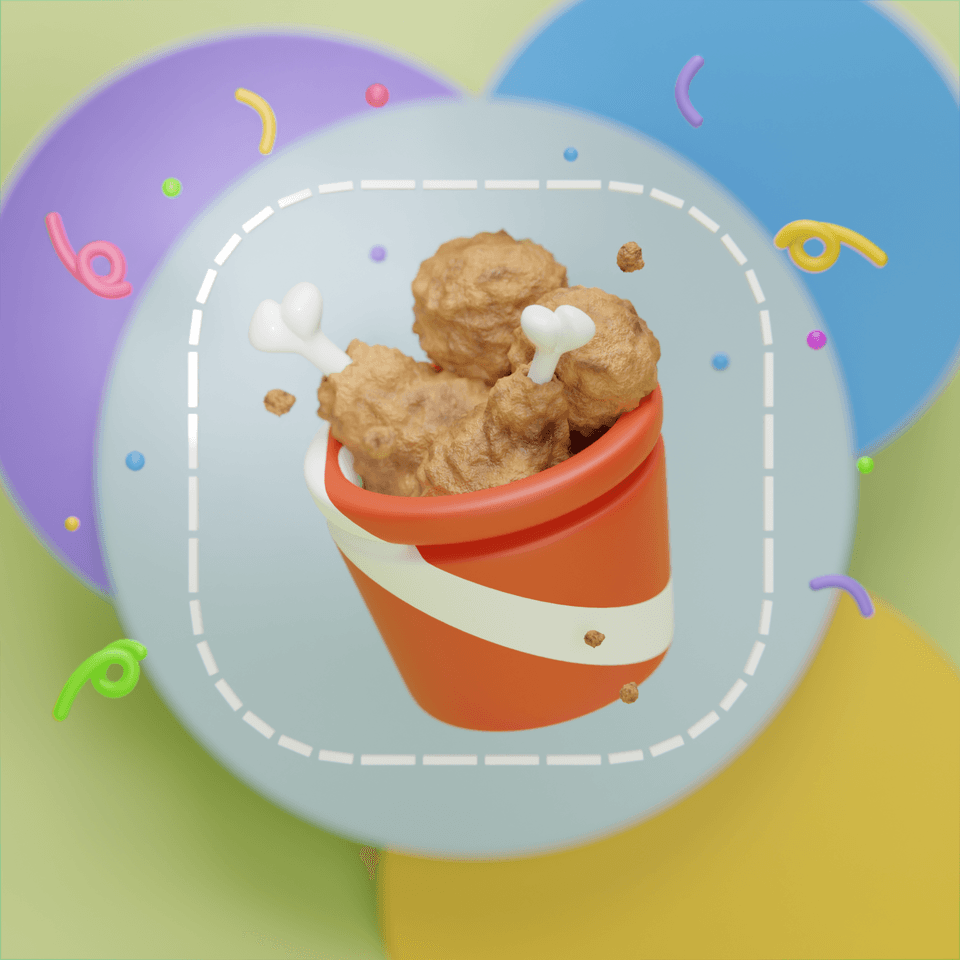
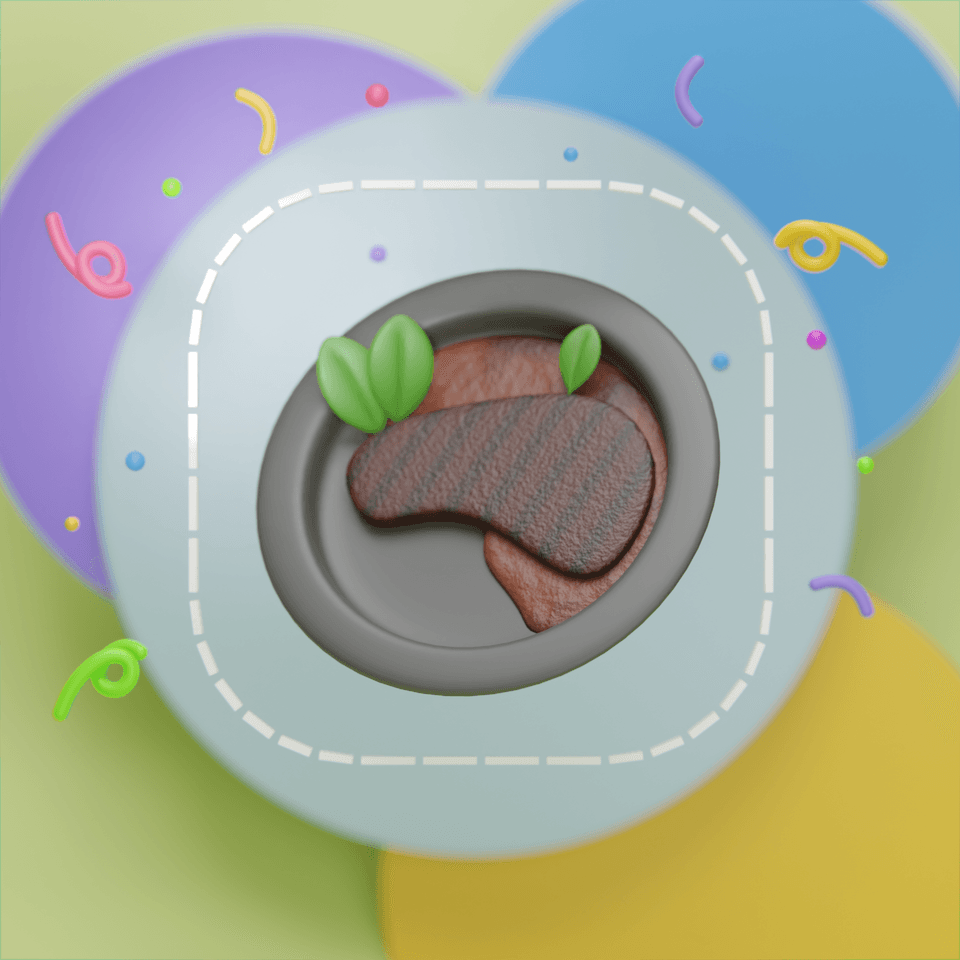
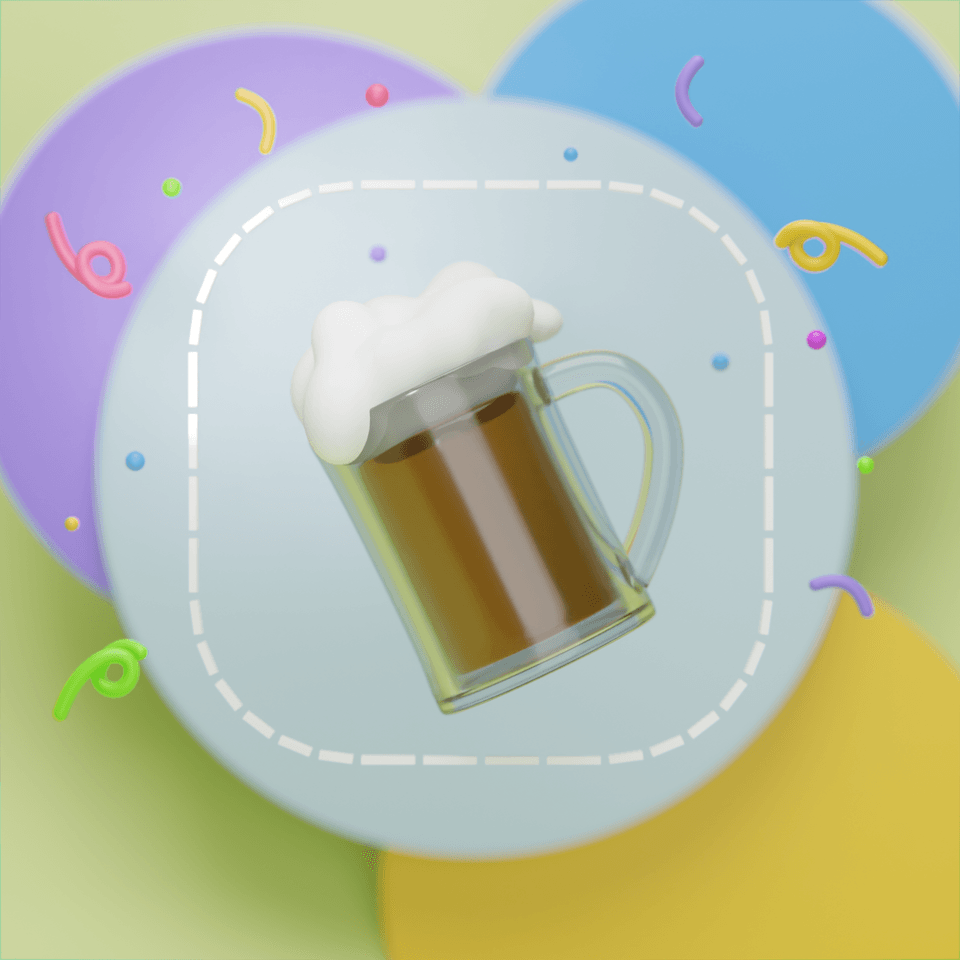
Learn how to work with more advanced materials while creating delicious chicken, beer, pizza, and steak with 3D icons.
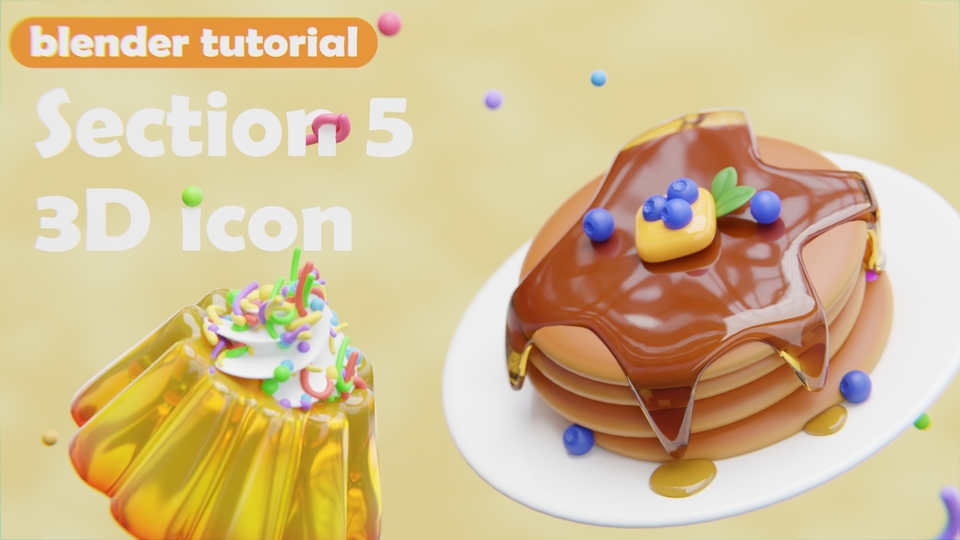
6. Let's make dessert
Use particles to disperse objects and use object info nodes to create color variations. Finally, we'll create 3D icon pancakes and jelly pudding!
Q. Is this a lecture that even people who don't know anything about 3D can attend?
Yes, of course. This is a live lecture for those who are new to 3D, and I will explain each key in detail!
Q. Why learn 3D?
3D is easier to modify than 2D, so once it's created, it's very easy to recreate any environment, image, or desired feeling with the same quality, so it can be used anywhere!
Q. What do I need to prepare for the lecture?
All you need is a computer! I recommend a desktop computer over a laptop.
Laptops are also possible, but most don't have a number pad on the right side, which can be a bit inconvenient to use. (You can also purchase a separate keypad and connect it to use it.) Desktops also have performance differences, but since there are more laptops with such differences, I recommend a desktop. Depending on how you configure your mouse, a mouse with a scroll wheel or side keys can be useful. As for the keyboard, a keyboard with a number pad on the right side is sufficient!
Q. I'm curious about the specifications required for a blender.
You can check the specifications required by Blender on the official Blender website .
📢 Things to note before taking the course
Hello, this is BBoDX! My main role is a 3D generalist artist working on assets and environments in VFX. My second role is running the YouTube channel BBoDX GraphicArena for those who want to learn 3D. I love creating various types of art!




![[Creating Your Own Game Textures] Everything About Substance DesignerCourse Thumbnail](https://cdn.inflearn.com/public/courses/332154/cover/b23ca581-8839-4c75-9ce0-d0eae6f1d4b6/Thumbnail-01.jpg?w=420)
![[Beginner] Learn how to create 3D animated videos with no-code using CreateStudio3, even if it's your first time [Super Easy]Course Thumbnail](https://cdn.inflearn.com/public/files/courses/340594/cover/01kfwdvk88zkg41ewrb9tg73xa?w=420)


![[Official LottieFiles] Lottie Animation with After Effects (Certificate Issued)Course Thumbnail](https://cdn.inflearn.com/public/files/courses/338082/cover/01k0ra1r4y627eeazr0e855txg?w=420)