

inflearn logo
inflearn logo

Complete Guide to Substance Painter!

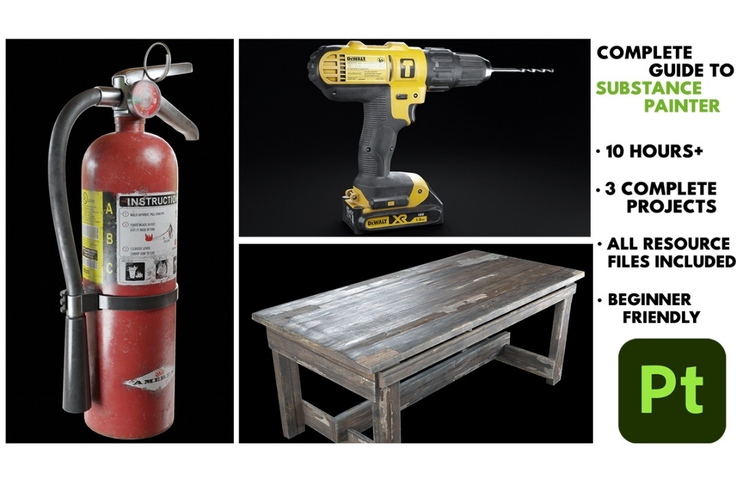
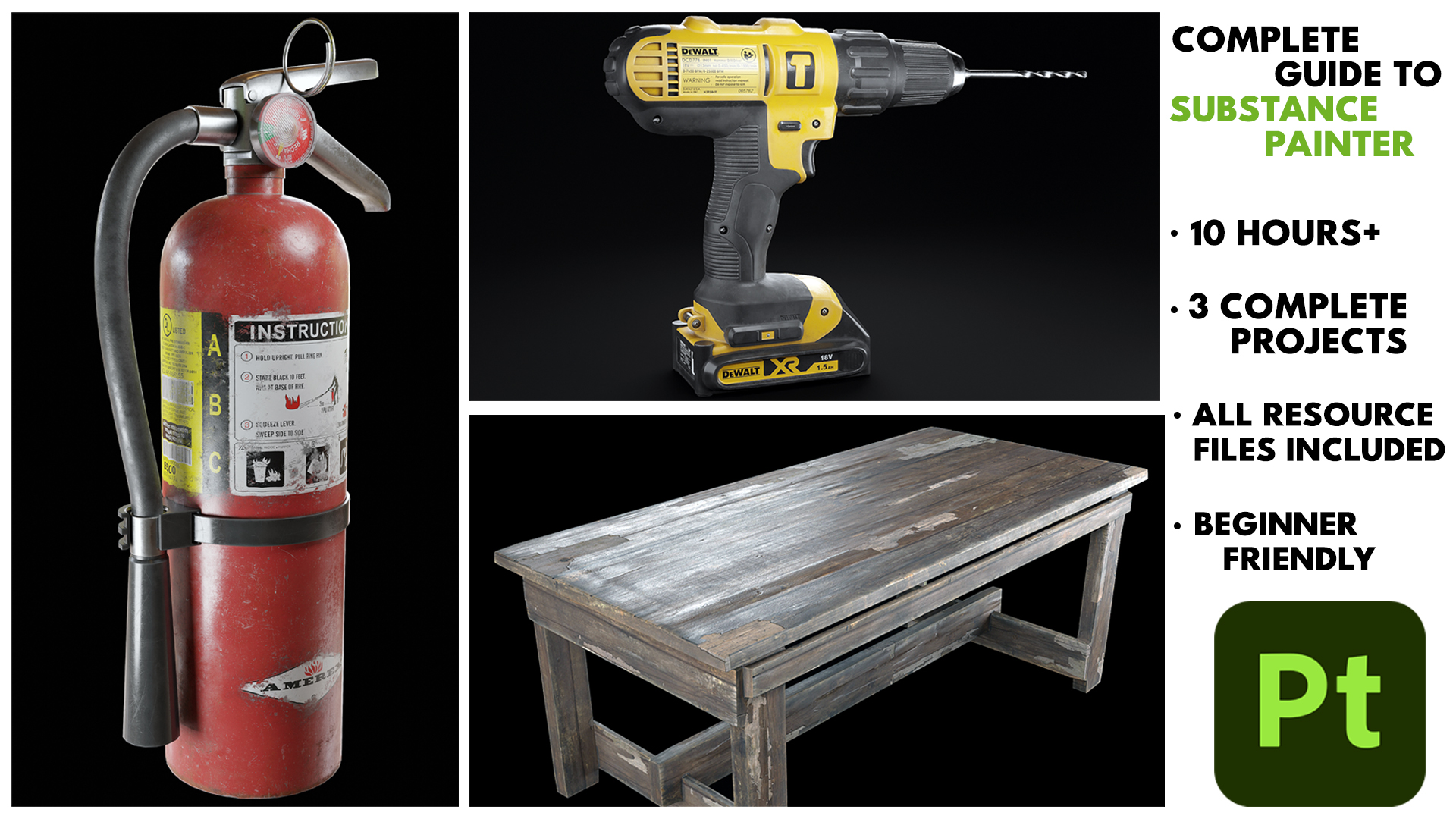
"Do you want to learn texturing in Substance Painter from scratch?" Then I welcome you to this new course - “Complete Guide to Substance Painter!” where we will be going through the complete process of learning Substance Painter from a beginner's perspective and we will also be working on three complete projects. What you will get: 43 FHD videos with over 10+ hours of content All the resources files required to complete the course including the Models, Substance Painter Files, Textures, Alphas We will go over all the important tools and concepts in Substance Painter together and nothing will be skipped. This course Is aimed at complete beginners so the only thing you need for this course is a copy of Substance Painter. Even if you do not have Substance Painter instead of buying it, you can get an Educational License if you are a student and get it completely for free or you can get a trial version for 30 days to try it out before buying. We will go over each and every step in this course together and nothing will be skipped. The course does not have any kind of time-lapse so that you can follow every step easily. So, we will be learning a lot. I hope to see you there in the course.

2 learners are taking this course

Level Beginner

Course period Unlimited

Substance Painter
Substance Painter
3d
3d
texturing
texturing
Blender
Blender
3d-modelling
3d-modelling
Substance Painter
Substance Painter
3d
3d
texturing
texturing
Blender
Blender
3d-modelling
3d-modelling

What you will gain after the course

  • Learn the UI basics of Substance Painter

  • Setup a New Project and Bake Mesh Maps

  • Learn Realistic Texturing in Substance Painter

  • Learn Texturing in Substance Painter

  • Learn to use Opacity and Emissive Channels

  • Learn to use Masks, Smart Masks, Smart Materials, Generators and all the different features in Substance Painter

  • Learn to Export the Textures from Substance Painter to Blender/Unreal Engine

Complete Guide to Substance Painter

Welcome to t his new course - “Complete Guide to Substance Painter!” where we will be going through the complete process of learning Substance Painter from a beginner's perspective and we will also be working on three complete projects.

  • You will get:

    • 43 FHD videos with over 10+ hours of content

    • All the resources files required to complete the course including the Models, Substance Painter Files, Textures, Alphas

What You Can Create After Taking This Course

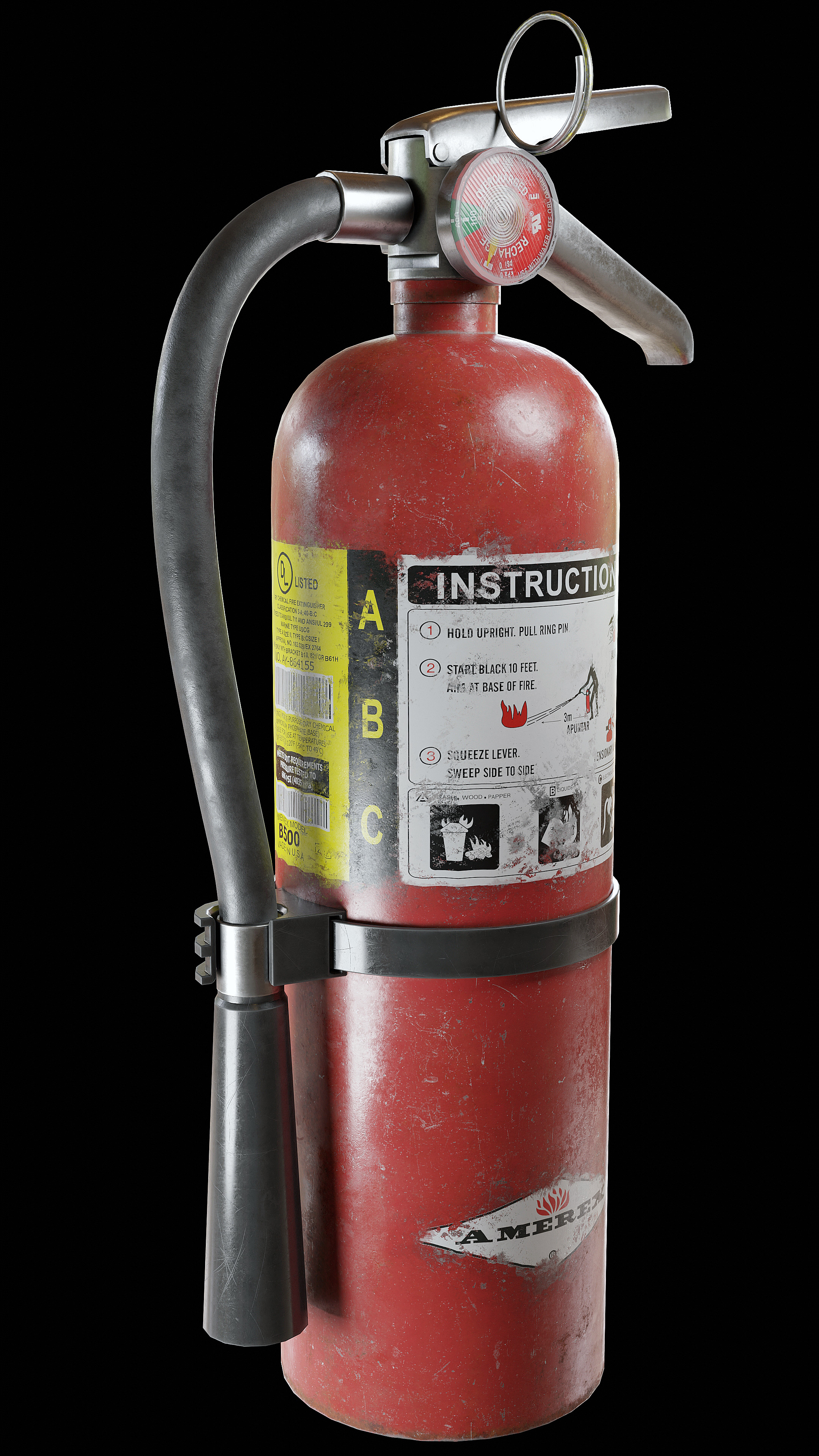
Fire Extinguisher

Drill

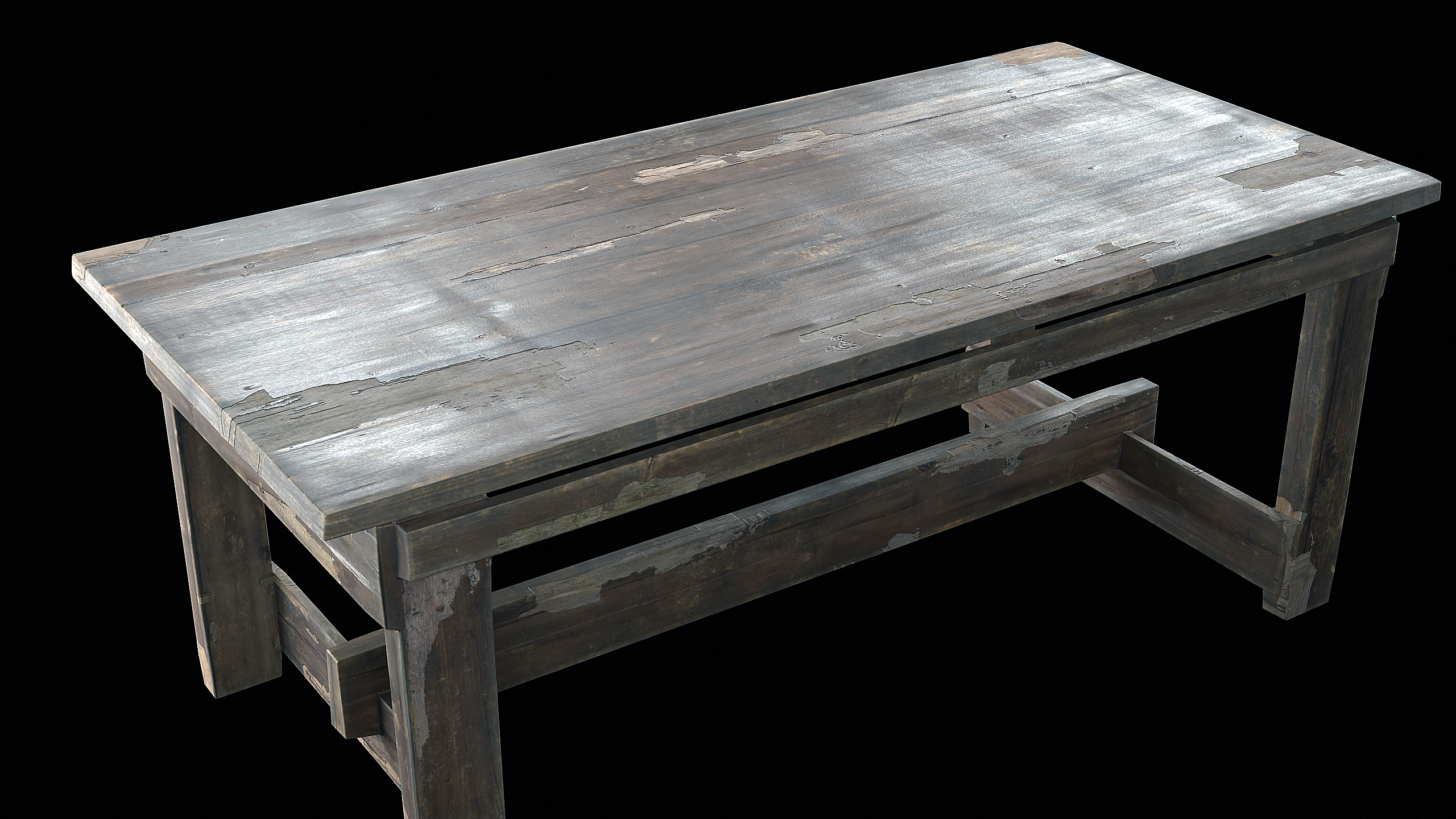
Wooden Table

  • Confidently texture complete 3D assets from start to finish using Substance Painter

  • Create realistic materials such as painted metal, plastic, rubber, wood, iron, and glass

  • Use Smart Materials, Masks, and Geometry Masks to speed up and control your workflow

  • Properly bake mesh maps and set up projects for clean, high-quality results

  • Create portfolio-ready assets like a Fire Extinguisher, Drill Machine, and Wooden Table

  • Export textures correctly for Blender and Unreal Engine


What will you learn in this course?

  • Basic of Substance Painter and Viewport UI

  • Importing your model into Substance Painter

  • Setting up a New Project and Baking Mesh Maps

  • Learn about the all the tools and functions in Substance Painter

  • Learn about materials and Smart Materials and creating your own Smart Materials

  • Learn about Masks, Smart Masks, Geometry Masks

  • Going over different Effects and Filters

  • Texturing 3 complete projects - Fire Extinguisher, Drill Machine, Wooden Table

  • Create various real-life materials like Painted Metal, Plastic, Iron, Rubber, Glass etc.

  • Learn to use Emissive and Opacity maps

  • Learn to add effects like dust, dirt, roughness variations, edge damage and much more.

  • Add stickers/decals to your models to make your textures even more realistic.

  • Exporting Textures from Substance Painter to Blender/Unreal Engine

Before You Begin: Important Notes

Learning Materials

  • 43 Full HD video lessons with full voice commentary

  • Downloadable project files including:


    • Substance Painter project files

    • Blender (.blend) files

    • Alphas

    • Models

    • Textures


  • Reference images used during the course

Prerequisites & Notices

  • No prior experience is required. This course is beginner-friendly and starts from the basics. All tools, concepts, and workflows in Substance Painter are explained step by step.

  • The course contains no time-lapses, so you can follow every step easily. It is recommended to pause, practice alongside the videos, and complete each project at your own pace.


  • Substance Painter is required. Students can use an Educational License (if eligible) or a free trial version to follow along.


Recommended for
these people

Who is this course right for?

  • Beginners who want to learn Substance Painter from scratch

  • 3D artists struggling to create realistic materials and textures

  • Students and self-taught artists who want a complete, step-by-step workflow

  • Artists who want to build real projects for their portfolio

Need to know before starting?

  • No prior experience is required. All concepts and techniques are taught from scratch.

Hello
This is Aniket Rawat

Hi, I’m Aniket. I’m a 3D artist and educator with several years of experience working in Blender across both photorealistic and stylized projects. For the past 5 years, I’ve been creating tutorials and courses that focus on real-world workflows and techniques you can actually use in your own projects.

More

Curriculum

All

43 lectures ∙ (10hr 8min)

Published: 
Last updated: 

Reviews

Not enough reviews.
Please write a valuable review that helps everyone!

Aniket Rawat's other courses

Check out other courses by the instructor!

Similar courses

Explore other courses in the same field!

Limited time deal

$10,010.00

30%

$11.00