inflearn logo

Friendly Blender - [LV.3] Character Animation

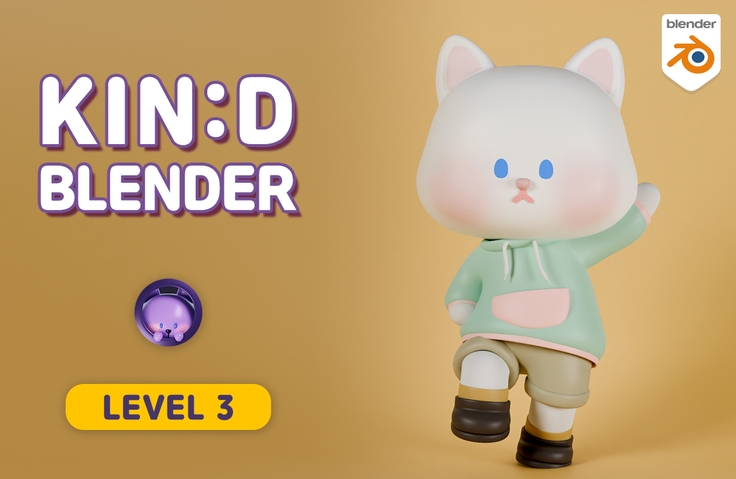
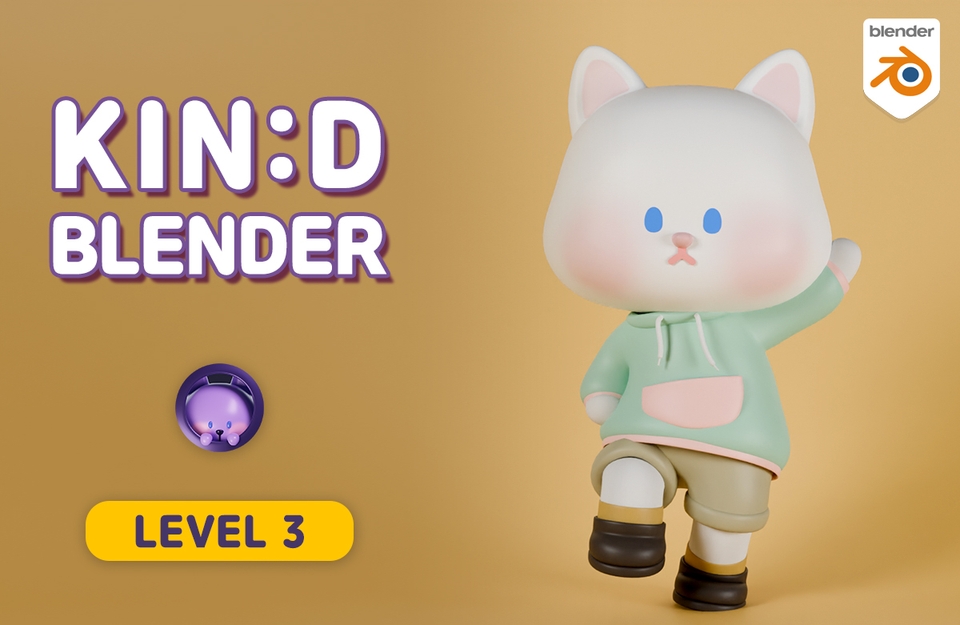
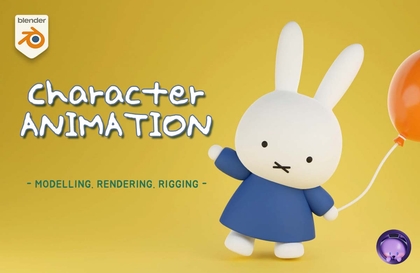
Learn everything from modeling, rigging, painting, to animating a cute cat character, and create an animation of a cat walking through a village! :)

(4.9) 27 reviews

186 learners

Level Basic

Course period Unlimited

Blender
Blender
3d
3d
3d-modelling
3d-modelling
3d-rendering
3d-rendering
Blender
Blender
3d
3d
3d-modelling
3d-modelling
3d-rendering
3d-rendering

Reviews from Early Learners

Reviews from Early Learners

4.9

5.0

영영영준

21% enrolled

I highly recommend this as the best course for beginners I've only completed 1/3 of the course so far, but I was so impressed while listening that I'm leaving this review. It was great to have additional explanations about version 4.0 and subsequent updated versions, I've also taken other famous paid courses like 101, Coloso, etc. but it's rare to find a place that explains from a beginner's perspective like this one does Other courses use terms only they know, and without explaining what functions do, they just say "follow along" and are busy proceeding on their own but here they explain the theory and each function, which was so educational I plan to recommend this to acquaintances who are studying Blender as well Thank you for the great course, teacher

5.0

연준호

18% enrolled

I've tried learning character modeling with other tools before, but back then it was too difficult and I remember messing it up. Feeling afraid of modeling limited my ability to create works, but while taking this lecture series, I'm doing the modeling step-by-step and seem to be gaining confidence. I think it was a good decision to switch to a tool called Blender, and starting with this lecture series feels like an excellent choice.

5.0

김태윤

73% enrolled

This is truly the best. Blender is explained in really great detail, covering all the conceptual principles. I purchased many different courses while transitioning from C4D to Blender, and this course is definitely the best among them. Some instructors explain things too casually with just words, or their lecture voice tone is so boring it makes you fall asleep, making it hard to watch until the end. But this course has an instructor with a great voice who explains things in a pleasant tone that's enjoyable to listen to. Also, explanations and concepts are often presented with neatly organized reference screens. I purchased this as a one-point lesson because I needed it, but it turned out to build a solid foundation better than expected, and now I see I've completed over 70 percent of it. It would be worth purchasing all of this instructor's courses. It has been really helpful. Thank you!

What you will gain after the course

  • Character Modeling

  • Character rigging (focusing on the armature)

  • Basic Painting (vertex paint, texture paint, weight paint)

  • Animation (Walking with rhythm)

It's twice as cute when it moves! Fall in love with the charm of 3D animation!

Let's create an animation of a cute character moving using Blender.
You can build a solid foundation starting from the basics of modeling, rigging, painting, and animation.

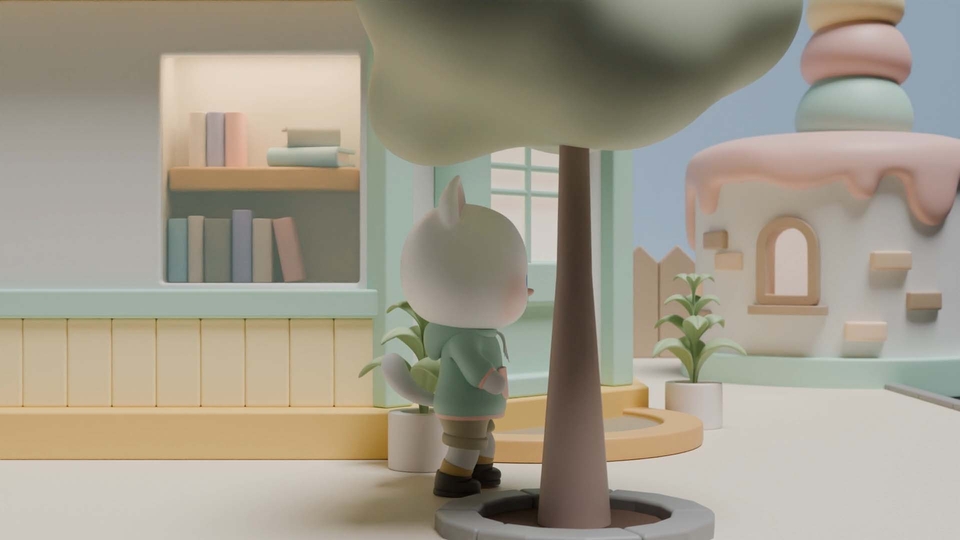
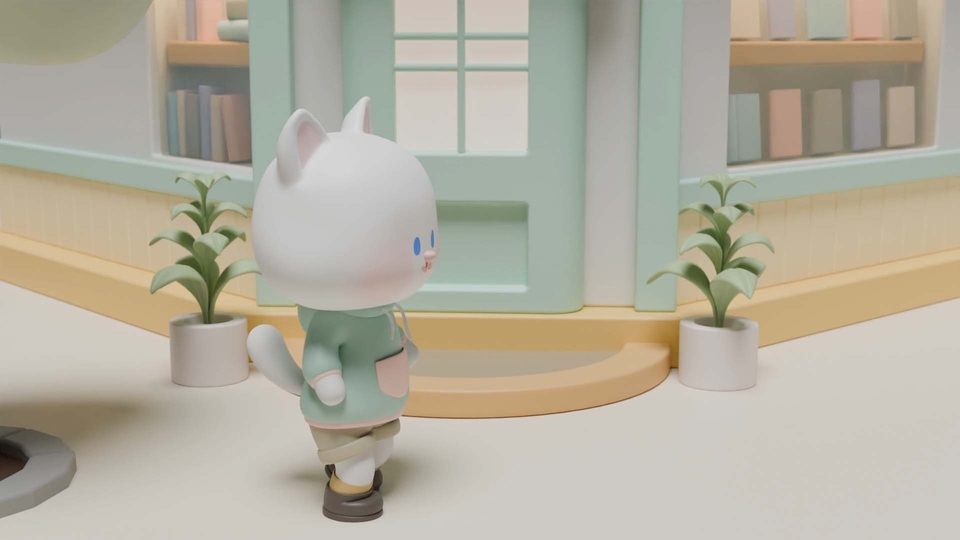
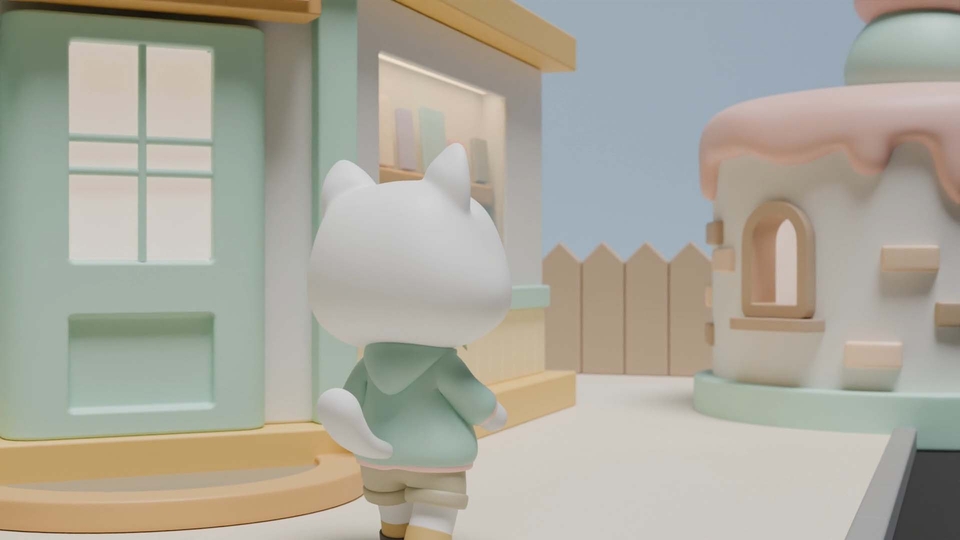
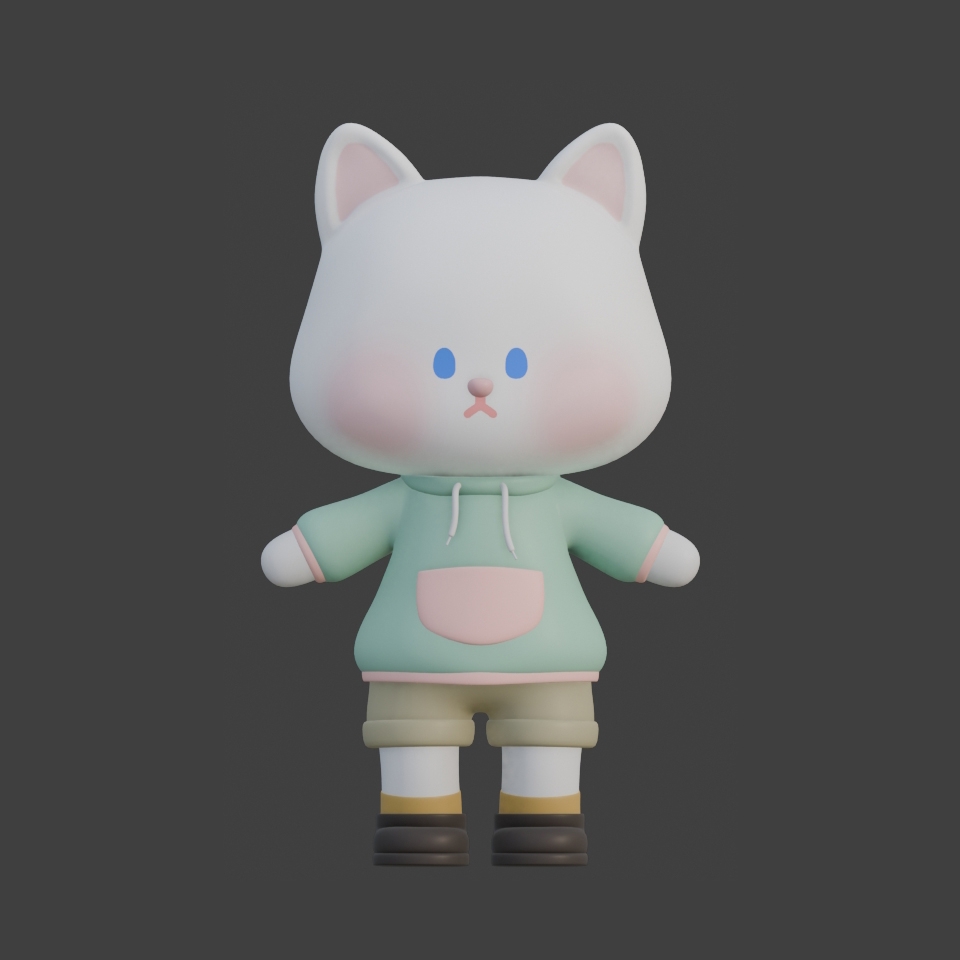
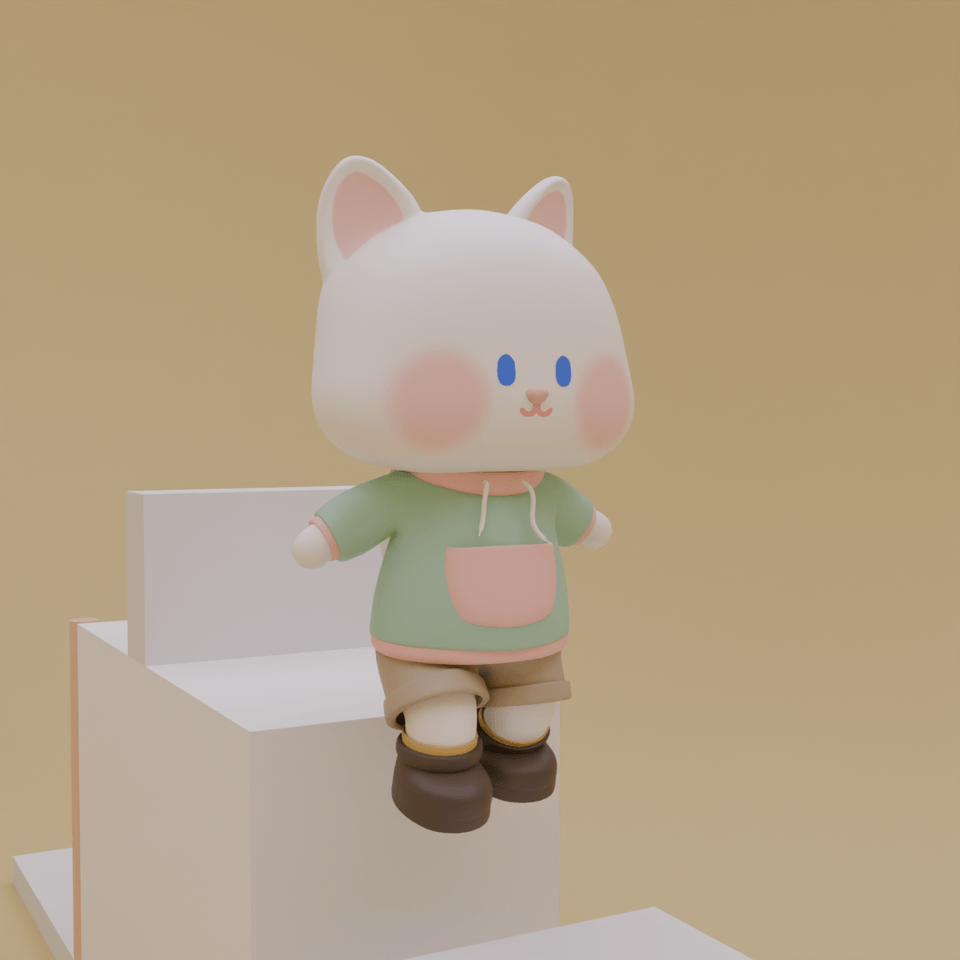
This is the final result you will learn to create! (Section 1 ~ Section 6)

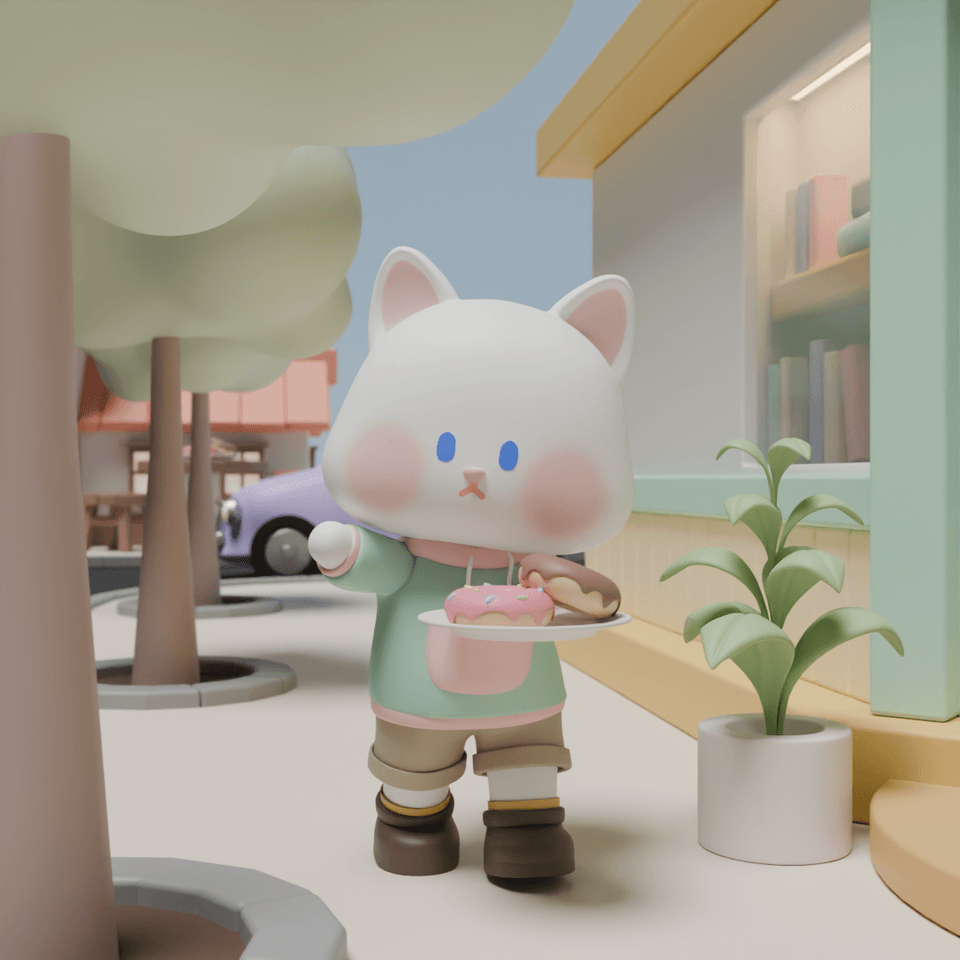
Delivering Donuts (Section 7)

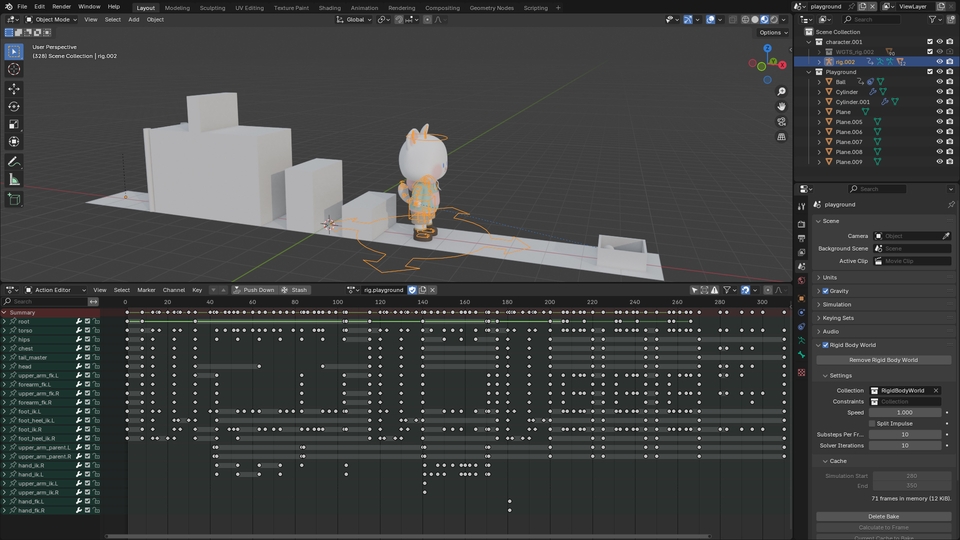
Playing at the Playground (Section 7)

Once you create the basic movements, applying them isn't difficult!
Let's create a 3D animation!

You can easily understand the concepts with visual materials!

Learn modeling, rigging, painting, and animation step-by-step!

Section 1 : Modeling
3d-modelling

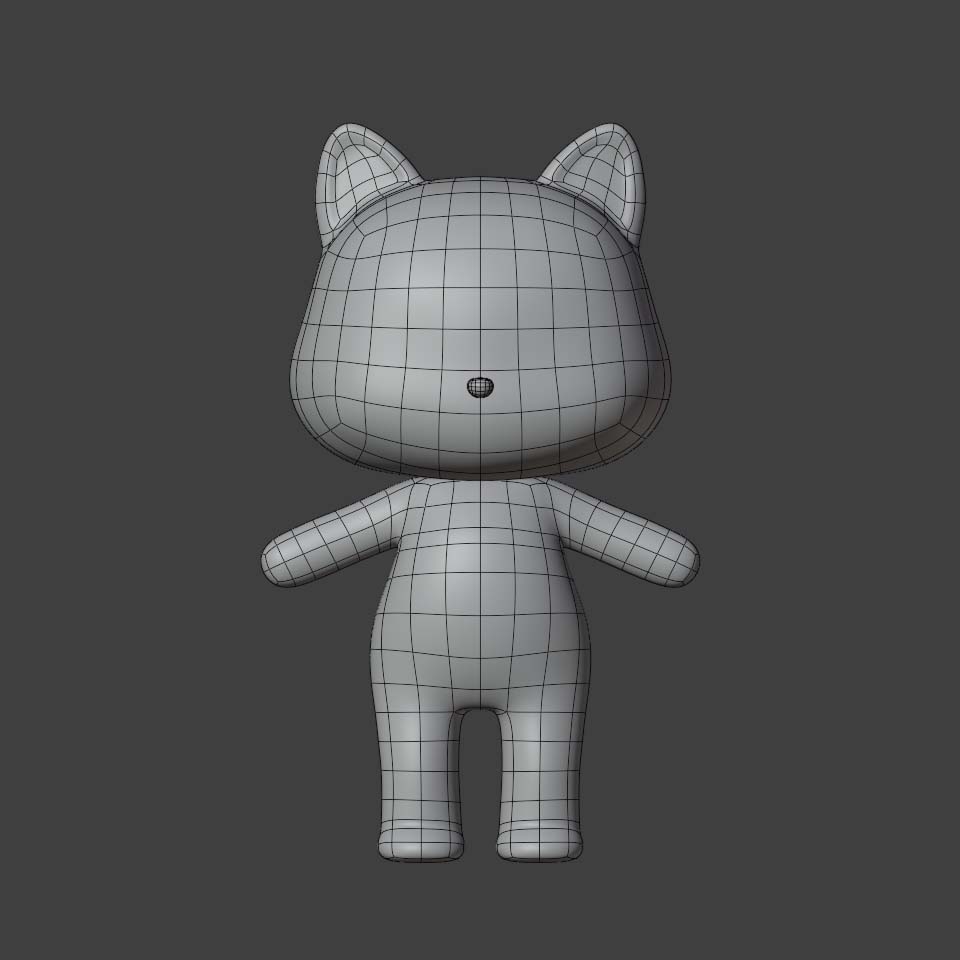
Understanding Character Modeling
Character Head Modeling
Character Body Modeling
Character Tail Modeling


Learn helpful tips for character modeling and proceed to model the character.

Section 2: Rigging

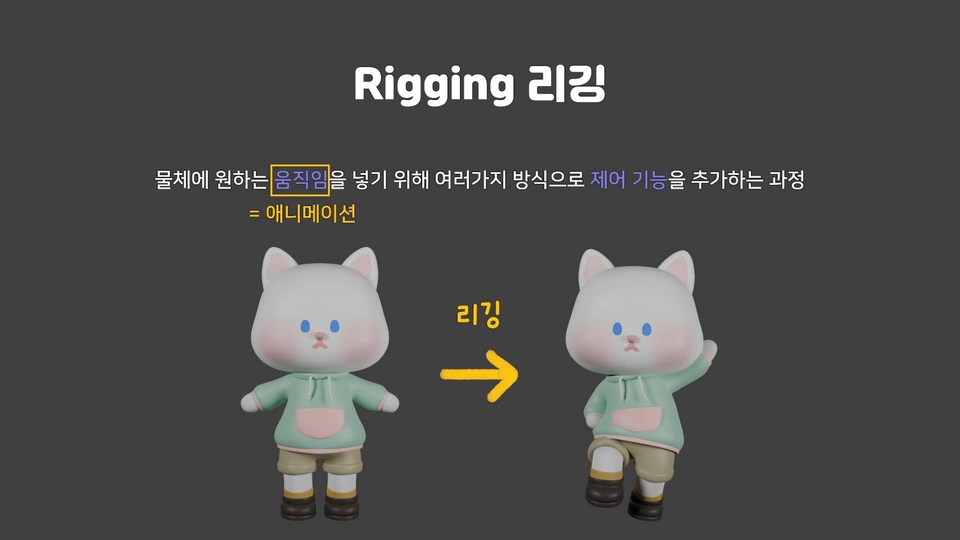
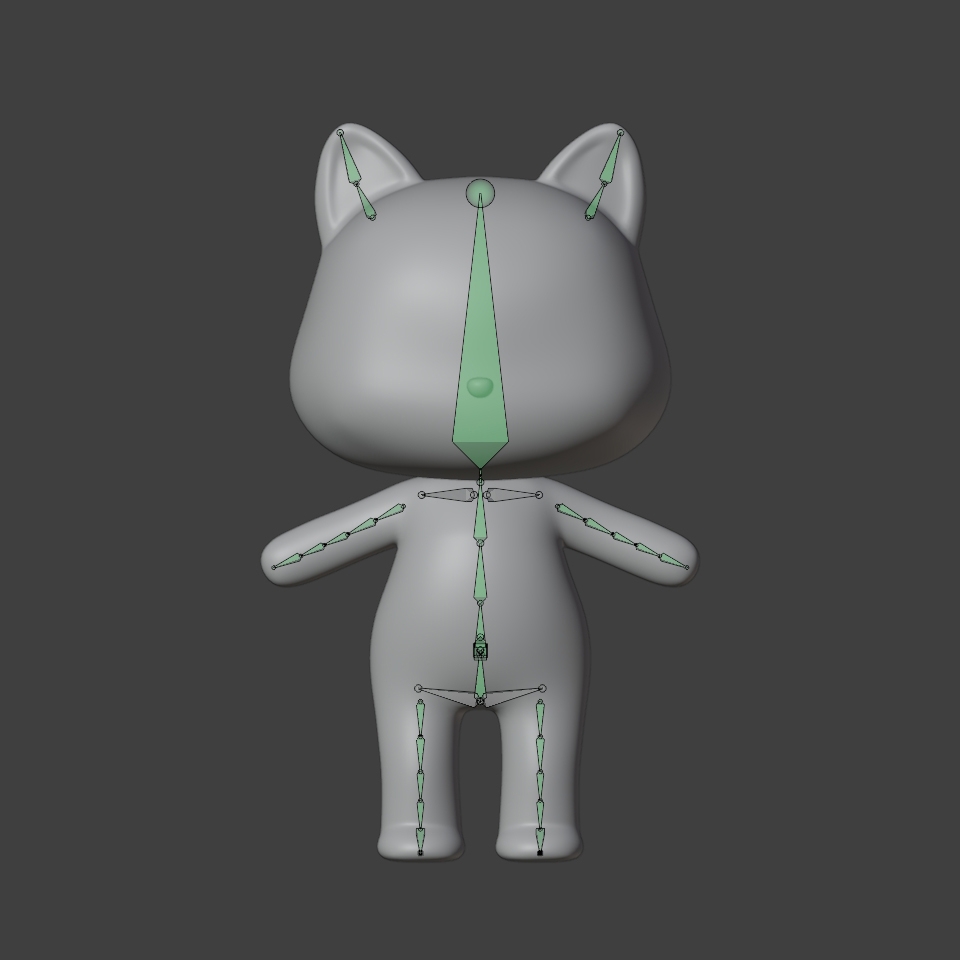
Understanding Rigging
Rigging Octopus Tentacles and Robot Arms
Character Gen-Rigging
Character Weight Painting


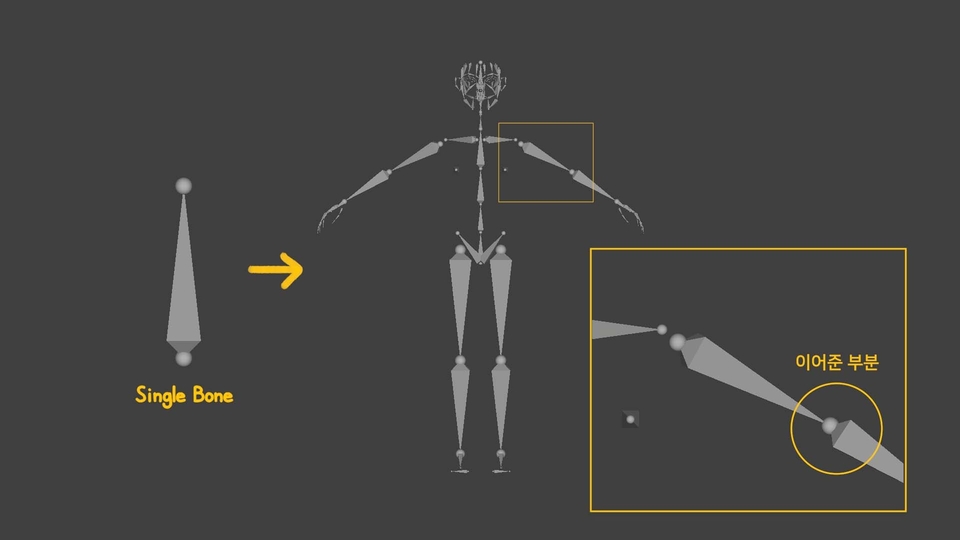
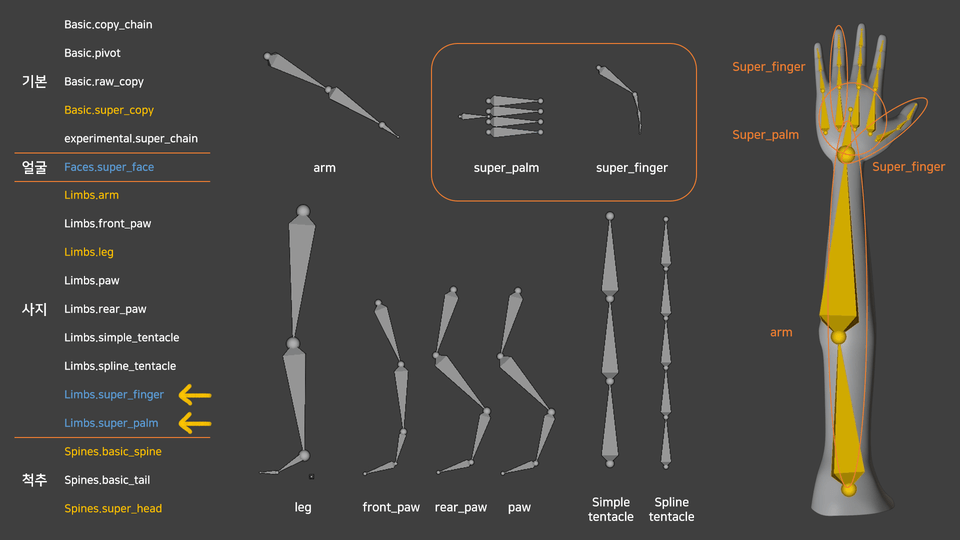
Learn about the different types of rigging and study Armature in detail.

We help you understand rigging by using octopus legs and robot arms as examples.

Add a rig to the character and use weight painting to ensure natural movement.

Section 3 : Clothing

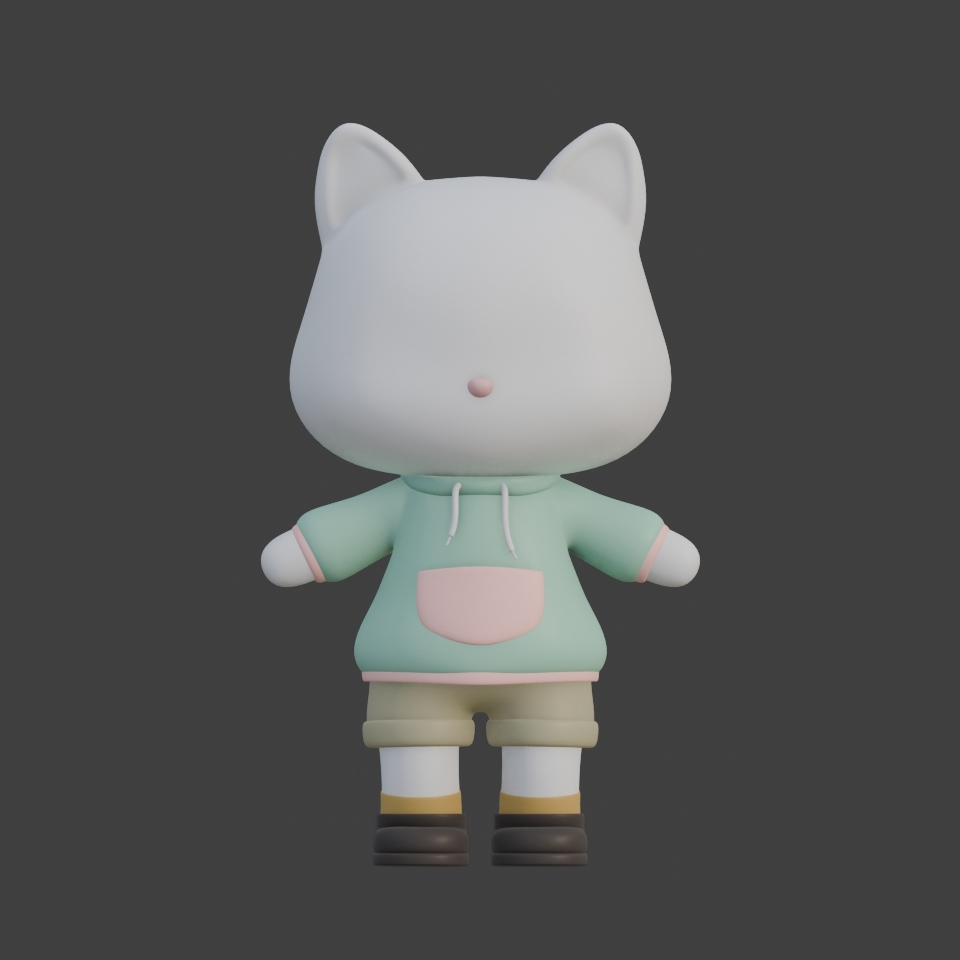
Hoodie modeling
Pants and shoes modeling


Model the character's clothing and ensure it connects naturally with the rigging.

Section 4 : Face (Painting)

Vertex Paint and Texture Paint
Drawing patterns on the character
Drawing facial expressions on the character


Learn the concepts of both painting and UV mapping.

Learn how to add patterns to the character and add facial expressions.

Create multiple facial expressions and ensure they can be swapped for animation.

Section 5 : Animation
3d animation

Understanding Animation
Walking in Place
Moving Forward
Integrating Characters into the Background


Learn the basic principles of animation.

You will learn how to make a character walk in place and move forward, then combine it with a background to complete an animation of the character walking along a desired path.

✔️ You can see more details about the lecture curriculum in the 'Lecture Introduction,' which is available for preview.

✔️ This course may be difficult to follow if you lack prior knowledge.
We highly recommend taking the level test via the link below before enrolling.

https://inf.run/zFMpY

December 2024: Section 7, Animation Applied Actions, has been uploaded. Thank you! :)

Section 7: Applied Animation Movements

<street version>
Running
NLA & Greeting
Delivering Donuts

<Concept Explanation>
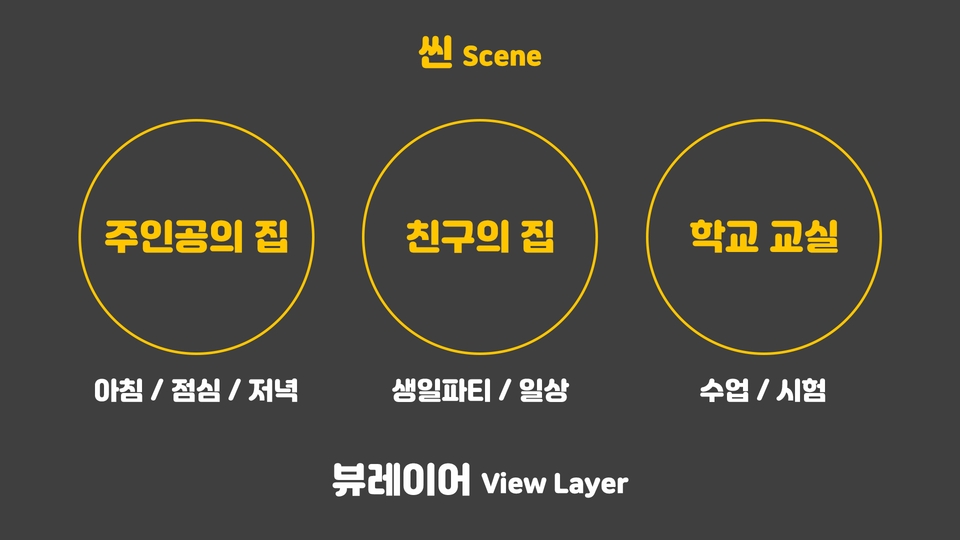
View Layer & Scene

<playground edition>
Climbing a ladder
Vaulting over a wall
Jumping & throwing a ball

You will learn how to create animations using character rigging while further learning the most basic movements.


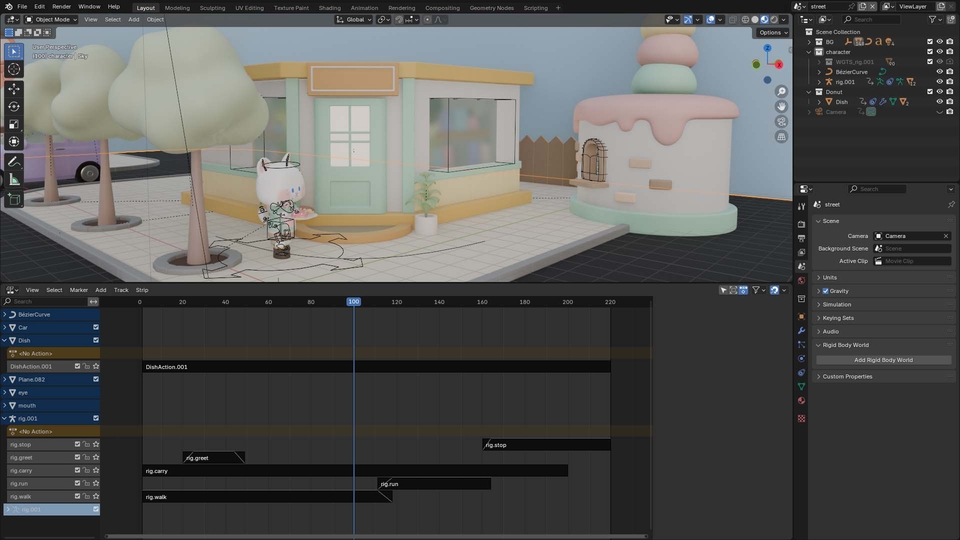
By utilizing NLA (Nonlinear Animation) to group and layer actions, you can apply techniques that make editing much easier.


With the concepts of View Layers and Scenes, you can create multiple scenes and directions within a single file.

Build a solid foundation in animation by trying out these two different methods!

Street version created using the NLA method

Playground version created by manually inserting all keyframes without using NLA

Conceptual explanation of View Layers and Scenes

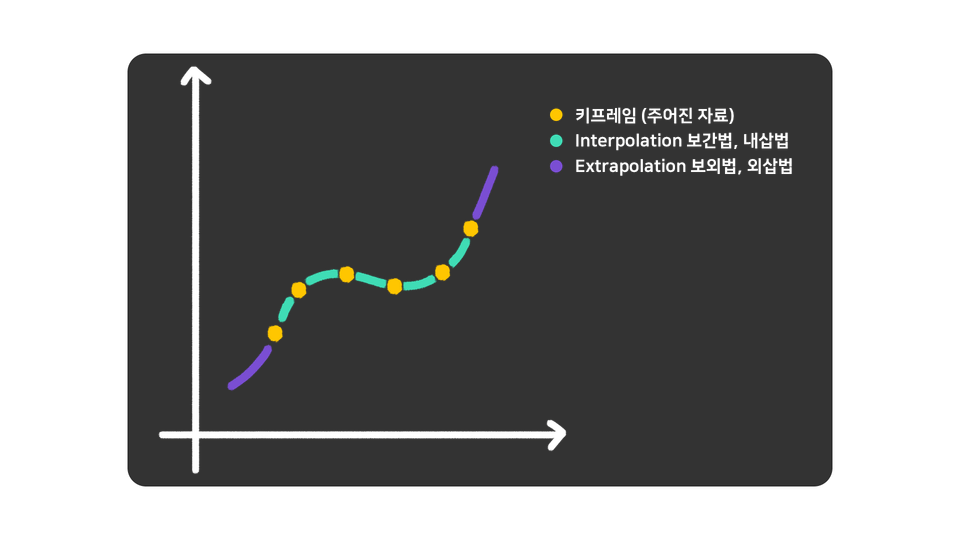
Conceptual explanation material regarding the space between two keyframes

✨ Friendly Blender Series ✨

Kind Blender helps you build a solid foundation based on reasons and principles and gain the power to think for yourself. If you don't know the principles, you won't know why a model went wrong or where to fix it when errors occur. Also, when you want to create your own work, you'll feel lost on how to start. You must develop the ability to think for yourself about which method to use for creation. I will help you truly enjoy Blender. Let's study Blender together!

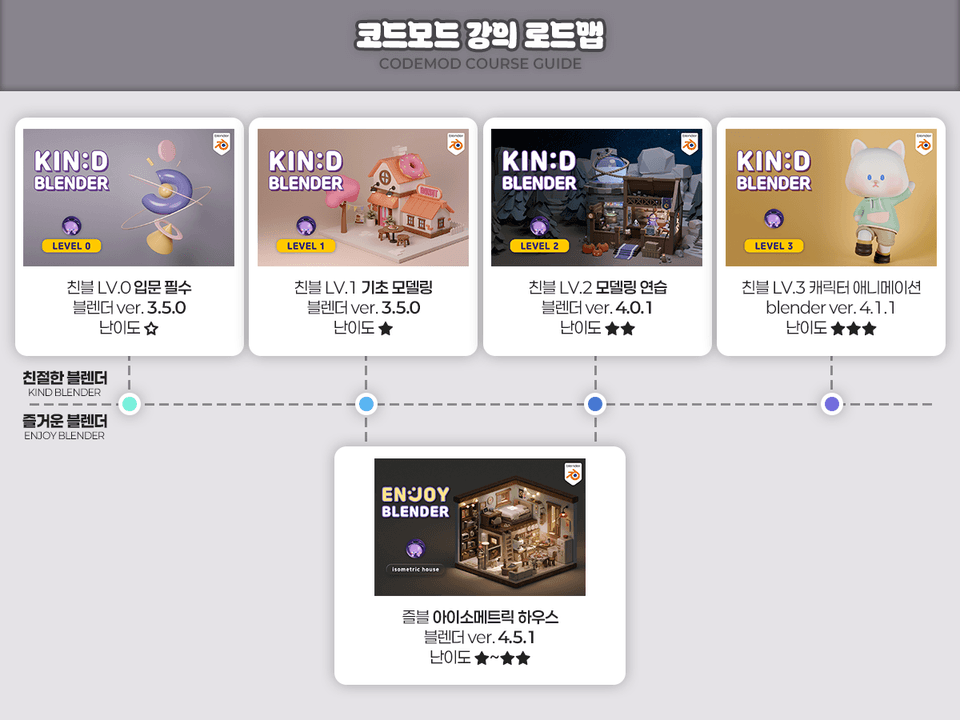
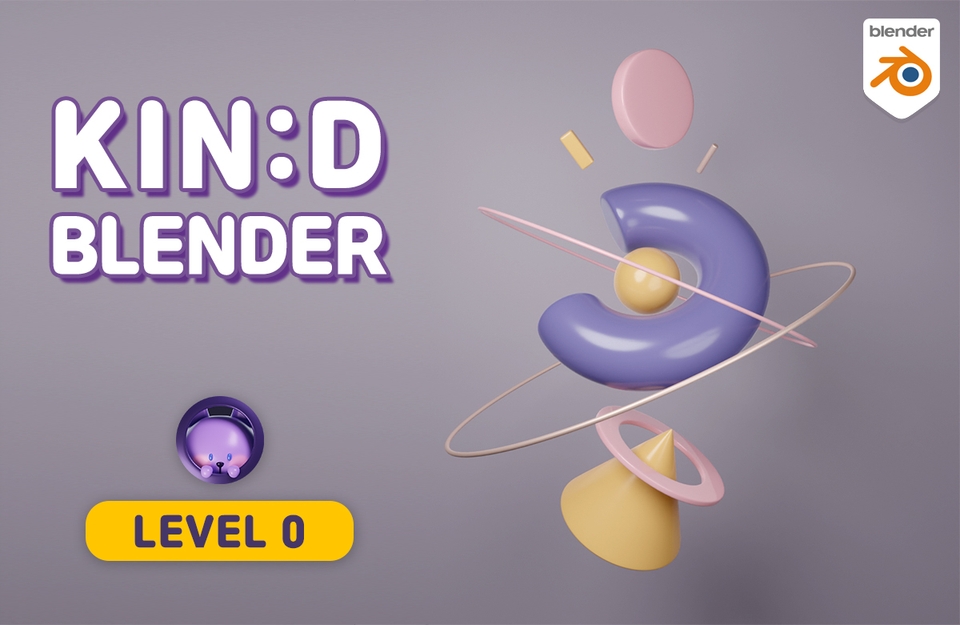
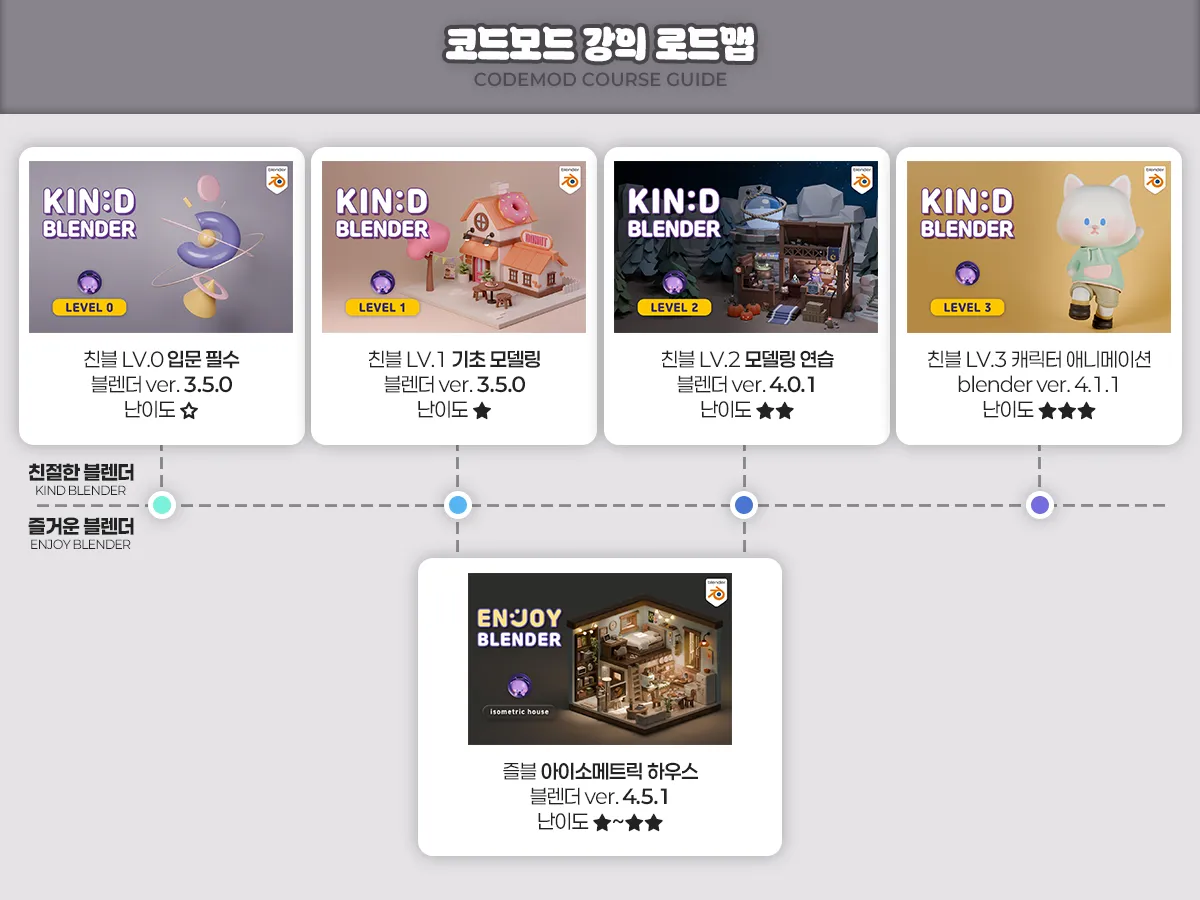
LV. 0 Essential for Beginners: Creating Objects with Basic Shapes

An introductory course for those new to Blender

I will teach you everything from the essential knowledge and principles needed to create 3D works to how to navigate the screen, basic settings, and shortcuts. You will complete the introductory course by going through the process of creating objects using basic shapes.

Recommended for those who are starting Blender for the first time or want to learn it properly from the beginning!

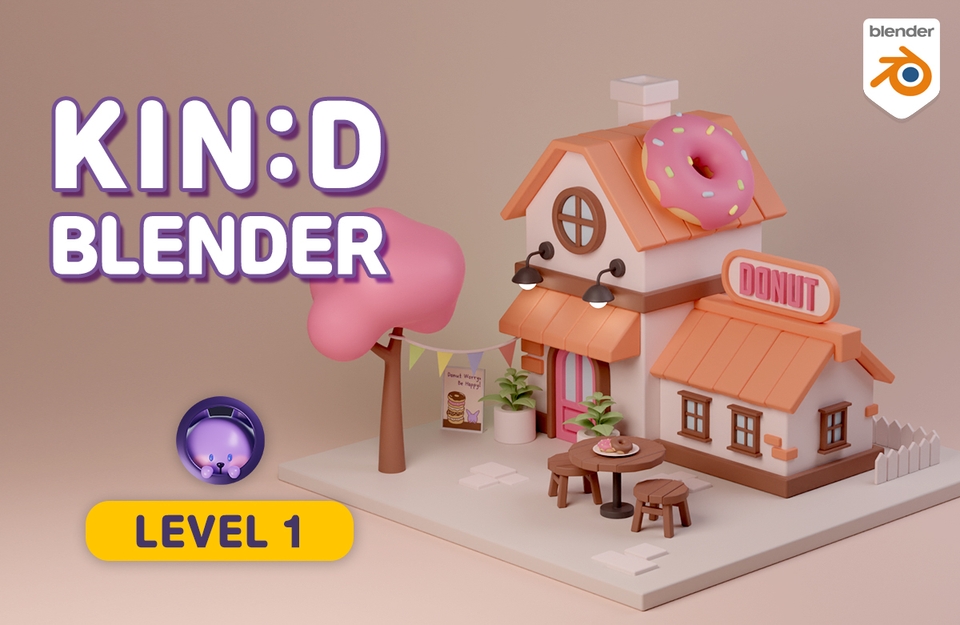
LV. 1 Basic Modeling: Building Foundations with a Donut Shop

A foundational course to understand basic functions and grasp the underlying principles

We teach you the most essential functions and principles needed when creating basic-level projects in Blender. You will complete the basic course by incorporating props made with the functions you've learned along the way into your final project, the donut shop.

Recommended for those who experience "Why isn't this working?" moments while making things in Blender!

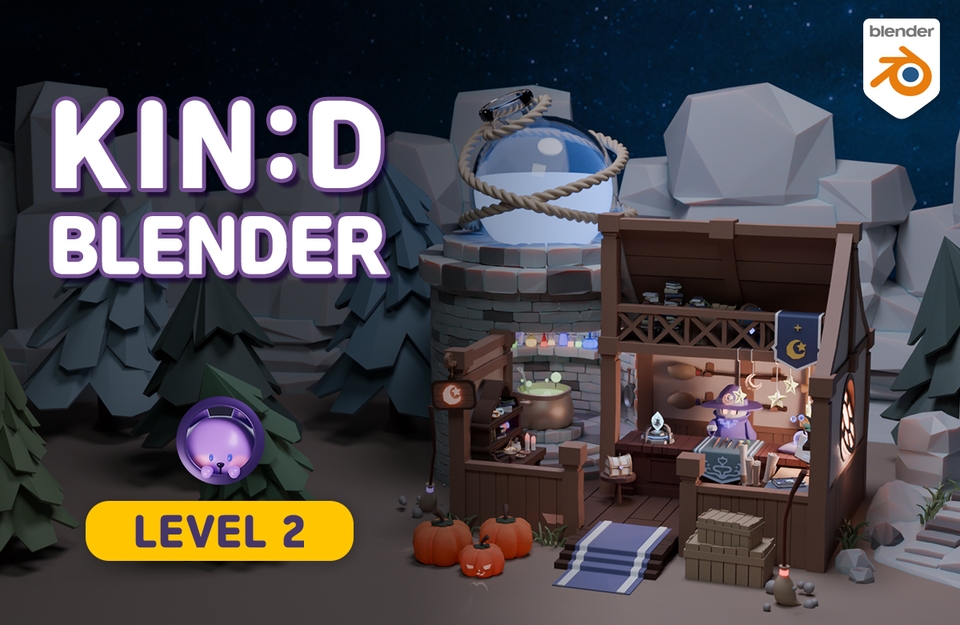
LV. 2 Modeling Practice: Getting Familiar with the Magic Shop

A basic practice course focused on practical modeling.

Through the process of creating a magic shop from scratch, you will learn basic functions as well as new features not covered in LV.1, and apply them to your modeling. Through hands-on practice, you can also learn various tips and know-how for modeling.

Recommended for those who want to fully make the basics of Blender &#39;their own&#39;!

LV.3 Character Animation: Learn by Making a Cat Walking Through Town Animation

A course to learn rigging and animation from the basics

Learn everything from modeling, rigging, painting, and animation of a cute cat character together, and create an animation of a cat walking through a village.
You can learn how to rig it to suit your own taste.

Recommended for those who want to properly learn character animation from the basics!

Q&A 💬

Q. Why should I learn Blender 3D?

Blender is a program equipped with truly diverse features, and it's free! It's great to try out when you're wondering if you'll be good at 3D. It's also good for learning as a hobby, and I recommend it to those who want to create their own animations or videos.

If you are learning for employment, it might be better to learn programs that are widely used in that specific field. It is true that Blender is currently relatively less famous in Korea and is not commonly used by companies. This is perhaps natural since they already have existing programs in place. However, companies using Blender are gradually emerging, and it is already widely used abroad. The proportion of Blender users in Korea will surely increase in the future!

Q. Can non-majors take this course?

Yes, it is possible even if you didn't major in video or design. The most difficult parts of drawing a 3D-looking picture are perspective and shadows. In Blender, perspective is naturally created when you place objects close to or far from the camera, and shadows are automatically generated when you add light, so you can create beautiful results even if you aren't good at drawing.

Of course, while there are some exceptions like Sculpting or Texture Painting, the modeling and rendering taught in this video are at a basic level, so anyone can do it as long as they have the will to follow along and create!

Q. What materials do I need to prepare for this course?

  • I recommend a computer
    —specifically a desktop computer. Please check the link below for detailed recommended specifications. Laptops are possible, but 3D rendering tasks particularly demand high graphics card performance, and since Blender frequently uses the numpad (the number pad to the right of the arrow keys), it may be inconvenient.
    Check computer specifications for Blender

  • Mouse
    A mouse with a wheel is required.

  • Keyboard
    A keyboard with a numpad is recommended.

  • (Optional) Tablet PC or Dual Monitor
    Due to the nature of instructional videos with many features, you will often need to pause and follow along. Therefore, having a tablet PC or a dual monitor is useful for watching the video while you work.

Q. What should I do if I get stuck?

If you get stuck in the middle, it becomes difficult to move on to the next step. I understand that frustrating feeling well, so I am always open to questions. For inquiries regarding Inflearn service operations, please use the 1:1 inquiry feature.

Recommended for
these people

Who is this course right for?

  • Those who want to learn character animation with a solid foundation

  • Those who think rigging is difficult

  • Those who were able to follow along but failed at creating their own original character

Need to know before starting?

  • Basic knowledge equivalent to Friendly Blender LV.1

Hello
This is codemod

8,009

Learners

344

Reviews

297

Answers

4.9

Rating

10

Courses

Blender with CODEMOD!


Let's bring the images you've only imagined to life using the free 3D program, Blender.
From game assets, architecture, and product design to 3D printing models, dioramas, animation, motion graphics, VFX, and simulations—
I will teach you the concepts and principles in an easy-to-understand way so you can apply them yourself!


Friendly Blender Lv.0 Essential Introduction - ☆☆☆☆☆
Friendly Blender Lv.1 Basic Modeling - ★☆☆☆☆
Friendly Blender Lv.2 Modeling Practice - ★☆☆☆☆
Friendly Blender Lv.3 Character Animation - ★★☆☆☆
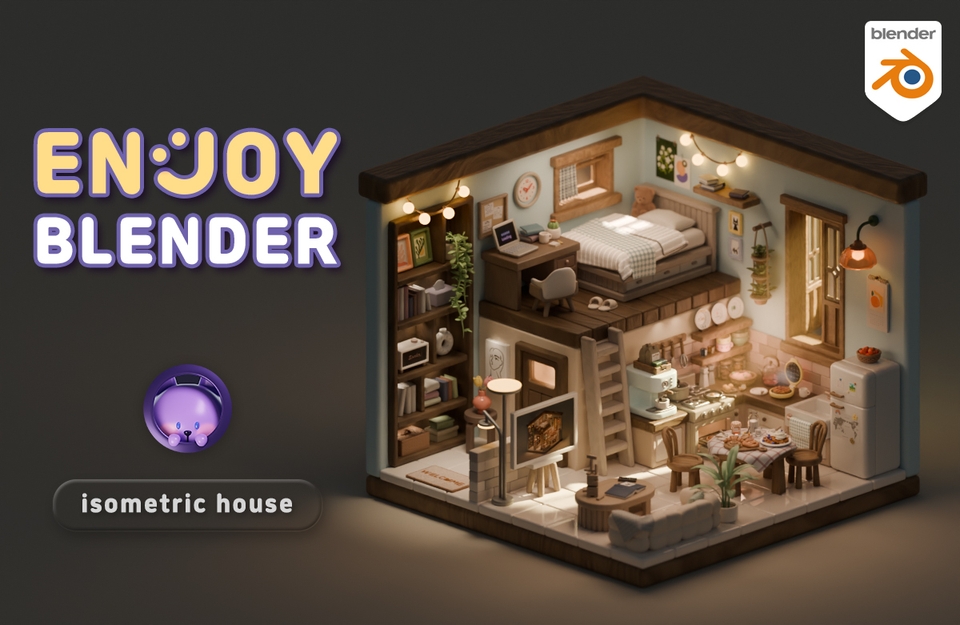
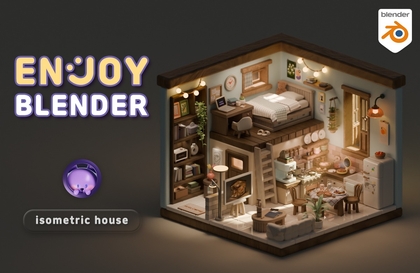
Fun Blender Isometric House - ★☆☆☆☆

codemod3d@gmail.com


www.youtube.com/codemod3d
www.instagram.com/codemod

More

Curriculum

All

35 lectures ∙ (12hr 17min)

Course Materials:

Lecture resources
Published: 
Last updated: 

Reviews

All

27 reviews

4.9

27 reviews

  • cheoncham5598님의 프로필 이미지
    cheoncham5598

    Reviews 1

    Average Rating 5.0

    Edited

    5

    21% enrolled

    I highly recommend this as the best course for beginners I've only completed 1/3 of the course so far, but I was so impressed while listening that I'm leaving this review. It was great to have additional explanations about version 4.0 and subsequent updated versions, I've also taken other famous paid courses like 101, Coloso, etc. but it's rare to find a place that explains from a beginner's perspective like this one does Other courses use terms only they know, and without explaining what functions do, they just say "follow along" and are busy proceeding on their own but here they explain the theory and each function, which was so educational I plan to recommend this to acquaintances who are studying Blender as well Thank you for the great course, teacher

    • codemod
      Instructor

      I'm proud my belief that application needs theory and concepts has been conveyed! Happy you find the lecture enjoyable and useful. And thanks for the heartfelt review and even recommending it to friends. I'll support your future Blender studies! :)

  • jazzno1님의 프로필 이미지
    jazzno1

    Reviews 1

    Average Rating 5.0

    5

    9% enrolled

    I moved over here because the government-funded training I was taking had too little time and lacked sufficient materials, and I feel so relieved now. You explain everything so thoroughly that my blood pressure, which had spiked because of the government-funded course, is finally returning to normal. You're the best, instructor!

    • codemod
      Instructor

      The animation part can be quite difficult with many new terms when you first encounter it. Haha. I'm glad you recognize the effort I put into preparing this lecture. Please enjoy the rest of the course until the end. You can do it!! :)

  • jgyeyang03305041님의 프로필 이미지
    jgyeyang03305041

    Reviews 1

    Average Rating 5.0

    5

    100% enrolled

    This lecture was also very kind and explained in detail, so I learned it with enjoyment! It was great that I could follow along and learn slowly without getting bored at all, and I feel like I upgraded myself through this lecture, so I'm proud. Thank you!

    • codemod
      Instructor

      I'm glad and proud that you've had fun leveling up. Thank you for your great feedback! :) There will be more animations in the future, so please enjoy it again when we give you more news!!

  • zkunsang4453님의 프로필 이미지
    zkunsang4453

    Reviews 37

    Average Rating 4.9

    5

    33% enrolled

    I'm in a job completely unrelated to modeling, but I'm really enjoying watching because you explain so incredibly well. It's amazing that I can do this, starting Blender completely for the first time with no prior knowledge. You also answer questions well, even those I don't know much about. I've purchased and am taking courses 0, 1, 2, and 3, and I'm doing course 2 concurrently, and I'm having so much fun!

    • codemod
      Instructor

      I'm happy you're enjoying the lecture. I tried my best to design the lecture so that even those new to Blender modeling or not skilled in drawing or art can gradually understand and learn, and it's rewarding and fulfilling to know you appreciate that. I hope you get a lot out of it and have fun with Blender! Thank you! :)

  • beahughgrant3095님의 프로필 이미지
    beahughgrant3095

    Reviews 1

    Average Rating 5.0

    5

    73% enrolled

    This is truly the best. Blender is explained in really great detail, covering all the conceptual principles. I purchased many different courses while transitioning from C4D to Blender, and this course is definitely the best among them. Some instructors explain things too casually with just words, or their lecture voice tone is so boring it makes you fall asleep, making it hard to watch until the end. But this course has an instructor with a great voice who explains things in a pleasant tone that's enjoyable to listen to. Also, explanations and concepts are often presented with neatly organized reference screens. I purchased this as a one-point lesson because I needed it, but it turned out to build a solid foundation better than expected, and now I see I've completed over 70 percent of it. It would be worth purchasing all of this instructor's courses. It has been really helpful. Thank you!

    • codemod
      Instructor

      This lecture was diligently prepared with the conviction that truly understanding the concepts is key to being able to apply them freely and create, and seeing it recognized truly makes me proud and gives me strength. Thank you for saying it's the best! I also feel good knowing that you seem to be learning enjoyably and usefully. I'll be cheering you on with your future Blender studies! :)

codemod's other courses

Check out other courses by the instructor!

Similar courses

Explore other courses in the same field!

$127.60