![Kind Blender - [LV.3] Character Animation講義サムネイル](https://cdn.inflearn.com/public/courses/334652/cover/61305f6f-b54f-48dd-9c54-7f2a7b26daf1/334652.jpg?w=420)
Kind Blender - [LV.3] Character Animation
codemod
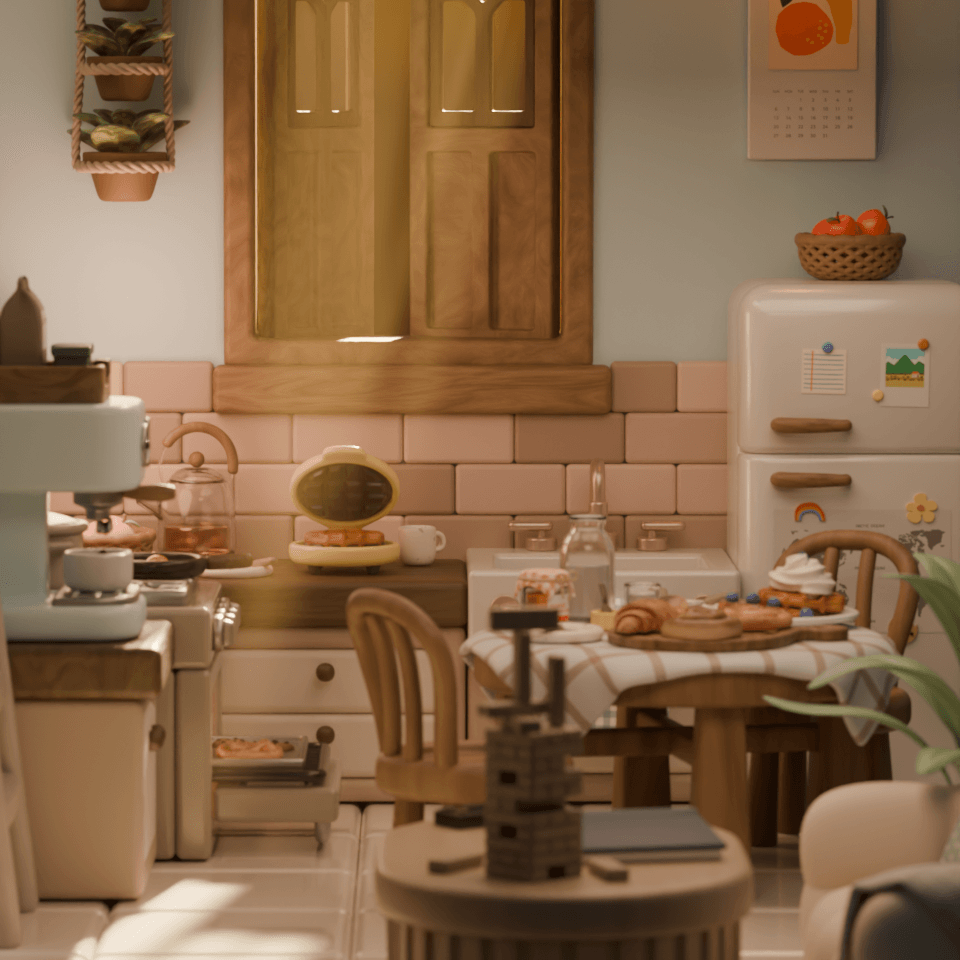
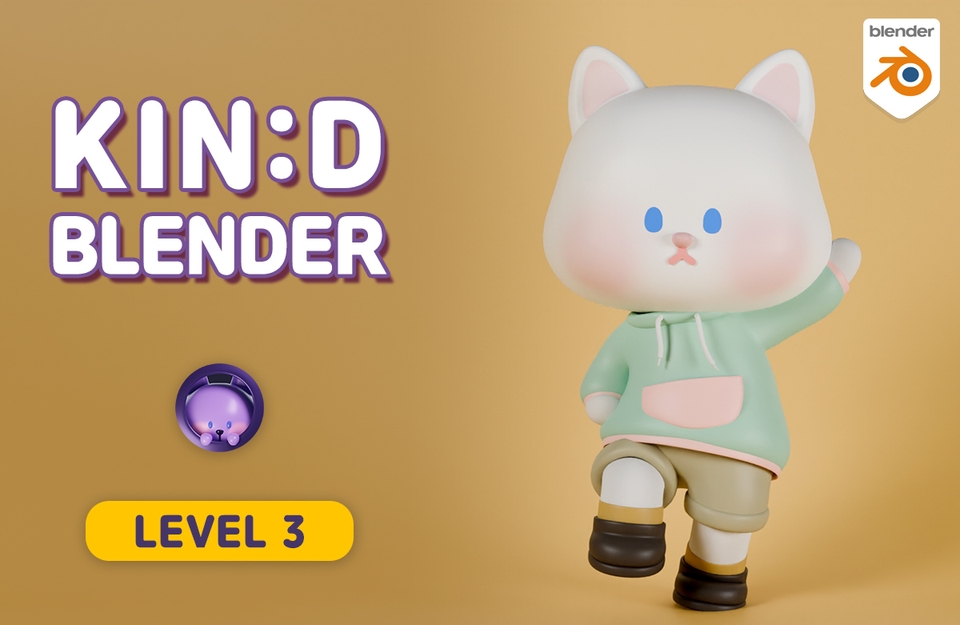
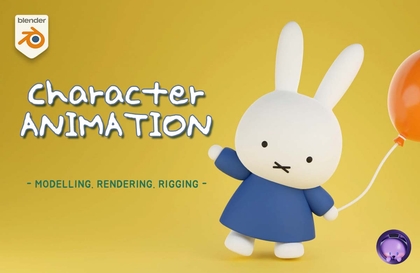
Learn modeling, rigging, painting, and animation of a cute cat character, and create an animation of a cat walking through a village! :)
初級
Blender, 3d, 3d-modelling
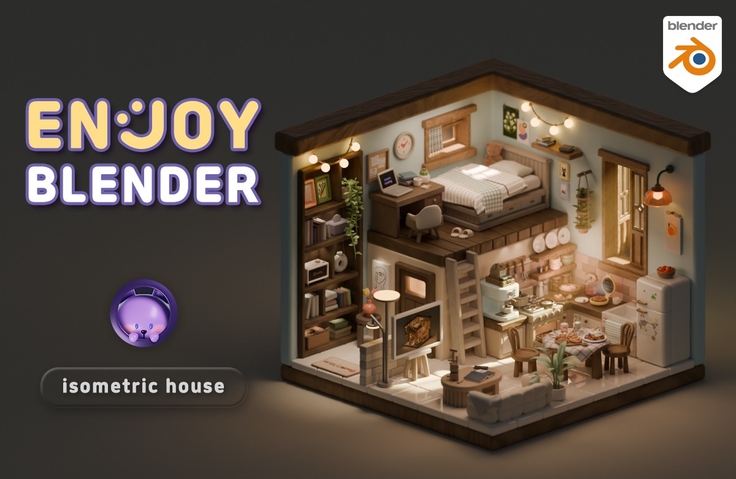
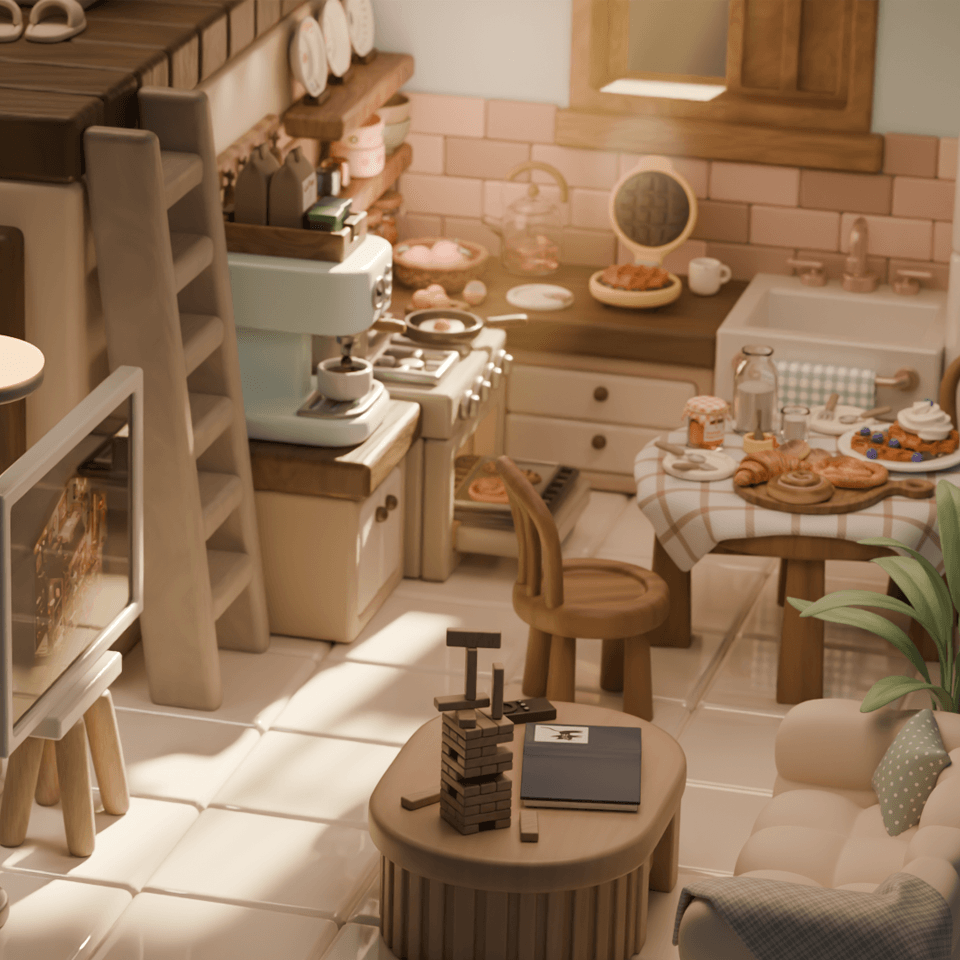
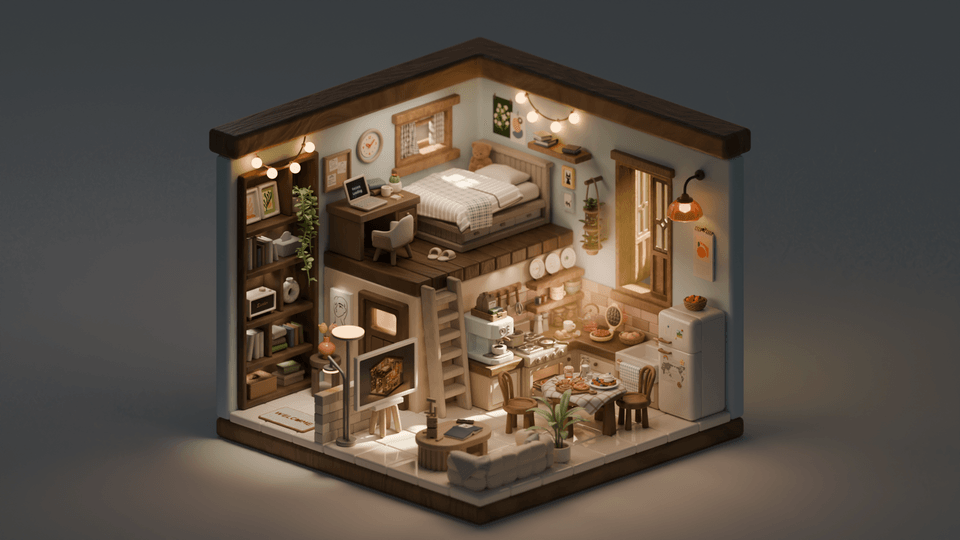
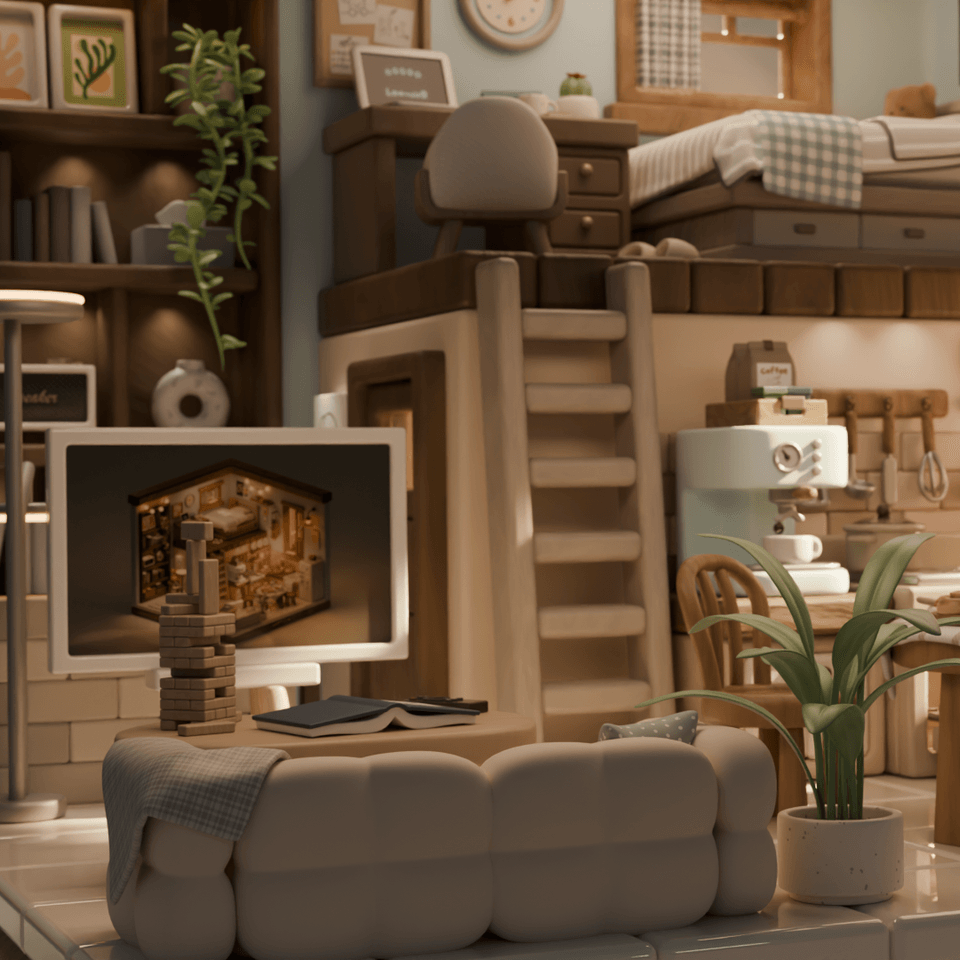
The first step to freely expressing the modeling you want with Blender. This is a comprehensive course packed with understanding of features such as modeling, texturing, rendering, physics, particles, material nodes, animation, libraries, and various know-how. Get familiar with Blender by creating various objects in a cute and charming isometric house style. Let's develop the ability to turn imagination into 3D together with me!
199 learners
Level Beginner
Course period Unlimited
Reviews from Early Learners
5.0
혜원
I first watched YouTube and followed along, then purchased and am now taking the Inflearn course after hearing about its launch. As I felt on YouTube, the teaching is really thorough in theory, and it was incredibly easy to study because you mention things repeatedly so we don't forget and even take care of review. I've taken many other courses and tried on my own, but even while using Blender functions, I lacked understanding of why I was using them - through this course, I'm learning a lot. Follow-along style courses allowed me to complete works, but Blender just felt difficult, whereas this course seems to give time to become friends with Blender. That's why learning is enjoyable. It's a course where I feel sad it's ending while also being curious about the next content. Thank you for creating this course. I've also come to want to create many works while using Blender. I'll keep fighting until the end of the course! Thank you :)
5.0
LeeHwi
The lecture pace isn't too fast, so I can follow along sufficiently without having to adjust the playback speed! And it's not just about showing how to make things, but also showing various problems that can arise during the process and providing solutions, so when errors occur or I get stuck, I can solve them calmly without panicking! It's also great that you keep mentioning shortcuts and convenience features throughout the lecture so I don't forget them!! :) I think this was my best choice this year 😊😊
5.0
pokedo
Wow! I've tried famous legendary courses (in English) on Udemy and various domestic courses, but this is the best among Korean-language courses 😆😆😆 You're incredibly meticulous, and I used to have to pause and replay lectures because other instructors would just tell you shortcuts and then immediately start using them😭😢 But Code Mode teaches you where to go and check first before introducing shortcuts, then gradually helps you apply them, which is perfect for beginners. It's kind and thorough, so I recommend it to Blender beginners or those who are struggling after opening Blender again after a long time~~ Even though I know the very basics, I listened from the beginning and it was great that you pointed out parts I didn't fully understand before!
Blender Basic Functions A to Z
Blender know-how to enhance the quality of your work
Various modeling approaches to develop application skills
Who is this course right for?
A person learning Blender for the first time
Someone who wants to practice modeling while creating pretty things
Someone who can follow tutorials but struggles to build what they actually want to make
Need to know before starting?
If this feels difficult, I recommend taking the beginner-friendly Blender LV.0 course first. LV.0 is a course designed for those who are new to 3D.
7,753
Learners
322
Reviews
272
Answers
4.9
Rating
10
Courses
Blender with CODEMOD!
Let's bring the images you've only imagined to life using the free 3D program, Blender.
From game assets, architecture, and product design to 3D printing models, dioramas, animation, motion graphics, VFX, and simulations—
I will teach you the concepts and principles in an easy-to-understand way so you can apply them yourself!
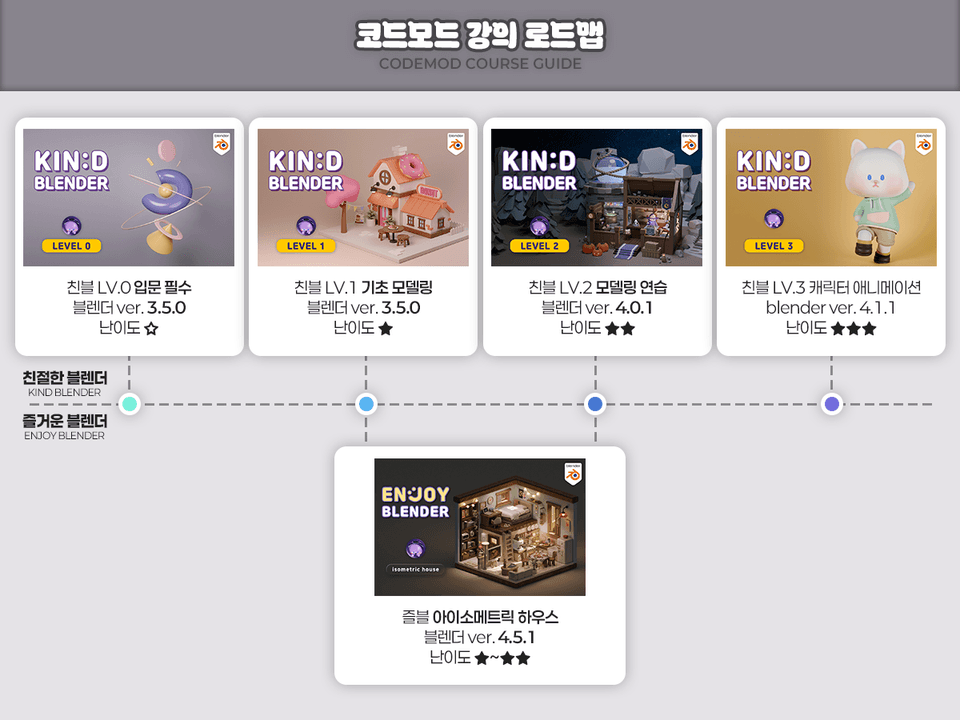
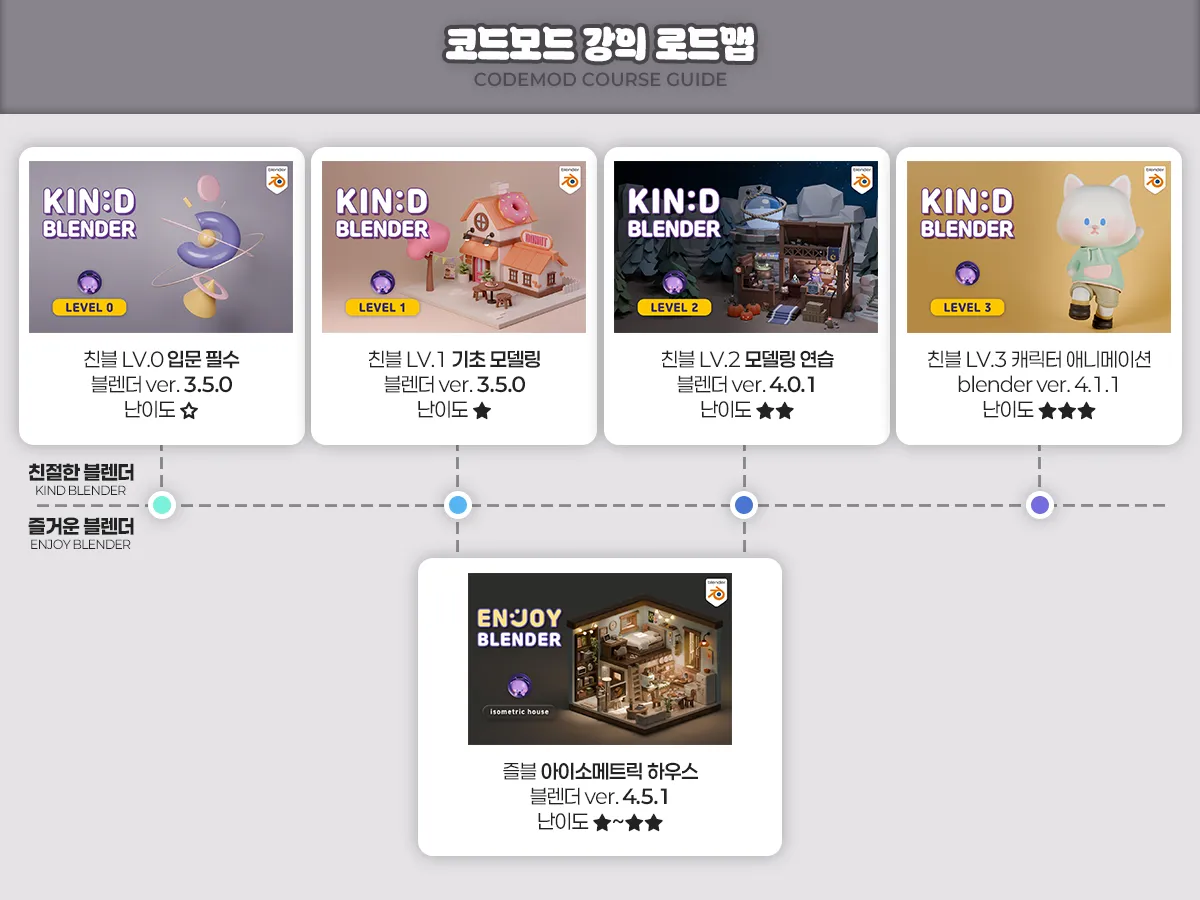
Friendly Blender Lv.0 Essential Introduction - ☆☆☆☆☆
Friendly Blender Lv.1 Basic Modeling - ★☆☆☆☆
Friendly Blender Lv.2 Modeling Practice - ★☆☆☆☆
Friendly Blender Lv.3 Character Animation - ★★☆☆☆
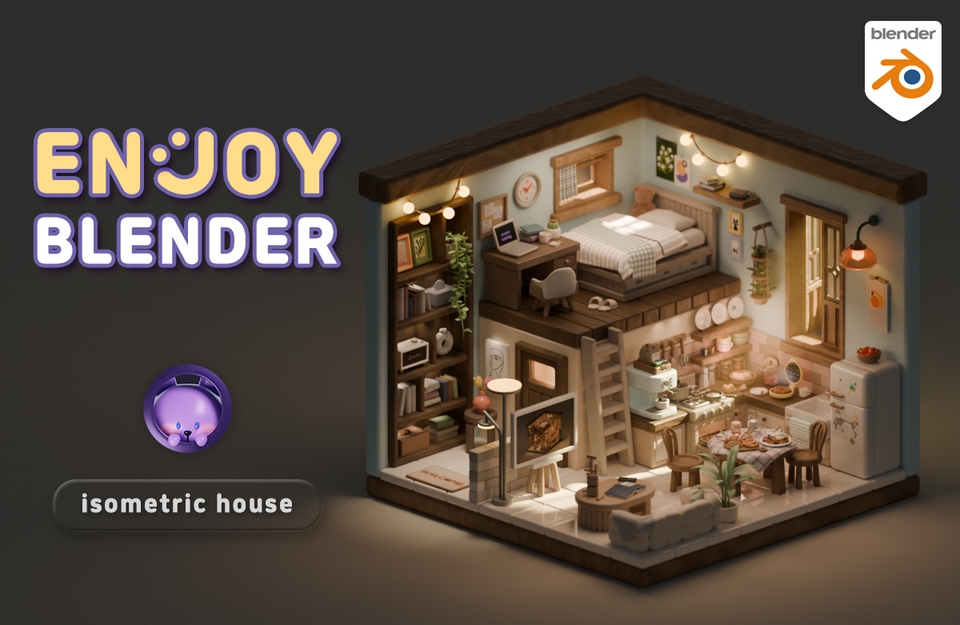
Fun Blender Isometric House - ★☆☆☆☆
www.youtube.com/codemod3d
www.instagram.com/codemod
All
99 lectures ∙ (43hr 24min)
Course Materials:
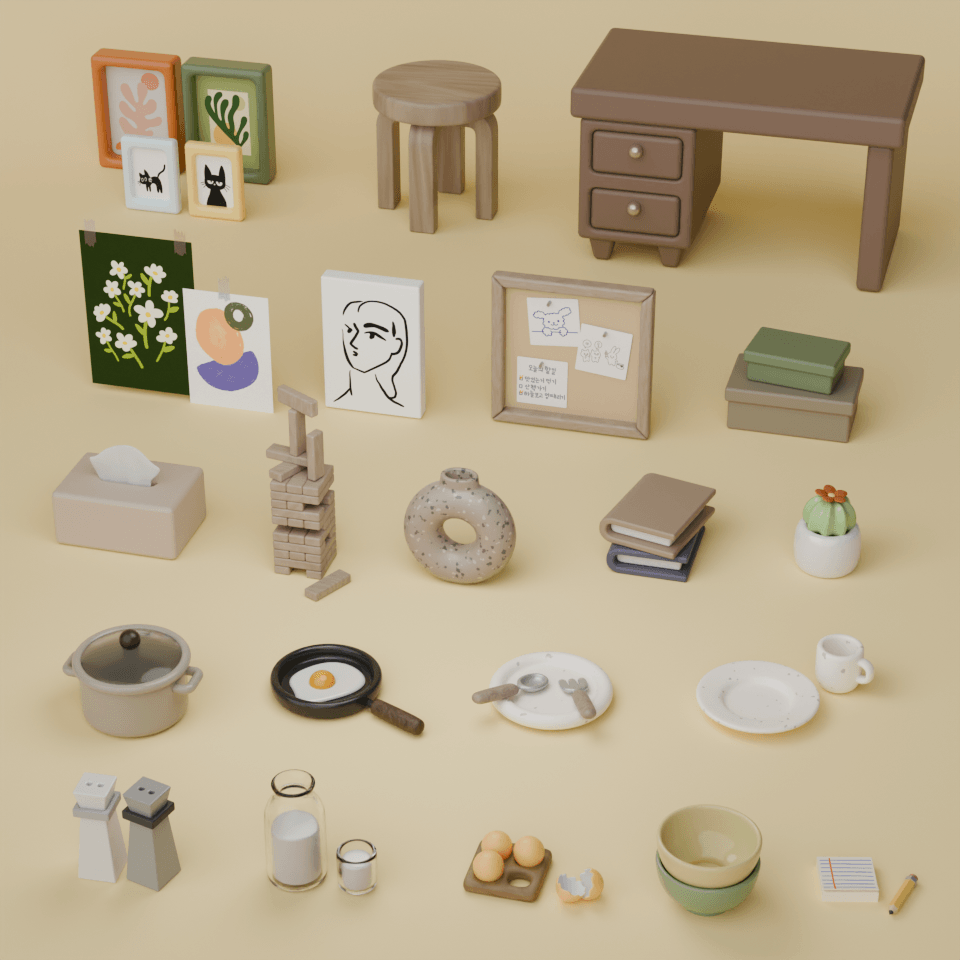
4. Box
32:12
5. Facial tissue
40:50
6. Cup
32:13
10. Poster
26:23
11. Canvas & Frames
31:58
12. Book
41:50
13. Memo Board
31:03
14. Ceramic object
31:27
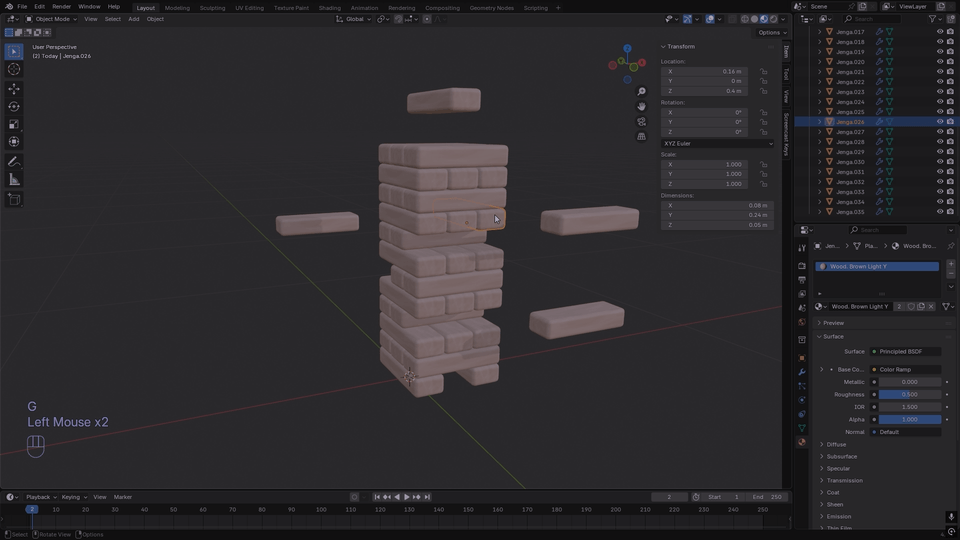
15. Jenga
12:36
16. Tableware
39:13
18. Frying pan
21:50
19. Pot
32:55
20. Egg
34:10
21. Stool
19:46
22. Desk
29:23
23. Plant Cactus
30:35
24. Notepad & Pencil
31:19
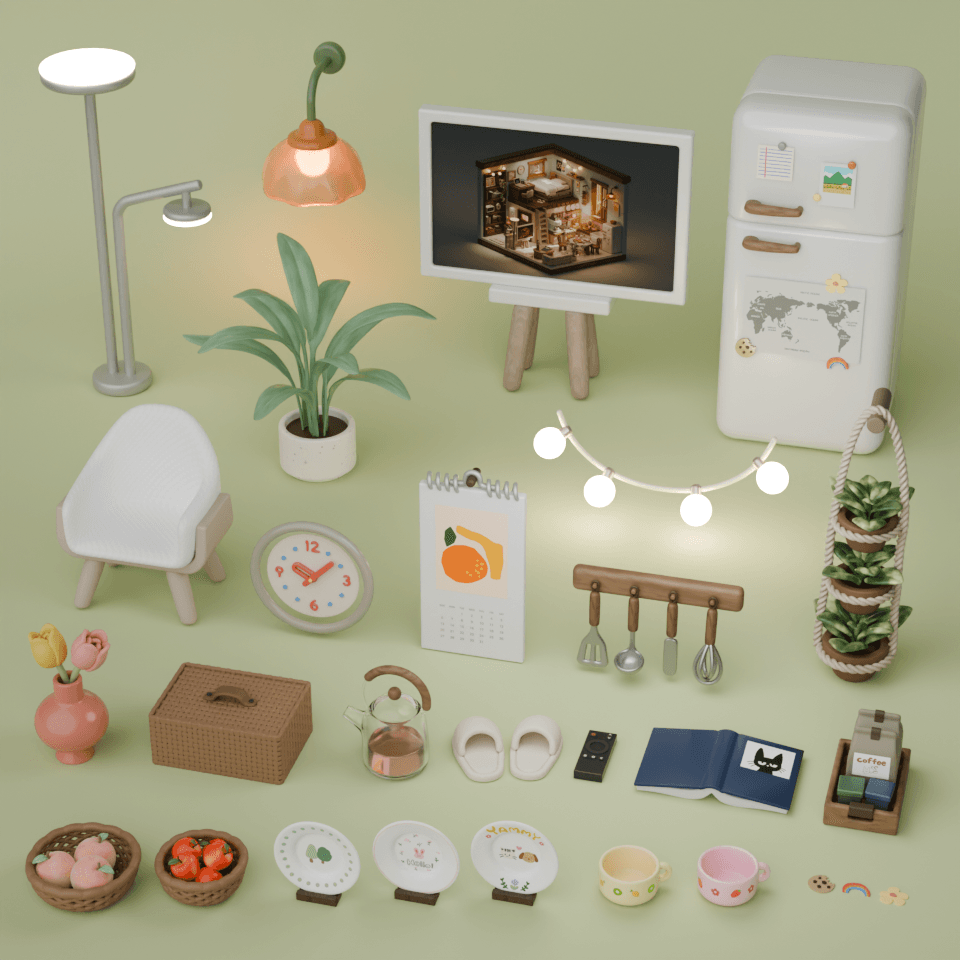
25. Slippers
12:02
26. Desk chair
28:42
27. Coffee tray
32:31
28. Desk lamp
21:51
29. String lights
24:35
30. Wall light
22:57
31. TV
32:47
32. Fridge magnet
24:32
33. Refrigerator
21:42
34. An open book
19:24
35. Speaker
26:45
36. Remote control
31:30
39. Glass kettle
19:58
41. Calendar
20:05
42. Wall clock
21:19
43. Apple basket
30:26
44. Peach basket
26:19
45. Rattan basket
29:51
46. Hwabyung
28:46
47. Large plant
18:19
48. Hanging plants
47:41
All
17 reviews
5.0
17 reviews
Reviews 1
∙
Average Rating 5.0
Edited
5
It's so fun... I'm not even working in a related field, but I applied just because it looked cute. I secretly play the videos next to me at work and follow along on weekends, making little things bit by bit - it feels like playing a game and is really healing. The lectures are divided by simple props that don't require long work sessions, so there's a sense of achievement every time I finish one, and the advantage is that I can listen to them in light, manageable chunks. After finishing all of this, I want to take the white cat thumbnail lecture too and try making animations with my favorite characters.
I'm so proud and happy that you're making it as fun as a game! Just seeing the first phrase 'It's fun...' made my lips curl up into a smile. Those dots seem so sincere! 😊😊 Thank you. I'll keep up my energy and continue making the next lectures! :)
Reviews 1
∙
Average Rating 5.0
5
Wow! I've tried famous legendary courses (in English) on Udemy and various domestic courses, but this is the best among Korean-language courses 😆😆😆 You're incredibly meticulous, and I used to have to pause and replay lectures because other instructors would just tell you shortcuts and then immediately start using them😭😢 But Code Mode teaches you where to go and check first before introducing shortcuts, then gradually helps you apply them, which is perfect for beginners. It's kind and thorough, so I recommend it to Blender beginners or those who are struggling after opening Blender again after a long time~~ Even though I know the very basics, I listened from the beginning and it was great that you pointed out parts I didn't fully understand before!
Thank you for saying it's the best. When I see reviews like this, I get all excited and happy. It's rewarding to see that my careful attention to detail paid off. Please continue to enjoy the course! :)
Reviews 1
∙
Average Rating 5.0
Edited
5
It explains Blender's features in detail from the basic concepts in an easy and thorough way. The explanations are really excellent. What A is, what it means, when to use it, precautions, related features, shortcuts... really covers everything. You can tell this is a meticulously prepared lecture. In the past, I used to wonder "what is this toolbar for... when do you use this... why does this happen like this?" but now I understand what everything is. It feels like drinking a hundred sodas and having my mind completely cleared. Plus, learning while making cute things makes it more fun and motivating. I'm really looking forward to the upcoming lectures and will keep going all the way to completion. Thank you so much for the great lecture!! ♥
I'm so happy to be refreshing! 😊😊😊 It's rewarding to see that all the hard work in preparation paid off. I'll work even harder to make sure the remaining lectures continue to be just as refreshing. Thank you so much for the wonderful review!! :)
Reviews 1
∙
Average Rating 5.0
5
The lecture pace isn't too fast, so I can follow along sufficiently without having to adjust the playback speed! And it's not just about showing how to make things, but also showing various problems that can arise during the process and providing solutions, so when errors occur or I get stuck, I can solve them calmly without panicking! It's also great that you keep mentioning shortcuts and convenience features throughout the lecture so I don't forget them!! :) I think this was my best choice this year 😊😊
Wow.. saying it's the best choice! That's such a touching thing to say. 😊😊 I'm happy that the parts I put care into seem to have helped with taking the course. I'll continue to work hard on making them, so please enjoy the lectures. Thank you!! :)
Reviews 1
∙
Average Rating 5.0
$279.40
Check out other courses by the instructor!

Explore other courses in the same field!