


Learning Blender 3D by Following Along

Get familiar with Blender and start having fun by following along. Upgrade your Blender skills step by step through these short examples.

(4.9) 17 reviews

1,221 learners

Level Basic

Course period Unlimited

Blender
Blender
3d-modelling
3d-modelling
Blender
Blender
3d-modelling
3d-modelling

Reviews from Early Learners

4.9

5.0

ㅇㅈㅇ

100% enrolled

This collection has all the perfect lectures for learning Blender basics. I think it would have been much easier to understand if I had watched these first before taking other courses.

5.0

배민수

100% enrolled

Thank you, it was very helpful.

5.0

Jang Jaehoon

21% enrolled

Thank you for the good lecture!

What you will gain after the course

  • Experiencing various features of Blender

  • Getting used to modeling by following the tutorial

Upgrade your Blender skills step by step by following along one by one!

Modeling / Material Expression / Shader Nodes / Physics / Light and Camera / Directing

If you've been interested in 3D modeling, start with the free program Blender.
As you follow along and complete projects one by one, you'll find the joy of creating and quickly get used to it.
Try out various features lightly and see which field suits your taste.

✏ Here are the things we will create! ✏

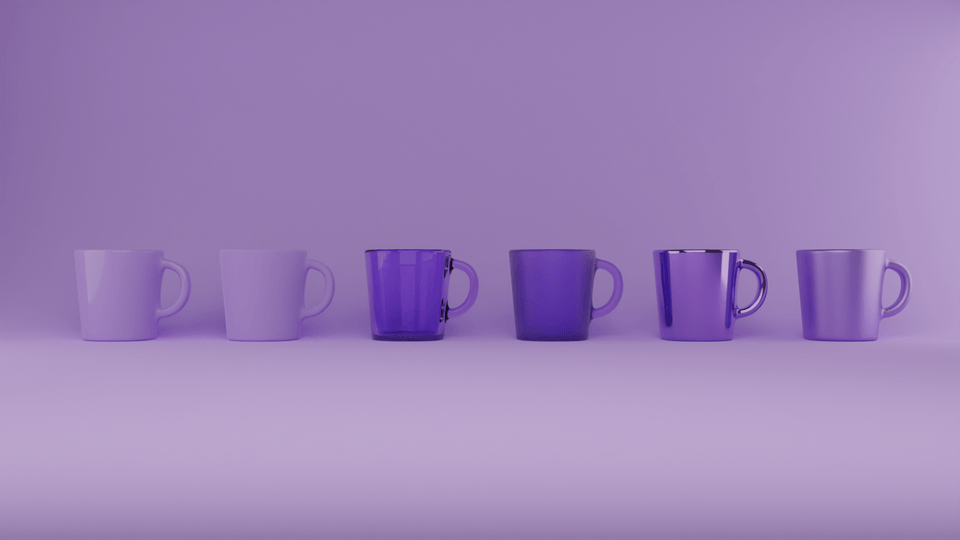
Create the most basic form of a cup and learn about the most basic materials.

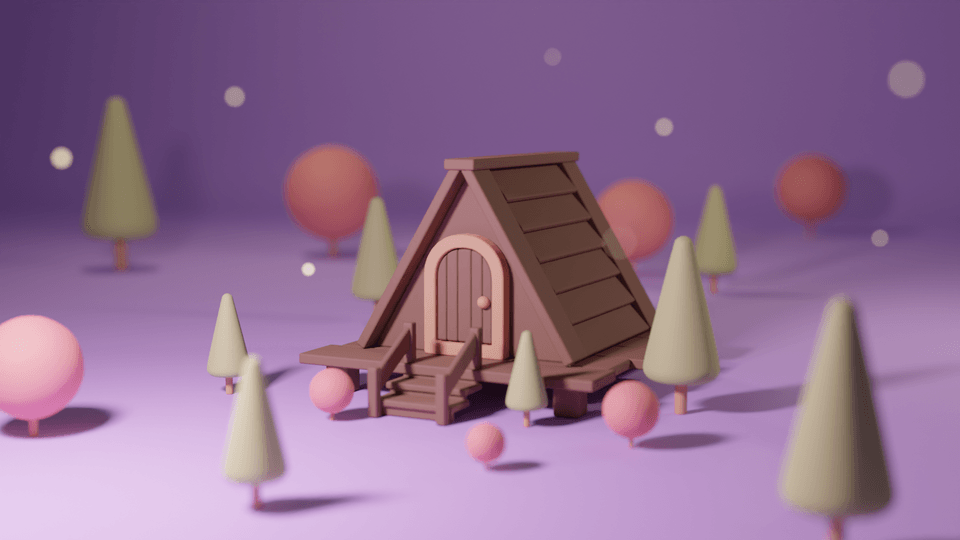
Learn the basic functions while building a simple cabin. Applying a focus-out effect will result in a more polished production.

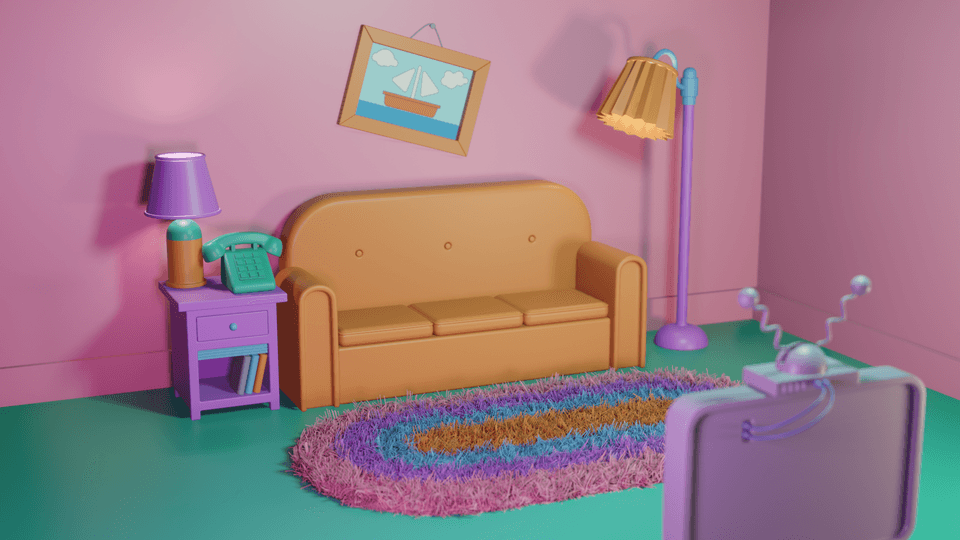
Do you like The Simpsons? Let's create the living room where the family gathers during the opening sequence.

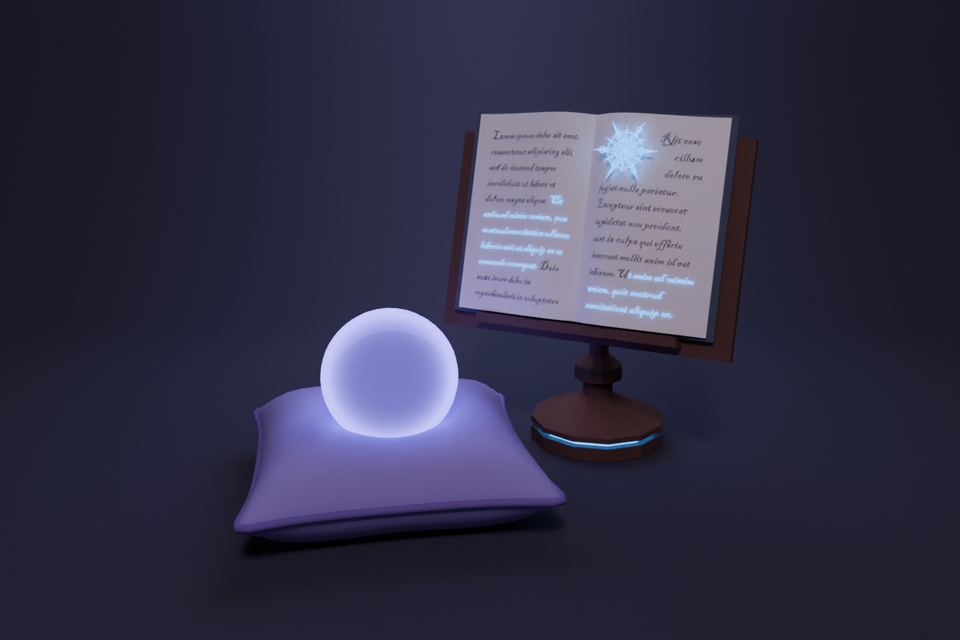
This is modeling that utilizes various features of Blender, such as an open book created following the shape of a curve and cushions using physics.
(Excerpt from Friendly Blender Lv.2)

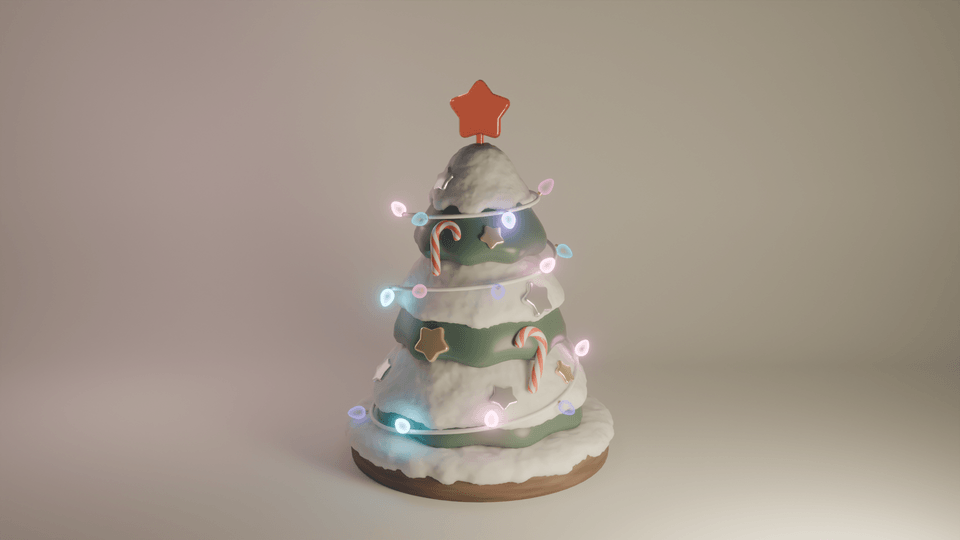
Create a snow-covered effect with the Snow Add-on and make a glowing light bulb using Shader Nodes.

Learn how to create irregular shapes like flowers and how to express realistic shadows.

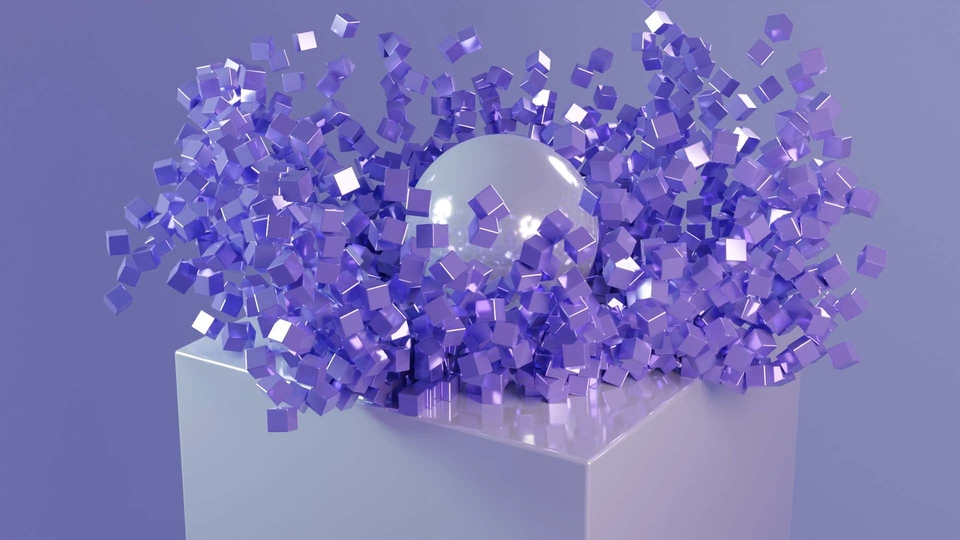
Learn the basic functions of Rigid Body physics while knocking down 1,000 cubes.

You can create realistic soap bubbles using only nodes. Also, learn how to utilize cloud-filled HDRIs.

More lectures will continue to be added in the future!
#Blender #3Dmodelling #3Dtutorial

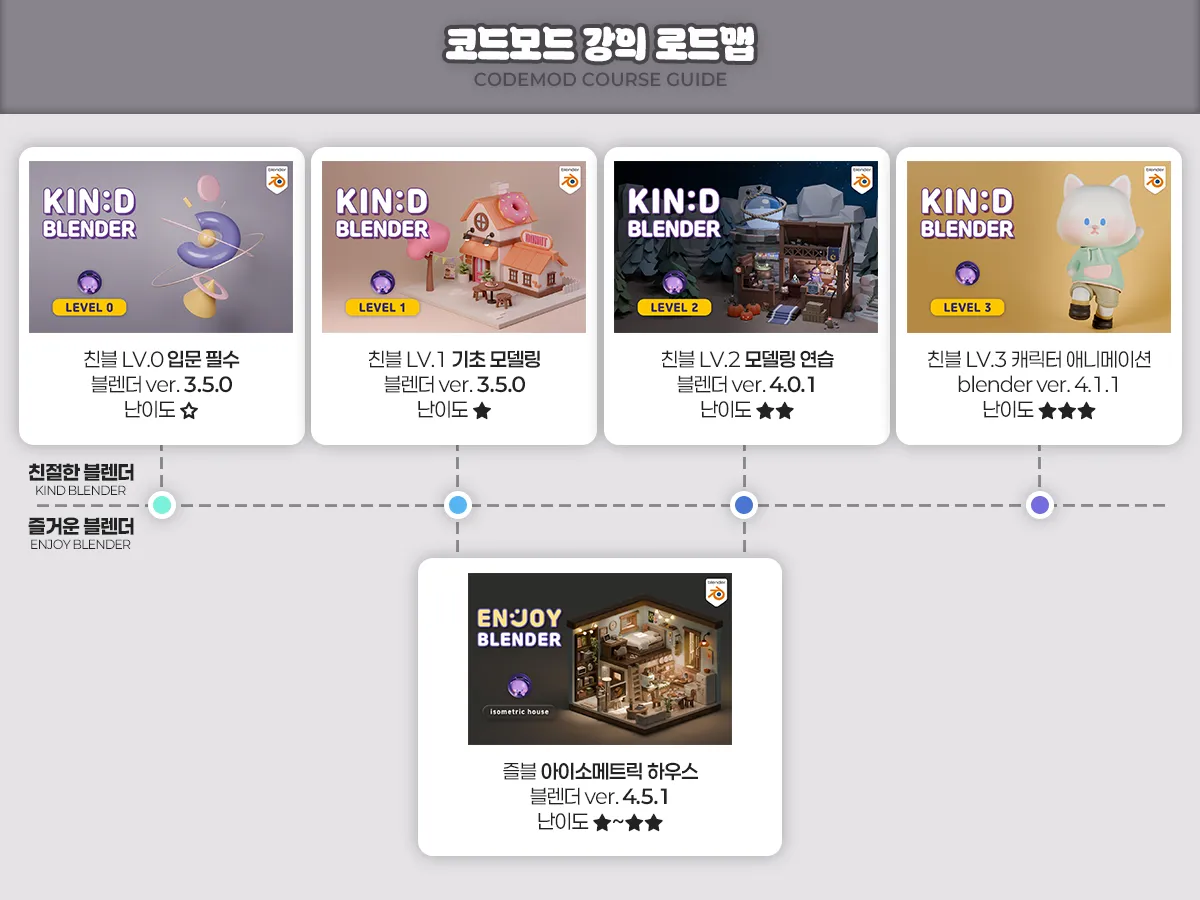
Friendly Blender = Concept-oriented

Those who want to clarify concepts clearly
Those who want to learn modeling step-by-step

Fun Blender = Example-oriented

Those who enjoy learning by doing while creating examples
Those who want to quickly get a taste of everything up to physics and animation

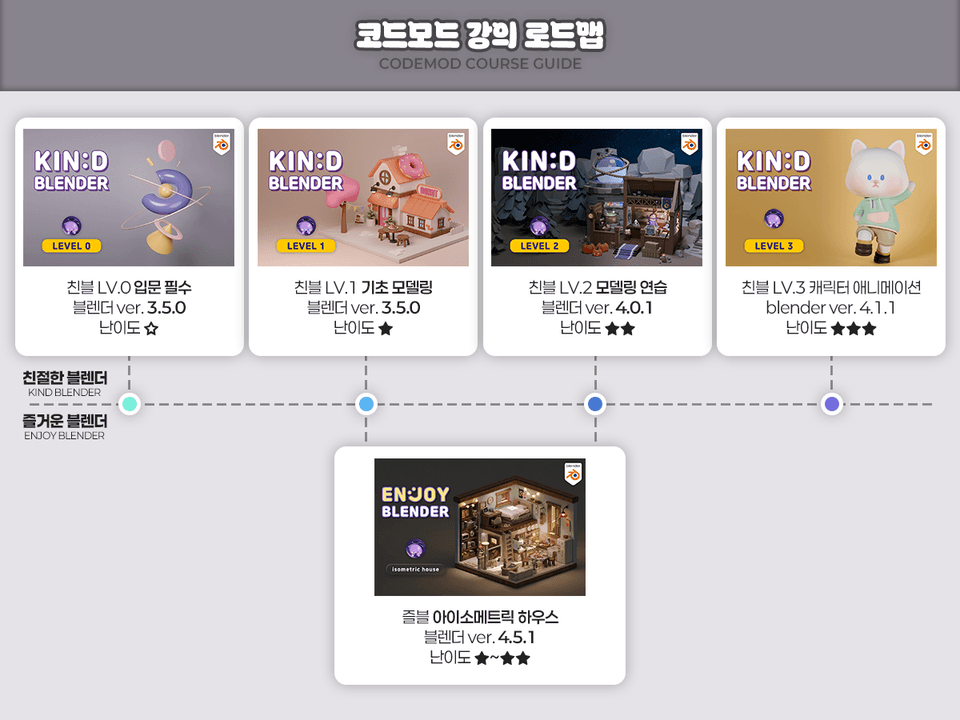
Recommended Roadmap

  • Standard (Concept-oriented): Friendly 0 - Friendly 1 - Friendly 2 - Friendly 3 (Friendly 2, which is practice-oriented, can be skipped)

  • Efficiency (Maximum features): Friendly 0 - Friendly 1 - Joyful House - Friendly 3

  • Practical (Learning through examples from the start): Joyful House - Friendly 3

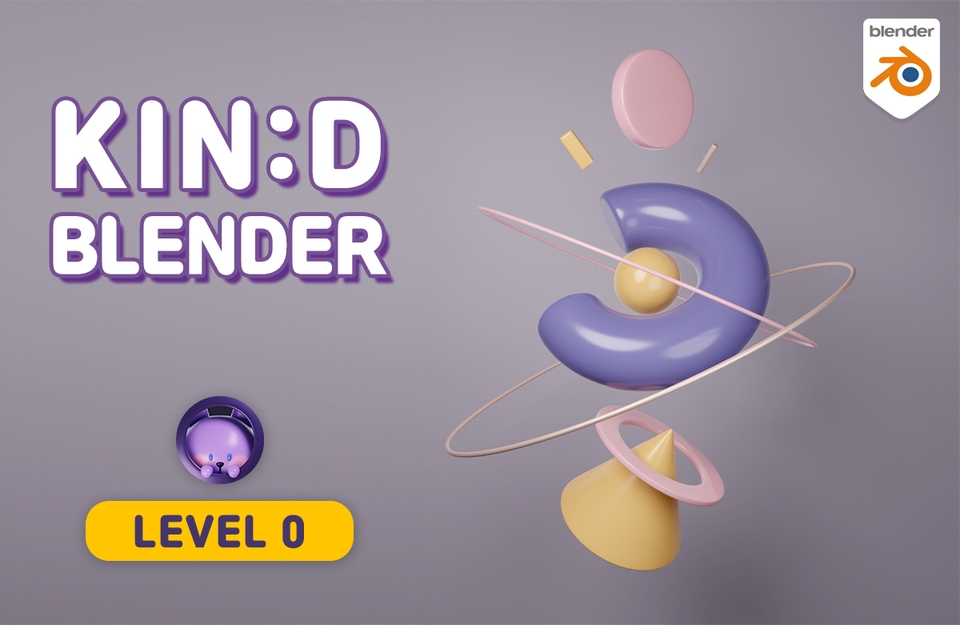
LV0 Main

[Intro] Friendly Blender LV.0

Target: Beginners who are new to 3D tools
Key: Basic concepts and practice combining basic shapes

LV1 Main

[Basic] Friendly Blender LV.1

Target: Those who need a solid foundation in modeling
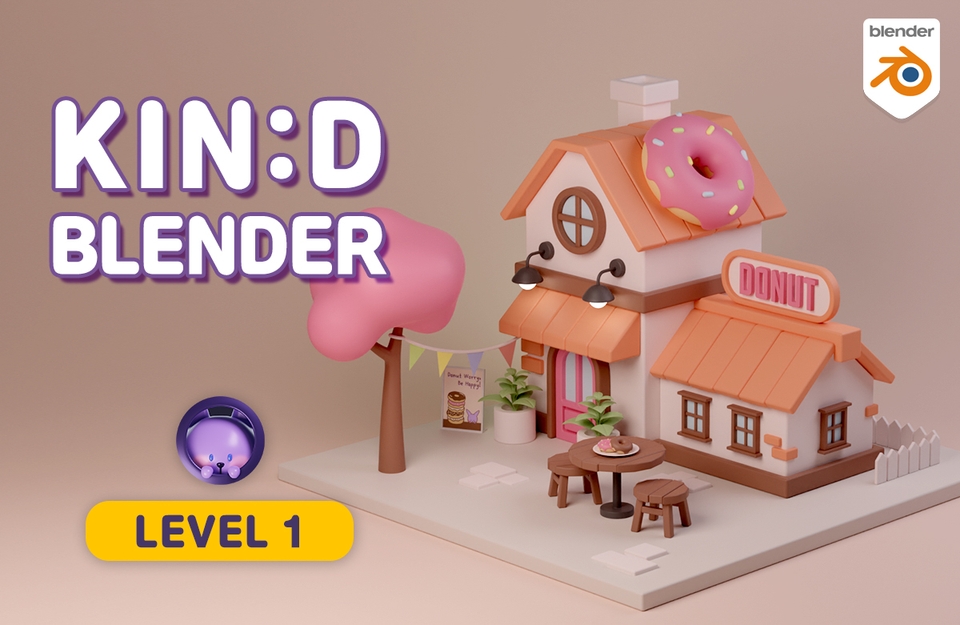
Key: Learning modeling functions and creating a donut house example

즐거운 블렌더 아이소메트릭 하우스

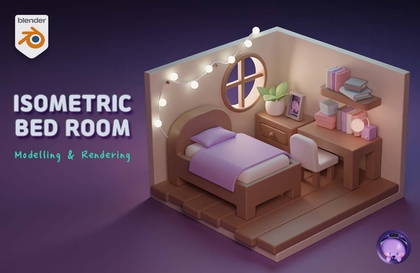
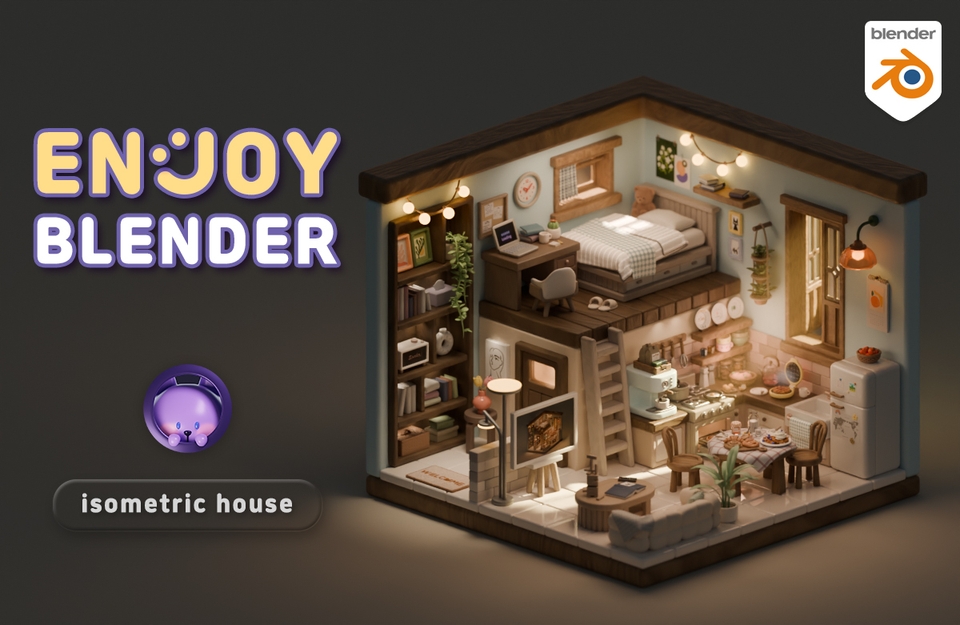
[Practical] Fun Blender Isometric House

Target: Those who want to learn functions through examples (Difficulty: Friendly 1+2+α)
Key: Includes physics and animation in addition to modeling

LV2 Main

[Practice] Friendly Blender LV.2

Target: Those who want to solidify what they've learned and create large-scale works
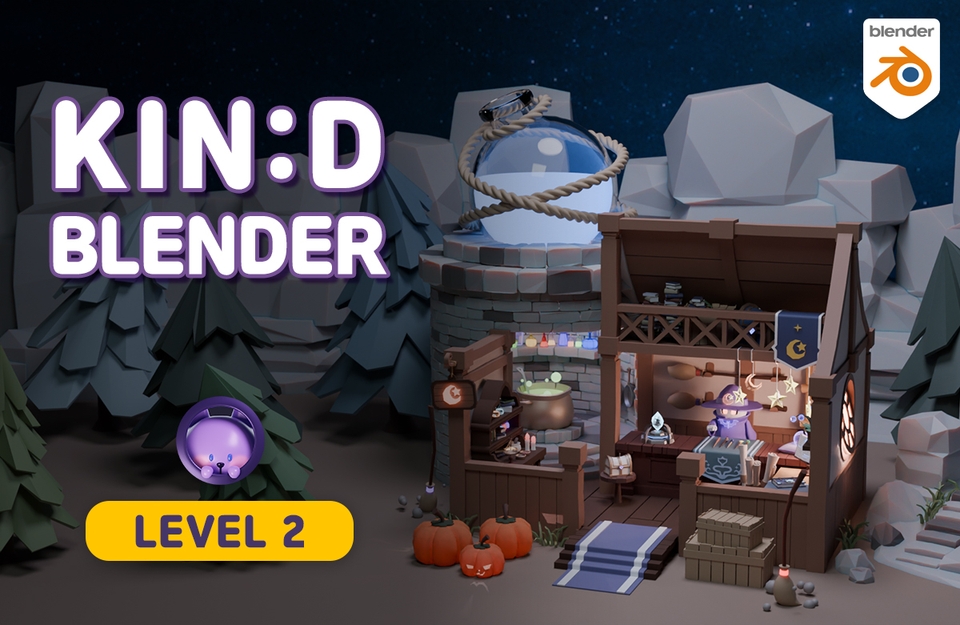
Key Point: Strengthening skills through the Magic Shop example

LV3 Main

[Advanced] Friendly Blender LV.3

Target: Those who want in-depth animation and rigging concepts
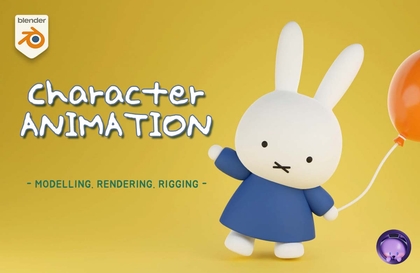
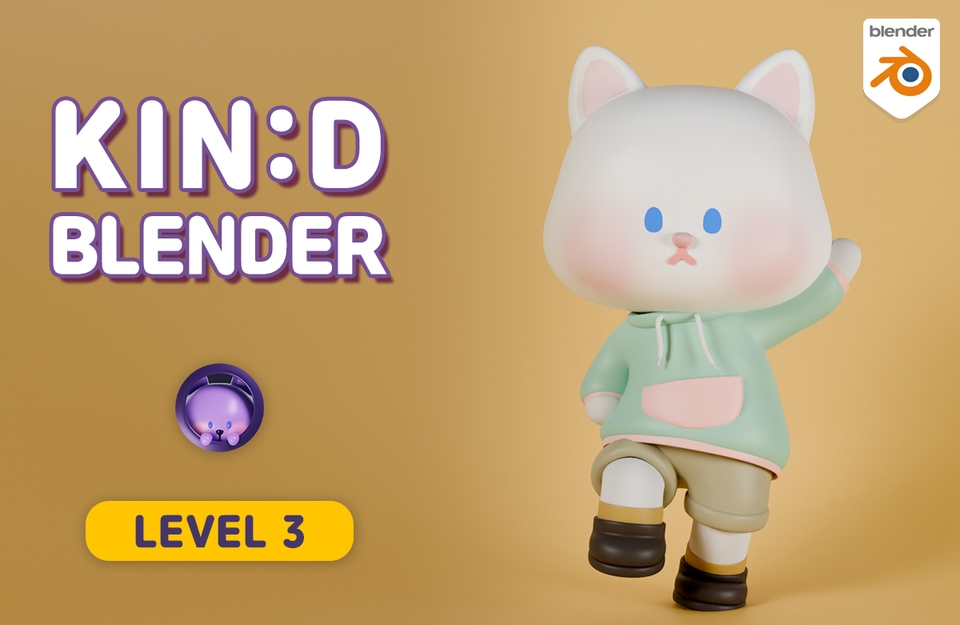
Key: Character modeling, rigging, and animation practice (High difficulty)

Q&A 💬

Q. Why should you learn Blender 3D?

Blender is a program equipped with truly diverse features, and it's free! It's great to try out when you're wondering if you'll be good at 3D. It's also good for learning as a hobby, and I recommend it to those who want to create their own animations or videos.

If you are learning for employment, it might be better to learn programs that are widely used in that specific field. It is true that Blender is currently relatively less famous in Korea and is not used much by companies. This is perhaps natural since there are programs already in use. However, companies using Blender are gradually emerging, and it is widely used abroad. The proportion of Blender users in Korea will surely increase in the future!

Q. Can non-majors take this course?

Yes, it is possible even if you didn't major in video or design. The most difficult parts of drawing a 3D-looking picture are perspective and shadows. In Blender, perspective is naturally created when you place objects near or far from the camera, and shadows are automatically generated when you add light, so you can create beautiful results even if you aren't good at drawing.

Of course, while there are some exceptions like Sculpting or Texture Painting, the modeling and rendering taught in this video are at a basic level, so anyone can do it as long as they have the will to follow along and create!

Q. What materials are required to take this course?

  • Computer
    desktop computers are recommended. Please check the link below for detailed recommended specifications. Laptops are possible, but rendering work in 3D particularly requires high graphics card performance, and since Blender uses the numpad (the number pad to the right of the arrow keys) a lot, it can be inconvenient.
    Check computer specifications for Blender

  • Mouse
    A mouse with a wheel is required.

  • Keyboard
    A keyboard with a numpad is recommended.

  • (Optional) Tablet PC or Dual Monitor
    Due to the nature of learning videos with many features, you will often need to pause and follow along, so having a tablet PC or a dual monitor is useful for watching the video while practicing.

Q. What should I do if I get stuck?

If you get stuck in the middle, it becomes difficult to move on to the next step. Since I understand that frustrating feeling all too well, my door is always open for questions. For inquiries regarding Inflearn service operations, please use the 1:1 inquiry feature.

Recommended for
these people

Who is this course right for?

  • Someone who wants to have fun learning Blender through simple tutorials

  • Someone who prefers learning through examples rather than concepts.

Need to know before starting?

  • It contains the most basic information.

  • If you want to understand the concepts in more detail, it's even better to take Friendly Blender Lv.0 and Lv.1!

Hello
This is codemod

Inflearn Verified

8,682

Learners

395

Reviews

336

Answers

4.9

Rating

10

Courses

Blender with CODEMOD!

Let's create the images you've only imagined using Blender, the free 3D software.
I will teach you the concepts and principles easily so that you can apply them yourself to game assets, architecture, product design, models for 3D printing, dioramas, animation, motion graphics, VFX, simulations, and more!


Go to Profile Link (Course Coupon)

Go to YouTube

Go to Instagram


codemod3d@gmail.com


codemod roadmap.png.webp


More

Curriculum

All

21 lectures ∙ (7hr 9min)

Course Materials:

Published: 
Last updated: 

Reviews

All

17 reviews

4.9

17 reviews

  • minsoobae1572님의 프로필 이미지
    minsoobae1572

    Reviews 6

    Average Rating 4.8

    5

    100% enrolled

    Thank you, it was very helpful.

    • jjhgwx님의 프로필 이미지
      jjhgwx

      Reviews 1,076

      Average Rating 4.9

      5

      21% enrolled

      Thank you for the good lecture!

      • codemod
        Instructor

        Thank you. Keep enjoying your Blender studies! :)

    • jyeon9421님의 프로필 이미지
      jyeon9421

      Reviews 3

      Average Rating 5.0

      5

      100% enrolled

      This collection has all the perfect lectures for learning Blender basics. I think it would have been much easier to understand if I had watched these first before taking other courses.

      • codemod
        Instructor

        Wow! 100% completion of the Online Classes. It seems like you really enjoyed the lectures, and I'm genuinely proud and happy about that. I'll be cheering you on in your future Blender studies! :)

    • zzuzz4502님의 프로필 이미지
      zzuzz4502

      Reviews 4

      Average Rating 5.0

      5

      30% enrolled

      • codemod
        Instructor

        Thank you. I hope you continue to have a great time studying Blender! :)

    • itaho07295520님의 프로필 이미지
      itaho07295520

      Reviews 1

      Average Rating 5.0

      5

      30% enrolled

      • codemod
        Instructor

        Thank you. I hope you continue to have a great time studying Blender! :)

    codemod's other courses

    Check out other courses by the instructor!

    Similar courses

    Explore other courses in the same field!

    Free