


inflearn logo

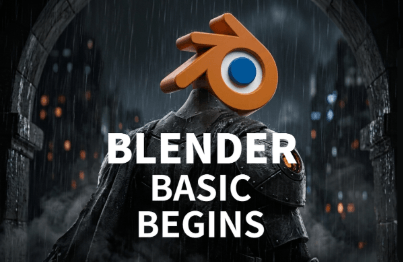
Friendly Blender - [LV.0] Essential Introduction

From those just starting out with Blender to those who want to build a solid foundation and learn more! I’ll kindly explain how the basic features work and the mistakes people often make. Shall we dive into the fun world of Blender together?

(4.9) 135 reviews

745 learners

Level Beginner

Course period Unlimited

Blender
Blender
3d-modelling
3d-modelling
3d-rendering
3d-rendering
Blender
Blender
3d-modelling
3d-modelling
3d-rendering
3d-rendering

Reviews from Early Learners

4.9

5.0

소희

89% enrolled

I'm taking other Blender courses, but nowhere has taught the basics as kindly as here. I want to take the next class too~ Amazing!!!

5.0

이감독

100% enrolled

I've seen a few basic tutorials on YouTube, but I've never seen a lecture that covers the basics and fundamentals as well as this one. I recommend it!

5.0

pos0523

100% enrolled

I felt like I needed to study the basics of Blender, so I took the class. I had seen other tutorial-based classes, but they had limitations in terms of application and understanding😭😭 This class helped me understand why the errors I had just passed over and didn't understand were happening, and it was useful to understand each function~!

What you will gain after the course

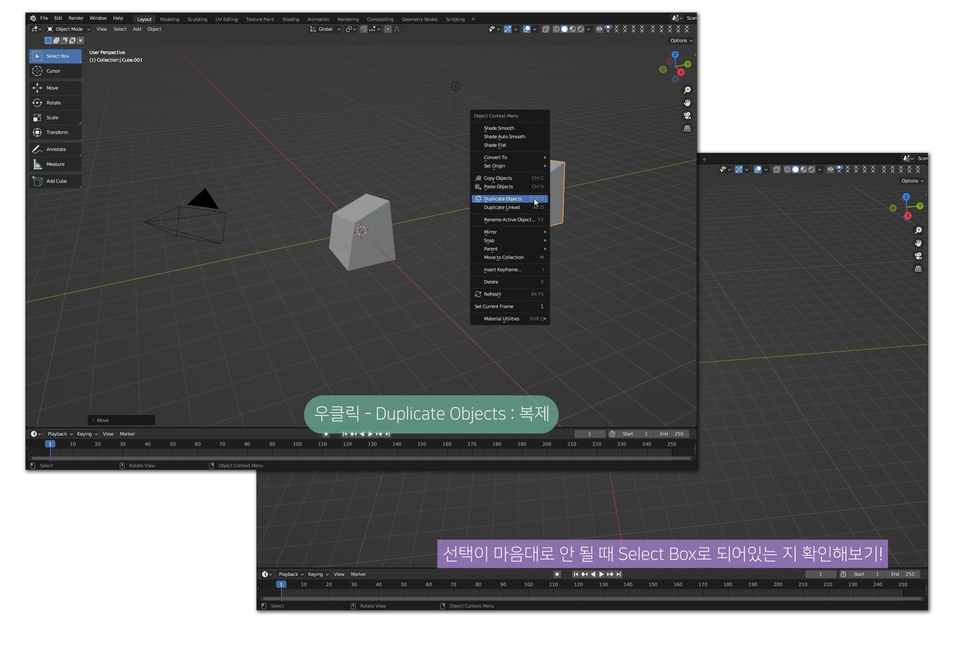
  • Object Mode and Edit Mode

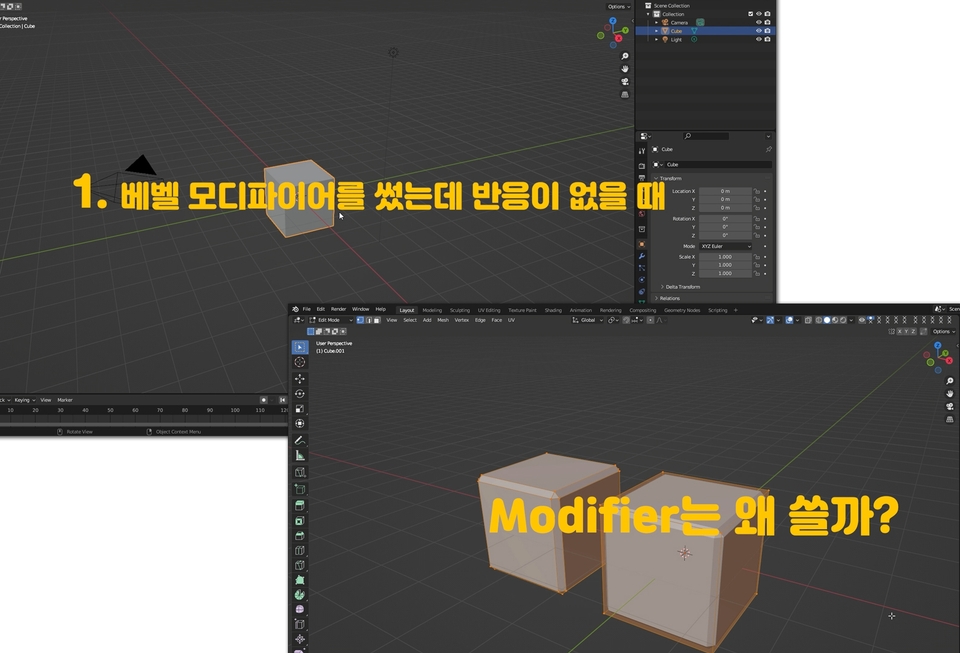
  • How to Use Modifiers

  • Create an object by transforming basic shapes

  • Rendering with a camera, lights, and materials

Even non-majors encountering Blender for the first time will understand it with ease!

A solid foundation gives you the ability to solve problems on your own when you encounter them.

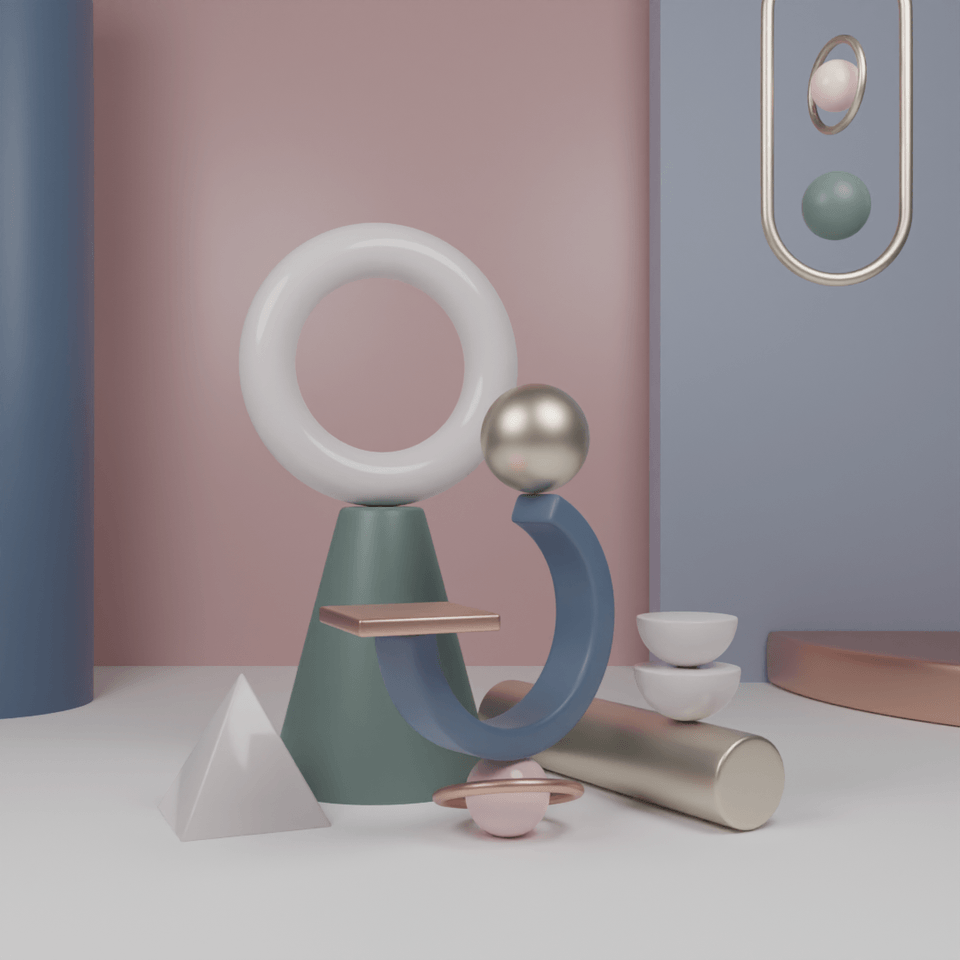
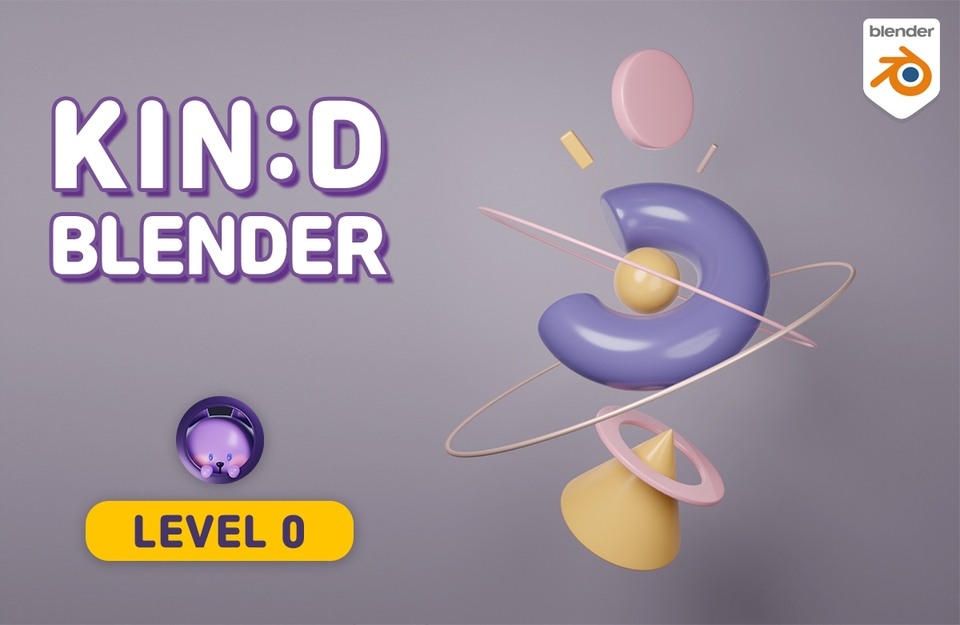
This is the final result you’ll create!

Start learning Blender from the basics with a variety of shapes!

Learn the principles while creating various shapes with Blender.
We've prepared the course so you can follow along using the latest version of Blender (4.3)!

LV.0 After taking this course, you’ll be able to create works like these, too.

Why is it a 'beginner-friendly' Blender?

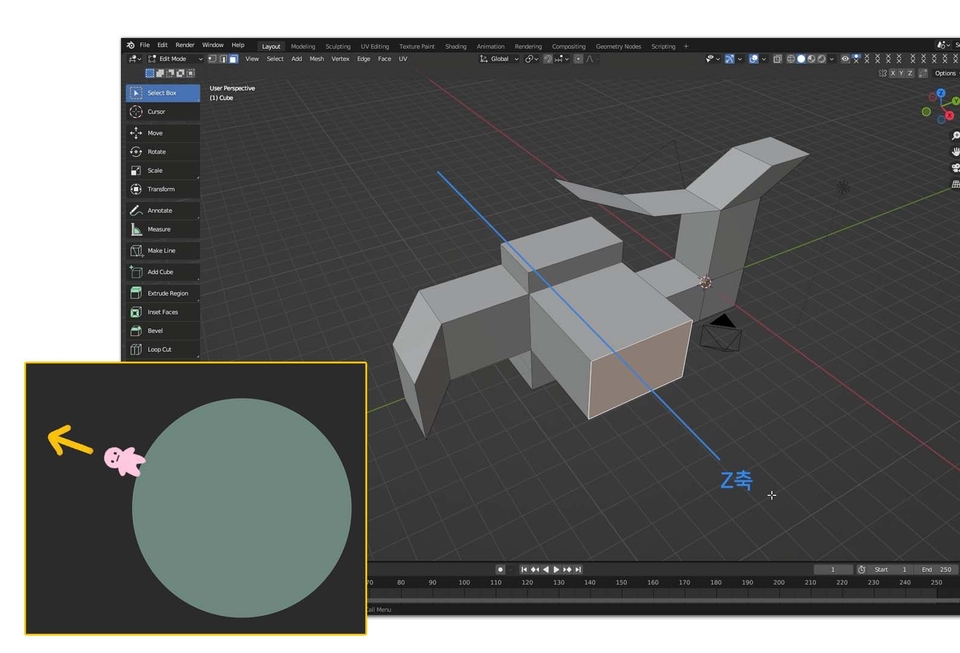
Resolving beginners' questions

Rather than having you blindly follow along, we explain the basic principles and reasons behind each step. Understanding the principles and reasons gives you the ability to solve problems when they arise, allowing you to create what you want on your own instead of simply following along.

Subtitles that aid understanding

Knowing that subtitles are much more helpful for beginners’ understanding, I added subtitles wherever necessary.

Compare them to easy examples

We make difficult concepts and principles easier to understand by comparing them to simple examples. Visual images keep the course from becoming boring and help you remember the material for longer.

Clean summary recap

At the end, there is a process of neatly reviewing everything with a summary. If you visually organize and review the parts we went through step by step earlier, they will stay with you longer, right?

Comfortably edited for viewing and listening

This course is meticulously edited, with no idle time or gaps. We’ve minimized wasted time. After recording, we edited the footage and re-recorded or added recordings where necessary, so you can take the course without missing anything.

You can view the course curriculum in more detail in the previewable 'Course Introduction'.

✨ Kind Blender Series ✨

Friendly Blender helps you build a solid foundation based on reasons and principles and develop the ability to think for yourself. Without understanding the principles, when something goes wrong with your modeling, you won’t know why it’s wrong or where to make corrections. You may also feel at a loss about how to create your own work. You need to develop the ability to think for yourself about how you will create something. I’ll help you truly enjoy Blender. Let’s study Blender together!

Friendly Blender = Concept-focused

Those who want to clearly organize the concepts
Those who want to learn modeling step by step

Fun Blender = example-focused

Those who enjoy learning by tackling challenges firsthand while creating examples
Those who want to quickly get a taste of everything from physics to animation

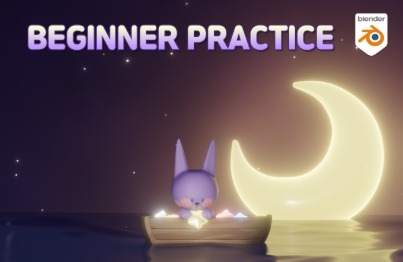
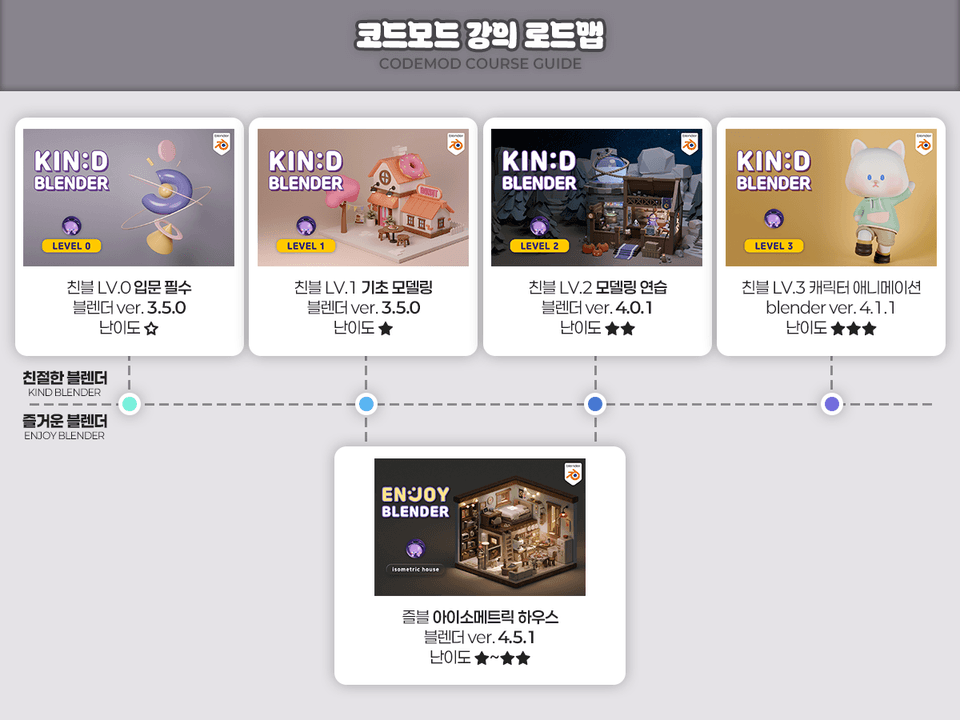
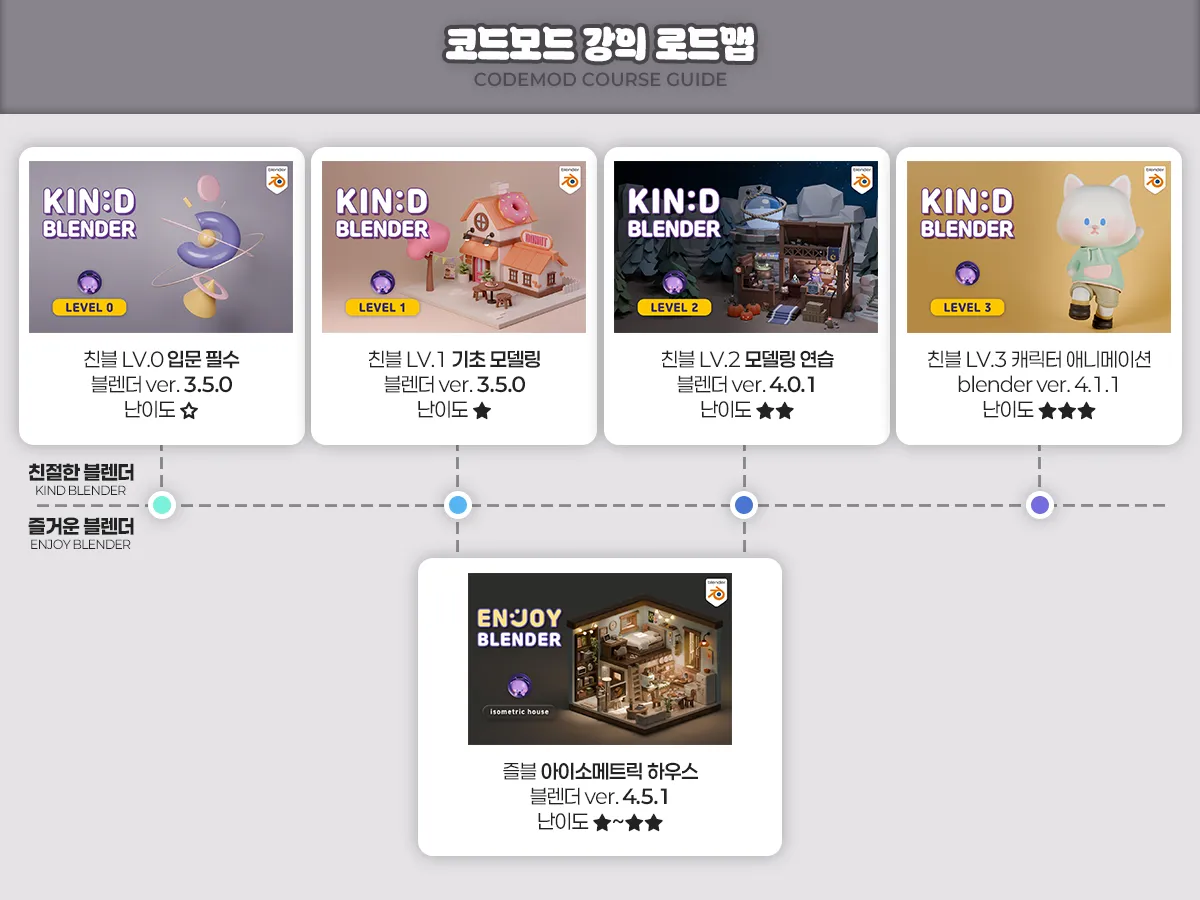
Recommended Roadmap

  • Standard (concept-focused): Kind 0 - Kind 1 - Kind 2 - Kind 3 (Kind 2, which focuses on practice, can be skipped)

  • Efficiency (as many features as possible): Kind 0 - Kind 1 - Fun House - Kind 3

  • Practical (learn through examples from the start): Fun House - Friendly 3

[Introduction] Friendly Blender LV.0

Target audience: Beginners who are new to 3D tools
Key focus: Learning basic concepts and practicing combining basic shapes

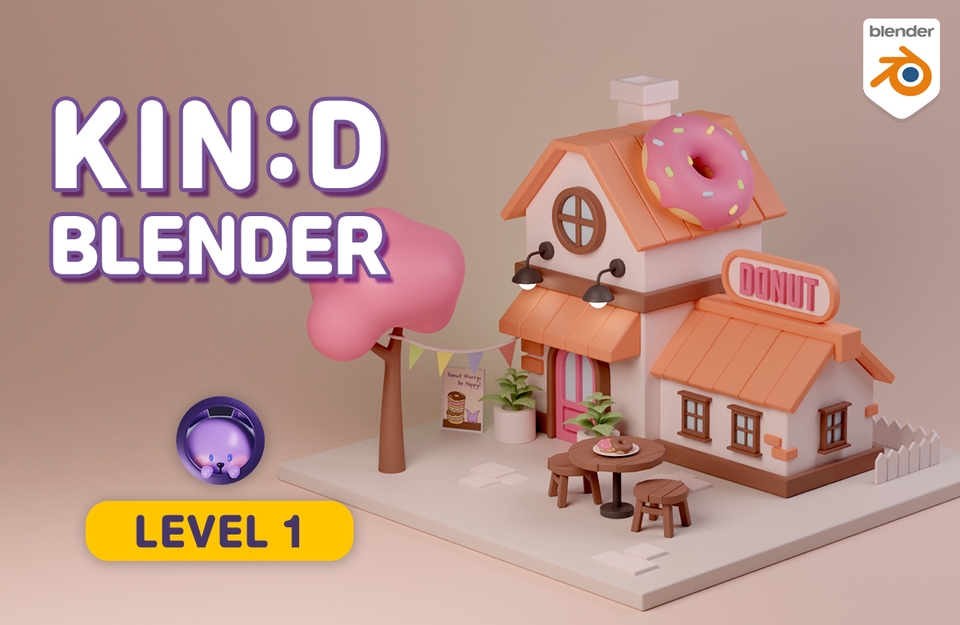
[Basics] Friendly Blender LV.1

For those who need a solid foundation in modeling
Key points: Learn modeling features and create a donut house example

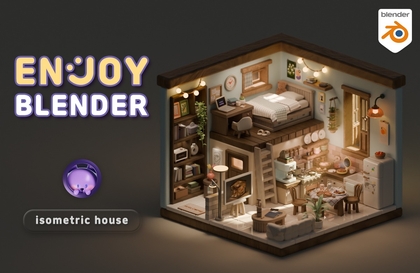
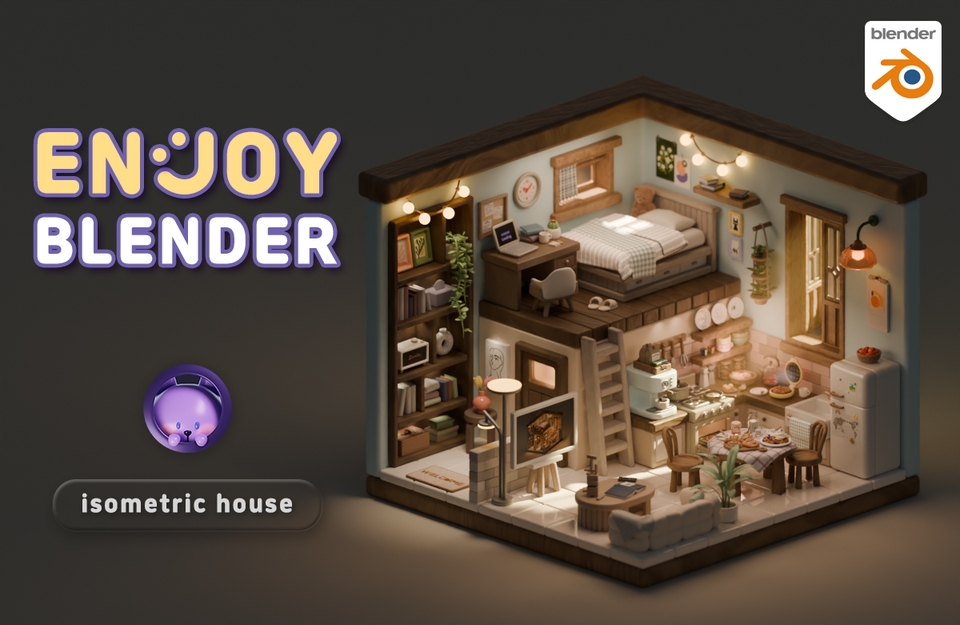
[Practical] Fun Blender Isometric House

For: Those who want to learn features through examples (difficulty: Friendly 1+2+α)
Key focus: Includes physics and animation in addition to modeling

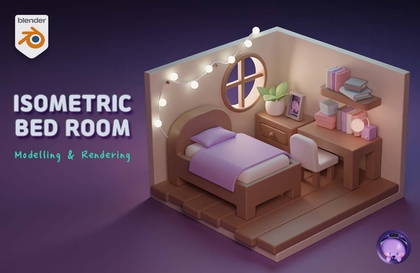
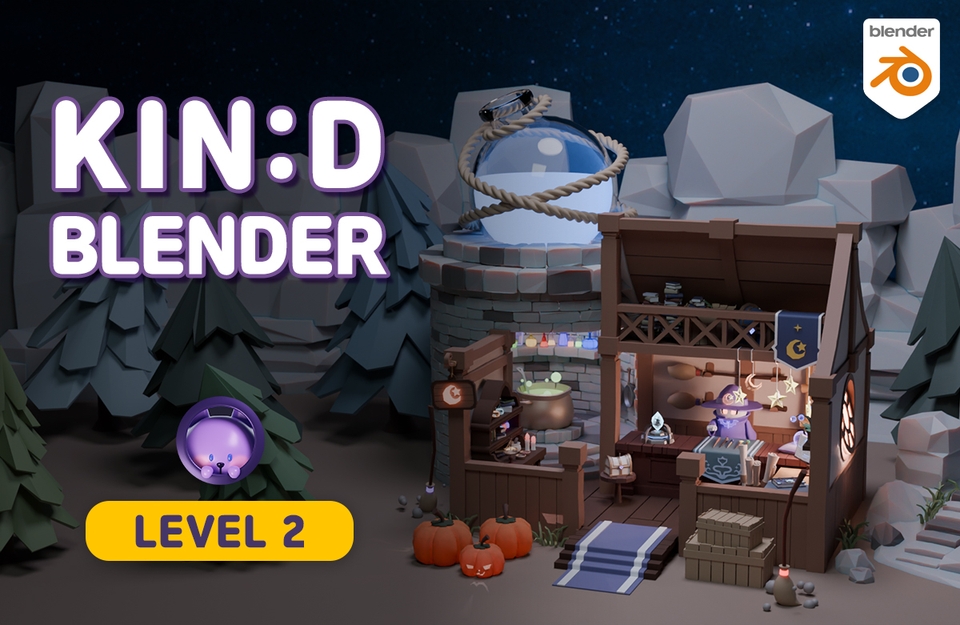
[Practice] Friendly Blender LV.2

For those who want to reinforce what they’ve learned and create a larger-scale project
Key focus: Strengthen your skills through a magic shop example

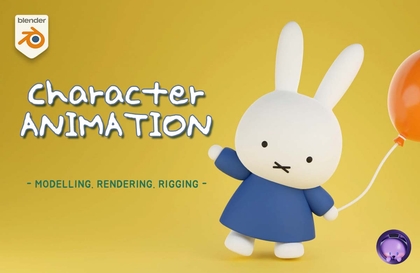
[Advanced] Friendly Blender LV.3

Target audience: Those who want in-depth animation and rigging concepts
Key focus: Hands-on practice in character modeling, rigging, and animation (advanced difficulty)

Q&A 💬

Q. Why should you learn Blender Blender 3D?

Blender is a program equipped with a truly wide variety of features, and it’s free! It’s a great program to try when you’re wondering whether you can really get good at 3D. It’s also great to learn as a hobby and is recommended for those who want to create their own animations or videos.

If you’re learning for employment, it may be better to learn programs that are widely used in that field. It’s true that Blender is still relatively less well-known in Korea and isn’t widely used by companies. That’s probably understandable, since they already have programs they’ve been using, right? However, companies that use Blender are gradually emerging, and it’s widely used overseas. Blender’s presence will grow in Korea as well in the future!

Q. Can non-majors take this course?

Yes, it’s possible even if you haven’t majored in video or design. The most difficult aspects of drawing three-dimensional images are perspective and shading. In Blender, placing an object closer to or farther from the camera naturally creates perspective, and adding light automatically creates shadows, so you can make beautiful work even if you can’t draw.

Of course, while there are some exceptions when it comes to sculpting or texture painting, the modeling and rendering covered in this video are at a beginner level, so anyone can do them as long as they are willing to follow along and make an effort!

Q. What materials do I need to take this course?

  • We recommend a computer, specifically a
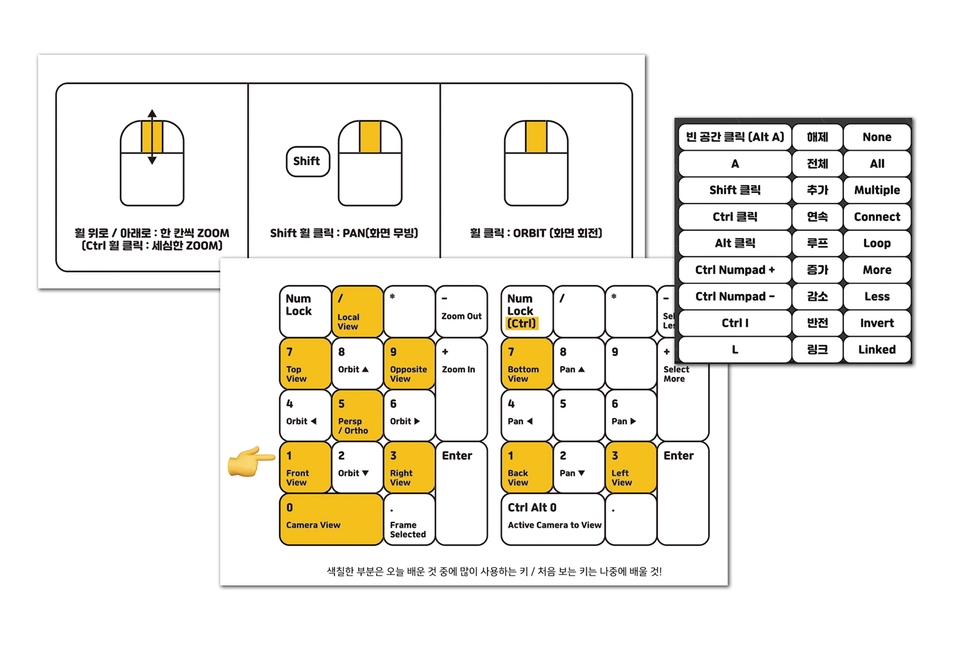
    desktop computer. Please check the link below for detailed recommended specifications. Laptops are also possible, but rendering in 3D tends to require particularly high graphics card performance, and since Blender uses the numpad (the number pad to the right of the arrow keys) frequently, it may be inconvenient.
    Check the computer specifications for Blender

  • You need a mouse
    with a scroll wheel.

  • We recommend a keyboard
    with a numeric keypad.

  • (Optional) Tablet PC or dual monitors
    Since there are many features and the lessons often require pausing the video to follow along, having a tablet PC or dual monitors is useful for watching the video while practicing.

Q. What should I do if I get stuck?

If you get stuck along the way, it can be difficult to move on to the next step. We understand how frustrating that can be, so questions are always welcome. For inquiries related to operating the Inflearn service, please use the 1:1 inquiry form.

Recommended for
these people

Who is this course right for?

  • Someone new to Blender

  • Someone who is new to 3D programs altogether

  • People who feel that the Blender basics course is insufficient

  • People who feel frustrated because they don’t know why they’re getting it wrong while following along with the video.

  • Someone who can follow along just fine but can’t make what they want.

Hello
This is codemod

Inflearn Verified

8,861

Learners

414

Reviews

346

Answers

4.9

Rating

10

Courses

Blender with CODEMOD!

Let's create the images you've only imagined using Blender, the free 3D software.
I will teach you the concepts and principles easily so that you can apply them yourself to game assets, architecture, product design, models for 3D printing, dioramas, animation, motion graphics, VFX, simulations, and more!


✨Go to Profile Link (Course Coupon)

✨Go to YouTube

✨Go to Instagram


✉codemod3d@gmail.com


codemod roadmap.png.webp


More

Curriculum

All

29 lectures ∙ (4hr 23min)

Course Materials:

Lecture resources
Published: 
Last updated: 

Reviews

All

135 reviews

4.9

135 reviews

  • yousik0317000님의 프로필 이미지
    yousik0317000

    Reviews 1

    ∙

    Average Rating 5.0

    5

    88% enrolled

    I'm very satisfied. I want to learn modeling quickly.

    • codemod
      Instructor

      Thank you for watching! The next basic modeling lesson is in the works. I'll bring you some good content! :)

  • sohee63303486님의 프로필 이미지
    sohee63303486

    Reviews 1

    ∙

    Average Rating 5.0

    5

    89% enrolled

    I'm taking other Blender courses, but nowhere has taught the basics as kindly as here. I want to take the next class too~ Amazing!!!

    • codemod
      Instructor

      I think learning the basics might be a bit boring, but I believe it's really, really important. I'm happy that you seem to make learning those basics fun! Thank you. I hope you continue to have enjoyable Blender studies!! :)

  • lovezzao98762341님의 프로필 이미지
    lovezzao98762341

    Reviews 2

    ∙

    Average Rating 5.0

    5

    27% enrolled

    Anyone who has taken a lot of Blender online courses will know that there are very few courses that make it this fun and interesting to learn about Blender's know-how and functions. The more I listened to the course, the more interesting and fun it became. It's a great course.

    • codemod
      Instructor

      I was worried that it would be boring because there was a lot of content about the principles, but I'm glad that you enjoyed it. Thank you for the good review. I appreciate it, even though it's too much praise. I hope you continue to enjoy studying Blender! :)

  • doorjh843404님의 프로필 이미지
    doorjh843404

    Reviews 1

    ∙

    Average Rating 5.0

    5

    100% enrolled

    It was easy and understandable.

    • codemod
      Instructor

      Thank you! I hope you continue to enjoy learning Blender! :)

  • tmdghaosj226783님의 프로필 이미지
    tmdghaosj226783

    Reviews 1

    ∙

    Average Rating 5.0

    5

    96% enrolled

    I learned a lot of features I didn't know about before, so it's been very helpful.

    • codemod
      Instructor

      I'm glad it was helpful. I hope you enjoy the rest of the lectures! :)

codemod's other courses

Check out other courses by the instructor!

Similar courses

Explore other courses in the same field!

25% off for new members

$49.40

25%

$59.40