





Learn Blender 3D by Following Along
codemod
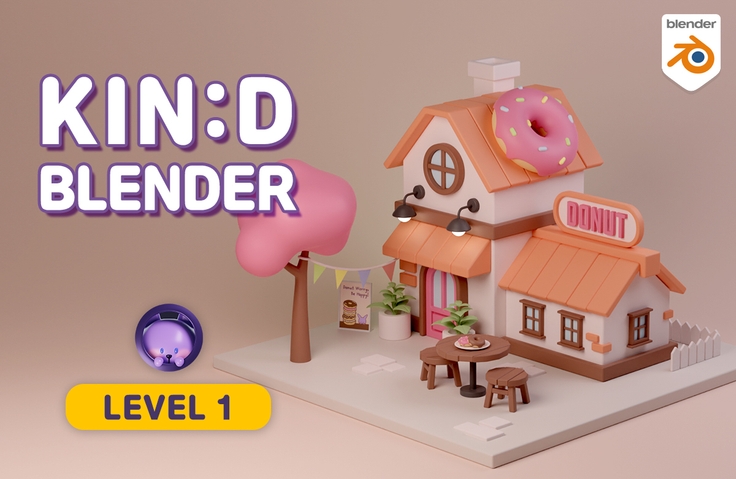
Follow along and create things to get familiar with Blender and enjoy it. Upgrade your Blender skills step by step through short examples.
Basic
Blender, 3d-modelling
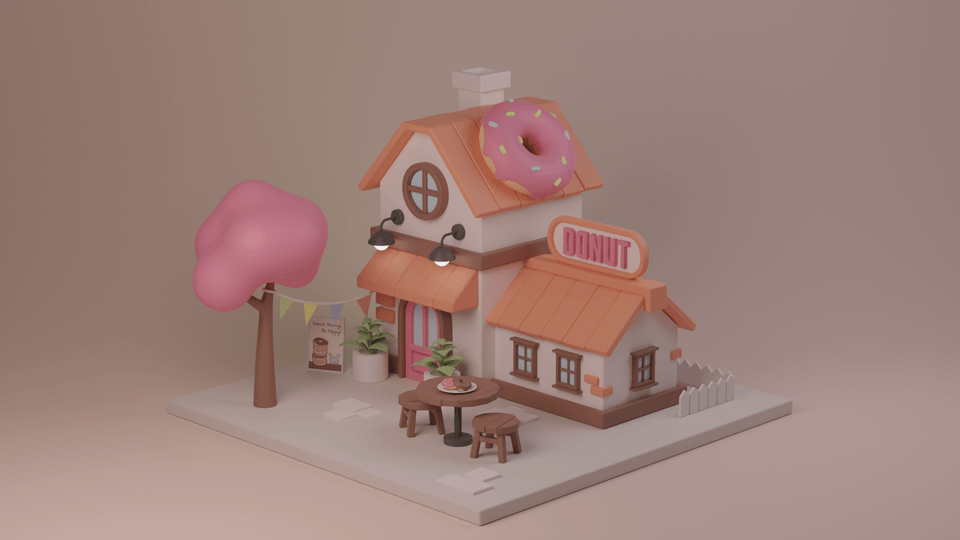
From those who are just starting out with Blender to those who want to build a solid foundation and learn more! I'll kindly explain the principles of the basic functions and the common mistakes you'll make. Shall we dive into the fun world of Blender together?
334 learners
Level Basic
Course period Unlimited

Reviews from Early Learners
5.0
빤짝핑
This is exactly the course I was looking for🫶 When I only watched tutorials, I was frustrated because I didn't know what features would come later or what principles they were built on, but you explained each feature in detail, so even though it still takes a lot of time and I'm lacking, I was able to follow along while understanding the features and principles
5.0
고리
The lectures are so kind and detailed that I'm listening with so much gratitude. What I love about this course is that you explain and show the same shapes using multiple methods, which makes it easier to understand and more enjoyable. Plus, it's clear that you've put a lot of thought into how to make the modeling look more detailed, which I really appreciated!
5.0
망그리
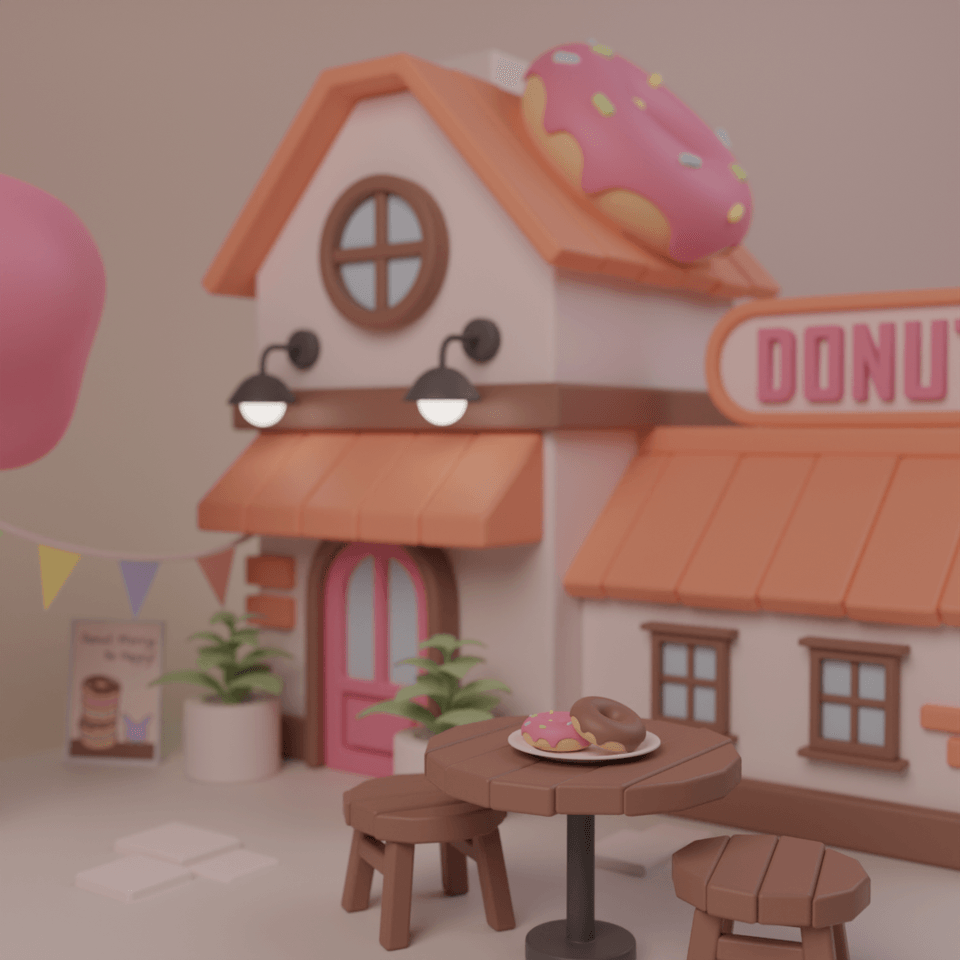
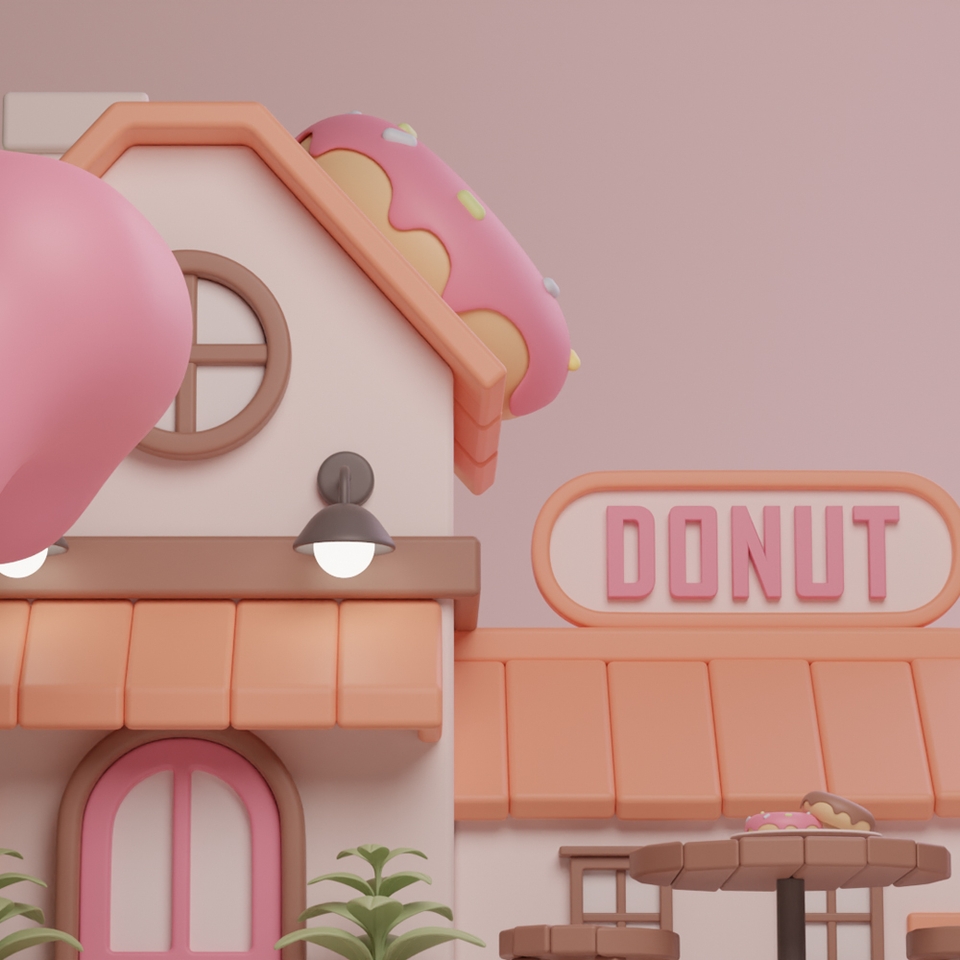
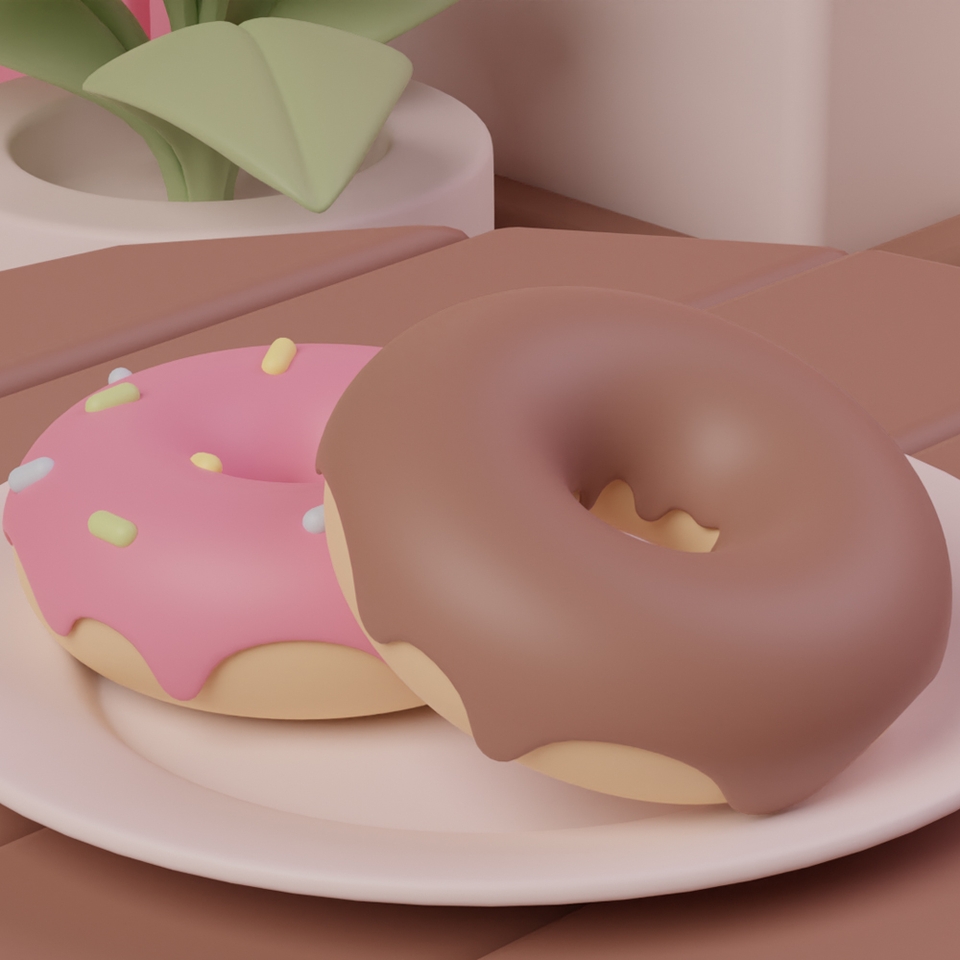
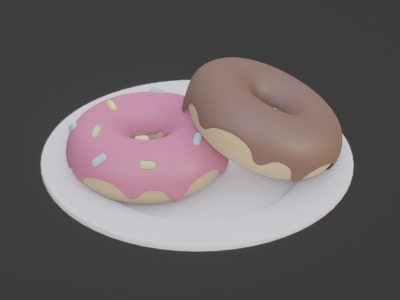
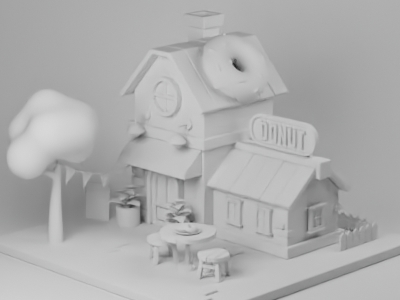
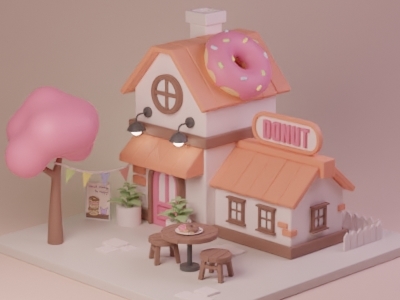
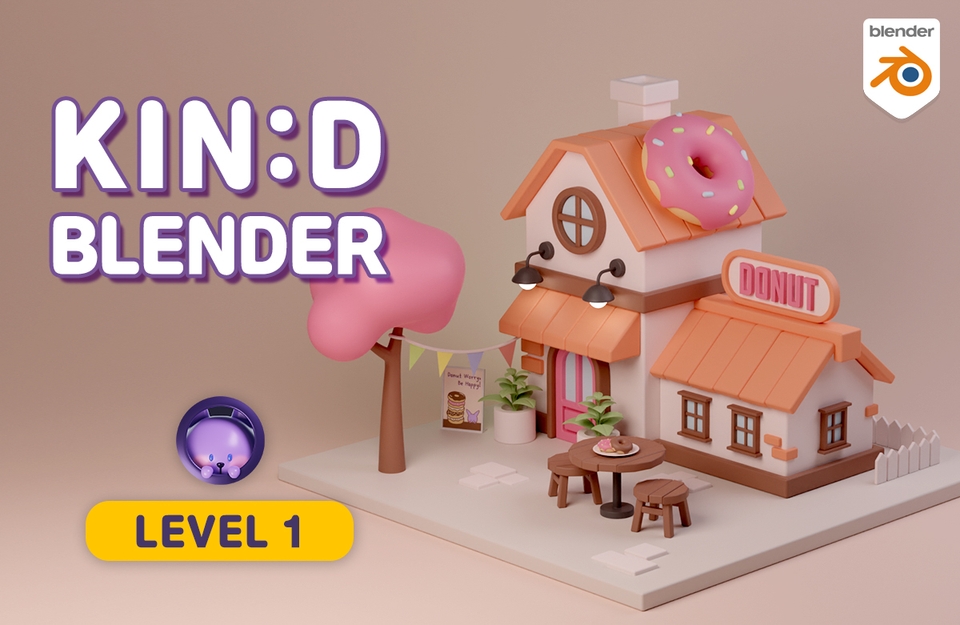
The shortcut keys I used frequently became well-memorized. Starting with Blender without knowing anything and finishing the donut shop by following the course, I feel proud! At first, I had a lot of fear and wondered if I could do it or if I would actually memorize things, but the advice the teacher gave from time to time was all helpful. Thank you.
Principles and functions to know in Object Mode and Edit Mode
Frequently used modifiers and how to use them
Control Menus and How to Use Them
How to Utilize Camera, Light, Eevee Render, and Color Management
Who is this course right for?
For those who feel they lack a foundational understanding of Blender
Someone who's frustrated because they don't know why they're making mistakes when following a video tutorial.
It works well when I follow along, but not when I try to make something I want.
Need to know before starting?
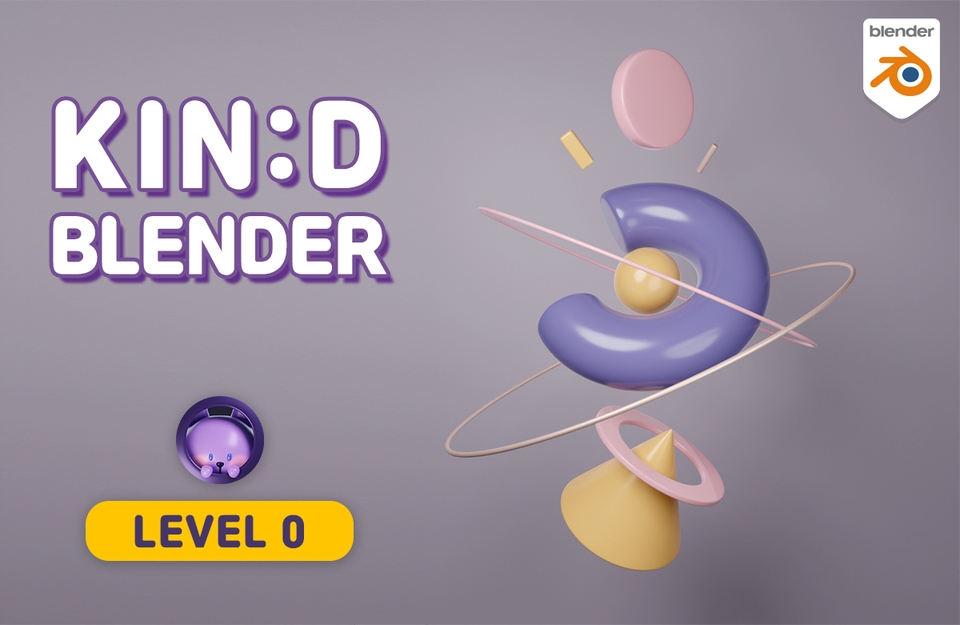
Kind Blender - [LV.0] Beginner Essentials (Skip if you already know everything in the curriculum!)
8,194
Learners
349
Reviews
308
Answers
4.9
Rating
10
Courses
Blender with CODEMOD!
Let's bring the images you've only imagined to life using the free 3D program, Blender.
From game assets, architecture, and product design to 3D printing models, dioramas, animation, motion graphics, VFX, and simulations—
I will explain the concepts and principles clearly so you can apply them on your own!
You can check out short summaries of Blender tips, exclusive events, and more on YouTube or Instagram.
Please send an email to codemod3d@gmail.com.
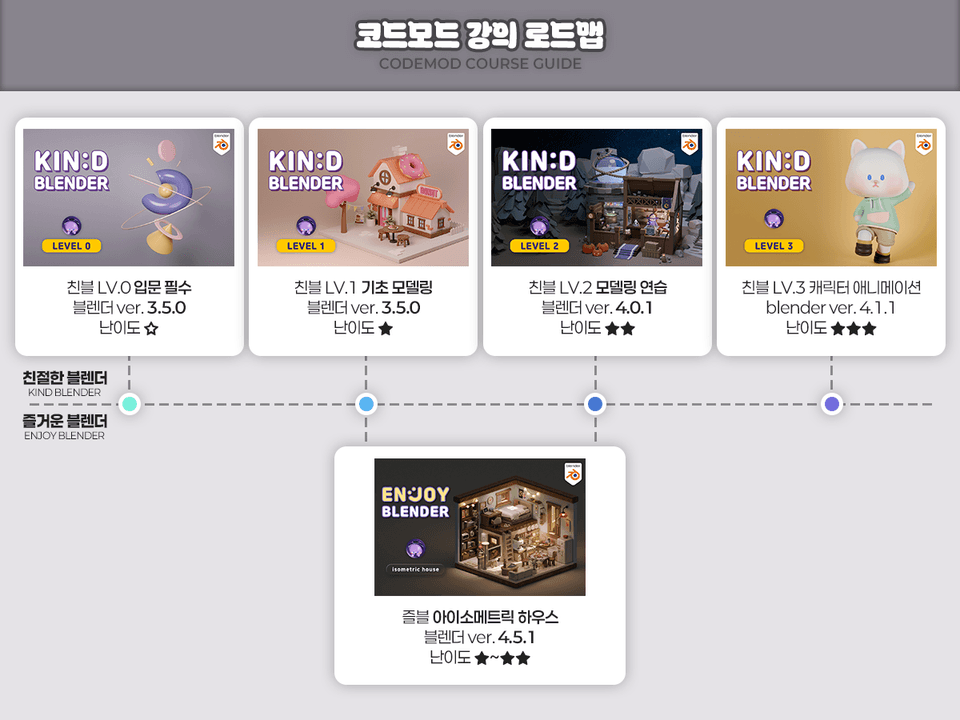
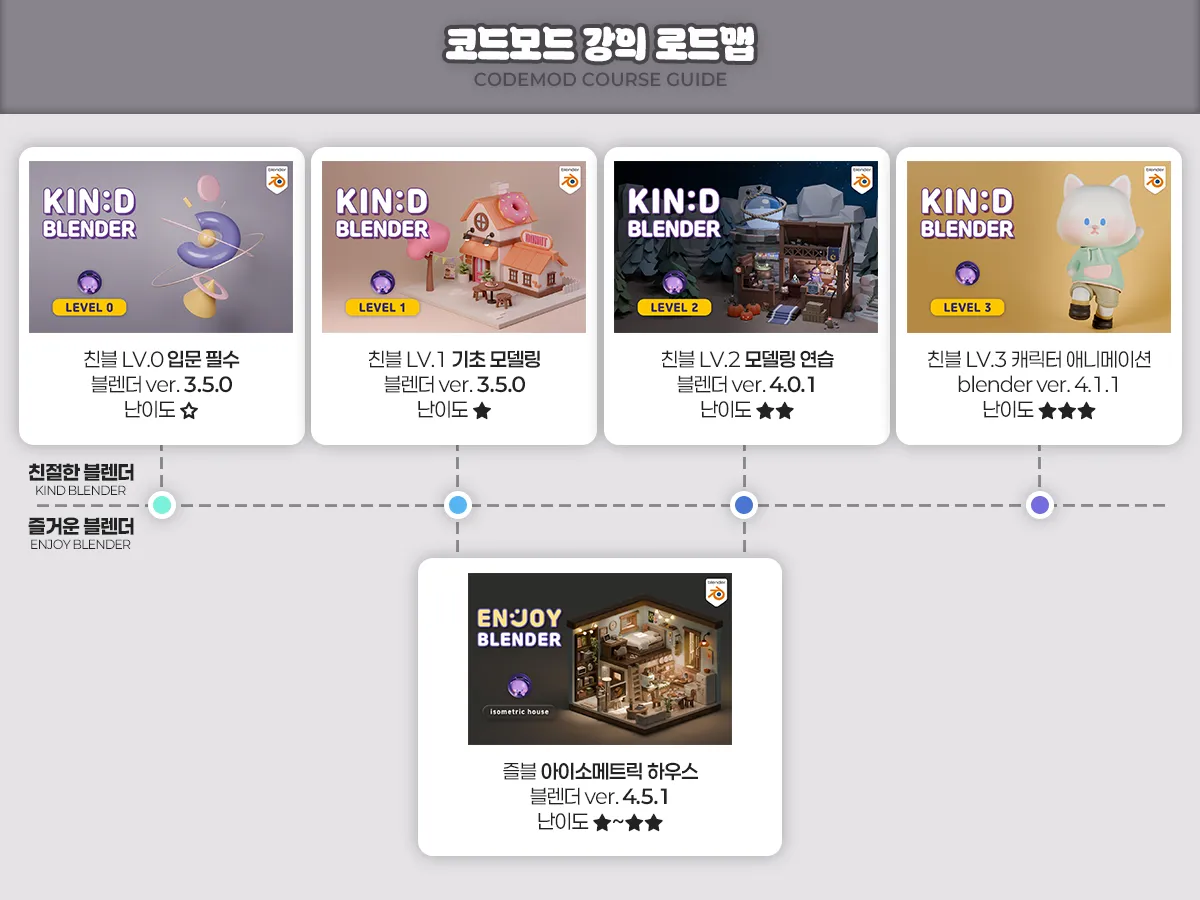
✨Difficulty Guide by Course
Friendly Blender Lv.0 Essential Introduction - ☆☆☆☆☆
Friendly Blender Lv.1 Basic Modeling - ★☆☆☆☆
Friendly Blender Lv.2 Modeling Practice - ★☆☆☆☆
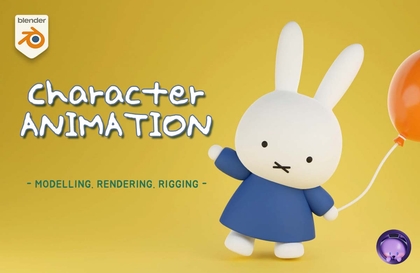
Friendly Blender Lv.3 Character Animation - ★★☆☆☆
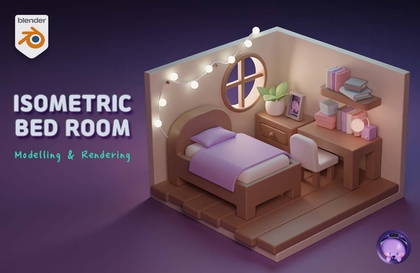
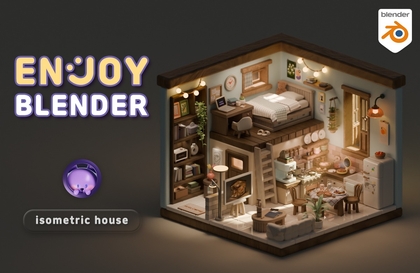
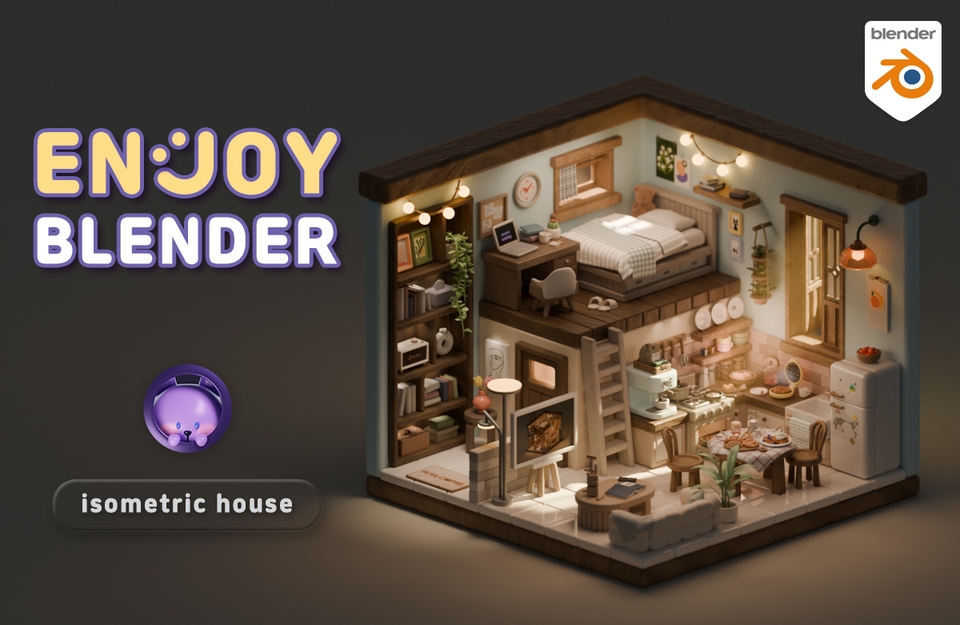
Fun Blender Isometric House - ★☆☆☆☆
All
46 lectures ∙ (9hr 16min)
Course Materials:
All
43 reviews
4.9
43 reviews
Reviews 1
∙
Average Rating 5.0
5
The lectures are so kind and detailed that I'm listening with so much gratitude. What I love about this course is that you explain and show the same shapes using multiple methods, which makes it easier to understand and more enjoyable. Plus, it's clear that you've put a lot of thought into how to make the modeling look more detailed, which I really appreciated!
By trying various methods and thinking about what parts are different and which approach suits you better, your understanding of modeling deepens and it becomes much more enjoyable! I'm happy that you seem to be enjoying the lectures. Thank you. I hope you continue to have fun studying Blender! :)
Reviews 2
∙
Average Rating 5.0
5
This is exactly the course I was looking for🫶 When I only watched tutorials, I was frustrated because I didn't know what features would come later or what principles they were built on, but you explained each feature in detail, so even though it still takes a lot of time and I'm lacking, I was able to follow along while understanding the features and principles
Thank you! I'm proud that my belief that you need to understand principles and concepts to be able to apply them seems to be getting through. I hope you continue to have enjoyable Blender studies! :)
Reviews 3
∙
Average Rating 5.0
5
You're so kind and explained everything in such detail - it's the best!
Thank you for saying it's the best! I hope you continue to have enjoyable Blender studies! :)
Reviews 2
∙
Average Rating 5.0
5
I enjoyed being able to follow along step by step and complete the course thanks to the Kind Blender! 🤩
Thank you so much for sharing your beautiful work. I really enjoyed and felt happy while looking at it! I hope you continue to study Enjoy Blender! :)
Check out other courses by the instructor!
Explore other courses in the same field!