inflearn logo

Blender Reboot Basic: Restarting Blender with AI and a New UI

Start your 3D creation journey with Blender 5.2's intuitive UI and Claude MCP AI collaboration, minimizing the burden of memorizing shortcuts. Move beyond simply replicating tutorials to grow into an independent creator who realizes your own ideas, gaining the "Blender literacy" to interpret and master even the most challenging tutorials on your own.

29 learners are taking this course

Level Beginner

Course period Unlimited

Blender
Blender
Content Creation
Content Creation
3d-modeling
3d-modeling
Model Context Protocol
Blender
Blender
Content Creation
Content Creation
3d-modeling
3d-modeling
Model Context Protocol

What you will gain after the course

  • Intuitive 3D workflow capabilities utilizing the Blender 5.2 UI flow

  • Self-reliant problem-solving capabilities through real-time AI collaboration with Claude MCP

  • The fundamental strength to break free from the helplessness of a blank screen and begin designing your own work.

  • Understanding creative mechanisms beyond example replication and the ability to produce original 3D content

📢 [Must-read before taking the course] This course is an 'Early Access' class.

This course is a sequentially released course where new sessions will be updated by August 31, 2026, to perfectly reflect the latest Blender 5.2 workflow. By enrolling now, you can be the first to access the latest examples and practical tips as they are updated at no additional cost.


📅 Sequential Release Schedule

Chapter 1. Available immediately

Chapter 2. Scheduled to open on July 31st (Thu)

Chapter 3. Scheduled to open on August 10th (Sun)

Chapter 4. Scheduled to open on Sunday, August 24th

Chapter 5. 1st final opening completed on August 31 (Sun)

※ For this course, supplementary classes on core new features will be provided free of charge for one year from the release date (until August 2027) whenever there is a major version update of Blender.


🎨 Blender Reboot Basic: Restarting Blender with AI and New UI

Hello. I am Runtime, someone who has been communicating with 20,000 subscribers on my YouTube channel through the latest computer graphics news and Blender tutorials, sharing not just simple techniques but the essential joy of 3D creation.


In the meantime, so many people have reached out with inquiries through comments and messages.

"Runtime, when are you going to make a Blender basic course?"


I believe you may have found it strange that while I released courses on Blender Geometry Nodes and Grease Pencil, which seem to have a high level of difficulty, I did not release a basic Blender course, which serves as the very foundation.

In fact, my position on this was clear.

"What is the point of teaching a UI that will change in a few years anyway, especially when that UI is currently in a very difficult state to use?" was my stance. (In that regard, the Geometry Nodes UI was already in a finished form, which is why I released the Geometry Nodes course first.)


Blender became widely known to the public with the release of version 2.8, but in terms of UI, there were many areas that still needed improvement. While it didn't pose much of a problem for existing 3D users, it had the issue of being a tool designed largely from a developer-centric perspective, which could actually diminish the interest of beginners just starting out in 3D.

However, as the Blender community began to receive full-scale global attention with version 2.8 and grew explosively over the past seven years, the Blender developers have listened to the feedback of various users and achieved remarkable improvements through continuous updates.


And finally, with the release of Blender version 5.2, we have confirmed that Blender's UI has matured enough that we can now confidently propose a completely new way of using it.

With the addition of Claude AI collaboration using MCP to provide further guidance, an optimal environment has now been created where even beginners can focus on essential creative ideas without the pain of rote memorization.

Finally, the perfect timing has come for me to present a beginner Blender course that I can confidently recommend to you.

The reason my Geometry Nodes course is still loved even two years after its release is that I designed it to focus on "structural operating principles (the essence)" rather than a temporary list of features that change every time.


When planning a lecture, I always contemplate: Can I capture not just the 'currently trendy features,' but even the 'direction in which Blender will move several years from now'?

This <Blender Reboot Basic> was also designed with the same philosophy. Rather than focusing on simple tool usage that inevitably changes as versions upgrade, it was planned with Blender's development roadmap in mind so that you can flexibly adapt to the many future versions of Blender you will encounter.


🗺️ Why should we 'reboot' now?

This Blender 5.2 is not just a simple version update.

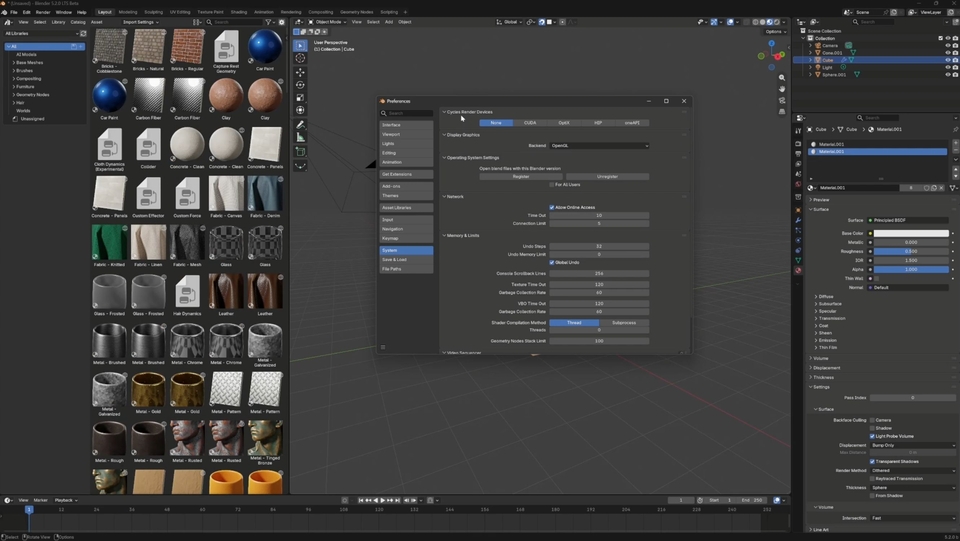
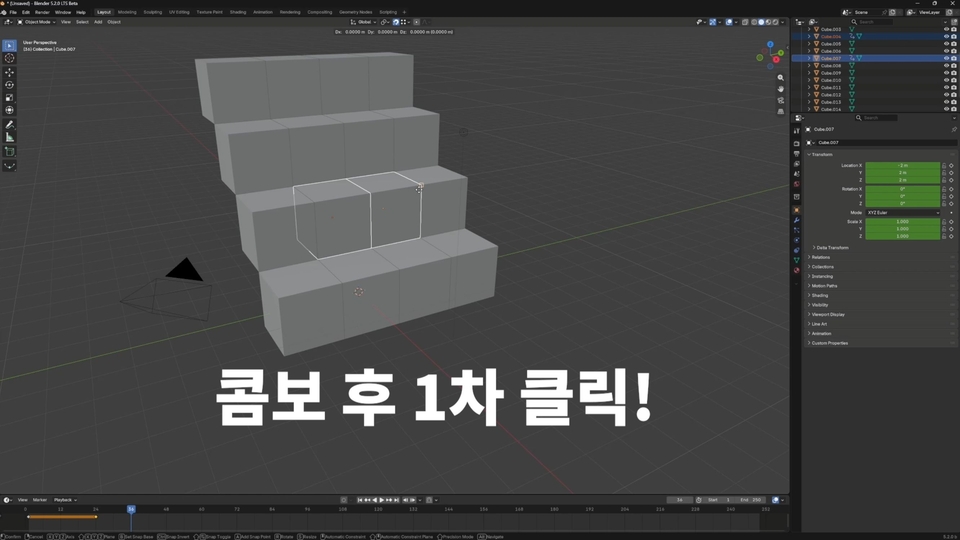
We have boldly moved away from the ‘unfriendly and complex shortcut-oriented UI’ that has long plagued beginners, and instead introduced extreme usability that allows for intuitive operation through visual cues. You no longer need to blindly memorize a dense dictionary of shortcuts. In this new UI, where ease of use has been overwhelmingly improved, the most important thing is for the user to define for themselves: "What do I want to achieve through Blender?"


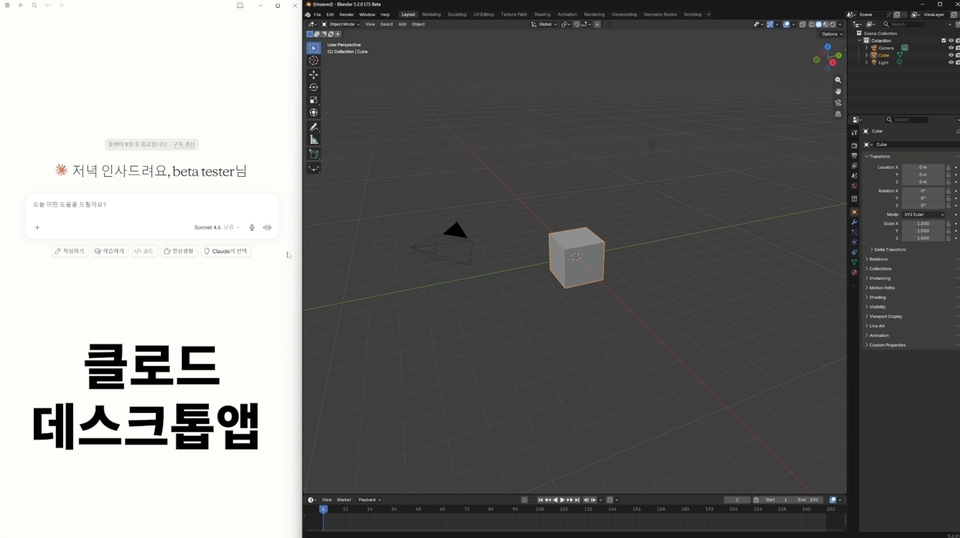
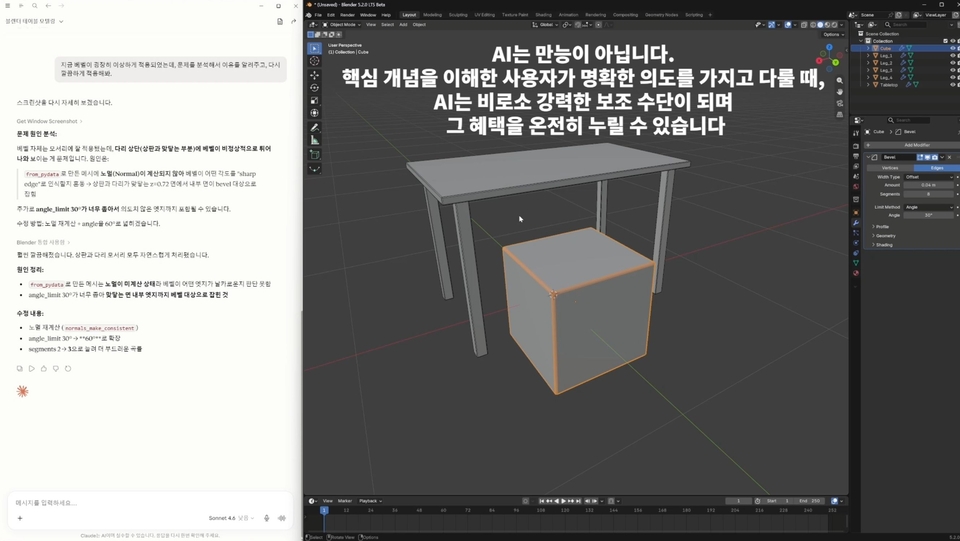
To this, we have combined Claude MCP, a reliable AI assistant, to serve as your compass. Instead of struggling alone when you get stuck during 3D work, encounter errors, or need complex node calculations, you can strengthen your own unique identity through a 'practical self-reliant workflow' where you solve problems by communicating with AI.


💡 This course was designed to address the gaps that traditional "follow-along" style lectures failed to fill.

Most lectures teach you how to replicate a specific example exactly. However, once the lecture ends and you face a blank screen alone, you find yourself unable to take even a single step forward. While this learning method may provide a temporary sense of achievement through imitation, it fails to cultivate independent problem-solving skills, which ultimately has the disadvantage of causing you to lose interest in 3D work itself. To fully enjoy 3D creation, you must build the fundamental strength to self-study advanced processes beyond the basics, rather than simply learning the technique of replicating examples.


  • Blender without Memorization: We will help you understand the design philosophy of the 5.2 UI and implant the 'sense' to handle tools intuitively.

  • Creation without loneliness: Together with Claude MCP, which finds answers whenever you get stuck, we provide you with a 'weapon for self-study' that you can use for a lifetime.

  • Unshakable fundamental strength: After completing this course, you will possess 'Blender literacy,' allowing you to interpret and apply even the most advanced YouTube tutorials from around the world on your own.

The world of 3D is truly vast. Strictly speaking, 3D animators, 3D modelers, and 3D rendering artists know very little outside of their own specialized fields. These were their own unique know-hows that were not easily shared within the traditional, strictly compartmentalized pipeline system. However, in the current era of AI, it has become difficult to remain competitive simply by generating plausible results. Instead, it is now more important to have the fundamental capability to precisely carry out the user's intent, even for the simplest of outcomes.

Through this basic course, I hope you gain inspiration for the various directions in which 3D can expand; however, in order to develop your own unique edge afterwards, in-depth additional study in each specific field is essential.

Rather than focusing unnecessarily on specific features, this course is designed to introduce the overall workflow, various alternatives, and the key points you need to study further in the future to achieve true expertise.


🗺️ The Journey We Will Walk Together

💡 This is an 'Early Bird Growth-type Course' that is sequentially updated to quickly reflect the latest trends.

To reduce the burden of long running times and save the precious time of busy creators, this course was designed focusing on the essential core elements needed in practice. While aiming for a [highly concentrated curriculum that minimizes time waste], the content will be filled even more substantially and richly to fully capture the latest 5.2 trends and useful practical tips.

Join this journey where you can feel the charm of Blender in every chapter while maximizing your learning satisfaction.

  • Chapter 1. Blender Reboot (Available to take now!)

    • Forget the complex old ways. Would you believe that due to Blender's rapid development speed, the 4.x methods are already becoming 'old ways'? Master the flow of the completely revamped 5.2 UI, and set up Claude MCP as your dedicated assistant to prepare for your 3D independence.


  • Chapter 2. The First Steps of 3D Work (Opening sequentially until July 31st)

    • We are living in an era where modeling options have become incredibly diverse. We will explore various modeling options and design a step-by-step workflow that suits you best.

    • In this chapter, we will explore methodologies for most efficiently utilizing basic techniques—such as Extrude, Inset, and Loop cut—that allow you to create desired shapes through meshes.


    • Instead of stiff and boring technical memorization, you will learn the first thrill of intuitively visualizing your imagination.

    • By creating a mug—the foundation of modeling—through various methodologies, you will experience that what matters most in the AI era is not simply producing an output, but the "intention" to design a workflow and express your own individuality.


  • Chapter 3. Finding the Kick (Sequential opening until August 10th)

    • In the AI era, a different approach from traditional 3D workflows is required. While Blender offers two render engines, EEVEE and Cycles, focusing on EEVEE is key for beginners to smooth out the initial learning curve and find the process enjoyable.

    • Instead of studying unnecessary options, we focus on 'selection and concentration' to cover that final touch (Kick) that breathes life into flat objects with vibrant light and textures, using the renderer and material presets that have become even more powerful in 5.2.


  • Chapter 4. Case Studies of AI Collaboration by Scenario (Sequential opening until August 24th)

    • In the future, collaborating with AI in 3D graphics work will be a necessity, not an option. However, the speed and efficiency of reflecting your creative intent will vary significantly depending on whether you place the center of gravity on Blender or on AI.

      In this chapter, we will explore the optimal 'Blender × AI' workflow combinations through various practical case studies.


  • Chapter 5. Advancing as a Self-Reliant 3D Creator (Opening sequentially until August 31st)

    • Now, your fundamental skills in Blender have been strengthened. However, to truly master it, you need a process of sharpening your expertise by specializing in a specific field of interest. Furthermore, we will work together to build a sustainable learning strategy roadmap, exploring how to continue your studies to fully express your own unique individuality.


  • Chapter 6. Unstoppable Expansion (Updates upon Major version releases for 1 year)

    • In addition to supporting Blender version 5.3, which is scheduled for release on November 10th, supplementary classes for core new features will be provided free of charge whenever a major version of Blender is updated until August 2027.


"Technology changes rapidly, but the 'intention' and 'joy' of the creator remain unchanged."

Experience the joy of bringing the imagination in your head fully to life in the world, equipped with the most reliable wings: the new Blender 5.2 and Claude MCP.


Recommended for
these people

Who is this course right for?

  • A 3D beginner starting Blender for the first time

  • Designers who have felt frustrated by the inconvenient UI of older Blender versions and prefer an intuitive creative environment.

  • Creators who want to increase creative efficiency with trendy open source that has the most extensive community.

Need to know before starting?

  • Basic computer operation skills (file management, program installation)

  • Curiosity about 3D creation and your own ideas

  • PC environment capable of installing Blender 5.2 and Claude MCP

Hello
This is blender

Career Verified

675

Learners

80

Reviews

30

Answers

4.9

Rating

7

Courses

YouTube Management

Key Experience

  • Former Nexon

Education

  • Graduated from the School of Film, TV & Multimedia (Department of Filmmaking) at Korea National University of Arts

More

Curriculum

All

27 lectures ∙ (1hr 34min)

Published: 
Last updated: 

Reviews

Not enough reviews.
Please write a valuable review that helps everyone!

blender's other courses

Check out other courses by the instructor!

Similar courses

Explore other courses in the same field!

Limited time deal

$80.30

29%

$114.40