
Photoshop 2026 Master Class: From Basics to Practical Application
comt
$41.80
Beginner / Photoshop, Photography, AI
Anyone can easily learn the latest version of Photoshop 2026 with subtitles.

Beginner
Photoshop, Photography, AI

The most optimized Hancom Office program in Korea! Take the opportunity to learn Hangul 2020 and Hancell 2020 at the same time.
17 learners are taking this course
Level Beginner
Course period 4 months

Learn how to write Korean documents.
You can learn calculation formulas using Hansel.

It is an office program designed to be convenient for Koreans to use.
It is more common and easier to use in our country.
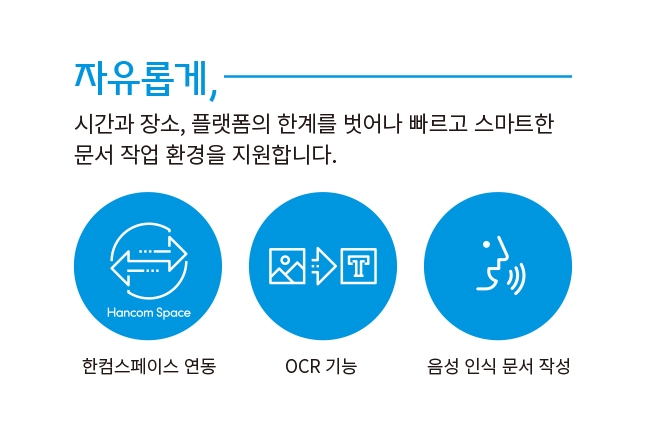
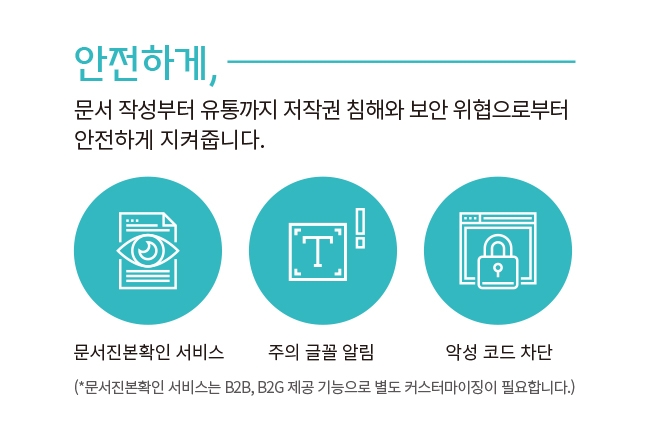
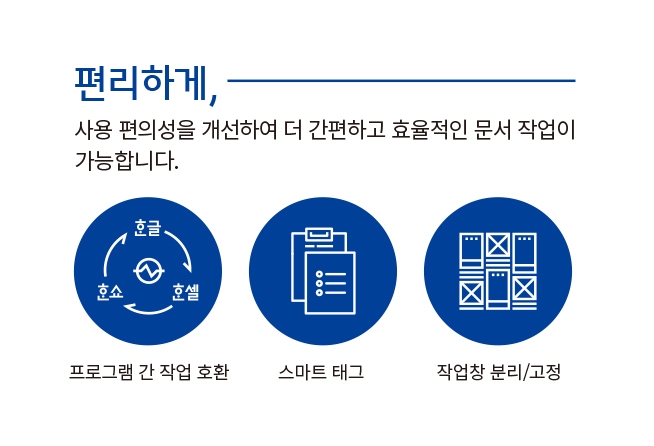
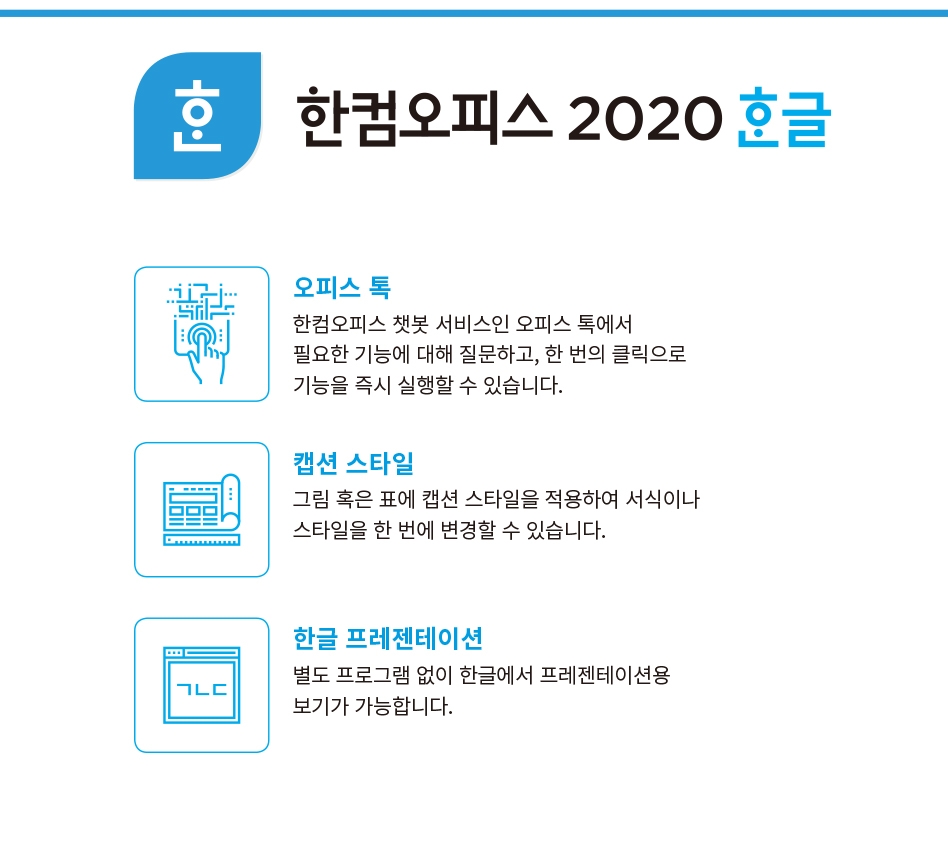
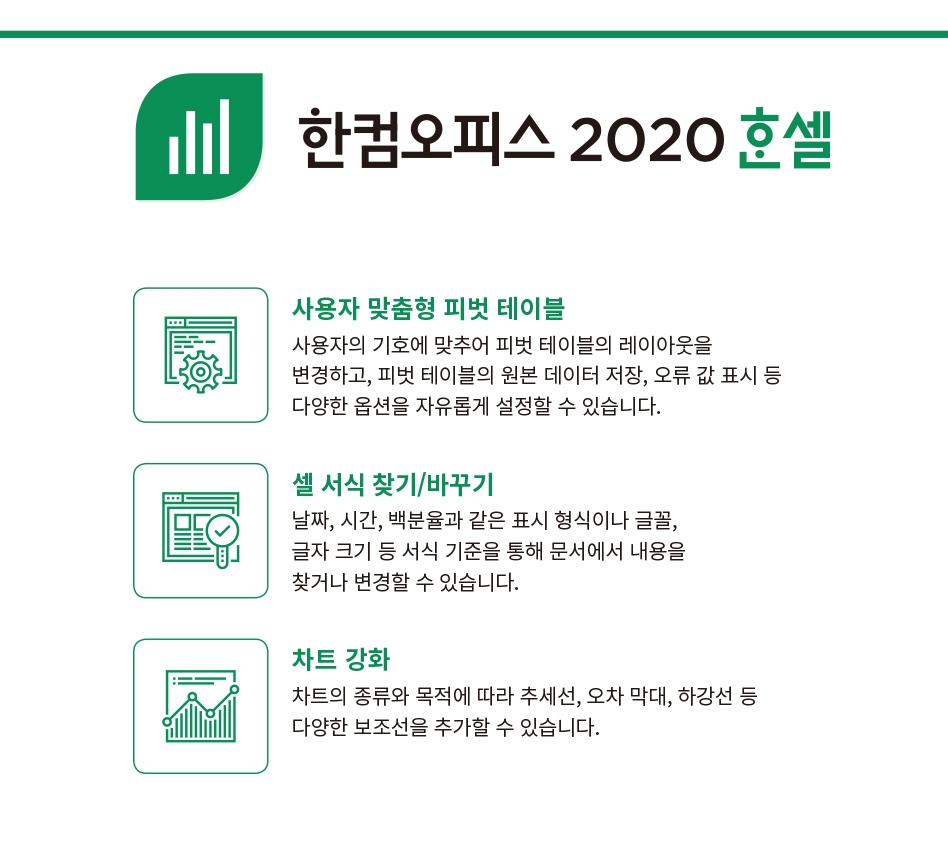
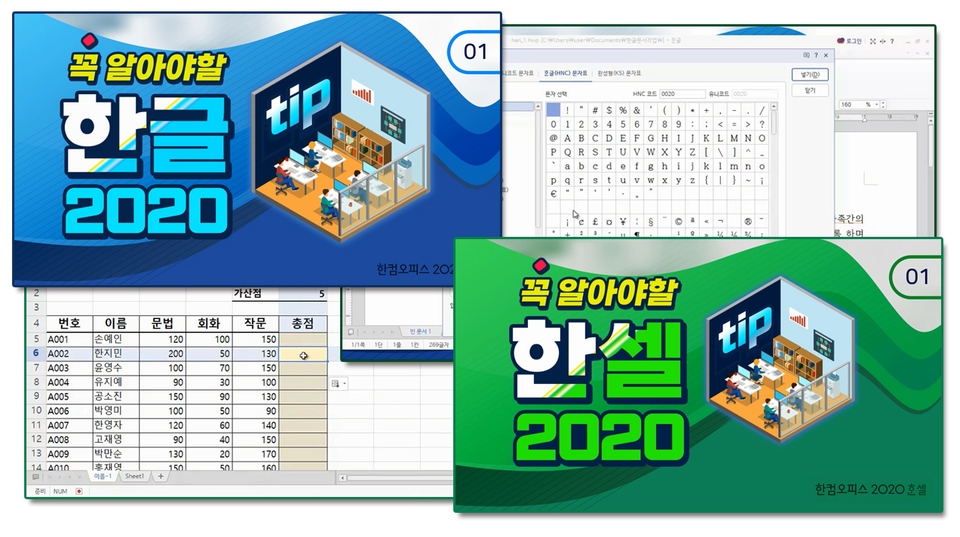
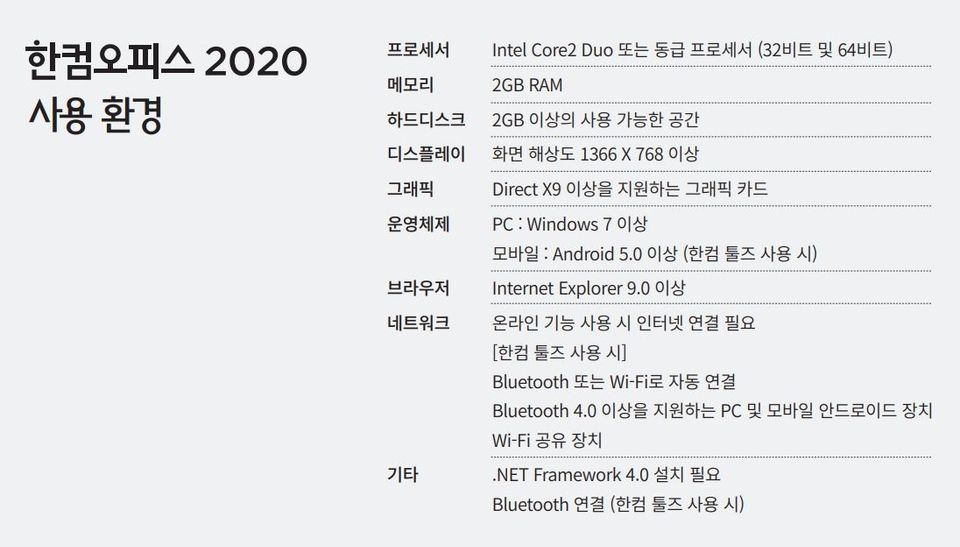
Microsoft's MS Office 2019 and later can only be installed on Windows 10 or later, but Hancom Office 2020 can be installed on Windows 7 for work and study.
The main content of the lecture is provided as a PDF file.
You can download the main points and materials for Hangul from [Section 0] > Lesson 0 and for Hansel from [Section 1] > Lesson 0 .
Who is this course right for?
People who need to write documents for office work
A person who needs to prepare books for business purposes
Career Verified
1,886
Learners
162
Reviews
4
Answers
4.8
Rating
36
Courses
Back when Apple's MAC computers made it possible to design even better.
It's already been well over 25 years since I first started teaching Adobe Photoshop and Illustrator at the academy~~^^
I remember the days when, instead of calling the instructors Teacher Eom, Teacher Ha, and Teacher Gu, we used to call them Eom-T and Gu-T.
Together with those teachers, we started using ComTee as an abbreviation for Computer Teacher!
I will continue to be a "Computer Teacher" who works hard to share knowledge for all those who are learning.
Thank you!!
Thank you!!
Together with everyone, we've come to use "Com-T" as a shorthand for Computer Teacher! We will continue to be a Computer Teacher that works hard to share knowledge for all learners. Thank you!!
Together with everyone, we've come to use "Com-T" as a shorthand for Computer Teacher! We will continue to be a Computer Teacher that works hard to share knowledge for all learners. Thank you!!
All
28 lectures ∙ (12hr 33min)
Course Materials:
Check out other courses by the instructor!
Explore other courses in the same field!
Limited time deal
$34,650.00
25%
$36.30


![InDesign 2024 Basics to Practical Use Master Course [Subtitles Included]Course Thumbnail](https://cdn.inflearn.com/public/courses/333362/cover/91faa49d-01d6-4fc6-90a0-d339c5dbfe65/333362.jpg?w=420)



![Just 2 days!! [Pass ITQ Korean A in one go]Course Thumbnail](https://cdn.inflearn.com/public/courses/330083/cover/776d0ef6-1cf9-40c6-bb01-969283a0ee5e/ITQ한글썸네일(인프런).jpg?w=420)

![[Revised in 2024] This is the real Korean language automation [Basic Edition]Course Thumbnail](https://cdn.inflearn.com/public/courses/335093/cover/830eee3a-faa8-4d1b-be61-67bbbe75de9f/335093.png?w=420)