inflearn logo

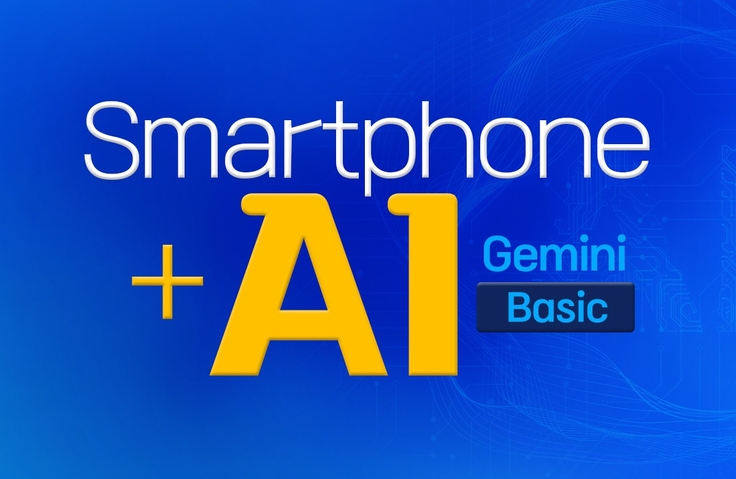
A Course on Practical Ways to Use Smartphone AI and Gemini in Everyday Life

You can learn the basics of using smartphones, now essential devices for modern life, as well as Gemini, a globally talked-about AI, and discover ways to use your smartphone even more effectively.

1 learners are taking this course

Level Beginner

Course period 5 months

AI
AI
smartphone
smartphone
ChatGPT
ChatGPT
gemini
gemini
AI
AI
smartphone
smartphone
ChatGPT
ChatGPT
gemini
gemini

What you will gain after the course

  • You can learn the basics of using a Galaxy smartphone.

  • You can learn about artificial intelligence and how to use it.

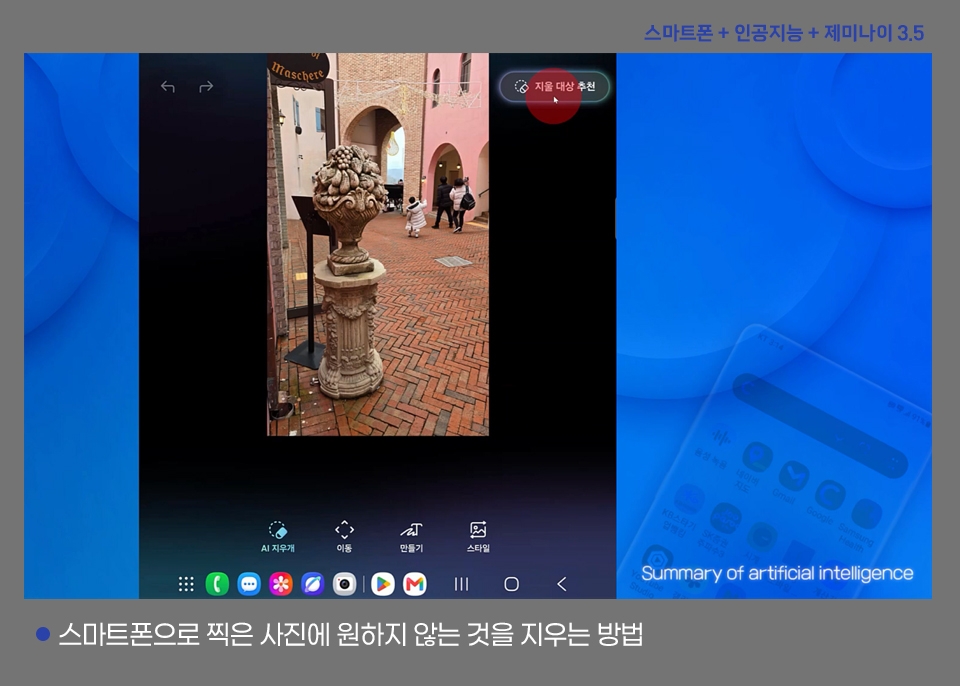
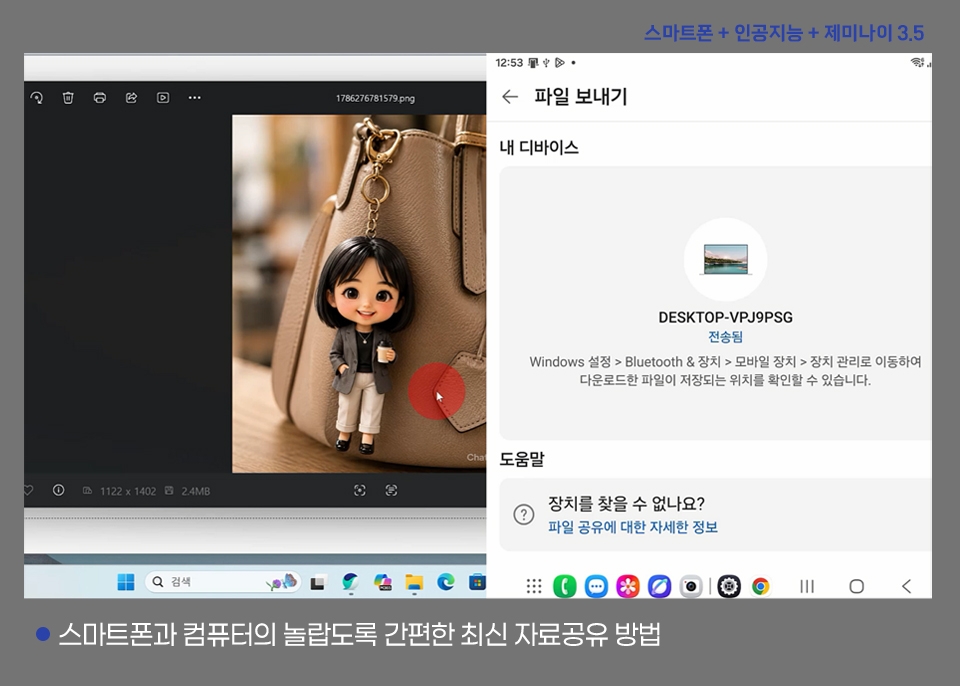
  • You can learn about features that combine smartphones and artificial intelligence.

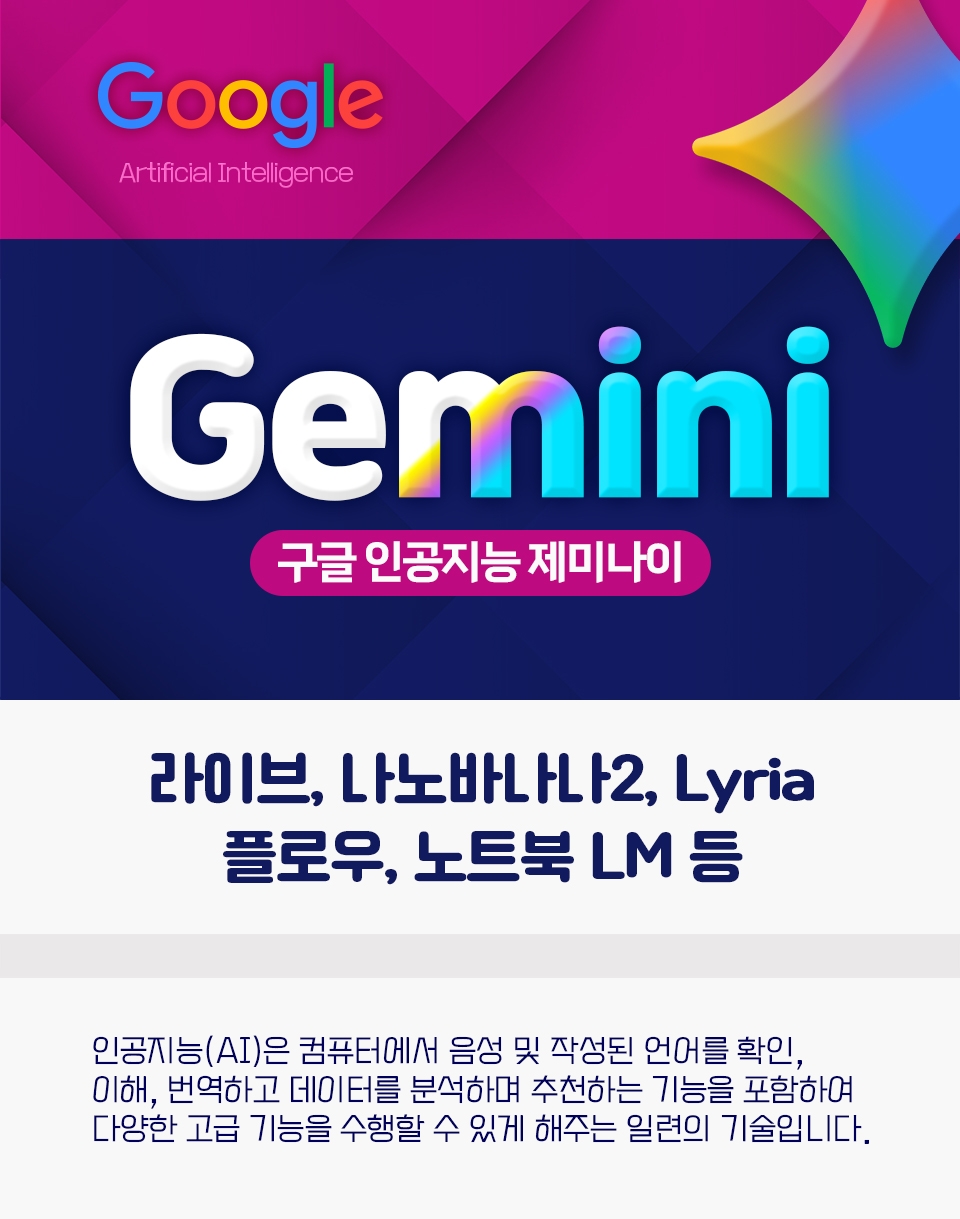
  • You can learn the basics of using Google Gemini.

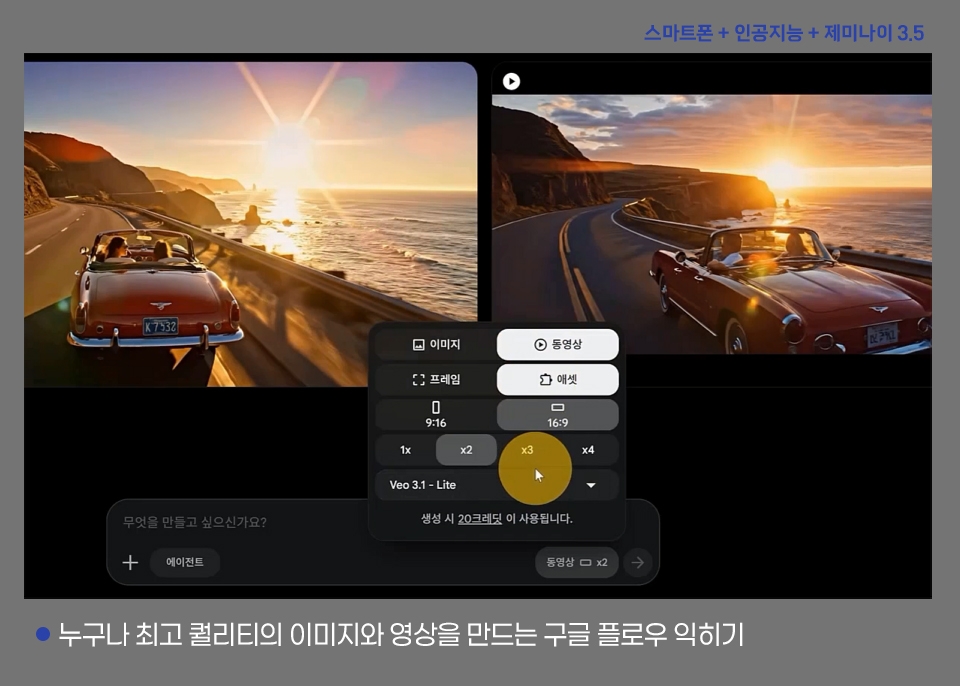
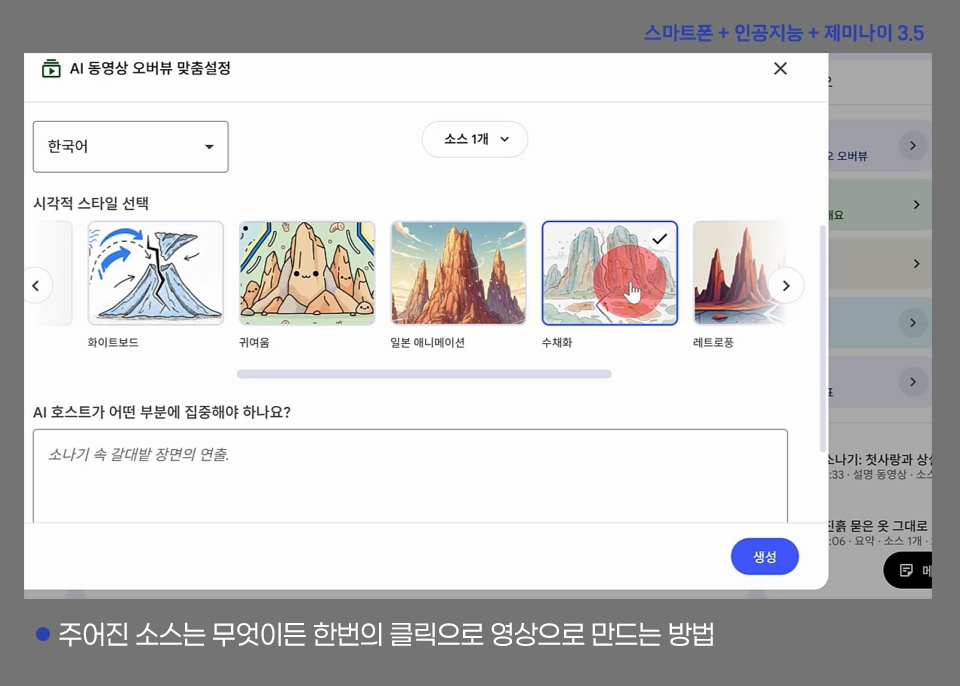
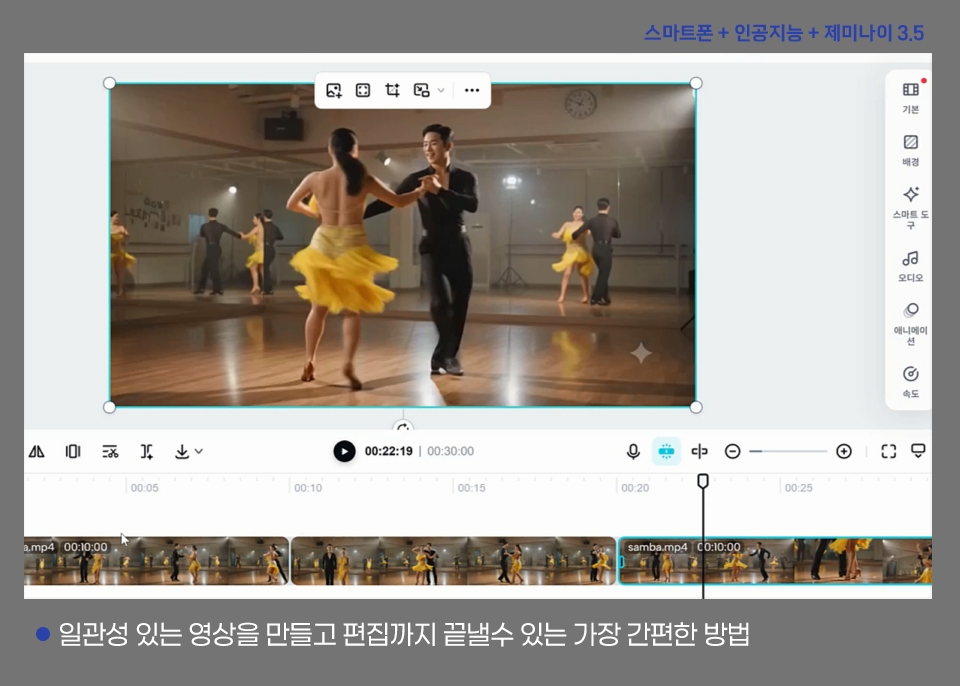
  • You can create images and videos using Google Flow.

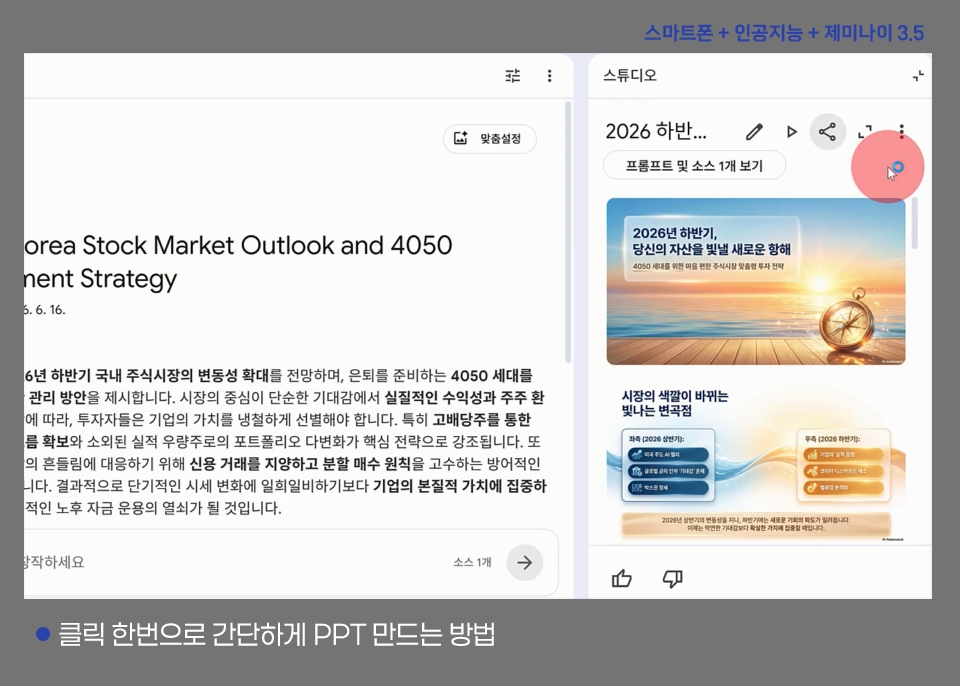
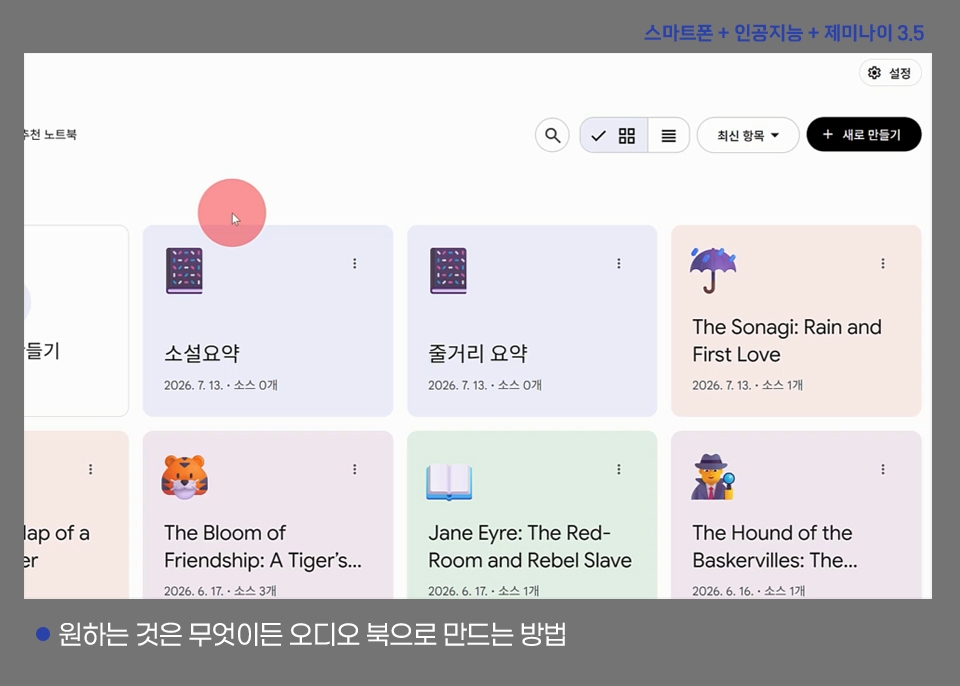
  • You can create various formats using Google Notebook.

The combination of AI, which is becoming essential in everyday life, and smartphones

A course anyone can take to learn how to use the smartphonethat everyone owns and the artificial intelligencethat makes life more convenient when anyone uses it.

  • You can make even smarter use of your smartphone by combining its basic features with AI.

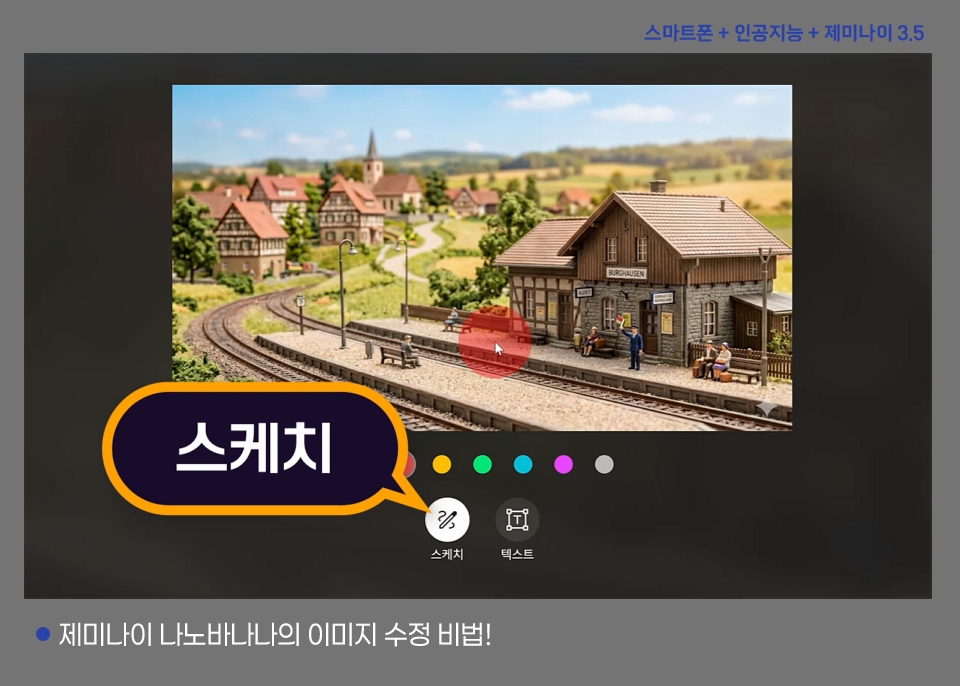
  • You can easily learn to use various AI features of Google Gemini, including Nano Banana, Flow, and Notebook.

After taking this course, you’ll be able to create results like these

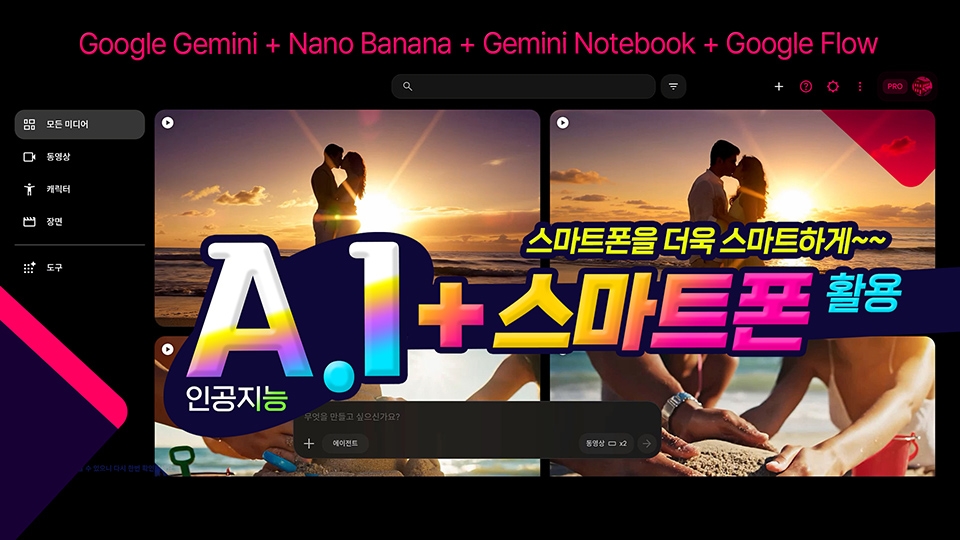
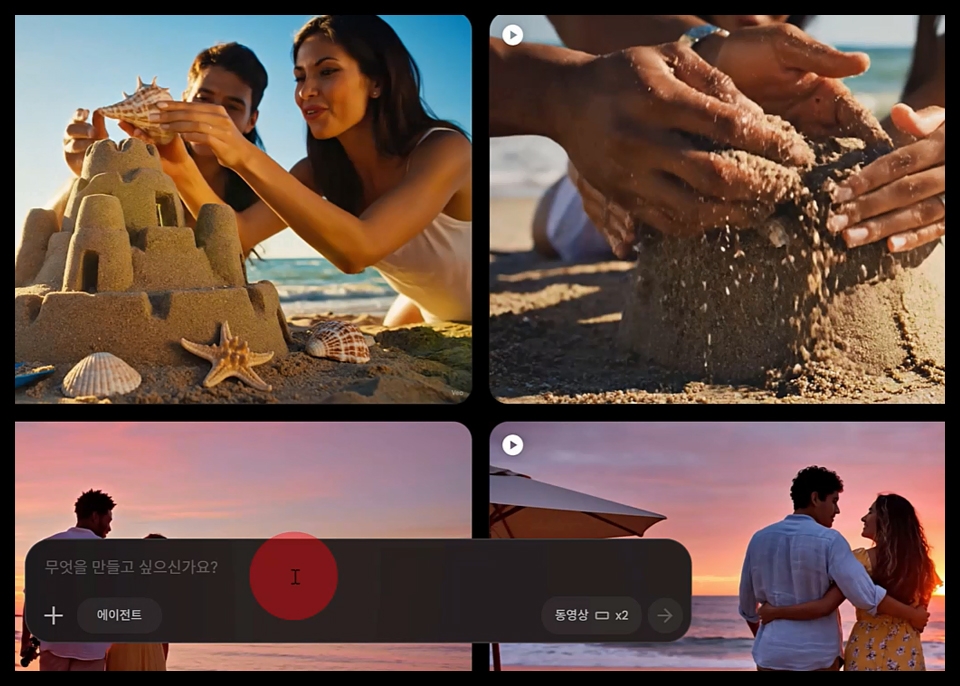
Create videos with Flow

Create an advertising-style video

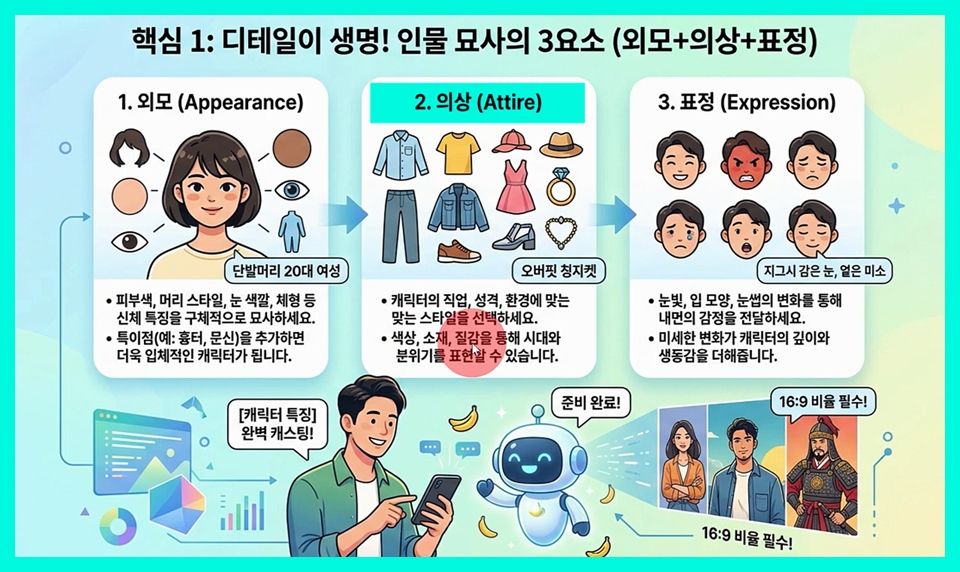
The 3 Elements of Character Description (Appearance + Clothing + Expression)


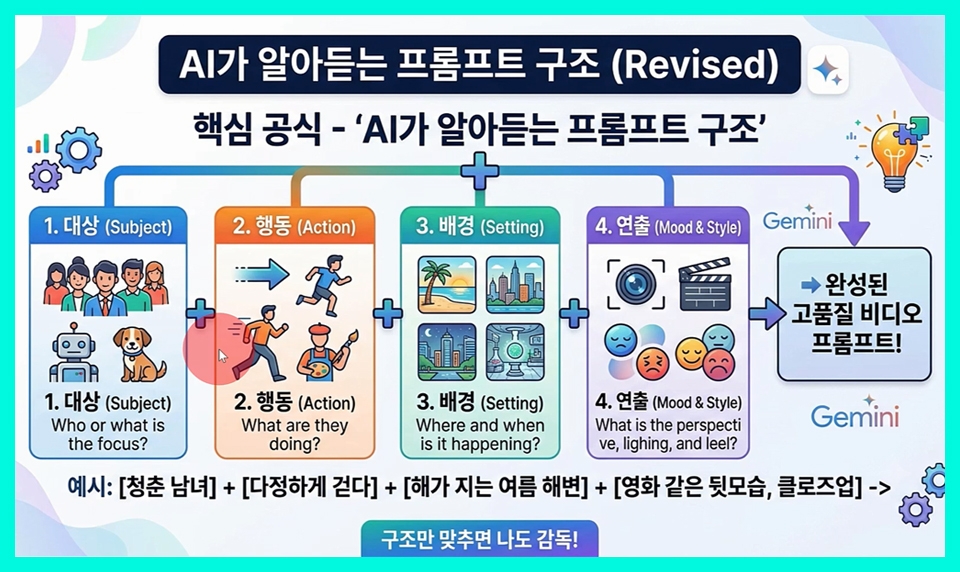
Prompt structure that AI understands


  • Learn how to use your smartphone’s basic features and combine them with AI.


  • Learn how to create the images and videos you want in detail.

What You'll Learn

Learn the basics of using popular AI smartphone apps

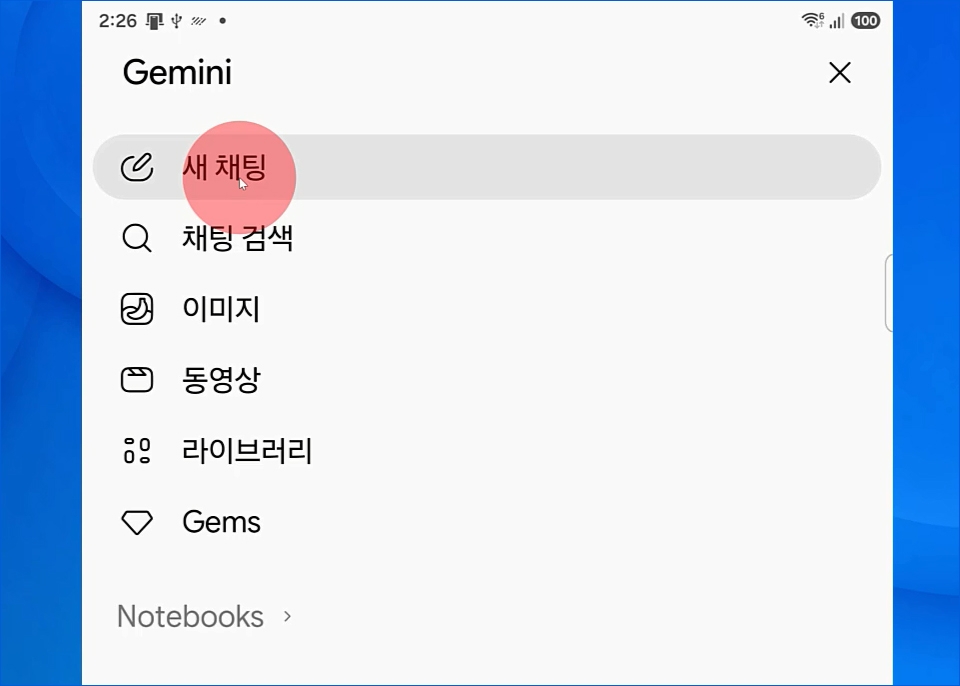
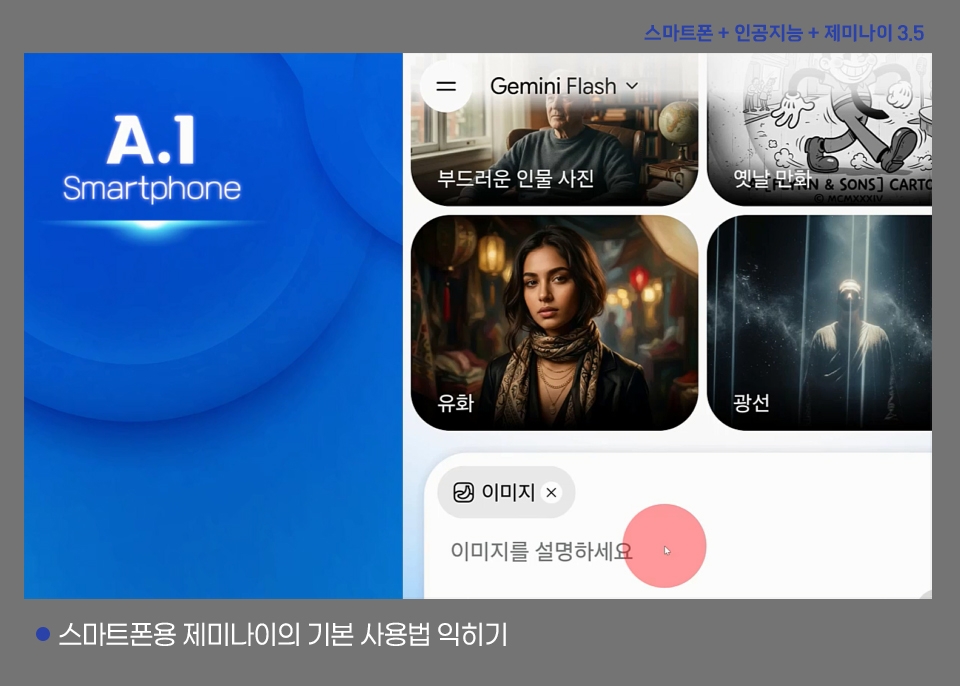
  • How to use the Google Gemini app

  • OpenAI ChatGPT app basics

  • Basic guide to using the Anthropic Claude app

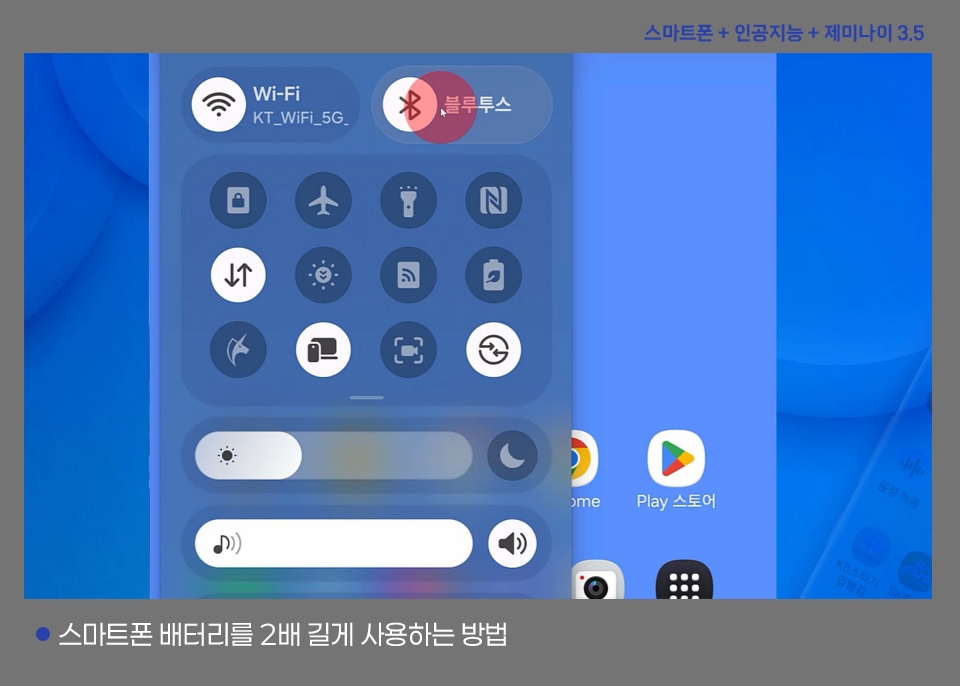
Two Basic Ways to Use and Get the Most Out of AI on a Galaxy Smartphone

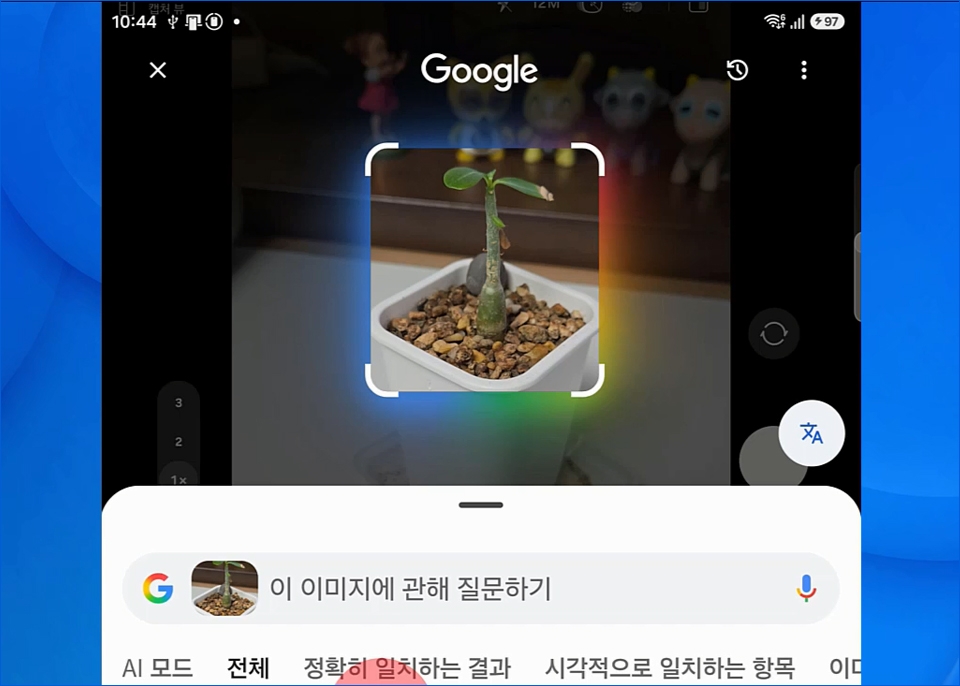
  • Launch Google AI by long-pressing the Home button

  • Turn on and use Circle to Search

  • Voice search, music search, and translation

  • Press and hold the power button to launch Gemini

  • Side Button Settings

  • Use it with your voice

  • Add an attachment

  • Use live features

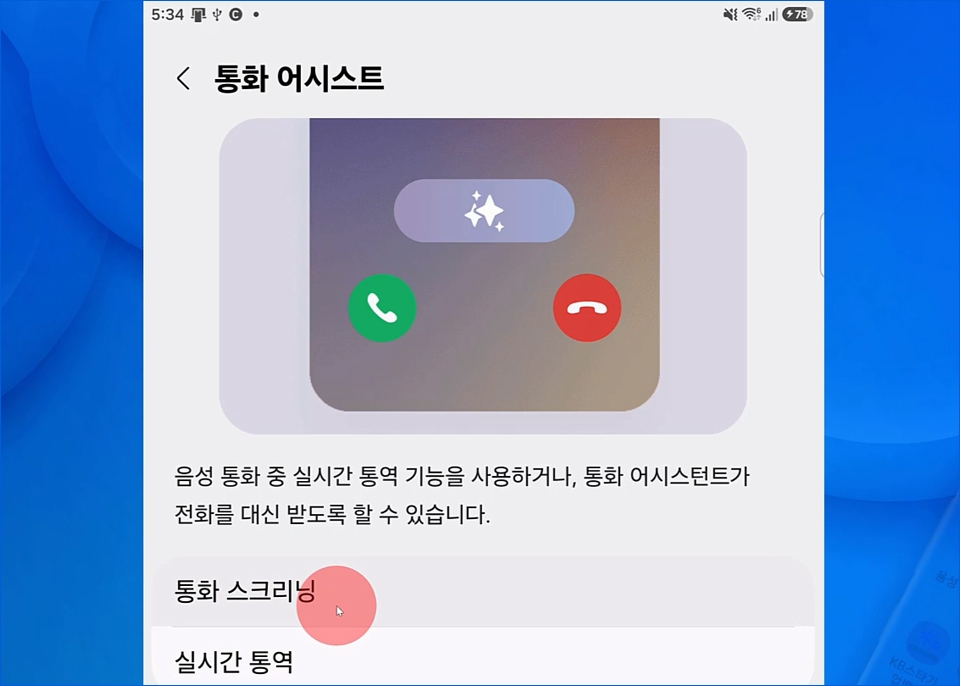
The latest AI feature on smartphones! How to use Call Assist

  • Turn on Call Assist in Settings

  • Call screening feature

  • Download language

  • Call Screening Demo

  • View call recordings and transcribed text

  • Audio Eraser

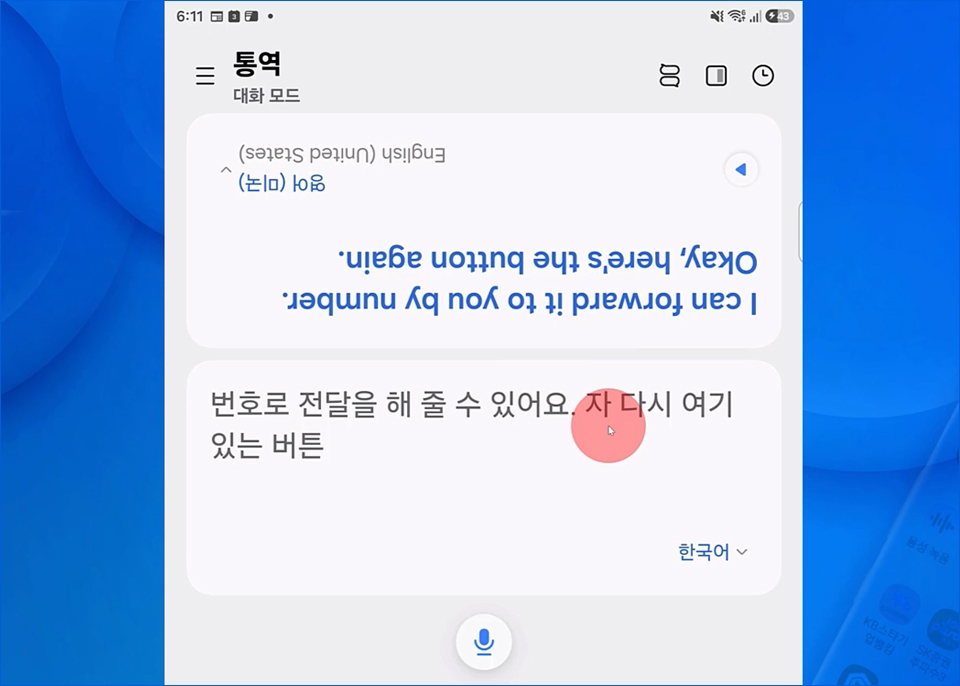
AI Features on Galaxy Smartphones! How to Use Live Translation

  • Download language pack

  • Using the Live Translate Feature

  • Using Interpreter Conversation Mode in person

  • Using the Live Translate Feature During Calls

  • Using the Interpreter Conversation Mode Listening Feature

Important Notes Before Enrolling

  • This course was created for Galaxy smartphones.

  • Some models and One UI versions may not support this feature.

Recommended for
these people

Who is this course right for?

  • People who only use their smartphones for calls or texts

  • Those who want to learn about artificial intelligence

  • Those who are afraid to get started because they lack basic computer skills.

  • For those who want to create images and videos with AI

Need to know before starting?

  • No. You can get started with just a smartphone and a computer.

Hello
This is comt

Career Verified

1,953

Learners

173

Reviews

4

Answers

4.8

Rating

39

Courses

Back when Apple's MAC computers made it possible to design even better.

It's already been well over 25 years since I first started teaching Adobe Photoshop and Illustrator at the academy~~^^

I remember the days when, instead of calling the instructors Teacher Eom, Teacher Ha, and Teacher Gu, we used to call them Eom-T and Gu-T.

Together with those teachers, we started using ComTee as an abbreviation for Computer Teacher!

I will continue to be a "Computer Teacher" who works hard to share knowledge for all those who are learning.

Thank you!!

Thank you!!

Together with everyone, we've come to use "Com-T" as a shorthand for Computer Teacher! We will continue to be a Computer Teacher that works hard to share knowledge for all learners. Thank you!!

Together with everyone, we've come to use "Com-T" as a shorthand for Computer Teacher! We will continue to be a Computer Teacher that works hard to share knowledge for all learners. Thank you!!
More

Curriculum

All

50 lectures ∙ (10hr 2min)

Published: 
Last updated: 

Reviews

Not enough reviews.
Please write a valuable review that helps everyone!

comt's other courses

Check out other courses by the instructor!

Similar courses

Explore other courses in the same field!

Limited time deal

$27.50

28%

$38.50