inflearn logo

AutoCAD 2027 Essential Basic Commands Tutorial

This is an introductory course for anyone who needs to learn AutoCAD but is short on time or worried it might be difficult. You’ll get started with AutoCAD using simple commands. Subtitles are provided, too, so enjoy the course!

1 learners are taking this course

Level Beginner

Course period 5 months

AutoCAD
AutoCAD
CAD
CAD
AutoCAD
AutoCAD
CAD
CAD

What you will gain after the course

  • Understanding AutoCAD

  • Drawing Basic Shapes

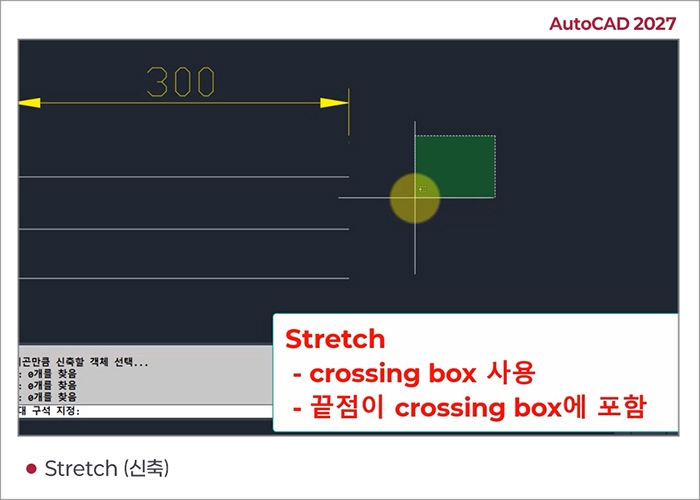
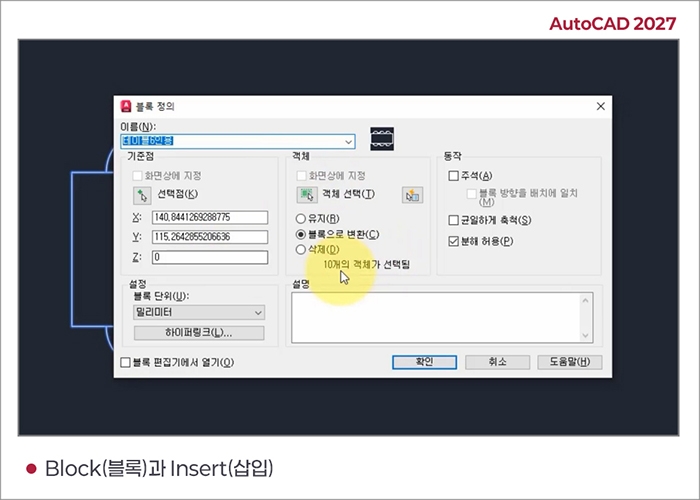
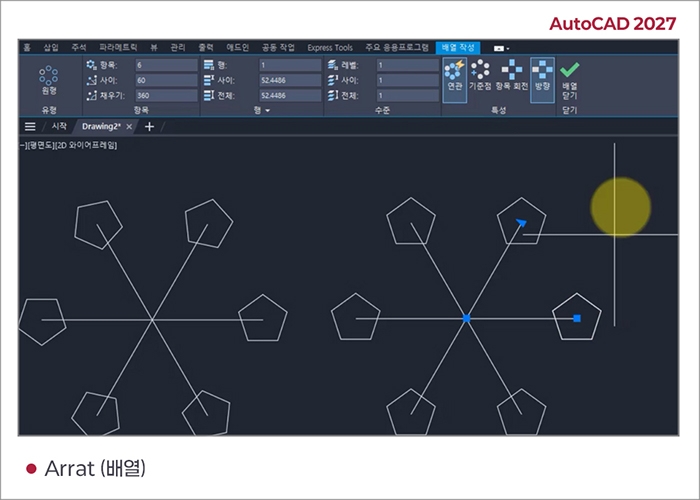
  • AutoCAD commands

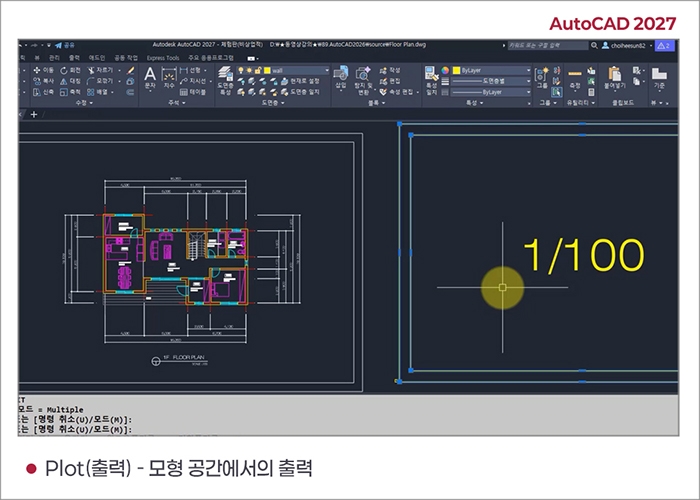
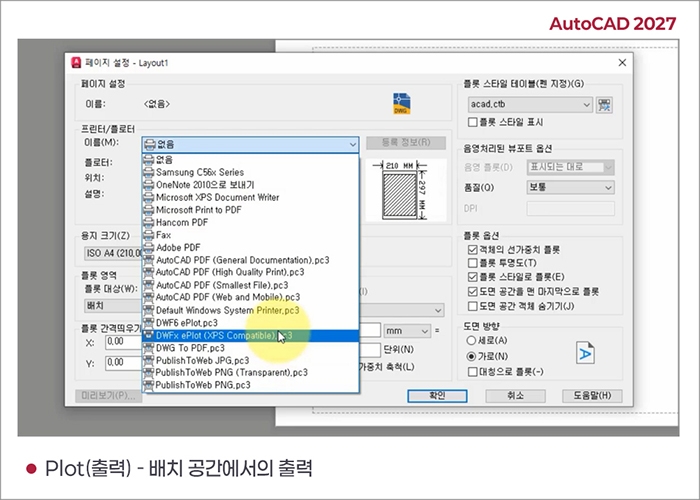
  • AutoCAD plot

Discover the latest 2027 course on the world-standard CAD software, 
AutoCAD!

AutoCAD is one of many CAD programs, but it is used by more people than any other, and its ease of use and learning makes it accessible to everyone.

You can learn AutoCAD through commands.

The basics of AutoCADare about learning the commands.

Learn the Basics of AutoCAD 2027 Through Key Commands!!

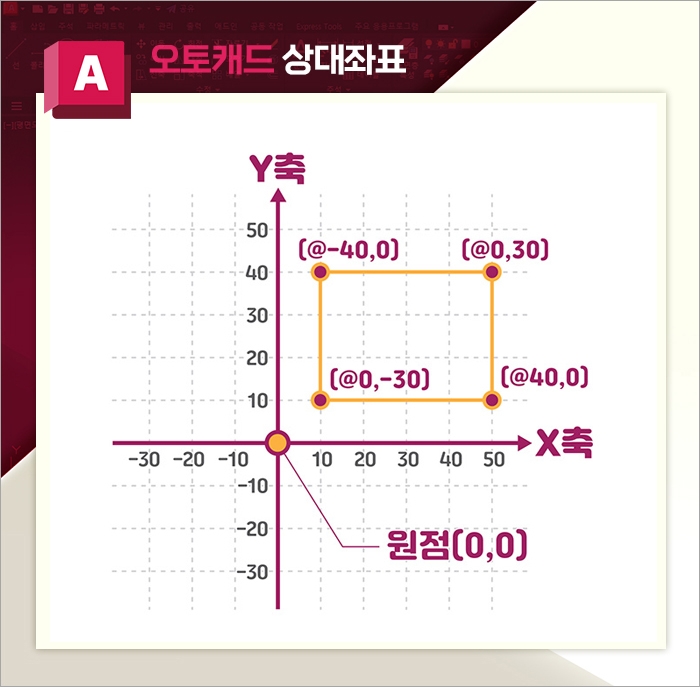
  • This course introduces the fundamental concepts of AutoCAD 2027, a CAD (Computer-Aided Design) tool for creating 2D/3D architectural and construction drawings, and teaches you how to get started with AutoCAD using its essential commands.


  • Quickly and easily learn practical features centered around commands!

  • New features in AutoCAD 2027 are not included.

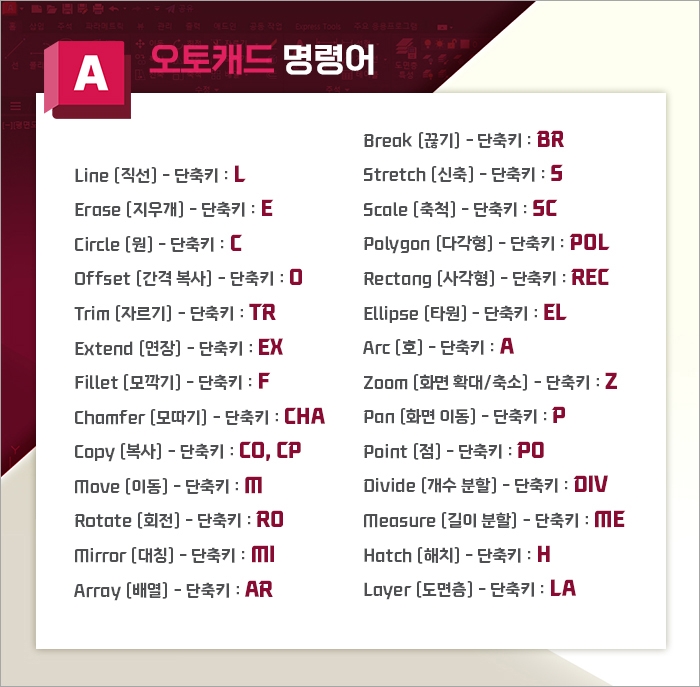
The command for drawing a circle is Circle

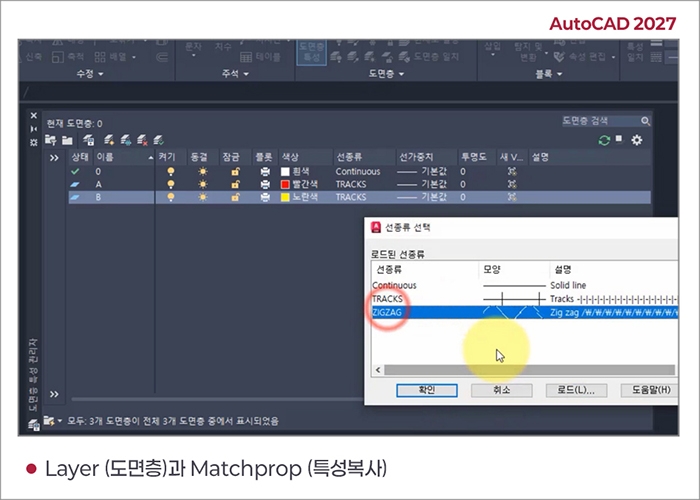
The command to set layers is Layer

The command for drawing a circle is Circle.

Note Before Enrolling

Practice Environment

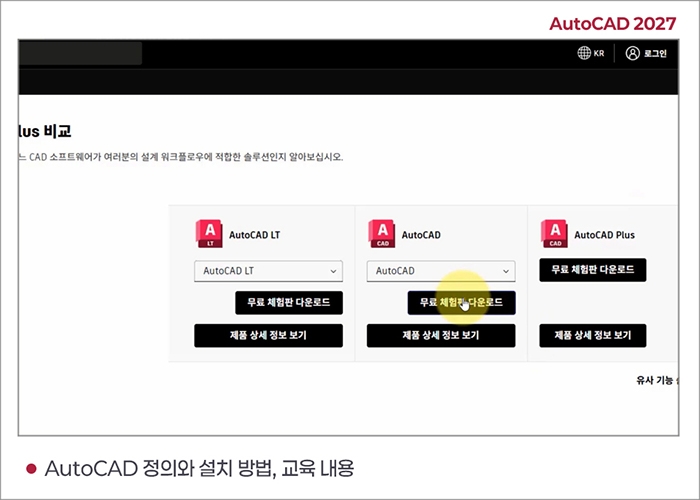
  • Operating system and version (OS): 64-bit Microsoft Windows 11 and Windows 10 version 1809 or later

  • Processor (basic): 2.5–2.9 GHz processor with 8 logical cores (base frequency).
    ARM processors are not supported.

  • Processor (recommended): 3 GHz or higher (base), 4 GHz or higher (turbo)

  • Memory: 8 GB (minimum), 32 GB (recommended)

  • For detailed system requirements (such as the Mac environment), please refer to Autodesk AutoCAD 2027.

Learning Materials

  • This course is designed for beginners and does not require any source files (CAD files).


    Just watch the video and follow along.


Recommended for
these people

Who is this course right for?

  • For those who need to learn AutoCAD

  • For those who need to read and print AutoCAD drawings.

  • For those who want to get started in architectural design

Need to know before starting?

  • Beginners welcome.

Hello
This is comt

Career Verified

1,954

Learners

173

Reviews

4

Answers

4.8

Rating

40

Courses

Back when Apple's MAC computers made it possible to design even better.

It's already been well over 25 years since I first started teaching Adobe Photoshop and Illustrator at the academy~~^^

I remember the days when, instead of calling the instructors Teacher Eom, Teacher Ha, and Teacher Gu, we used to call them Eom-T and Gu-T.

Together with those teachers, we started using ComTee as an abbreviation for Computer Teacher!

I will continue to be a "Computer Teacher" who works hard to share knowledge for all those who are learning.

Thank you!!

Thank you!!

Together with everyone, we've come to use "Com-T" as a shorthand for Computer Teacher! We will continue to be a Computer Teacher that works hard to share knowledge for all learners. Thank you!!

Together with everyone, we've come to use "Com-T" as a shorthand for Computer Teacher! We will continue to be a Computer Teacher that works hard to share knowledge for all learners. Thank you!!

More

Curriculum

All

20 lectures ∙ (4hr 58min)

Published: 
Last updated: 

Reviews

Not enough reviews.
Please write a valuable review that helps everyone!
comt's other courses

Check out other courses by the instructor!

Limited time deal

$34,650.00

30%

$38.50