inflearn logo

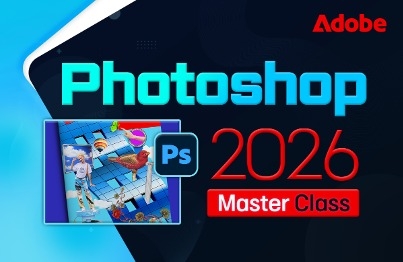
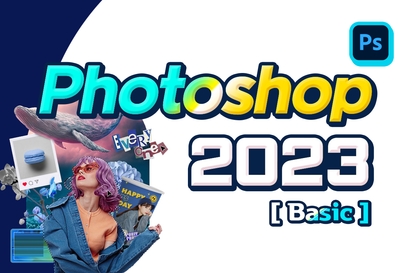
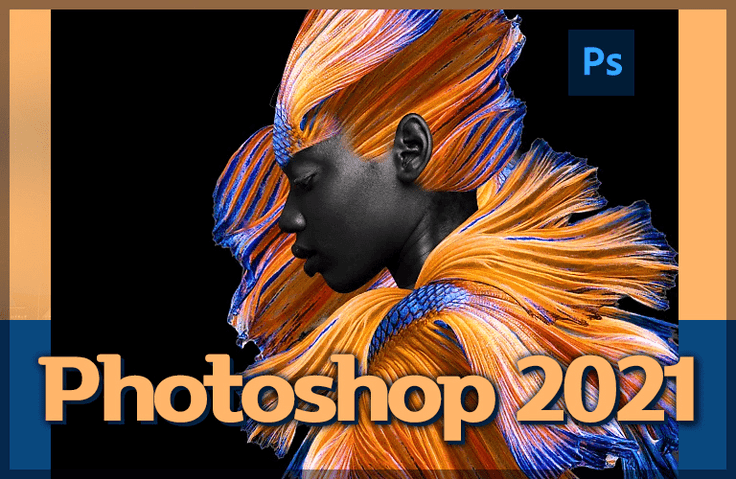
Photoshop CC 2021 Basics that even beginners can easily learn, as well as important practical functions training

Learn why you should learn Photoshop and learn in detail about the various functions required for image editing, including menus, tools, panels, palettes, and filters.

(4.9) 12 reviews

95 learners

Level Beginner

Course period 5 months

Photoshop
Photoshop
Photoshop
Photoshop

Reviews from Early Learners

4.9

5.0

shinkh5632

100% enrolled

The voice is clear and calm, so it helps me concentrate I'm 50 years old, too. I learned so well I'm going to go for another round The best!!

5.0

jwoon3164

100% enrolled

I was a beginner who didn't know how to use Photoshop at all, but after taking this lecture, I was able to create whatever came to mind right away. It was a great lecture that was very well organized and easy to understand!! Thank you!

5.0

Tora King

70% enrolled

This is the best lecture

What you will gain after the course

  • Photoshop menus

  • Portrait photo retouching

  • Various filter functions

Photoshop for image manipulation! 🎨
Learn everything from basics to application all at once.

Adobe Photoshop 2021?

Photoshop logo

Photoshop, the ultimate photo editing, image composition, and retouching tool!
Learn the latest version of Photoshop in 2021 .
You can study from now on and quickly become a Photoshop expert.

What do you learn?

Learn Photoshop step by step!
Through a well-prepared curriculum
You can master Photoshop.

▶ Photoshop 2021 Work Environment and Installation Method

▶ Basic tool usage (magnifying glass, palm tool), shortcut keys

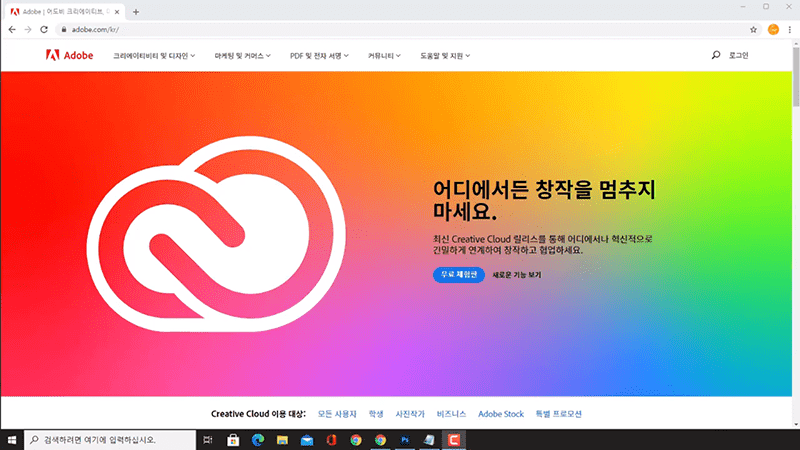
Installing Adobe Creative Cloud (CC)
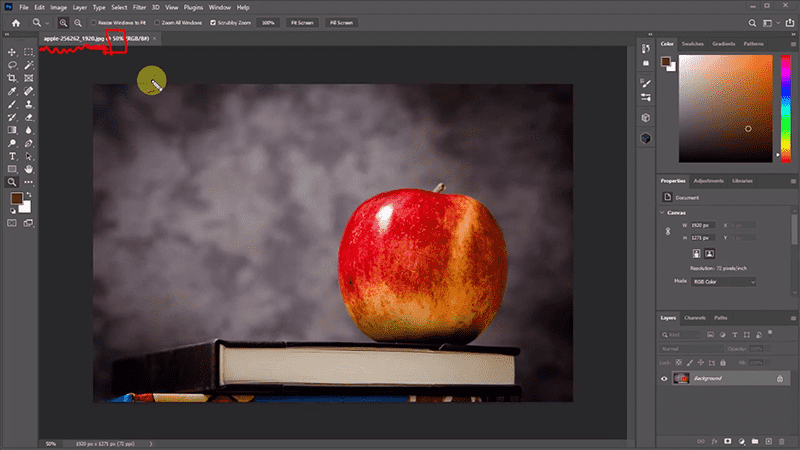
Photoshop basic working environment


▶ The concept of selection and the movement tool

▶ Various selection tools (lasso, polygonal lasso, circular/rectangular selection)

▶ The concept of pixels and resolution, using the crop tool, and saving methods

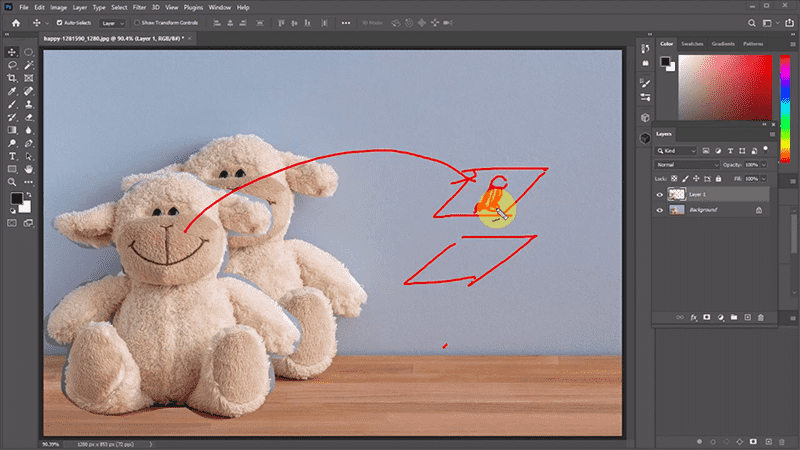
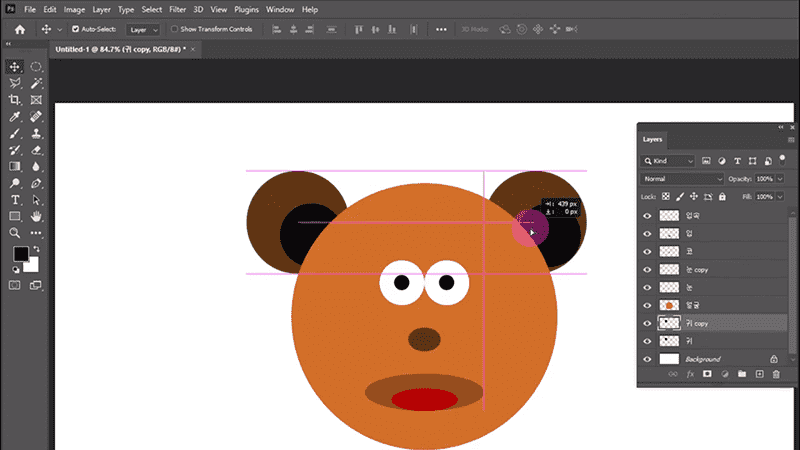
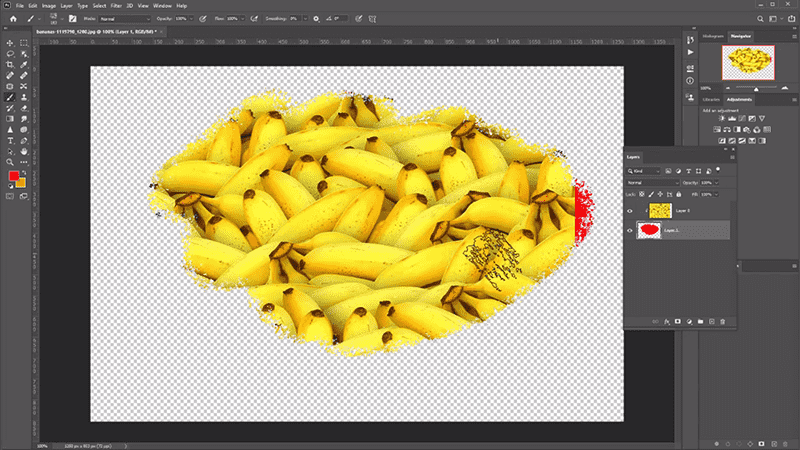
▶ Layer concept and basic usage

▶ How to create colors in Photoshop, specifying colors, and the difference between web and print colors.

▶ Document settings according to work purpose

The concept and use of layers
Comprehensive examples for practice


▶ Type tool

▶ Path Tool: Mastering the Pen Tool

▶ Using the Path Tool: Adding/deleting points, converting points, creating various shapes using paths, converting to path selection, etc.

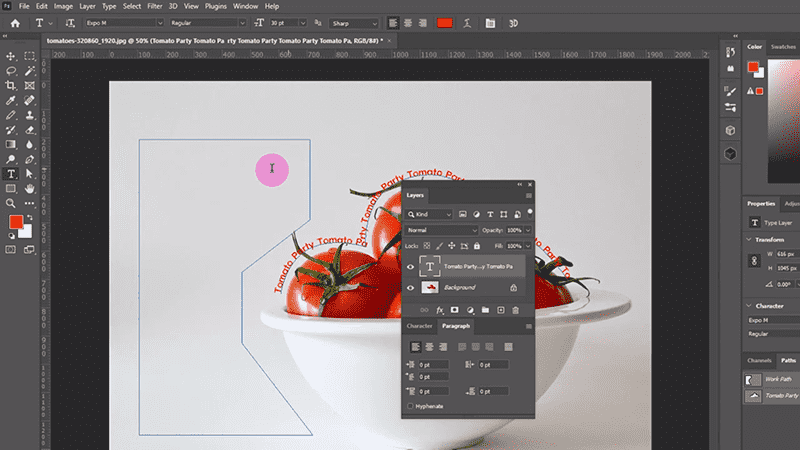
▶ Using and Linking Type and Path Tools

▶ Various selection tools: How to select using the magnetic lasso, magic wand, quick selection, and object selection tools.

▶ [adjustment] - [levels], [curves] and adjustment basics

▶ [Adjustment] - [Hue/Saturation] Principles and Usage, Partial Color Conversion

▶ [adjustment] Advanced features: shadow/highlight, replace color, color balance

▶ Filter functions: blur, polygon lasso, curve, etc.

▶ Gradient and usage examples: Gaussian blur, motion blur, flip, etc.

▶ Painting tools and corrections

▶ Synthesis using passes, utilizing feathers

▶ Basic brush and shape functions, brush settings and registration

▶ Photoshop's various convenient features: the ability to adjust selection areas using modify, the eyedropper tool, various guides, the snap function, changing ruler units, grow, similar, the eraser tool, etc.

Using path and type
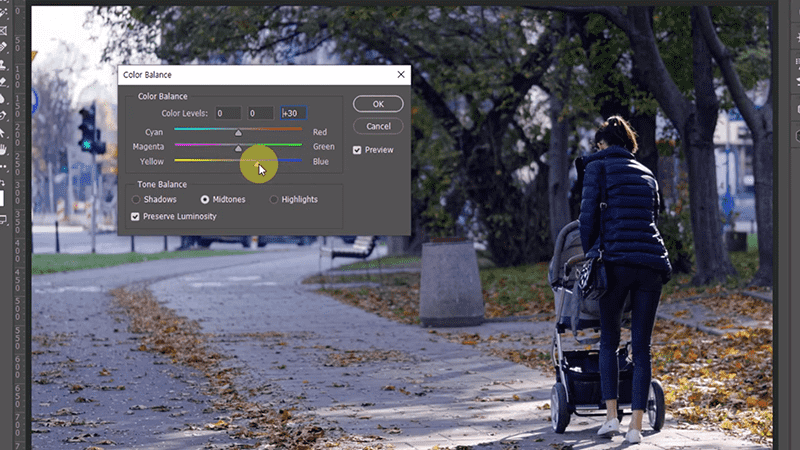
[Adjustment] - Photo correction using [color balance]


▶ Learn how to distort images: scale, rotate, skew, distort, perspective, and flip, and how to correct distorted images.

▶ Easy tools for photo retouching: dodge, burn, sponge, blur, sharpen, smudge, etc.

▶ Mask functions and usage

▶ Learn clipping masks and shape features, utilize clipping masks, custom shapes, etc.

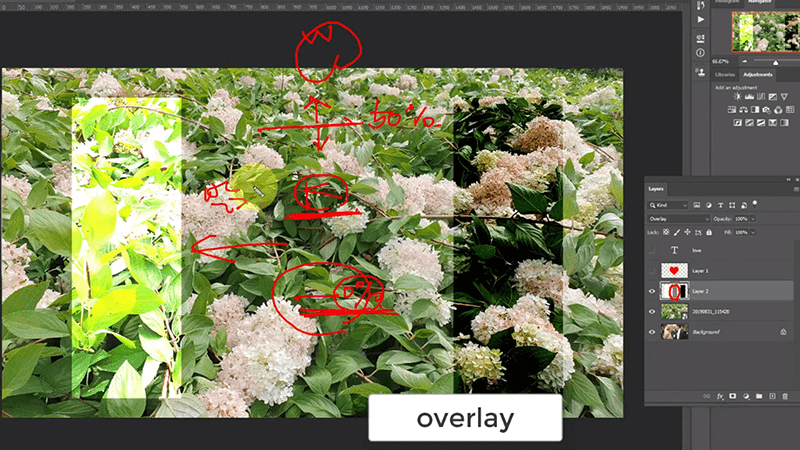
▶ Blending modes: multiply, screen, overlay, etc.

▶ Mastering Layer Styles

Using clipping masks
The concept of layer blending modes


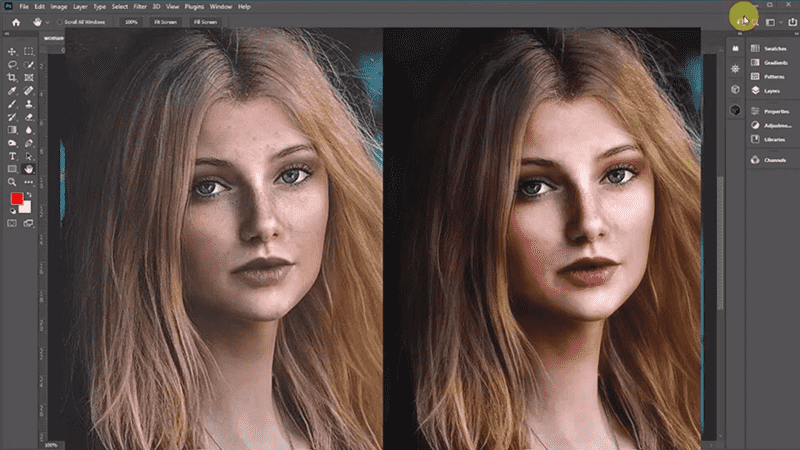
▶ Portrait photo retouching

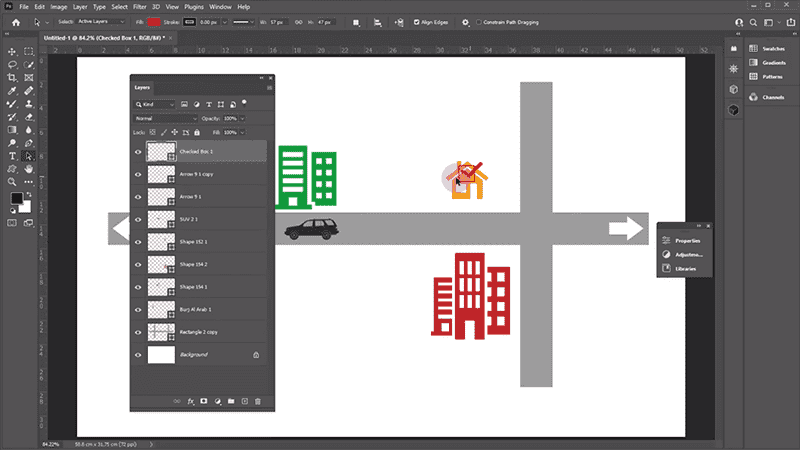
▶ Learn how to draw maps using shapes and their various uses.

▶ Various filter functions

▶ Create various works using the layouts provided by Photoshop.

Retouching Portrait Photos

Drawing a map using [shape]


[Section 0] [Reasons to learn Photoshop, working environment, basic tools (magnifying glass, palm tool) usage and shortcut keys ]
You can download the source file (working file).
Since this image is provided for educational purposes, it cannot be redistributed or used for commercial purposes.

Recommended for
these people

Who is this course right for?

  • People who work in photography

  • Anyone who wants to try YouTube

  • People who want to make SNS pretty

Hello
This is comt

Career Verified

1,907

Learners

166

Reviews

4

Answers

4.8

Rating

36

Courses

Back when Apple's MAC computers made it possible to design even better.

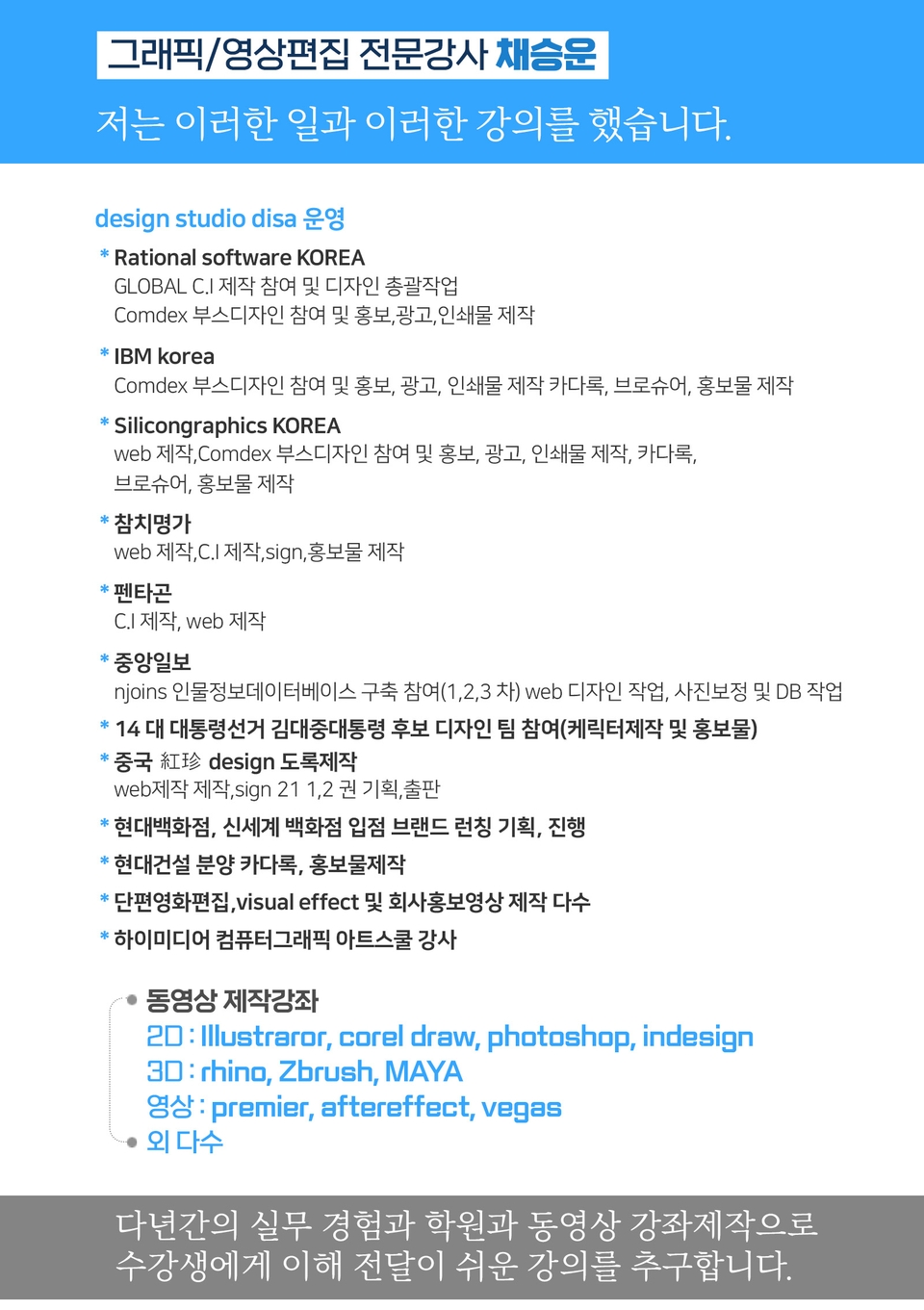
It's already been well over 25 years since I first started teaching Adobe Photoshop and Illustrator at the academy~~^^

I remember the days when, instead of calling the instructors Teacher Eom, Teacher Ha, and Teacher Gu, we used to call them Eom-T and Gu-T.

Together with those teachers, we started using ComTee as an abbreviation for Computer Teacher!

I will continue to be a "Computer Teacher" who works hard to share knowledge for all those who are learning.

Thank you!!

Thank you!!

Together with everyone, we've come to use "Com-T" as a shorthand for Computer Teacher! We will continue to be a Computer Teacher that works hard to share knowledge for all learners. Thank you!!

Together with everyone, we've come to use "Com-T" as a shorthand for Computer Teacher! We will continue to be a Computer Teacher that works hard to share knowledge for all learners. Thank you!!
More

Curriculum

All

30 lectures ∙ (10hr 9min)

Course Materials:

Lecture resources
Published: 
Last updated: 

Reviews

All

12 reviews

4.9

12 reviews

  • yb26185202700님의 프로필 이미지
    yb26185202700

    Reviews 8

    ∙

    Average Rating 3.8

    5

    70% enrolled

    This is the best lecture

    • comt
      Instructor

      I'm embarrassed to give you such a good review~ Nowadays, you can take a lot of pictures with your smartphone, so try practicing and directing a lot with the pictures you took~ Thank you.

  • gy09174829님의 프로필 이미지
    gy09174829

    Reviews 1

    ∙

    Average Rating 5.0

    5

    100% enrolled

    Good good!!!!!!
    • comt
      Instructor

      Thank you. Practice with different photos. Use photos provided for free at places like Pixabay.

  • jwoon31645840님의 프로필 이미지
    jwoon31645840

    Reviews 1

    ∙

    Average Rating 5.0

    5

    100% enrolled

    I was a beginner who didn't know how to use Photoshop at all, but after taking this lecture, I was able to create whatever came to mind right away. It was a great lecture that was very well organized and easy to understand!! Thank you!
    • comt
      Instructor

      Hello. Thank you for your review. The new version of Photoshop has really added a lot of features. Learn the basic functions of Photoshop (compositing, editing, and correction) and there are often easier ways to do basic tasks, but you can't find them. If you are working, you may wonder if there are any functions that you can do better and more easily, and if you look for them, your skills will grow a lot.

  • seolas72274688님의 프로필 이미지
    seolas72274688

    Reviews 1

    ∙

    Average Rating 5.0

    5

    100% enrolled

    Fighting! Fighting! @!!!!

    • comt
      Instructor

      Fighting, fighting, I hope you have a lot of energy and use it well. Thank you.

  • shinkh56329012님의 프로필 이미지
    shinkh56329012

    Reviews 1

    ∙

    Average Rating 5.0

    5

    100% enrolled

    The voice is clear and calm, so it helps me concentrate I'm 50 years old, too. I learned so well I'm going to go for another round The best!!

    comt's other courses

    Check out other courses by the instructor!

    Similar courses

    Explore other courses in the same field!

    25% off for new members

    $18.60

    25%

    $28.60