[Work Automation Using Free MS RPA] Power Automate Desktop Essentials
In the basic course, you will learn how to use Power Automate Desktop and become familiar with it by following along. Now, in the essential course, you will learn about variables and frequently used grammar so that you can use it better and automate more.
Introduction to Power Automate Desktop Templates and How to Use Them
Hello PAD! Open the message window
Power Automate Desktop Variables
Numeric Variable Operators and Calculations
Character type variable
Date type variable
List variables
Grammar - Conditional Statement IF
Grammar – Branch Switch
Grammar - Loops
Applying to real work - Files/Folders
Applying to real work - PDF document
Work Less, Do More Start automating your work with free tools 🤖
Have you taken the RPA basic course?
Power Automate Desktop is a Microsoft RPA tool. Initially, introducing variables and learning grammar seemed overwhelming. However, the basic course introduced installation, menus, and screens, and then guided me through automating tasks. This allowed me to overcome my preconceived notions of difficulty and reduce my resistance.
Now, let's take a look at the essential course to understand variables and learn the syntax of Power Automate Desktop to better automate your tasks . Of course, you can start with the Essentials course and then move on to the Basics course to follow along!
Power Automate Desktop? 🧐
With the implementation of a digital office environment due to COVID-19, Robotic Process Automation (RPA) has begun replacing previously simple tasks. RPA is now performing a wide range of repetitive tasks, such as collecting and analyzing data for use in business processes. The processing speed is incomparably faster than human labor, and the reduced risk of errors is boosting corporate competitiveness.
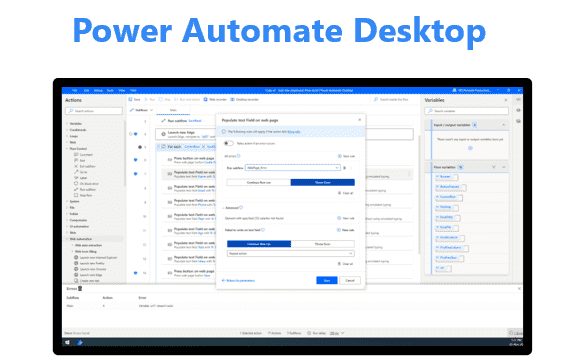
Power Automate, Microsoft's RPA tool, is a workflow service that uses desktop flows and UI-based automation to connect existing and new systems and help reduce repetitive tasks.
We've made Power Automate Desktop available for free , with over 400 pre-loaded actions for automating desktop-centric workflows . You can create and use automation flows for free, automating tasks across the various applications you use for work.
In this course, you'll learn variables and syntax in the free Power Automate Desktop through hands-on practice.
Learn through practice Microsoft Power Automate Desktop Welcome to the lecture!
Learn things like this📚
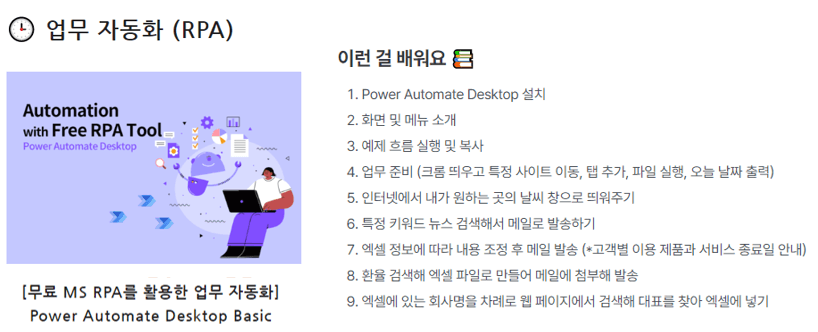
Understanding and Advancing RPA (Robotic Process Automation)
Install Power Automate Desktop
Understanding and setting up screens and menus
Power Automate Desktop Template Types and How to Use Them
The beginning of all languages, printing Hello PAD
Understanding variables
Numeric variables, operators
character variables
Date variable
List variables
Understanding grammar
Conditional statement (IF)
Switch
Loop statement (For each, Loop, Loop Condition)
Application to actual work
File/Folder Automation - Rename files in folders, identify recently created files
PDF Automation - Extract text, extract images, and merge files from PDF files.
What you need for the lecture✒️
Microsoft 365 or Microsoft free account, school account
Power Automate Desktop (free)
PC with internet access
headset or speakers
Reference lecture 📑
This course provides hands-on experience in task automation using Power Automate Desktop . For those interested in learning automation using Power Automate Web , please refer to the course below.
RPA Series 🦾
Preview Q&A 💬
Q. Do I need to purchase a license to attend the lecture?
No, Power Automate Desktop is free. It's available for free to anyone running Windows 10 or later.
Q. Do I need any prior knowledge to take the course?
We teach from the beginning, from product introduction to installation method, so no prior knowledge is required.
Q. Is it possible to do this without any coding or development knowledge?
Yes, the lectures are structured so that you can do it if you follow along slowly, one by one.
Introducing the knowledge sharer 🙋♀️
Recommended for these people
Who is this course right for?
For those curious about Power Automate Desktop
Anyone who wants to automate their work
Anyone who wants to experience MS RPA
For those who want to study variables in Power Automate Desktop
For those who want to study the grammar of Power Automate Desktop
Anyone who wants to automate their work through free RPA
Need to know before starting?
I will teach from the basics, but if you find the grammar/variables of the language difficult, I recommend that you follow the practical exercises in the Basic lecture! ^^
Hello This is
2,510
Learners
276
Reviews
164
Answers
4.5
Rating
45
Courses
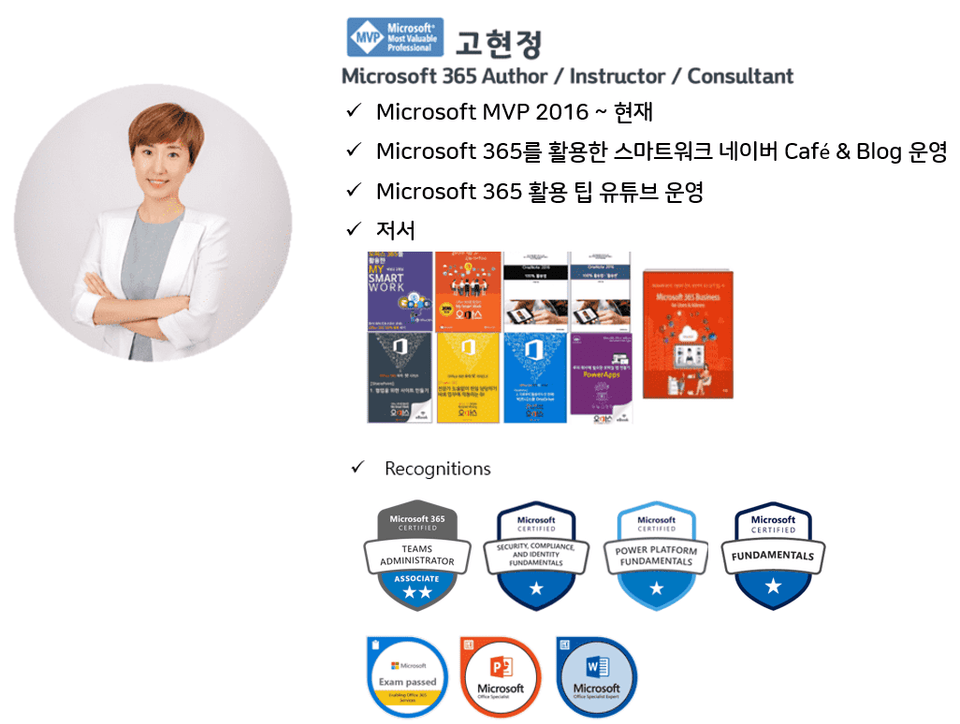
반갑습니다! Microsoft 365 전문가 "오마스"입니다. Microsoft 365 전문가가 여러분이 보다 쉽게 스마트하게 업무를 할 수 있도록 돕겠습니다.
오마스의 강사를 소개합니다!!
고현정 강사 Microsoft MVP (Microsoft 365 Apps&Services, 2016 ~ 현재)






![[최신버전 업데이트] 프로일잘러가 되기 위한 프로젝트 및 할 일 관리 - MS PlannerCourse Thumbnail](https://cdn.inflearn.com/public/courses/336001/cover/9368db08-c64b-42ca-8ad1-e7a872bffc0e/336001.jpg?f=avif&w=420)


![[무료 MS RPA를 활용한 업무 자동화] Power Automate Desktop - 반복되는 일 자동화하기Course Thumbnail](https://cdn.inflearn.com/public/courses/332826/cover/fd9d8667-48a8-4d2e-b27d-1154f66df679/332826.png?f=avif&w=420)


![[무료 MS RPA를 활용한 업무 자동화] Power Automate Desktop - Excel 자동화Course Thumbnail](https://cdn.inflearn.com/public/courses/330201/cover/8adc841c-39de-4770-98d3-2439ed8881a3/330201-eng.png?f=avif&w=420)

![[무료 MS RPA를 활용한 업무 자동화] Power Automate Desktop BasicCourse Thumbnail](https://cdn.inflearn.com/public/courses/329047/cover/35cb417d-cd84-47f8-a20f-653724b03a77/329047-eng.png?f=avif&w=420)

![[SharePoint] Microsoft List로 우리 회사 송금 요청 시스템 만들기Course Thumbnail](https://cdn.inflearn.com/public/courses/328904/cover/97b383cf-91c5-4cc1-b126-ed9e3fdbef7f/328904-eng.png?f=avif&w=420)


![[국내 최초] ChatGPT × Word 실무 활용법: 누구나 쉽게 만드는 각종 문서 자동화Course Thumbnail](https://cdn.inflearn.com/public/files/courses/338227/cover/01k0rxg0k0xk9q6vefywa4qnbn?f=avif&w=420)
![[입문자를 위한] Power BI로 시작하는 데이터 시각화Course Thumbnail](https://cdn.inflearn.com/public/courses/327055/cover/455b54c1-3e63-439b-9b60-5d12e12bc303/PowerBI-001)


![3일만에 끝내는 [ITQ 엑셀 A 한방에 합격하기]Course Thumbnail](https://cdn.inflearn.com/public/courses/329652/cover/b44e11b6-a47e-4993-86ea-a85da9836bb5/329652-eng.png?f=avif&w=420)

![[80:20 법칙] 3시간 완성 n8nCourse Thumbnail](https://cdn.inflearn.com/public/files/courses/339168/cover/01k8dvcwzq67vj7tdmdn5mvafz?f=avif&w=420)

