Easily create surveys/quizzes/tests/polls - MS Forms
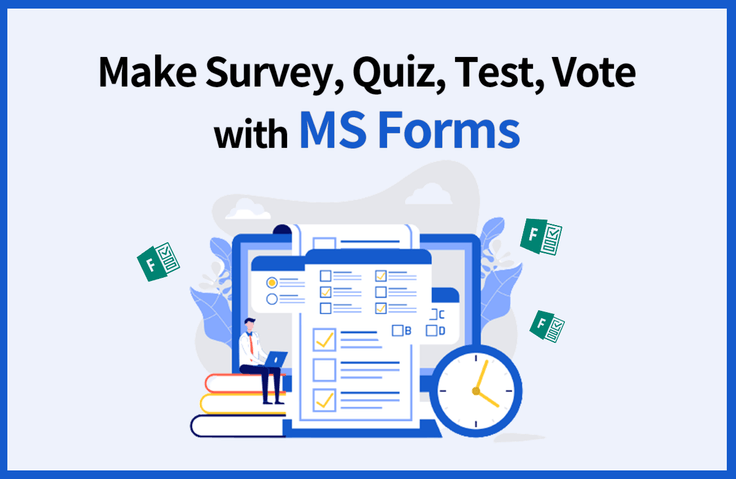
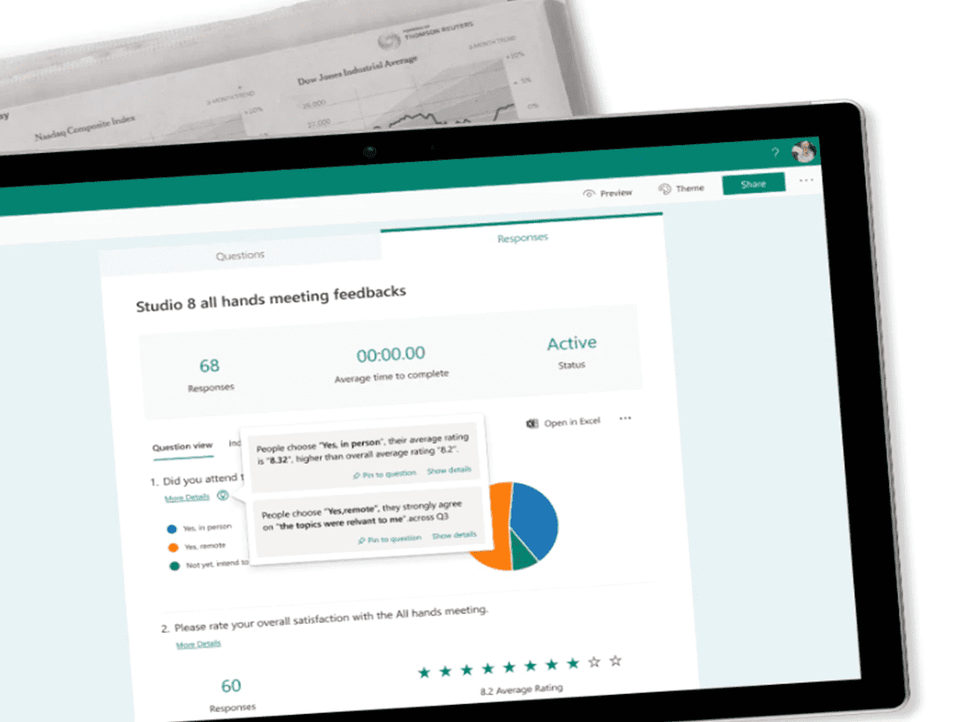
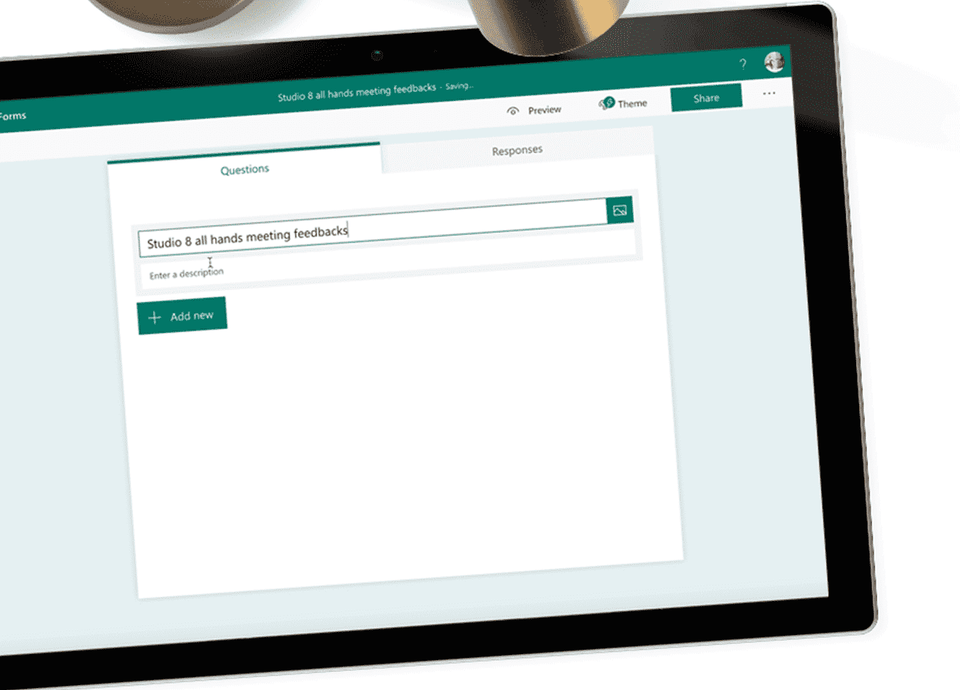
Learn how to use MS Forms to create polls, surveys, satisfaction surveys, feedback forms, quizzes or tests that your company needs, collect responses, analyze the results and share them with others.
Work Less, Do More Survey/Test System in a snap! 🔨
Learn Microsoft Forms through practice Welcome to the lecture!
Creating a Survey/Quiz System Without Development 📑
As you work , you'll likely need to conduct polls, surveys, customer satisfaction surveys, opinion polls, quizzes, and tests. These include dinner menus, workshop participation, company group T-shirt sizes, address books, parking registration, visitor registration, customer support satisfaction surveys, and employee evaluations.
What if you could quickly and easily create surveys, polls, tests, quizzes, and more, share them with others via a link, and respondents could respond from their mobile devices or PCs? And if you could receive email notifications for every response and even have it automatically analyzed, wouldn't your work process be significantly streamlined and more convenient?
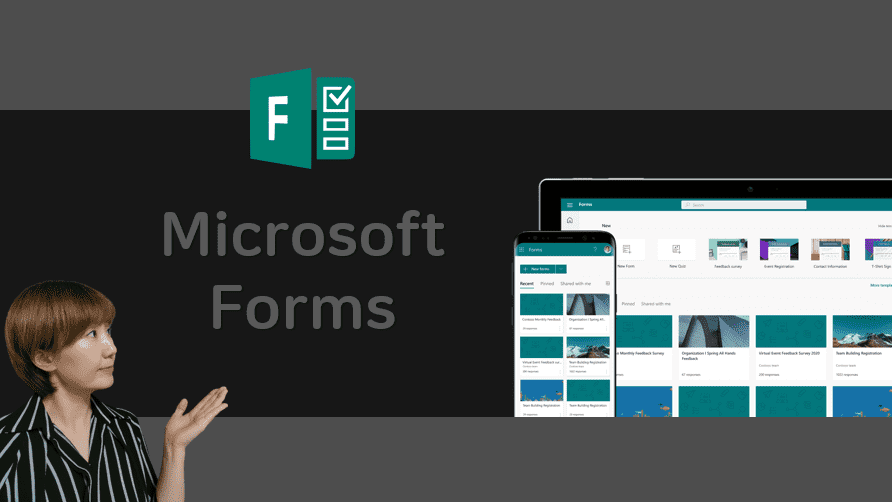
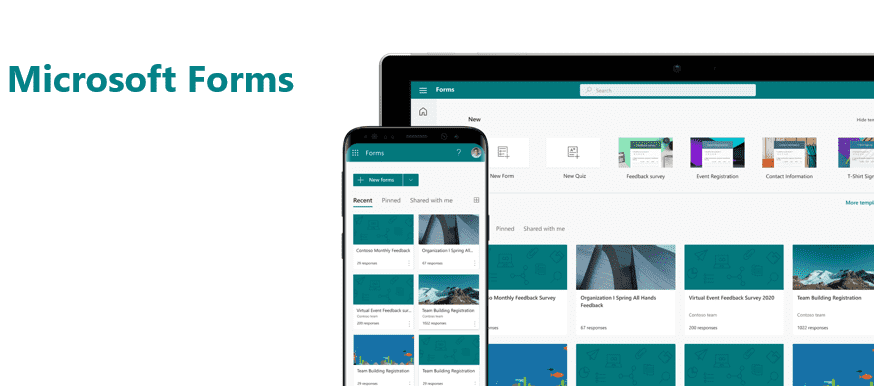
Microsoft Forms is an automated solution that allows you to create surveys/polls/quizzes/tests quickly and easily.
In this lecture, we'll use Microsoft Forms to create surveys, quizzes, and polls for your company. Through hands-on practice, you'll gain a deeper understanding of Forms and be able to create a variety of surveys and quizzes for your company.I'm learning.
Learn things like this📚
1. Forms Overview 2. Forms (Creating a Survey) 3. Create a quiz 4. Survey/Quiz Composition and Editing 5. Survey/Quiz Setup and Sharing 6. Survey/Quiz Analysis and Extraction 7. Tips & Tricks
What you need for the lecture✒️
Microsoft Forms
Included with Microsoft 365 Business Apps license or higher
Trial license for Microsoft 365 Business Apps license or higher
PC with internet access
headset or speakers
Preview Q&A 💬
Q. Do I need to purchase a license to attend the lecture?
No, you can practice with a free license (Business Apps trial or higher).
Q. Do I need any prior knowledge to take the course?
We teach from the beginning, from product introduction to connection method, so no prior knowledge is required.
Q. Is a personal license (such as outlook.com) also available?
Forms is actually free for personal use, but this course is based on a business license, so please note that there may be differences.
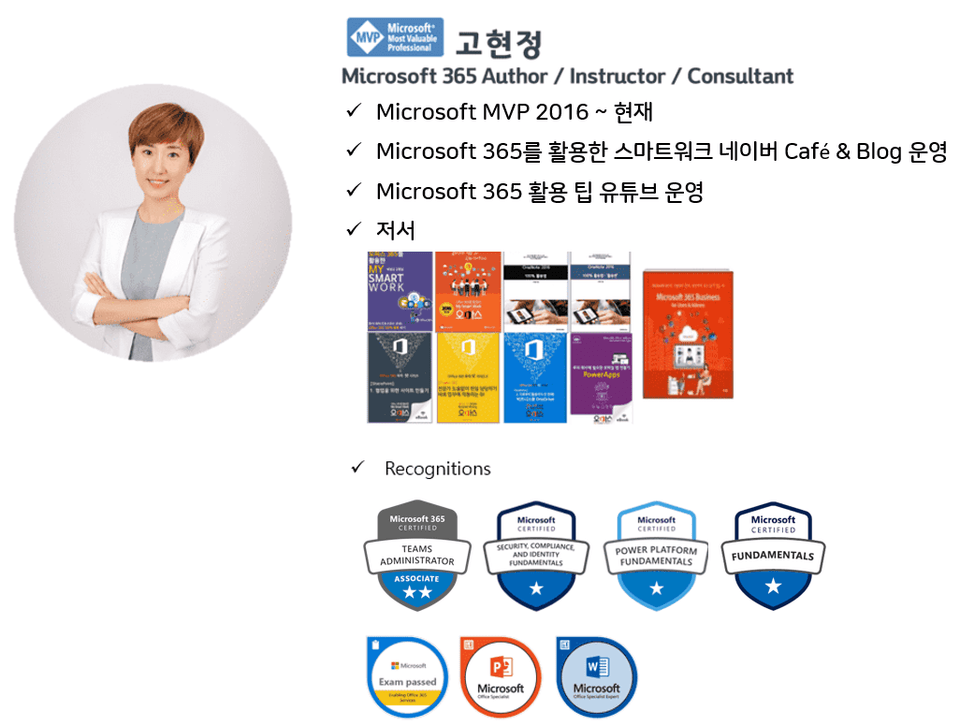
Introducing the knowledge sharer 🙋♀️
Recommended for these people
Who is this course right for?
For those of you who are curious about Forms
Anyone who wants to create a survey with Forms
Anyone who wants to create a poll with Forms
Anyone who wants to create a quiz with Forms
Anyone who wants to create a test with Forms
Anyone who wants to collect various data through Forms
Need to know before starting?
No! We will proceed from A to Z, starting with product introduction and connection.
Thank you for the great lecture!
In the Tips & Tricks lecture, you said you would provide a link to an example of a survey questionnaire, but I can't find it.... Please check.












![[Latest version update] Project and task management to become a pro at planning - MS PlannerCourse Thumbnail](https://cdn.inflearn.com/public/courses/336001/cover/9368db08-c64b-42ca-8ad1-e7a872bffc0e/336001.jpg?w=420)

![[Work Automation Using Free MS RPA] Power Automate Desktop - Automate Repetitive TasksCourse Thumbnail](https://cdn.inflearn.com/public/courses/332826/cover/fd9d8667-48a8-4d2e-b27d-1154f66df679/332826.png?w=420)





![[Work Automation Using Free MS RPA] Power Automate Desktop - Excel AutomationCourse Thumbnail](https://cdn.inflearn.com/public/courses/330201/cover/8adc841c-39de-4770-98d3-2439ed8881a3/330201-eng.png?w=420)
![[Work Automation Using Free MS RPA] Power Automate Desktop EssentialsCourse Thumbnail](https://cdn.inflearn.com/public/courses/329655/cover/8364da63-535b-4613-9b02-3dcdfc21791d/329655-eng.png?w=420)







![[For Beginners] Data Visualization with Power BICourse Thumbnail](https://cdn.inflearn.com/public/courses/327055/cover/455b54c1-3e63-439b-9b60-5d12e12bc303/PowerBI-001 (1).png?w=420)
![[Pass ITQ Excel A in One Go] in 3 daysCourse Thumbnail](https://cdn.inflearn.com/public/courses/329652/cover/b44e11b6-a47e-4993-86ea-a85da9836bb5/329652-eng.png?w=420)