

강의

멘토링

커뮤니티

NEW
Game Dev

/

Game Programming

Blender & Unreal Engine: Creating Stylized 3D Environments for Games

This course is designed to teach students how to create high-quality stylized 3D environments for games using real production workflows. Drawing from professional environment art pipelines, the course focuses on solving common student challenges such as scene composition, modular modeling, material creation, foliage workflows, and shader complexity. Each topic is explained step by step, from early blockout to final polish, with clear reasoning behind every artistic and technical decision. Instead of isolated techniques, students learn how all parts of the environment art pipeline connect together, allowing them to confidently recreate stylized environments and adapt the workflow to their own projects. The course emphasizes practical problem-solving, repetition, and industry-ready methods, helping students move from confusion to clarity while building a complete, portfolio-ready environment.

3 learners are taking this course

Level Intermediate

Course period Unlimited

  • unreal Engine 5
stylizedenvironment
stylizedenvironment
unrealengine5
unrealengine5
blender3d
blender3d
gameartportfolio
gameartportfolio
environmentartwork
environmentartwork
build-environment
build-environment
3d-modeling
3d-modeling
Unreal Engine
Unreal Engine
stylizedenvironment
stylizedenvironment
unrealengine5
unrealengine5
blender3d
blender3d
gameartportfolio
gameartportfolio
environmentartwork
environmentartwork
build-environment
build-environment
3d-modeling
3d-modeling
Unreal Engine
Unreal Engine

What you will gain after the course

  • Create a complete stylized 3D environment from blockout to final polish

  • Build modular assets and villages optimized for real-time games

  • Create stylized PBR materials using Substance Designer and Paintbox 2

  • Sculpt and texture rocks and props using ZBrush and Substance Painter

  • Design and implement advanced shaders for landscapes, foliage, and props in Unreal Engine 5

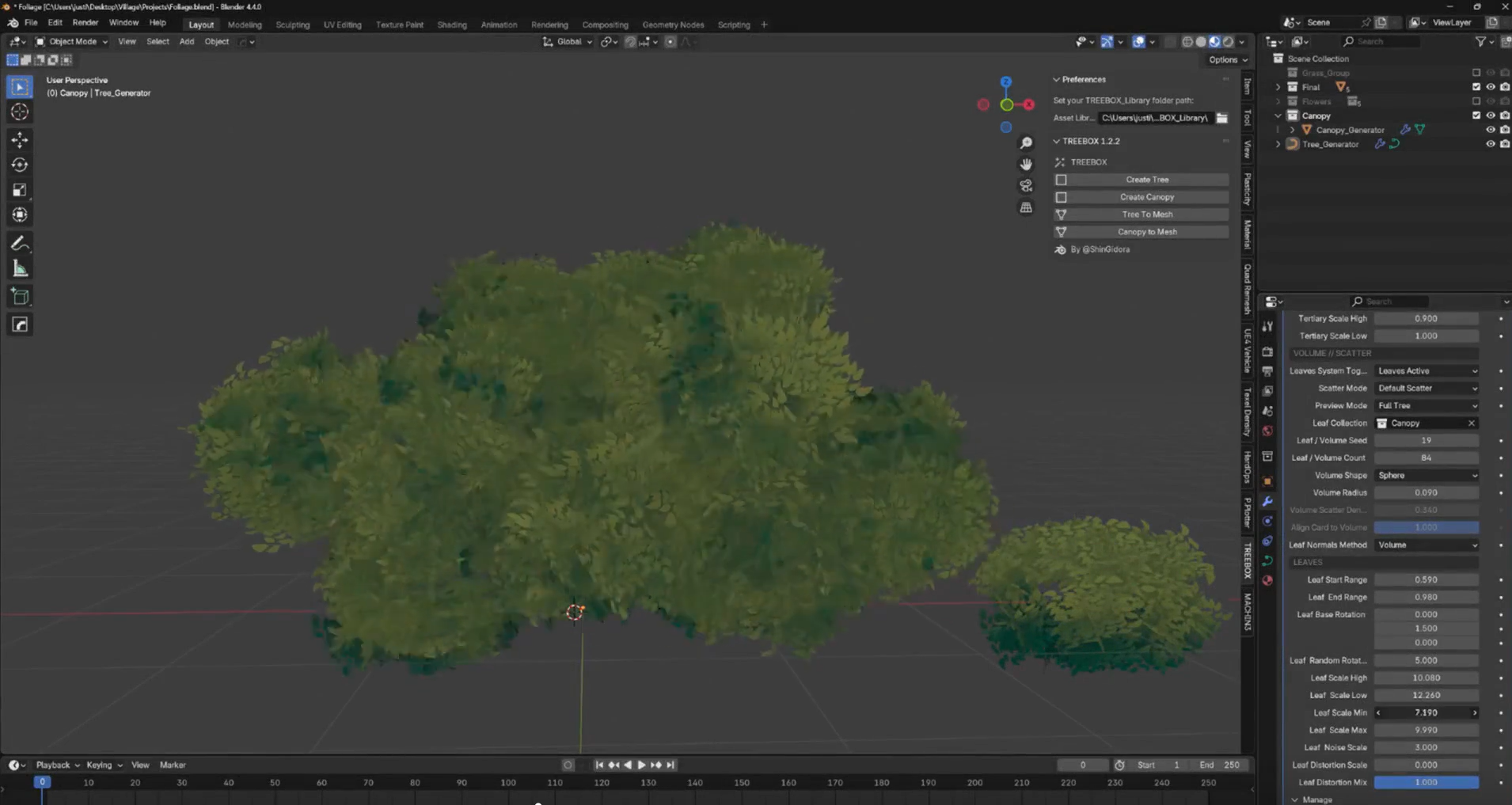
  • Create stylized foliage, grass, and procedural trees using Blender and Treebox

  • Apply composition, color theory, and lighting to achieve a painterly visual style

  • Produce a portfolio-ready environment suitable for game and cinematic projects

Stylized Game Environments with Blender & Unreal Engine 5

Build Portfolio-Ready Worlds for Games and Cinematics

Learn how to create beautiful, stylized 3D environments from scratch using professional workflows widely used in the game industry, indie development, and real-time cinematics. This course walks you through the full pipeline—from blockout to final lighting—using Blender, Substance tools, and Unreal Engine 5.

This course was created to solve one of the most common problems students face:
“I know the tools, but I don’t know how to turn my scenes into finished, professional environments.”
Here, every step is explained with purpose, artistic reasoning, and production logic.

What You’ll Learn

Section (1): Environment Art Foundations & Asset Creation

Core Keywords: Blockout · Modular Modeling · Materials · Sculpting · Foliage

In this section, students learn the fundamental building blocks of stylized environment art:

  • Translate concept art into 3D using perspective matching

  • Create strong scene blockouts that support composition and gameplay

  • Build modular assets for villages and environments

  • Sculpt and texture rocks and props using an industry-standard workflow

  • Create stylized PBR materials (wood, stone, grass, dirt, metal)

  • Design stylized foliage, grass, bushes, and procedural trees

Section (2): Shaders, Lighting & Final Environment Assembly

Core Keywords: Unreal Engine 5 · Shaders · Lighting · Level Art · Optimization

This section focuses on turning assets into a finished, polished environment:

  • Build advanced yet optimized shaders for landscapes, foliage, and props

  • Use material instances for fast iteration and artistic control

  • Apply color theory and lighting to achieve a painterly visual style

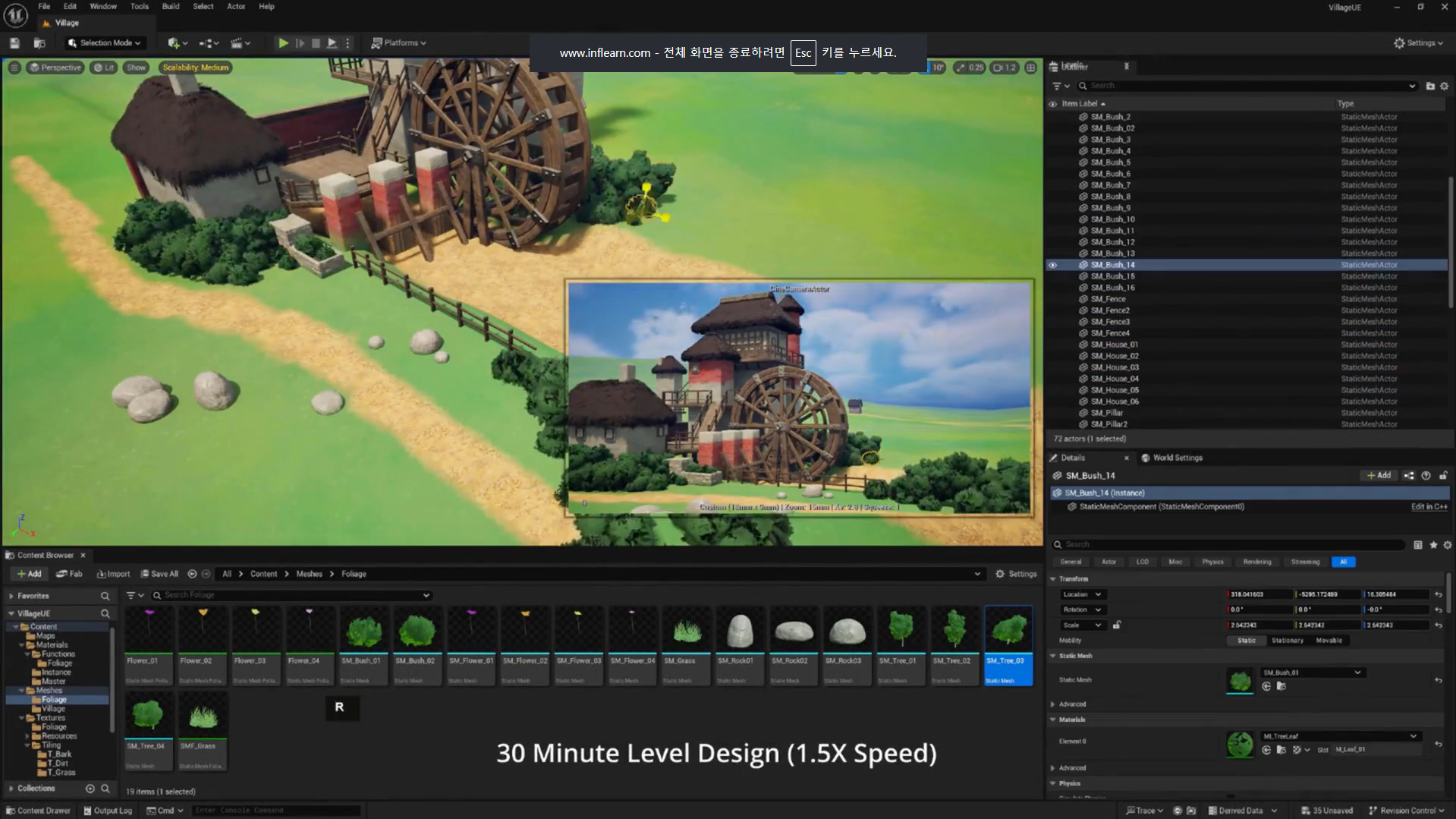
  • Assemble a complete stylized level inside Unreal Engine 5

  • Transform a basic blockout into a portfolio-ready game environment

  • Learn workflows used in real-time games and cinematic scenes

Before You Enroll

Prerequisites & Notices

Required Knowledge

  • Basic familiarity with 3D software (Blender or equivalent)

  • General understanding of materials and textures

  • This course is Intermediate level and not intended as a first introduction to 3D

Course Format & Quality

  • High-quality video and clear audio narration

  • Keyboard shortcuts and workflows are shown on screen

  • Lessons are carefully edited to maintain a fast, efficient pace

Learning Recommendations

  • Follow along actively by recreating the environment step by step

  • Pause and experiment with your own variations

  • Rewatch material and shader sections for deeper understanding

Questions & Updates

  • Students can ask questions in the course discussion area

  • The course may receive updates to maintain compatibility with newer software versions

Copyright & Intellectual Property

  • All course content is for educational use only

  • Students may use the techniques learned for personal and professional projects

  • Redistribution, resale, or re-uploading of course materials is strictly prohibited

💡When you complete this course

This course provides a certification of completion in a format suitable for resumes and portfolios.

By completing the course, you can receive this, which can serve as official proof of your learning accomplishments.

💡Learn Smart with Language Options for Audio and Subtitles

You can switch both audio and subtitles according to your learning style.
Select your preferred language.

Recommended for
these people

Who is this course right for?

  • 3D artists who struggle to turn blockouts into polished, professional environments

  • Game artists who want to improve their stylized environment art skills

  • Students who understand basic 3D tools but lack a complete environment art workflow

  • Artists preparing portfolio pieces for the game or film industry

Need to know before starting?

  • Yes. Students should have a basic working knowledge of at least one 3D modeling software and general familiarity with game art concepts. While the course explains workflows clearly and displays keyboard shortcuts, it is not intended as a first introduction to 3D art. Recommended prior knowledge: Basic Blender navigation Fundamental understanding of materials and textures Familiarity with real-time engines is helpful but not mandatory

Hello
This is

At FastTrackTutorials, we are passionate about empowering creators in the 3D art industry. We specialize in developing and publishing high-quality tutorial courses and learning content designed to help you master the art of 3D design. In addition to our educational offerings, we also operate as an outsource studio, delivering top-tier 3D environments, assets, and materials to meet the needs of our clients.

Explore our website to discover our full range of courses, each crafted to provide you with the skills and knowledge to excel in the 3D art world. Whether you're just starting out or looking to enhance your expertise, we're here to support your learning journey.

Curriculum

All

43 lectures ∙ (14hr 57min)

Course Materials:

Lecture resources
Published: 
Last updated: 

Reviews

Not enough reviews.
Please write a valuable review that helps everyone!

Limited time deal ends in 10:57:21

$22.00

20%

$27.50

unreal Engine 5's other courses

Check out other courses by the instructor!

Similar courses

Explore other courses in the same field!