

강의

멘토링

커뮤니티

NEW
Game Dev

/

Game Art

Creating Large 3D Game Environments using Unreal Engine 5

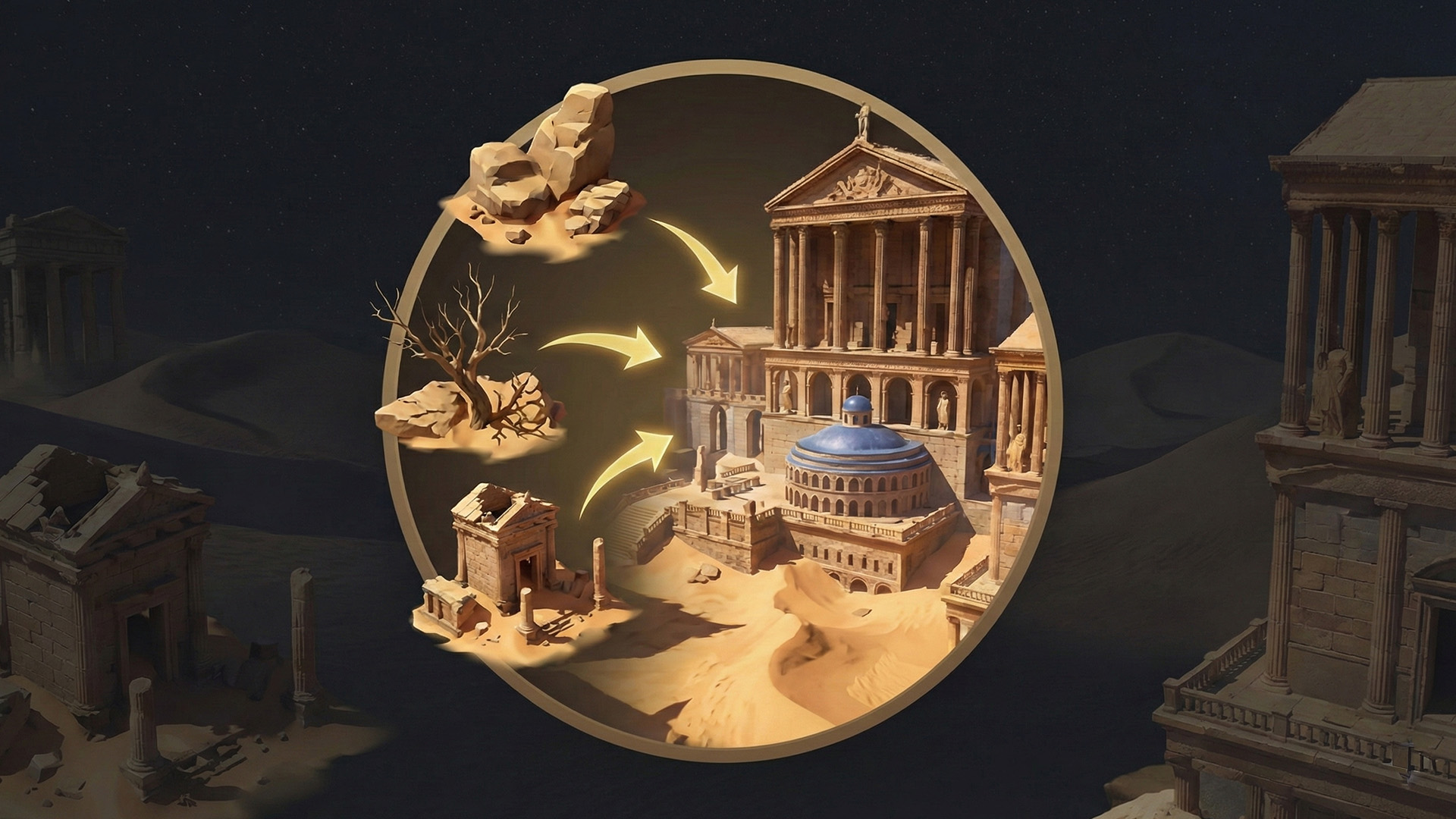
Creating large-scale, high-quality game environments can feel overwhelming without a clear professional workflow. In this course, you’ll learn how a senior AAA environment artist approaches the creation of a complete large-scale environment, from the very first reference images to the final polished scene inside Unreal Engine 5. With over 32.5 hours of real-world production footage, I guide you step by step through the exact techniques used in professional game studios. We start with reference analysis and planning, move into modular blockout creation, and progressively transform simple geometry into fully realized final assets. Every decision is explained in detail, including why certain techniques are used and how to avoid common mistakes. You’ll follow a complete environment creation pipeline using Maya, ZBrush, Substance Designer, Substance Painter, and Unreal Engine 5 with Lumen, learning not just tools, but a production-ready mindset that can be applied to almost any type of game environment.

5 learners are taking this course

Level Basic

Course period Unlimited

  • unreal Engine 5
unrealengine5
unrealengine5
environmentart
environmentart
modularenvironments
modularenvironments
3dgamedevelopment
3dgamedevelopment
Unreal Engine
Unreal Engine
3d-modeling
3d-modeling
build-environment
build-environment
unrealengine5
unrealengine5
environmentart
environmentart
modularenvironments
modularenvironments
3dgamedevelopment
3dgamedevelopment
Unreal Engine
Unreal Engine
3d-modeling
3d-modeling
build-environment
build-environment

What you will gain after the course

  • Build a large-scale, AAA-quality game environment from start to finish using Unreal Engine 5

  • Use modular modeling techniques to efficiently create complex environments

  • Create procedural materials using Substance Designer and apply them in Unreal Engine

  • Sculpt high-quality assets in ZBrush and convert them from high to low poly

  • Set up lighting, composition, and level art using UE5 and the Lumen system

  • Polish a scene to professional standards using Megascans and advanced materials

Create Large-Scale AAA Game Environments with Unreal Engine 5

Learn how professional environment artists build massive, high-quality game worlds used in AAA games, films, and real-time applications.
This course teaches a complete production workflow used in the video game, cinematic, and real-time visualization industries, from reference analysis to a fully polished Unreal Engine 5 environment using Lumen lighting.

Recommended For

1️⃣

You already know basic 3D modeling or texturing, but you struggle to turn individual assets into a complete, believable environment. You may feel stuck when it comes to scale, composition, or finishing a scene to a professional level.

2️⃣

You are an aspiring environment artist who wants to understand how AAA studios actually work, beyond isolated tutorials. You want a clear, structured workflow instead of guessing what to do next.

3️⃣

You are building a portfolio for the game industry and need a strong, large-scale environment piece that demonstrates modular design, materials, lighting, and level art—not just single props.


🚀 After Taking This Course

After completing this course, students will be able to:

  • Confidently create a large-scale AAA environment from start to finish

  • Break down complex environments into modular, production-ready assets

  • Build and light complete scenes in Unreal Engine 5 using Lumen

  • Create procedural materials and reusable shaders for real-time projects

  • Present a portfolio-quality environment suitable for job applications

  • Apply the same workflow to any type of environment (urban, ruins, fantasy, sci-fi, etc.)

What You’ll Learn

Section 1️⃣ Core Keywords

  • AAA Environment Art Workflow

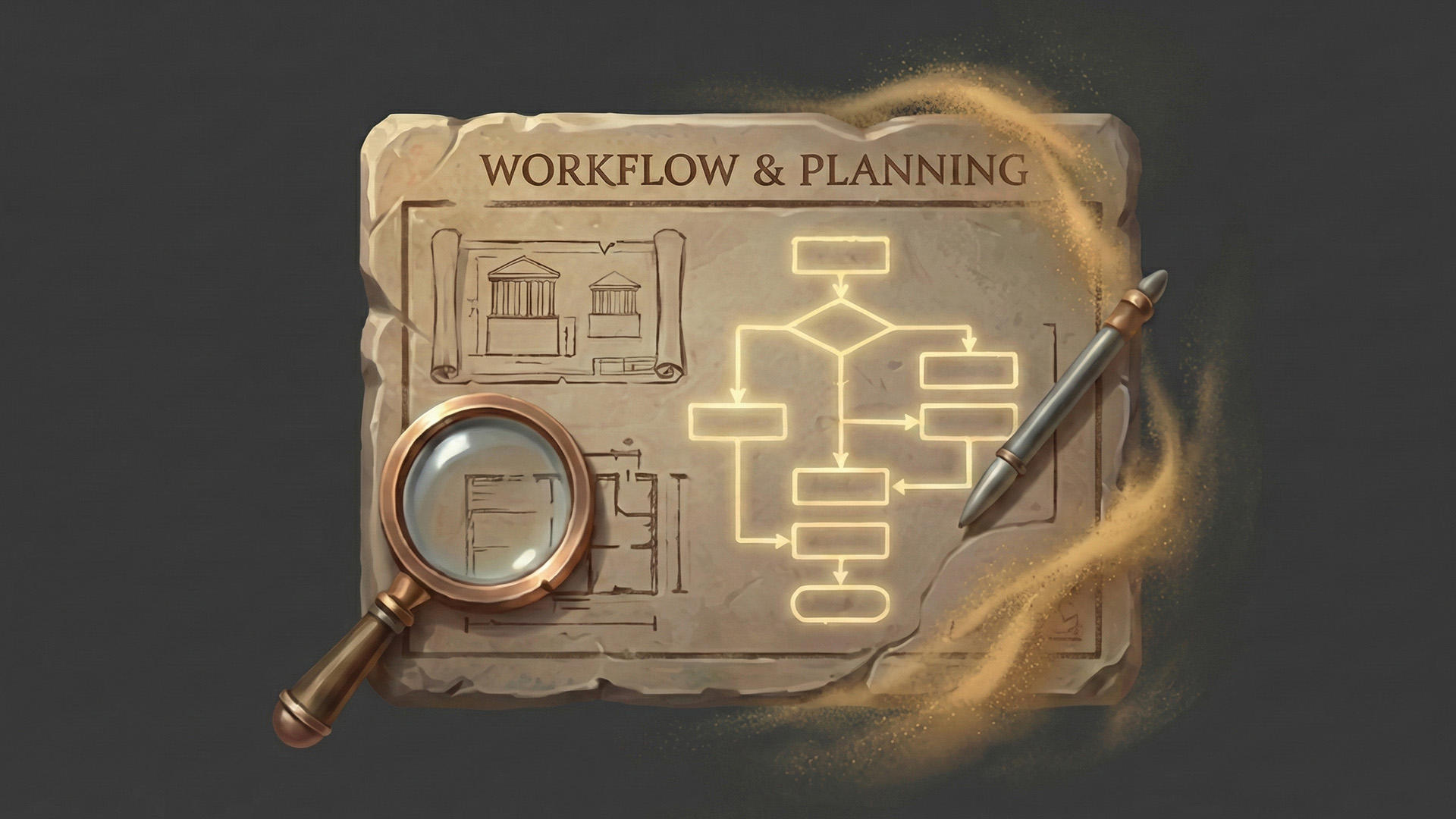
  • Reference Analysis & Planning

  • Modular Modeling Techniques

  • High-to-Low Poly Modeling

  • Sculpting with ZBrush

  • Procedural Materials (Substance Designer)

  • Texture Masks & Smart Materials (Substance Painter)

  • Unreal Engine 5 Environment Setup

  • Lumen Lighting & Composition

  • Level Art, Terrain & Final Polish

❓Frequently Asked Questions

Q. Why should I learn Unreal Engine 5 environment creation?

Unreal Engine 5 is widely used in AAA games, indie games, cinematics, virtual production, and real-time visualization. Learning how to build complete environments—not just assets—makes you far more valuable as an artist and opens doors across multiple industries.

Q. What can I do after learning Unreal Engine 5 environment art?

You’ll be able to:

  • Create portfolio-ready environments

  • Apply for environment artist / level artist roles

  • Build worlds for games, short films, or real-time demos

  • Work more efficiently on team-based or freelance projects

Q. How in-depth is the course content?

This is an in-depth intermediate course with 32.5 hours of content. Almost everything is shown in real time, with a few timelapses only for very repetitive tasks. The course follows a full professional pipeline, not isolated techniques.

Q. Is there anything I should prepare before taking this course?

Yes. You should have basic familiarity with at least one 3D tool (Maya, Blender, or similar) and a general understanding of texturing or Unreal Engine. You do not need AAA experience—everything is explained step by step.

Q. Does this course include project files?

Yes. All source files are included, except for some Megascans assets, which are subject to Quixel’s licensing terms.

Before You Enroll

💫Practice Environment

Operating System

  • Windows 10 / 11 (recommended)

  • macOS (Intel or Apple Silicon)

Required Tools

  • Maya (or any 3D modeling software)

  • ZBrush

  • Substance 3D Designer

  • Substance 3D Painter

  • Unreal Engine 5

  • Marmoset Toolbag 4

(Equivalent tools can be used; techniques are transferable.)

Recommended PC Specs

  • CPU: 6-core or higher

  • RAM: 32 GB recommended (16 GB minimum)

  • GPU: Dedicated GPU with 8 GB VRAM (RTX recommended for UE5)

  • Storage: SSD strongly recommended

📌Prerequisites & Notices

  • Basic knowledge of 3D modeling or texturing is recommended

  • Audio and video are recorded in high quality for long sessions

  • Students can ask questions via the course discussion section

  • The course may receive updates to stay aligned with Unreal Engine versions

  • All content is for educational use only and respects copyright and IP laws


💡When you complete this course

This course provides a certification of completion in a format suitable for resumes and portfolios.
By completing the course, you can receive this, which can serve as official proof of your learning accomplishments.

💡Learn Smart with Language Options for Audio and Subtitles

You can switch both audio and subtitles according to your learning style.
Select your preferred language.

Recommended for
these people

Who is this course right for?

  • 3D artists who already know the basics of modeling or texturing but struggle to create complete, polished environments

  • Beginner to intermediate environment artists who want to learn professional AAA workflows used in real game studios

  • Game artists who can model assets individually but lack confidence in composition, level art, and large-scale scene building

Need to know before starting?

  • Yes. Students should have basic familiarity with at least one 3D modeling or texturing tool such as Maya, Blender, Substance Painter/Designer, or Unreal Engine. No prior AAA experience is required—every step is explained in detail—but if you are completely new to 3D, it is recommended to first watch an introductory tutorial for these tools.

Hello
This is

At FastTrackTutorials, we are passionate about empowering creators in the 3D art industry. We specialize in developing and publishing high-quality tutorial courses and learning content designed to help you master the art of 3D design. In addition to our educational offerings, we also operate as an outsource studio, delivering top-tier 3D environments, assets, and materials to meet the needs of our clients.

Explore our website to discover our full range of courses, each crafted to provide you with the skills and knowledge to excel in the 3D art world. Whether you're just starting out or looking to enhance your expertise, we're here to support your learning journey.

Curriculum

All

90 lectures ∙ (32hr 38min)

Published: 
Last updated: 

Reviews

Not enough reviews.
Please write a valuable review that helps everyone!

Limited time deal

$44.00

50%

$88.00

unreal Engine 5's other courses

Check out other courses by the instructor!

Similar courses

Explore other courses in the same field!