

강의

멘토링

커뮤니티

NEW
Game Dev

/

Game Art

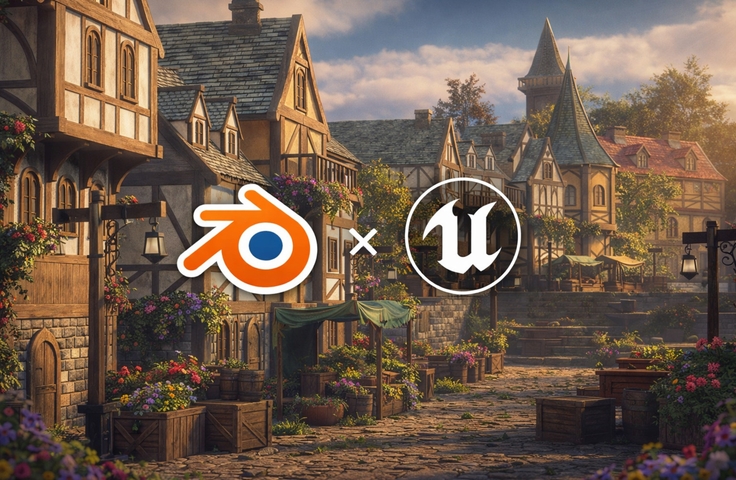
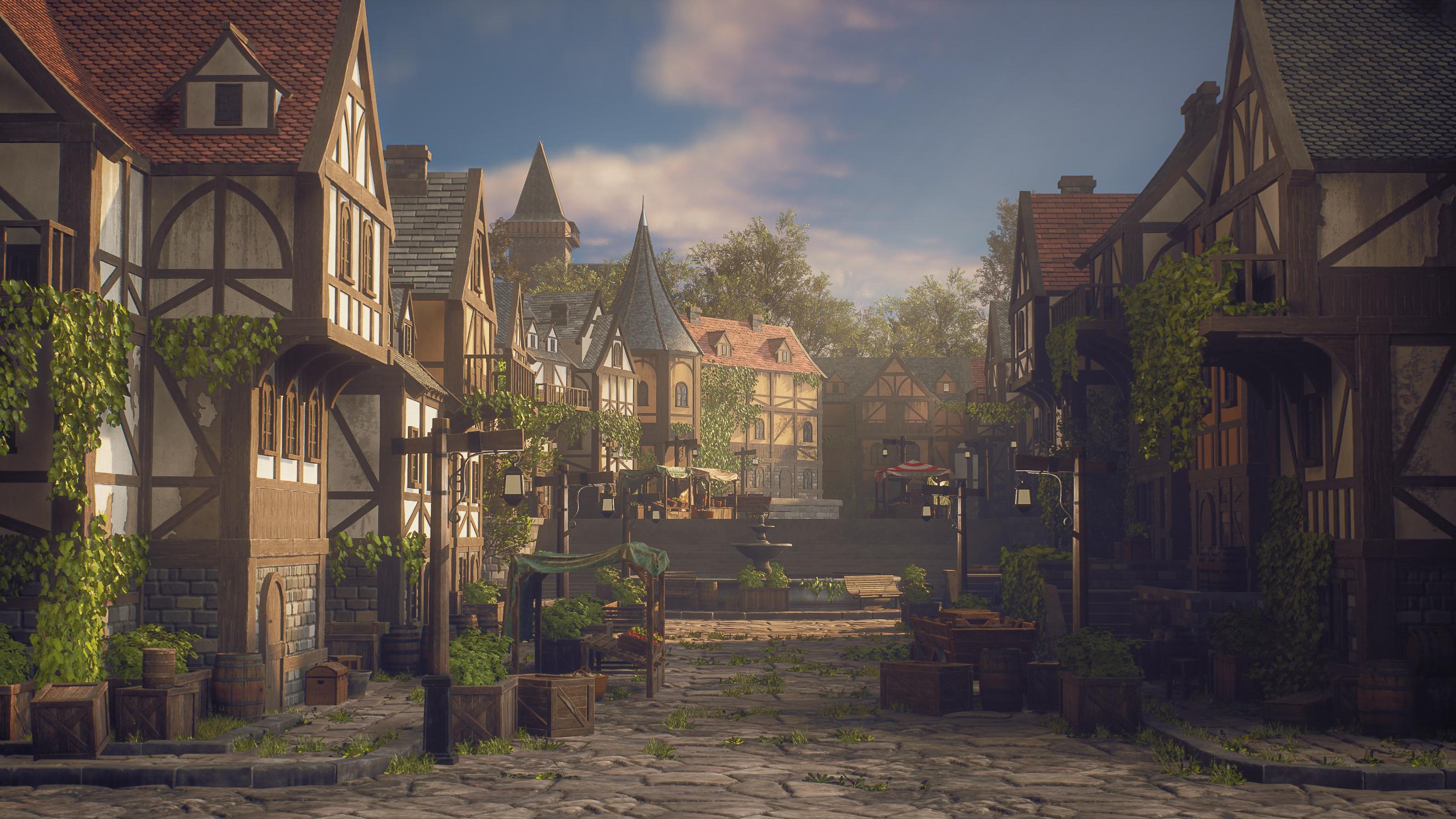
Creating a Medieval Town Environment – Using Unreal Engine 5 & Blender

This course is designed to teach students how a professional environment artist creates a complete game-ready environment from start to finish. Drawing from real production workflows, I guide students step by step through the creation of a medieval town environment, explaining not only how to do things, but why they are done this way in a professional context. Many students struggle with knowing where to start, how to plan an environment, how to create reusable modular assets, or how to bring everything together inside a game engine. This course solves those problems by following a clear, structured, and production-proven workflow. You will learn how to plan an environment, create clean blockouts, build modular assets, sculpt and texture them, and finally assemble, light, and polish a complete scene in Unreal Engine 5 using modern tools such as Nanite and Lumen.

1 learners are taking this course

Level Beginner

Course period Unlimited

  • unreal Engine 5
unrealengine5
unrealengine5
environmentart
environmentart
gameenvironmentart
gameenvironmentart
medievalenvironment
medievalenvironment
gameartworkflow
gameartworkflow
Unreal Engine
Unreal Engine
3d-modeling
3d-modeling
Blender
Blender
build-environment
build-environment
unrealengine5
unrealengine5
environmentart
environmentart
gameenvironmentart
gameenvironmentart
medievalenvironment
medievalenvironment
gameartworkflow
gameartworkflow
Unreal Engine
Unreal Engine
3d-modeling
3d-modeling
Blender
Blender
build-environment
build-environment

What you will gain after the course

  • Plan and block out a complete game environment using professional workflows

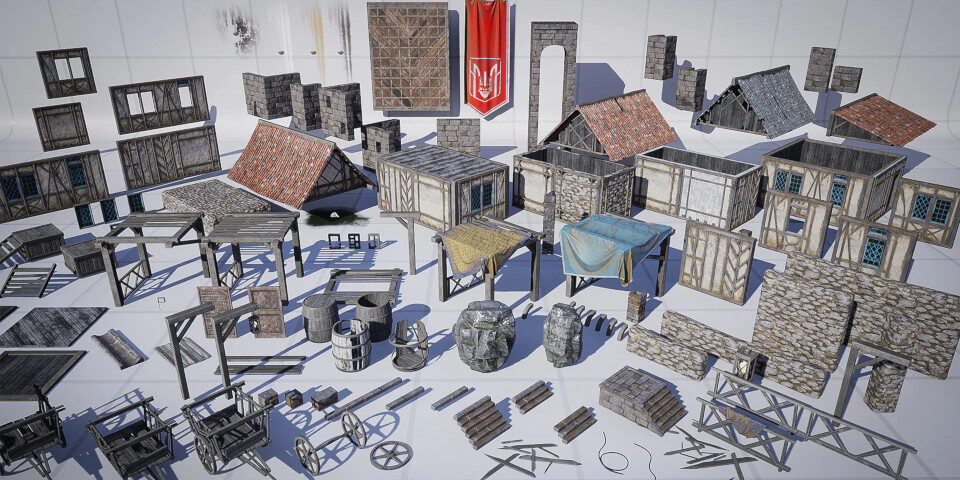
  • Create modular buildings and assets with high reusability

  • Sculpt and optimize assets using ZBrush and Blender

  • Create tiling materials in Substance 3D Designer and unique textures in Substance Painter

  • Assemble, light, and polish a full environment inside Unreal Engine 5 using Nanite and Lumen

Creating a Medieval Town Environment for Games with UE5 & Blender


Learn how to design and build a professional, game-ready medieval environment using Blender, Unreal Engine 5, Nanite, Lumen, and Substance tools—following real production workflows used in the game and real-time industries.

💁‍♂️Industry relevance:
This course is highly relevant for Game Art, Environment Art, Level Art, and Real-Time 3D Production, commonly used in video games, cinematics, and virtual worlds.

🌱Instructor background & motivation:
This course is built around real challenges students often face:


"Where do I start?" "How do I plan an environment?" "How do I make assets reusable?" "How do I finish a scene professionally?"


By following a full production pipeline from start to finish, this course removes guesswork and teaches a clear, proven workflow used by professional environment artists.

What You’ll Learn


Section 1️⃣Core Keywords – Environment Planning & Asset Creation


In this section, students will learn how to plan, design, and create the foundation of a professional game environment.

📝You will learn how to:

  • Plan a full environment project using reference analysis

  • Create clean and readable blockout scenes

  • Design modular buildings with high reusability

  • Build and organize a level layout directly inside Unreal Engine 5

  • Understand scale, composition, and environment readability


Suggested visuals:

  • Blockout screenshots

  • Modular building breakdowns

  • Level layout previews in UE5


Section 2️⃣ Core Keywords – Materials, Lighting & Final Polish


This section focuses on taking the environment to final, portfolio-ready quality.

📝You will learn how to:

  • Create tiling materials using Substance 3D Designer

  • Sculpt detailed assets in ZBrush

  • Create unique textures using Substance Painter

  • Optimize assets using Nanite while keeping them editable

  • Assemble and dress the environment inside Unreal Engine 5

  • Perform professional lighting passes using Lumen

  • Add foliage, variation, and final polish for a complete scene

Suggested visuals:

  • Material graphs and texture previews

  • Lighting before/after comparisons

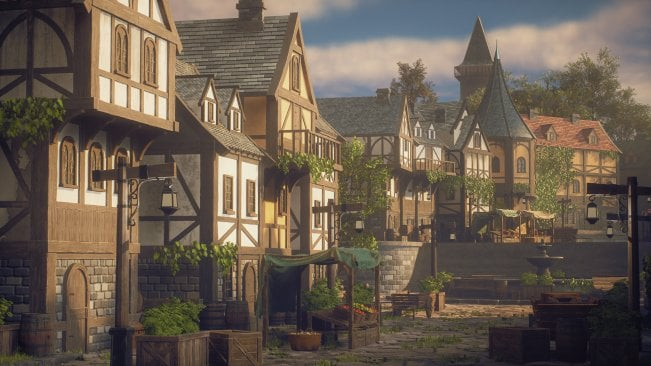
  • Final environment screenshots

Before You Enroll

Prerequisites & Notices

💫Required knowledge:
This course is best suited for students with basic familiarity in:

  • 3D modeling (Blender, Maya, or similar)

  • Unreal Engine (basic navigation and asset importing)

Absolute beginners are recommended to first watch an introduction to 3D modeling and Unreal Engine.

🔊Audio & video quality:

  • High-quality screen recordings

  • Clear voice explanations

  • Mostly real-time workflow with some timelapses for repetitive tasks

✍️Study recommendations:

  • Follow along step by step for best results

  • Pause and rewatch complex sections when needed

  • Apply the workflow to your own environment ideas

❔Questions & updates:

  • Students can ask questions in the course discussion section

  • The course may receive updates to stay aligned with Unreal Engine and industry workflows

⚠️Copyright & intellectual property notice:
All course content and source files are provided for educational purposes only.
Students may use the knowledge gained for personal and portfolio work, but redistribution or resale of course materials is prohibited.

💡When you complete this course

This course provides a certification of completion in a format suitable for resumes and portfolios.

By completing the course, you can receive this, which can serve as official proof of your learning accomplishments.

💡Learn Smart with Language Options for Audio and Subtitles

You can switch both audio and subtitles according to your learning style.
Select your preferred language.

Recommended for
these people

Who is this course right for?

  • 3D artists who know basic modeling and want to learn how to create full game environments professionally

  • Game artists or students struggling to turn individual assets into a complete, polished scene

  • Environment art beginners at an intermediate level who want to understand real-world production workflows

  • Artists who want to improve their portfolio with a full environment project

Need to know before starting?

  • Yes. Students should have basic familiarity with at least one 3D modeling tool (such as Blender, Maya, or 3ds Max) and a basic understanding of Unreal Engine. No advanced knowledge is required, as all steps are explained in detail. However, complete beginners are encouraged to first watch an introduction tutorial for 3D modeling, texturing, and Unreal Engine before taking this course.

Hello
This is

At FastTrackTutorials, we are passionate about empowering creators in the 3D art industry. We specialize in developing and publishing high-quality tutorial courses and learning content designed to help you master the art of 3D design. In addition to our educational offerings, we also operate as an outsource studio, delivering top-tier 3D environments, assets, and materials to meet the needs of our clients.

Explore our website to discover our full range of courses, each crafted to provide you with the skills and knowledge to excel in the 3D art world. Whether you're just starting out or looking to enhance your expertise, we're here to support your learning journey.

Curriculum

All

72 lectures ∙ (30hr 10min)

Published: 
Last updated: 

Reviews

Not enough reviews.
Please write a valuable review that helps everyone!

$35.20

unreal Engine 5's other courses

Check out other courses by the instructor!

Similar courses

Explore other courses in the same field!