Photoshop 2025 Easy Basic Functions Mastery for Everyone
comt
$53.90
Beginner / Photoshop, Photography
4.9
(8)
Subtitled latest Photoshop 2025, easily learned by all.
Beginner
Photoshop, Photography
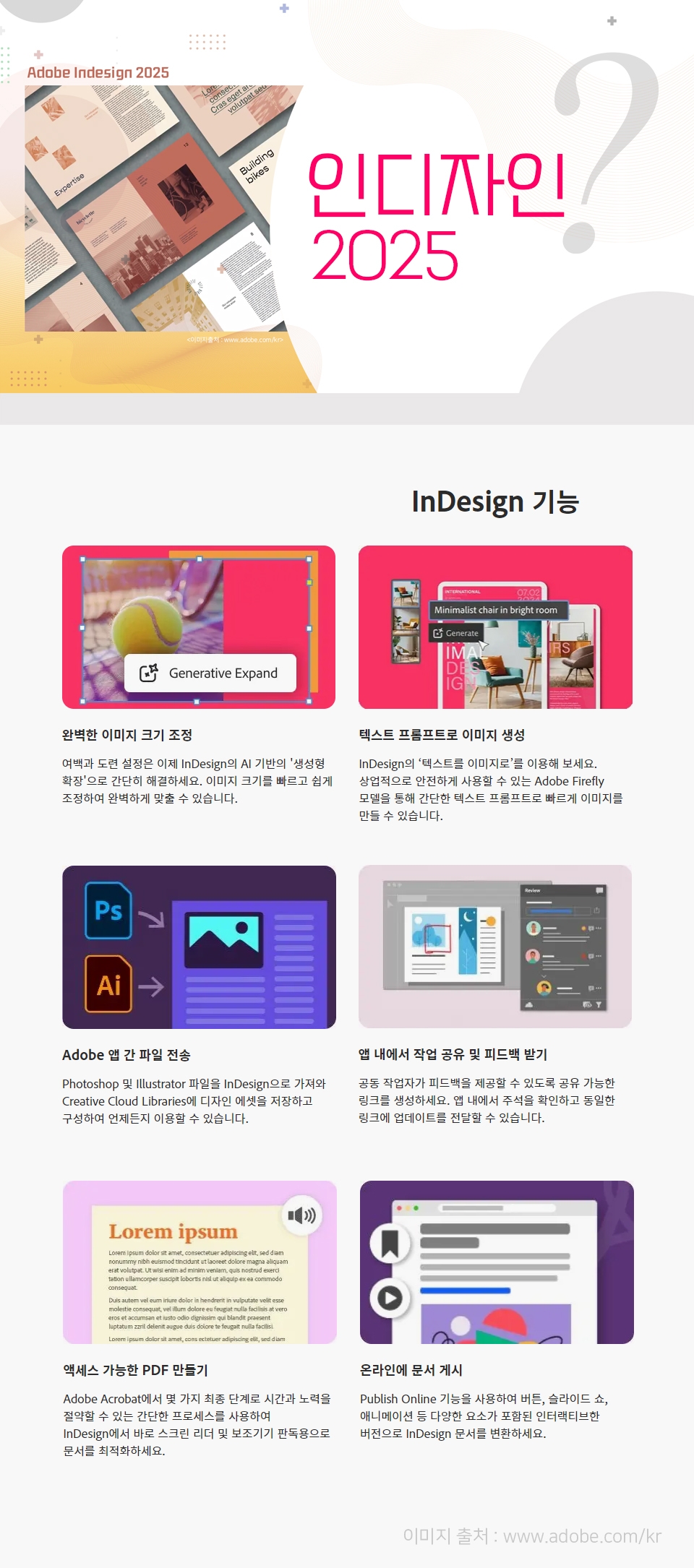
This course allows you to learn InDesign 2025, the standard for print editing, from fundamentals to practical use.
InDesign Basic Menu Usage
Printed Material Editing and Production Methods
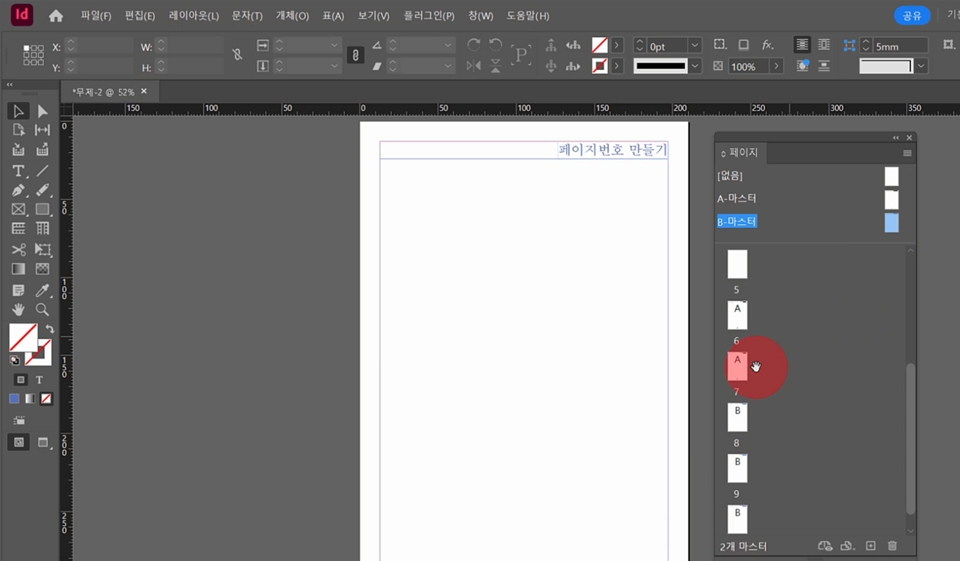
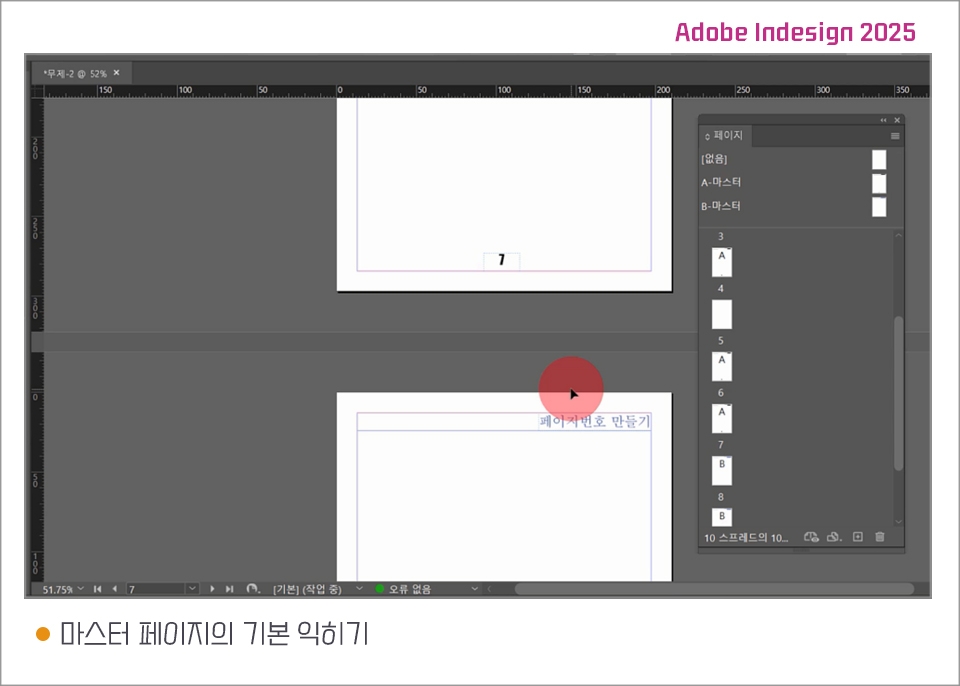
How to use Master Pages
InDesign's Color System
Magazines, posters, catalogs, pamphlets, flyers, various A4
Cover image books,
And it's a program used for creating various manuals, certificates, stickers, cards, package designs, and more.
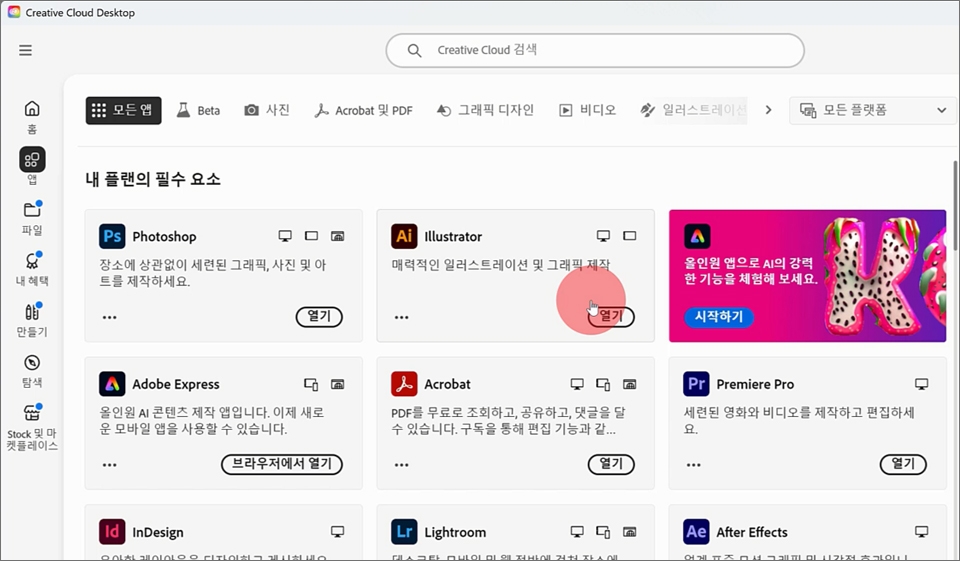
Install the program from the Adobe website.
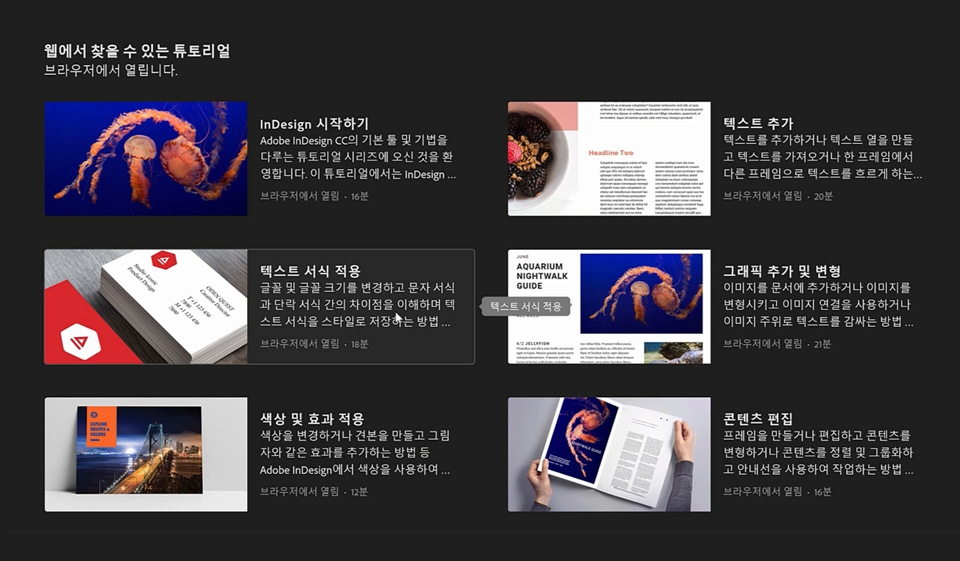
InDesign provides learning features.
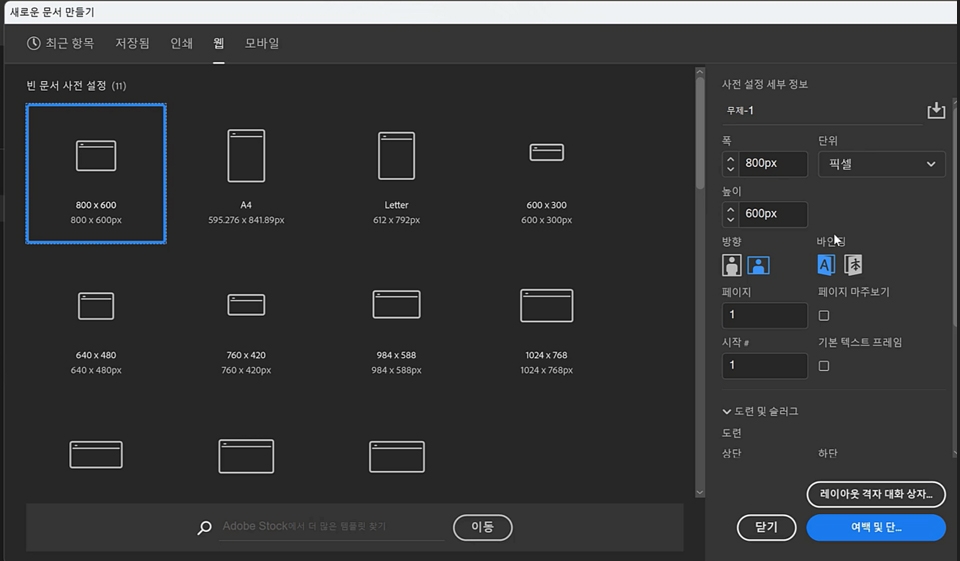
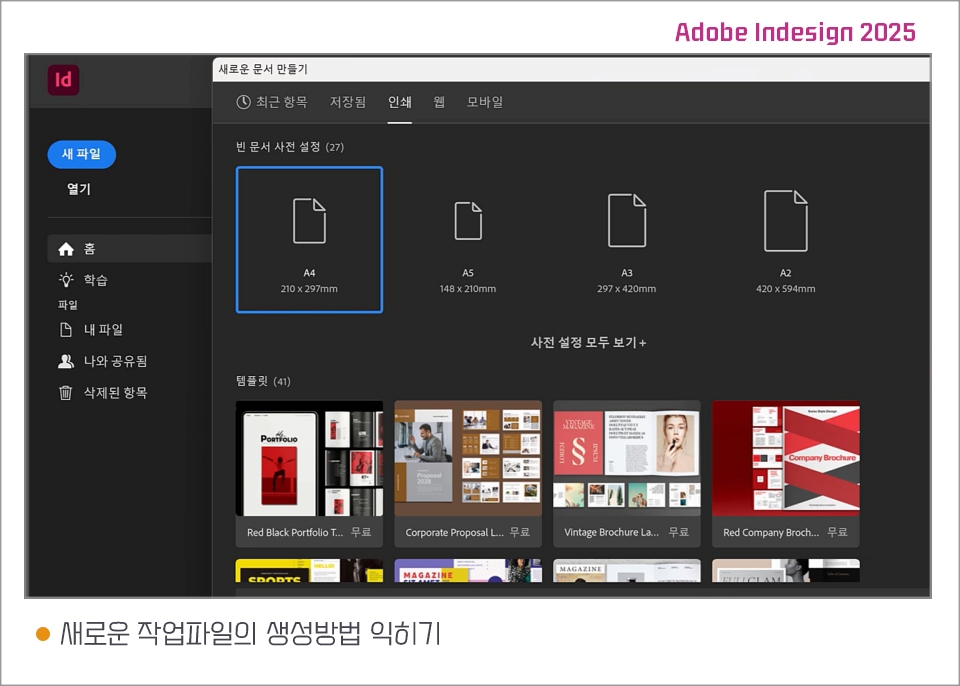
You can select documents for print, web, and mobile.
You can create a large number of pages easily and conveniently.
Guideline and thickness and type settings
Eyedropper tool,
Pencil tool, Smooth tool, and Eraser tool
Sorting feature,
Image and frame alignment feature
Those who need to create printed materials
Those who want to learn editorial design
Those who want to do electronic publishing
Learning How to Create New Work Files
New file creation methods based on where the work results are used
How to Set Document Margins and Columns
InDesign Save Methods
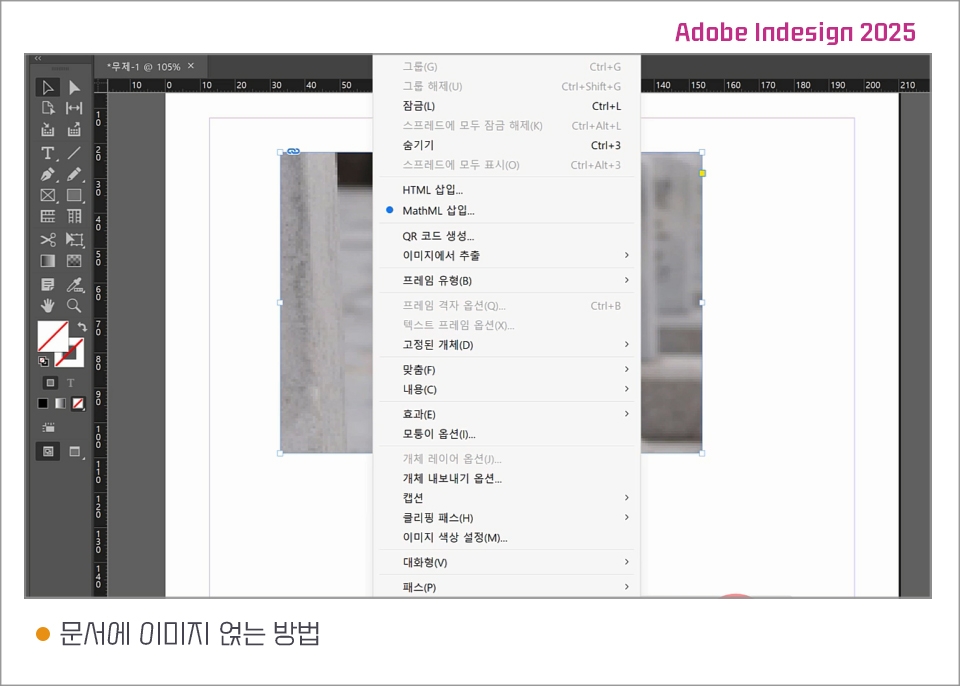
How to Add Images to Documents
Drawing boxes with the frame tool and importing images
Understanding the principles of embedding images in documents in InDesign
The principle of outputting documents with images in InDesign
How to Create Work Folders and Save Files in InDesign
Adjusting the size of frame boxes with images
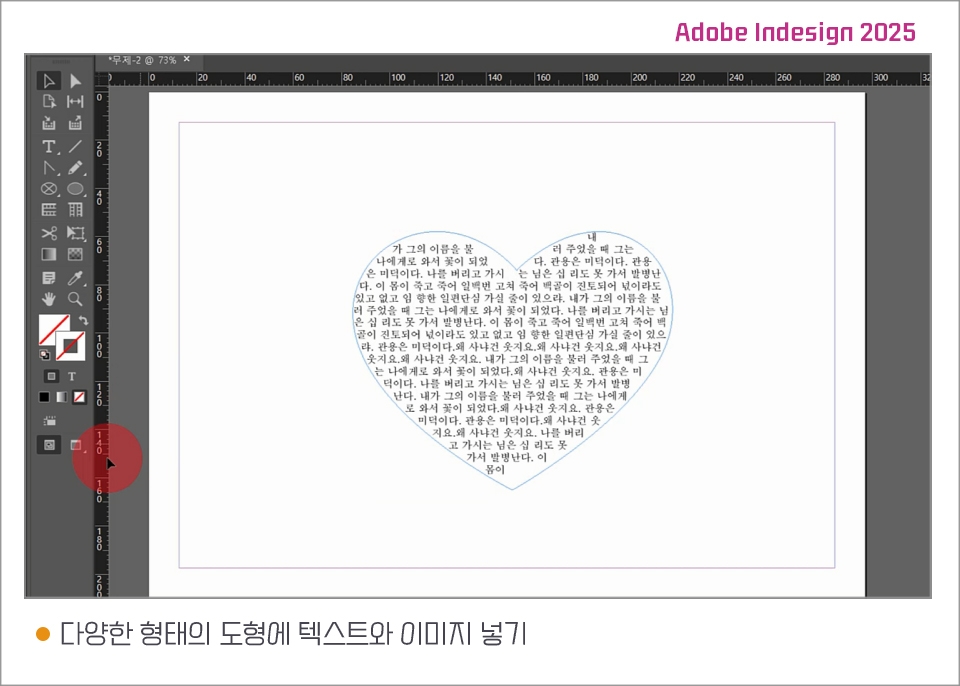
Adding text and images to various shapes
Entering text in text boxes, shapes, and frames and inserting images
Transform text boxes, shapes, and frames with direct selection tools, input text, and insert images
Creating a heart by transforming point handles and basic shapes using the direction point conversion tool
Check output status with preview
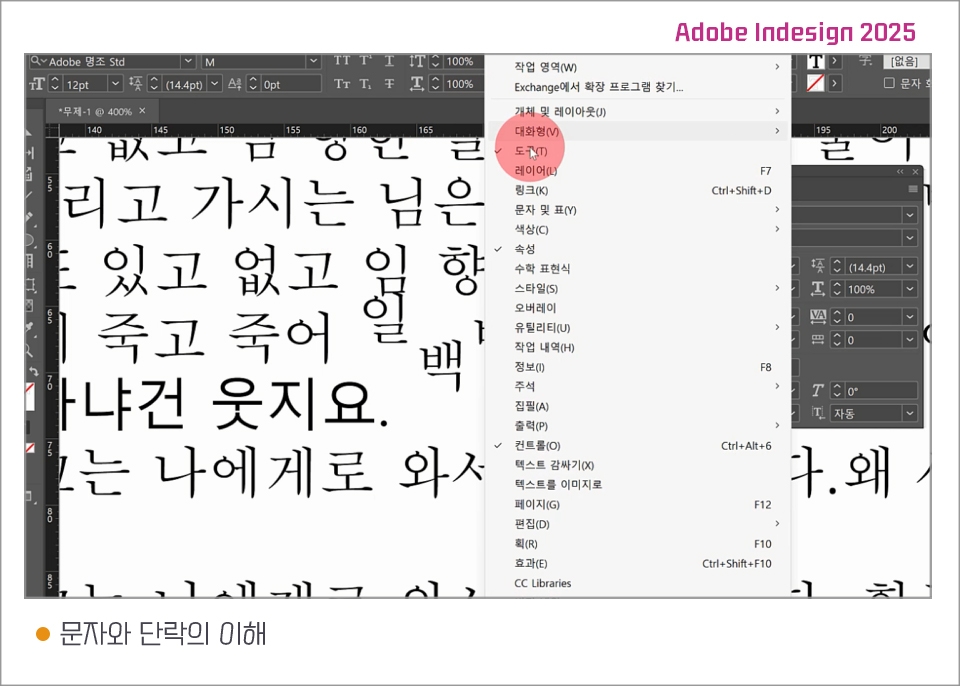
Understanding Characters and Paragraphs
Fill with placeholder text
Open Character Palette
Font, size, style, letter spacing, line spacing, character width, character height, baseline shift, rotation, and skew settings for text
Open paragraph palette
The Concept of Paragraphs
Paragraph alignment and justify alignment
Setting paragraph spacing before and after
Setting Text Color and Text Border
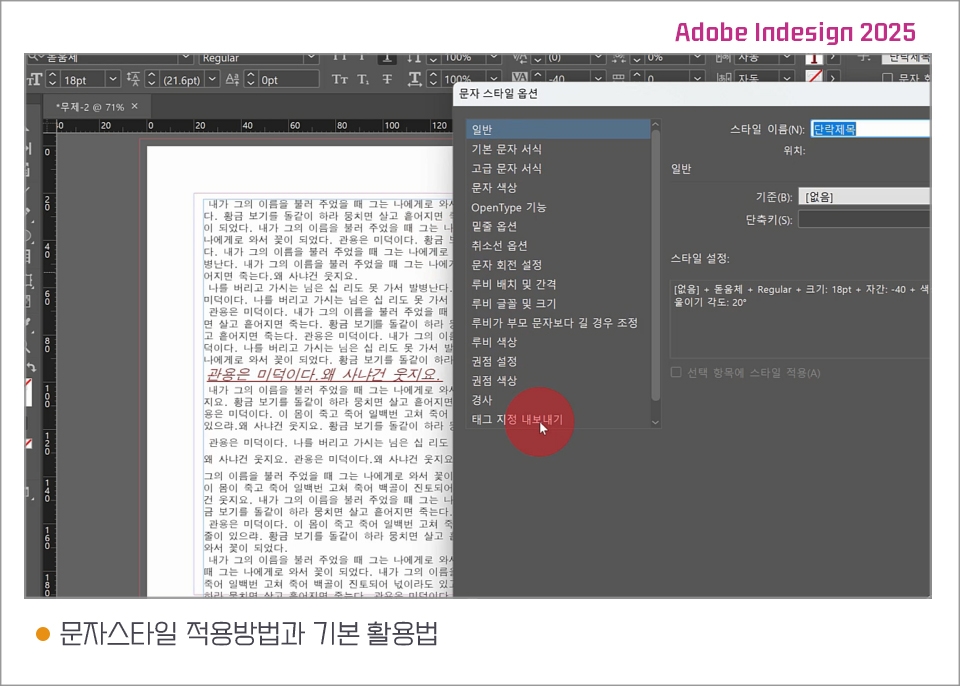
Text Style Application Methods and Basic Usage
Understanding the Reasons for Applying Styles
Open character style palette
How to Create Styles
Applying styles to desired text
Utilizing Text Style Options
Remove Text Style Formatting
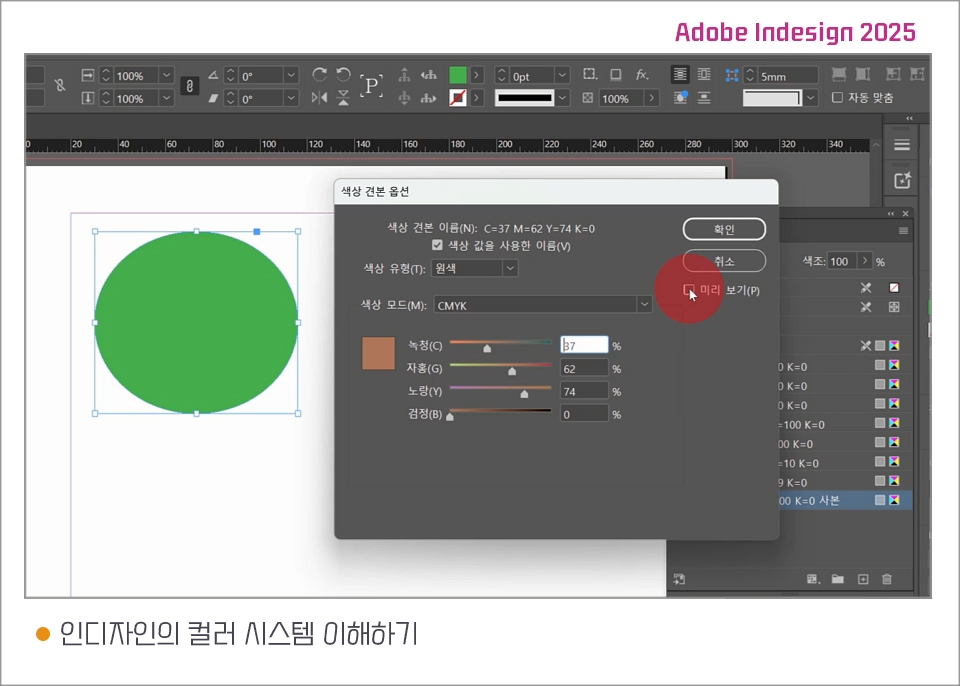
Understanding InDesign's Color System
How to apply colors in InDesign
Understanding the Difference Between RGB and CMYK
Strokes and Radicals
Color Picker
Color Swatch Palette
RGB and CMYK in Color Swatch Palette
Adding Color Swatches
Learning the Basics of Master Pages
Understanding Master Pages
Import master page as regular page
From the master page to regular pages
Creating Repeating Elements
Applying Master Pages to Spreads
You can use the program by subscribing to the InDesign program on the Adobe website.
You can create logos, symbols, illustrations, and shapes in Illustrator and import them.
You can retouch photos in Photoshop and bring them to the desired resolution and size.
Who is this course right for?
People working in editorial design
E-publish hopefuls
Those in the publishing and printing business
Those who wish to create books or brochures
Need to know before starting?
Illustrator
Photoshop
Career Verified
1,723
Learners
151
Reviews
4
Answers
4.7
Rating
34
Courses
Back when Apple's MAC computers made it possible to design even better.
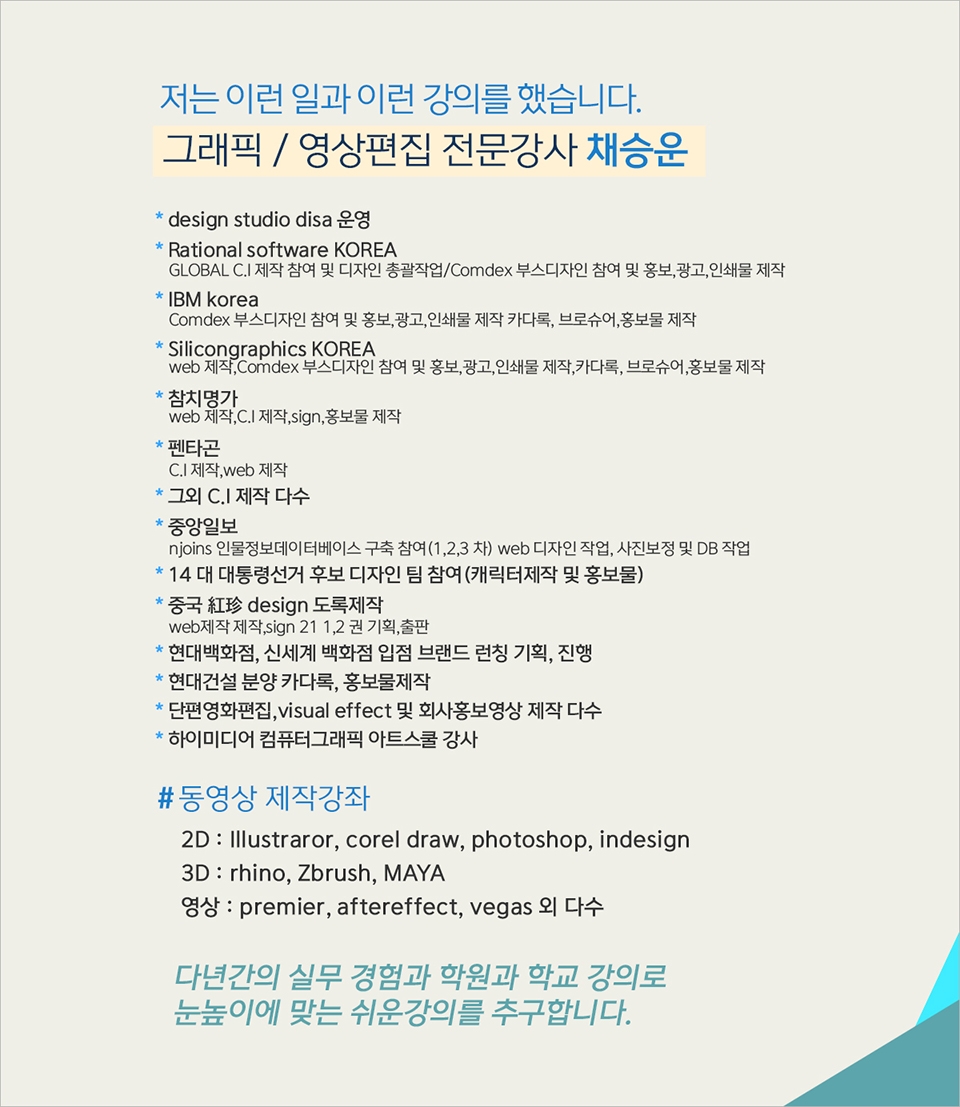
It's already been well over 25 years since I first started teaching Adobe Photoshop and Illustrator at the academy~~^^
I remember the days when, instead of calling the instructors Teacher Eom, Teacher Ha, and Teacher Gu, we used to call them Eom-T and Gu-T.
Together with those teachers, we started using ComTee as an abbreviation for Computer Teacher!
I will continue to be a "Computer Teacher" who works hard to share knowledge for all those who are learning.
Thank you!!
Thank you!!
Together with everyone, we've come to use "Com-T" as a shorthand for Computer Teacher! We will continue to be a Computer Teacher that works hard to share knowledge for all learners. Thank you!!

All
30 lectures ∙ (5hr 32min)
All
1 reviews
Check out other courses by the instructor!
Explore other courses in the same field!
25% off for new members
$39.50
25%
$49.50