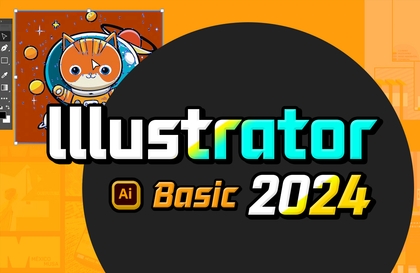
Illustrator 2025: Easy to Learn for Everyone

Start learning Illustrator, an attractive graphic design program, and create your own amazing designs!

(5.0) 1 reviews

13 learners

Level Beginner

Course period 6 months

Illustrator
Illustrator
Illustrator
Illustrator
날개 달린 동전

Recommend Course to grow and earn commission!

날개 달린 동전

Marketing Partners

Recommend Course to grow and earn commission!

What you will gain after the course

  • How to use Illustrator

  • How to install Illustrator

  • How to Use the Pen Tool

  • Advantages of the vector method

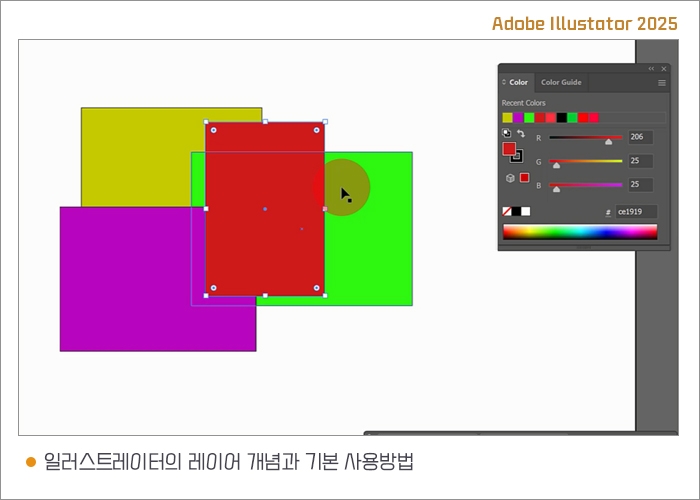
  • The concept of layers in Illustrator

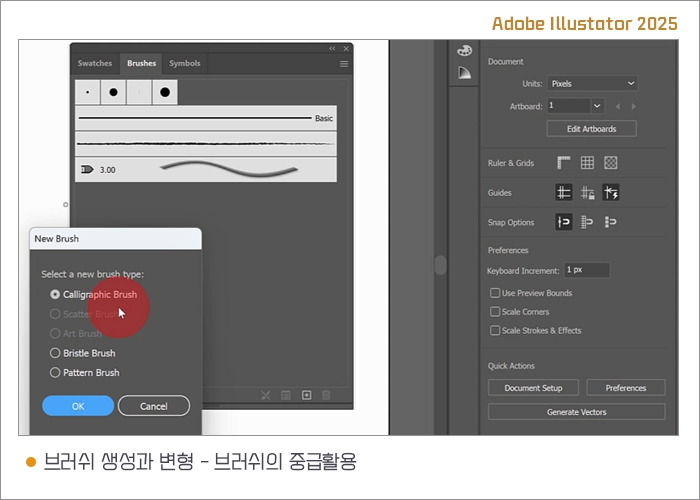
  • Advanced Applications of Brush Creation and Transformation

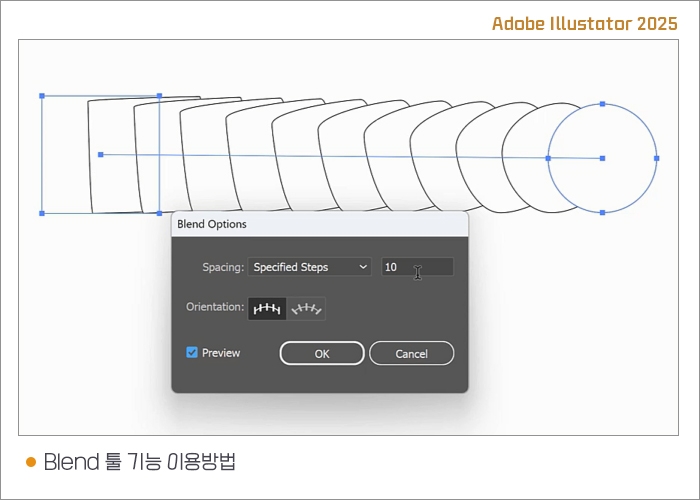
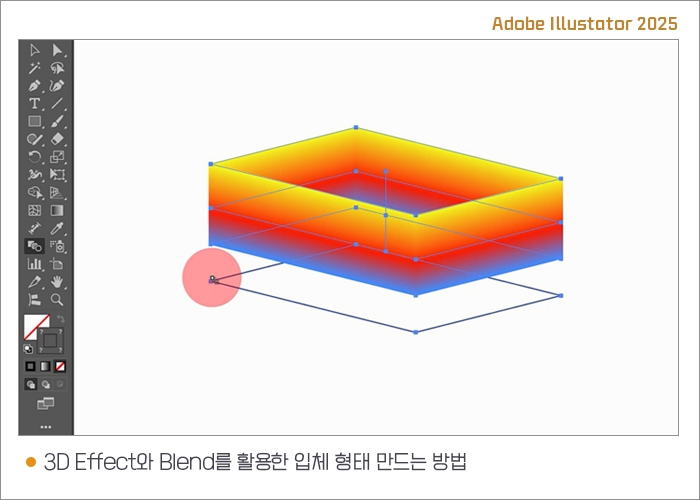
  • Utilizing 3D Effect, Blend, and Mesh Features

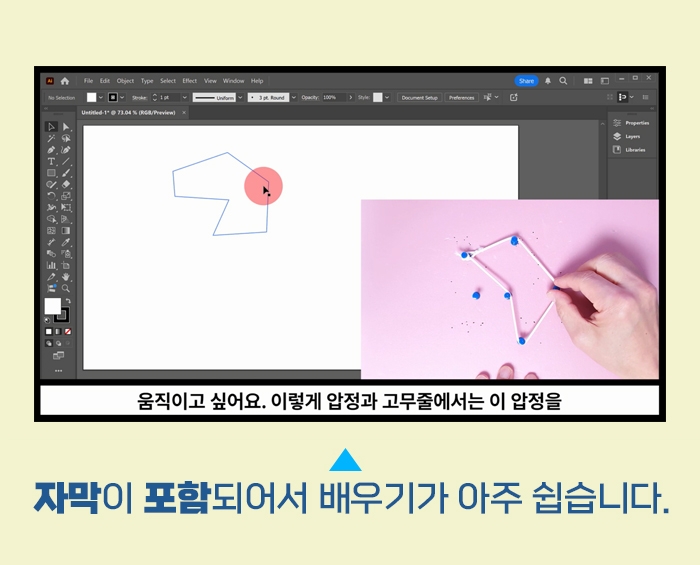
  • Basic Usage and Application of Puppet Tools

초보자도 쉽게 배우는 일러스트레이터 2025 초급과 중급 활용


핵심 예제 활용한 그래픽 프로그램을 처음 입문하시는 분들도

재미있고 쉽게 배울 수 있는
Illustrator 2025 기초 중급 활용 강좌입니다.

강의를 듣고 나면 이런 결과물을 만들 수 있어요

일러스트레이터의 작업편리성을 높여주는 부가 기능들

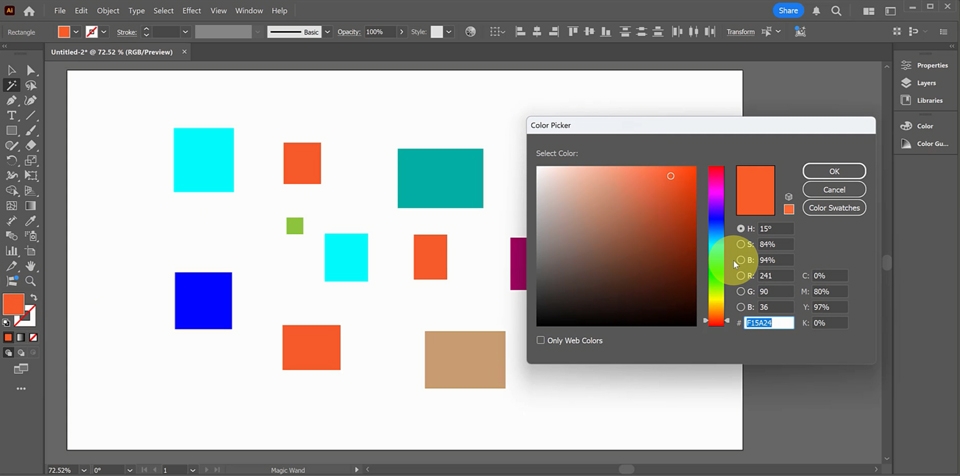
  • Magic Wand Tool(마술봉 도구) - 도화지위의 도형중 동일한 컬러의 물체만 선택

    하기

  • Lasso Tool(자유선택 도구) - 도화지위에 선택 구역을 자유롭게 그리듯이 물체나

    포인트 선택하기

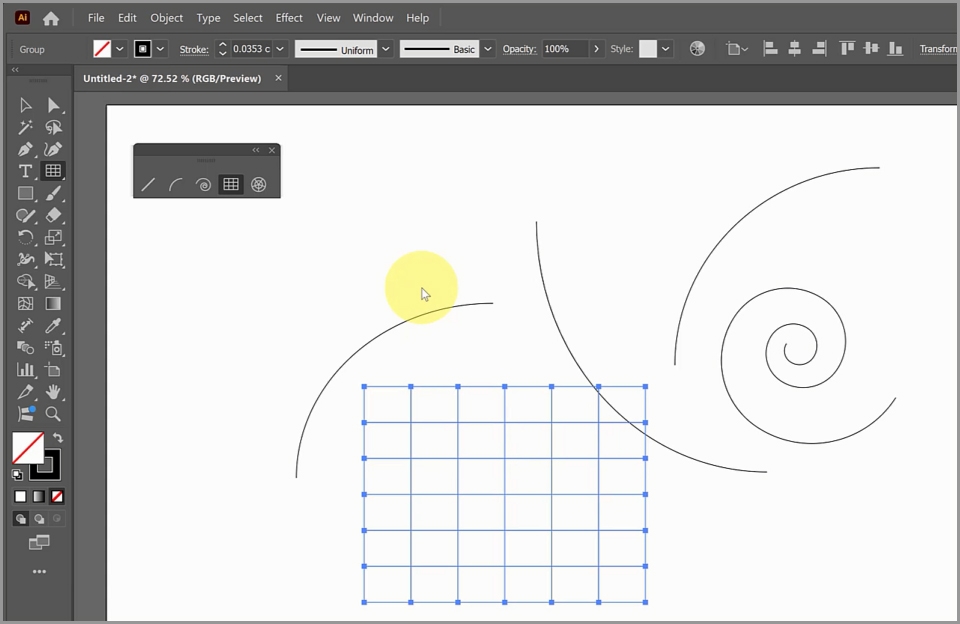
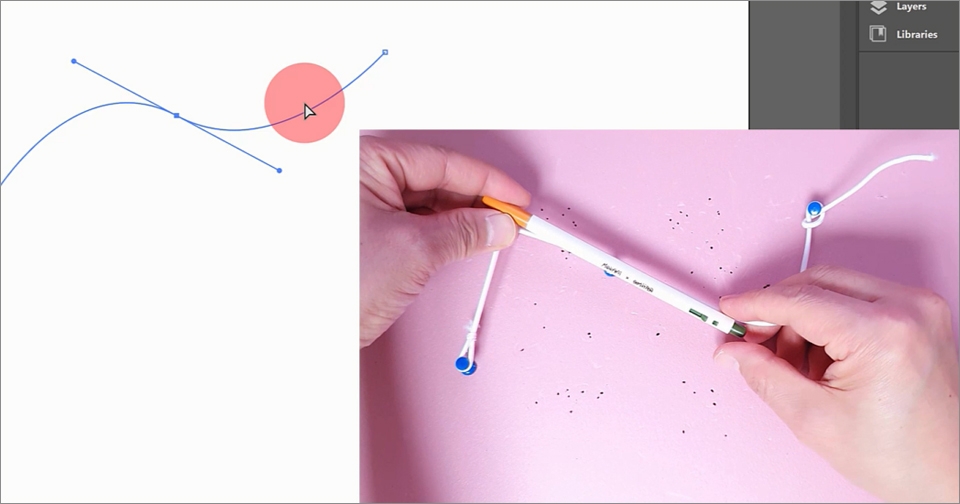
  • Curvature Tool(곡률 도구) - 이어지는 점들의 곡률을 부드럽게 만들면서 연결하

  • Line Segment Tool(선 도구) - 시작과 끝점만 있는 선 그리기

  • Arc Tool(1/4 호 그리기 도구) - 1/4 호 그리기

  • Spiral Tool(나선 도구) - 나선형 물체를 그리기

  • Grid Tool(격자 도구) - 격자 그리드를 그리기

  • Polar Grid Tool(원형 격자 그리드 도구) - 원형 그리드 그리기

  • 각 도구의 설정을 이용하여 원하는 형태의 물체를 디테일하게 만들기

펜툴을 이용한 예제 완성하기

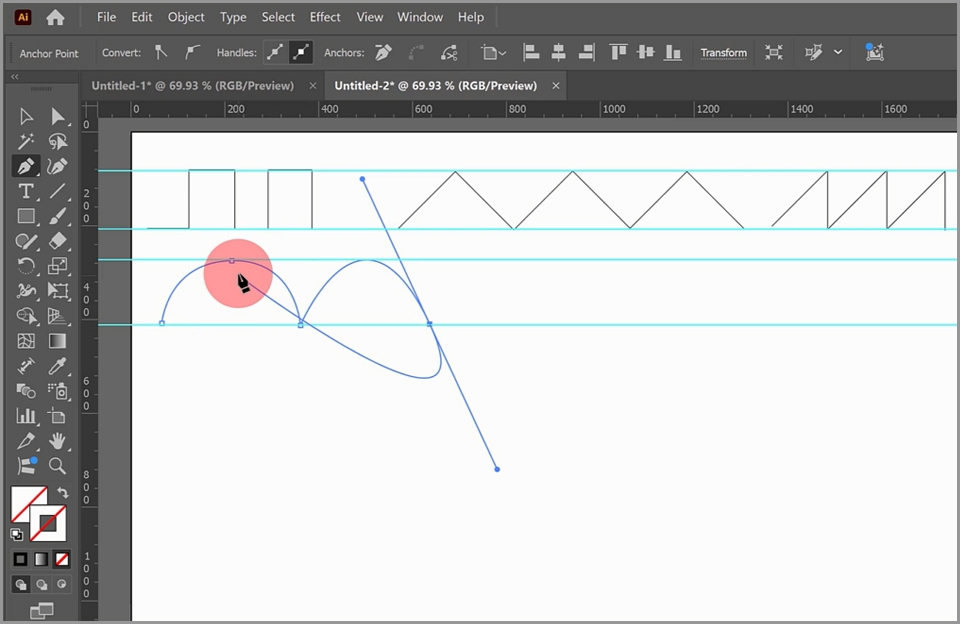
  • 직선 그리기 예제

  • 곡선 그리기 예제

  • 가이드 꺼내기 및 이용방법 익히기

  • 컬러를 선(Stroke)에 적용하기

  • 과제설명

펜툴을 이용한 도형그리기 예제

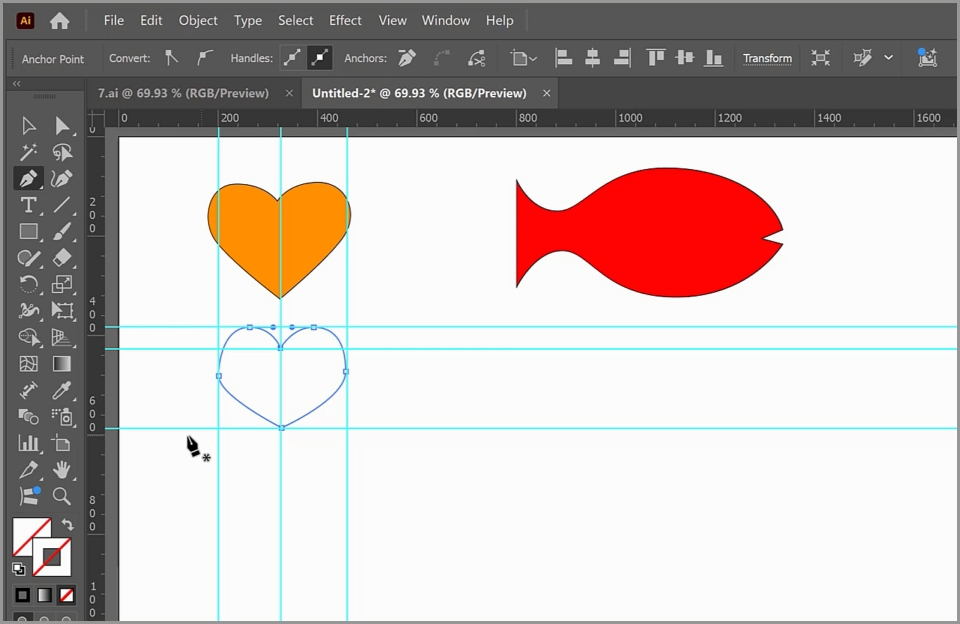
  • 하트 / 물고기 그리기

  • 가이드 선택하고 지우기

  • 기본 도형 변형하기

  • 펜 툴로 포인트 빼기

  • Convert Point 툴 활용하기

  • 물방울 만들기

기본도형을 변형하여 물체를 만드는 방법

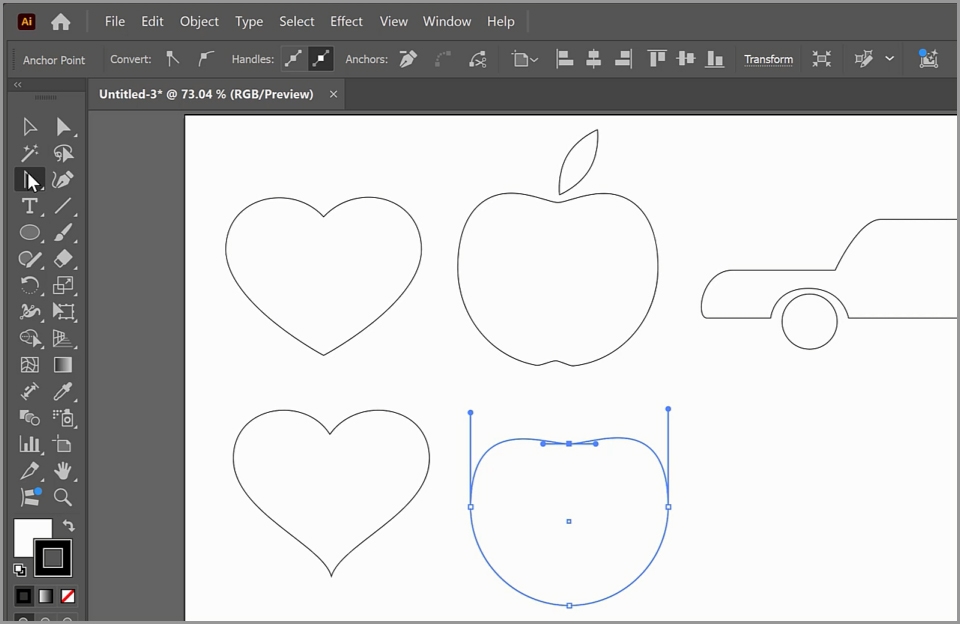
  • 원으로 하트 만들기

  • 원으로 사과 만들기

  • 사각형으로 자동차 만들기

  • 도형 내부에 컬러 넣기

  • 가이드 고정 및 해제 방법

다양한 기능을 활용한 종합예제

New document 설정하고 만들기, Type Tool의 다양한 기능 이용하기, 선 그리기, 반복회전 및 복사, Gradient Tool, 물체의 위치 바꾸는 방법, Group 기능, 기본도형 변형, Path Tool로 물체 그리기, Brush Tool

학습 내용

일러스트레이터의 이해

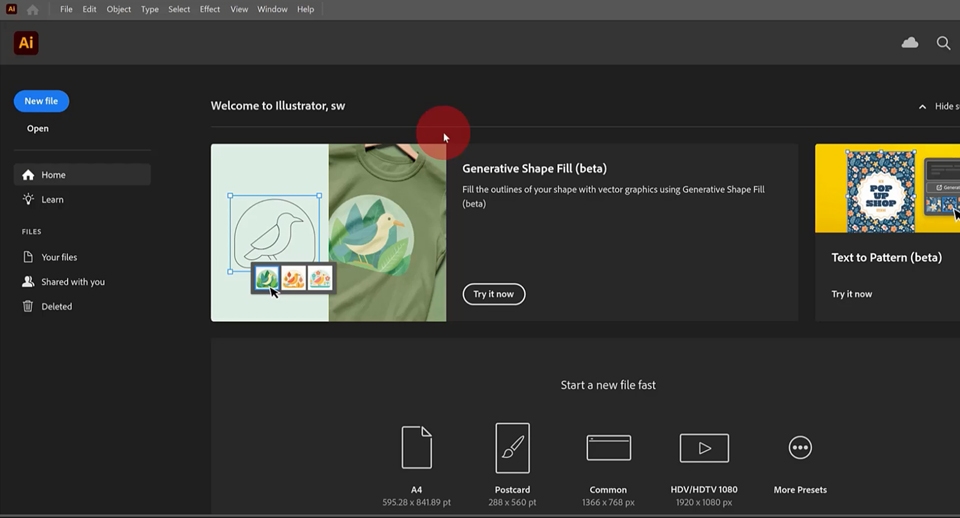
  • 일러스트레이터 2025의 시작화면

  • 기본 작업 도화지 설정

  • 작업환경 익히기

  • 일러스트레이터 2025 설치

  • 한글과 영문 일러스트레이터 설치 방법

기본 작업환경설정과 기본 툴 익히기

  • 툴팔레트 두줄과 한줄로 만들기와

    도구 추가

  • contextual task bar 숨기기

  • 패널 위치 내 마음대로 설정하기

  • Zoom(돋보기) 툴 / Hand(손바닥) 툴 사용법


  • 툴 설명 가리기

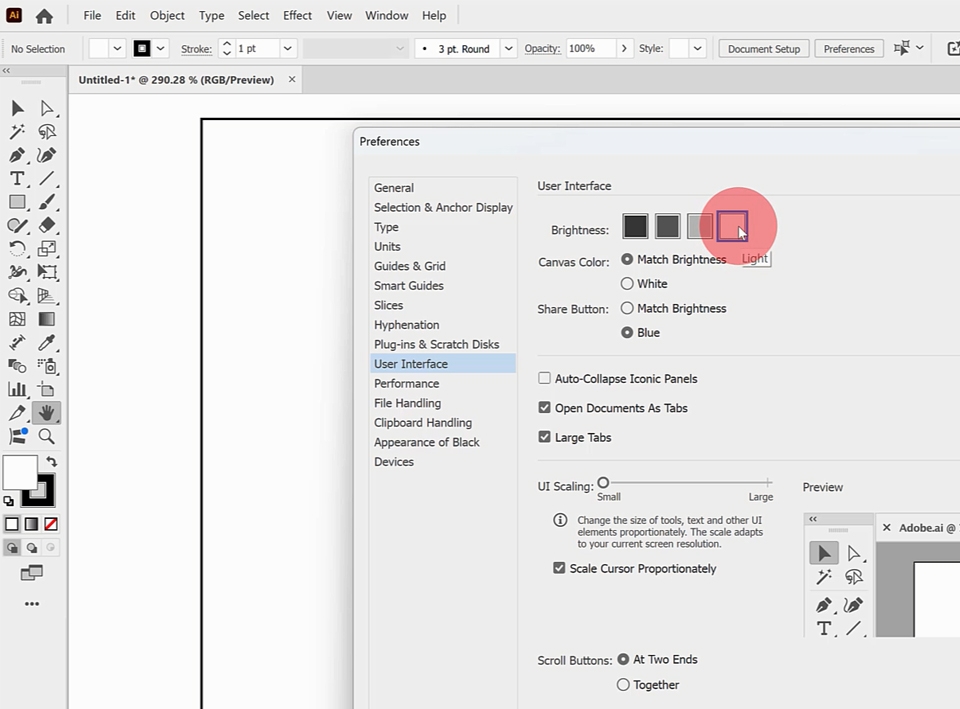
  • 작업 밝기 조절

  • 도화지를 화면에 맞추기

  • 일러스트레이터의 저장방법

기본 도형 툴과 선택 툴 익히기

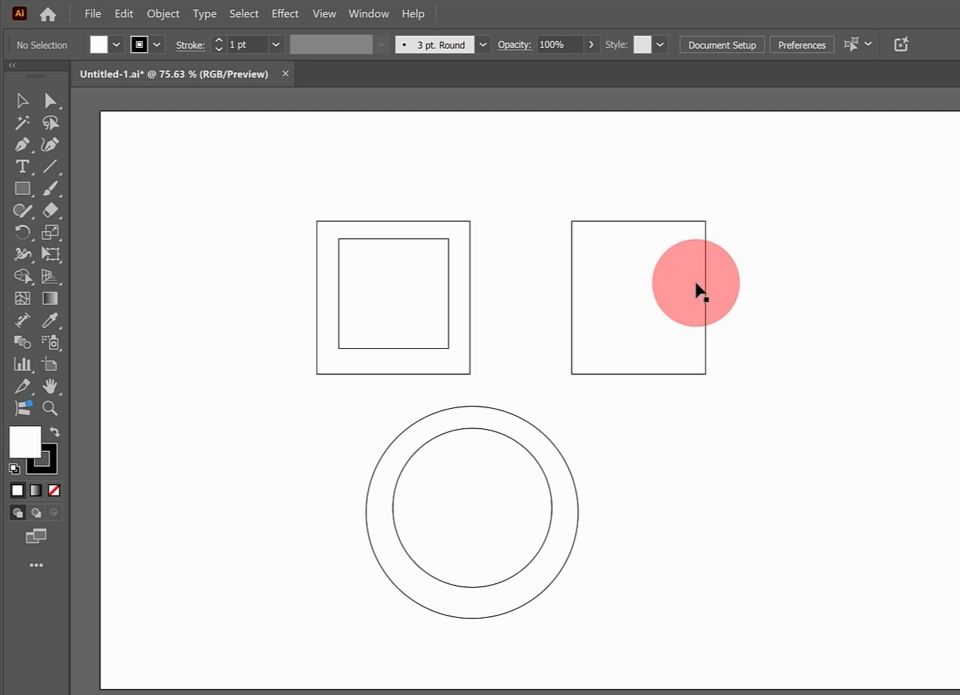
  • 기본 도형 툴 Rectangle, Rounded Rectangle, Ellipse, Polygon, Star


  • Selection(선택) 툴 사용법

  • 도형 선택하기

  • Shift 단축키 도형 그리기

  • Alt 단축키로 도형 그리기

  • 도형 이동 및 직선 이동

핵심 기능 Pen 툴로 곡선 만들기

  • 핸들의 개념과 포인트에서 핸들 꺼내기

  • 핸들로 곡선을 만드는 원리 이해

  • 곡선으로 이어 그리기

  • 직접 선택 도구로 핸들을 조정하기

글씨를 쓰는 Type 툴의 기본 사용방법

  • 타입 툴로 글씨쓰기

  • 텍스트 선택하기

  • 컨트롤 패널에서 Font, 사이즈 조절

  • 컬러 지정

  • Selection 툴로 글씨 이동과 변형

  • 회전 툴로 회전하기

  • 한영 전환

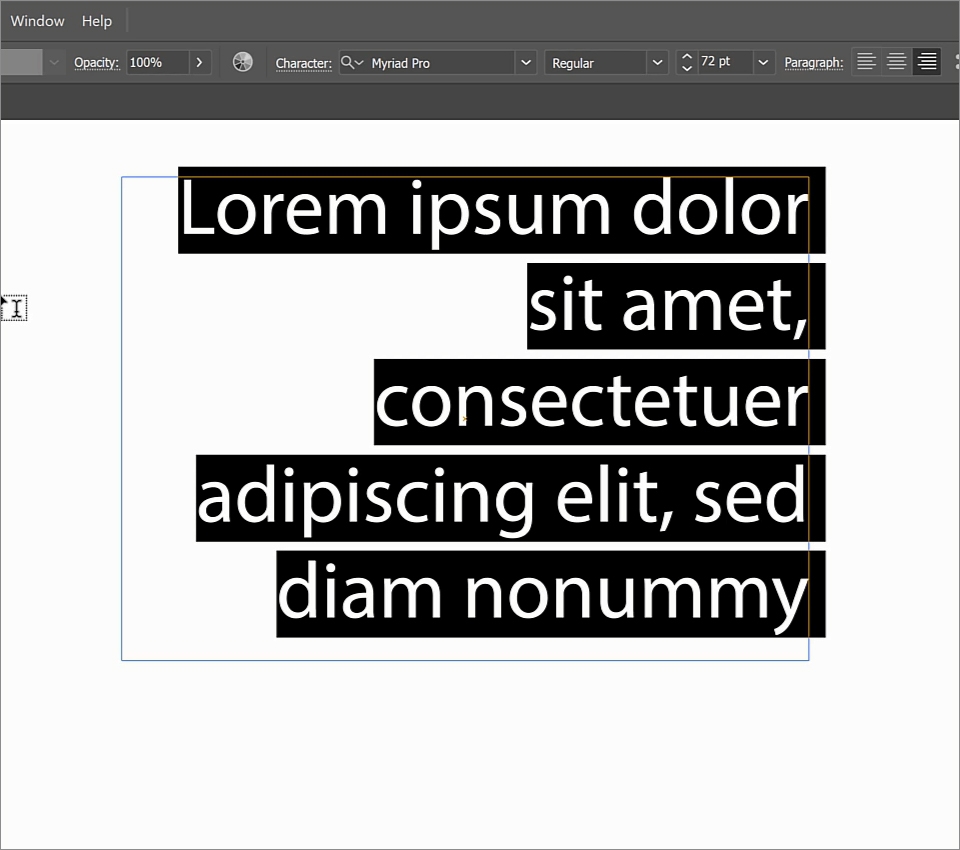
  • 텍스트 박스로 글씨쓰기

  • 단락 정렬

그라디언트와 스와치 기능 익히기

  • Color Picker로 Fill과 Stroke 컬러넣기 복습

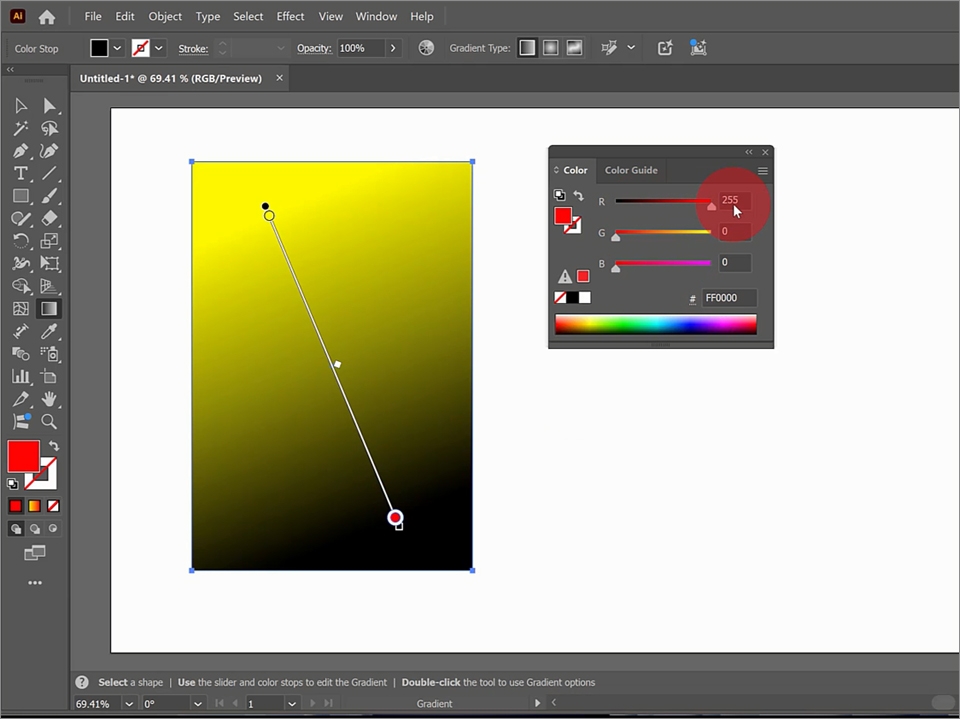
  • Gradient Tool 로 그라데이션 컬러 적용하기

  • 그라디언트 컬러의 진행방향과 적용구역 지정

  • 그라디언트 컬러 지정

  • Stroke의 굵기 지정과 그라디언트 적용

  • Swatch에 컬러 등록


수강 전 참고 사항

실습 환경

  • 프로그램은 어도비 사이트에서 구독을 통해서 실습할 수 있습니다

  • 소프트웨어 버전: Illustrator 2025


실습 예제

  • 초급 수업에 활용된 7, 8, 9, 10, 12, 16, 19, 20에 사용된 예제 제공 (AI 파일) 섹션 1에서 다운로드

  • 중급 수업에 활용된 2, 4, 7, 9, 15, 18, 19에 사용된 예제 제공 (AI 파일) 섹션 3에서 다운로드

Recommended for
these people

Who is this course right for?

  • For those who need to learn graphic design programs

  • To those involved in printing, such as banner production

  • For those who want to create illustration artwork characters

  • People who want to create logo marks, BI, and CI

Need to know before starting?

  • There isn't any.

Hello
This is comt

1,626

Learners

142

Reviews

4

Answers

4.7

Rating

33

Courses

Back when Apple's MAC computers made it possible to design even better.

It's already been well over 25 years since I first started teaching Adobe Photoshop and Illustrator at the academy~~^^

I remember the days when, instead of calling the instructors Teacher Eom, Teacher Ha, and Teacher Gu, we used to call them Eom-T and Gu-T.

Together with those teachers, we started using ComTee as an abbreviation for Computer Teacher!

I will continue to be a "Computer Teacher" who works hard to share knowledge for all those who are learning.

Thank you!!

Thank you!!

Together with everyone, we've come to use "Com-T" as a shorthand for Computer Teacher! We will continue to be a Computer Teacher that works hard to share knowledge for all learners. Thank you!!

Together with everyone, we've come to use "Com-T" as a shorthand for Computer Teacher! We will continue to be a Computer Teacher that works hard to share knowledge for all learners. Thank you!!
More

Curriculum

All

40 lectures ∙ (7hr 50min)

Course Materials:

Lecture resources
Published: 
Last updated: 

Reviews

All

1 reviews

5.0

1 reviews

  • ohmoone888764님의 프로필 이미지
    ohmoone888764

    Reviews 1

    Average Rating 5.0

    Edited

    5

    100% enrolled

    It was helpful that you explained the basic tools in an easy-to-understand way^^ I think it would be even better if there were more diverse examples^^ Thank you for the great lecture ☺️

    comt's other courses

    Check out other courses by the instructor!
    $48.40