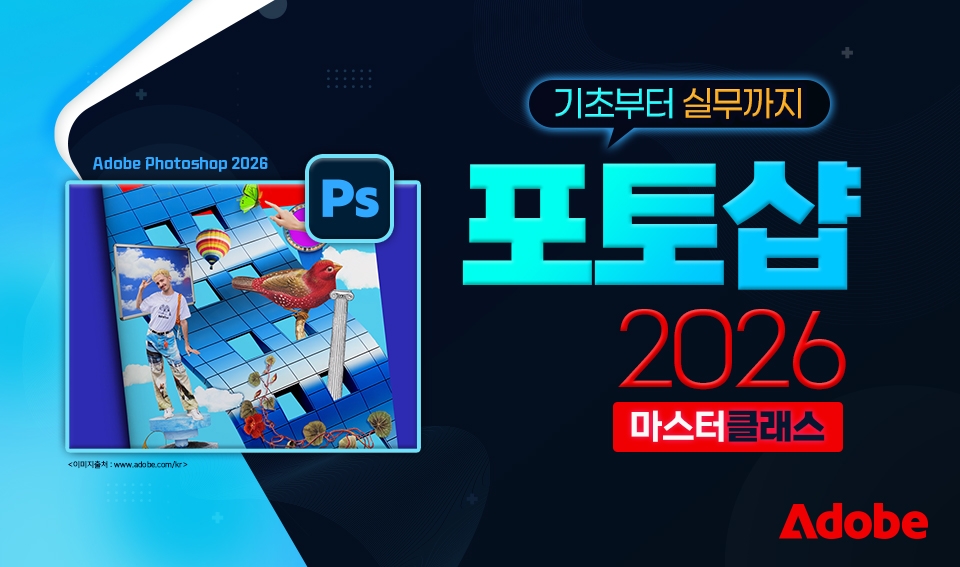
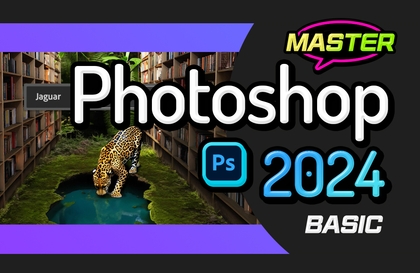
Photoshop 2026 Master Class: From Basics to Practical Application

Anyone can easily learn the latest version of Photoshop 2026 with subtitles.

4 learners are taking this course

Level Beginner

Course period 3 months

Photoshop
Photoshop
Photography
Photography
AI
AI
Photoshop
Photoshop
Photography
Photography
AI
AI

What you will gain after the course

  • Understanding Photoshop and the Basic Workspace

  • How to install Photoshop 2025

  • Understanding Resolution and Color Modes

  • How to use various tools in Photoshop

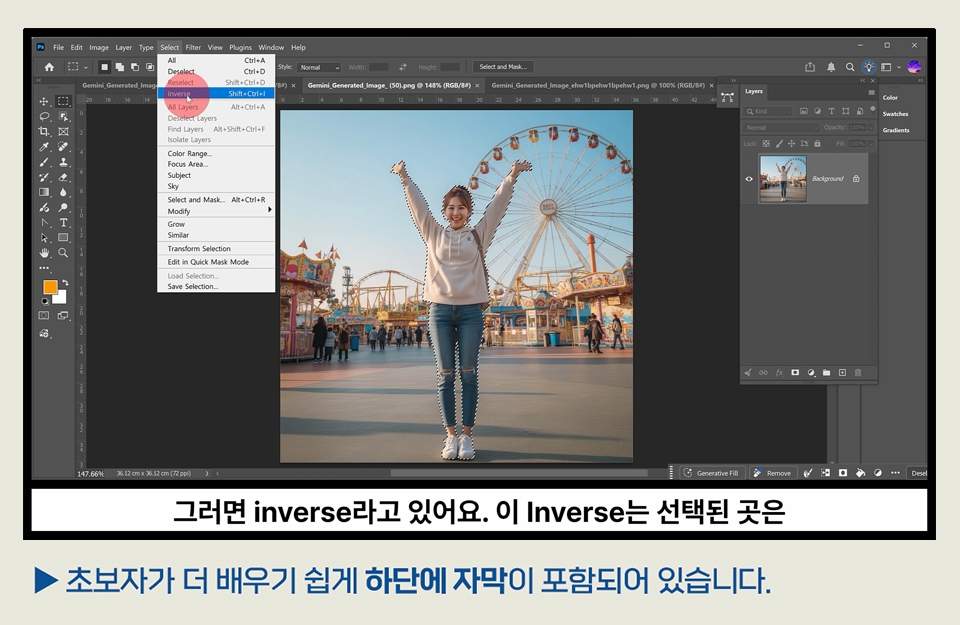
  • Concepts of Selection, Movement, and Basic Shortcuts

  • Understanding the core concept of Layers in Photoshop

  • How to use the rectangle and various selection tools

  • Understanding Layer Masks: An Essential Photoshop Feature

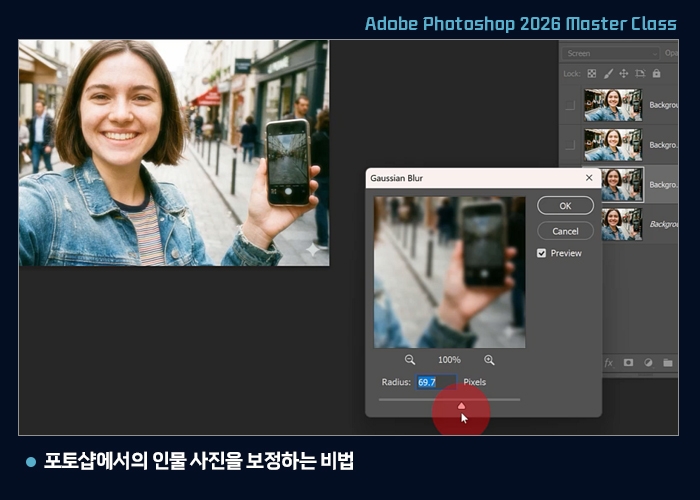
  • Mastering the Basics of Portrait and Photo Retouching

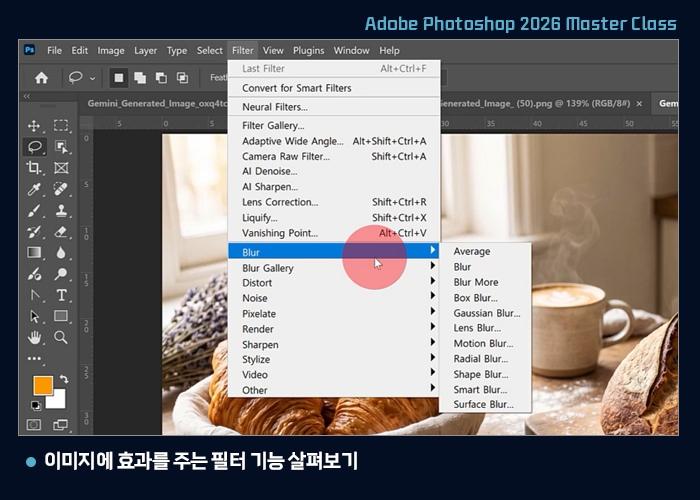
  • Filter function for applying effects to images

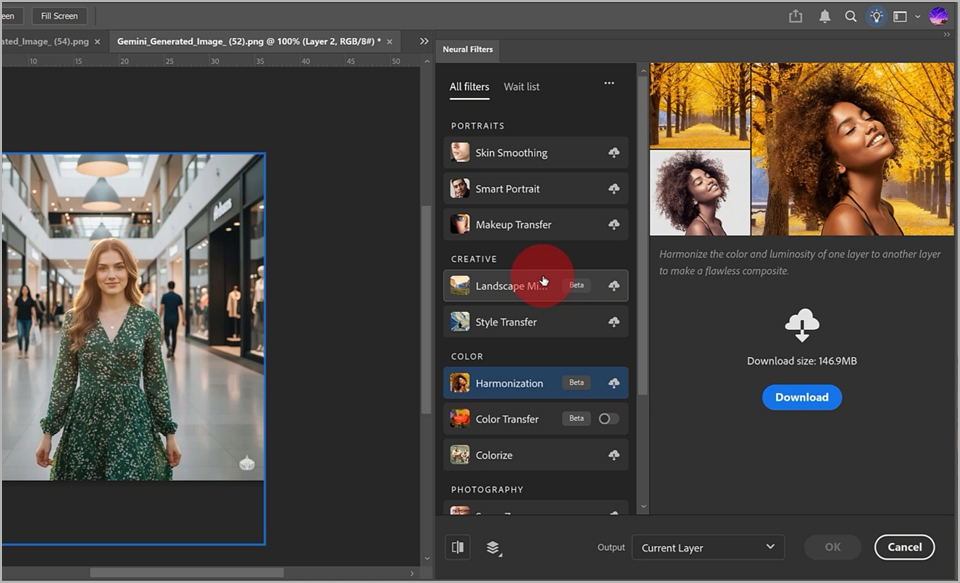
  • How to use the core AI retouching tools in Photoshop

  • How to use generative AI in Photoshop

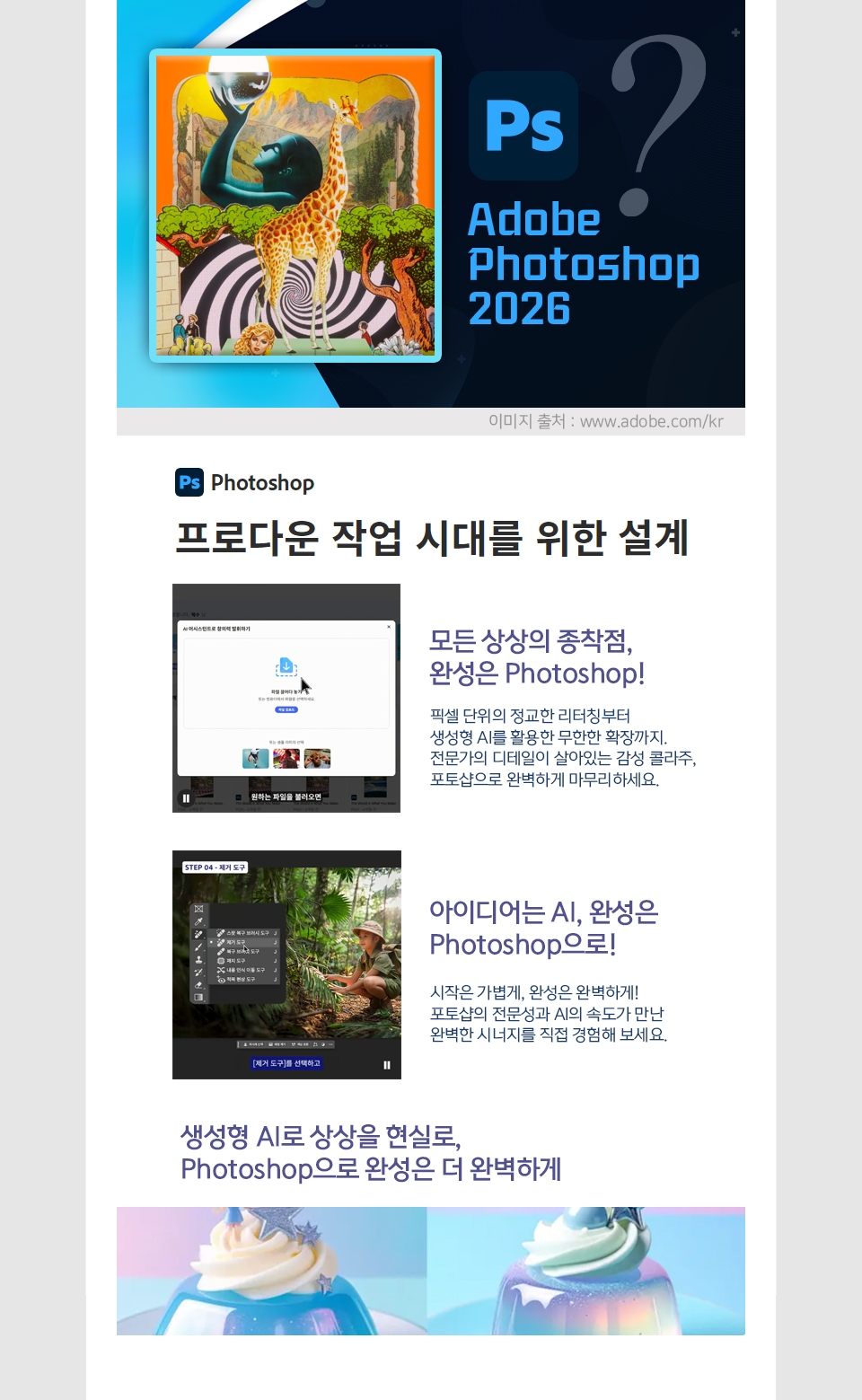
Photoshop is

the starting point for all graphic programs and the destination for all imagination.

Photoshop 2026 Master Class

Images are created through the development of AI, but ultimately, the completion of AI image work is Photoshop

  • No matter how much AI advances, a human touch is absolutely necessary.

  • To make the desired modifications, a program for editing images is absolutely necessary.

This is how Photoshop can be started.

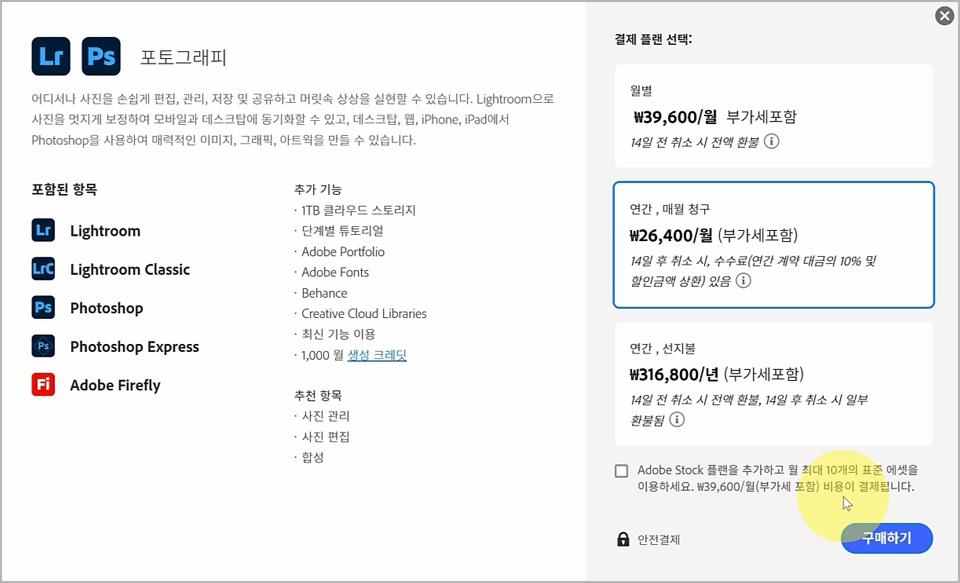
Photoshop Subscription and Program Installation

Select a subscription plan on the Adobe website.

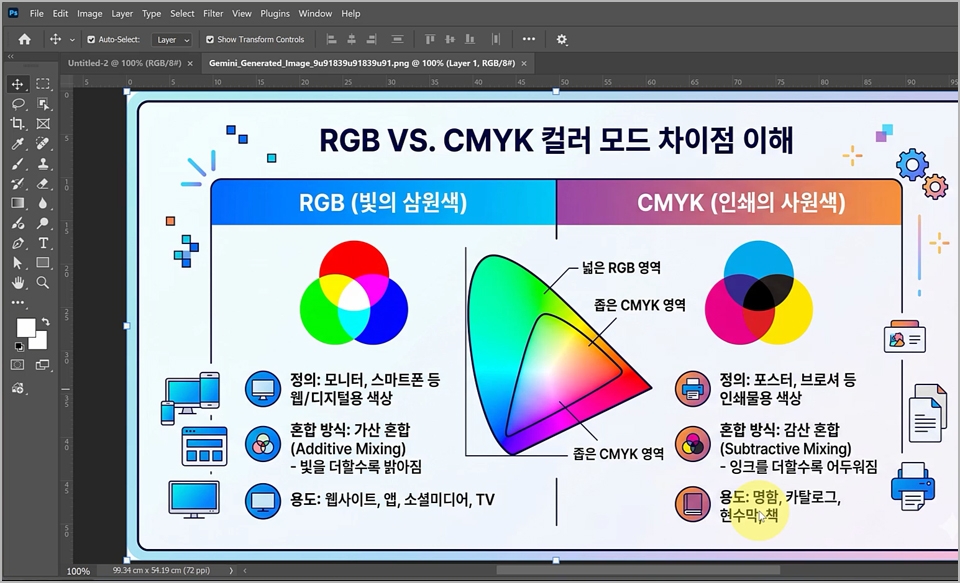
Understanding Resolution and Color Modes

You need to know the difference between RGB and CMYK.

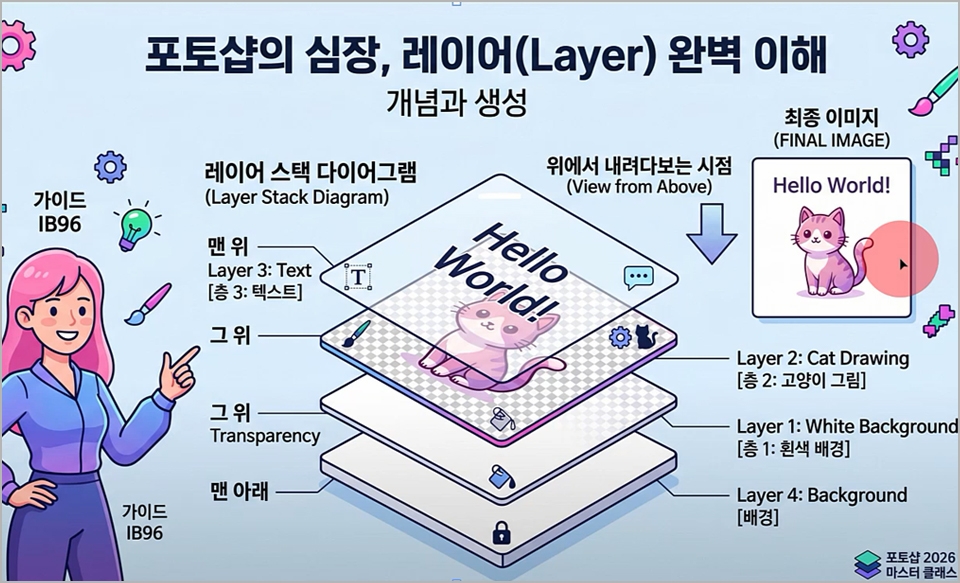
Understanding the core concept of layers in Photoshop

Explains the reasons for using layers and how to use them.

How to use Generative AI in Photoshop

Learn how to generate images using prompts.

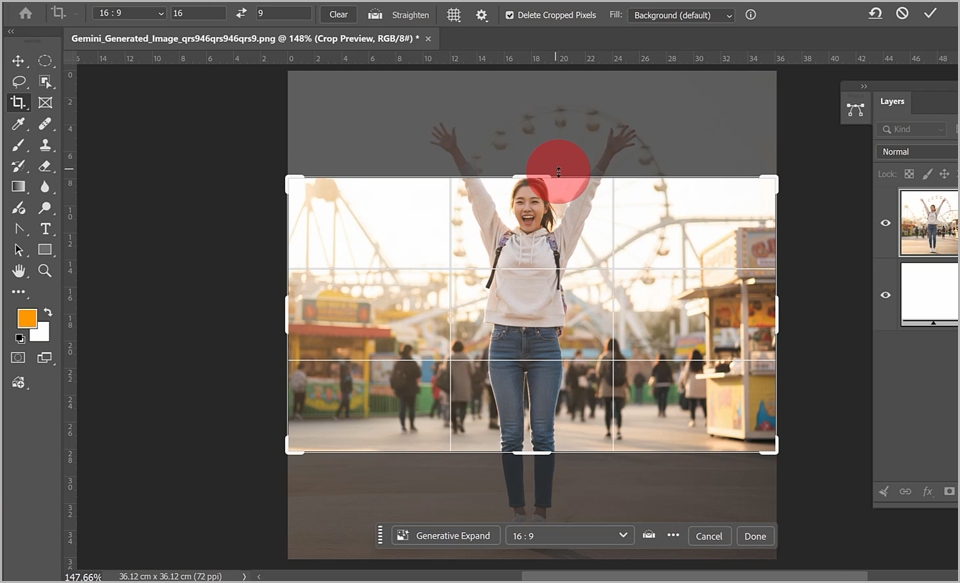
3 Essential AI Retouching Tools in Photoshop

  1. Expanding images using the Crop Tool

  2. Smart Removal Tool: Remove Tool

  3. Increasing resolution using Generative Upscale

Highly recommended for these people!!!

  • Those who need to do graphic-related work

  • Those who want to create SNS thumbnails

  • Those who want to do photo editing

Learning Content

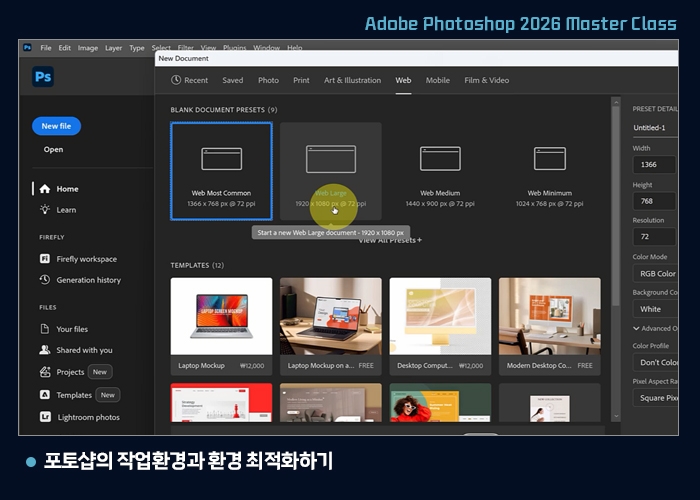
Photoshop Workspace and Environment Optimization

  • New File and Open

  • document preset and opening a new canvas

  • Differences between Korean and English versions of Photoshop

  • Taking a closer look at the workspace


    (Menu, Panel, Tool Palette, Workspace, etc.)

  • Adjusting panels and creating a workspace that suits you

  • Configuring unit settings and screen brightness in preferences

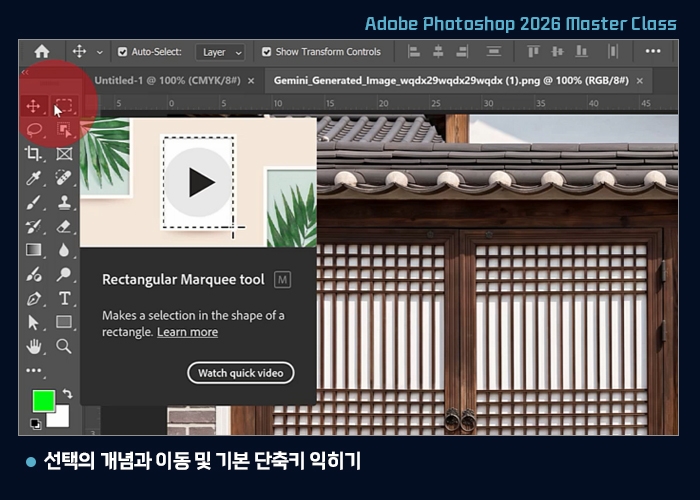
Understanding the Concept of Selection, Movement, and Basic Shortcuts

  • Understanding the concept of selection

  • How to select using the rectangular and elliptical marquee tools

  • How to move a selection area

  • Moving selected images with the Move Tool

  • Utilizing various functions of Shift and Alt shortcuts


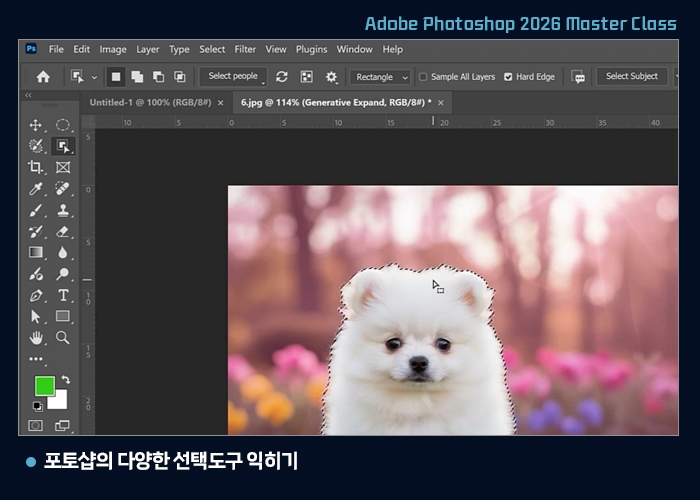
Mastering Various Selection Tools in Photoshop

  • Rectangular and Elliptical Marquee Tools

  • Lasso Tool

  • Polygonal Lasso Tool

  • Selection methods using selection tools and shortcuts

  • Zooming in and out of images with the Zoom Tool

  • Object Selection Tool

  • Creating examples using selection tools

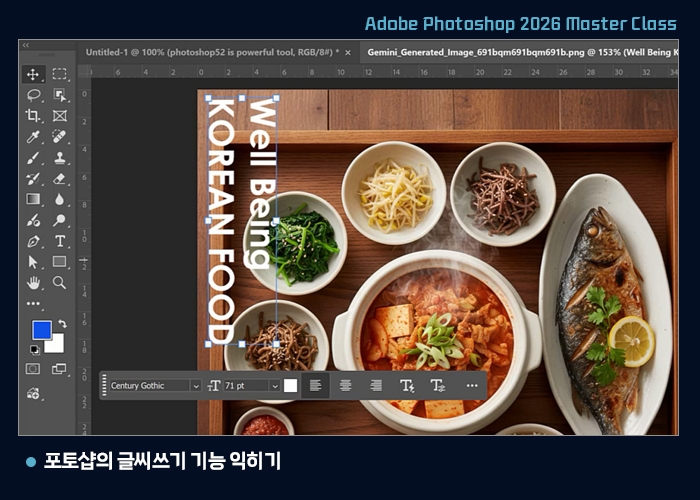
Learning Photoshop's text writing features

  • Selecting the Type Tool

  • Text adjustment functions in the Task bar

  • Text adjustment functions in the Control panel

  • Move the text position freely and adjust the size using the Move Tool

  • Understanding text layers

  • Exploring the options in the Character panel

  • Example of adding text to an image

Exploring filter functions that apply effects to images

  • Out-of-focus image using Gaussian Blur

  • Blur Gallery

  • Add Noise

  • Mosaic

  • Sharpen

  • Creating bright and radiant photos using
    Gaussian Blur and layers

Secrets to retouching portraits in Photoshop

  • Secrets to removing facial blemishes

  • Blur, Layers, and Brightness Adjustment

  • Correction secrets using Opacity and modes


Notes before taking the course

Practice Environment

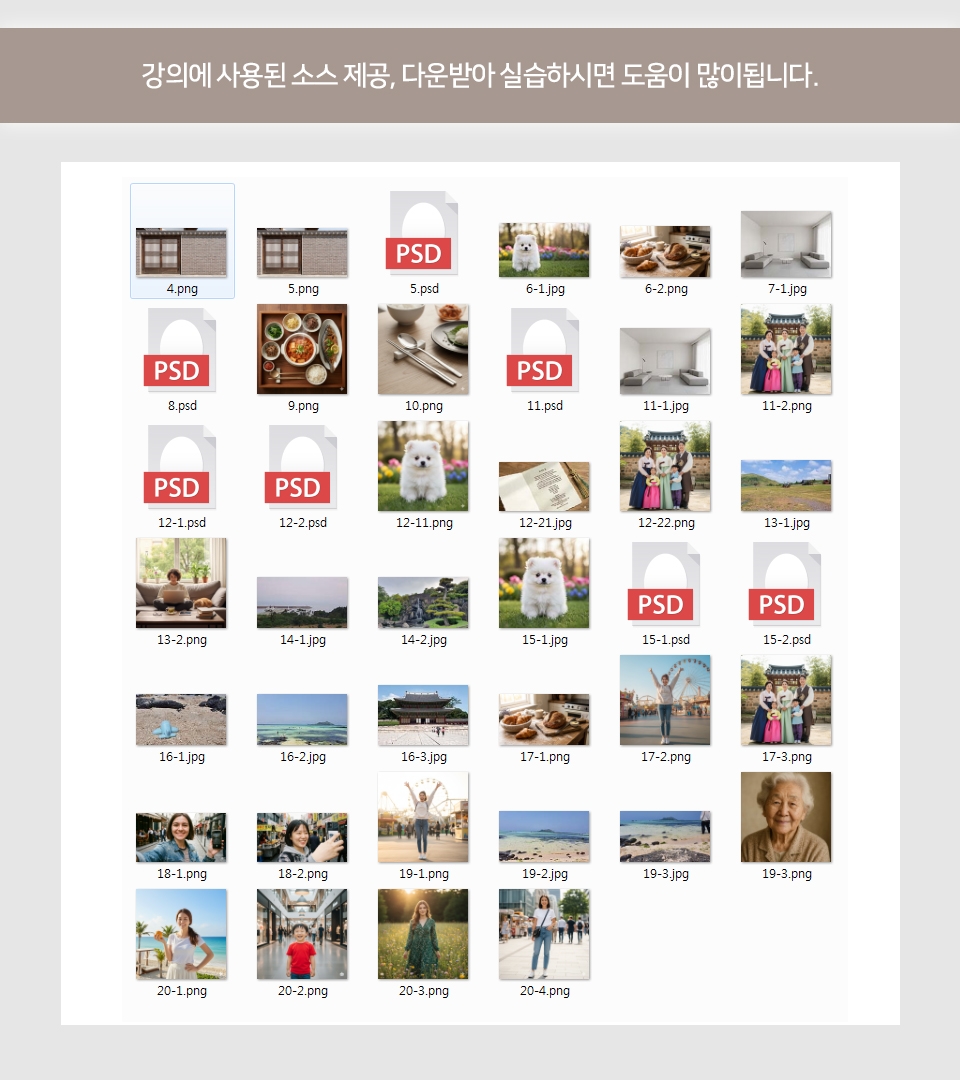
Source materials used in the lecture are provided

  • You can download the class materials in Lesson 1: The Necessity of Photoshop 2026, Workspace, and Installation Method.


Recommended for
these people

Who is this course right for?

  • Those who want to learn Photoshop

  • Those who want to utilize the latest version of Photoshop

  • People working in the photography industry

  • Those who want to learn essential design programs

  • Those who want to create cool thumbnails for YouTube

Need to know before starting?

  • Not at all~ Anyone can learn it right away.

Hello
This is comt

Career Verified

1,822

Learners

157

Reviews

4

Answers

4.7

Rating

35

Courses

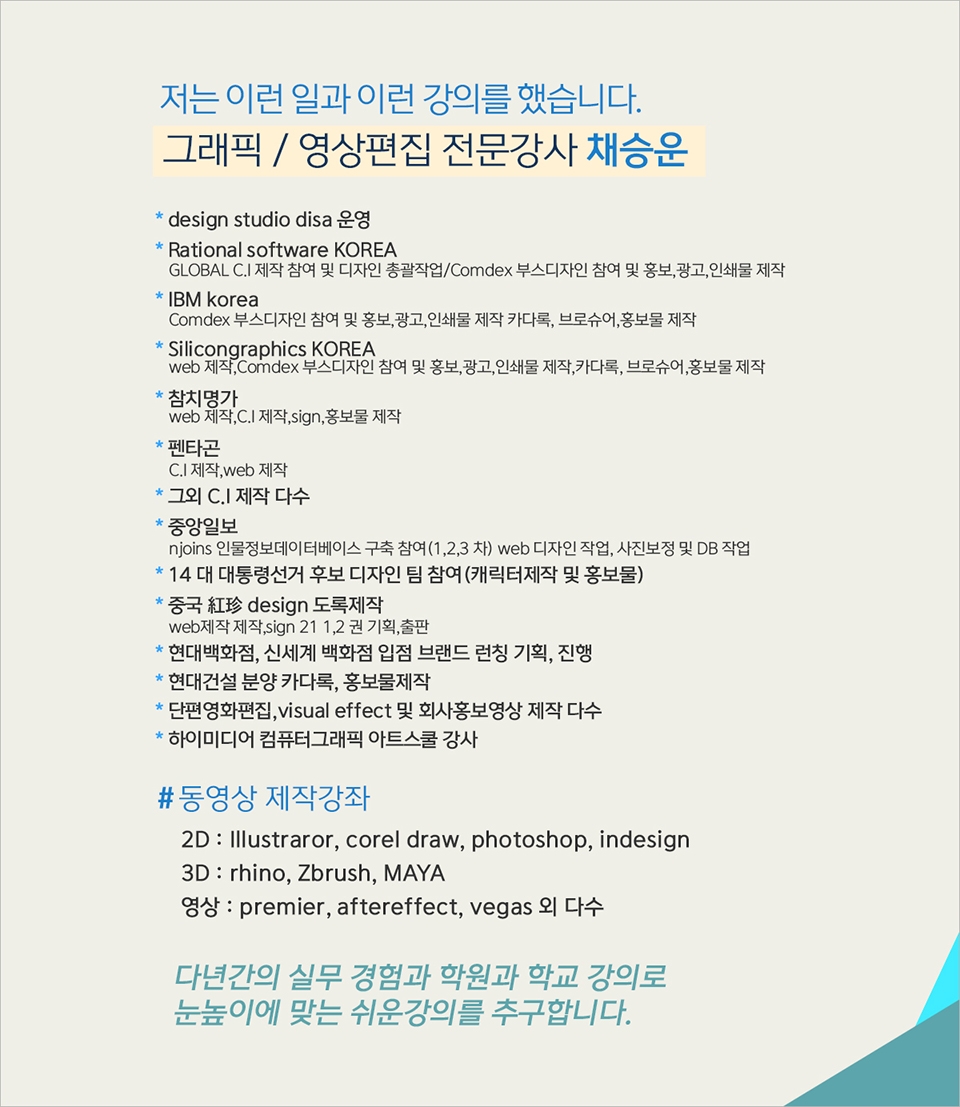
Back when Apple's MAC computers made it possible to design even better.

It's already been well over 25 years since I first started teaching Adobe Photoshop and Illustrator at the academy~~^^

I remember the days when, instead of calling the instructors Teacher Eom, Teacher Ha, and Teacher Gu, we used to call them Eom-T and Gu-T.

Together with those teachers, we started using ComTee as an abbreviation for Computer Teacher!

I will continue to be a "Computer Teacher" who works hard to share knowledge for all those who are learning.

Thank you!!

Thank you!!

Together with everyone, we've come to use "Com-T" as a shorthand for Computer Teacher! We will continue to be a Computer Teacher that works hard to share knowledge for all learners. Thank you!!

Together with everyone, we've come to use "Com-T" as a shorthand for Computer Teacher! We will continue to be a Computer Teacher that works hard to share knowledge for all learners. Thank you!!

More

Curriculum

All

20 lectures ∙ (4hr 9min)

Course Materials:

Lecture resources
Published: 
Last updated: 

Reviews

Not enough reviews.
Please write a valuable review that helps everyone!

comt's other courses

Check out other courses by the instructor!

Similar courses

Explore other courses in the same field!

Limited time deal

$37,730.00

30%

$41.80