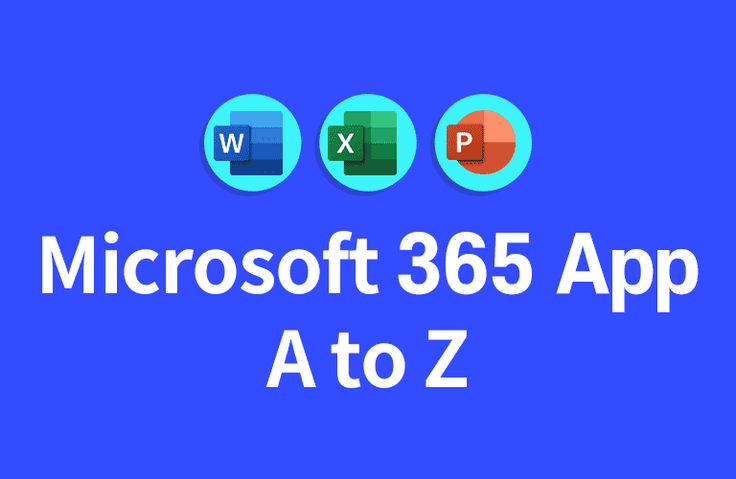
Microsoft 365 Business Apps Licensing Basic Training
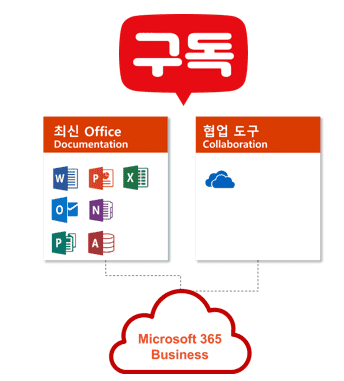
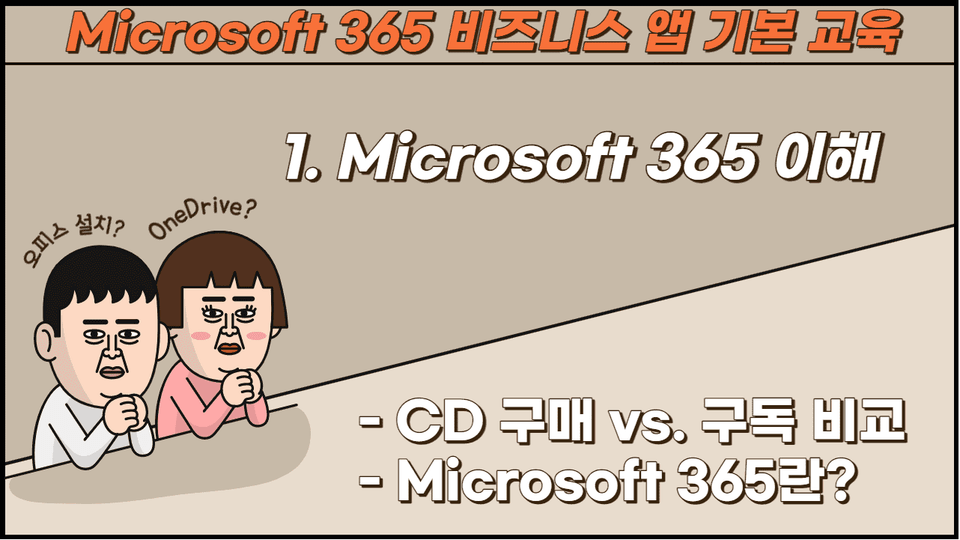
If you purchase Office programs such as Excel/PowerPoint/Word through Office CD, you can finish by purchasing the CD and installing it. However, if you subscribe to Microsoft 365 Apps, the administrator creates an account, and the user must log in with that account to install the program. I recommend this to those who subscribe to Microsoft 365 Business Apps and don't know where to start.
Microsoft 365 to increase work productivity, If you want to use your business app license well!
🙆♀️ If you have subscribed to Microsoft 365 Apps license Omas recommends this course! 🙆♂️
Microsoft 365, If you don't know how to write! 📖
Microsoft 365 is an essential tool for office workers! Have you subscribed to a Microsoft 365 Apps license? And, are you at a loss as to where and how to start writing?
When purchasing Office programs like Excel, PowerPoint, and Word via an Office CD, all you had to do was purchase the CD and install it. However, with a Microsoft 365 Apps subscription, your administrator creates an account, and you must log in with that account to install the program. 😲
Attention everyone who feels overwhelmed by their newly subscribed Microsoft 365 Apps license! This course will teach you everything from A to Z about subscribing to Microsoft 365 business apps and how to use them.
Who would benefit from listening? 🔍
This course is recommended for administrators and users who subscribe to Microsoft 365 business apps but aren't sure where to start. Both administrators and users can take the course together, without any prior knowledge required.
Specifically, it's helpful for these people! ✅
Microsoft 365 Business Apps Administrator
Microsoft 365 business apps users
Are you considering or curious about Microsoft 365 business apps licensing?
Anyone else interested
Lecture Features ✨
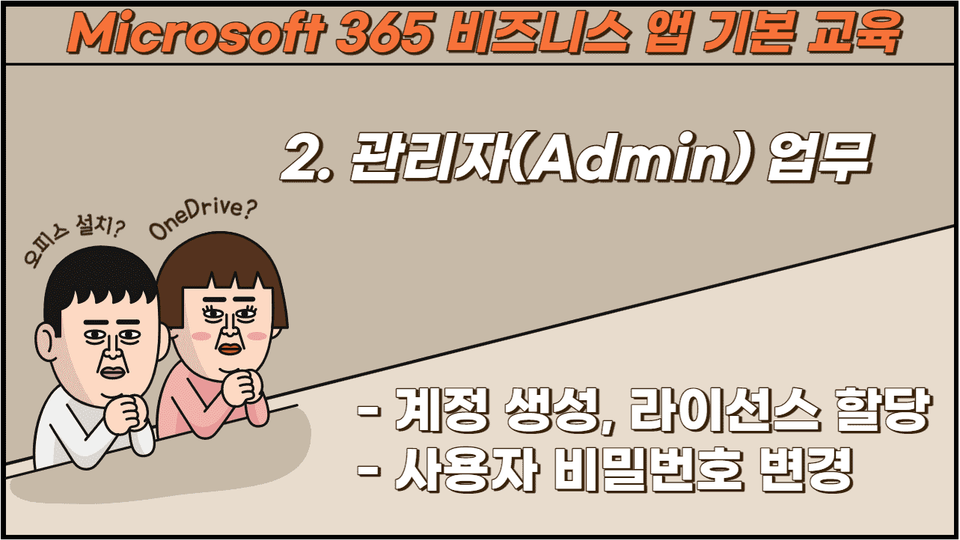
After subscribing to Microsoft 365, we will learn in order what kind of license this is , whether it is suitable for our company , what the administrator should do , and how the user should use it .
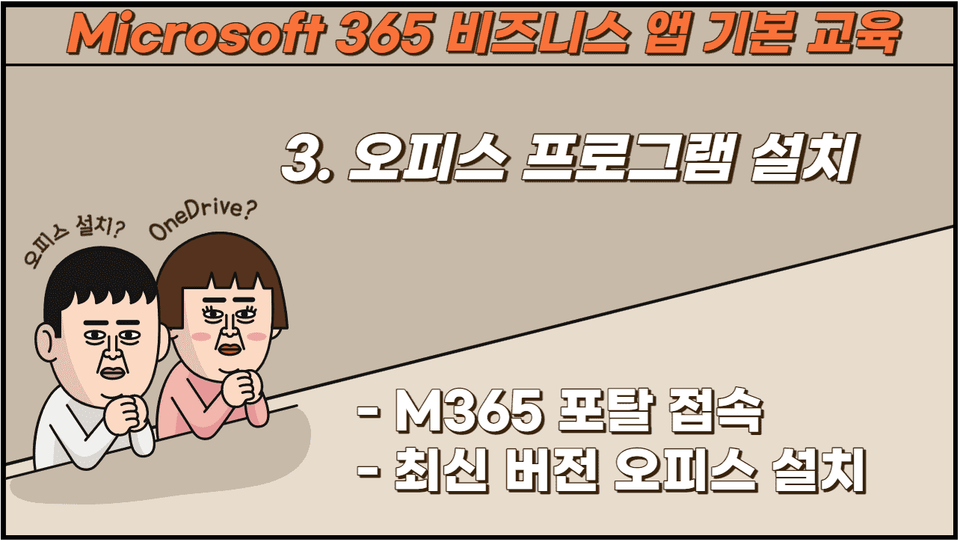
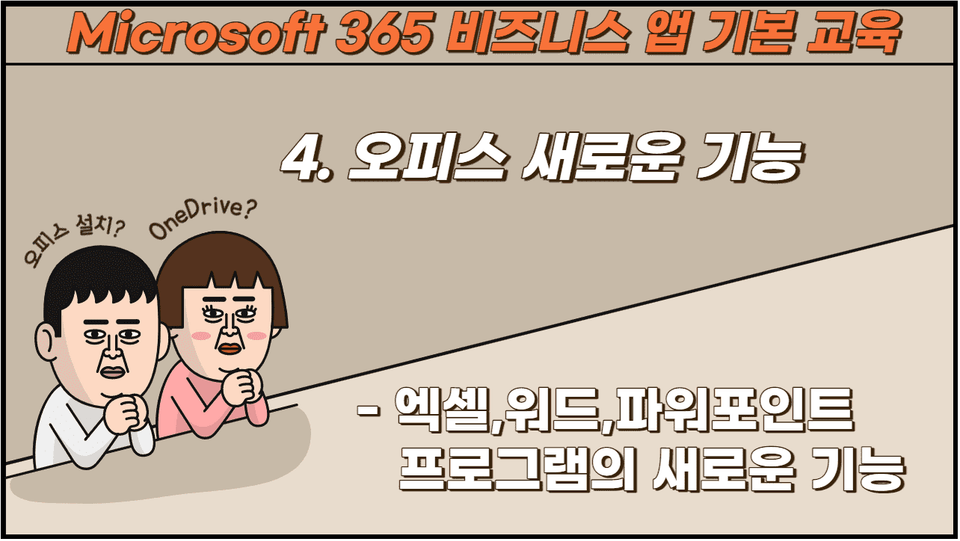
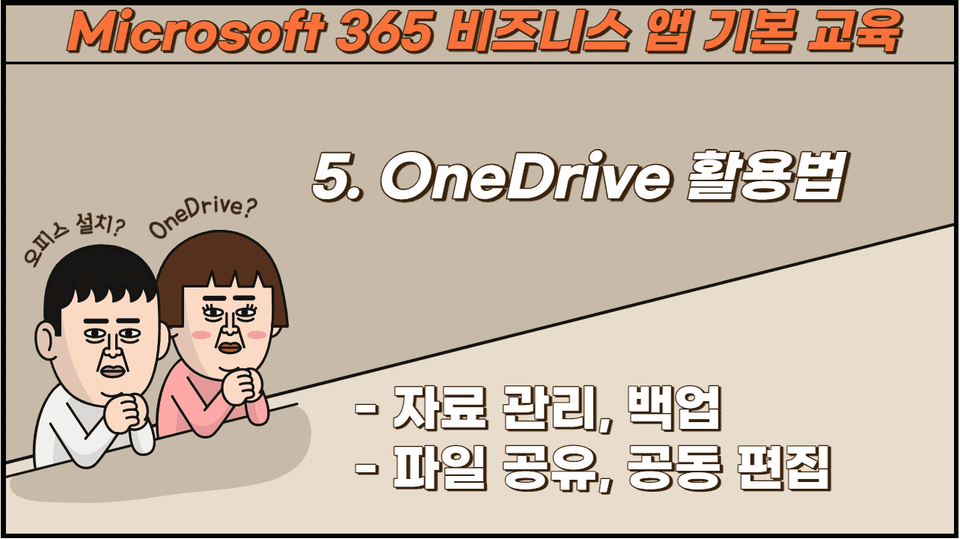
You'll learn about Microsoft 365 licensing, which differs from traditional CDs, and administrators will be able to manage accounts, assign licenses, and more. Users can log in to the Microsoft 365 portal using the account created by the administrator to install and use the latest versions of Office programs. You can also manage data, share files and folders, and collaborate on editing using OneDrive, a cloud drive with 1 TB of storage.
Training Content 📚
Expected Questions Q&A 💬
Q. Do I need to purchase a license to attend the lecture?
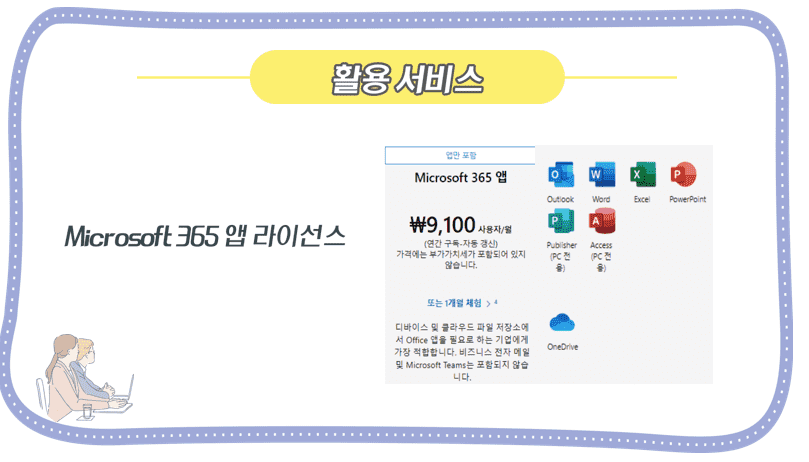
You can subscribe to a Microsoft 365 Apps license or a one-month trial license.If you don't want to try the hands-on training, you can take the course without a license subscription.
Q. Do I need any prior knowledge to take the course?
No, the lectures are conducted sequentially from the beginning, so no prior knowledge is required.
Q. Where can I apply for a trial version of Microsoft 365 Apps licenses?







![[Latest version update] Project and task management to become a pro at planning - MS PlannerCourse Thumbnail](https://cdn.inflearn.com/public/courses/336001/cover/9368db08-c64b-42ca-8ad1-e7a872bffc0e/336001.jpg?w=420)

![[Work Automation Using Free MS RPA] Power Automate Desktop - Automate Repetitive TasksCourse Thumbnail](https://cdn.inflearn.com/public/courses/332826/cover/fd9d8667-48a8-4d2e-b27d-1154f66df679/332826.png?w=420)

![[Pass ITQ Excel A in One Go] in 3 daysCourse Thumbnail](https://cdn.inflearn.com/public/courses/329652/cover/b44e11b6-a47e-4993-86ea-a85da9836bb5/329652-eng.png?w=420)
![[For Beginners] Data Visualization with Power BICourse Thumbnail](https://cdn.inflearn.com/public/courses/327055/cover/455b54c1-3e63-439b-9b60-5d12e12bc303/PowerBI-001 (1).png?w=420)