

강의

멘토링

커뮤니티

Career

/

etc. (Career)

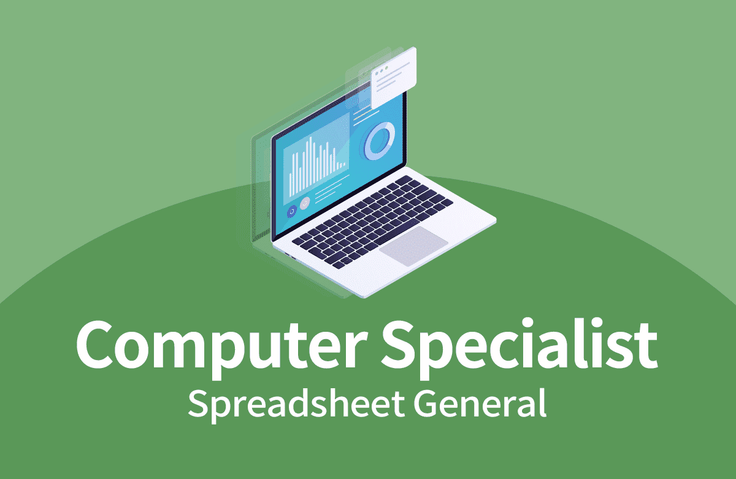
Computer Application Skills Level 1 & 2 Written Exam - Spreadsheet General

Through this course, learners can develop the ability to obtain a Computer Application Skills certification. This course is structured according to the examination standards as a preparation course for acquiring the Computer Application Skills certification. You can learn and apply basic knowledge of Computer Application Skills subjects to prepare for certification acquisition. (Computer Application Skills Level 1 & 2 Written Exam - Spreadsheet General)

(5.0) 6 reviews

4,087 learners

Level Beginner

Course period 12 months

  • usefulit
Excel
Excel
MS-Office
MS-Office
VBA
VBA
Computer Specialist in Spreadsheet & Database
Excel
Excel
MS-Office
MS-Office
VBA
VBA
Computer Specialist in Spreadsheet & Database

Reviews from Early Learners

Reviews from Early Learners

5.0

5.0

everick9

13% enrolled

thank you!!!!!!

5.0

할수있다

100% enrolled

Thank you, I listened carefully

5.0

다빈

83% enrolled

I like it because it's easy to understand and explains things in detail.

What you will gain after the course

  • Enter and edit spreadsheets

  • Using Spreadsheet Formulas

  • Spreadsheet Data Management

Attention job seekers!
Develop your computer skills and apply for a job 👨‍💻

📢 Please check before taking the class!

  • This course does not offer Q&A sessions with knowledge sharing experts regarding the course content. Please keep this in mind when registering for the course.

To acquire computer skills
If you want to challenge yourself! 📖

Computer Proficiency Level 1 & 2 Written Exam - General Spreadsheet 📐

This course is designed to help you obtain a computer proficiency certification, and is structured to reflect actual exam criteria. Learn and apply the basic knowledge for each computer proficiency subject to achieve certification!

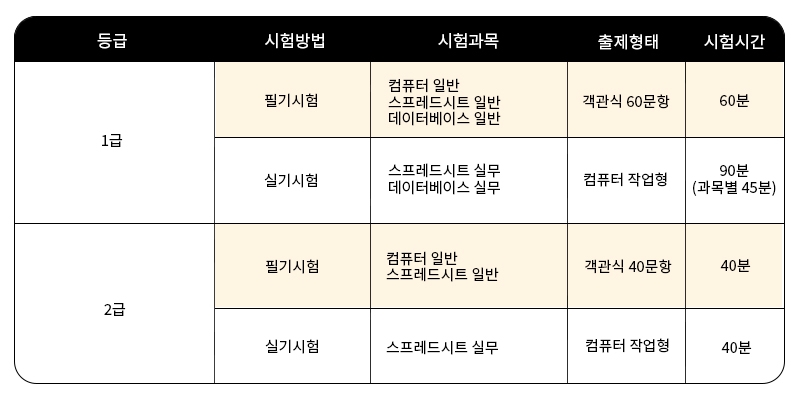
Computer Proficiency Test Information 💻

Acceptance criteria

  • Written Exam: 40 points or more per subject out of 100 and an average of 60 points or more
  • Practical: 70 points or higher out of 100 (Level 1 requires 70 points or higher in both subjects)

Practical program

  • MS Office 2016

Test Registration & Other Details

  • Korea Chamber of Commerce and Industry Qualification Evaluation Division website 👉 Go to

What you'll learn 📚

Enter and edit

  • Manage and save worksheets
  • Data, Input, Shortcuts, Data Types
  • File Options, Paste, Cells, Insert, Delete
  • Cell formatting, date formatting, conditional formatting
  • Fill, Sheet Tab, Save Method

Using formulas

  • Operator, cell reference, formula error
  • Rounding, date functions, math functions
  • IF function, rank.eq, reference function
  • (Level 1) offset, database functions, present value functions
  • Formula error message, vlookup function

Data Management, Macros

  • (Level 1) Arrays, array formulas, array constants
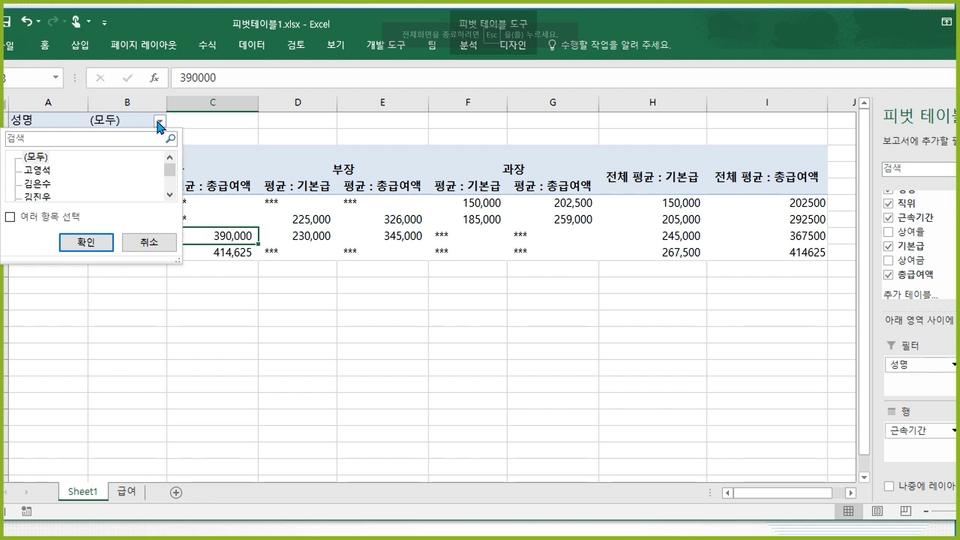
  • Sort, filter, advanced filter, external data
  • Query join, subtotal, goal seek, scenario, print
  • Charts, sparklines, trend lines
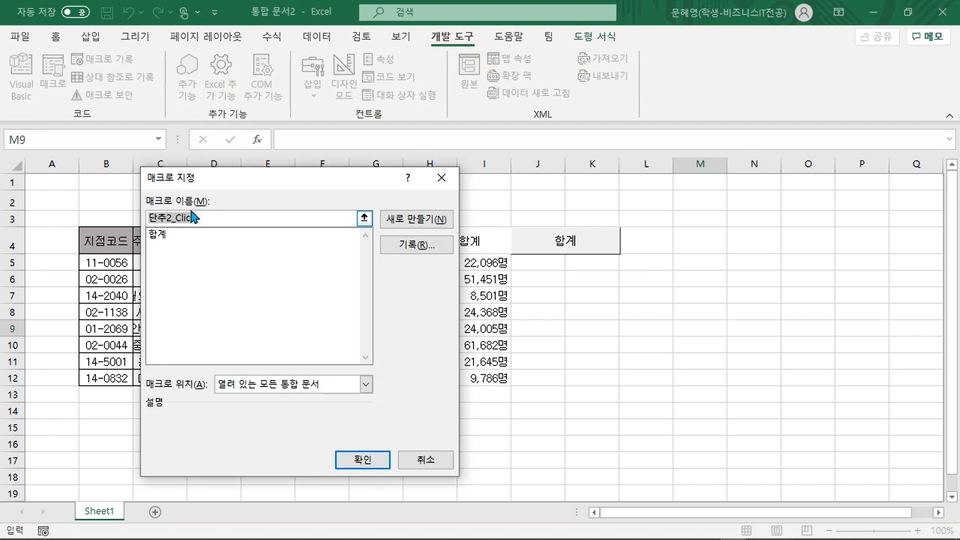
  • msgbox, inputbox, macro, vba/vbe, programming, basic configuration
  • (Level 1) Objects, Methods, Events

Database General Level 1/2 Mock Exam

  • Filter, Sort, Scenario (Level 1/Level 2)
  • Macros, Scenarios, Advanced Filters (Level 1/Level 2)
Data management (external data, query joins, subtotals)
Macros and Programming (msgbox, inputbox, macros)

Computer skills that are easy, light, and informative!

  • ✅ Everything from theory to problem solving is included in one place.
  • ✅ Review your theoretical knowledge by solving practice problems for each section.
  • ✅ We offer mock exams filled with past exam questions. Use them for a final check before your actual exam!

Recommended for
these people

Who is this course right for?

  • Anyone who wants to obtain a computer skills certificate

  • Anyone who wants to learn how to use computers for work

Hello
This is

8,278,676

Learners

6,372

Reviews

4.6

Rating

309

Courses

I will help you grow through useful IT lectures.

Curriculum

All

24 lectures ∙ (10hr 30min)

Course Materials:

Lecture resources
Published: 
Last updated: 

Reviews

All

6 reviews

5.0

6 reviews

  • everick93569님의 프로필 이미지
    everick93569

    Reviews 317

    Average Rating 4.9

    5

    13% enrolled

    thank you!!!!!!

    • hyde31633589님의 프로필 이미지
      hyde31633589

      Reviews 349

      Average Rating 5.0

      5

      100% enrolled

      Thank you, I listened carefully

      • dibin49925710님의 프로필 이미지
        dibin49925710

        Reviews 1

        Average Rating 5.0

        5

        83% enrolled

        I like it because it's easy to understand and explains things in detail.

        • jin1015님의 프로필 이미지
          jin1015

          Reviews 58

          Average Rating 4.8

          5

          100% enrolled

          Thank you for the great lecture~

          • ks1119choi1404님의 프로필 이미지
            ks1119choi1404

            Reviews 6

            Average Rating 5.0

            5

            100% enrolled

            I liked the detailed explanation

            $42.90

            usefulit's other courses

            Check out other courses by the instructor!

            Similar courses

            Explore other courses in the same field!