inflearn logo
inflearn logo

Create Your Own Business Copilot Agent for Non-Experts - Basic Course

Understand the difference between Copilots and Agents, and create Agents you can use immediately in your work, such as prompt coaches, translators, and internal regulation Agents. Maximize work efficiency by solving time-consuming problems like repetitive tasks, document organization, and meeting management with customized Agents that even non-experts can build.

강의소개.상단개요.수강생

난이도 입문

수강기한 3개월

AI
AI
Microsoft Copilot
Microsoft Copilot
AI Agent
AI Agent
AI
AI
Microsoft Copilot
Microsoft Copilot
AI Agent
AI Agent

강의상세_배울수있는것_타이틀

  • The ability to accurately understand the difference between Copilot Chat and Agents – being able to clearly distinguish when to use Copilot and when an Agent is more effective.

  • Practical Agent creation skills for immediate use in the workplace – you can directly build and utilize various types of Agents, such as prompt coaches, translation, internal regulations, and meeting minutes Agents.

  • Work automation and productivity enhancement skills – Gain experience in automating time-consuming tasks such as repetitive work, writing meeting minutes, and organizing information using Agents.

  • Structured Prompt Design and Agent Instruction Configuration Skills – Learn through hands-on practice how to design structured prompts and instructions that ensure an Agent operates exactly as intended.

  • Experience building your own customized workflow – by designing and testing agents specifically for your tasks, you can develop a personalized way of using AI that fits your work.


🤖 An expert AI Agent to help with your work,
now build and use it yourself!

Accurately understand the difference between Copilot as your work assistant and Agent as your work expert,
and create an Agent that can be directly applied to your work.

Anyone can easily create a customized Agent to maximize work efficiency
for time-consuming tasks such as repetitive document work, meeting minutes, and information organization.


#Artificial Intelligence (AI) #MicrosoftCopilot #AI Agent #Agent #CopilotAgent #Copilot

While work has become much more convenient through the AI assistant Copilot, more tasks than expected still flow repetitively and inefficiently. These include time-consuming tasks such as document organization, meeting summaries, regulation checks, data analysis, and translation.
This course is a practice-oriented program designed to help you clearly understand the difference between Copilot and Agents, and to directly create your own Agent to apply to your work immediately. By going through the Agent's operating principles, design methods, instruction configurations, and checklists one by one, you will master an Agent creation workflow that anyone can follow.


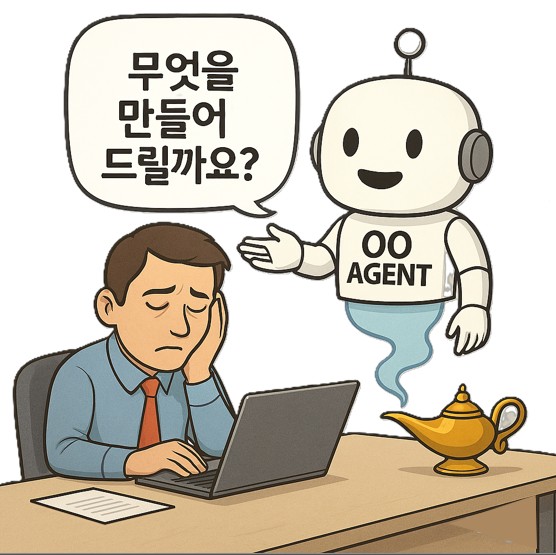
Are you tired of Copilot only giving you the right answers when you ask with a perfectly structured prompt every time?

Are you exhausted from manually looking up answers to inquiries
that are already documented?

Are you losing
your precious time to
repetitive tasks every day?

Through this course, you can transform from an AI user to an AI tool creator.
Start creating your customized Agent right now that will make your work lighter and faster!

By the end of this course, you will be able to

Leave repetitive tasks to the Agent, and we will turn you into an expert who maximizes work efficiency.

🤖🤖🤖

You can create and utilize your own custom Copilot Agent for work.

  • You will design and build customized Agents for tedious tasks such as repetitive email translation, internal policy guidance, and meeting minute summaries. You will go beyond being a simple Copilot user and transform into an expert who creates your own personal work assistants.

Gain a clear understanding of the differences between Copilot Chat and Agents, and develop the ability to select the optimal tool for each situation.

  • You will be able to clearly distinguish when using Copilot is effective and when your own custom Agent delivers more powerful performance. You will develop the insight to optimally utilize AI tools in alignment with your workflow.

Drastically reduce work time and maximize productivity by automating repetitive tasks.

  • You no longer need to spend time on simple, repetitive tasks. Through Agents, you can automatically handle tasks such as document organization, data collection, and schedule management, allowing you to focus the time you've saved on more valuable, creative work.

Gain core competencies in structured prompt design and Agent instruction configuration through hands-on practice.

  • Through hands-on practice in building an actual Agent, you will learn how to write structured prompts and configure effective instructions
    to ensure the Agent operates exactly as intended.


📚

Maximize work efficiency
by creating your own AI Agent!

This course aims to go beyond simply 'using' AI and focuses on the experience of creating and applying it directly to your own work.
By the end of the lecture, you will have the skills to design Agents that can already improve your work efficiency. Turn your Agent ideas into real changes in your workplace!


Utilizing Microsoft Built-in Agent Features

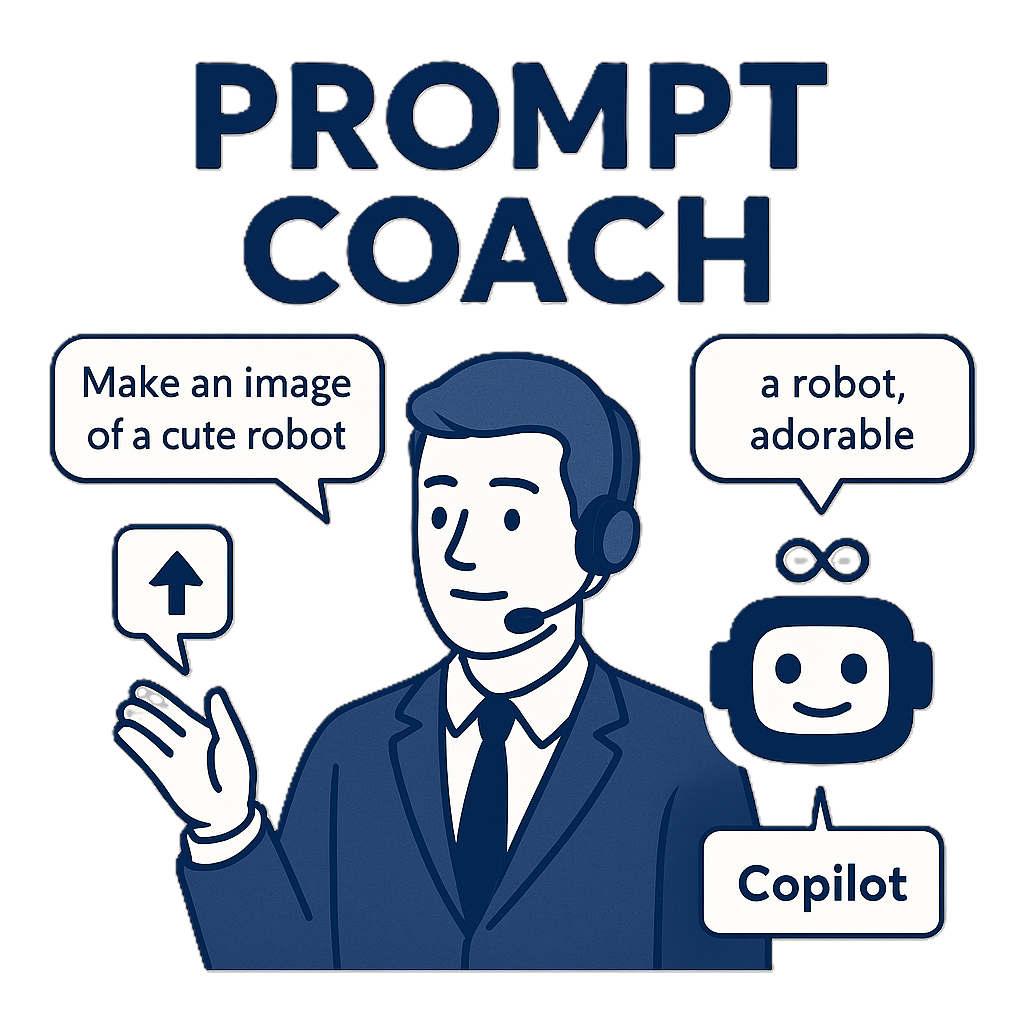
Explore the features of Microsoft's built-in Agents. By utilizing Agents such as the Prompt Coach, Microsoft 365 Administrator, Research Tool, and Analyst, you will master AI functions essential for practical tasks—including information retrieval, task management, and data analysis—to enhance your work productivity.


Creating Your Own Work Agent

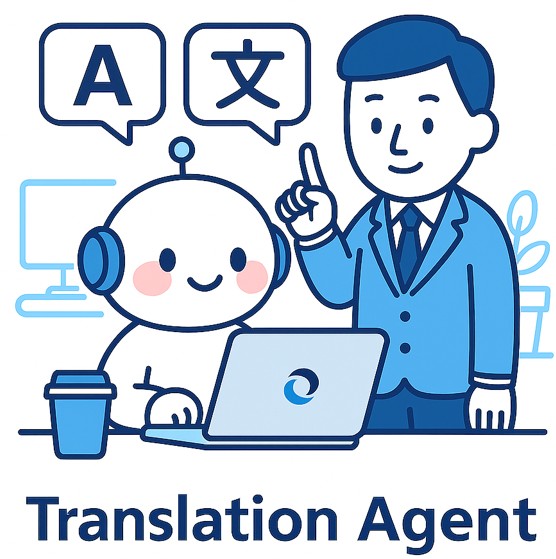
This is a hands-on course where you will design and create the Agents you need for your work. Through specific examples used in actual business—such as translation Agents and internal policy check Agents—you will strengthen your ability to build customized Agents that even non-experts can easily follow, from warming up for Agent creation to actual production.


Microsoft 365 Agent Utilization and Advanced Applications

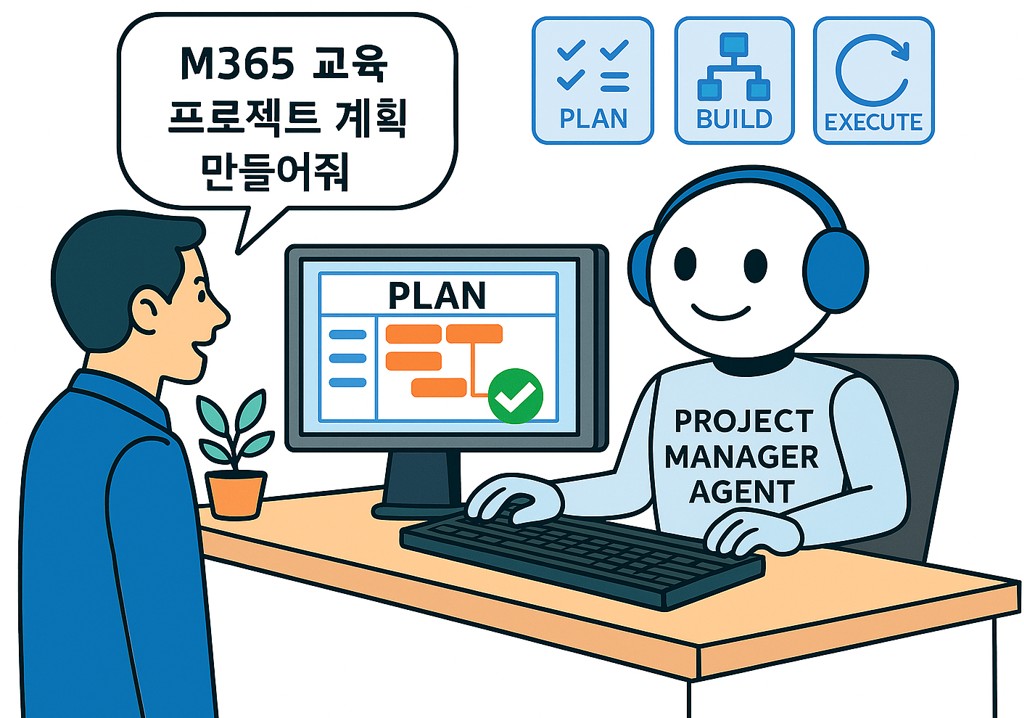
Explore the Agents applied to Microsoft 365 and expand the scope of Agent utilization through examples of popular Agent ideas used in corporations.

We can solve the concerns of people like this!
🕵️‍♀️

📌

Those who lack time to focus on work due to repetitive tasks

Those who lack time to focus on their actual core tasks due to repetitive paperwork, data organization, and meeting minutes.

📌

Team leaders/managers aiming to improve work efficiency

Those who want to increase team productivity by improving the process of sharing information and answering repetitive questions from team members

📌

Office workers who want to apply AI technology to their practical work

Those who want to create and use Agents in their actual work that can be applied immediately, even without coding or professional development knowledge.

Notes before taking the course


Hands-on Environment

  • Microsoft 365 Copilot for Business license (Practice environment)

  • Microsoft 365 Basic license or higher (Teams, etc.)


  • A computer with internet access

  • Headset or speakers

Prerequisite Knowledge and Important Notes

  • Prior knowledge of AI and Microsoft 365 is not required.

  • What matters most is the willingness to understand, create, and apply Agents to your work.

  • If you do not have a Copilot license, we will provide guidance on alternative practice methods. (Utilizing links and instructions)

Learning Materials

  • Providing practice prompts

  • Practice data files provided


  • Links to related Microsoft documents and guides

Your idea becomes your very own agent!

강의소개.콘텐츠.추천문구

학습 대상은 누구일까요?

  • Those who want to clearly learn how to actually use Copilot Chat and Agents.

  • Office workers who spend a lot of time on repetitive paperwork, reports, and writing meeting minutes

  • Managers and team leaders who want to improve their team/organization's work processes

  • People who want to build their own AI Agents and apply them to real-world tasks

  • Anyone who wants to increase work efficiency

선수 지식, 필요할까요?

  • No, no prior knowledge is required.

강의소개.지공자소개

2,634

수강생

294

수강평

165

답변

4.6

강의 평점

47

강의_other

Nice to meet you! We are "Omas", Microsoft 365 experts.
As Microsoft 365 experts, we will help you work more easily and smartly.

Introducing Omas's instructors!!

Instructor Hyunjung Ko
Microsoft MVP (Microsoft 365 Apps & Services, 2016 – Present)


Official Blog & Café


YouTube


Books 

  • Microsoft 365 Business for Users & Admins

  • OMAS: My Smart Work using Office 365

  • Office 365 Quick Guide Series 1. Creating a SharePoint Site for Collaboration

  • Office 365 Quick & Easy Series 2. BI that business users can apply to work immediately without expert help

  • Office 365 Quick & Easy Series 3. From Basics to Advanced All at Once! OneDrive for Business

  • Office 365 Quick Series 4. Creating mobile apps your company needs: PowerApps

  • Office 365 in SMBs: My Smart Work using Office 365

  • Using OneNote 2016! - Basic Edition

  • OneNote 2016 Utilization! - Advanced Guide

  • Female office workers, never do this! A cheerful look at how to succeed in your professional life by thinking outside the box.


Recognitions

  • MS-102 - Microsoft 365 Certified: Administrator Expert

  • MS-100 - Microsoft 365 Identity and Services

  • Teams Meetings and Meeting Rooms Technical Assessment

  • MS-700 - Microsoft 365 Certified: Teams Administrator Associate

  • MS-900 - Microsoft 365 Certified: Fundamentals

  • AZ-104 - MS Azure Administrator Associate

  • AZ-900 - Microsoft Certified: Azure Fundamentals

  • SC-900 - Microsoft Certified: Security, Compliance, and Identity Fundamentals

  • PL-900 - Microsoft Certified: Power Platform Fundamentals

  • Exam 347: Enabling Office 365 Services

  • Microsoft Office Specialist Word 2016 Expert

  • Microsoft Office Specialist PowerPoint 2016 Core

  • Certificate of Qualification. Presentation Speech 1st  Level

Other Qualifications

  • Presentation Speech Level 1 (Korea Vocational Skills Certification Association, Ministry of Employment and Labor)

  • CS Instructor Level 1 (Korea Vocational Competency Assessment Association, Ministry of Trade, Industry and Energy)

  • e-Learning Senior Consultant (Korea U-Learning Association)

  • e-Learning Instructor Level 2 (Korea U-Learning Association)

  • Computer Science Teacher Certificate (Minister of Education)

  • Lifelong Education Specialist Level 2 (Seoul University of Buddhism and Culture)

더보기

커리큘럼

전체

14개 ∙ (강의상세_런타임_시간 강의상세_런타임_분)

해당 강의에서 제공: [object Object]
강의 게시일: 
마지막 업데이트일: 

수강평

아직 충분한 평가를 받지 못한 강의입니다.
모두에게 도움이 되는 수강평의 주인공이 되어주세요!

omas님의 다른 강의

지식공유자님의 다른 강의를 만나보세요!

비슷한 강의

같은 분야의 다른 강의를 만나보세요!

강의상세.할인문구

$38,500.00

30%

$42.90