inflearn logo

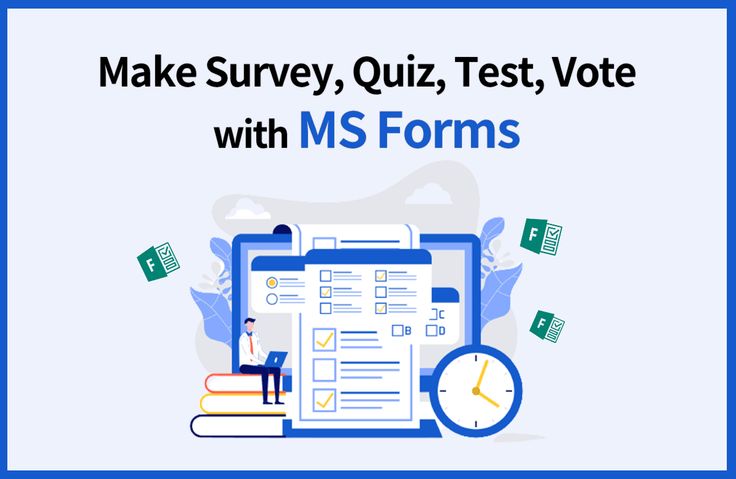
Easily create surveys/quizzes/tests/polls - MS Forms

Learn how to use MS Forms to create polls, surveys, satisfaction surveys, feedback forms, quizzes or tests that your company needs, collect responses, analyze the results and share them with others.

(4.7) 3 reviews

21 learners

Level Beginner

Course period 3 months

MS-Office
MS-Office
MS-Office
MS-Office

Reviews from Early Learners

4.7

5.0

dora100

33% enrolled

I love how you explained it so clearly! I'll try to use it in many different ways!!!

What you will gain after the course

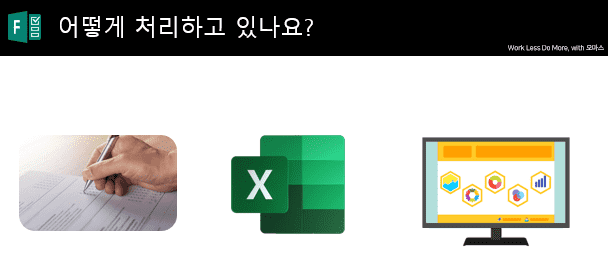
  • Work Processes After Using Microsoft Forms

  • MS Forms License

  • Understanding MS Forms Access and Menus

  • Create a MS Forms Survey

  • MS Forms Quiz/Test Creation

  • Create and edit surveys/quizzes

  • Set up and share your survey/quiz

  • Survey/Quiz Analysis and Output

  • Forms Tips & Tricks

Work Less, Do More
Survey/Test System in a snap! 🔨


Learn Microsoft Forms through practice
Welcome to the lecture!

Creating a Survey/Quiz System Without Development 📑

As you work , you'll likely need to conduct polls, surveys, customer satisfaction surveys, opinion polls, quizzes, and tests. These include dinner menus, workshop participation, company group T-shirt sizes, address books, parking registration, visitor registration, customer support satisfaction surveys, and employee evaluations.


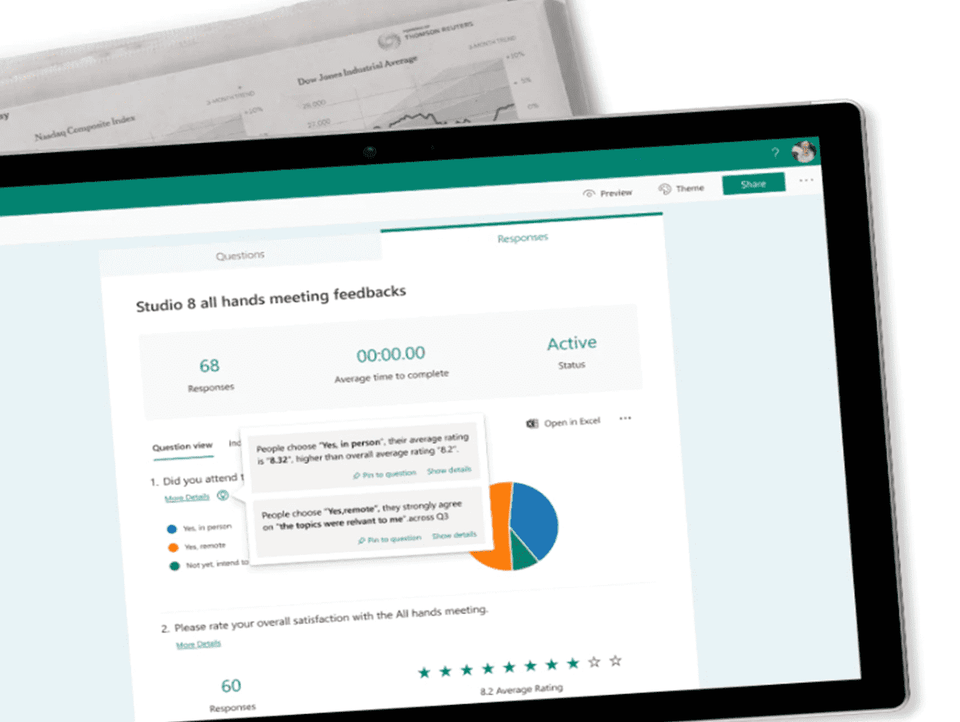
What if you could quickly and easily create surveys, polls, tests, quizzes, and more, share them with others via a link, and respondents could respond from their mobile devices or PCs? And if you could receive email notifications for every response and even have it automatically analyzed, wouldn't your work process be significantly streamlined and more convenient?

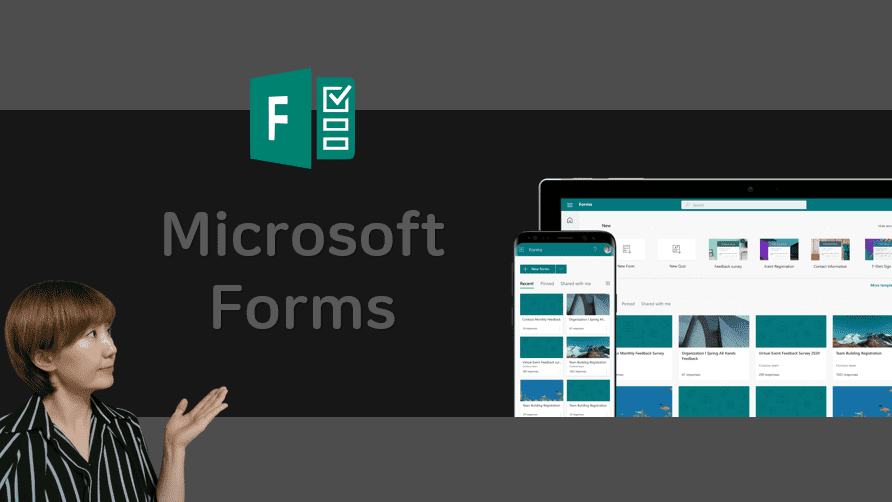
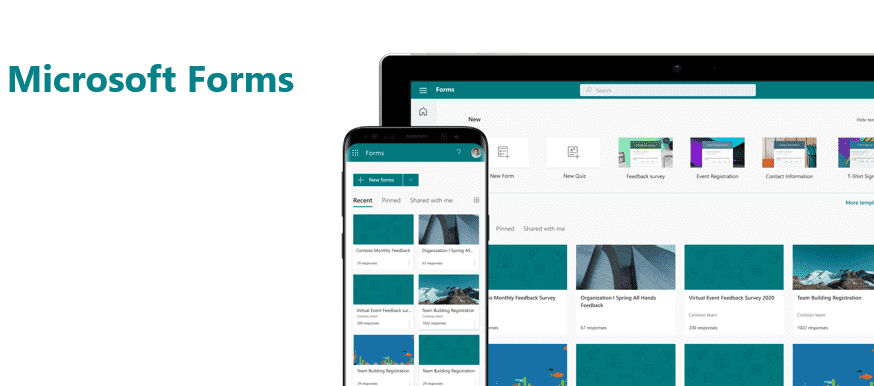
Microsoft Forms is an automated solution that allows you to create surveys/polls/quizzes/tests quickly and easily.

In this lecture, we'll use Microsoft Forms to create surveys, quizzes, and polls for your company. Through hands-on practice, you'll gain a deeper understanding of Forms and be able to create a variety of surveys and quizzes for your company. I'm learning.


Learn things like this 📚

1. Forms Overview
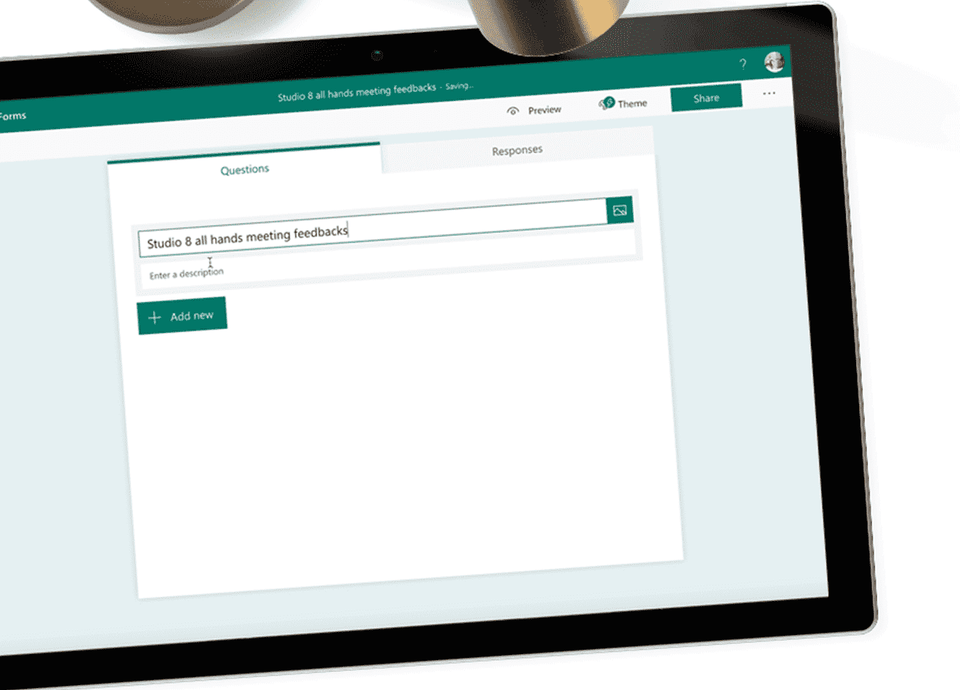
2. Forms (Creating a Survey)
3. Create a quiz
4. Survey/Quiz Composition and Editing
5. Survey/Quiz Setup and Sharing
6. Survey/Quiz Analysis and Extraction
7. Tips & Tricks


What you need for the lecture ✒️


  • Microsoft Forms
  • Included with Microsoft 365 Business Apps license or higher
  • Trial license for Microsoft 365 Business Apps license or higher
  • PC with internet access
  • headset or speakers

Preview Q&A 💬

Q. Do I need to purchase a license to attend the lecture?

No, you can practice with a free license (Business Apps trial or higher).

Q. Do I need any prior knowledge to take the course?

We teach from the beginning, from product introduction to connection method, so no prior knowledge is required.

Q. Is a personal license (such as outlook.com) also available?

Forms is actually free for personal use, but this course is based on a business license, so please note that there may be differences.


Introducing the knowledge sharer 🙋‍♀️


Recommended for
these people

Who is this course right for?

  • For those of you who are curious about Forms

  • Anyone who wants to create a survey with Forms

  • Anyone who wants to create a poll with Forms

  • Anyone who wants to create a quiz with Forms

  • Anyone who wants to create a test with Forms

  • Anyone who wants to collect various data through Forms

Need to know before starting?

  • No! We will proceed from A to Z, starting with product introduction and connection.

Hello
This is omas

Career Verified

3,014

Learners

356

Reviews

167

Answers

4.6

Rating

47

Courses

Nice to meet you! We are Microsoft 365 experts, “Omas.”
Our Microsoft 365 experts will help you work more easily and efficiently.

Meet the instructor, Omas!!

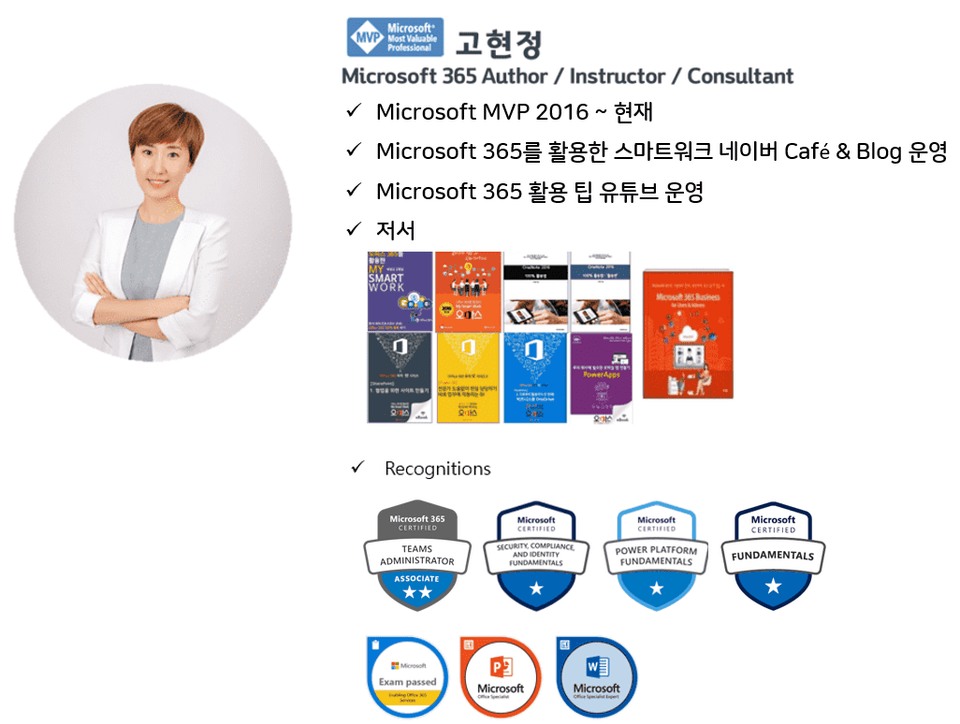
Instructor Ko Hyun-jung
Microsoft Certified Trainer
Microsoft MVP (Microsoft 365 Apps&Services, 2016–present)


Official Blog & Café

YouTube

Books

  • Microsoft 365 Business for Users & Admins

  • My Smart Work with Office 365 by Omas

  • Office 365 in a Flash Series 1: Building a SharePoint Site for Collaboration

  • Office 365 in a Flash Series 2. BI that business users can put to work right away without expert help

  • Office 365 Made Easy Series 3. OneDrive for Business, from basics to practical use!

  • Office 365 Made Easy Series 4: Build the Mobile App Your Company Needs with PowerApps

  • Office 365 in Small and Medium-Sized Businesses: My Smart Work Using Office 365

  • OneNote 2016 in Action! - Basics 

  • Using OneNote 2016! - Advanced Edition

  • Working Women, Never Do These Things! A Fun, Fresh Take on How to Succeed at Work


Recognitions

  • MS-102 - Microsoft 365 Certified: Administrator Expert

  • MS-100 - Microsoft 365 Identity and Services

  • Teams Meetings and Meeting Rooms Technical Assessment

  • MS-700 - Microsoft 365 Certified: Teams Administrator Associate

  • MS-900 - Microsoft 365 Certified: Fundamentals

  • AZ-104 - Microsoft Azure Administrator Associate

  • AZ-900 - Microsoft Certified: Azure Fundamentals

  • SC-900 - Microsoft Certified: Security, Compliance, and Identity Fundamentals

  • PL-900 - Microsoft Certified: Power Platform Fundamentals

  • Exam 347: Enabling Office 365 Services

  • Microsoft Office Specialist Word 2016 Expert

  • Microsoft Office Specialist PowerPoint 2016 Core

  • Certificate of Qualification. Presentation Speech Level 1

Other Qualifications

  • Presentation Speech Level 1 (Korea Vocational Competency Testing Association, Ministry of Employment and Labor)

  • Level 1 CS Instructor (Korea Vocational Competency Testing Association, Ministry of Trade, Industry and Energy)

  • Top E-Learning Consultant (Korea U-Learning Association)

  • E-Learning Instructor Level 1 (Korea U-Learning Association)

  • Computer Science Teacher Certification (Minister of Education)

  • Lifelong Education Specialist Level 2 (Seoul Culture Arts University)

More

Curriculum

All

9 lectures ∙ (1hr 17min)

Published: 
Last updated: 

Reviews

All

3 reviews

4.7

3 reviews

  • dora1009277님의 프로필 이미지
    dora1009277

    Reviews 1

    ∙

    Average Rating 5.0

    5

    33% enrolled

    I love how you explained it so clearly! I'll try to use it in many different ways!!!

    • omas
      Instructor

      Wow... 😊 Thank you for the encouraging review~ I hope you can use it in various ways to make your work much more convenient~~ 🙏🙏

  • lifeistogether7123님의 프로필 이미지
    lifeistogether7123

    Reviews 26

    ∙

    Average Rating 5.0

    5

    100% enrolled

    Thank you for explaining it in an easy-to-understand way. It was very helpful.

    • omas
      Instructor

      I'm so glad it helped you! Thank you~ 😊😊

  • borii24756님의 프로필 이미지
    borii24756

    Reviews 1

    ∙

    Average Rating 4.0

    4

    89% enrolled

    Thank you for the great lecture! In the Tips & Tricks lecture, you said you would provide a link to an example of a survey questionnaire, but I can't find it.... Please check.

    • omas
      Instructor

      Oh, I guess I forgot to include that! I'll share the link~ https://create.microsoft.com/en-us/forms-templates

omas's other courses

Check out other courses by the instructor!

Similar courses

Explore other courses in the same field!

25% off for new members

$8.80

25%

$8.80