CSS Grid in Practice - Learning Web Layouts Through Figma Designs

**Once you’ve mastered the basics of CSS, create complex web layouts freely with Grid.** Build your layout design skills for professional web publishing through step-by-step practice, from the core concepts of CSS Grid to analyzing Figma designs and implementing them on the web.

(5.0) 2 reviews

25 learners

Level Basic

Course period Unlimited

HTML/CSS
HTML/CSS
jQuery
jQuery
Figma
Figma
HTML/CSS
HTML/CSS
jQuery
jQuery
Figma
Figma

What you will gain after the course

  • Complete Guide to Basic CSS GRID Syntax and Properties

  • Project Practice with Hands-On Examples

  • Tips for Implementing a Design Reference Webpage

"You’ll lose out if you don’t claim it now! Just subscribe to YouTube and pay half the course fee"

Subscription & Like & Comment Event

Complete a simple mission and receive a 50% off coupon instantly. Don’t miss this incredible limited-time offer—claim it now!

Participate in the YouTube subscription & comment verification event: https://forms.gle/wcD2wRVeaG7B7fSj7

When Should You Use CSS GRID?

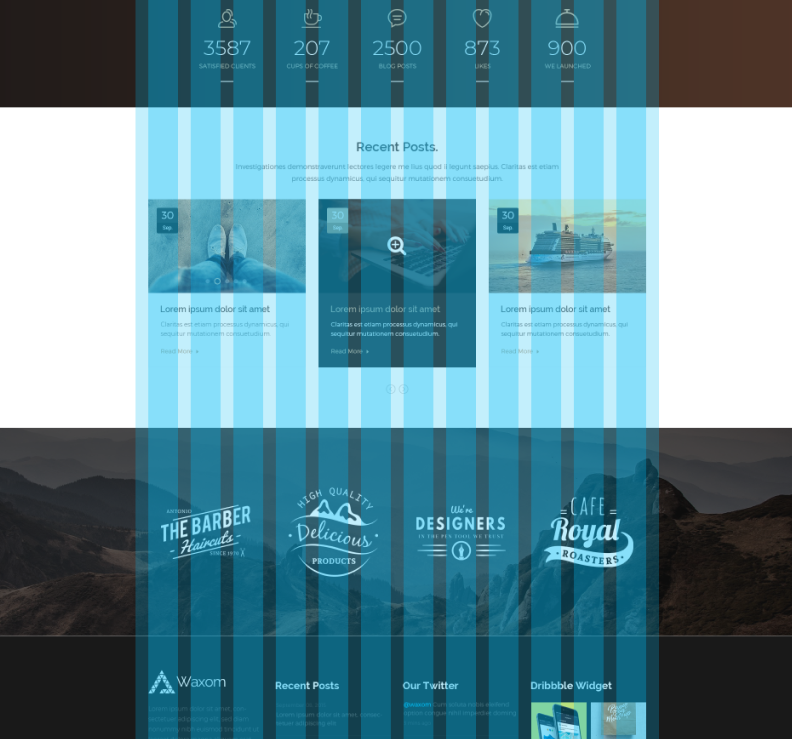
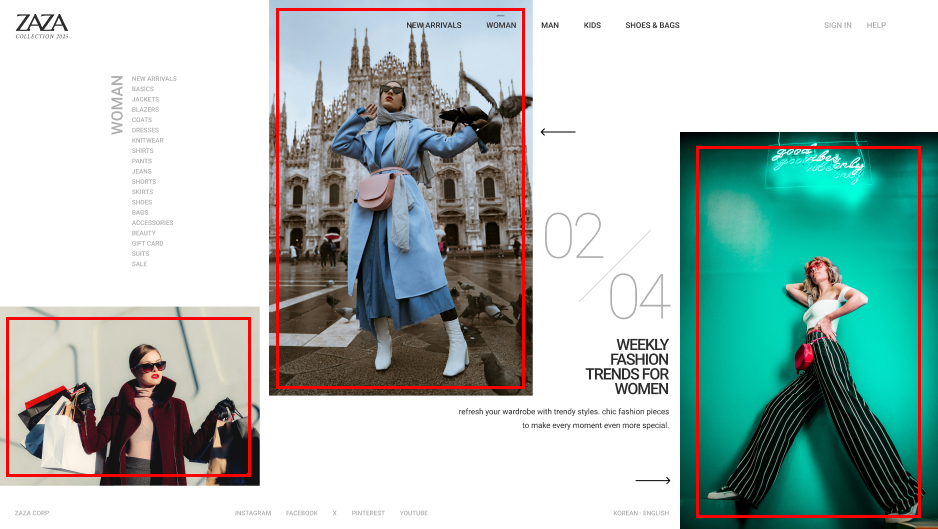
If you were given a design like the one below, how would you write the styles?

You would probably arrange the elements using floats or flex, right? When the elements are well aligned horizontally and vertically according to a 12-column grid, as in the design, it would be efficient to arrange them using floats or flex.

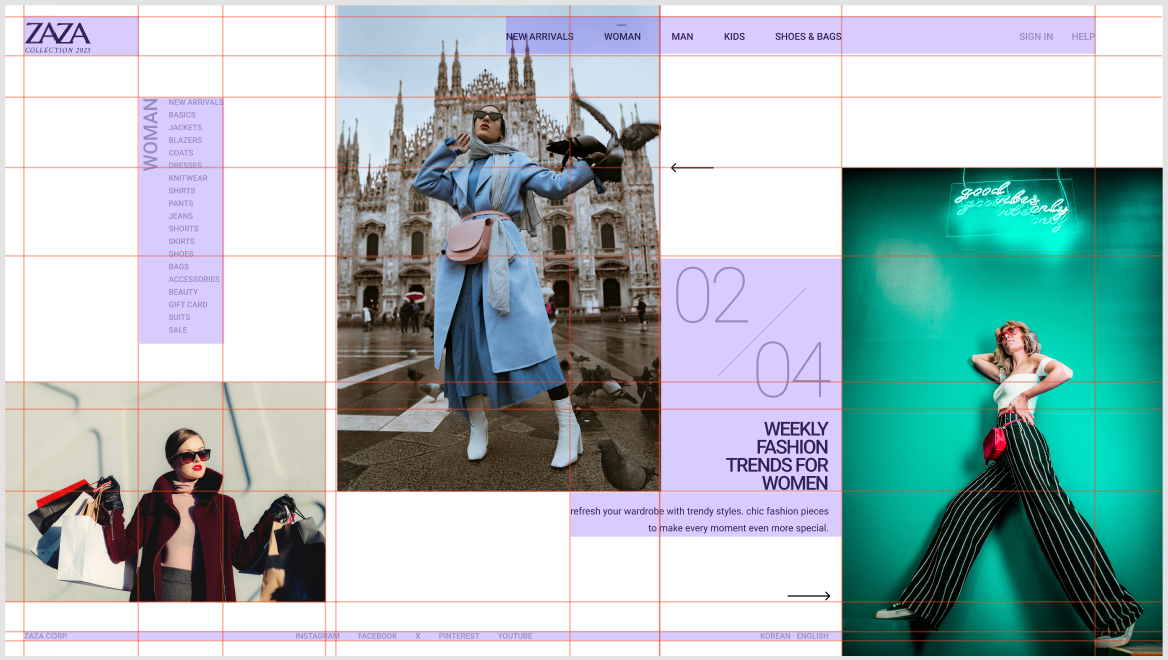
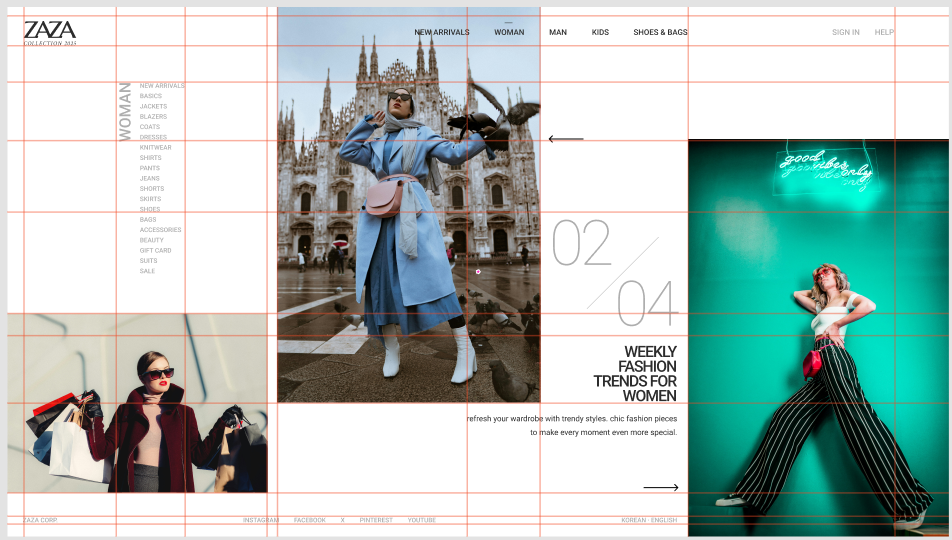
Then how about a design like the one below?


The above design is not easy to lay out using float or flex. However, handling all the elements with absolute positioning is impractical, and doing so would make maintenance difficult later. If implemented responsively, the site would become even harder to maintain.

When implementing a design like the example above, you should use CSS GRID by setting up the grid as shown below and placing elements within the configured grid.


Key Learning Content

Learn the various properties of CSS Grid.

  1. Grid Basics

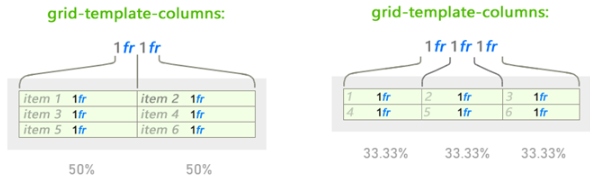
  2. Fraction


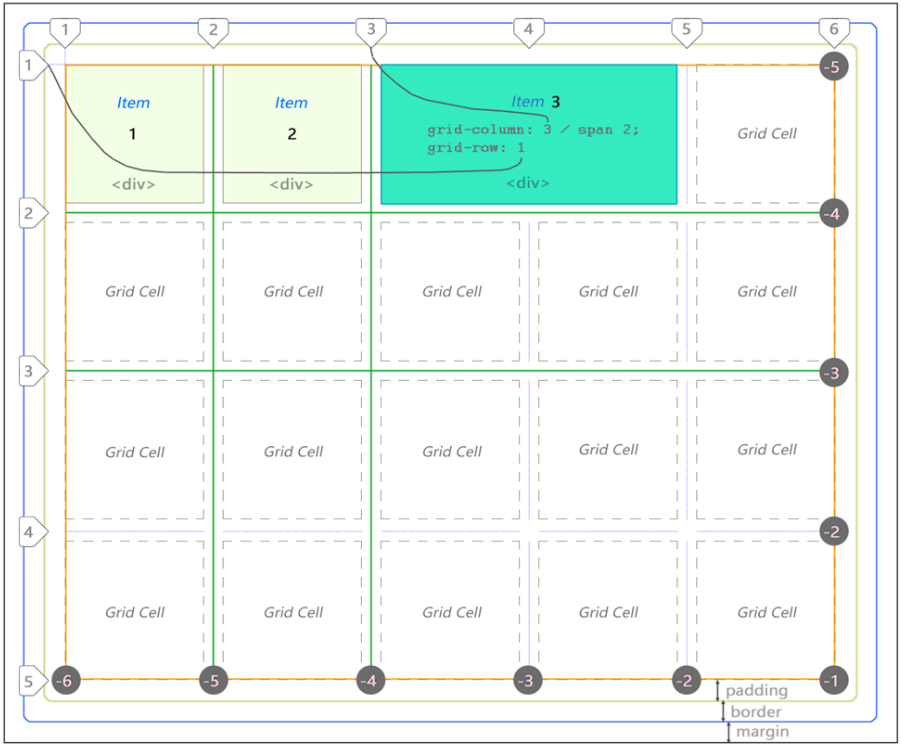
  3. Positioning - Using line numbers

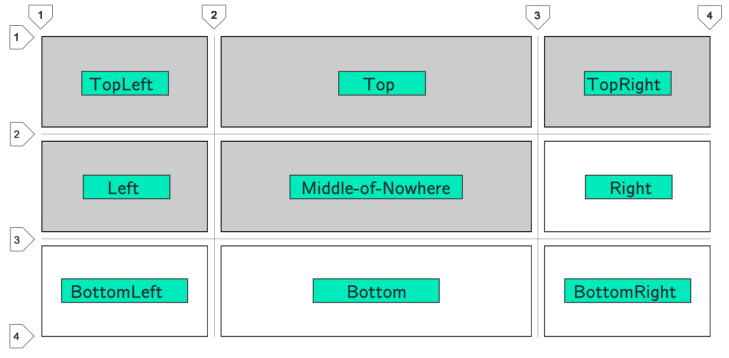
  4. Positioning - Using grid cell names


  5. auto-fit and min-max functions


    Learn how to place as many elements as possible depending on the container's width.

  6. Automatic row placement
    Rows without a separately specified height can also have their row height set automatically when there is not enough space.

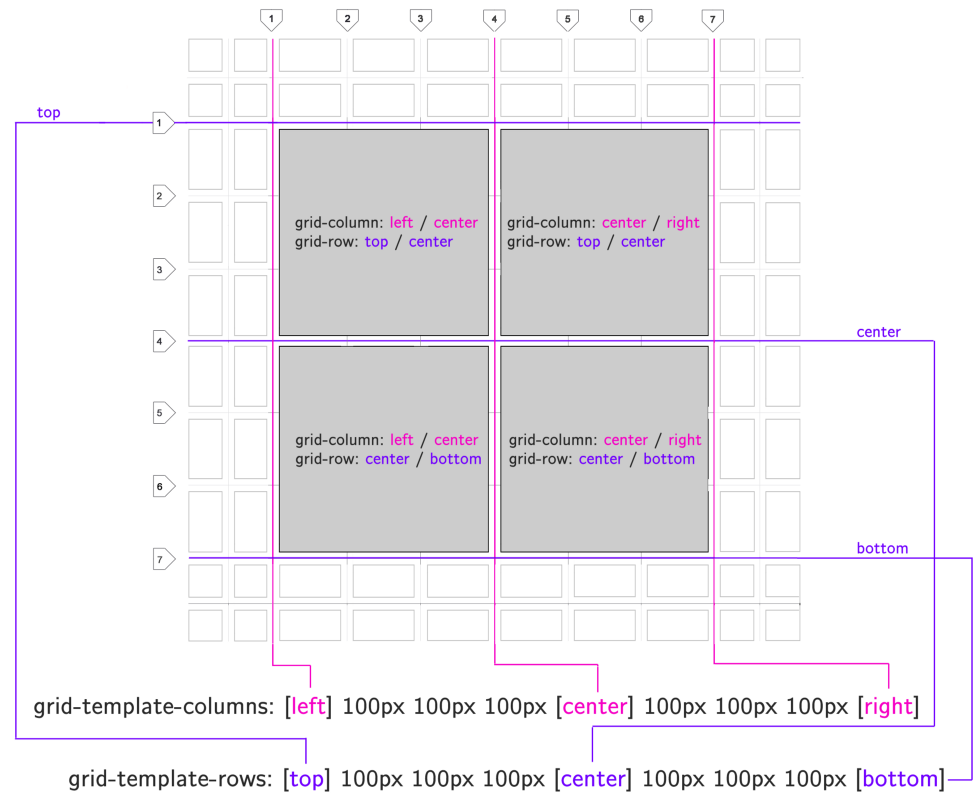
  7. Placing items by grid line name


  8. A new property available only in Grid
    You can use a property similar to flex's align-items not only on the cross axis but also on the main axis.

  9. FLEX Properties Available in Grid
    You can also use various flex properties on elements with display:grid applied.

  10. Automatically placing rows - auto-fit, auto-fill
    Learn how to place as many columns as possible and handle the remaining space.


  11. Building a Website - Article Layout
    Use the grid properties you learned to build a simple webpage.


  12. Using Grid and Flex
    Learn how to style web pages using CSS Grid and Flex.


Learn how to implement design reference websites.

Understanding the design and creating elements

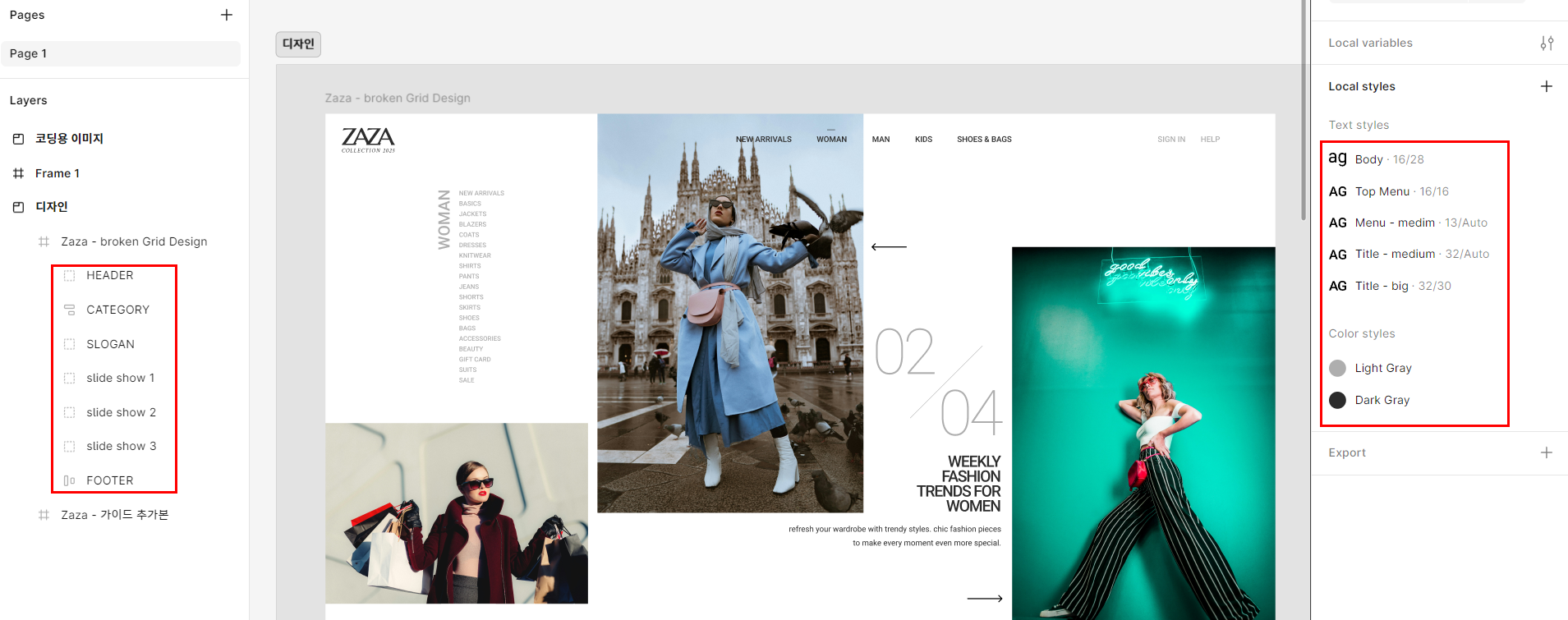
Check whether the groups and layers in the design are organized in a coding-friendly way, and determine whether the styles or variables have been reflected in the design. Save the necessary images as appropriate.

Writing HTML for Each Section

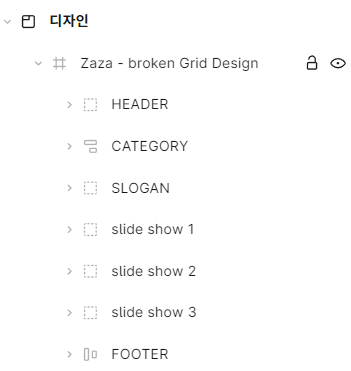
Refer to the group names to create the main sections of the HTML, and refer to the detailed design to write appropriate HTML tags suited to the nature of the content. At this time, ensure compliance with search engine optimization, web standards, and other requirements.

Set up the overall GRID layout

Add guides according to the elements to be placed, making it easy to check the widths of rows and columns.

Writing CSS for Each Section

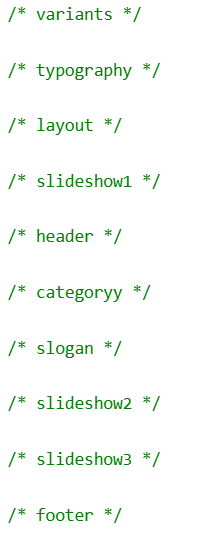
Write the CSS for each section, separating them with comments.

Implementing a Slideshow Using a Library

Implement slide navigation via buttons or an automatic slideshow using the jQuery library.

Using a Slide Library

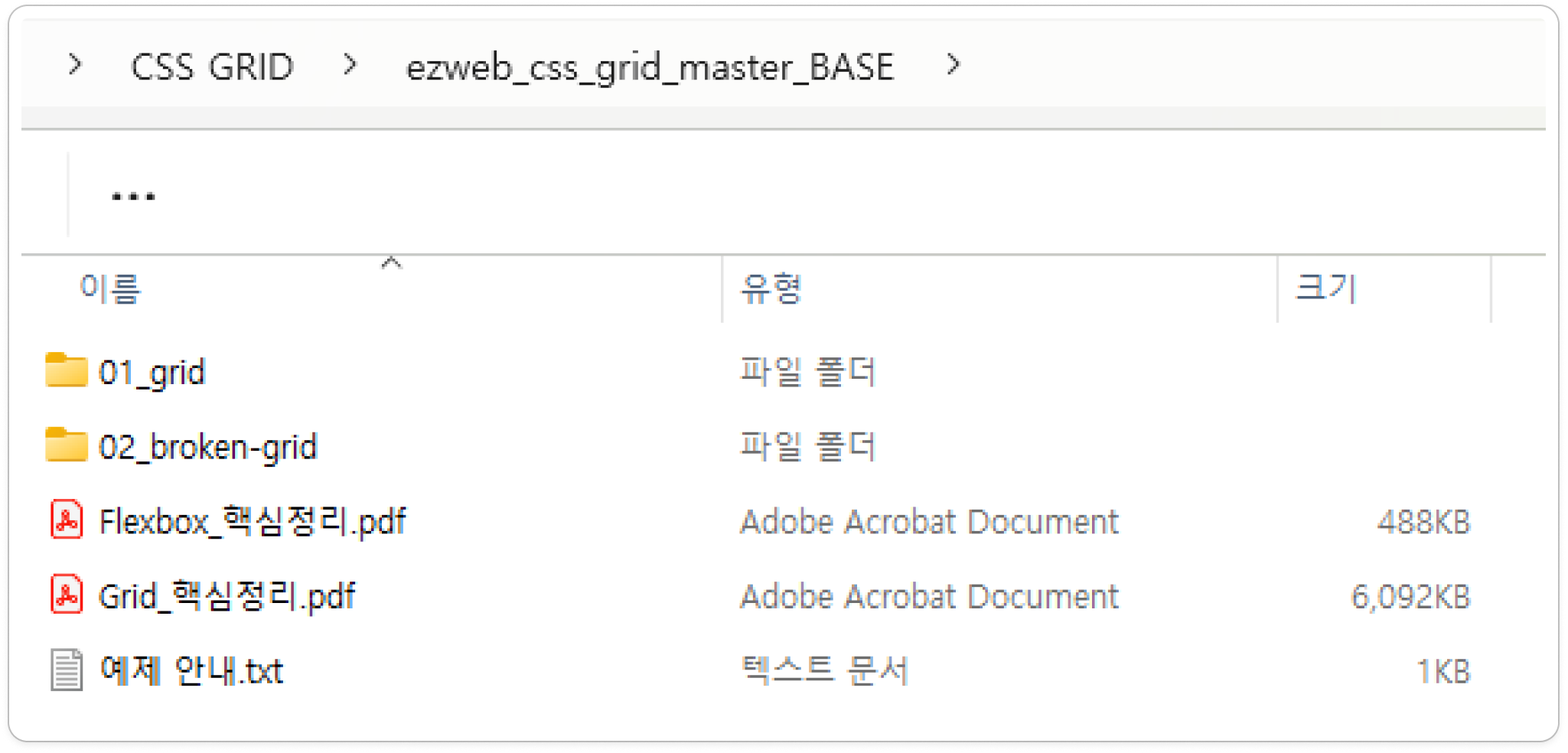
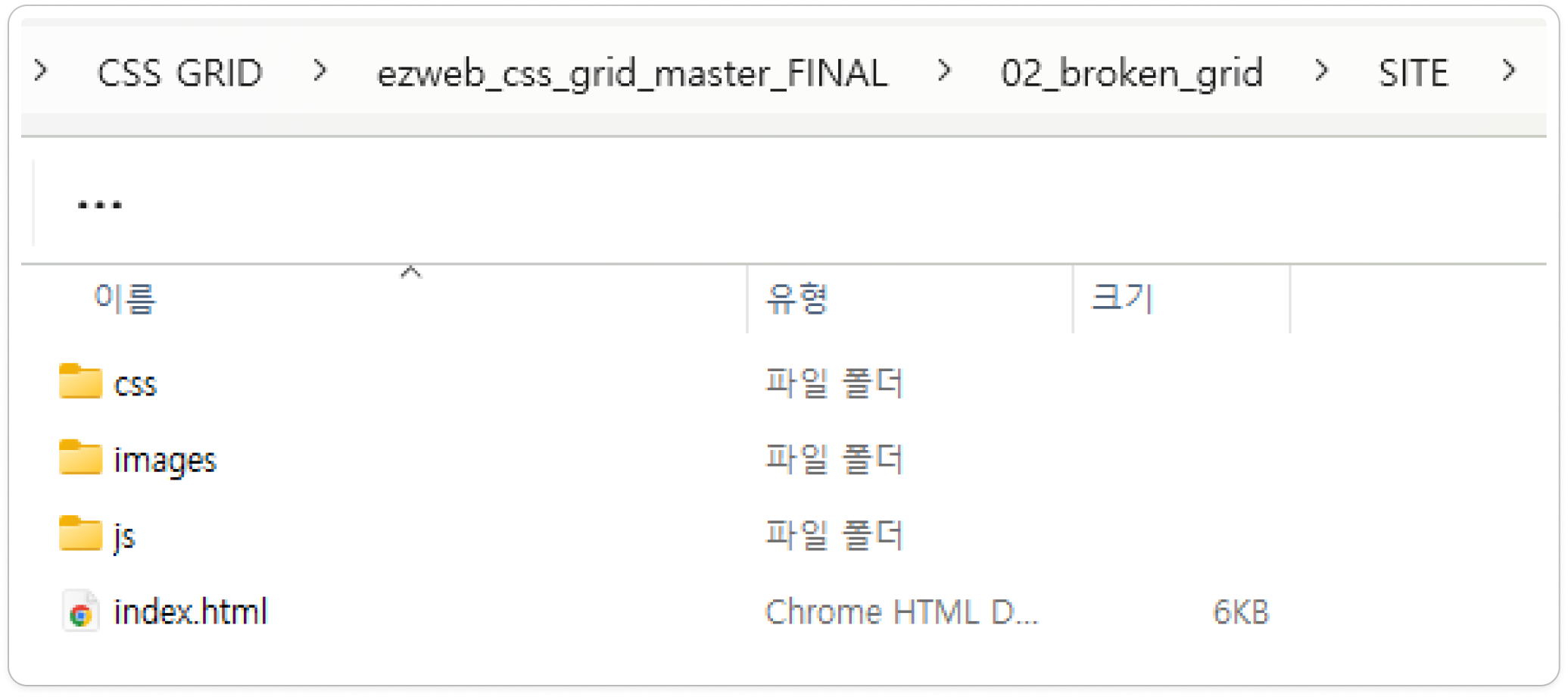
A PDF summarizing the key points is provided.

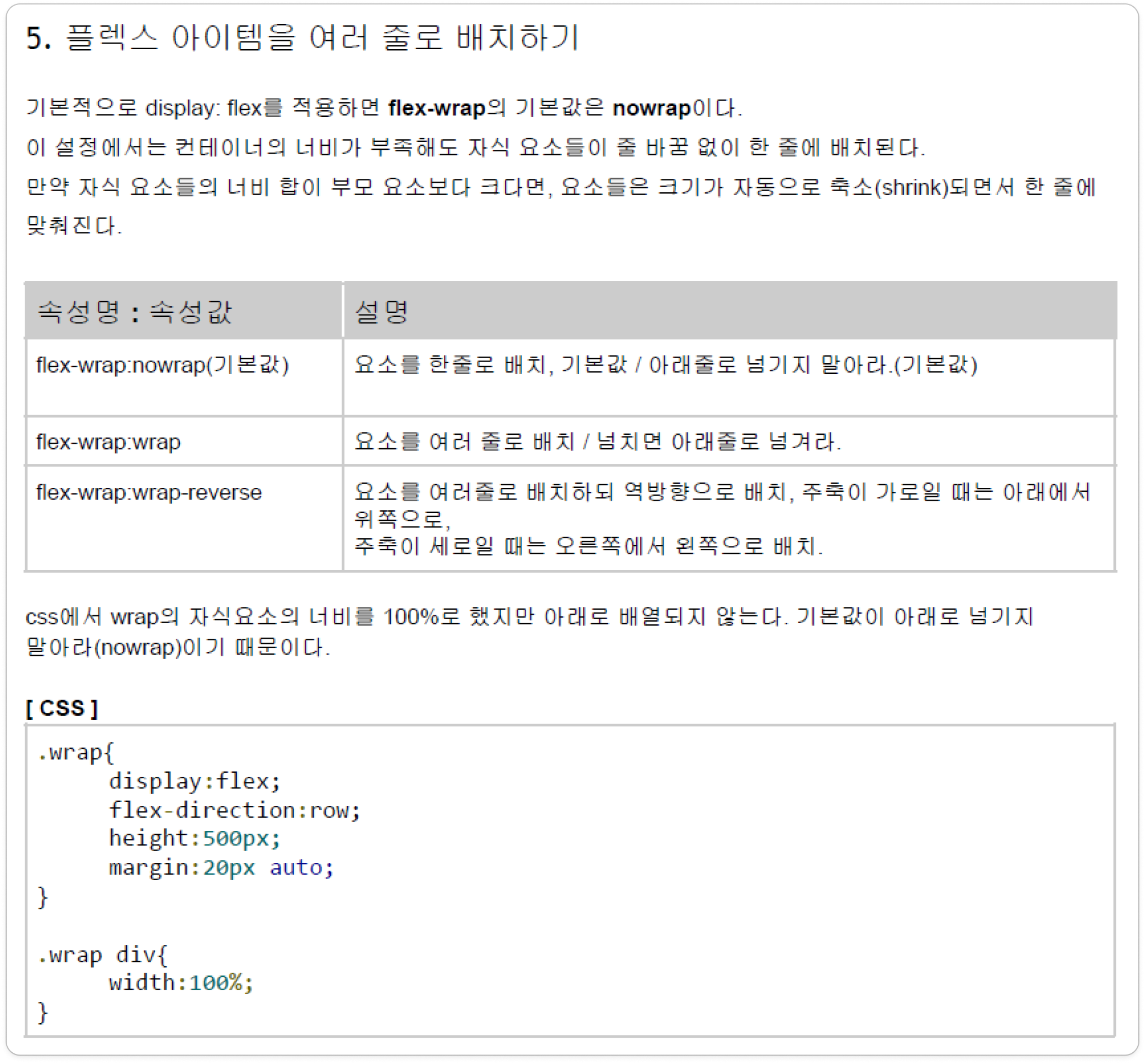
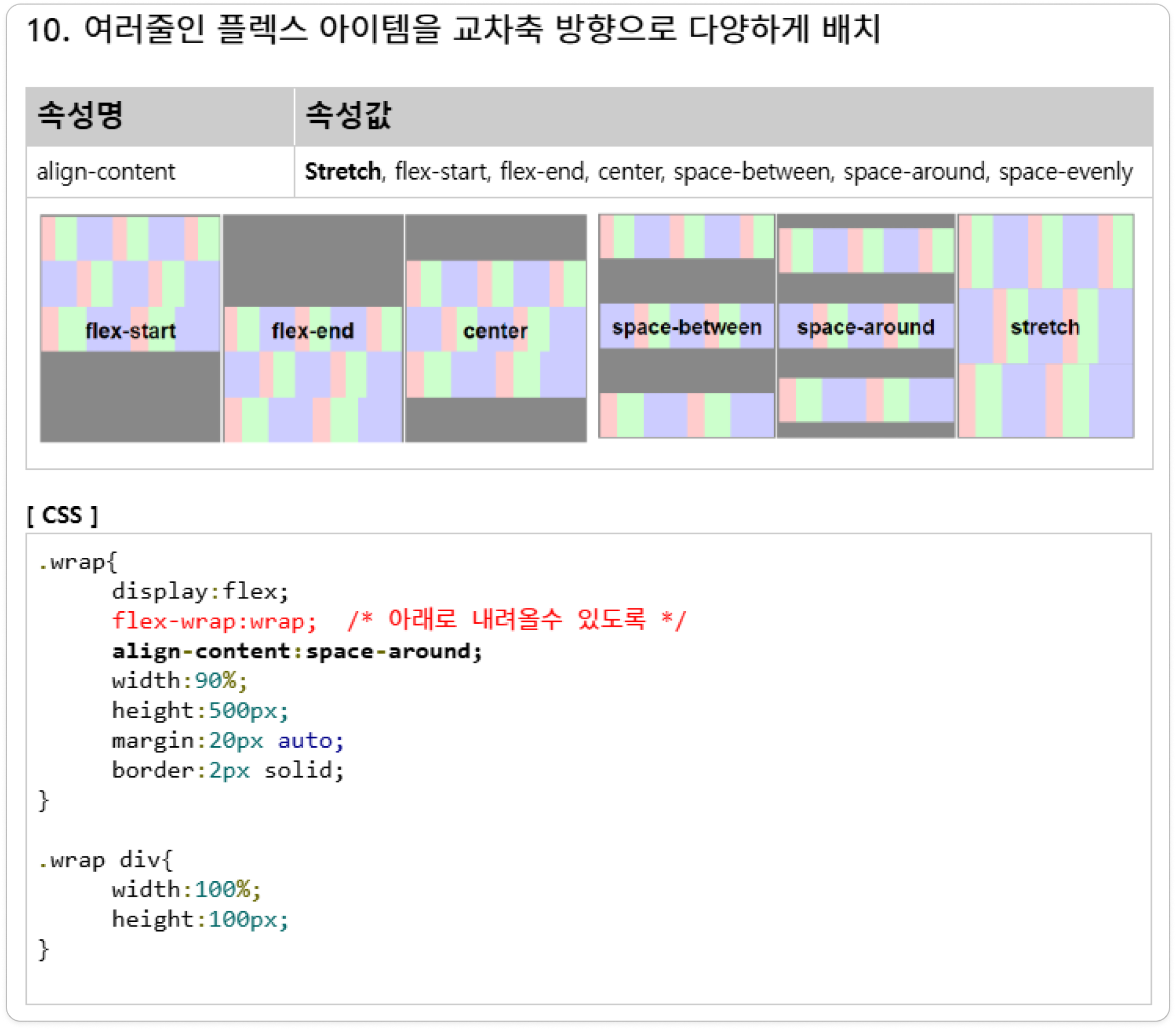
We provide explanations of all flex properties and practice example files.


A starter example is provided.

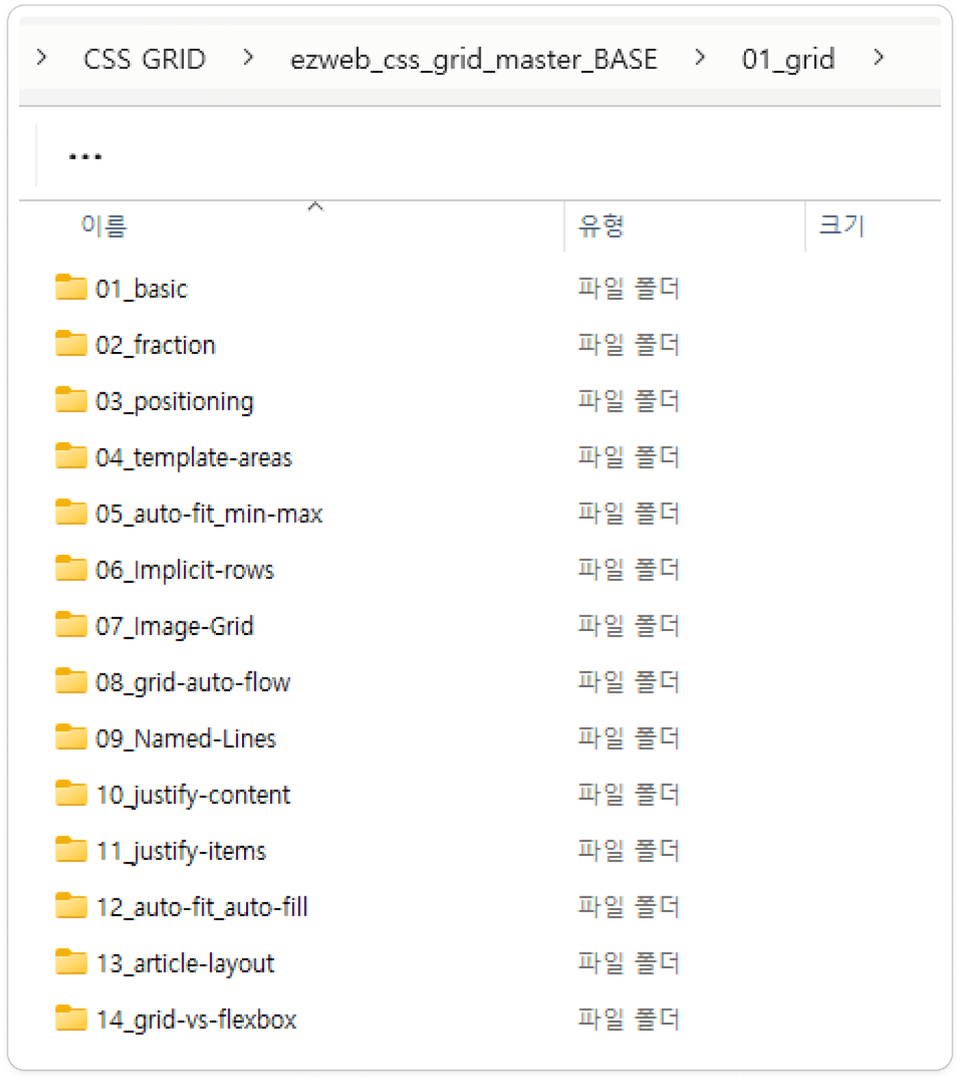
The 01_grid folder contains example files covering the core grid properties. You can learn by following along with the lecture.


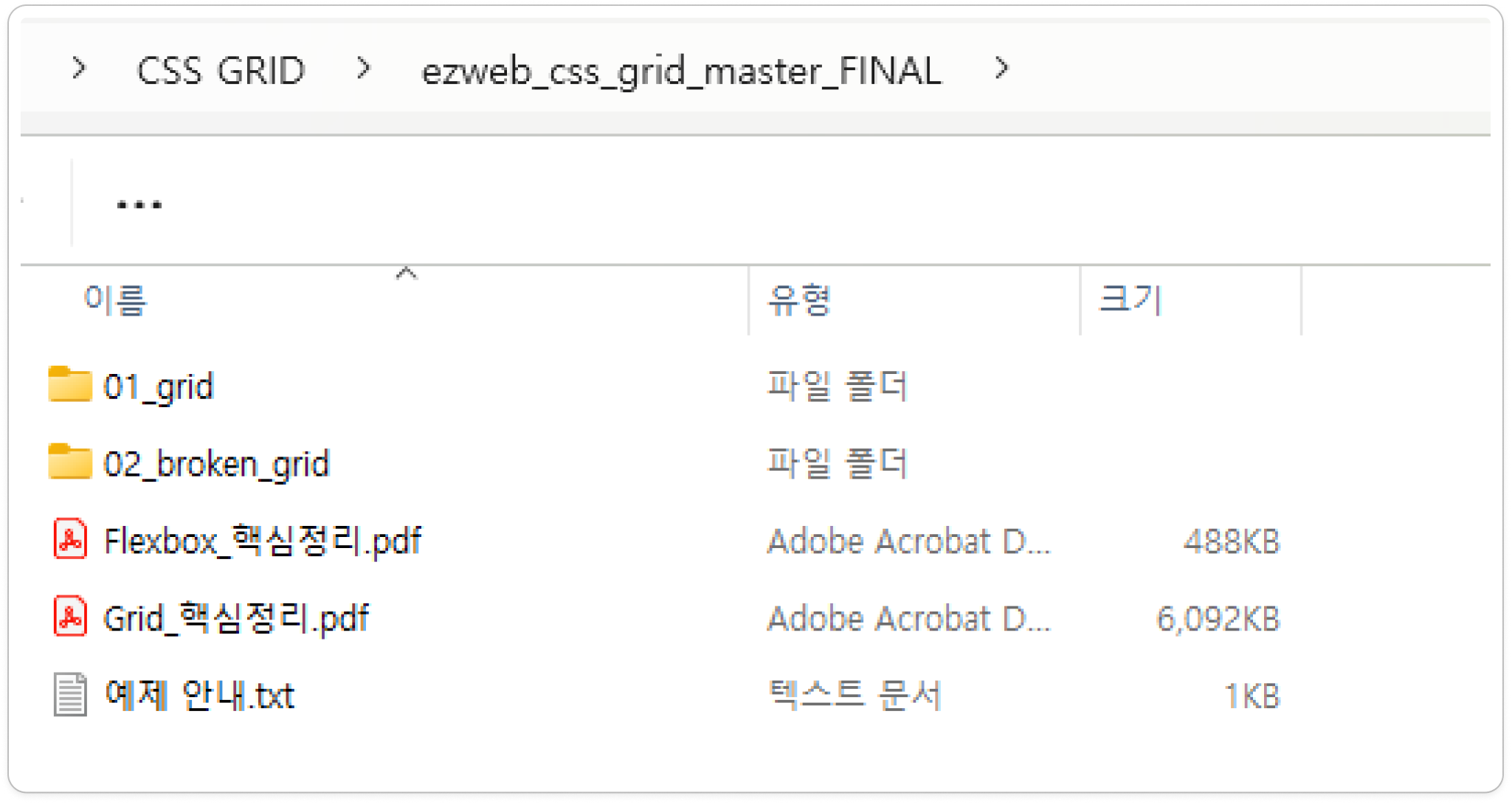
We provide the completed example.

We provide the completed source code. Compare it with the example you completed in the lesson.


We recommend the following courses.

Javascript Basics

Learn practical examples covering the basics of pure JavaScript.

jQuery Basics

Learn jQuery fundamentals, practical examples, and how to use major libraries.

Recommended for
these people

Who is this course right for?

  • Those who have a basic understanding of HTML and CSS but struggle with layout design

  • Those who find the process of implementing a design mockup in code difficult

  • Those who want to build a well-organized UI using CSS Grid

  • For those who want to switch from the traditional float and flexbox methods to more efficient layout management.

  • Those who want to create a clean, modern website themselves

  • Those who want to gain practical experience through projects

Need to know before starting?

  • HTML Basics

  • CSS Basics

Hello
This is ezweb

Career Verified

3,001

Learners

77

Reviews

4

Answers

4.9

Rating

15

Courses

I am a web front-end instructor specializing in everything from practical front-end training and on-site lectures for companies and institutions to producing online courses.

■ Specialized Front-End Courses
HTML/CSS, JavaScript, React, Firebase, Figma, AI-assisted web development, and more
I provide step-by-step training from web publishing to practical front-end development.

■ Available to lecture at companies, organizations, and educational institutions
Training for corporate practitioners, KDT programs, university and academy special lectures, etc.
Curricula can be tailored to the target audience and their skill level, and on-site lectures can be provided.

■ Online course design and production available
From planning online lecture curricula to creating teaching materials, PPTs, hands-on materials, and sample code,
we can handle the entire process of producing online educational content, including lecture filming and content delivery.

■ Both online and offline classes available
In addition to offline academy classes, we offer various formats tailored to the educational environment,
including live online classes and recorded content production.


■ Key Activities

  • ESTSOFT KDT Frontend Course

  • Green Computer Academy Web Publishing and Front-End Courses

  • Runs the web publishing YouTube channel ‘ezweb’.

  • Authored books on web publishing and web design


■ Books
2021.07 / The Complete Guide to Using Figma for Web Design & Web Publishing / BJ Public

2022.08 / Web Publishing for Those New to Coding  / Youngjin Publishing

2023.10 / 2024 SD Edu Yuseonbae Web Design Craftsman Practical Exam Tutoring Notes / Sidaegosi Planning

2024.11 / 2025 SD Edu Yuseonbae Web Design Technician Practical Exam Tutoring Notes / Sidae Exam Planning

2025.11 / 2026 SD Edu Yoo Seon-bae Web Design Craftsman Practical Exam Tutoring Notes / SidaeGosi Planning


More

Curriculum

All

24 lectures ∙ (4hr 51min)

Course Materials:

Lecture resources
Published: 
Last updated: 

Reviews

All

2 reviews

5.0

2 reviews

  • mrnobody님의 프로필 이미지
    mrnobody

    Reviews 8

    ∙

    Average Rating 5.0

    5

    100% enrolled

    Thank you for the great lecture.

    • jinimini님의 프로필 이미지
      jinimini

      Reviews 7

      ∙

      Average Rating 4.9

      5

      33% enrolled

      ezweb's other courses

      Check out other courses by the instructor!

      Similar courses

      Explore other courses in the same field!