

강의

멘토링

커뮤니티

Design

/

3D Modeling

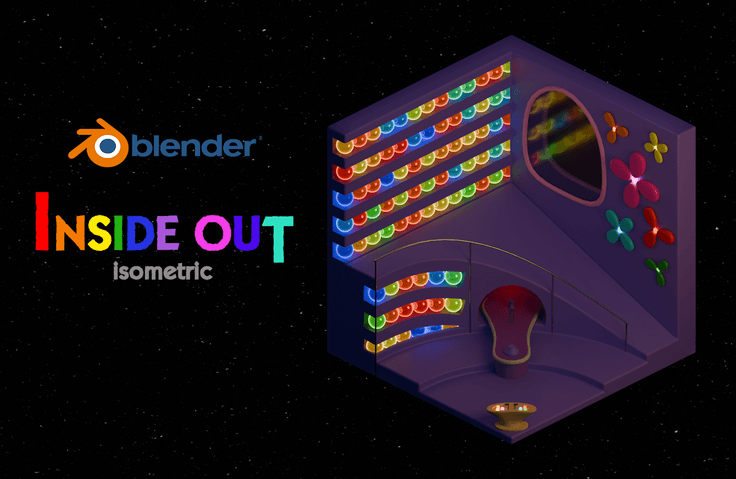
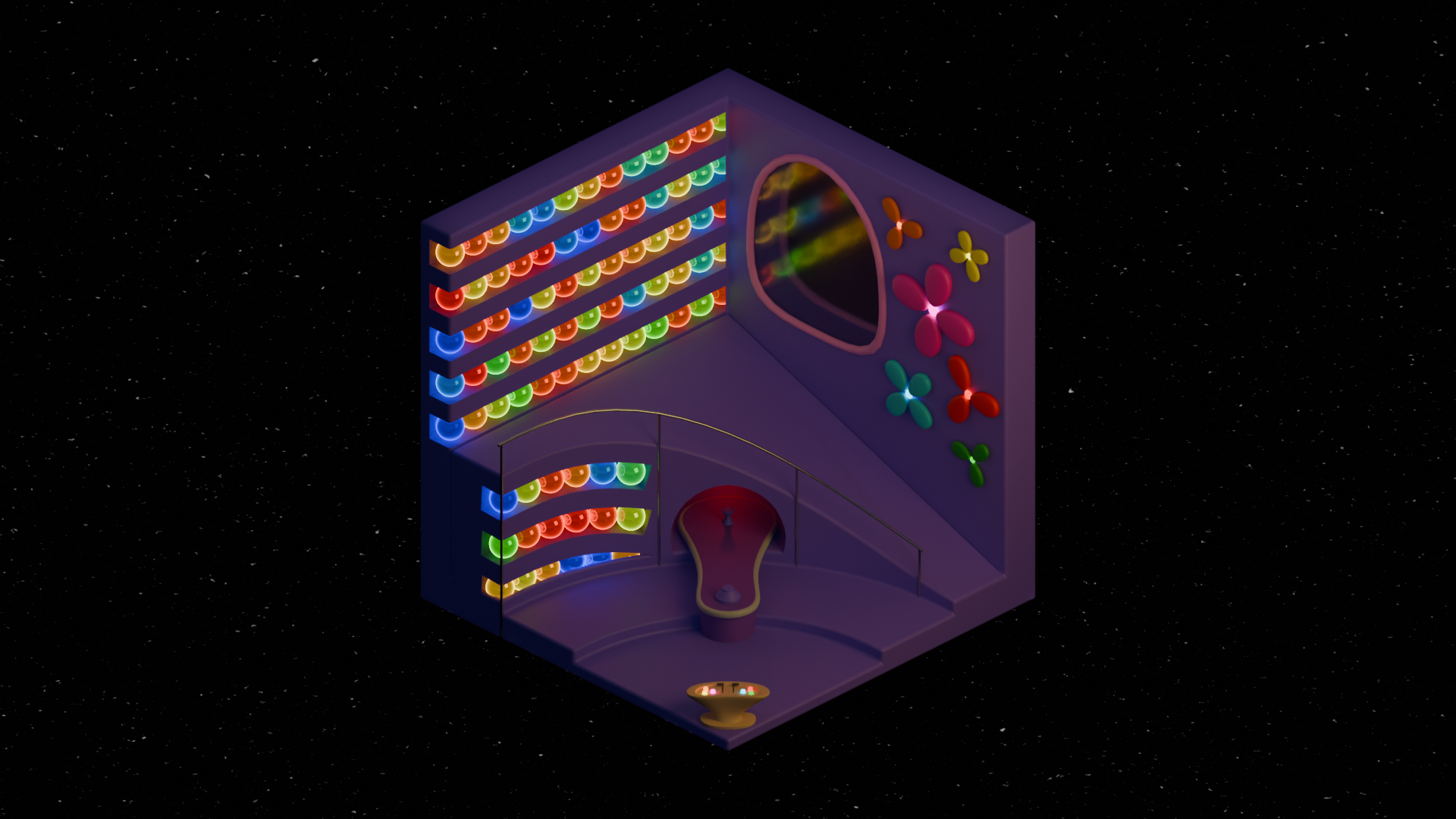
Making the Inside Out Headquarters - Blender Isometric

An isometric lecture based on the Inside Out concept! It's in a tutorial format, easy for beginners to follow. I'll explain the principles step-by-step, from modeling to rendering!

(4.9) 17 reviews

666 learners

  • Tinys
3시간 만에 완강할 수 있는 강의 ⏰
블랜더
Blender
3d-modelling
shadermaterial
lighting
3d-rendering
Thumbnail

Reviews from Early Learners

What you will gain after the course

  • Blender Preferences

  • Modeling Methods (Edit Mode / Modifier)

  • How to Use Materials (Base Color/Metallic/Roughness/Emission/Node)

  • Lighting and Rendering Methods (EEVEE / Cycle)

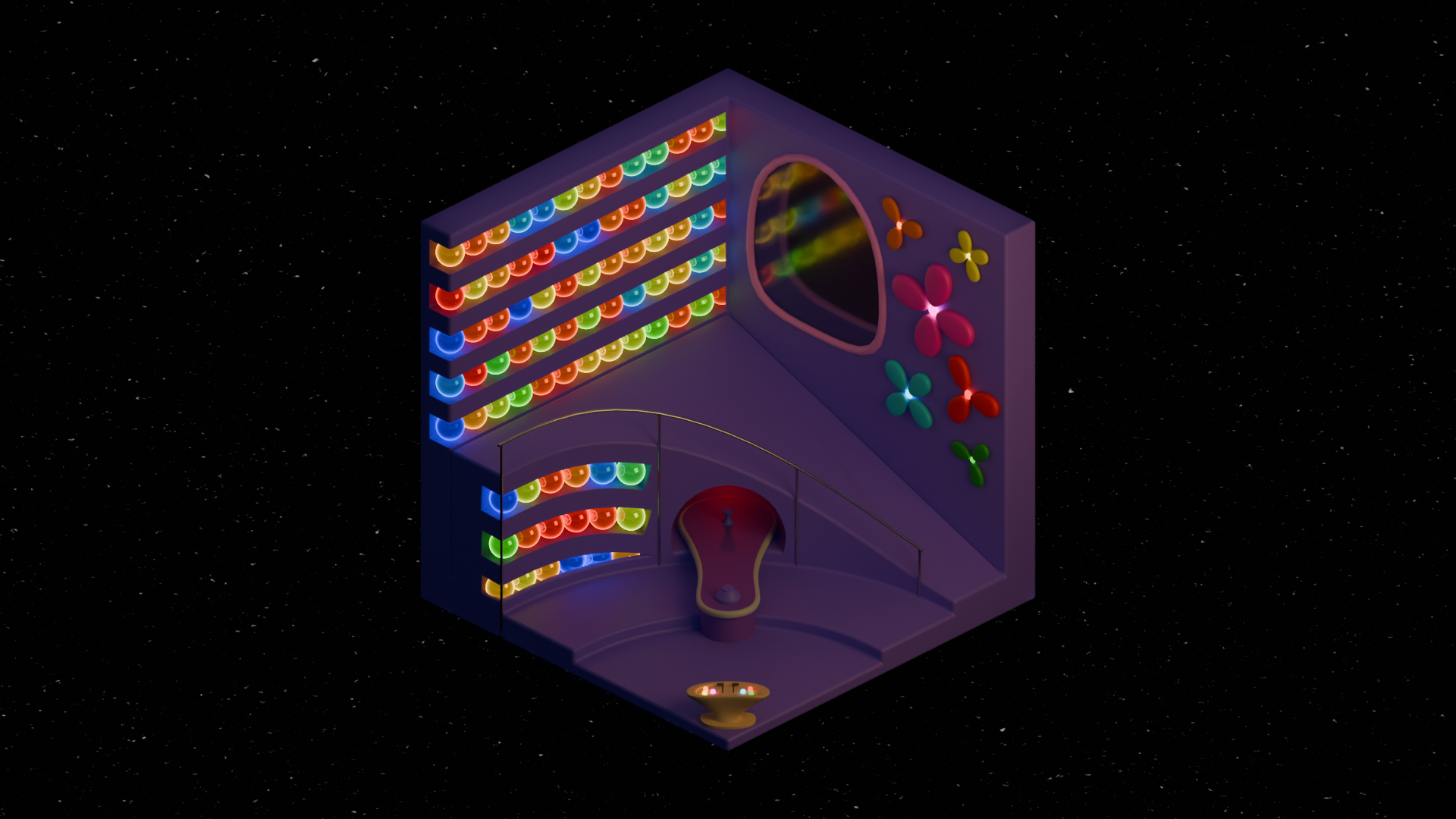
Build Disney Pixar's Inside Out Headquarters!

Let's create an emotion control headquarters in isometric style.

Let's learn the entire process from modeling to rendering together! 😃

Learning Contents

Learn how to create art using Blender!

Settings, modeling, materials, lighting, rendering, etc.

( 3d-modelling, shadermaterial, lighting, 3d-rendering )

Modeling

Material

Lighting

Rendering

Modeling

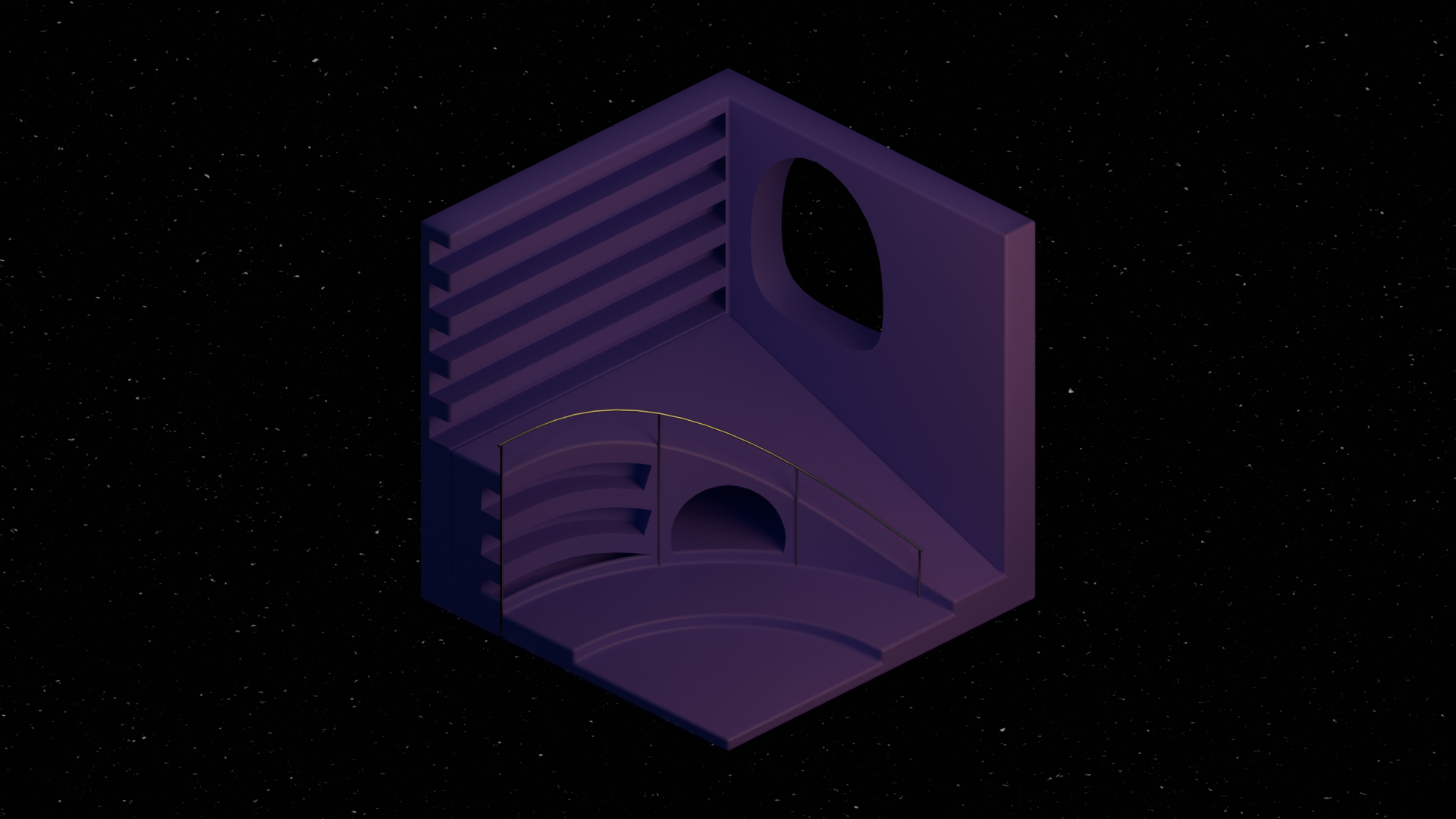
Learn modeling by building an emotion control headquarters structure!

  • Object Mode

  • Edit Mode

  • Modifier

  • Parent

Material

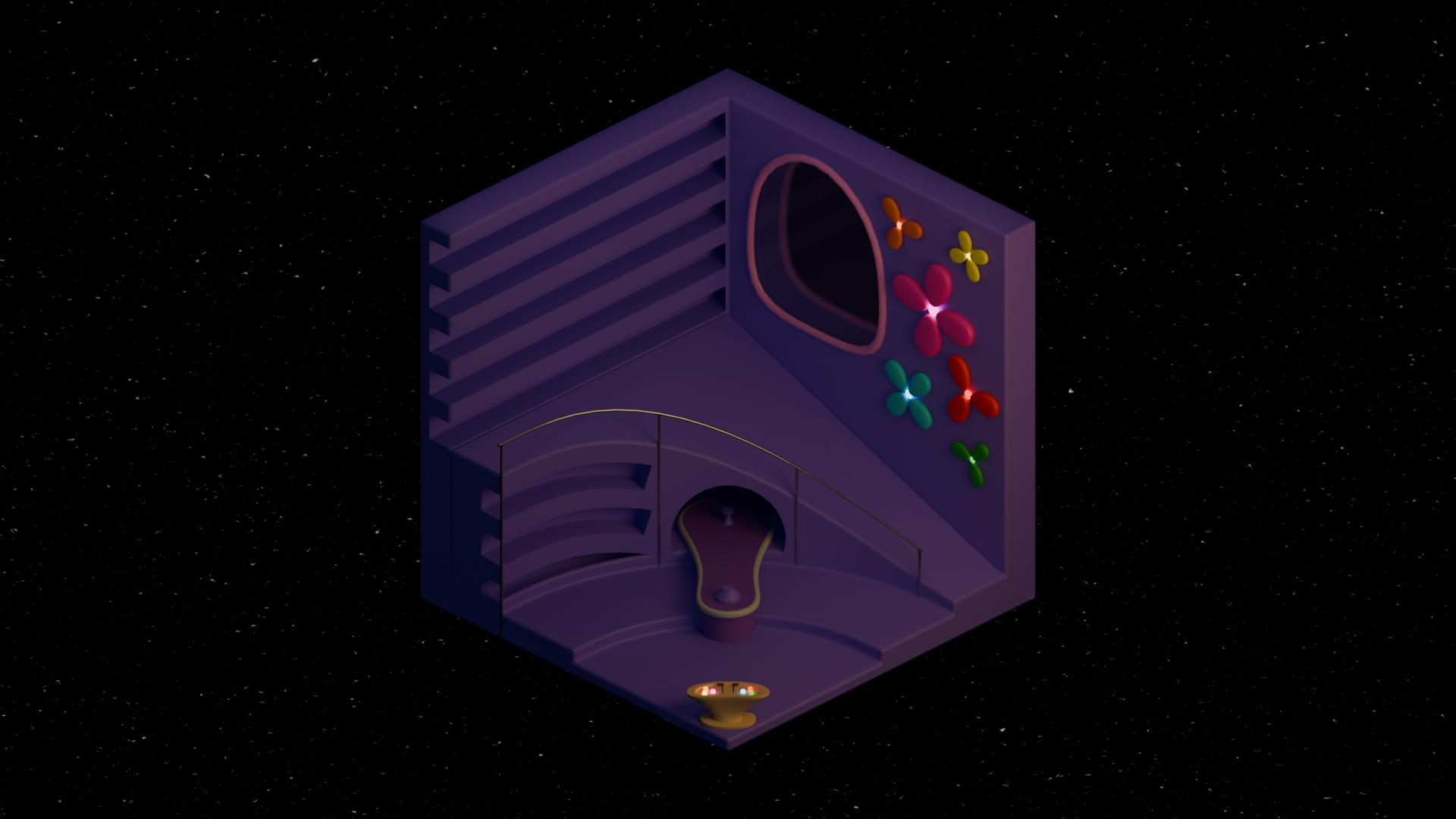
Learn materials while decorating the interior in colorful ways!

  • Material

  • Shader Editor (Node)

  • Add-on (Material Library)

Lighting, Rendering

Learn lighting and rendering using light to create beautiful artwork!

  • World Sky Texture

  • Light (Point,Area)

  • EEVEE Engine (Raytracing)

  • Cycle Engine

Things to note before taking the class

📁 Check out what's changed in Blender 4.2

Blender 4.2 has been officially released and there have been a number of changes, so it might be a good idea to check them out in advance!

Please note that this lecture only explains the essential parts of modeling!

Add-on

Shade Auto Smooth

EEVEE Raytracing

🔧 What you need

👀 Community
We've created a community so that we can work together to solve problems when you have questions about the course!
Let's all work hard and study together in a fun and effective way! :)

🎁 Events
For 100% completion students

We provide the original Blender files used in the lecture for free .

If the results you created yourself are different, but you don't know what the difference is,

Analyze my files and see what's different! 🥰

How to participate in the event

  1. Take the class until the end!

  2. Leave an honest review!

  3. Show off your work! 👉 Inside Out 2 - Show off your work


  4. Get the blender file!

    👉 Inside Out Control Center


Recommended for
these people

Who is this course right for?

  • Someone who wants to create a Disney Pixar scene

  • Person who wants to learn while creating

  • Someone who wants to learn the overall process.

Need to know before starting?

  • Getting Started with Blender (Interface and Controls)

Hello
This is

842

Learners

31

Reviews

4

Answers

5.0

Rating

3

Courses

안녕하세요~ 블렌더 크리에이터 Tinys 입니다!

블렌더로 만든 작품과 창작과정 그리고 생각을 공유해요! 🙂

기술과 예술의 조화는 창작의 자유를 선물합니다 '-'b

수강생 분들이 블렌더로 나만의 작품을 만들 수 있게 도와드릴게요! 

 
SNS

이메일


genji32401080.png.webptest123.JPG.webpThumnail.png.webp0094.png.webpBacu_thim2.png.webpsuzufront.png.webpthumgozill.png.webp


Curriculum

All

24 lectures ∙ (2hr 1min)

Course Materials:

Published: 
Last updated: 

Reviews

All

17 reviews

4.9

17 reviews

  • q7gxs8fxqb3823님의 프로필 이미지
    q7gxs8fxqb3823

    Reviews 1

    Average Rating 5.0

    5

    100% enrolled

    I'm currently enrolled in a design program, but the school doesn't properly teach 3D tools, and considering academy fees and time, there were many things to consider before attending an academy, so I was self-studying by watching YouTube tutorials. However, even those were mostly English tutorials, and there were few Korean full tutorials, so I couldn't quench my thirst for proper 3D work. Then I came across this course on Inflearn and completed it over two days!!!! As a result, it was a course with really, really high satisfaction. Parent-child relationships, shortcuts, modifier functions, and even basic shading - I'm actively using everything I learned in the work I'm currently creating! I usually wasn't good at using modifier functions, but since you explained not just the functions but also the principles behind them, I understood much better. From camera settings to modeling, lighting, and rendering - you explained all the basic things needed when creating a single piece, so most of the frustrating parts I had been feeling were resolved. After taking the course, I gained confidence in modeling, and now I can roughly understand YouTube tutorials that were difficult to follow before. Thank you so, so much for providing such a good course for free!!! If there's anyone around me who wants to learn Blender, I definitely want to recommend this course to them!!

    • tinys
      Instructor

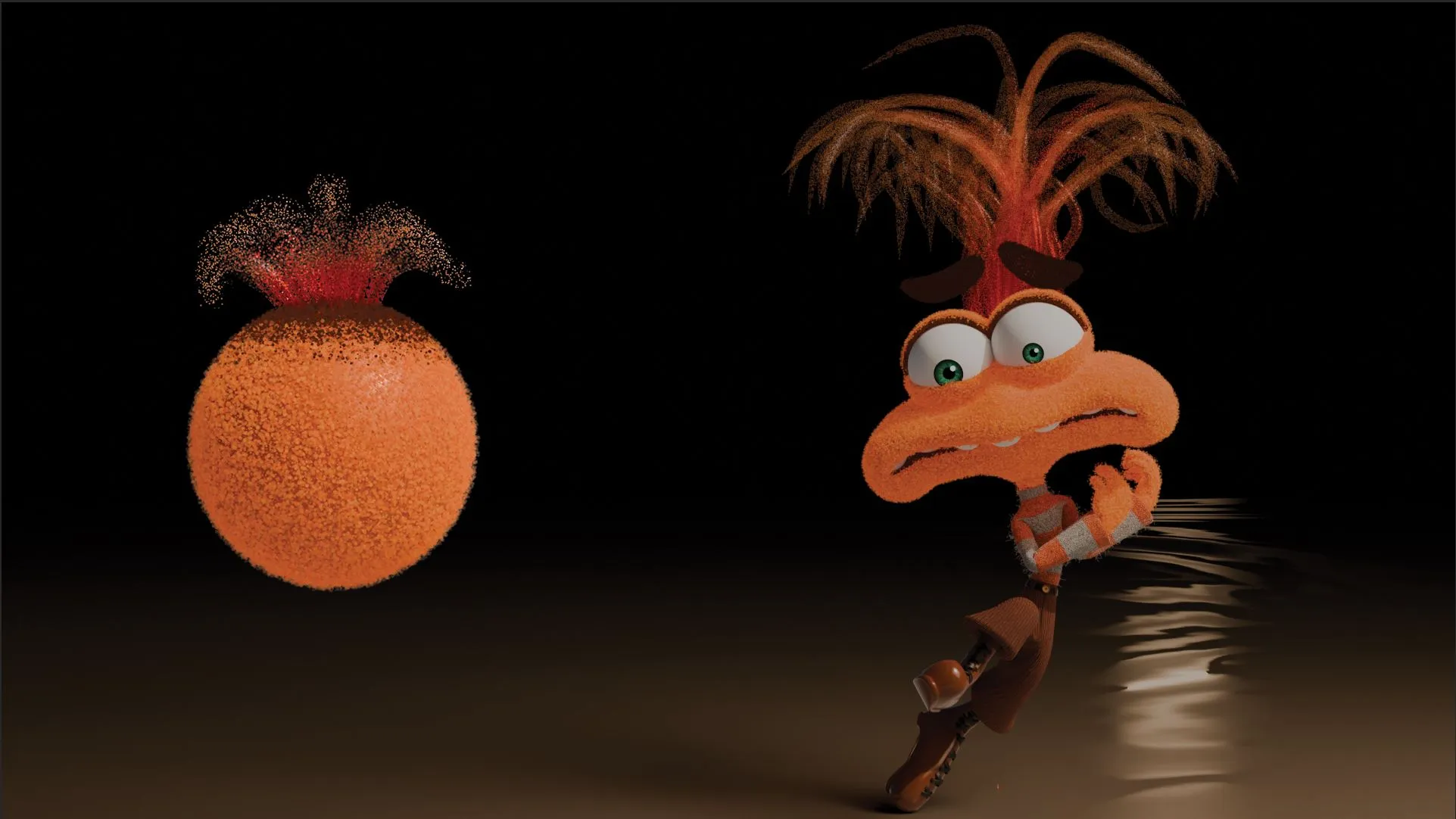
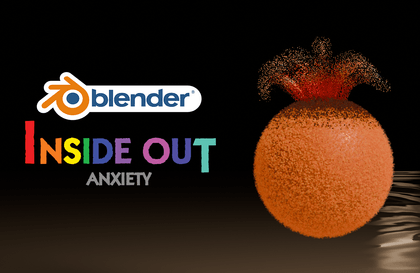
      !! You completed the course in just 2 days already.. That's really fast! Great job on finishing the entire course~_~ I can relate to what you experienced when I first started too.. Knowing the features and creating actual works are completely different things, so I hoped it would help those who are struggling! Thank you for the thoughtful and honest course review, and I'm really proud to hear that you grew after taking the course :) Oh! If you happen to like Inside Out works, I also have another course on creating Anxiety's material, so please check it out! You can download the Blender files too :) Thank you once again for your valuable course review~_~

  • nox26님의 프로필 이미지
    nox26

    Reviews 1

    Average Rating 5.0

    Edited

    5

    100% enrolled

    I completed the course. The lectures are really kind and great.

    • tinys
      Instructor

      You've already listened to more than half of it! Just a little more effort to complete the entire course Thank you for your valuable review too :)

  • seseheehee8201님의 프로필 이미지
    seseheehee8201

    Reviews 2

    Average Rating 5.0

    5

    30% enrolled

    • tinys
      Instructor

      Thank you for your precious course review! :)

  • myung040804님의 프로필 이미지
    myung040804

    Reviews 13

    Average Rating 4.7

    5

    100% enrolled

    You explain things so clearly and thoroughly.

    • tinys
      Instructor

      Thank you for the honest course review! You also created great work in such a short time! Great job :)

  • nji07160247님의 프로필 이미지
    nji07160247

    Reviews 2

    Average Rating 5.0

    5

    30% enrolled

    • tinys
      Instructor

      Thank you for your precious course review! Keep fighting until you complete the course! ~_~

Free

Tinys's other courses

Check out other courses by the instructor!

Similar courses

Explore other courses in the same field!