The detailed explanation really helps it sink in easily.
What you will gain after the course
CSS selectors
CSS font and text styles
CSS Layout - float, position
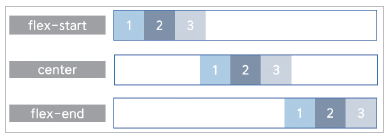
CSS Layout - Flexbox
CSS animation, responsive
After HTML comes CSS! Create standout web pages with CSS ⭐
CSS to improve the completeness of web documents 🎨
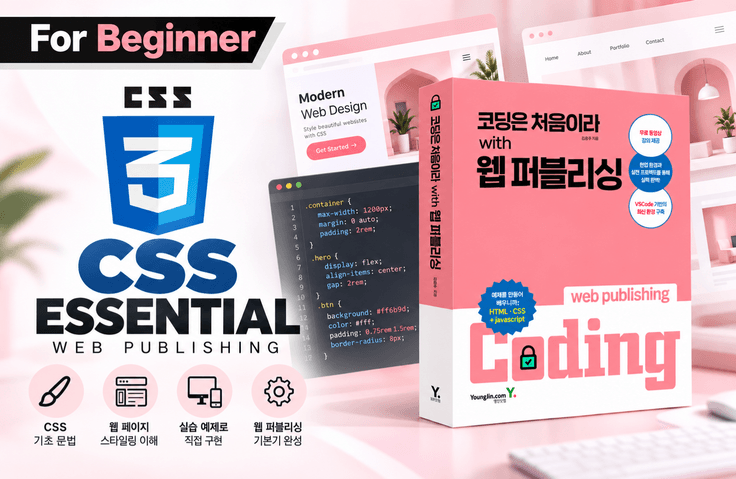
CSS is responsible for the appearance of web documents. You can select a target from an HTML element and set the color, background, position, animation, etc. of the selected target to create a web document that is attractive and easy to use.
This lecture is a continuation of <Coding for the First Time with Web Publishing - HTML Basics>, and assumes that you have learned HTML, and learns the essential techniques needed to set web page styles .
CSS is a priority for accurately selecting style targets from HTML elements. In this lecture, you can learn CSS selectors with certainty. Acquire the basics of responsiveness and implement web pages that are optimized for display on devices of various widths. Learn how to implement animations using transition, animation, and transform properties.
After taking this course, you will be able to use CSS selectors to accurately select the elements you want and freely set the styles of the selected elements!
✔️ Check out the lectures directly from the book author!
This lecture is based on the contents of the book <Coding for Beginners with Web Publishing> by the author of Youngjin.com. It will be more helpful for your studies if you study with the book.
After taking the course 'First Time Coding with Web Publishing - HTML Basics', please continue learning this course.
If you need additional study, check out the author's YouTube channel for additional lectures.
I recommend this to these people 🙋♀️
I have basic HTML knowledge, but For those who lack basic CSS skills
Responsive, animated implementation Difficult person
Flexible with Flex Anyone who wants to learn layout
Lecture Features ✨
Properties required for setting CSS styles Let's learn one by one!
Based on many years of teaching experience, Let me explain it to you in an easy-to-understand way !
As a simple example Let's build a solid foundation !
Through Flexbox Learn efficient layouts!
Learn things like this 📚
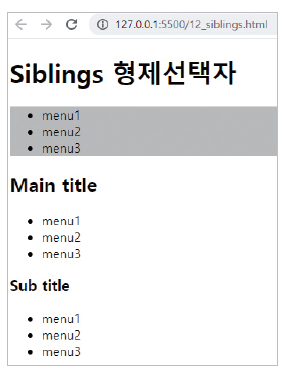
1) Learn CSS selectors thoroughly. CSS starts with accurately selecting a target.
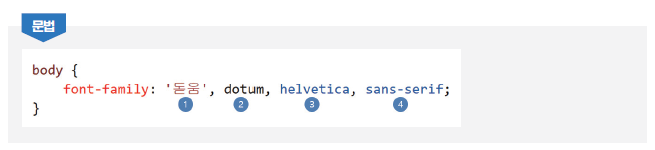
2) Learn font-related styles.
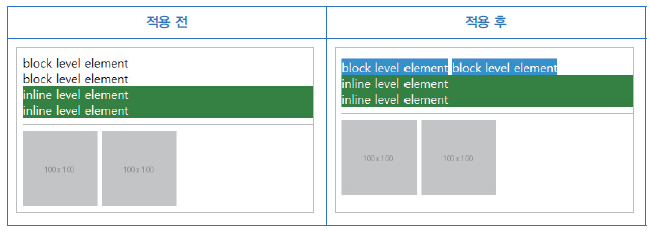
3) Learn essential properties related to layout.
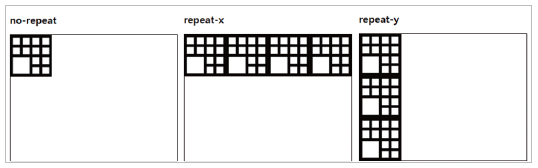
4) Learn all background related properties.
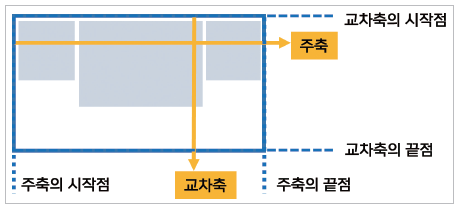
5) Learn the core flex of flexible layout to easily implement more diverse layouts.
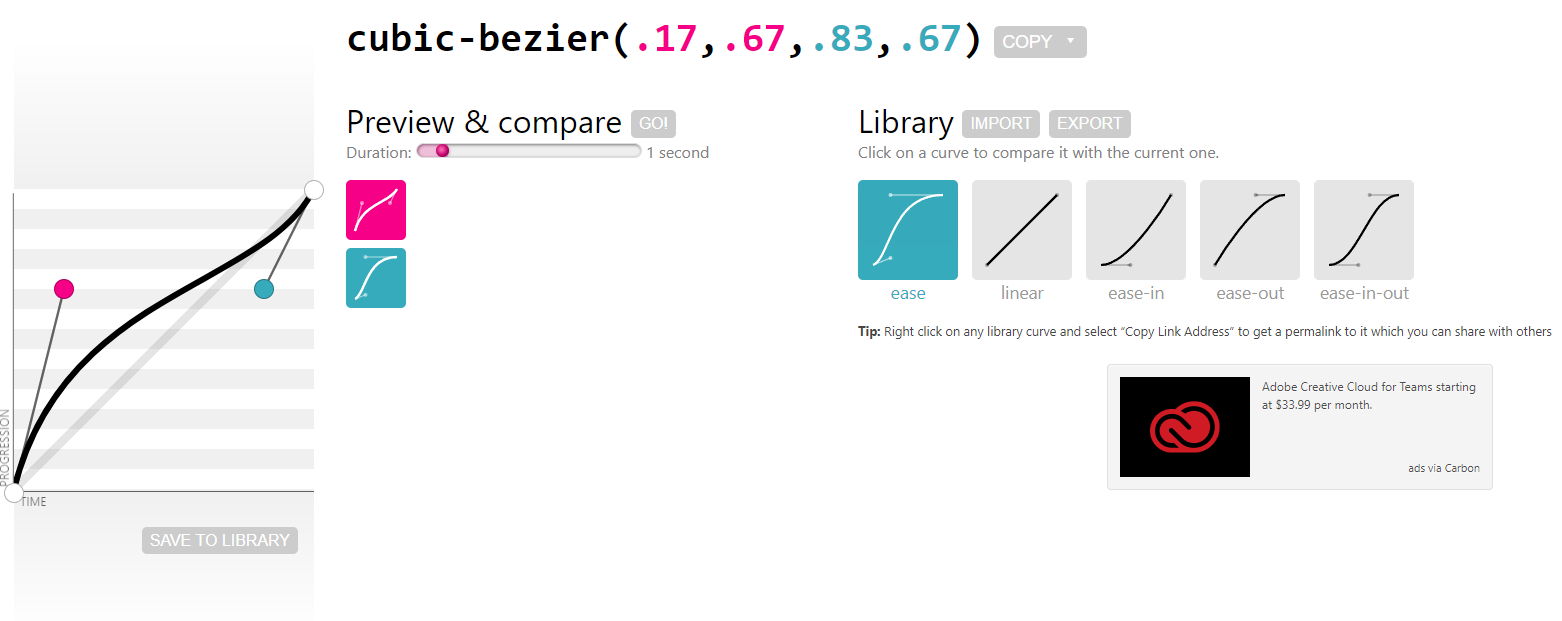
6) Learn the basics of animation.
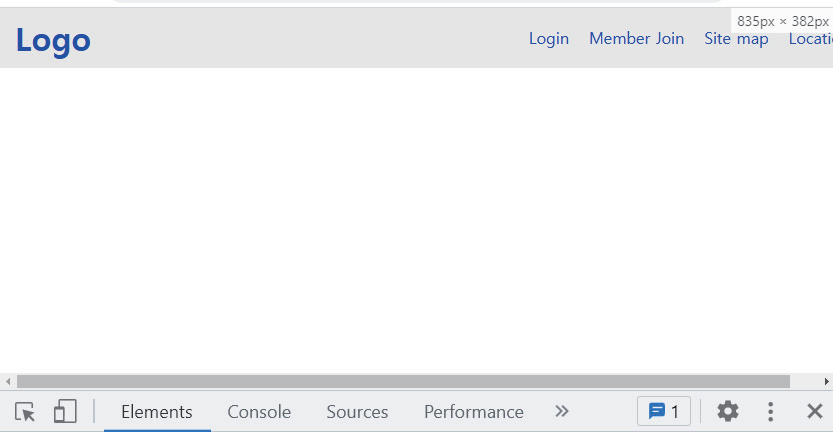
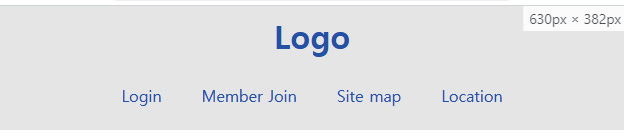
7) Learn and practice the basics of reactivity.
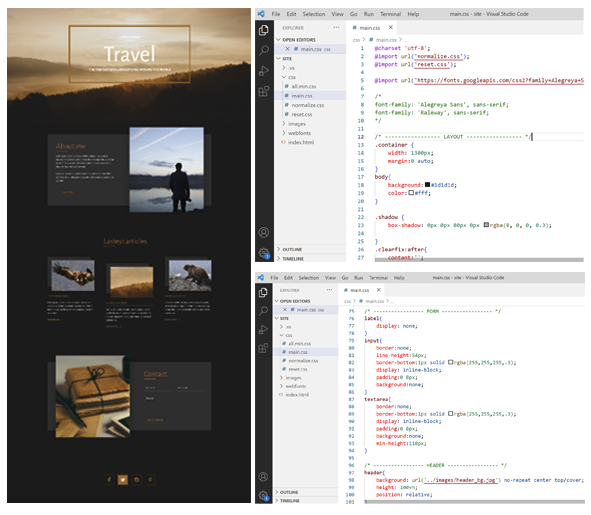
Desktop screen
Tablet screen
Mobile screen
8) Implement the HTML web page created in the previous lecture using CSS.
Q&A 💬
Q. Is this a lecture that non-majors can also take?
If you have taken an HTML course or have basic knowledge, you can do it.
Q. What level of content is covered in the class?
It covers a huge amount of material, from selectors to reactive. Don't be greedy. If you study step by step from the beginning, you can complete the course.
Q. What kind of study should I do after I become strong?
Practice creating web pages using HTML and CSS by referencing various designs. After that, I recommend learning Javascript.
Introducing the knowledge sharer ✒️
Hello. I am instructor Kim Dong-ju, the operator of the rock's easyweb YouTube channel.
Main Books
Figma Perfect Guide for Web Design & Web Publishing - Vijay Republic Publishing
Coding for the first time with web publishing - Youngjin.com
Contact Me
You can check offline lecture information, additional videos, etc.
Communication window (survey, 1:1 open chat room)✒️
Students can provide their opinions and questions at any time through the Google survey and 1:1 open chat room introduced in the What's New section.
Recommended for these people
Who is this course right for?
Someone who has studied HTML
For those who struggle with implementing responsiveness.
Someone lacking animation fundamentals
Need to know before starting?
HTML
Photoshop
Hello This is
2,706
Learners
58
Reviews
4
Answers
4.9
Rating
11
Courses
■ [Current] Web Publishing and Front-end Instructor at Green Computer Art Academy ■ [Current] Operator of the Web Publishing YouTube channel 'Rock's Easyweb' ■ Web Publishing Instructor at The Joeun Computer Academy ■ Web Publishing Instructor at Hanbit Computer Academy ■ Front-end Publisher and Professional Front-end Publishing Instructor ■ UI/UX Web Design Portfolio Instructor
[ Awards ]
August 2022: Green Computer Art Academy, Jongno Branch - Outstanding Instructor
June 2021: Green Computer Art Academy, Jongno Branch - Outstanding Instructor
June 2018: Green Computer Academy, Sinchon Branch -
[ Awards ] 2022.08 Green Computer Art Academy Jongno Branch - Outstanding Instructor 2021.06 Green Computer Art Academy Jongno Branch - Outstanding Instructor 2018.06 Green Computer Academy Sinchon Branch - Outstanding Instructor 2017.05 Green Computer Academy Sinchon Branch - Outstanding Instructor 2016.05 Green Computer Academy Sinchon Branch - Outstanding Instructor 2015.10 Green Computer Academy Sinchon Branch - Outstanding Instructor