Core Features of CSS Flex & Grid Learned Through 13 Examples
Theory is kept brief with only the essentials. Let's learn through real code, not just words! Get naturally comfortable with Flex and Grid through repetitive practice! 😎 (Direct lecture by the author of the HTML5 Self-Study White Paper and CSS3 Self-Study White Paper)
I like listening to the basic lecture and then continuing. It would be nice if there was a section on the next level of difficulty after listening to this one.
5.0
gangsugi
100% enrolled
I knew it to some extent, but I listened to it just in case I missed something I didn't know, and it was helpful. The explanation was step-by-step, so it was fun to listen to and not boring. It was a good lecture^^
5.0
이종운
100% enrolled
Other lectures were boring and I didn't understand them, so I thought a lot about giving up on becoming a web developer, but thanks to you, I was able to study happily, thank you.
What you will gain after the course
CSS Flex Layout
CSS Grid Layout
How to write CSS media queries
How to use Font Awesome & Google Web Fonts
CSS, now it's time for practice! Master complex Flex & Grid all at once.
Lecture Topic 📖
Mastering the basics of core features!
Quickly master the core theories of CSS layout features, Flex and Grid, with only the most essential points!
Follow along with practical examples to learn how to actually use Flex and Grid when creating layouts!
Why should you take this course? 🚀
I know the theory, but I can't build it the way I imagined 😥
Flex and Grid have many properties to memorize, and they even look similar to each other. Because of this, many people understand what these properties do when they hear or see them, but they struggle when it comes to actually using Flex and Grid to create the layouts they have in mind.
Somewhere in that awkward middle ground between the basics and building real-world projects! For those of you who are lost there, I believe this course is perfect for you. You'll quickly get the hang of it as you follow along with the practical examples.
Pardon? But I want to be a web developer.
When consulting with friends who are preparing for employment or a career change, or those who have just entered the world of programming, I find that quite a few of them overlook 'design.' I also get asked a lot whether developers really need to know HTML and CSS.
I often compare developers to farmers. If development is apple farming, then the service I develop would be the apple sold to consumers, right? Creating a layout is like the process of packing apples into a crate. A developer should at least be able to package their own product as intended!
Course Features ✨
From A to Z! Quickly summarize the core features of Flex and Grid.
Through practical examples, you will solidify the basics of core functions.
After taking this course 📜
Do I... have to memorize all of this? 😱
The most frequent question I've received while teaching Flex and Grid is whether one needs to memorize all their numerous features. After taking this course, you will clearly realize that you don't need to memorize or use every single feature to create the layouts you have in mind with Flex and Grid!
As long as you have a good grasp of the core functions, you can easily and simply create the layout you want without writing a lot of code!
Frequently Asked Questions Q&A 💬
Q. Is this a course that non-majors can also take?
A. Yes! HTML and CSS can be easily learned by non-majors, middle schoolers, and high school students alike. However, you should take the basic HTML and CSS course first. The basic course is available for free on the YouTube channel <Developer Lee Do-hae>!
Q. What is the reason for focusing intensively on practicing only the core functions?
A. Based on my experience teaching countless students, I've found that instead of showing one example for each of 10 different features, it is much—truly much—more effective to focus on 3 or fewer core features that are essential to mastering the function and have students repeatedly practice with 3 to 4 examples for each. Since that is the goal of this course, I have structured the lessons to focus on intensive practice of the core features needed to immediately translate your ideas onto the screen after completing the class.
Q. What level of content does the course cover?
A. If the difficulty is divided into introductory, basic, intermediate, and advanced, this course corresponds to the basic level.
Instructor Introduction ✒️
Dohae Lee
I am working as a full-stack developer and programming instructor.
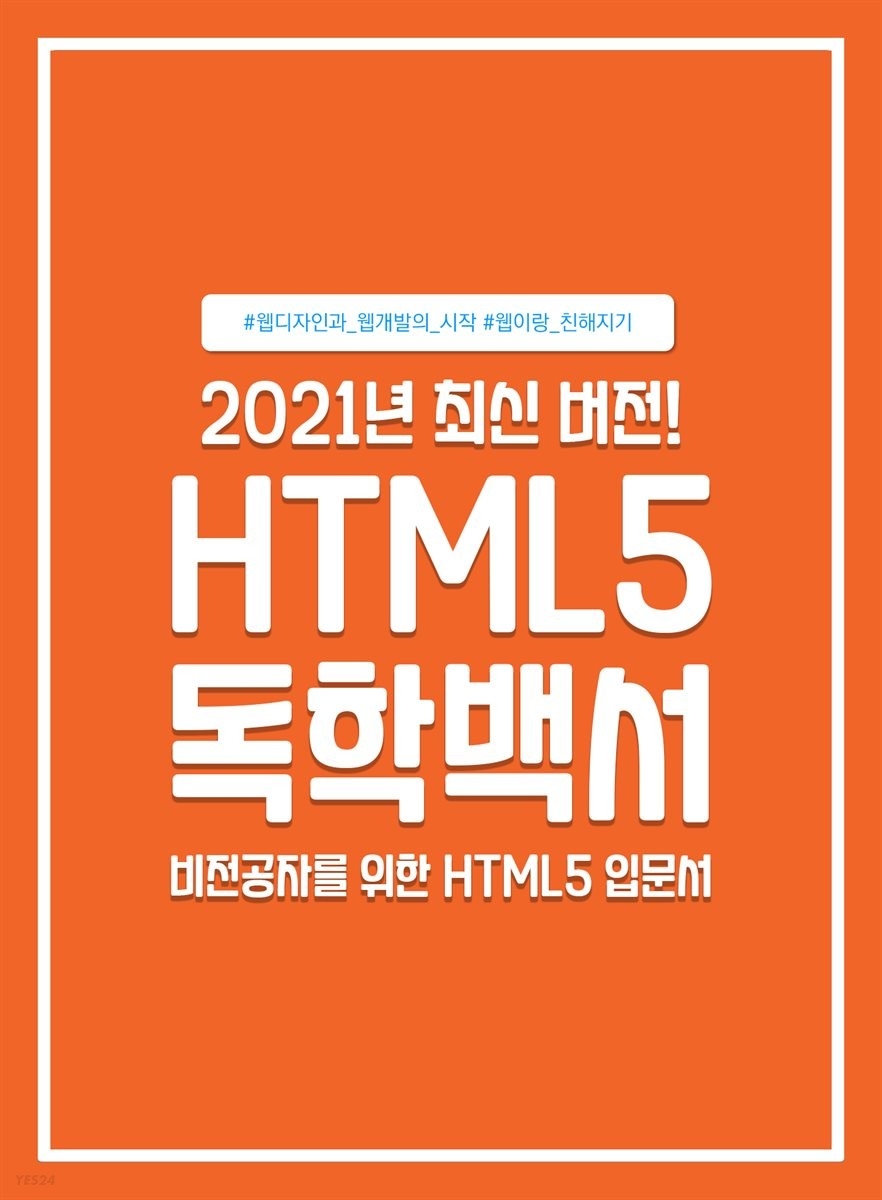
Author of 『HTML5 Self-Study White Paper』
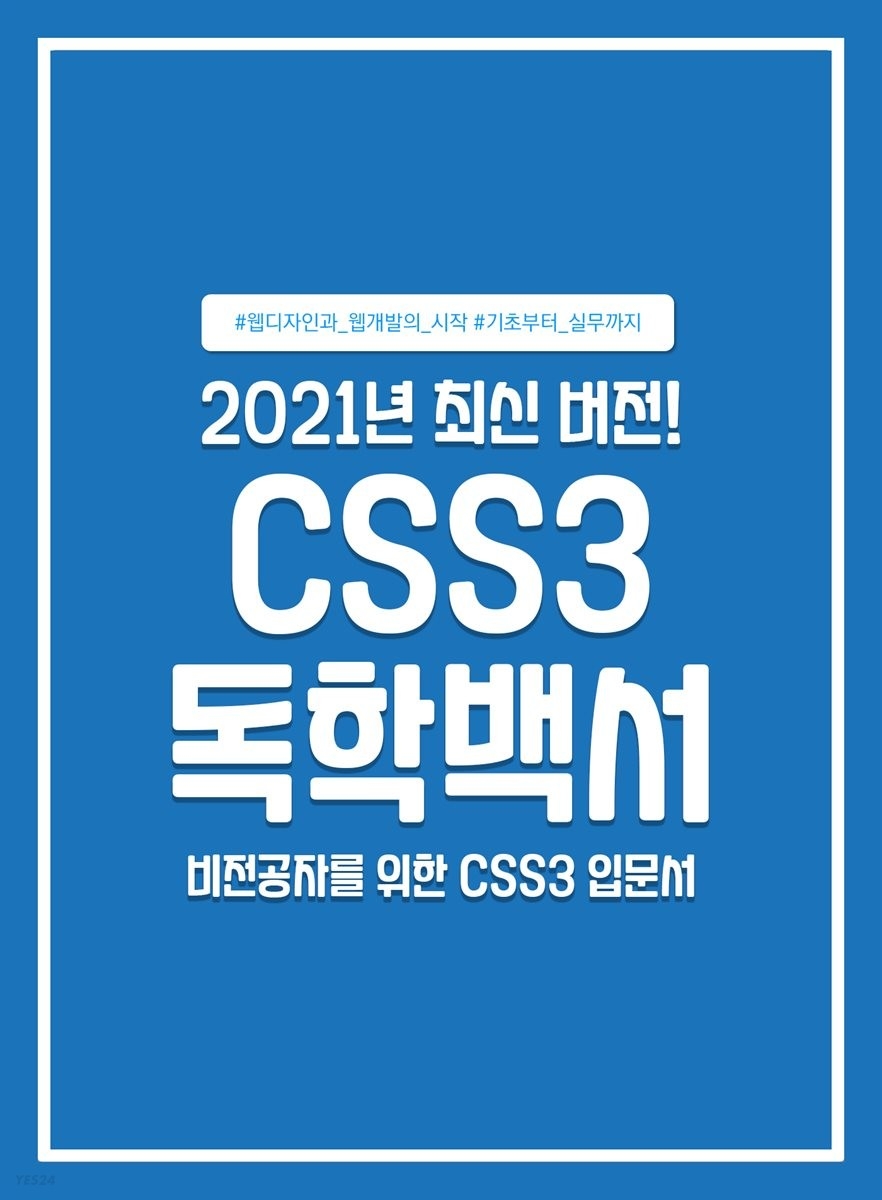
Author of 『CSS3 Self-Study White Paper』
Author of 『JavaScript Self-Study White Paper』
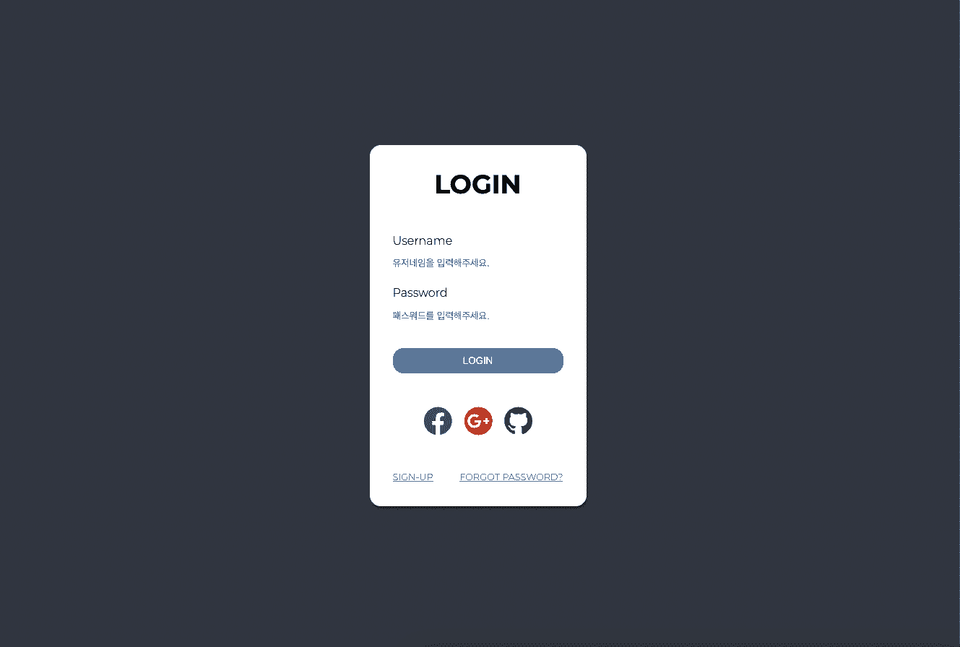
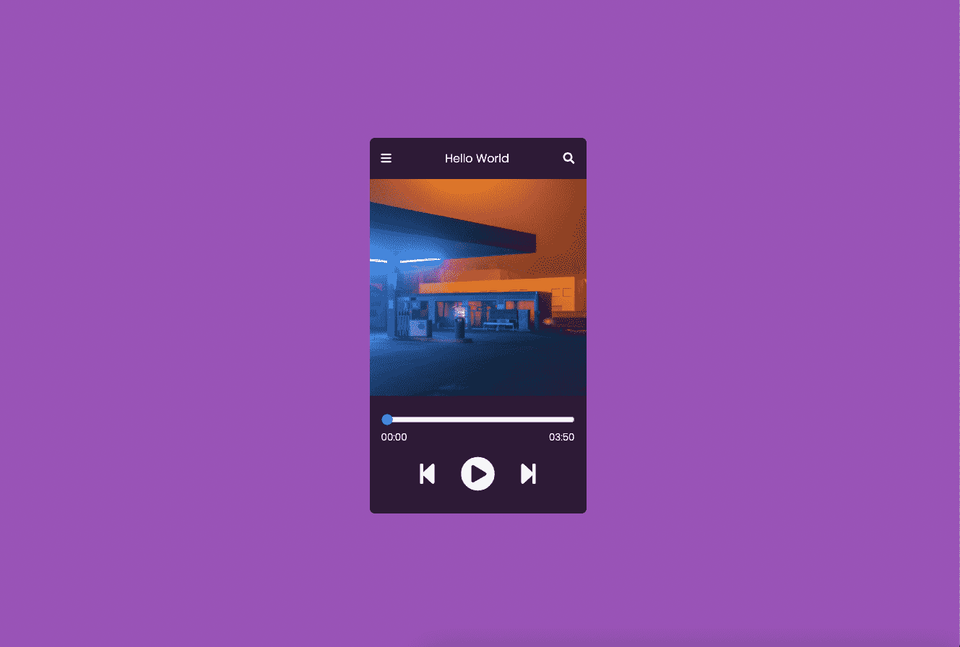
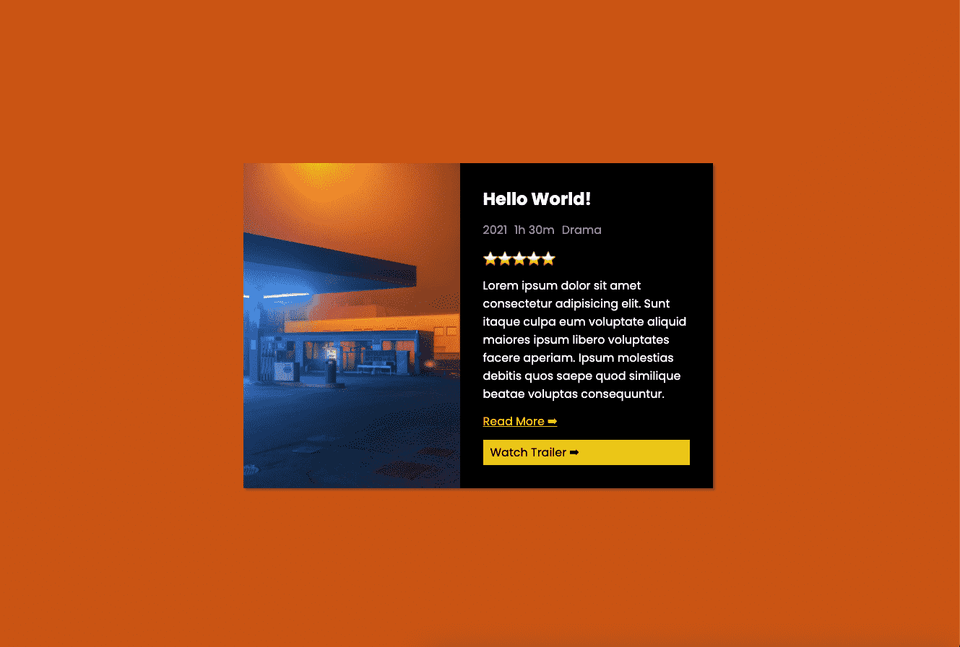
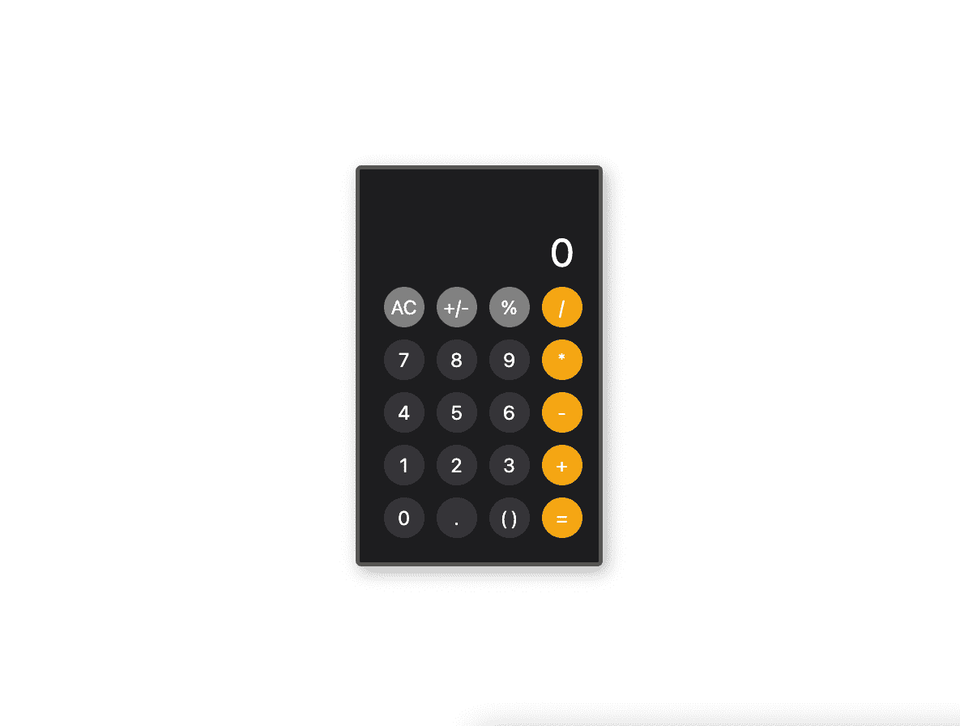
A quick sneak peek at the practice examples 😎
Lectures by the author! Check out the books together.
I like listening to the basic lecture and then continuing. It would be nice if there was a section on the next level of difficulty after listening to this one.
Other lectures were boring and I didn't understand them, so I thought a lot about giving up on becoming a web developer, but thanks to you, I was able to study happily, thank you.
I knew it to some extent, but I listened to it just in case I missed something I didn't know, and it was helpful. The explanation was step-by-step, so it was fun to listen to and not boring. It was a good lecture^^









css.png?w=420)

![Modern Web Interactive CSS3 [PART2/3]Course Thumbnail](https://cdn.inflearn.com/public/courses/335745/cover/db39333d-68a5-4ca7-9629-dac891711a94/335745.jpg?w=420)








![[2026 Examination Standards] Perfect Guide for the Web Design & Development Technician Practical ExamCourse Thumbnail](https://cdn.inflearn.com/public/courses/324878/course_cover/12211037-e74b-46b3-8942-46d465b81bba/webdesign-cover-02.png?w=420)