강의

멘토링

커뮤니티

Design

/

3D Modeling

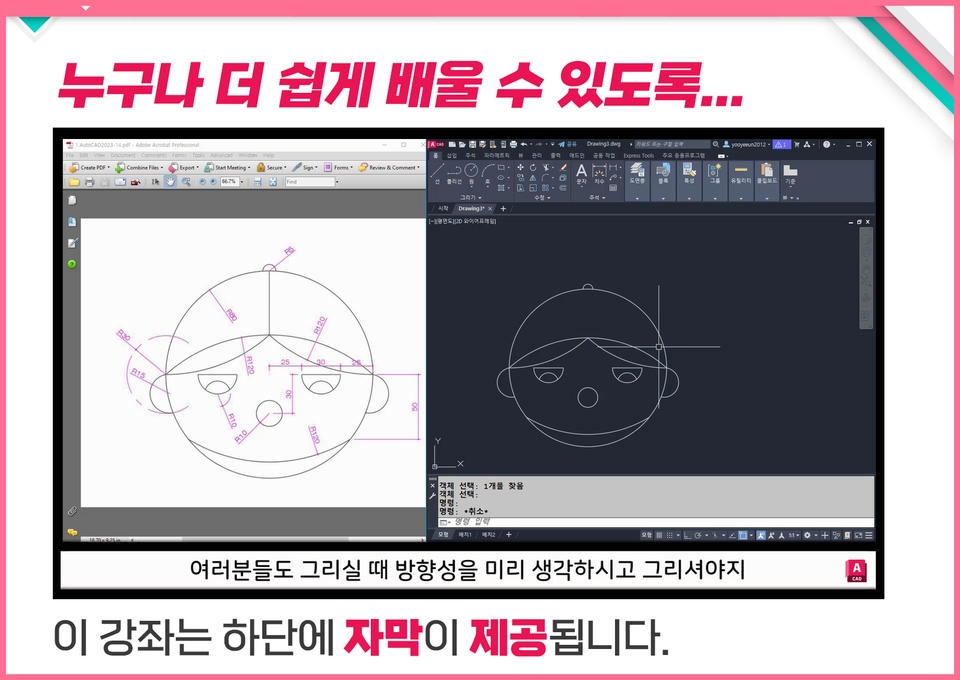
AutoCAD 2023 is easy to learn with subtitles

This is an introductory course for those who want to learn AutoCAD but don't have time and are worried that it might be difficult. We also provide subtitles, so please enjoy the course!

(5.0) 1 reviews

26 learners

Level Beginner

Course period 5 months

  • comt
AutoCAD
AutoCAD
CAD
CAD
AutoCAD
AutoCAD
CAD
CAD

What you will gain after the course

  • AutoCAD Basic Environment

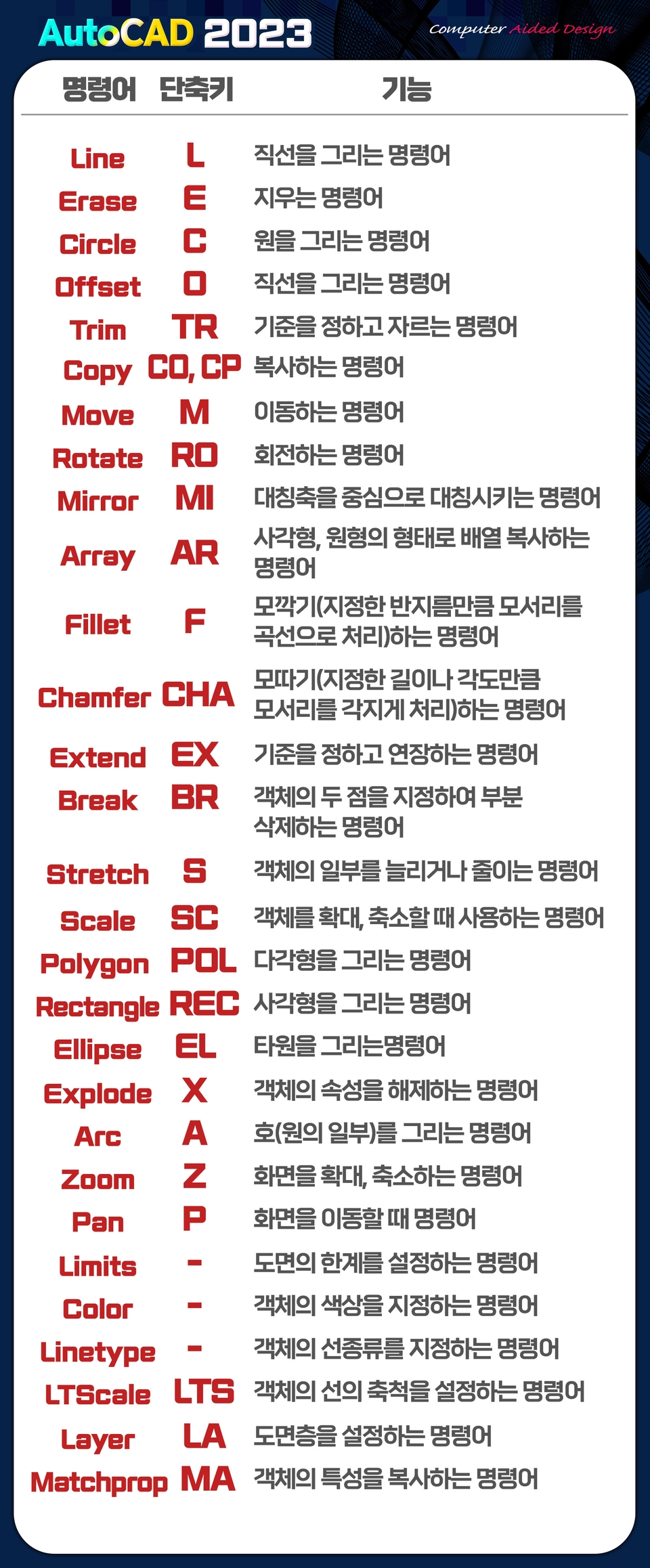
  • AutoCAD commands

  • Basic Design

World standard CAD software,
Check out the latest AutoCAD 2023 lectures!

The best in architectural/mechanical design programs!
AutoCAD program

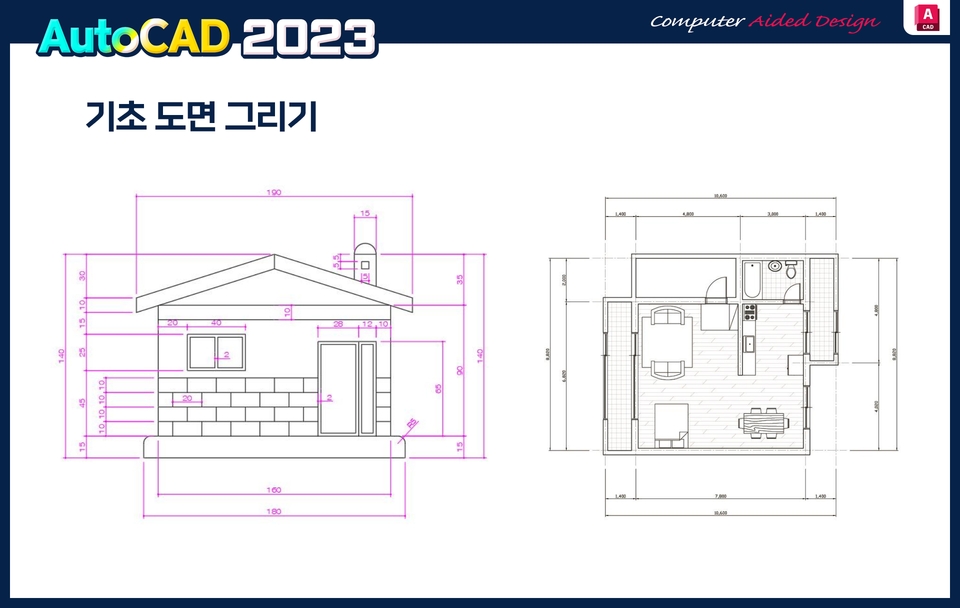
AutoCAD is used by architects, engineers, and construction professionals to create precise 2D and 3D drawings.
It is the world's standard CAD (Computer Aided Design) software used.

AutoCAD program is one of the CAD programs, but
As the most widely used program, it is easy for anyone to use and learn.
It has the advantage of being easily accessible to users.


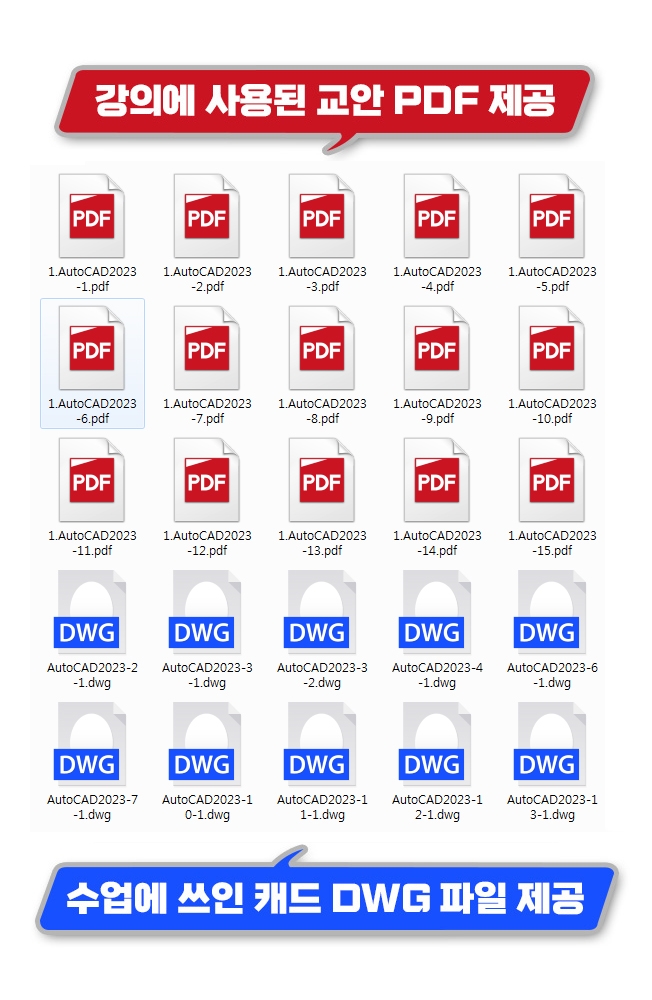
Lecture materials
Provides.

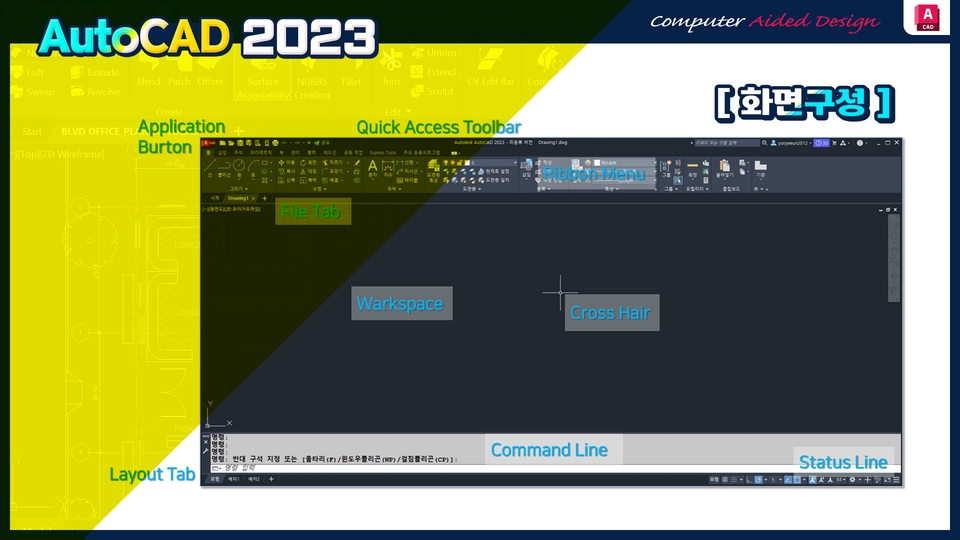
  • We provide a PDF file summarizing the lecture contents. You can download the data from [Section 0] - [AutoCAD 2023 Screen Layout, Line - Command to draw a straight line, Erase - Command to erase an object] .
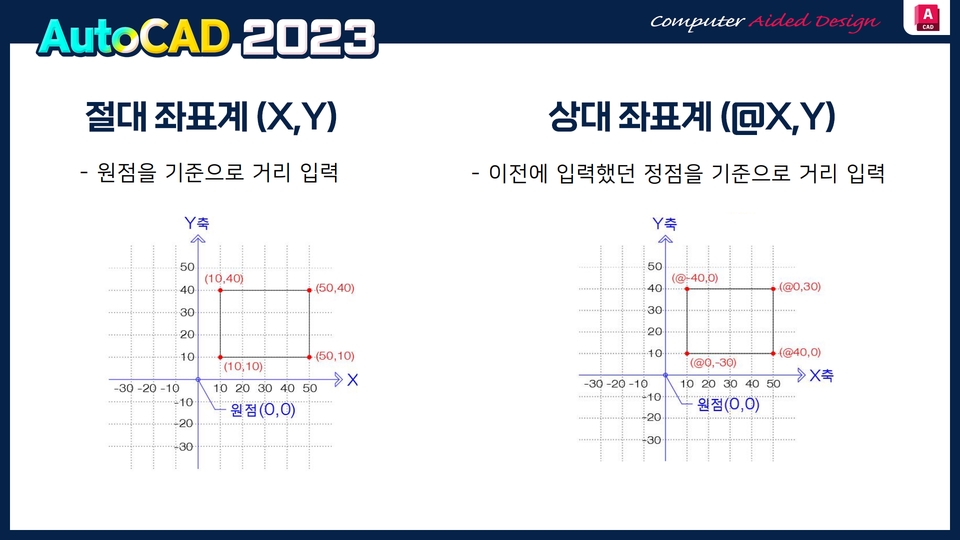
  • You can download the source files (working files) used in the lecture in [Section 0] - [Coordinate System – Absolute Coordinate System (X,Y)] .
  • Intermediate is [Section 2] - [Color - Commands to specify the color of objects, Linetype, LTScale (LTS)] You can download the PDF.
  • [Section 2] - You can download the intermediate source files (working files) used in the lecture in [Layer (LA) - Command to set drawing layers, Matchprop (MA)] .
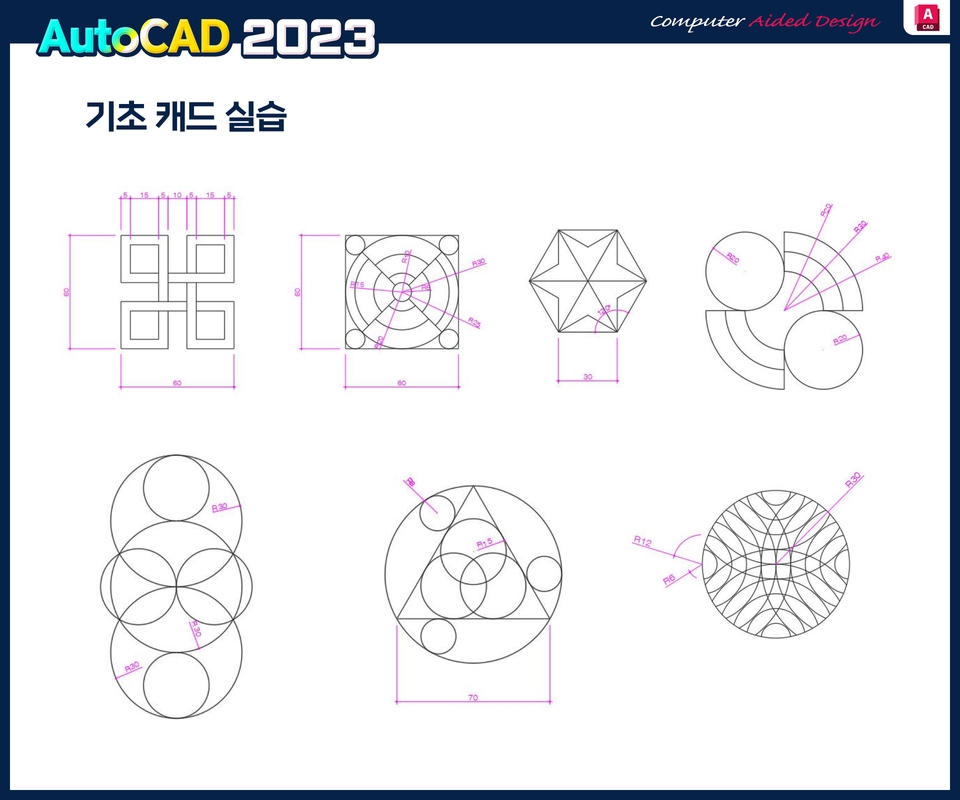
  • The practical section contains the key points and source files used in the [Section 3] lecture.

AutoCAD 2023 from basics to core commands!

  • This course introduces the basic concepts of AutoCAD 2023, a CAD (Computer-Aided Design) tool for creating 2D/3D drawings for architecture and construction, and teaches core commands to get started with AutoCAD.
  • The AutoCAD 2023 introductory course also includes intermediate commands (15 times) + utilization (10 times).
  • Learn practical functions quickly and easily, focusing on commands !

Recommended for
these people

Who is this course right for?

  • AutoCAD beginner

  • People who need to read AutoCAD drawings

Need to know before starting?

  • Suitable for beginners

Hello
This is

1,619

Learners

140

Reviews

4

Answers

4.7

Rating

33

Courses

Back when Apple's MAC computers made it possible to design even better.

It's already been well over 25 years since I first started teaching Adobe Photoshop and Illustrator at the academy~~^^

I remember the days when, instead of calling the instructors Teacher Eom, Teacher Ha, and Teacher Gu, we used to call them Eom-T and Gu-T.

Together with those teachers, we started using ComTee as an abbreviation for Computer Teacher!

I will continue to be a "Computer Teacher" who works hard to share knowledge for all those who are learning.

Thank you!!

Thank you!!

Together with everyone, we've come to use "Com-T" as a shorthand for Computer Teacher! We will continue to be a Computer Teacher that works hard to share knowledge for all learners. Thank you!!

Together with everyone, we've come to use "Com-T" as a shorthand for Computer Teacher! We will continue to be a Computer Teacher that works hard to share knowledge for all learners. Thank you!!
Curriculum

All

40 lectures ∙ (16hr 12min)

Course Materials:

Lecture resources
Published: 
Last updated: 

Reviews

All

1 reviews

5.0

1 reviews

  • bono858587441님의 프로필 이미지
    bono858587441

    Reviews 1

    Average Rating 5.0

    5

    88% enrolled

    You teach me well and easily

    Limited time deal

    $57,750.00

    25%

    $59.40

    comt's other courses

    Check out other courses by the instructor!