SQL: Mastering the Essentials the Easy Way
Masocampus
Skip the complex theories and concepts, and jump right into writing, practicing, and following along with SQL syntax!

Beginner
SQL, MySQL
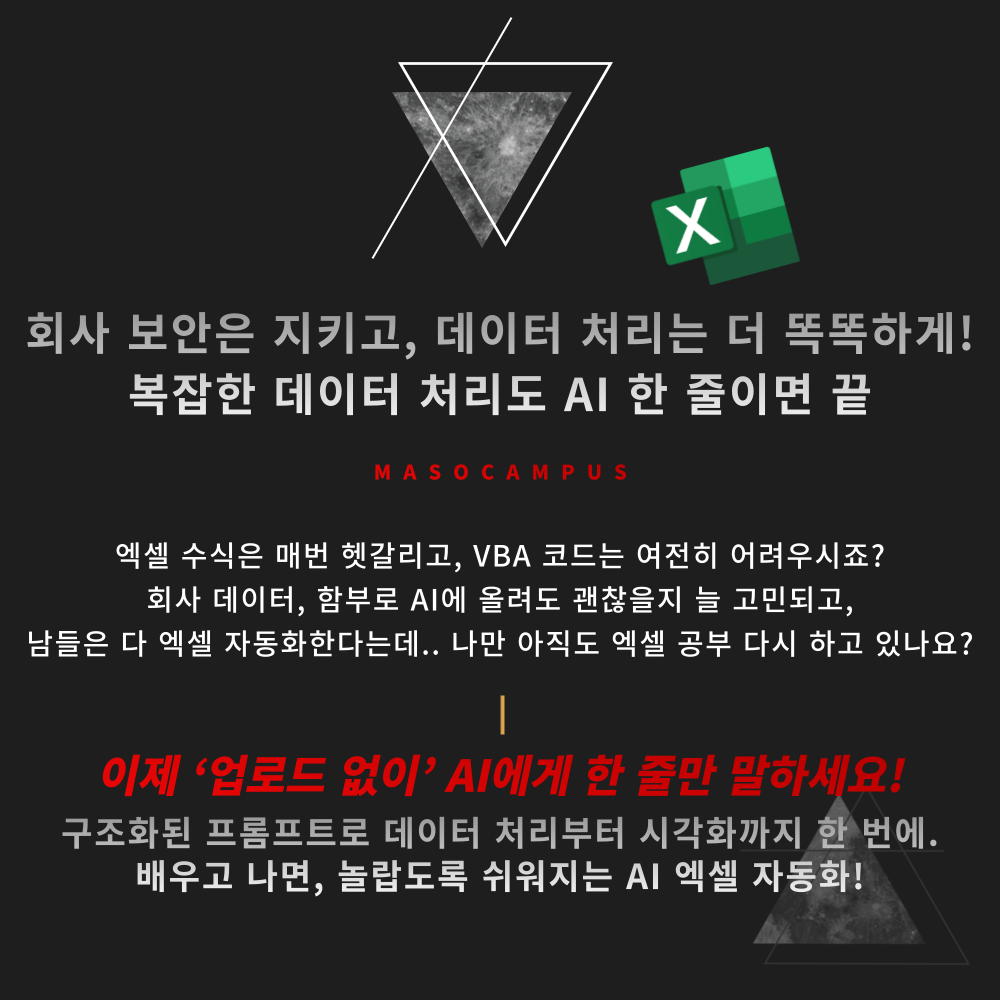
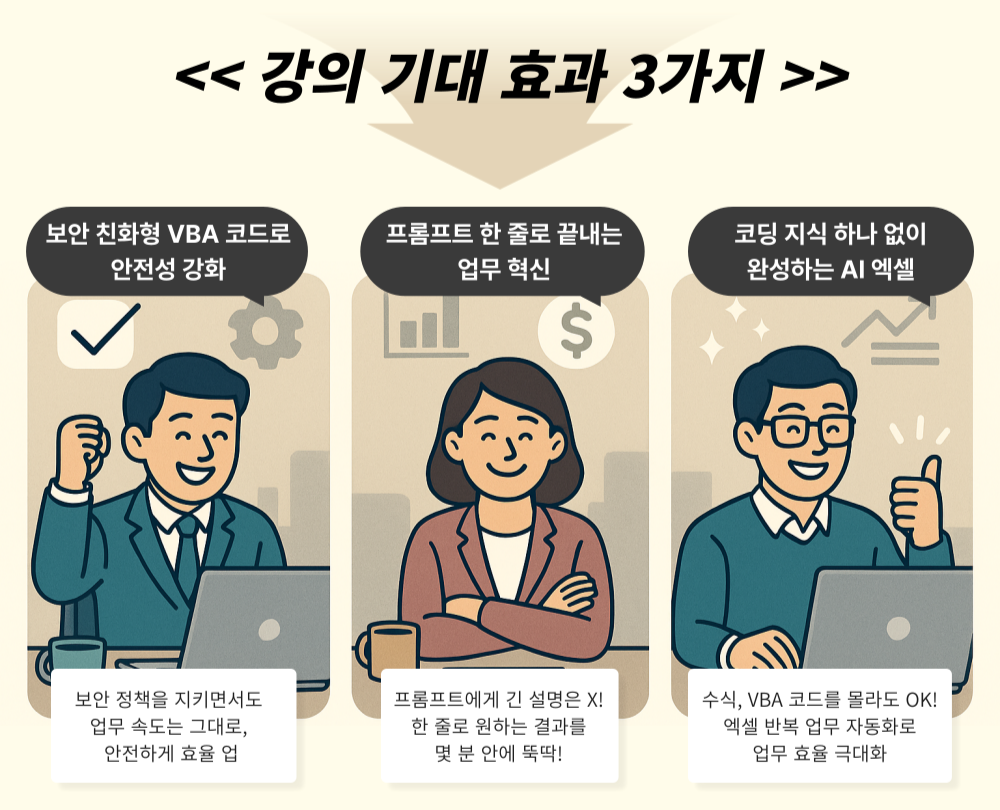
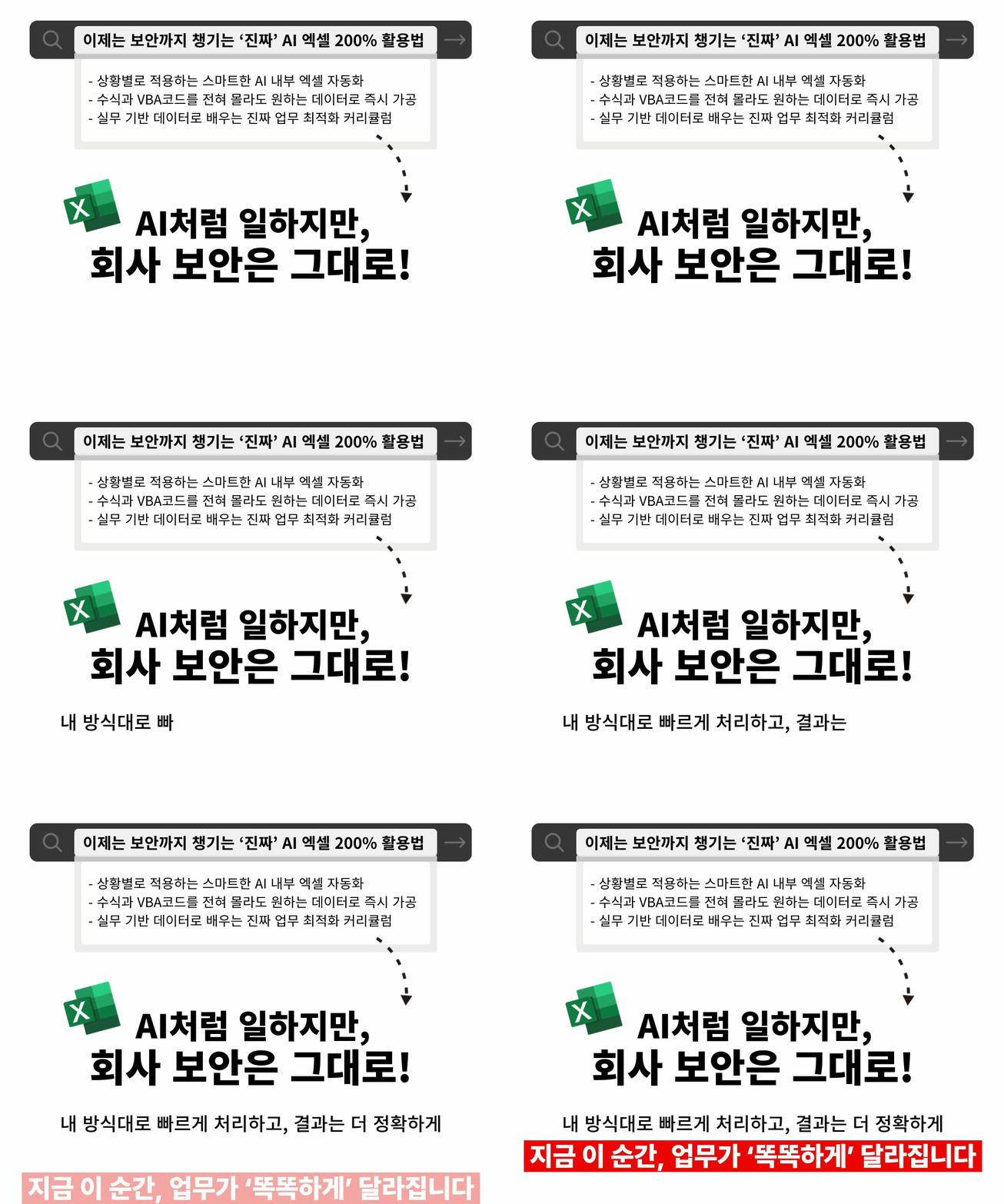
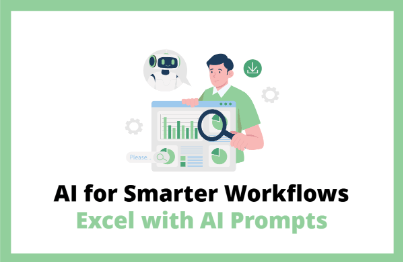
AI Excel that automates perfectly for your tasks without worrying about company security.
From data preprocessing to visualization in just minutes, even with zero coding knowledge!
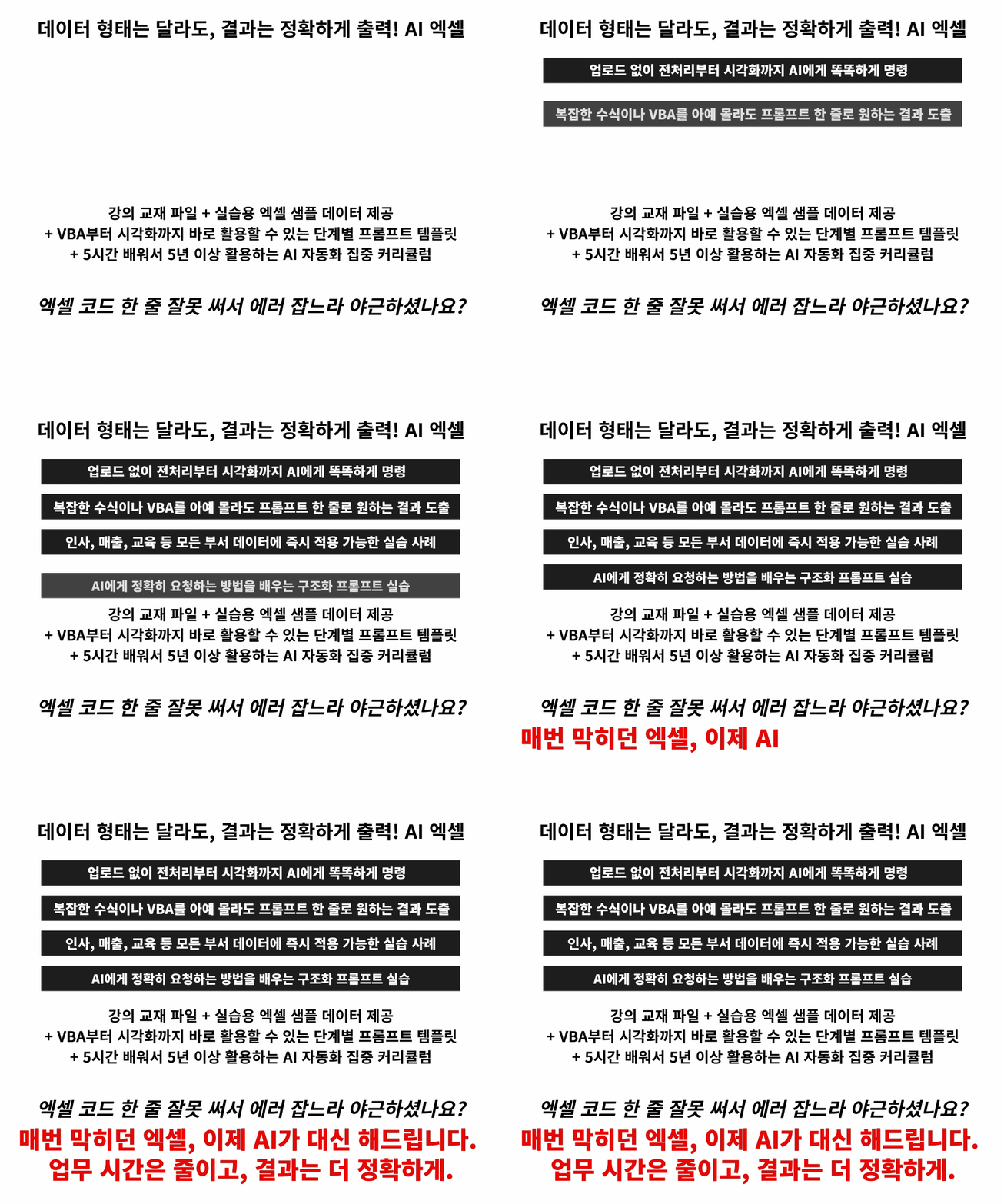
If you just tell the AI the results you want in a few lines,
functions, formulas, VBA, and even graph visualization are completed within minutes.
No more long explanations—AI Excel makes it easy with short commands!
– Flexible Excel automation that handles any data—HR, training, sales, and more—to fit your specific workflow
– Smart AI prompt techniques that get results with just a single line of explanation
– Efficiency-focused workflows that simultaneously boost work speed and accuracy
How to work like an AI, even without using AI.
Learn the practical Excel skills that master both security and automation now!

This is a practical AI Excel automation course where you can master Excel and design data your own way.
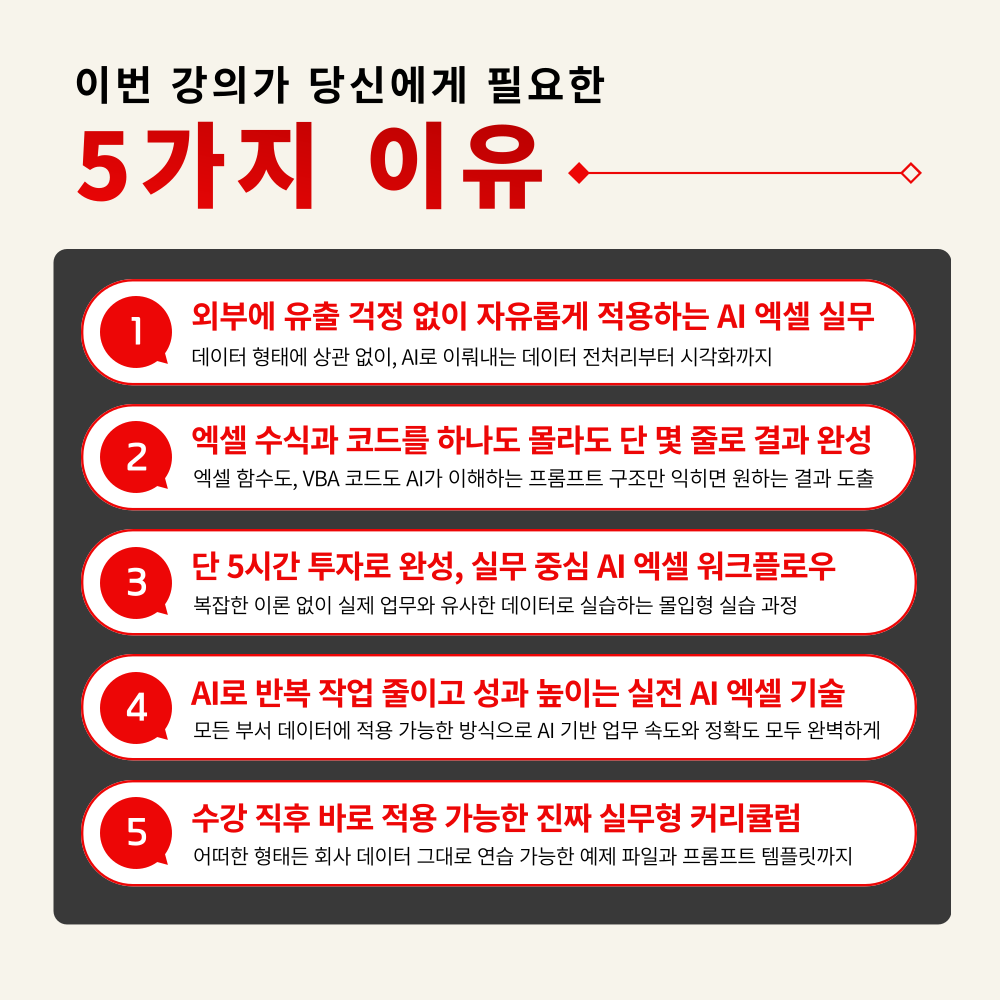
1. Zero data leaks! Excel automation strategies to utilize AI at 200%
Practical AI application methods to freely perform the entire process of analysis, organization, and visualization according to business goals and data types
2. Structured Prompt Training: Completing Complex Tasks with Just a Few Lines
Designing TCI (Task-Context-Instruction) based prompt structures that AI understands accurately without complex explanations
3. Hands-on Practice: Automating Data Preprocessing and Visualization with AI
A practical course to complete everything at once, from automatic missing value correction to ticker-based time-series graph generation
4. VBA/Script Auto-Generation Techniques Possible Without Any Coding Knowledge
Practical AI Excel automation training to reduce repetitive tasks such as inserting blank rows, date format preprocessing, and interactive visualization
5. A practical AI automation intensive curriculum that makes you a pro in just 5 hours
A practical curriculum that enables you to process and visualize any data into your desired format after learning
No more time spent memorizing formulas or stress from wrestling with code!
Get your work hours back with AI that works for you.
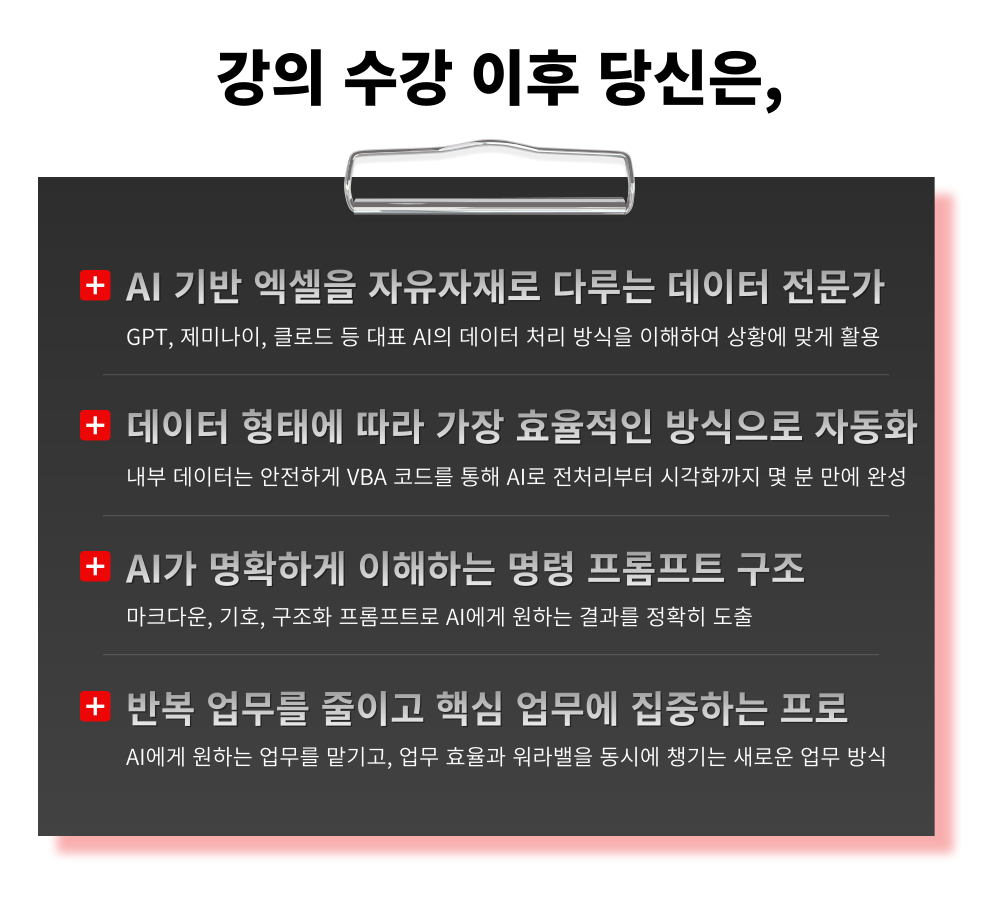
1. Sign up for the course
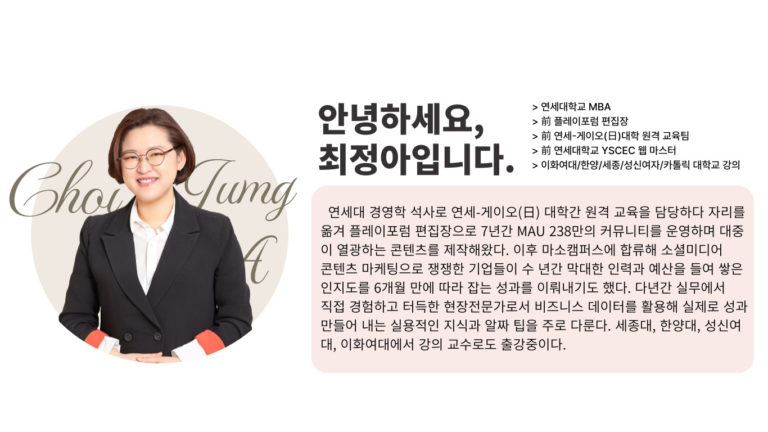
2. Start automation practice without uploads with Instructor Jung-ah Choi
3. Become a smart worker who maintains both work efficiency and work-life balance
Are you still working overtime just searching for Excel functions instead of asking AI?
Stop studying now and just make a request to the AI.
– Practitioners who hesitated to use AI due to corporate data security
– Office workers tired of studying complex formulas and difficult VBA codes
– Managers who want to maximize team work efficiency through faster and easier data organization
– Anyone who wants to minimize Excel task time
– Anyone who wants to utilize real AI 200% beyond just searching in the AI era
AI Excel automation—if you don't start now, you'll fall behind.
Achieve peak work efficiency faster than others with just this one course!
STEP 1. Simplifying complex Excel tasks with AI
Learn efficient data organization methods through the 4 principles of data structures that are easy for AI to recognize
STEP 2. Structured Prompting Skills for Accurate Results
Structured prompt design practice to derive desired results at once using the TCI structure so that AI does not get confused
STEP 3. Project Practice: Completing from A to Z Using Real-World Business Data
Directly implement everything from data preprocessing to visualization in just a few minutes using data similar to real-world tasks such as sales, HR, and training
STEP 4. No need to worry about data leaks! Practical AI Excel techniques to choose and use according to the situation
From generating result files to deriving VBA code, hands-on practice using the most efficient AI for any situation
STEP 5. Providing practical templates for immediate use in real-world tasks
AI Excel automation for immediate use from basics to practice, with prompt examples and practice files
From now on, AI will complete complex formulas and code for you!
Safely automate Excel with your own AI tailored to your work
If you don't start now, you might still be stuck with complex Excel tasks tomorrow.
Q. Do I need prior knowledge of AI to take this course?
A. This course is designed to provide skills that anyone interested in AI can immediately apply to their practical work, so no prior knowledge of AI is required.
Q. Are there any requirements or prerequisites for taking the course?
A. No special prior knowledge or skills are required to take the course. However, having a Google account will allow for a smoother experience when accessing generative AI tools during the course. If you do not have a Google account yet, we recommend signing up before the course for seamless learning.
Q. Do I need a paid ChatGPT subscription to take this course?
A. Some features introduced in this course require a ChatGPT Plus or higher plan. However, this course is primarily designed for you to gain insights into how to apply various and specific AI practical skills to your own work. For students who do not have a subscription, we recommend taking this course first and then considering a paid plan for actual application in your professional field.
Since this is a practice-oriented course, it is recommended to prepare a dual monitor or an extra device so that you can separate the lecture screen from the practice screen.
Additionally, as the practice sessions are based on Windows OS, we recommend taking the course in a Windows environment.
Lecture notes and practice files are located in the <00. Textbook Download Center> section.









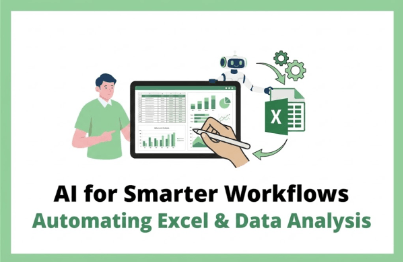


 (1200 x 781 px)1.png?w=420)
![[Basic] Even those with no coding experience can do it! Master Google Sheets task automation in 90 minutesCourse Thumbnail](https://cdn.inflearn.com/public/courses/331717/cover/a395d468-0688-4908-88c2-4d087f24d7b7/thumbnail.jpg?w=420)


![[OT Security - ③ Chemical Industry] Understanding Manufacturing Security in the AI Era: Focusing on Field Case StudiesCourse Thumbnail](https://cdn.inflearn.com/public/files/courses/342536/cover/ai/0/8b97b1f6-6b48-4beb-922e-67b6b0624fb2.png?w=420)