강의

멘토링

커뮤니티

Applied AI

/

AI for Work

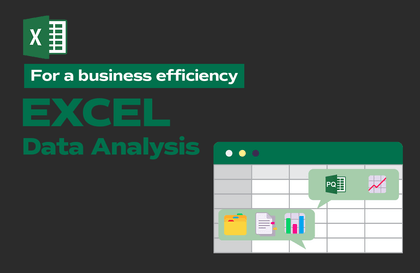
Efficient AI Utilization That Companies Want - Practical Data Processing Secrets Conquered with Structured Prompts

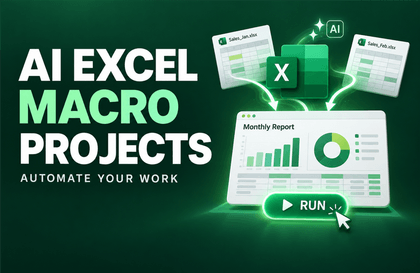
AI Excel that automates perfectly for your work without company security concerns. From data preprocessing to visualization in just a few minutes, no coding knowledge required!

(5.0) 5 reviews

19 learners

Level Beginner

Course period Unlimited

  • Masocampus
Excel
Excel
AI
AI
ChatGPT
ChatGPT
prompt engineering
prompt engineering
Generative AI
Generative AI
Excel
Excel
AI
AI
ChatGPT
ChatGPT
prompt engineering
prompt engineering
Generative AI
Generative AI

Reviews from Early Learners

Reviews from Early Learners

5.0

5.0

히릿

88% enrolled

I thought Excel automation was difficult, but it's amazing how much has become possible with AI! I'm going to study hard so I can use it for work~

5.0

dongree

24% enrolled

It's not massive data, but I often need to process data for work, so this seems like it would be useful. I'll listen diligently.

5.0

일찍일어나는새가벌레

82% enrolled

I got some side-eye at work for not being able to use Power Query, but it's so great that I can just handle it with GPT instead!

What you will gain after the course

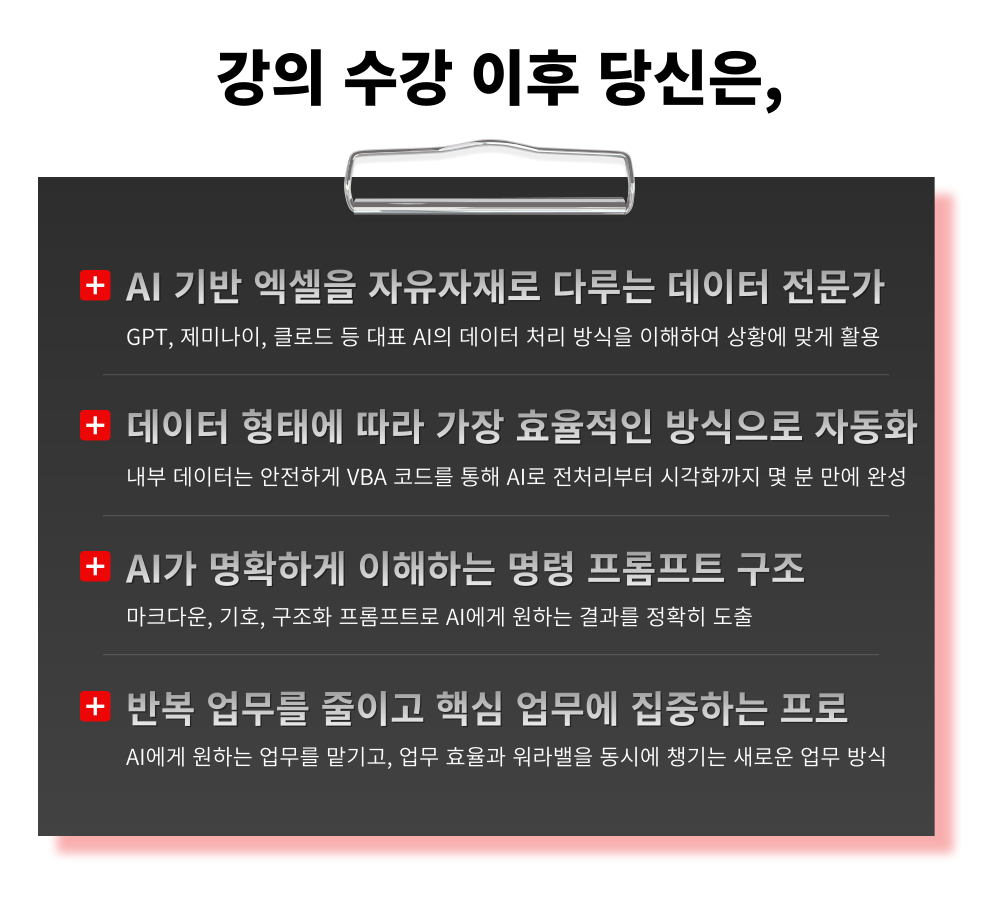
  • Efficient Data Organization Methods Using the 4 Key Principles of AI-Friendly Data Structures

  • Designing Structured Prompts with TCI Framework to Achieve Desired Results Without AI Confusion

  • Sales, HR, education, and other practical data similar to real-world scenarios from preprocessing to visualization

  • From generating result files to deriving VBA code, the most efficient AI-powered Excel automation for any situation

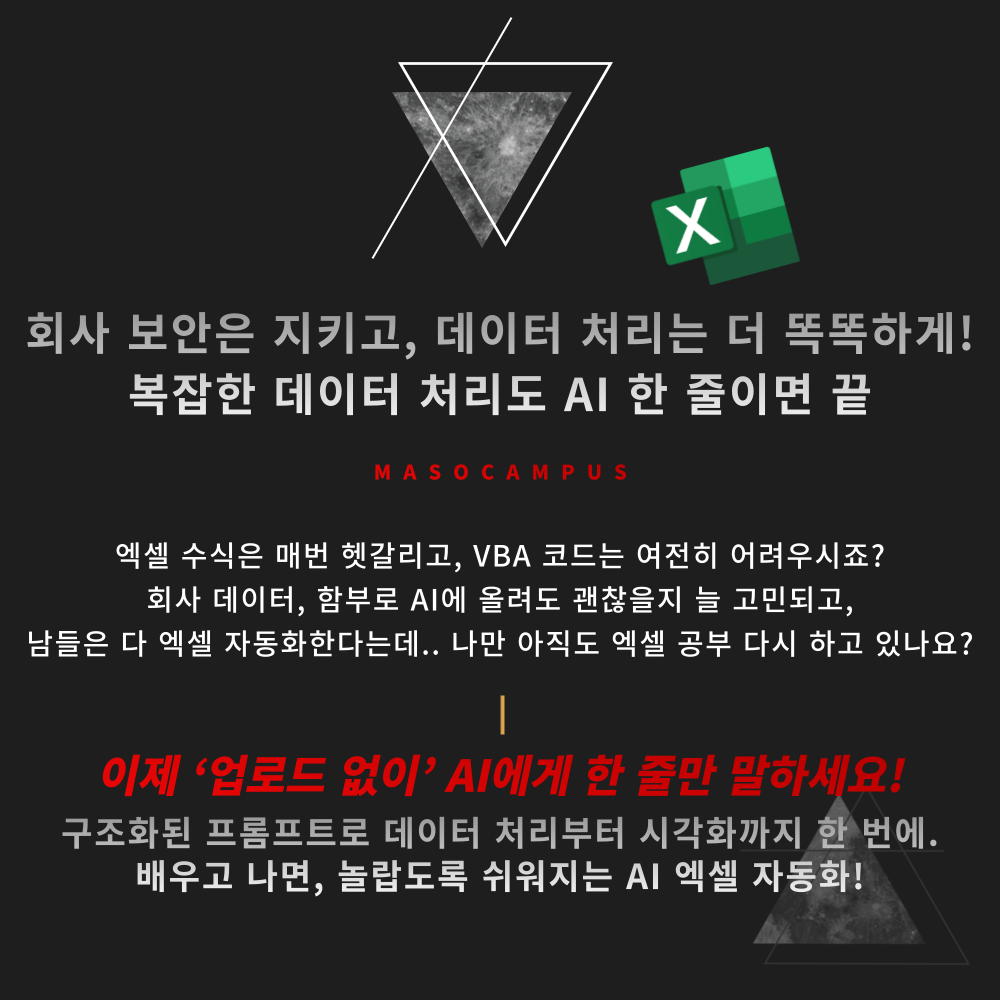
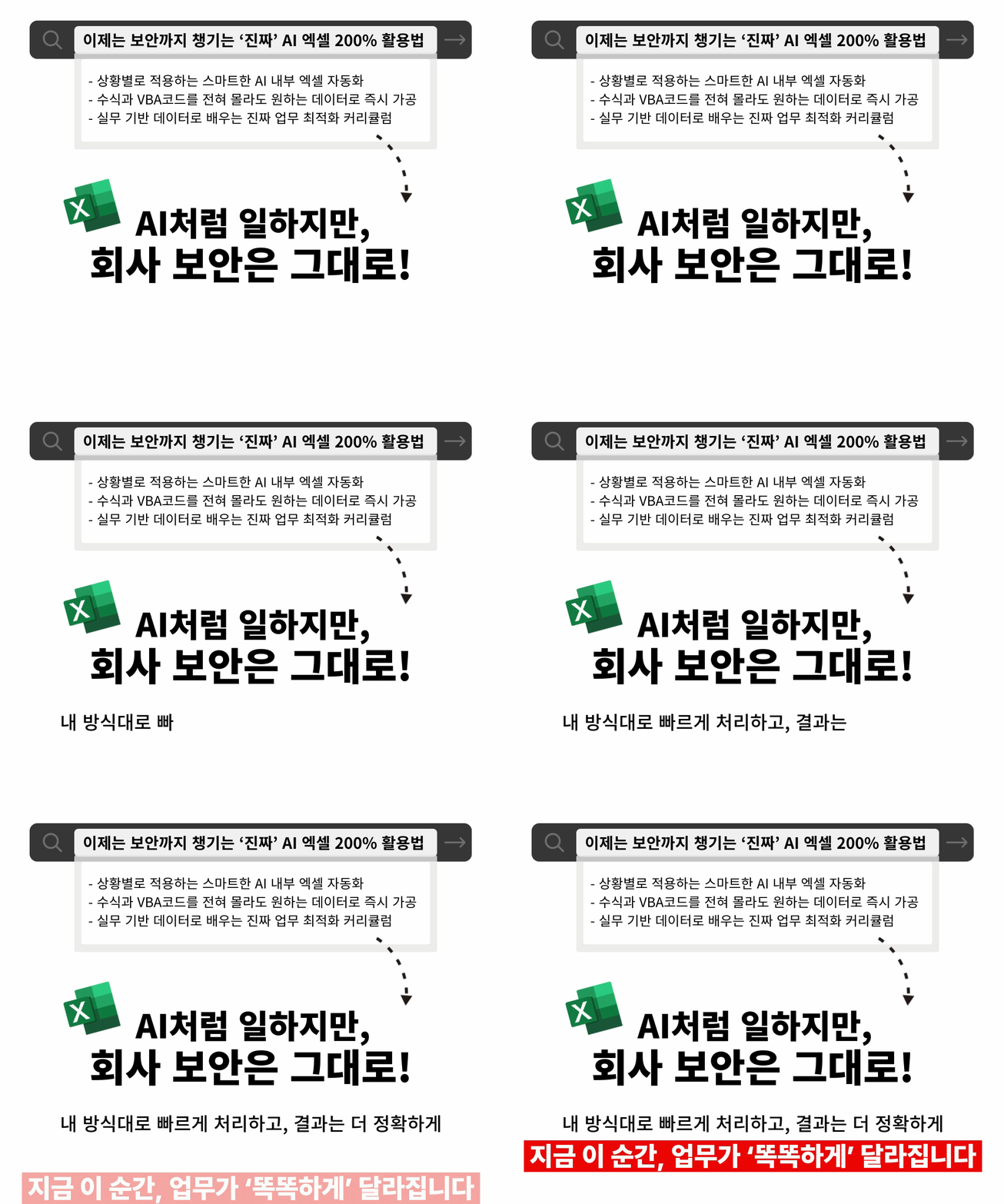
AI Excel that automates perfectly for your work, without worrying about company security.
Without any coding knowledge, from data preprocessing to visualization in just a few minutes - OK!

"You want to utilize AI, but it's difficult to find methods that fit your work?"
Now you can achieve practical Excel automation that works like AI while maintaining security!

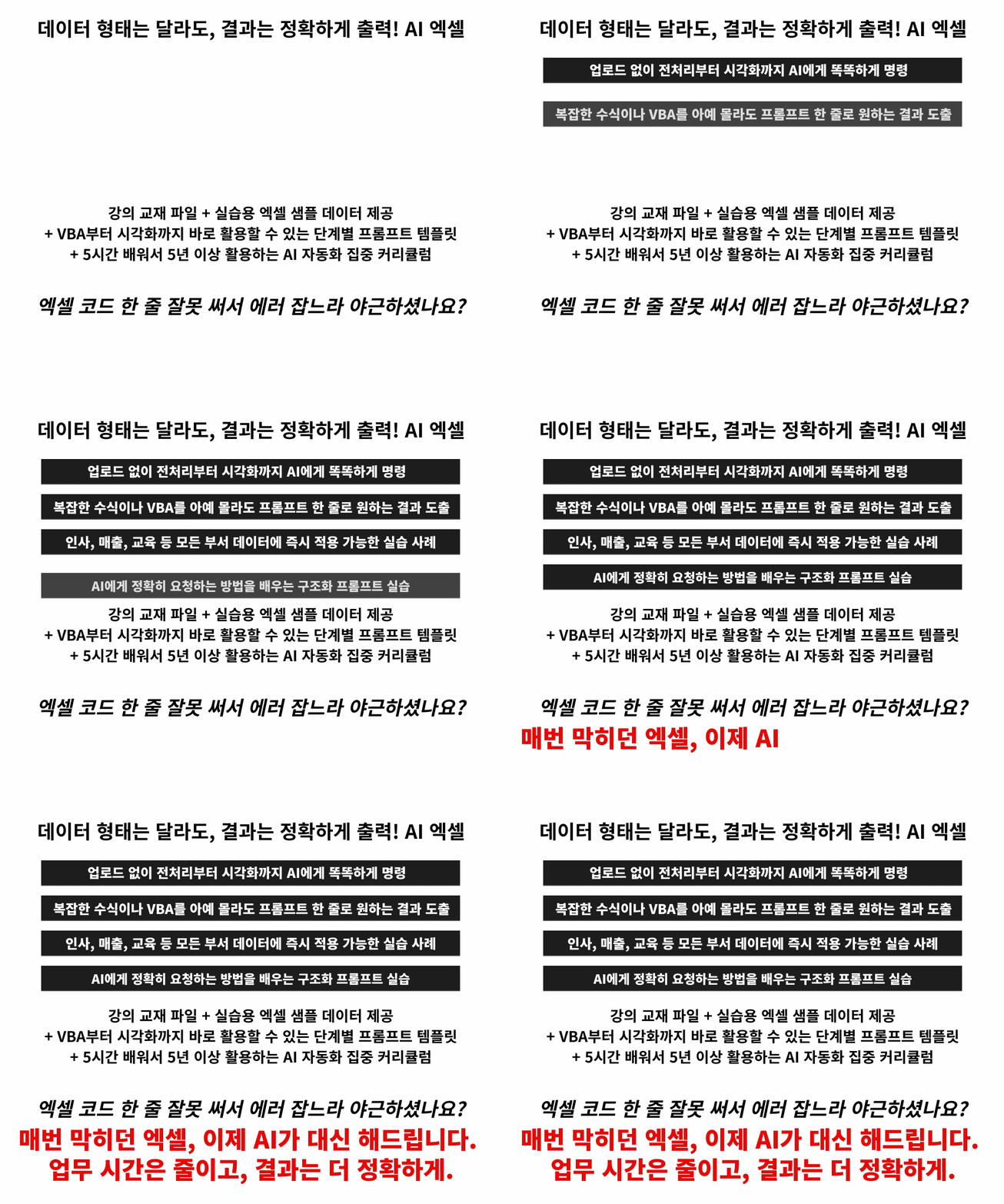
Just tell AI what you want in a few lines
and functions, formulas, VBA, and graph visualizations will be completed in minutes.
Stop the long explanations, AI Excel made easy with short commands!

– Flexible Excel automation that handles any data - HR, training, sales, etc. - according to your work style
– Smart AI prompt techniques explained in just one line
– Efficiency-focused workflows that simultaneously boost work speed and accuracy

How to work like AI, even without using AI.
Learn Excel practical skills that achieve both security and automation right now!

Efficient AI Utilization That Companies Want - Curriculum Features of Practical Data Processing Secrets Through Structured Prompts

This is a practical AI Excel automation course that teaches you to master Excel and design data your own way.

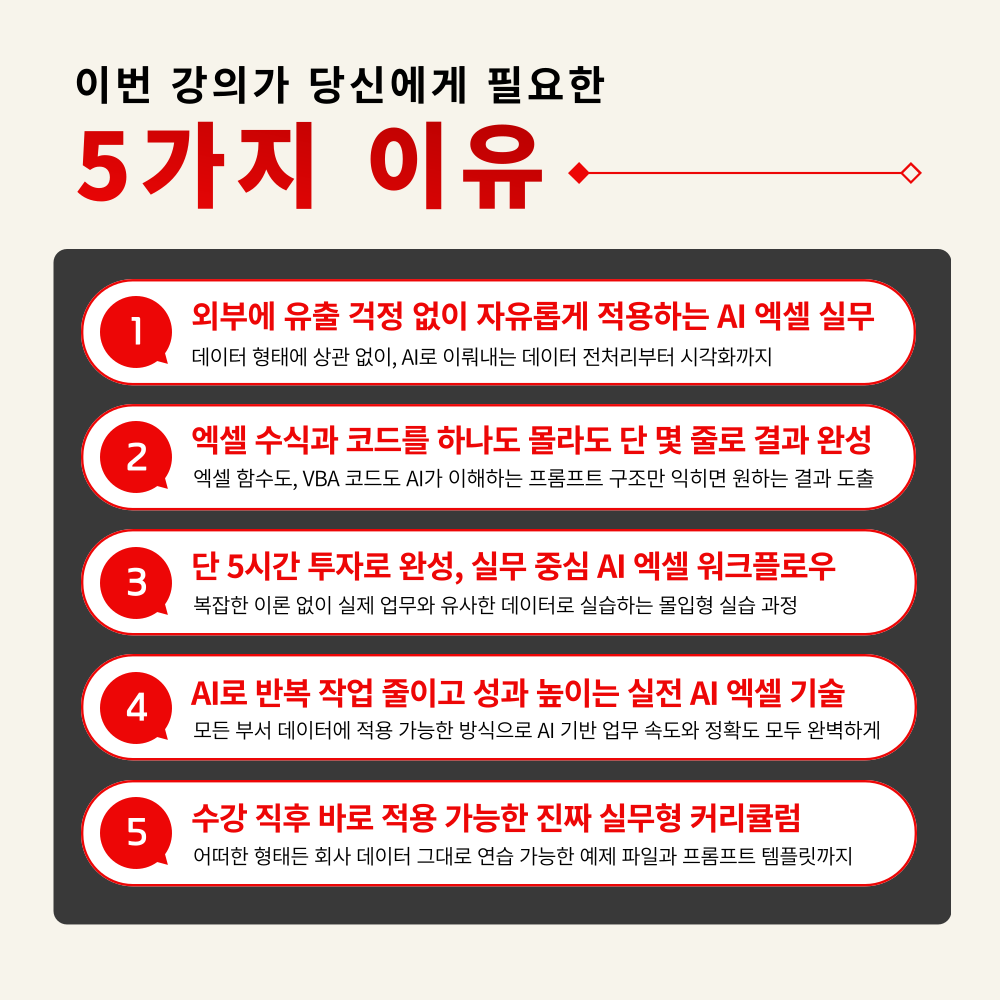
1. Zero Information Leakage! Excel Automation Strategy to Utilize AI at 200%
Practical AI utilization methods to freely perform analysis, organization, and visualization processes according to work purposes and data types

2. Structured Prompt Training to Complete Complex Tasks in Just a Few Lines
Designing TCI (Task-Context-Instruction) based prompt structures that AI understands accurately without complex explanations

3. Data Preprocessing and Visualization Automation Practice with AI Processing
A hands-on course that completes everything from automatic missing value correction to ticker-based time series graph generation in one go

4. VBA/Script Auto-Generation Techniques Possible Even Without Any Coding Knowledge
Practical learning of AI Excel automation to reduce repetitive tasks such as inserting blank rows, date format preprocessing, and interactive visualization

5. Practical AI Automation Intensive Curriculum to Become a Work Expert in Just 5 Hours
A practical curriculum that enables you to process and visualize any data in the desired format after learning


No more time spent memorizing formulas or stress from wrestling with code!

Get your work time back with AI that works for you.

Don't do Excel yourself anymore ㅡ AI does it all.

1. Enrolling in a Course

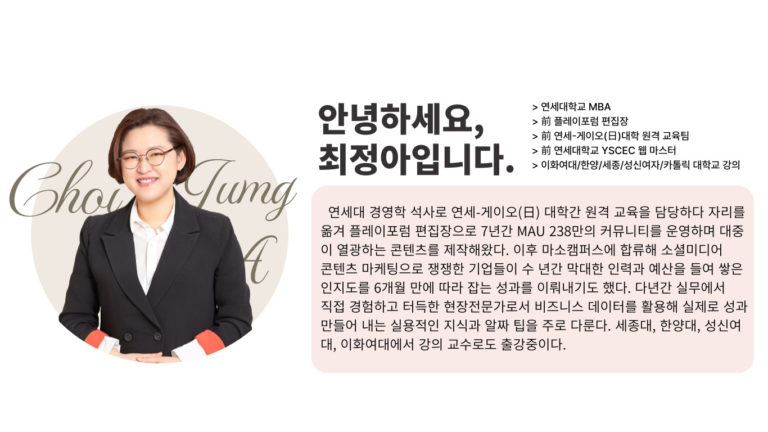
2. Starting Automation Practice Without Uploads with Instructor Jeong-ah Choi

3. Becoming a Smart Worker Who Maintains Both Work Efficiency and Work-Life Balance

Just 3 STEPS to shorten your work hours - start right now!


Are you still working overtime just searching in Excel without asking AI yet?
Stop studying now and just make requests to AI.

Easy AI Excel that safely delivers the results you want in just a few minutes,

Start right now!

I confidently recommend this to people like this.

– Practitioners who hesitated to use AI due to company data security concerns
– Office workers tired of studying complex formulas and difficult VBA code
– Managers who want to maximize team work efficiency with faster and easier data organization
– Anyone who wants to minimize Excel work time
– Anyone who wants to utilize real AI 200% beyond just searching in the AI era

AI Excel Automation - if you don't start now, you'll fall behind.
Achieve the best work efficiency faster than others with just this one course!


Course Features

STEP 1. Transform Complex Excel Tasks into Simple Ones with AI

Master efficient data organization methods through the 4 key principles of AI-friendly data structures

STEP 2. Structured Prompt Skills for Creating Accurate Results

Structured Prompt Design Practice: Using TCI Structure to Achieve Desired Results in One Go Without Confusing AI

STEP 3. Project Practice: Complete A to Z Implementation Using Real-World Data

Implement everything from data preprocessing to visualization in just a few minutes using practical data similar to real-world scenarios including sales, HR, and training data

STEP 4. No Worries About Data Leaks! Practical AI Excel Methods to Choose and Use According to Your Situation

From generating result files to deriving VBA code, the most efficient AI utilization practice tailored to each situation

STEP 5. Providing practical templates that can be immediately applied to real work

With prompt examples and practice files, AI Excel automation for immediate use from basics to professional applications


Are you overwhelmed about how to use AI,
and find your day ending with just searching through Excel?

Complex formulas and code writing will now be completed by AI for you!

Safely create my own AI Excel automation tailored to my work
If you don't start now, you might still be stuck with complex Excel tomorrow.

Expected Questions Q&A

Q. Do I need prior knowledge of artificial intelligence to take this course?
A. This course is designed to provide practical skills that anyone interested in artificial intelligence can immediately apply in their work, so no prior knowledge of artificial intelligence is required.

Q. Are there any requirements or prerequisites for taking this course?
A. No special prior knowledge or skills are required to take this course. However, having a Google account will help you access generative AI tools more smoothly during the course. If you don't have a Google account yet, we recommend signing up before the course begins for a seamless learning experience.

Q. Do I need to subscribe to ChatGPT's paid plan to take this course?
A. Some features introduced in this course require activation of ChatGPT Plus or higher subscription plans. However, this course is primarily designed to help you gain insights on how to apply the diverse and specific AI practical skills covered in the lectures to your own work. For students who do not have a subscription, we recommend considering a paid subscription plan for real-world application after taking this course.


Please check before taking the course!

  • Since this is a hands-on practice-oriented course, it would be great if you could prepare a dual monitor setup or an additional device so you can separate the lecture screen from the practice screen.

  • Additionally, since the hands-on practice is conducted on a Windows OS basis, we recommend taking the course in a Windows environment.

  • Lecture materials and practice files are available in the <00. Course Materials Download Center> section.


Recommended for
these people

Who is this course right for?

  • A practitioner who hesitated to utilize AI due to company data security concerns

  • Office workers exhausted from studying complex function formulas and difficult VBA code

  • Managers who want to maximize their team's work efficiency with faster and easier data organization

  • Everyone who wants to minimize their Excel work time

Hello
This is

9,420

Learners

1,337

Reviews

114

Answers

4.7

Rating

99

Courses

"I will grow more than yesterday. And, I will help those who strive to grow more than yesterday."

With Actionable Content that embodies the sincerity and aspirations of Maso Campus,

100 million cumulative hours of lectures shared online and offline since 2013!

This precious experience and time are always the source of growth for both Maso Campus and our students.

The Miso Campus team strictly adheres to two principles for the growth of us all. 1. Actionable Content that can be put into practice immediately after learning. 2. Respecting the time and effort of participants.

The Miso Campus team strictly adheres to two principles for the growth of us all.

1. Actionable Content that you can actually use after learning 2. Time-Saving Curriculum that respects the participant's time and effort Grow with Miso Campus's Actionable and Time-Saving Curriculum

1. Actionable Content that you can surely use once you learn it

2. Time-Saving Curriculum that respects the time and effort of participants

We hope you will walk the path of growth together with Masocampus's Actionable and Time-Saving Curriculum.

We hope you will walk the path of growth together with Maso Campus's Actionable and Time-Saving Curriculum.

Curriculum

All

17 lectures ∙ (5hr 28min)

Course Materials:

Lecture resources
Published: 
Last updated: 

Reviews

All

5 reviews

5.0

5 reviews

  • inflearn3161님의 프로필 이미지
    inflearn3161

    Reviews 1

    Average Rating 5.0

    5

    35% enrolled

    • masocampus
      Instructor

      Thank you for leaving a review😊

  • hryoon5235님의 프로필 이미지
    hryoon5235

    Reviews 29

    Average Rating 5.0

    5

    88% enrolled

    I thought Excel automation was difficult, but it's amazing how much has become possible with AI! I'm going to study hard so I can use it for work~

    • masocampus
      Instructor

      Thank you for leaving a review😊 We will always do our best at MaSo Campus!

  • dongree님의 프로필 이미지
    dongree

    Reviews 21

    Average Rating 5.0

    5

    24% enrolled

    It's not massive data, but I often need to process data for work, so this seems like it would be useful. I'll listen diligently.

    • masocampus
      Instructor

      Thank you for leaving a review😊 We will always do our best at MaSo Campus!

  • bullae님의 프로필 이미지
    bullae

    Reviews 25

    Average Rating 5.0

    5

    82% enrolled

    I got some side-eye at work for not being able to use Power Query, but it's so great that I can just handle it with GPT instead!

    • masocampus
      Instructor

      Thank you for leaving a review😊 We will always do our best at Maso Campus!

  • julia4082님의 프로필 이미지
    julia4082

    Reviews 18

    Average Rating 5.0

    5

    88% enrolled

    Wow, I really didn't know anything about Excel, but now I can do everything just through conversation like this. The world has really become a great place. Thanks to the instructor's detailed explanations, it was easy to understand.

    • masocampus
      Instructor

      I'm so glad the lecture was well delivered! Thank you. 😊

$53.90

Masocampus's other courses

Check out other courses by the instructor!

Similar courses

Explore other courses in the same field!