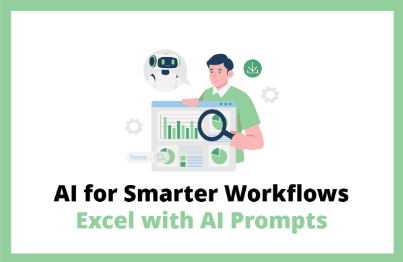
Efficient AI Utilization Desired by Companies - Mastering Excel with AI Structured Prompts

Excel automation is possible without uploading company data? Revealing AI secrets that maintain security while reducing work hours!

(5.0) 11 reviews

36 learners

Level Beginner

Course period Unlimited

ChatGPT
ChatGPT
Excel
Excel
AI
AI
prompt engineering
prompt engineering
VBA
VBA
ChatGPT
ChatGPT
Excel
Excel
AI
AI
prompt engineering
prompt engineering
VBA
VBA

Reviews from Early Learners

Reviews from Early Learners

5.0

5.0

애기손 파이

92% enrolled

The instructor really explains things so clearly and precisely! I only knew basic Excel functions, but this is the first time I've learned that there are so many diverse features, and it's amazing that you can do this without uploading data to GPT.

5.0

박정환

62% enrolled

The explanation is clear, so it's easy to understand!

5.0

Merci

31% enrolled

Not only document work but also Excel and data analysis tasks with AI assistance will definitely result in tremendous time efficiency and output quality. I'm still taking the course, but it's faithfully composed of content needed for actual work, and the instructor's teaching skills and delivery are excellent!! The total course duration and practice content aren't burdensome either, so my goal is to completely master it through 3 repetitions by this weekend! Let's go~~~~!!!

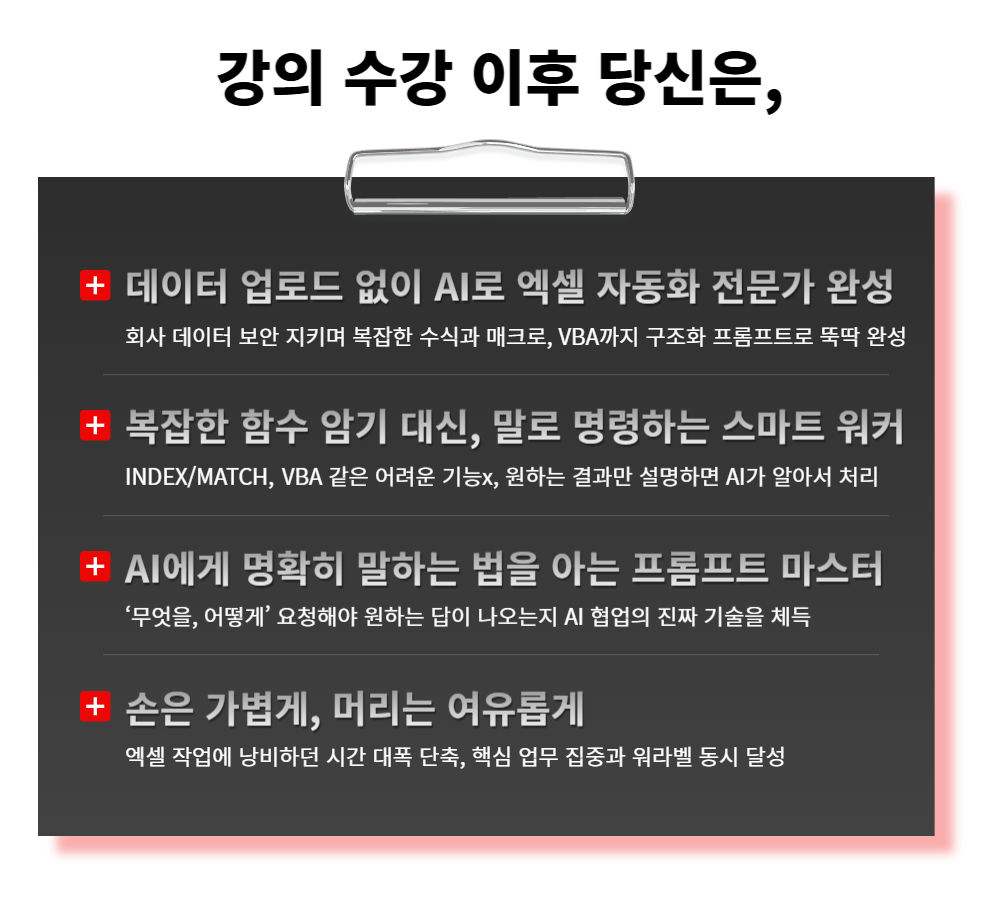
What you will gain after the course

  • Understanding everything from "how to explain data" to AI, to the basic principles of formulas, functions, and macros.

  • Practice of writing prompts using the three-part structure of Task-Context-Instruction to clearly convey desired results to AI

  • Implement complex tasks such as customer consultation recording systems, user-defined functions (UDF), and visual macros with AI.

  • Automation practice that achieves both security and efficiency through the '5 Principles of Data Description' to obtain results without uploading data.

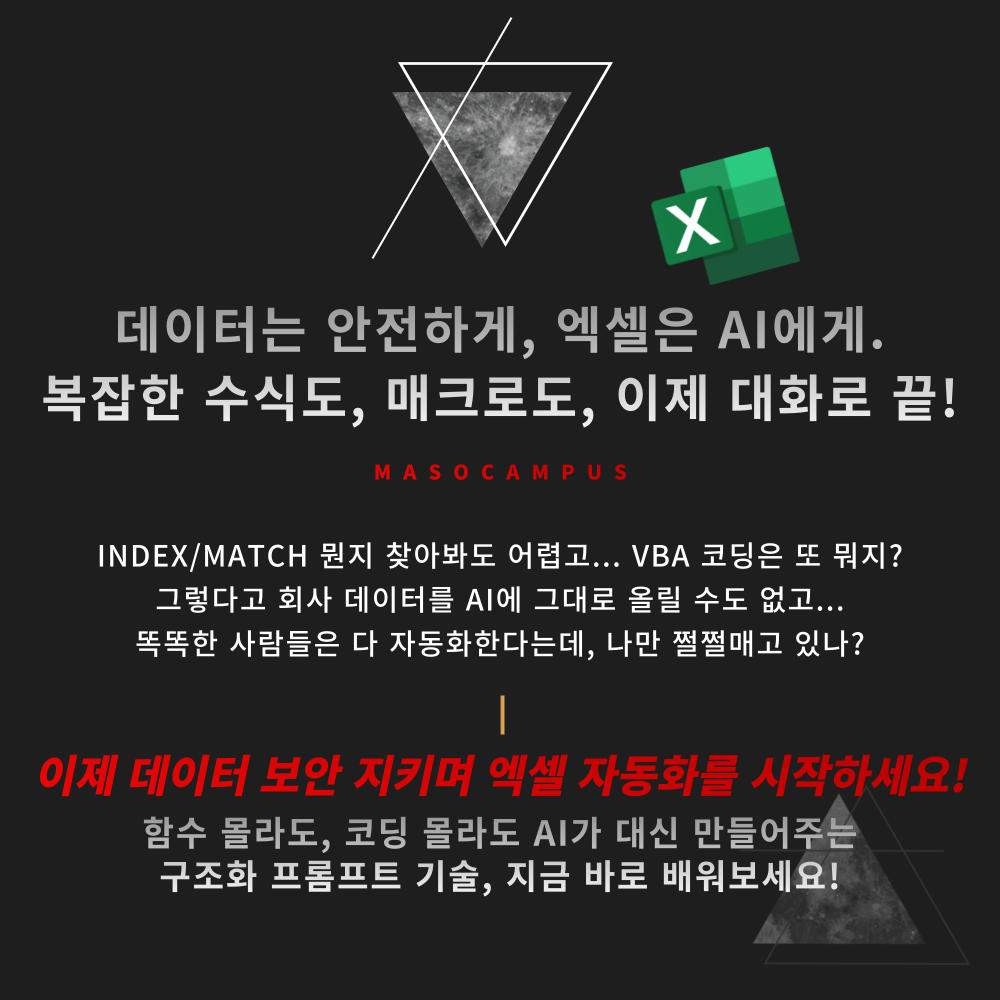
Is Excel automation possible without uploading company data?
Revealing the secrets of using AI to maintain security while reducing work hours!

“Isn’t Excel automation only for experts?”

With just a structured prompt, you can do it too!


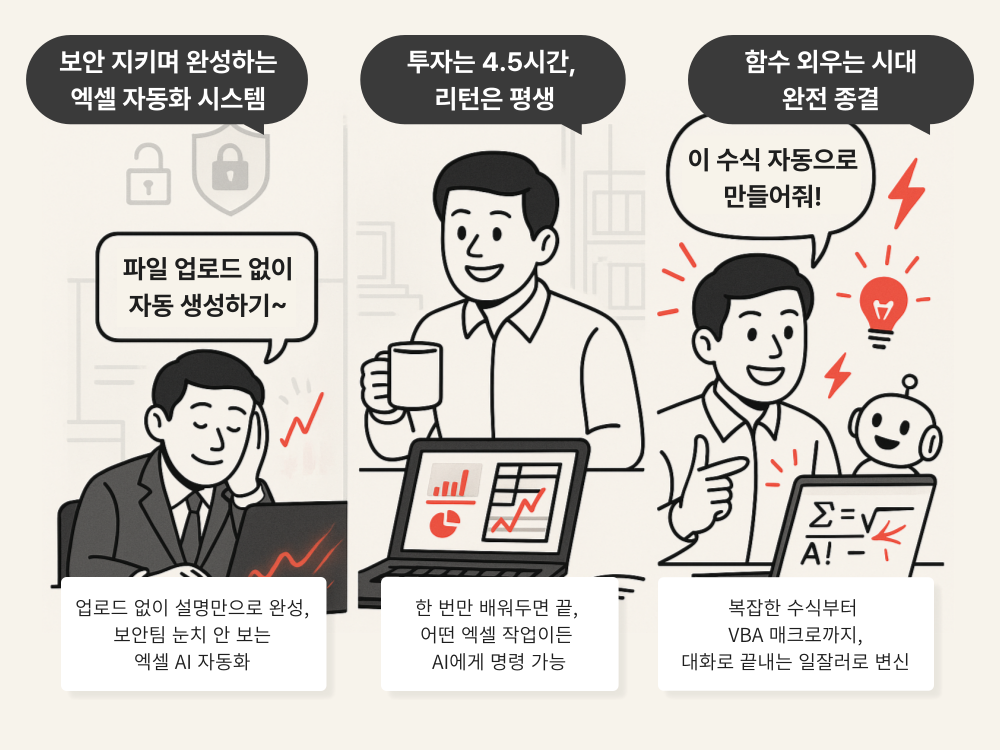
If you leave sensitive materials as they are and just explain the data structure,

AI will complete the perfect formulas and macros for you.

Security stays tight, results stay perfect!


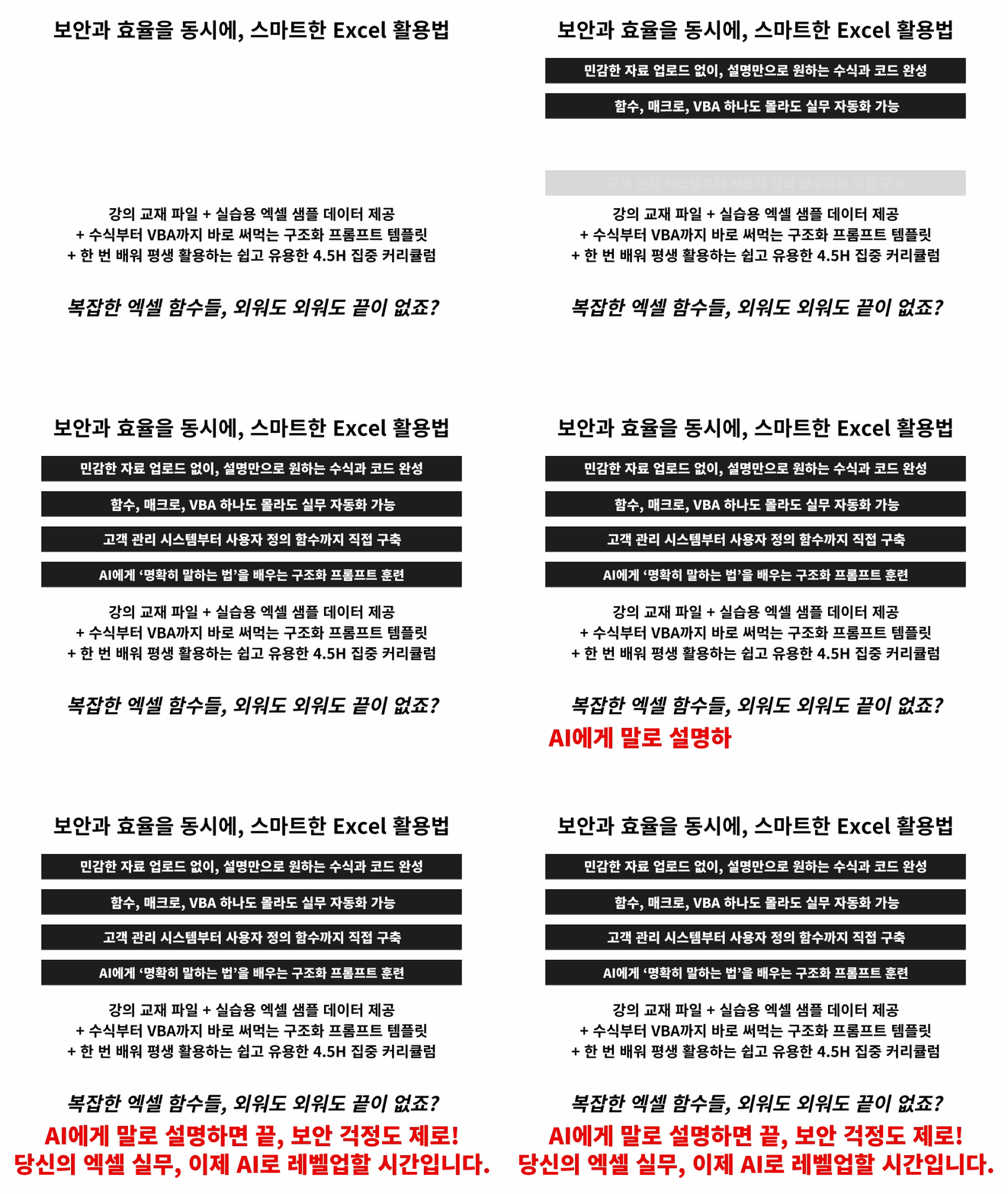
– Excel automation practice possible even without knowing functions or coding

– Complete formulas and macros with just a description, without even uploading your data.

– Safe AI prompt usage methods possible even in secure environments

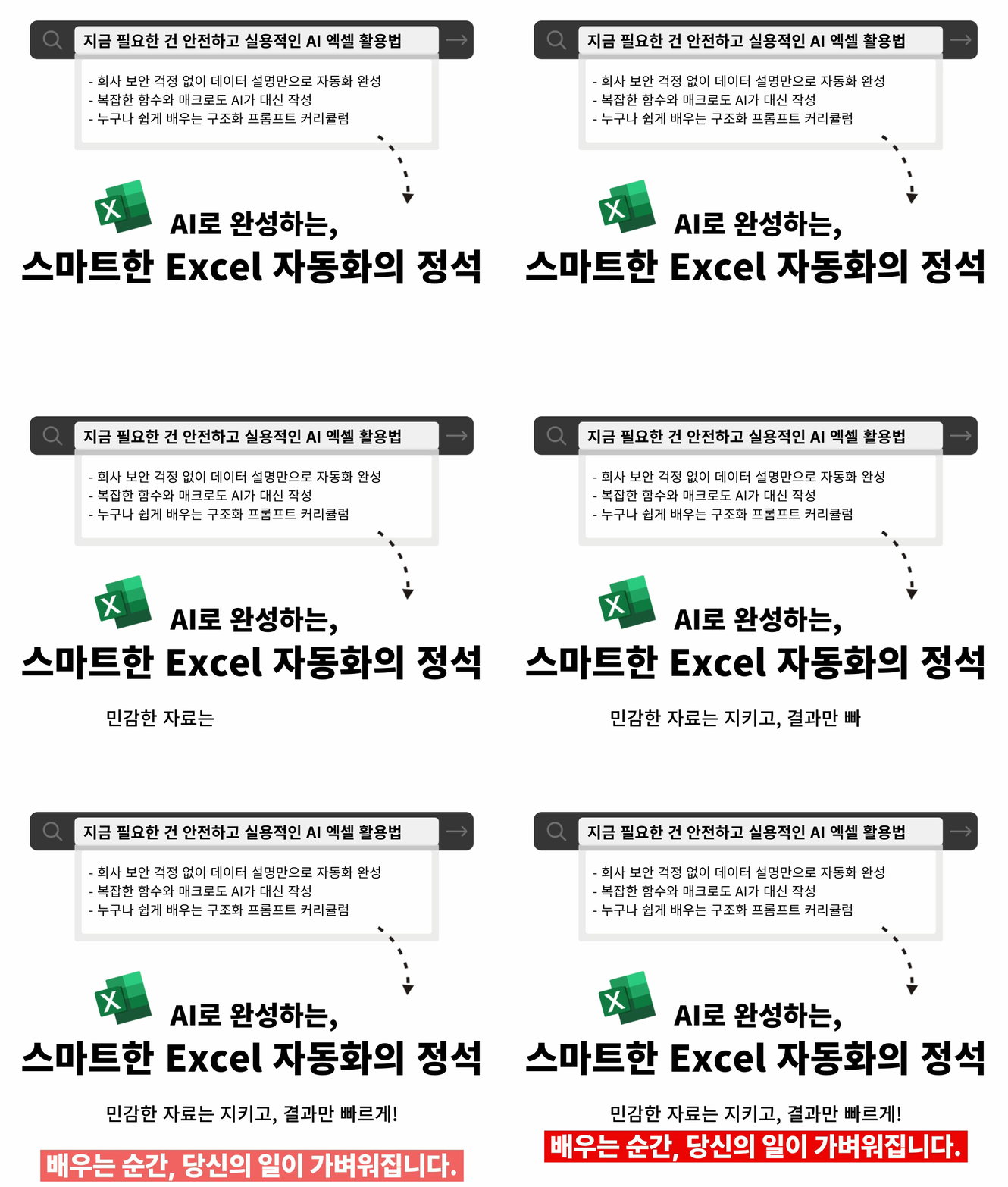
Stop writing Excel formulas yourself; now, let AI do it for you.

Keep your data safe and make automation smarter with AI Excel automation!


Efficient AI Utilization Desired by Companies - Mastering Excel with AI Structured Prompts Curriculum Features

This is an Excel automation course that starts with zero coding knowledge, covering everything from complex formulas to VBA macros.

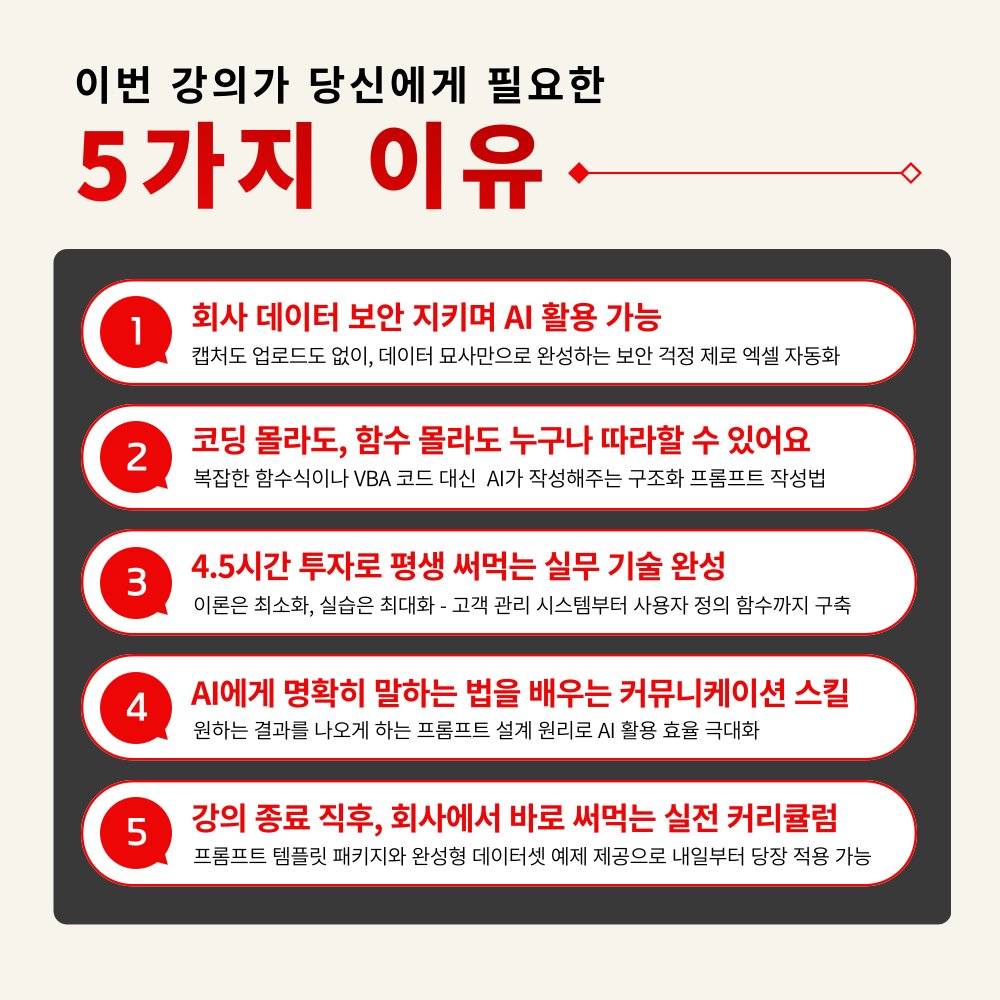
1. How to use AI while maintaining security, mastering structured prompts
The secret to obtaining accurate formulas and macros using only public information, without uploading a single line of company data

2. TCI Framework: Finishing Difficult Tasks with Simple Commands
Always the same level of difficulty regardless of complexity! Perfectly control AI with the Task-Context-Instruction structure

3. Practical techniques to have AI create complex functions without memorizing them
Whether it's VLOOKUP or INDEX/MATCH, just provide an example of the desired result and AI will generate the formula and even provide an explanation

4. Practical VBA and Macro Automation for Non-Developers
From automatic customer data accumulation with a single button to creating your own custom functions (UDF), achieved with zero coding knowledge

5. An intensive curriculum you can use for a lifetime with a 4.5-hour investment
The goal is application, not just learning! A realistic and practical curriculum that you can use starting tomorrow


The era of not being able to use AI due to security concerns is over!

Now, automate Excel while protecting your data.

Complex Excel, now just explain it to the AI!

Giving up on AI because of security? Giving up on macros because functions are too hard? You don't have to do that anymore!

Start Excel AI automation at work without any worries right now!

I confidently recommend this to the following people.

– Office workers who felt uneasy about uploading company data directly to AI

– Practitioners who gave up on Excel automation because formulas are difficult and VBA is even harder

– Team leaders/managers who want to boost performance by increasing the efficiency of their team's Excel tasks

– Anyone who wants to gain a competitive edge with the latest AI Excel automation skills

– Anyone who wants to equip themselves with practical skills suited for the AI era

Excel automation is no longer just for experts.

Learn how to work with AI while maintaining security today, and apply it tomorrow!


Lecture Features

STEP 1. AI Excel Automation, from Basics to Practical Application All at Once

Understand the basic principles of formulas, functions, and macros, starting from "how to explain data" to AI.

STEP 2. Learning how to give precise commands using structured prompts

Practice writing prompts using the three-part structure of Task-Context-Instruction to clearly convey desired results to the AI.

STEP 3. Hands-on Practice with Functions, Macros, and VBA Automation Examples

Implementing complex tasks such as customer consultation recording systems, User Defined Functions (UDF), and visual macros together with AI

STEP 4. Practical Application of Secure AI Usage Without Uploading

Automation practice that captures both security and efficiency through the '5 Principles of Data Description,' which allows you to get results without uploading data.

STEP 5. Just learning? NO! A guide to practical completion for immediate use

From example datasets to prompt templates, we provide a package of materials you can use at work right away.

Are you constantly opening and closing search tabs
just to find Excel formulas?

Now, leave all the complex tasks to AI!

Keep your data secure and your results perfect.
Start secure AI Excel automation right now!


Frequently Asked Questions (Q&A)

Q. Do I need prior knowledge of AI to take this course?
A. This course is designed to provide skills that anyone interested in AI can immediately apply to their work; therefore, no prior knowledge of AI is required.

Q. Are there any requirements or prerequisites for taking the course?
A. No special prior knowledge or skills are required to take the course. However, having a Google account will allow for a smoother experience when accessing the generative AI tools used in the lessons. If you do not have a Google account yet, we recommend signing up before the course for seamless learning.

Q. Do I need a paid subscription to generative AI to take this course?
A. A subscription or payment is not required to take the course. While some features introduced in the lecture may require payment, this course is primarily designed for you to gain insights on how to apply the various and specific AI practical skills covered in the lecture to your own work.


Please check before taking the course!

  • Since this is a practice-oriented course, we recommend preparing a dual monitor or an extra device so you can separate the lecture screen from the practice screen.

  • Additionally, since the practice sessions are based on Windows OS, we recommend taking the course in a Windows environment.

  • Lecture notes and practice files are located in the <00. Textbook Download Center> section.


Recommended for
these people

Who is this course right for?

  • Office workers who felt uneasy about uploading company data directly to AI

  • Practitioners who gave up on Excel automation because formulas are difficult and VBA is even harder

  • Team leaders/managers who want to boost performance by increasing their team's Excel work efficiency

  • Anyone who wants to gain a competitive edge with the latest AI Excel automation skills

Need to know before starting?

  • This course is designed to provide anyone interested in artificial intelligence with the skills they can immediately apply to their work, and no prior knowledge of AI is required.

  • No special prior knowledge or skills are required to take the course.

  • If you have a Google account, you will be able to access the generative AI tools used in the lecture more smoothly.

Hello
This is Masocampus

10,214

Learners

1,456

Reviews

124

Answers

4.7

Rating

104

Courses

"I will grow more than yesterday. And, I will help those who strive to grow more than yesterday."

With Actionable Content that embodies the sincerity and aspirations of Maso Campus,

100 million cumulative hours of lectures shared online and offline since 2013!

This precious experience and time are always the source of growth for both Maso Campus and our students.

The Miso Campus team strictly adheres to two principles for the growth of us all. 1. Actionable Content that can be put into practice immediately after learning. 2. Respecting the time and effort of participants.

The Miso Campus team strictly adheres to two principles for the growth of us all.

1. Actionable Content that you can actually use after learning 2. Time-Saving Curriculum that respects the participant's time and effort Grow with Miso Campus's Actionable and Time-Saving Curriculum

1. Actionable Content that you can surely use once you learn it

2. Time-Saving Curriculum that respects the time and effort of participants

We hope you will walk the path of growth together with Masocampus's Actionable and Time-Saving Curriculum.

We hope you will walk the path of growth together with Maso Campus's Actionable and Time-Saving Curriculum.

More

Curriculum

All

13 lectures ∙ (4hr 29min)

Course Materials:

Lecture resources
Published: 
Last updated: 

Reviews

All

11 reviews

5.0

11 reviews

  • wjdghks30944496님의 프로필 이미지
    wjdghks30944496

    Reviews 1

    Average Rating 5.0

    5

    62% enrolled

    The explanation is clear, so it's easy to understand!

    • yslee1204님의 프로필 이미지
      yslee1204

      Reviews 4

      Average Rating 5.0

      5

      31% enrolled

      Not only document work but also Excel and data analysis tasks with AI assistance will definitely result in tremendous time efficiency and output quality. I'm still taking the course, but it's faithfully composed of content needed for actual work, and the instructor's teaching skills and delivery are excellent!! The total course duration and practice content aren't burdensome either, so my goal is to completely master it through 3 repetitions by this weekend! Let's go~~~~!!!
      • masocampus
        Instructor

        Thank you so much for leaving such a valuable review. I'm truly happy to hear that our course was helpful to you😊I hope you achieve your goal of complete mastery!

    • reum11104754님의 프로필 이미지
      reum11104754

      Reviews 1

      Average Rating 5.0

      5

      100% enrolled

      • masocampus
        Instructor

        Thank you for leaving a review😊

    • julia4082님의 프로필 이미지
      julia4082

      Reviews 21

      Average Rating 5.0

      5

      92% enrolled

      The instructor really explains things so clearly and precisely! I only knew basic Excel functions, but this is the first time I've learned that there are so many diverse features, and it's amazing that you can do this without uploading data to GPT.

      • masocampus
        Instructor

        I'm so happy to hear that our class was helpful to you😊 Thank you for leaving a review!

    • tbell74839님의 프로필 이미지
      tbell74839

      Reviews 1

      Average Rating 5.0

      5

      31% enrolled

      Masocampus's other courses

      Check out other courses by the instructor!

      Similar courses

      Explore other courses in the same field!

      $53.90