강의

멘토링

커뮤니티

Design

/

3D Modeling

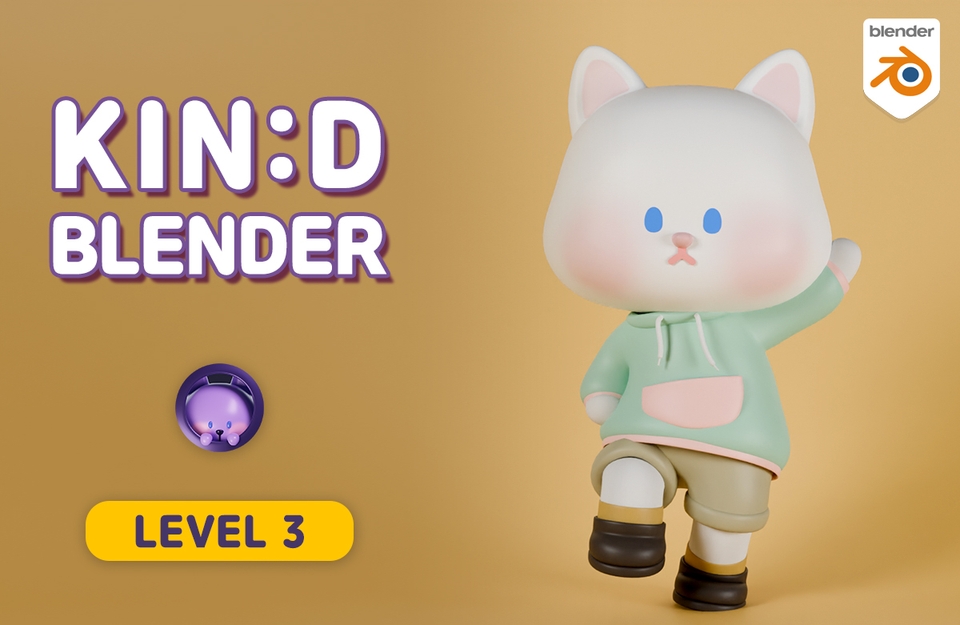
Kind Blender - [LV.3] Character Animation

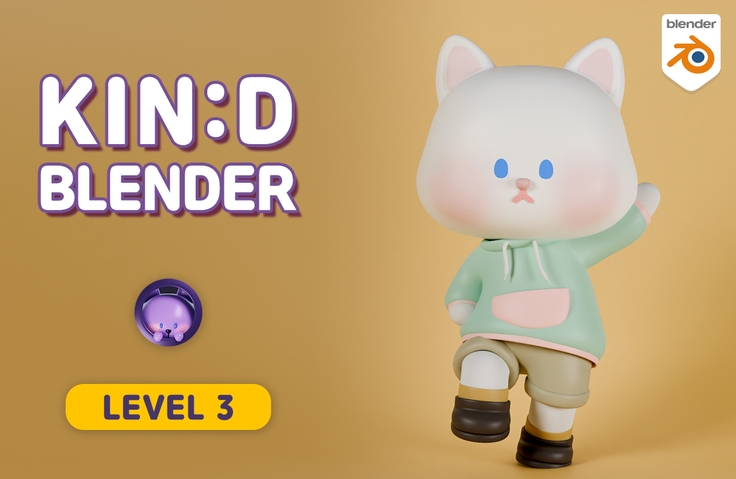
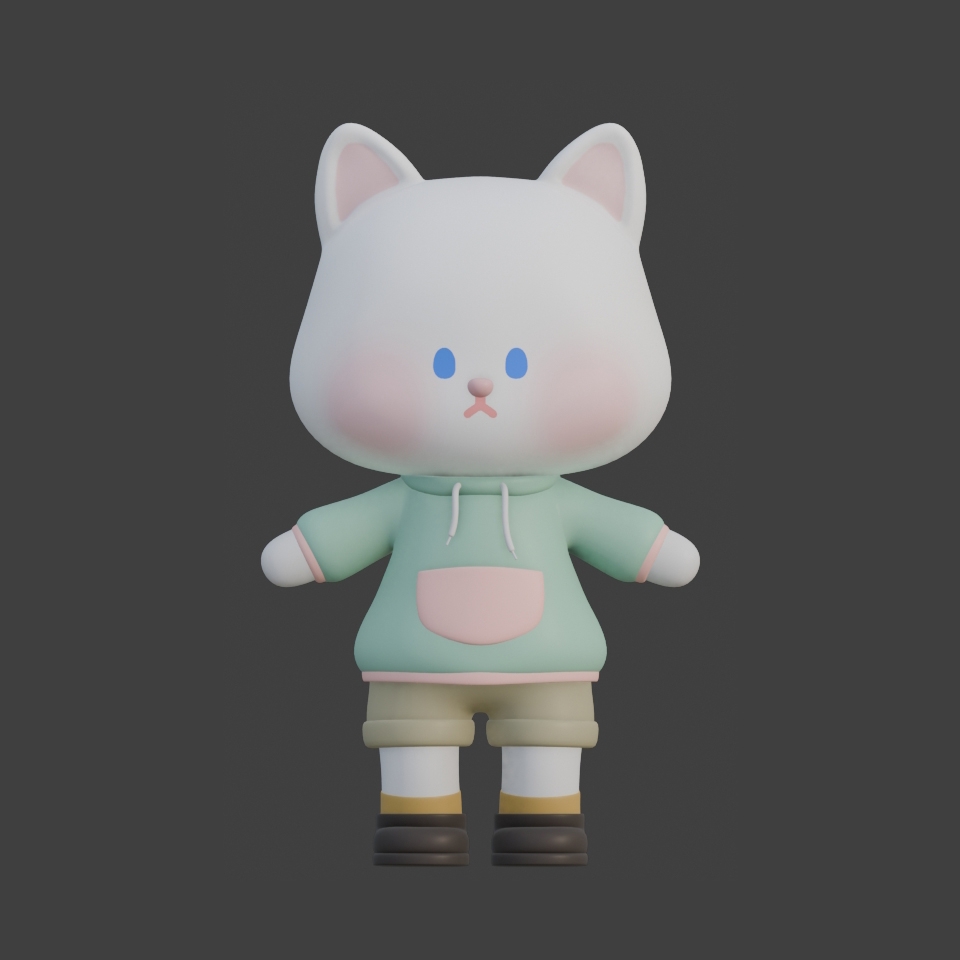
Learn modeling, rigging, painting, and animation of a cute cat character, and create an animation of a cat walking through a village! :)

(4.8) 19 reviews

160 learners

  • codemod
블렌더
애니메이션
캐릭터-디자인
Blender
3d
3d-modelling
3d-rendering

Reviews from Early Learners

What you will gain after the course

  • Character Modeling

  • Character Rigging (focusing on armature)

  • Basic Painting (vertex paint, texture paint, weight paint)

  • Animation (Walking with Rhythm)

When it moves, the cuteness doubles! Fall in love with the charm of 3D animation!

Let's create animations of cute characters moving together in Blender.
You can learn the fundamentals of modeling, rigging, painting, and animation from the ground up.

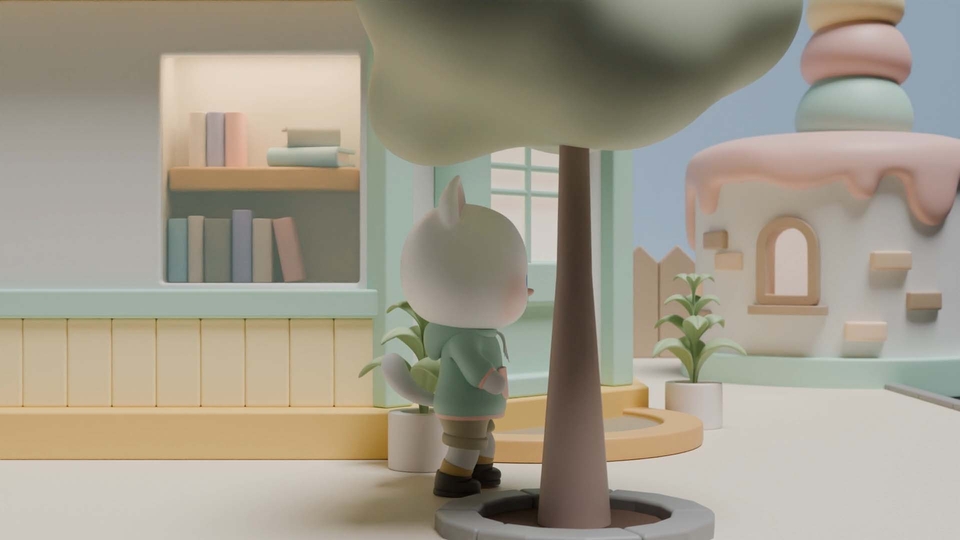
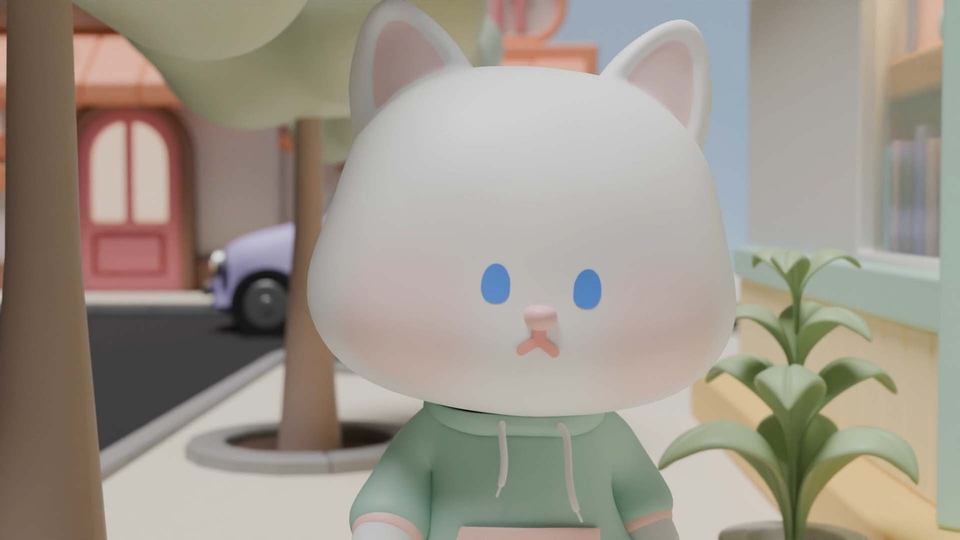
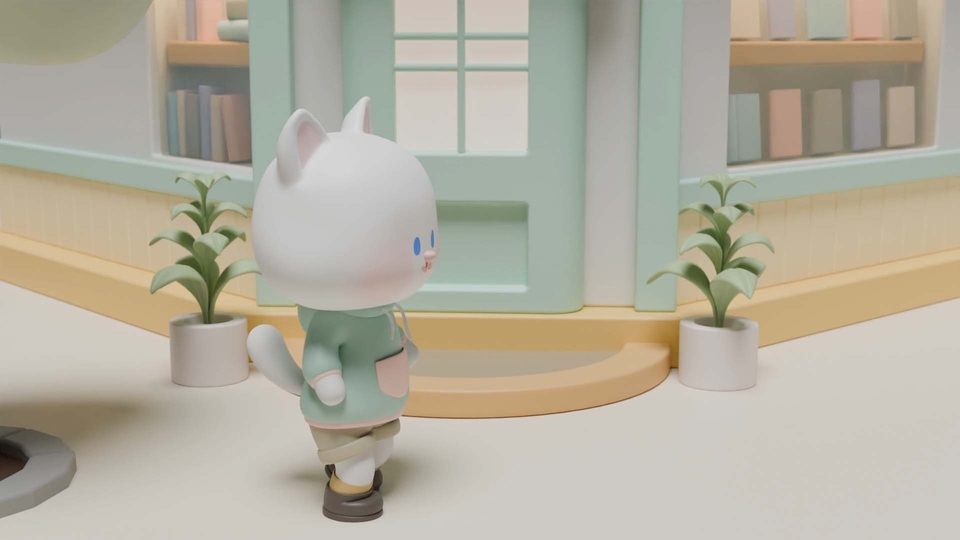
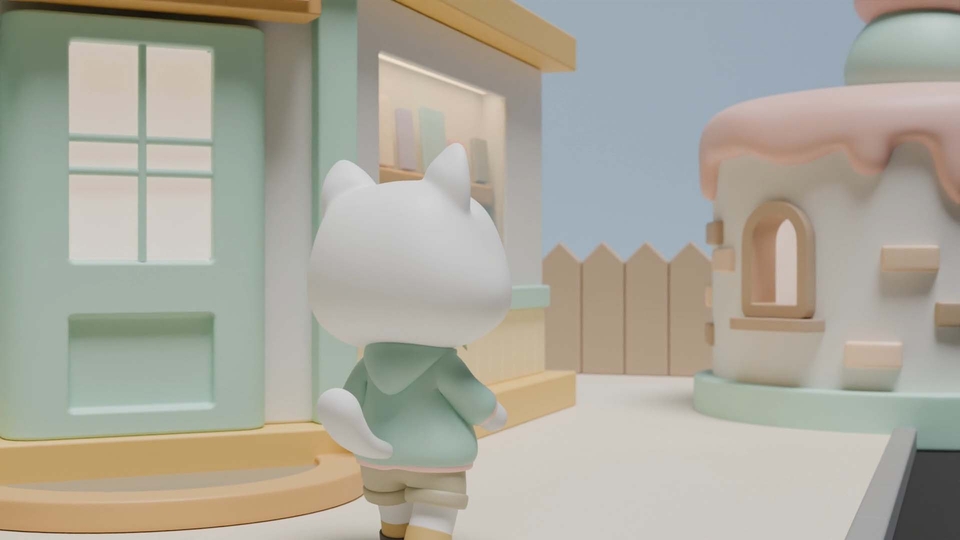
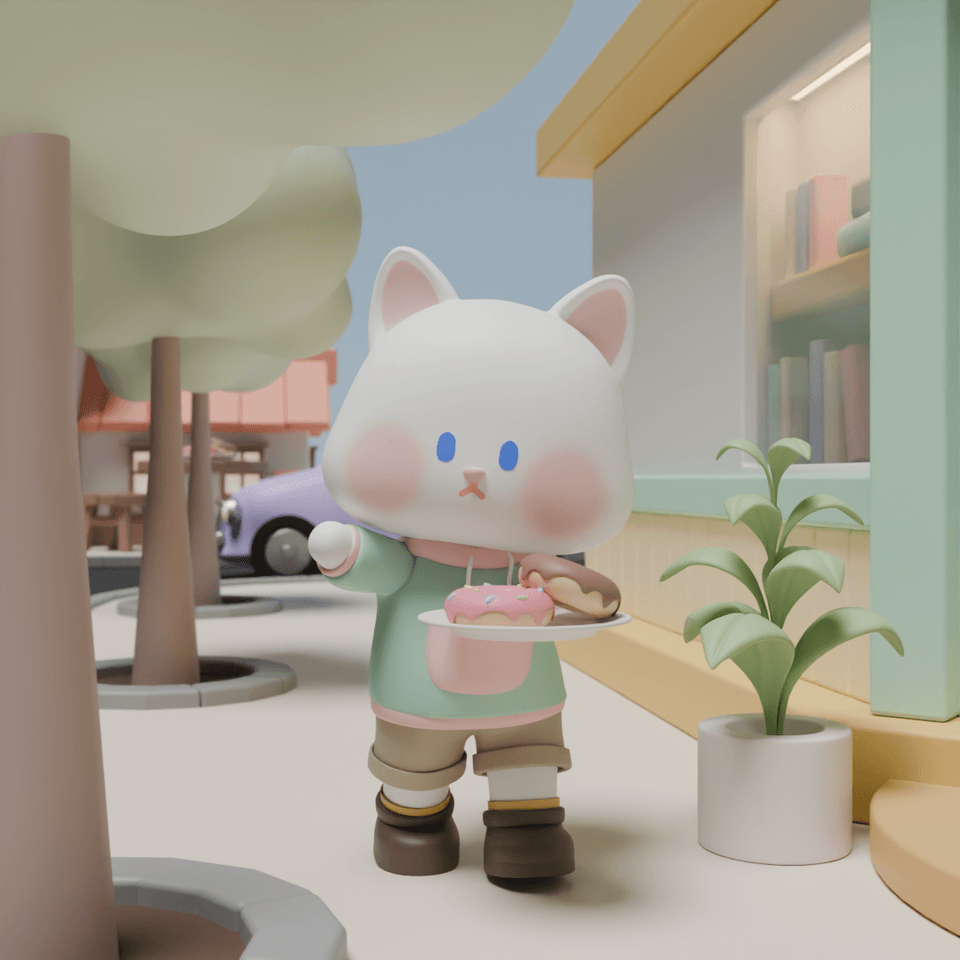
Here's what you'll learn to create as the final result! (Section 1 ~ Section 6)

Delivering Donuts (Section 7)

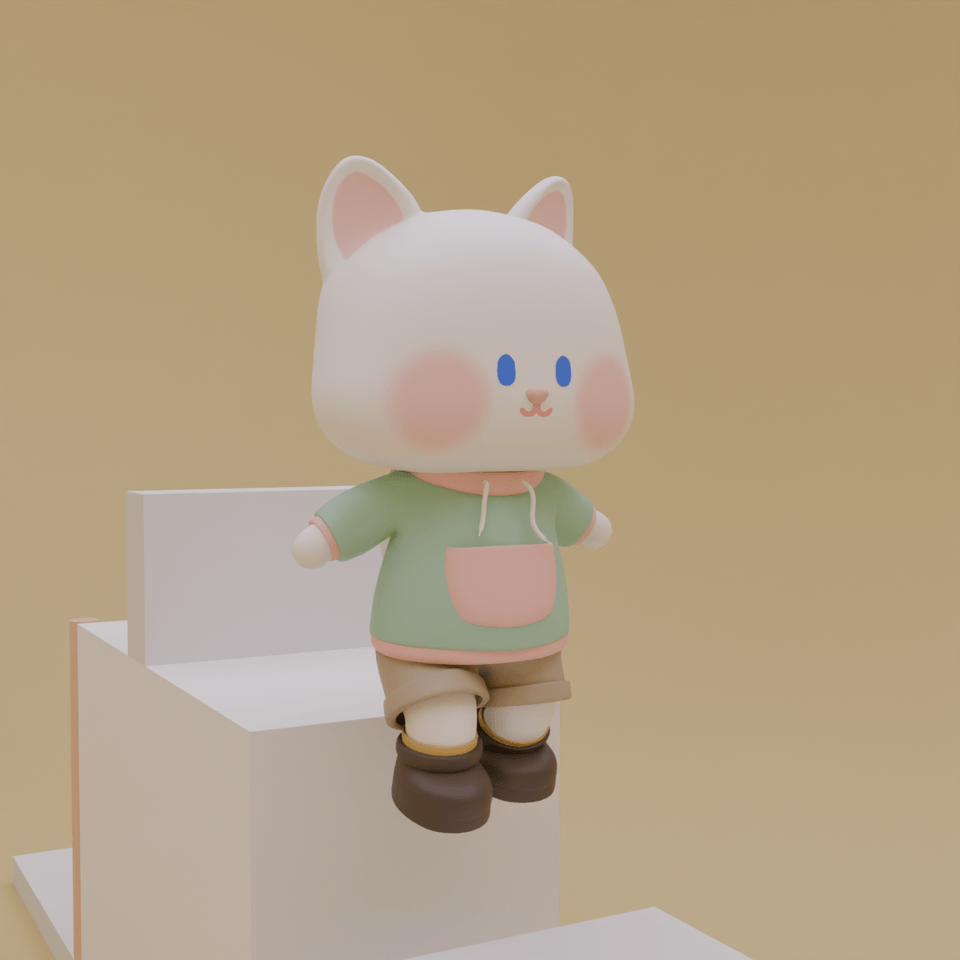
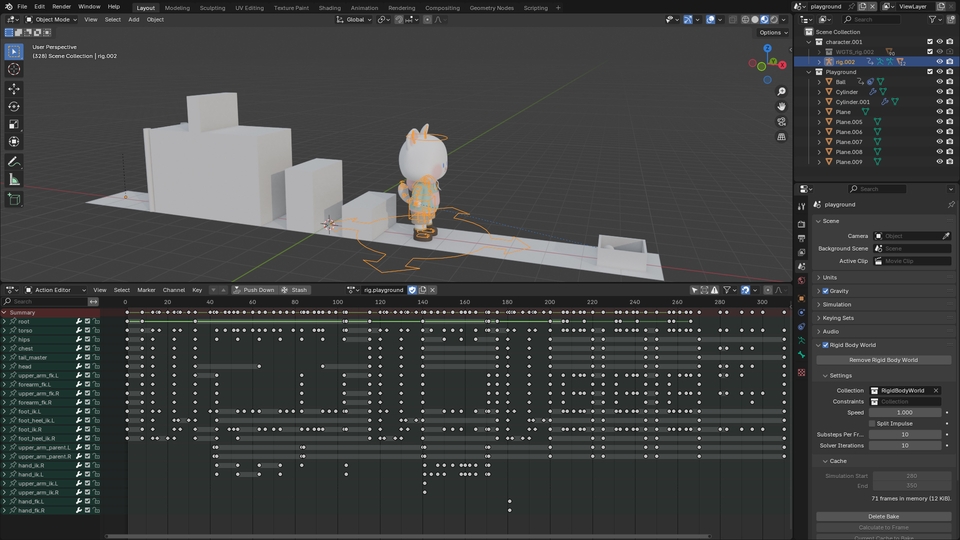
Playing in the Playground (Section 7)

Let's create basic movements - applications won't be difficult either!
Let's make 3D animations!

You can easily understand concepts with visual materials!

Learn modeling, rigging, painting, and animation step by step!

Section 1: Modeling
3d-modelling

Understanding Character Modeling
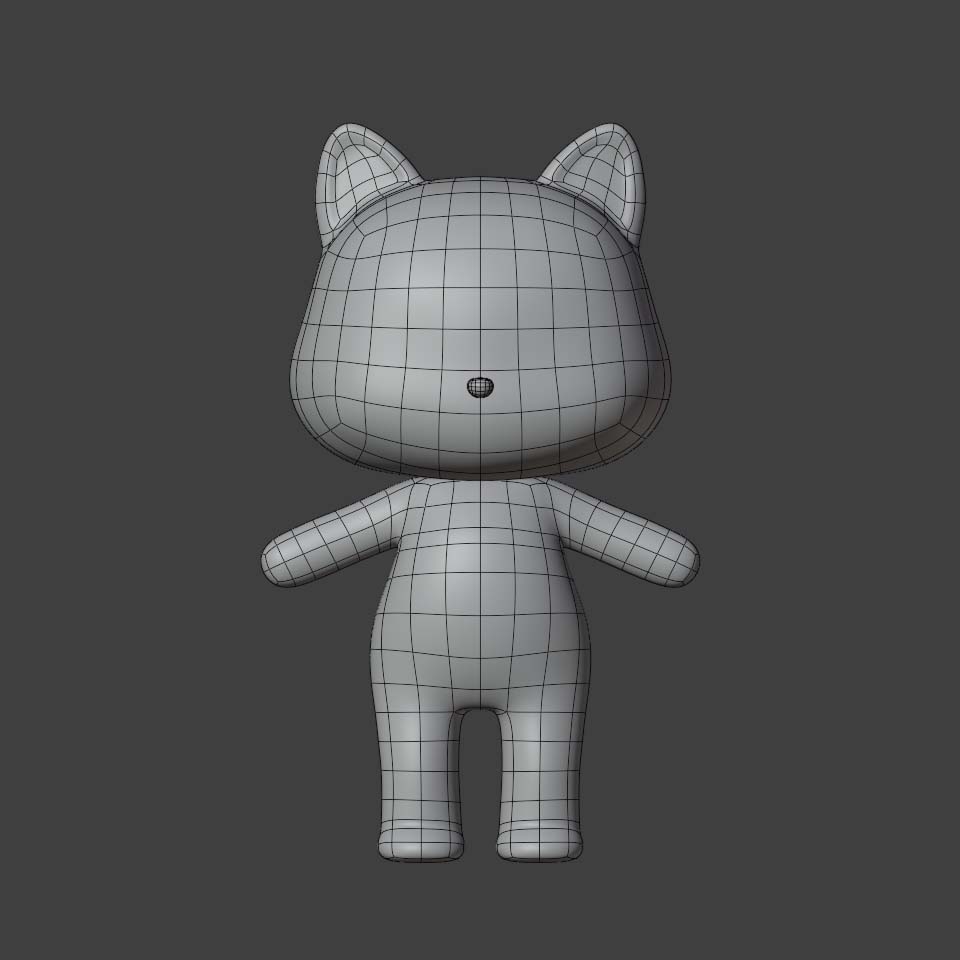
Character Head Modeling
Character Body Modeling
Character Tail Modeling


You will learn useful tips for character modeling and then model a character.

Section 2: Rigging Rigging

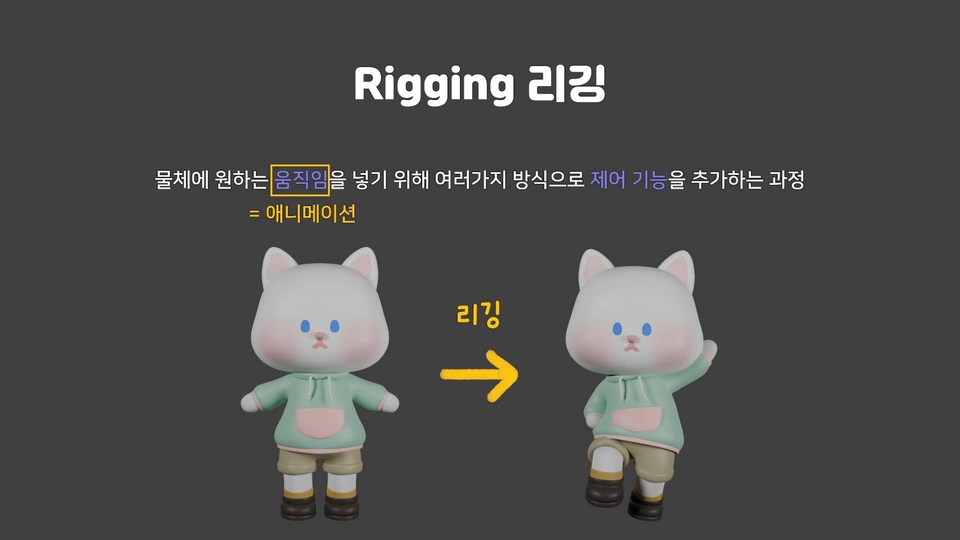
Understanding Rigging
Rigging Octopus Tentacles and Robot Arms
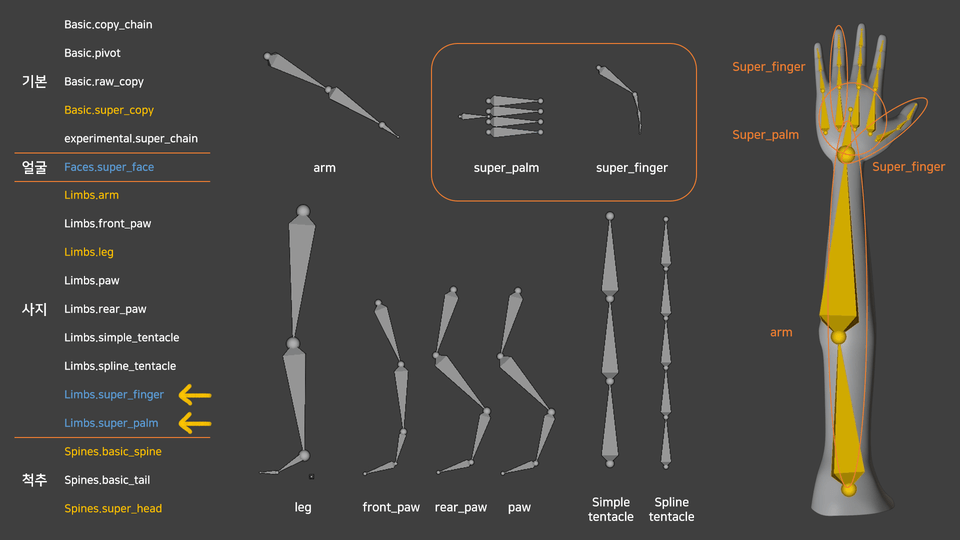
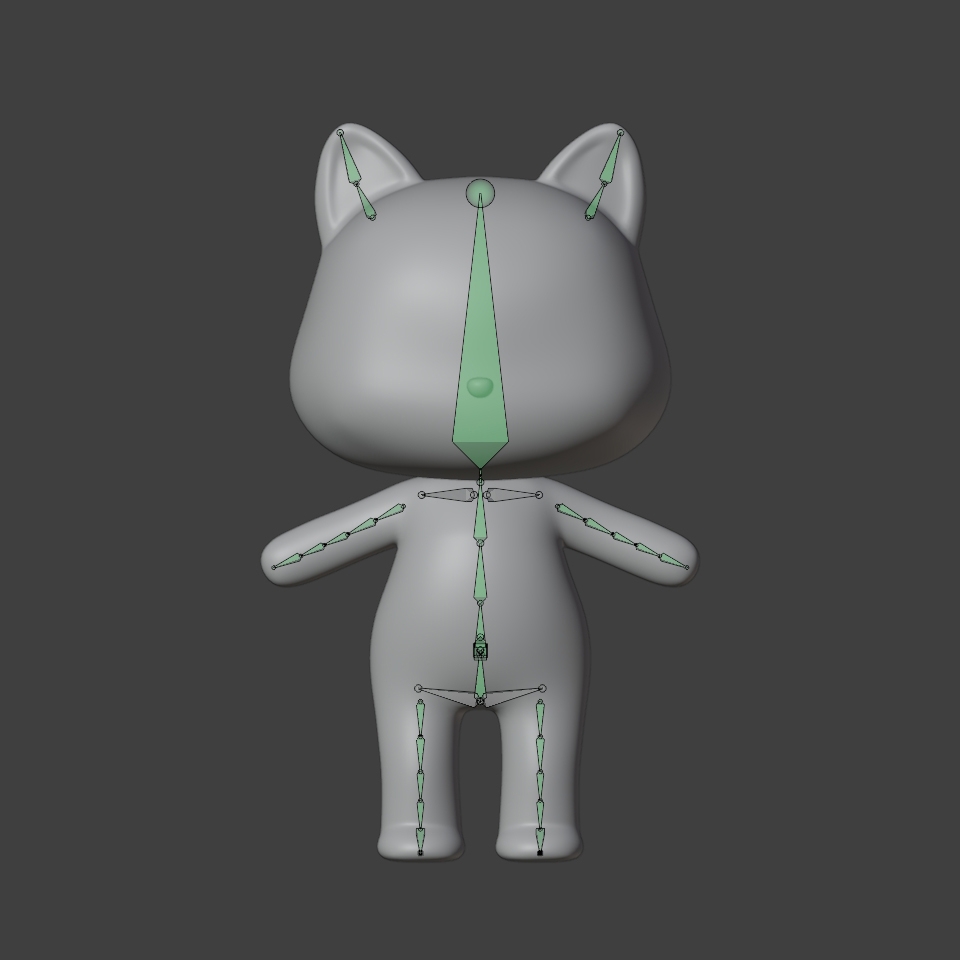
Character's Rigify
Character's Weight Paint


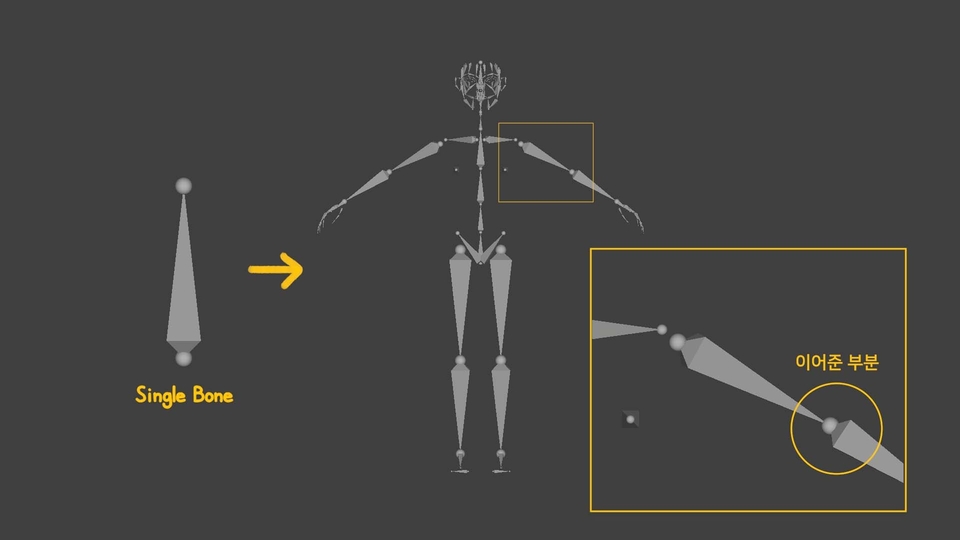
You will learn about the types of rigging and study Armature in detail among them.

The rigging is explained using examples of octopus tentacles and robot arms to help understand rigging.

Add a rig to the character and use weight paint to create natural movements.

Section 3: Clothes

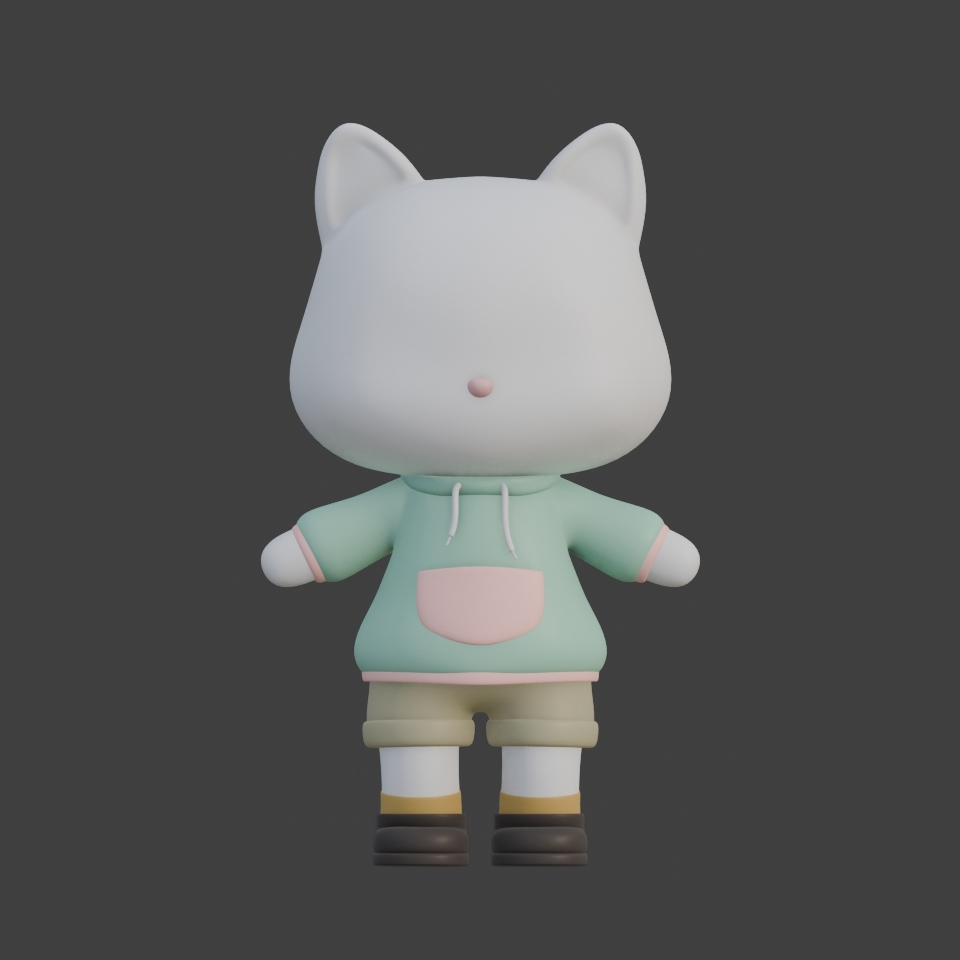
Hoodie Modeling
Pants and Shoes Modeling


We will model the character's clothing and ensure it connects naturally with the rigging.

Section 4: Face (Painting)

Vertex Paint and Texture Paint
Drawing Patterns on Characters
Drawing Expressions on Characters


Learn the concepts of texture painting and UV mapping.

Learn how to add patterns to characters and create facial expressions.

Multiple facial expressions are created and can be swapped for animation purposes.

Section 5: Animation
3D Animation

Understanding Animation
Walking in Place
Moving Forward
Compositing Character with Background


You will learn the basic principles of animation.

How to make a character walk in place, how to make them move forward, and complete a walking animation along a desired path by combining it with the background.

✔️ You can view the course curriculum in more detail in the 'Course Introduction' section, which is available for preview.

✔️ Please note that this course may be difficult to follow if you lack the prerequisite knowledge.
We strongly recommend taking the level test through the link below before enrolling.

https://inf.run/zFMpY

Section 7 Animation Applications - Motion Edition has been uploaded in December 2024. Thank you! :)

Section 7: Applied Animation Movements


Running
NLA & Greeting
Donut Delivery


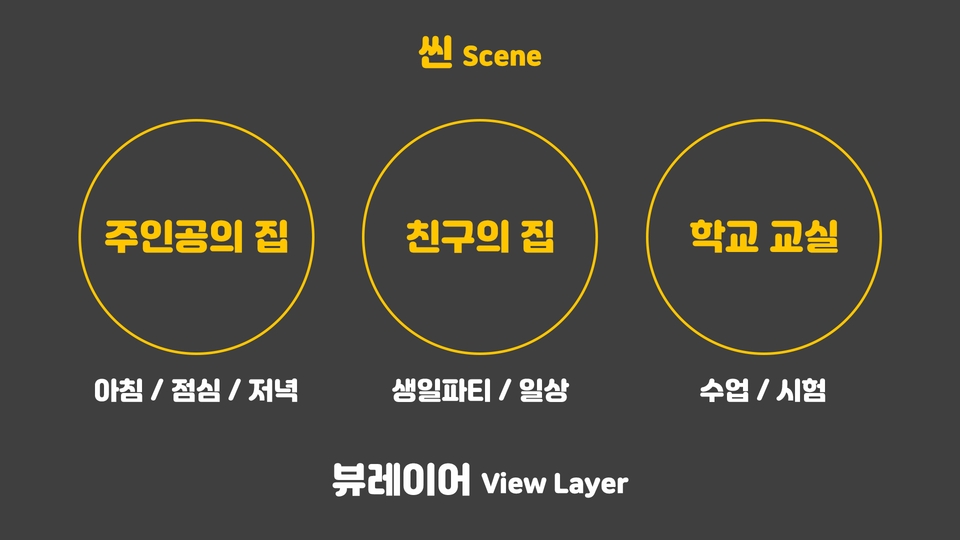
View Layer & Scene


Climbing Ladders
Wall Climbing
Jumping & Throwing Balls

You'll learn how to create animations using character rigging while learning additional basic movements.


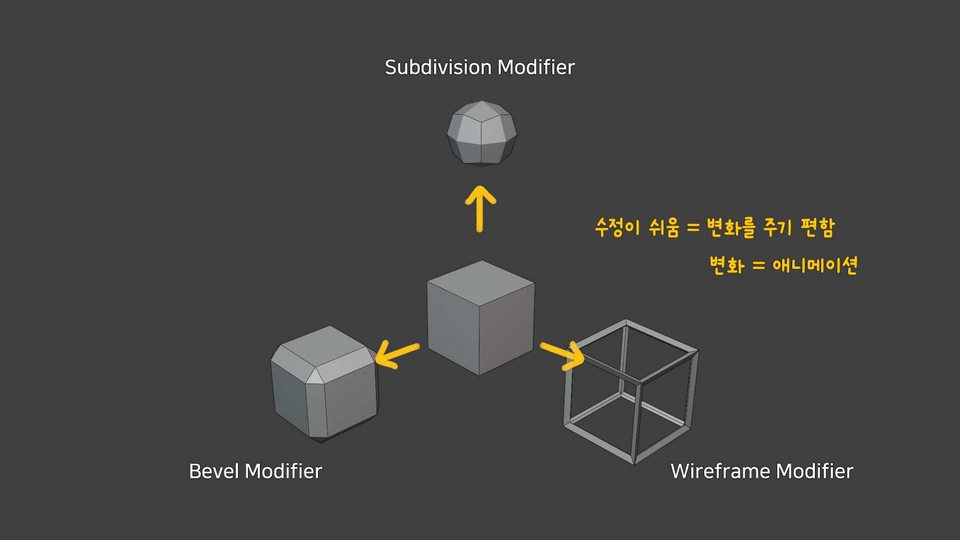
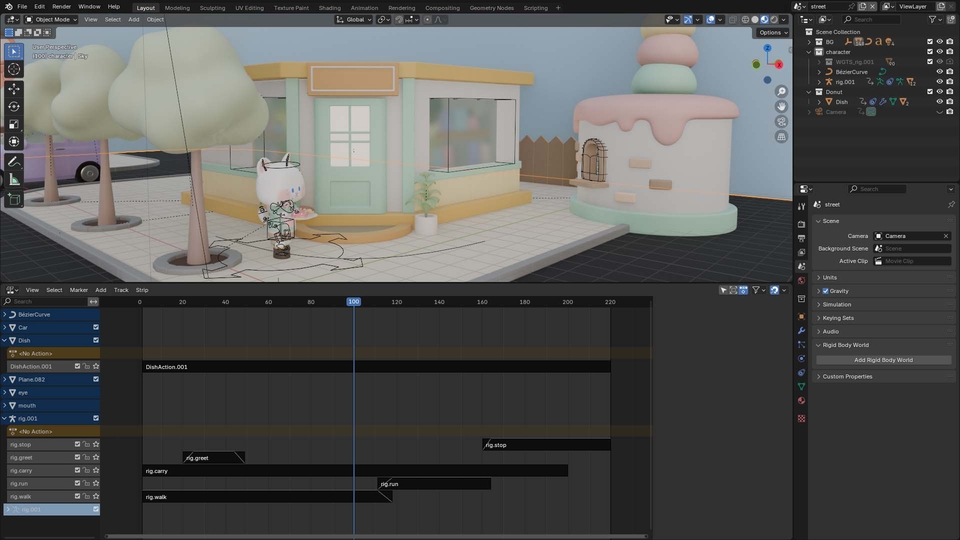
You can apply NLA (Nonlinear Animation) to group and layer actions, making editing easier and more manageable.


You can create multiple scenes and productions within a single file using the concepts of View Layers and Scenes.

Build a foundation in animation by creating it in two different ways!

# Street Edition Created Using the NLA Method

Playground Episode Made by Directly Inserting All Keyframes Without NLA

Explanation of View Layer and Scene Concepts

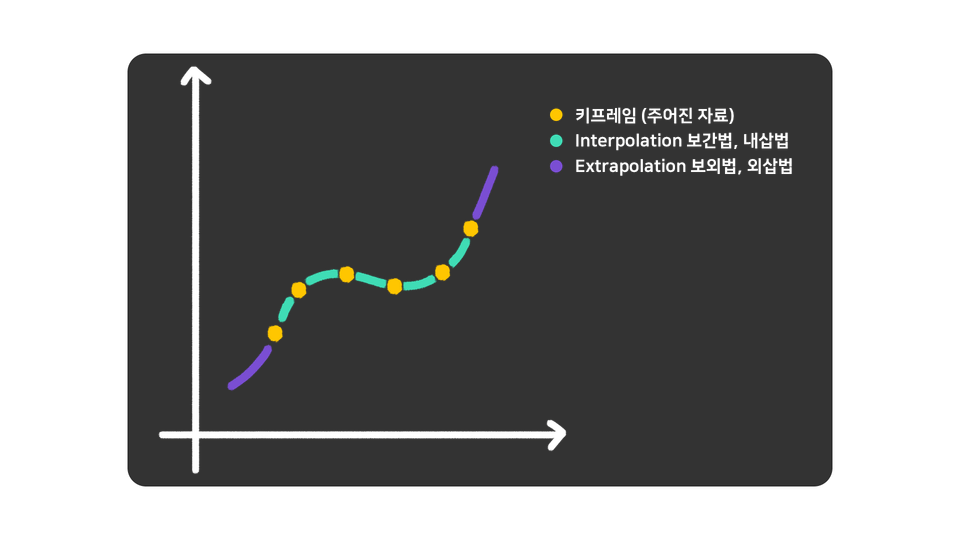
Reference material explaining the concept between two keyframes

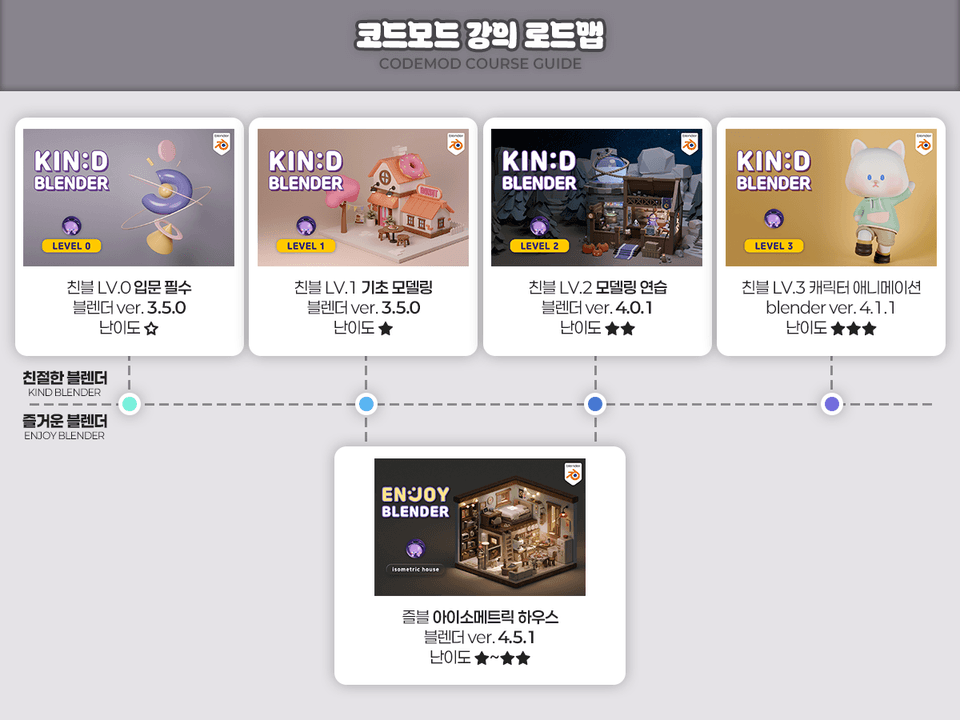
✨ Kind Blender Series ✨

Kind Blender helps you build a foundation based on reasons and principles and gain the power to think for yourself. Without understanding the principles, when your modeling goes wrong, you won't know why it's incorrect or where to make corrections. Also, when you want to create your own work, you'll be at a loss about how to make it. You need to develop the ability to think for yourself about what method to use. I'll help you truly enjoy Blender. Let's study Blender together!

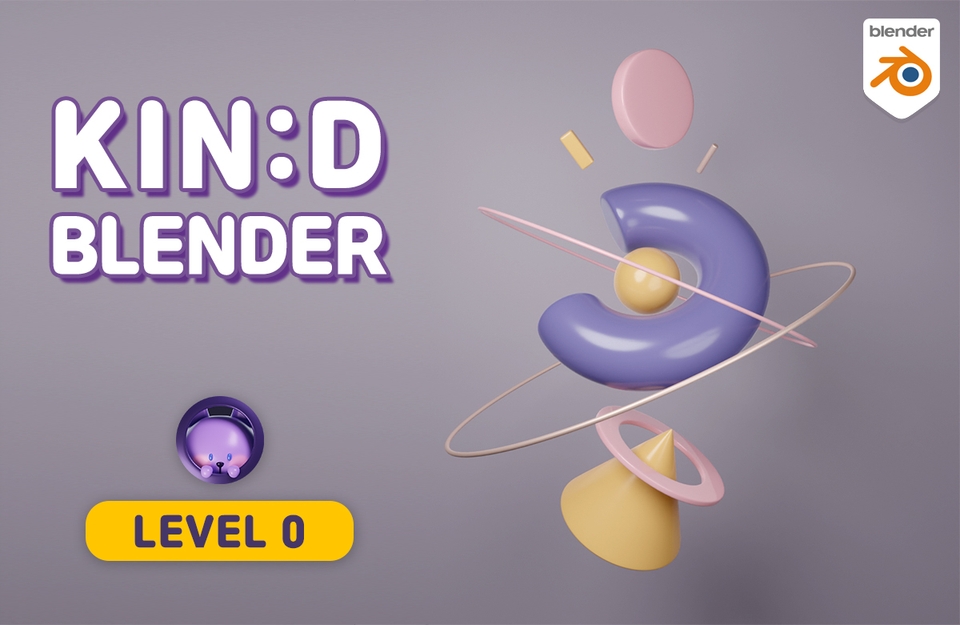
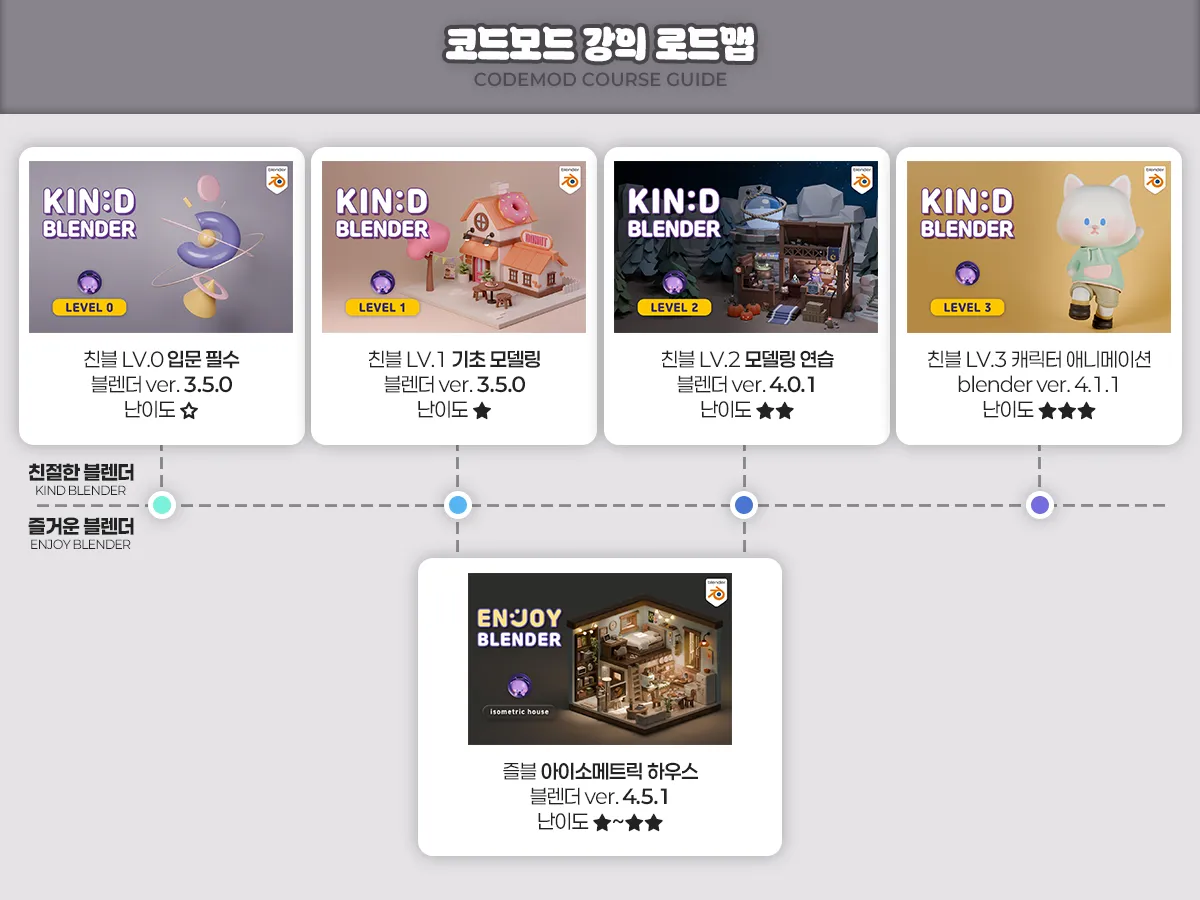
LV. 0 Beginner Essential: Creating Objects with Basic Shapes

An introductory course for people new to Blender

When creating 3D works, we'll teach you the necessary knowledge and principles, how to view the screen, basic settings and shortcuts. You'll complete the introductory course by learning the process of creating objects using basic shapes.

Perfect for those starting Blender for the first time or wanting to learn it properly from the beginning!

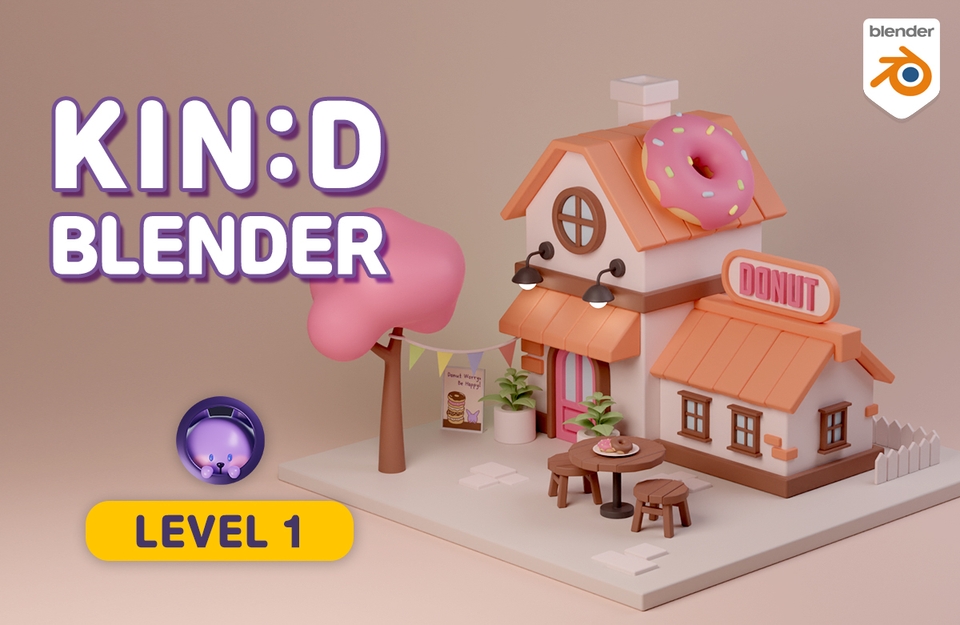
LV. 1 Basic Modeling: Building Foundations with a Donut Shop

A foundational course to understand basic functions and grasp the principles

When creating beginner-level projects in Blender, I'll teach you the most essential features and principles. Throughout the course, you'll use the skills you've learned to create small props that will be incorporated into the final project—a donut shop—completing the beginner course.

When making something with Blender and you encounter situations like 'Why isn't this working?', this is recommended!

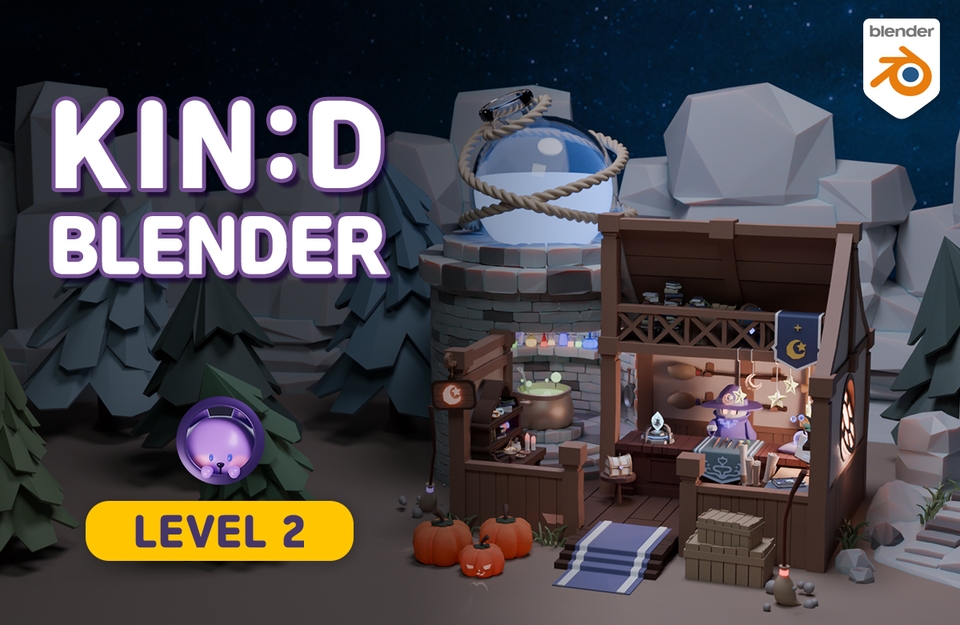
LV. 2 Modeling Practice: Getting Familiar with the Magic Shop

Practical Modeling Fundamentals Practice Course

Through the process of building a magic shop from scratch, step by step, you'll learn basic functions and new features not covered in LV.1, and apply them to your modeling. Through hands-on practice, you can also learn tips and know-how for modeling.

Perfect for those who want to make Blender fundamentals completely 'their own'!

LV.3 Character Animation: Learning by Creating a Cat Walking Through a Village Animation

A course to learn rigging and animation from the basics

Learn modeling, rigging, painting, and animation of a cute cat character, and create an animation of a cat walking through a village.
You can learn how to rig according to your own preferences.

Perfect for those who want to learn character animation properly from the basics!

Q&A 💬

Q. Why should you learn Blender 3D?

Blender is a program packed with truly diverse features, and it's free! It's great to try out when you're wondering if you can really do 3D well. It's good for learning as a hobby, and I also recommend it to those who want to create their own animations or videos.

If you're learning for employment, it might be good to learn the programs that are widely used in that field. It's true that Blender is still relatively less well-known in Korea and not commonly used in companies yet. Perhaps that's natural since they already have programs they've been using? However, companies using Blender are gradually emerging, and it's widely used overseas. The proportion of Blender usage will increase in Korea in the future too!

Q. Can non-majors take this course?

Yes, it's possible even if you haven't majored in video or design. The most difficult parts when drawing three-dimensional pictures are perspective and shading. In Blender, when you place objects close to or far from the camera, perspective naturally occurs, and when you add light, shadows are automatically created, so you can make beautiful work even if you can't draw well.

Of course, there are exceptions for Sculpting or Texture Painting, but the modeling and rendering you'll learn in this video are at a foundational level, so anyone can do it as long as they follow along diligently and have the will to create!

Q. What do I need to prepare to take this course?

  • Computer
    Desktop computer is recommended. Please check the detailed recommended specifications through the link below. While laptops are possible, rendering work in 3D particularly demands high graphics card performance, and it can be inconvenient as Blender frequently uses the numpad (the number pad on the right side of the arrow keys).
    Check computer specifications for Blender

  • Mouse
    A mouse with a wheel is required.

  • Keyboard
    I recommend a keyboard with a numpad.

  • (Optional) Tablet PC or Dual Monitor
    Since there are many features and the nature of the learning videos involves frequently pausing to follow along, having a tablet PC or dual monitor is useful for watching the video while practicing simultaneously.

Q. What should I do when I get stuck?

When you get stuck somewhere in the middle, it becomes difficult to move forward. I understand that frustrating feeling well, so questions are always welcome. For inquiries related to Inflearn service operations, please use the 1:1 inquiry feature.

Recommended for
these people

Who is this course right for?

  • Those who want to learn character animation with a solid foundation

  • For those who think rigging is difficult

  • You could follow along, but failed when trying to create your own character 😢

Need to know before starting?

  • Basic knowledge at the Kind Blender LV.1 level

Hello
This is

7,386

Learners

290

Reviews

229

Answers

4.9

Rating

9

Courses

안녕하세요. 코드모드 입니다! :)
블렌더로 3D 애니메이션이나 디오라마 작품 작업도 하고 유튜브에 튜토리얼도 올리고 있어요.

----------------------------------------------------------------------------------------------

- 유튜브 채널 : www.youtube.com/codemod3d
- 인스타그램 : www.instagram.com/codemod (DM확인 잘 안해요!)

따라 만든 작품들을 유튜브나 인스타그램 등 SNS에 올리실 때는
@codemod 또는 #codemod 태그 달아주시기를 부탁드려요!

----------------------------------------------------------------------------------------------

- 개인적인 연락 : codemod3d@gmail.com
- 비즈니스 문의 : codemod.om@gmail.com


Curriculum

All

35 lectures ∙ (12hr 17min)

Course Materials:

Lecture resources
Published: 
Last updated: 

Reviews

All

19 reviews

4.8

19 reviews

  • 영영영준님의 프로필 이미지
    영영영준

    Reviews 1

    Average Rating 5.0

    Edited

    5

    21% enrolled

    초보자 최고의 강의 추천합니다 아직 1/3 밖에 수강을 못했지만, 듣다보니 감탄하여 리뷰남깁니다. 4.0버전, 그후 업데이트 되는 버전에 대해 부가설명이 있어 좋았고, 101, 콜로소 등등 다른 유명한 유료강의들도 듣고왔는데 여기만큼 초보자 관점에서 설명해주는곳은 드뭅니다 다른 강의들은 혼자만 아는 단어쓰고, 무슨기능인지 설명없이 그냐 따라하세요 하며 혼자 진행하기 바쁜데 여긴 이론부터 기능마다 설명을 해줘서 너무 공부가 되었습니다 주변 블렌더 공부하는 지인들에게도 추천해줄 예정입니다 좋은 강의 감사합니다 선생님

    • codemod
      Instructor

      이론과 개념을 알아야 응용이 가능하다는 제 마음이 전해지는 것 같아 뿌듯하네요! 강의를 즐겁고 유용하게 배우시는 것 같아서 기쁩니다. 그리고 이렇게 정성스러운 수강평과 지인 추천까지 해주신다니 감사합니다. 앞으로의 블렌더 공부도 응원하겠습니다! :)

  • 김태윤님의 프로필 이미지
    김태윤

    Reviews 1

    Average Rating 5.0

    5

    73% enrolled

    진짜 최고입니다. 블렌더 진짜 상세하고 개념 원리까지 다 알려주세요. 제가 씨포디에서 블렌더 넘어오느라 강의 이것저것 결제를 많이 했었는데 단연 이 강의가 최고입니다. 어떤 분들은 설명을 너무 대충 말로만 하거나 아니면 강의 목소리 톤도 지겨워 잠들 정도로 만들어버려서 끝까지 보기가 힘든데 이 강의는 선생님 목소리도 좋으시고 설명도 좋은 목소리로 해주셔서 듣기도 좋습니다. 그리고 설명이나 개념 같은건 자료화면도 깔끔하게 정리해서 보여주시는 경우가 많아요. 원포인트 레슨으로 필요해서 구매했는데 생각보다 기초도 튼튼히 잡아주셔서 지금 보니 70퍼센트 이상을 수강했네요. 이 강사님 코스는 다 구매해도 좋을법 합니다. 정말 도움 많이 됐습니다. 감사합니다!

    • codemod
      Instructor

      개념을 정확하게 알아야 내 마음대로 응용해서 만들 수 있다는 마음으로 열심히 준비한 강의인데 알아봐주시니까 정말 뿌듯하고 힘이 되네요. 최고라고 말씀해주셔서 감사합니다! 즐겁고 유용하게 배우시는 것 같아서 저도 기분이 좋습니다. 앞으로의 블렌더 공부도 응원하겠습니다! :)

  • 몰랑몰랑님의 프로필 이미지
    몰랑몰랑

    Reviews 37

    Average Rating 4.9

    5

    33% enrolled

    모델링이랑 1도 관련없는 직종에 있는데 말도 안되게 잘 알려주셔서 재밌게 보고 있습니다. 노베이스에서 블렌더 완전 처음하는데 이렇게 할 수가 있는게 놀랍네요. 잘 모르는 질문에 대해서도 잘 답변해주시고 강의 0, 1, 2, 3다 구매해서 듣고 있고 2는 같이 병행하면서 하고 있는데 너무 재밌게 하고 있습니다!

    • codemod
      Instructor

      재밌게 강의 들어주시니 기쁩니다. 블렌더 모델링을 처음 접하거나 그림이나 미술이 서툰 사람들도 점점 이해하면서 배울 수 있도록 제 나름대로 강의에 담아봤는데 알아주시니 보람있고 뿌듯하네요. 도움 많이 얻고 블렌더 재밌게 하시면 좋겠습니다! 감사합니다! :)

  • gyeyang님의 프로필 이미지
    gyeyang

    Reviews 1

    Average Rating 5.0

    5

    100% enrolled

    이번 강의도 정말 친절하고 상세하게 설명해주셔서 즐겁게 배웠습니다 ! 하나도 지루하지 않고 천천히 따라가며 학습할 수 있어 좋았고, 이번 강의를 통해서도 한층 업그레이드 된 것 같아 뿌듯하네요 ㅎㅎ 감사합니다 !

    • codemod
      Instructor

      즐겁게 레벨 업 하신 것 같아 기쁘고 뿌듯하네요. 좋은 피드백 주셔서 감사해요! :) 추후에 애니메이션 동작들이 늘어날 예정이니 새소식 드리면 또 재밌게 즐겨주세요!!

  • gusdn2017님의 프로필 이미지
    gusdn2017

    Reviews 2

    Average Rating 5.0

    5

    30% enrolled

    • codemod
      Instructor

      감사합니다. 앞으로도 즐거운 블렌더 공부 되시길 바랍니다! :)

$127.60

codemod's other courses

Check out other courses by the instructor!

Similar courses

Explore other courses in the same field!