
inflearn logo

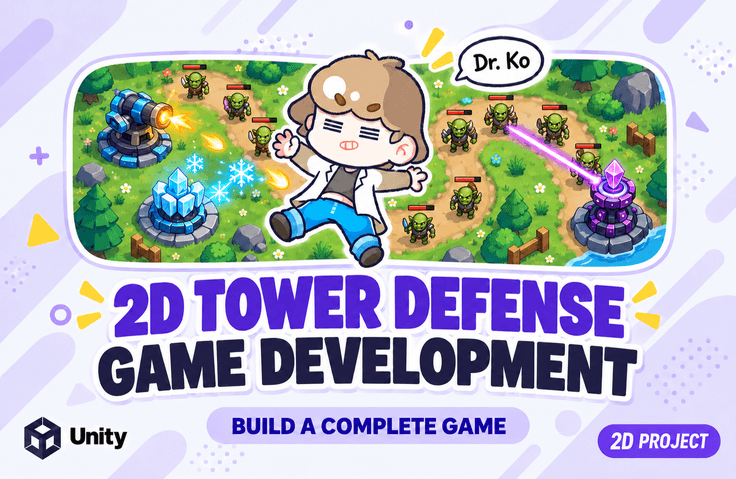
[Unity 6] Learning Tower Defense Game Development by Following Along [Introductory]

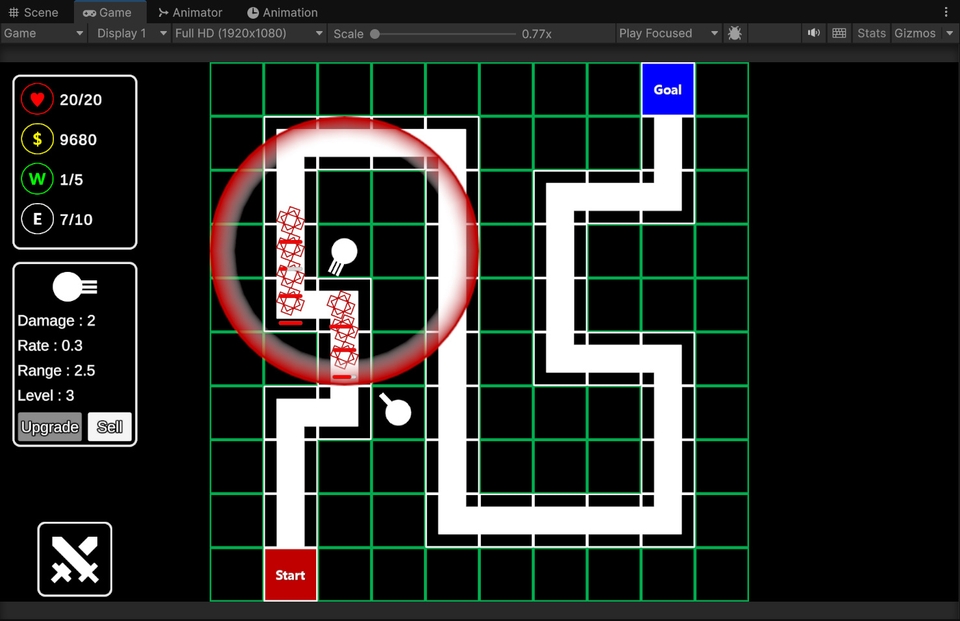
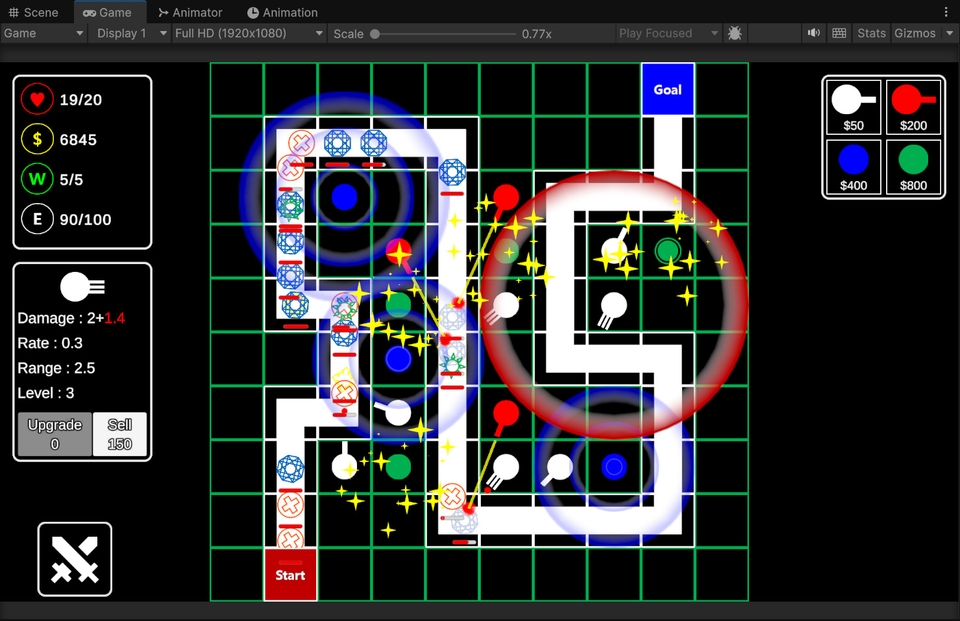
This is a practice-oriented course where you will build a 2D tower defense game from scratch using Unity 6. You will implement core features required for the tower defense genre step-by-step, including map creation using 2D Tilemaps, enemy spawning and movement, tower placement, tower attacks, health/gold/wave systems, tower info UI, tower upgrades and selling, as well as specialized towers like laser, slow, and buff towers. By following this course, you won't just be copying functions; you will learn how to utilize Unity's Tilemap, Prefab, Coroutine, Raycast, UI, and ScriptableObject within an actual game development workflow.

1 learners are taking this course

Level Beginner

Course period Unlimited

C#
C#
Unity
Unity
scriptable-object
scriptable-object
unity2d
unity2d
Unity6
Unity6
C#
C#
Unity
Unity
scriptable-object
scriptable-object
unity2d
unity2d
Unity6
Unity6

What you will gain after the course

  • You can implement tower target searching, projectile creation, collisions, and enemy death processing.

  • You can use ScriptableObject to manage data for each tower level, including attack power, attack speed, range, cost, and selling price.

  • You can implement towers with different roles, such as laser towers, slowing towers, and buff towers, in addition to standard attack towers.

Create all the content for a 2D tower defense game from A to Z!

Easy and Fun, Dr. Go's Unity Series 🎲

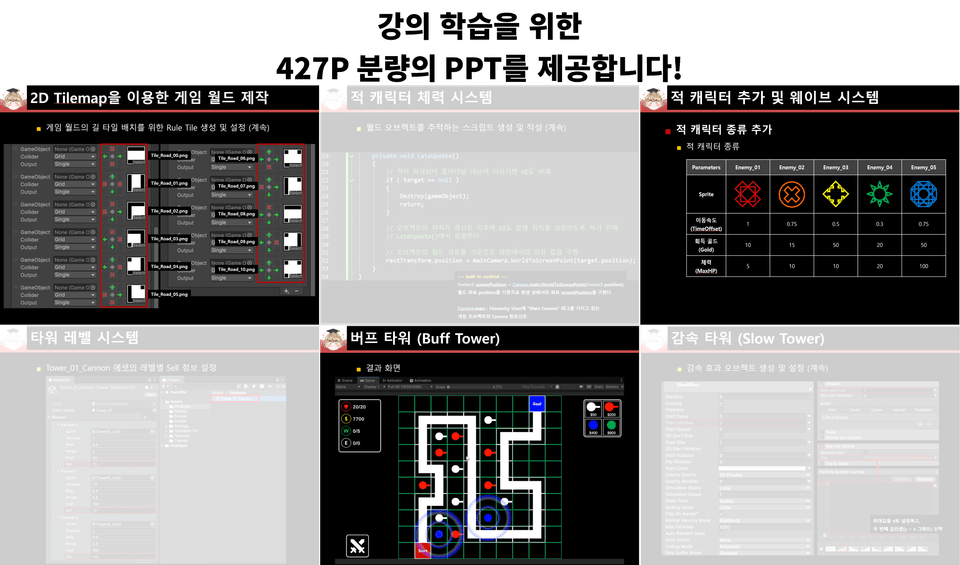
We provide all resources used in the practice sessions along with a PDF.

We provide all the resources used in the practice, as well as a 427-page lecture PDF. You don't have to go through the hassle of repeatedly playing and pausing the video while listening to the lecture; just follow the examples while looking at the meticulously organized PDF.

Curriculum

Part 01. Creating the Basic Structure of a 2D Tower Defense Game

First, create the map for the tower defense game using 2D Tilemap.

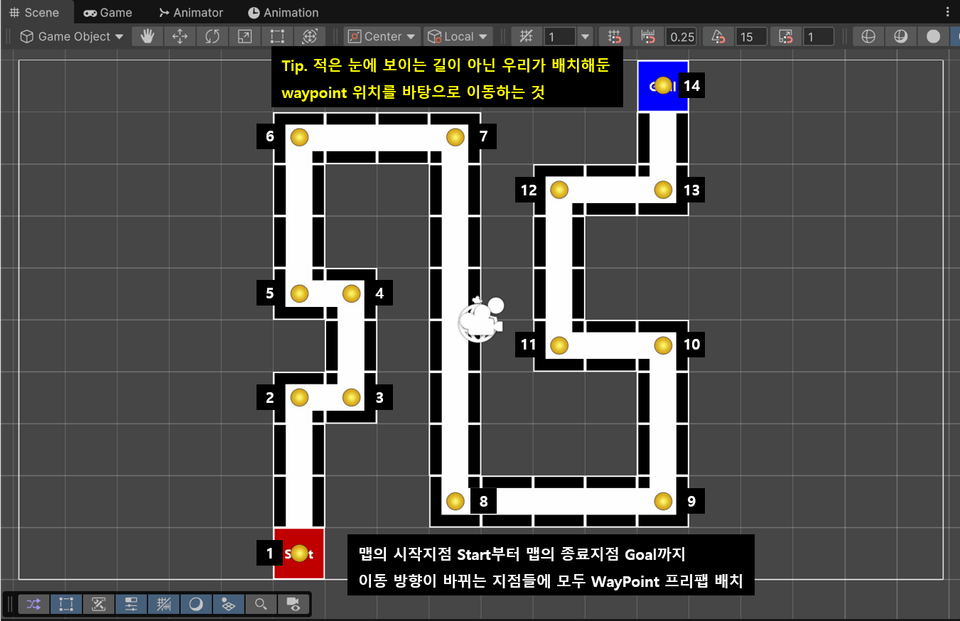
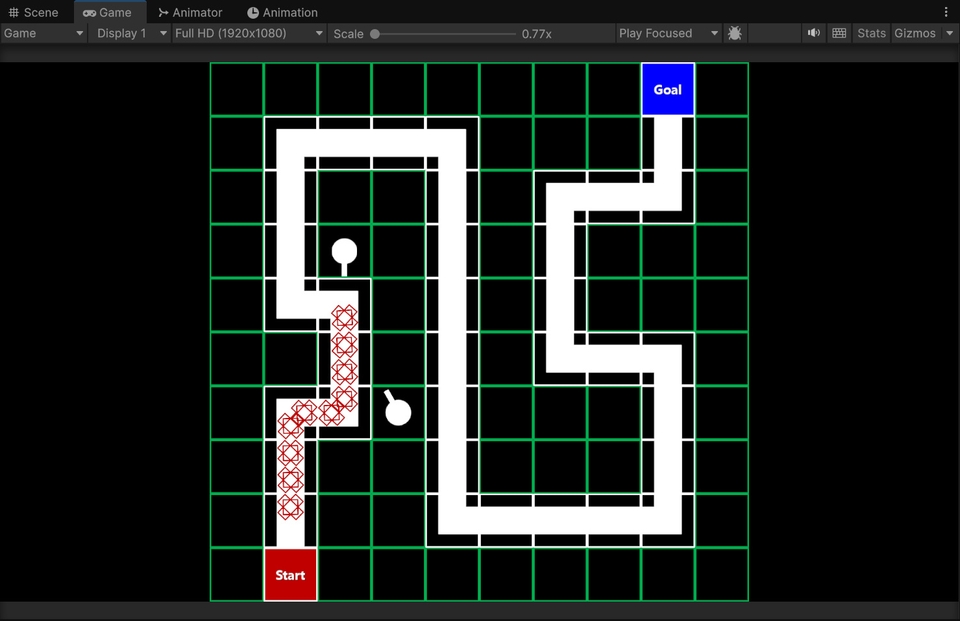
Place the road tiles, starting point, target point, and movement path, and implement the enemy's movement along the WayPoints.

Next, we will create wall tiles for placing towers and implement a feature to build towers at desired locations using mouse clicks and Raycasts. Towers will search for enemies within their range and attack them by creating projectiles.

Part 02. Creating Health, Gold, and Wave Systems

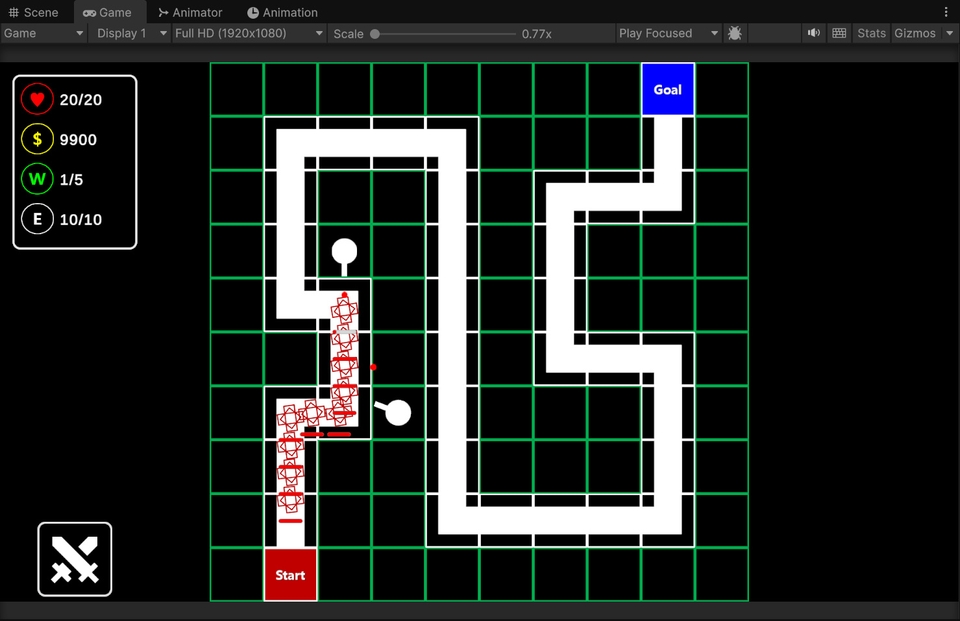
Assign health to enemies and display their current health on the screen using a health bar UI. When an enemy reaches the destination, the player's health decreases, and when an enemy is defeated, gold is earned.

Additionally, we will add various types of enemies and implement a wave system so that the next wave can be started by pressing a button. We will also display the current wave, number of remaining enemies, player health, and gold information through the UI to configure the basic information necessary for game progress.

Part 03. Creating Tower Information, Level, and Upgrade Systems

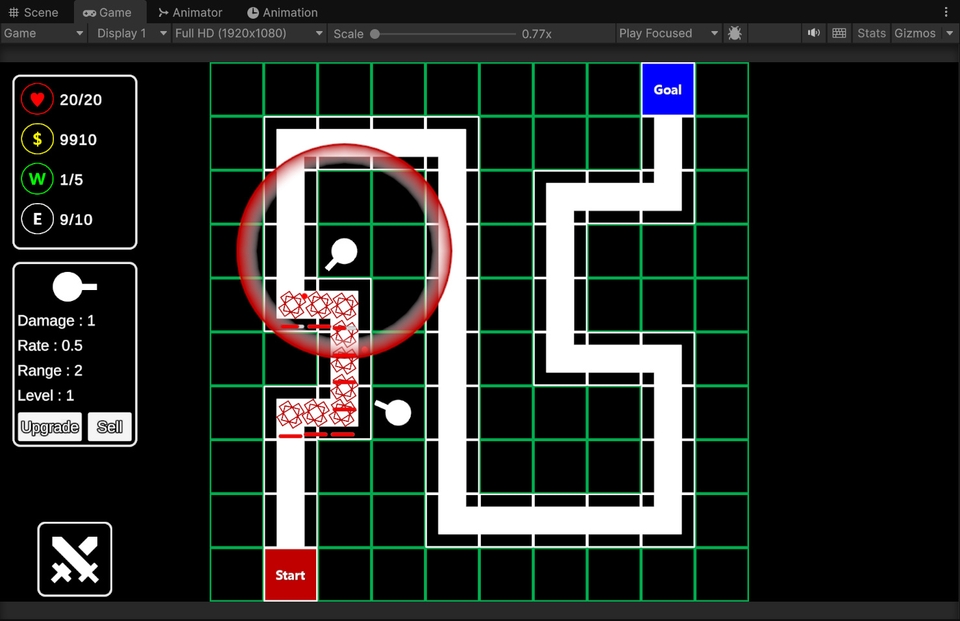
Implement a tower information popup UI that appears when a placed tower is clicked. In the popup, you can check the tower image, attack power, attack speed, range, and level information, and the tower's attack range will also be displayed.

Afterward, we will use ScriptableObjects to manage data for each tower level. We will configure it so that attack power, attack speed, range, construction cost, and selling price vary by level, and allow players to upgrade or sell towers using gold.

Part 04. Expanding the Diverse Tower Construction System

Select the desired tower by clicking the tower construction button, which will display a ghost tower following the mouse along with an attack range preview. Clicking on a desired tile will build the tower, and the construction can be canceled using the cancel key.

Afterwards, we will expand the tower types. In addition to the basic Cannon tower, we will implement a Laser tower using LineRenderer and Particle Systems, a Deceleration tower that slows down enemies within range, and a Buff tower that increases the attack power of nearby offensive towers.

Notes before taking the course

  • This course was created using Unity version 6000.4.10f1, and

    It works identically in all Unity 6 versions. (2026. 07. 07)

  • This is a beginner-level practical course for those who have learned the basics of Unity and want to try building an actual game project.

  • The course proceeds in a "step-by-step creation and completion" manner. Therefore, instead of just listening to explanations of finished code, you will build the project yourself, place objects, write scripts, and complete the final product.

  • Tower Defense is a genre where multiple systems are interconnected. Because you will learn everything from enemy movement, tower placement, and attacks to health, gold, waves, UI, upgrades, and expanding tower types, you can comprehensively experience various Unity features within a real project.

  • The video content of this course is also available to watch for free on YouTube.

    The Inflearn course is a version that follows the same video learning flow but includes a PDF textbook to help you review as you follow the lecture content. It is recommended for those who want to re-verify code writing flows, object settings, UI layouts, and key concepts through documentation rather than learning through video alone.

    Therefore, please check the lecture style and project content through the YouTube videos first, and then take the Inflearn course if you wish to study systematically with the PDF textbook.

Practice Environment

  • Operating System and Version (OS): Windows

  • Tools used: Unity6, Visual Studio 2022

Learning Materials

  • Please download the "Textbook PDF, videos within the textbook, and resources" to proceed with your learning.

  • If you encounter errors due to typos while writing code or if you find writing the code tedious, please download the "Script (*.cs) files."

  • If you would like to run the project first, please download the "Project Files" for each section.

Prerequisite Knowledge and Precautions

  • Basic Unity proficiency

  • C# Programming

Recommended for
these people

Who is this course right for?

  • Those who have taken the "Dr. Ko's Unity Basics: Learning by Doing" course

  • Beginners who want to try making their own 2D games with Unity

  • Those who want to personally implement the basic structure of the tower defense genre

  • Those who feel that free YouTube videos alone are not enough and want to follow along systematically with a PDF textbook.

Need to know before starting?

  • This is recommended for those who have some knowledge of basic Unity editor operations and basic C# syntax, rather than complete beginners running Unity for the first time.

Hello
This is unitynote

Career Verified

14,420

Learners

269

Reviews

141

Answers

4.8

Rating

9

Courses

Key Experience

Current 2022 ~ Professor, Department of Game Software, Hoseo University

Current 2016 ~ Full-time Lecturer, Department of Game Design, Kongju National University

Former 2022 ~ 2024 Unity Certified Instructor

Former 2023 Adjunct Professor, Department of Electrical Engineering, Pohang University of Science and Technology (POSTECH)

Former 2022 Adjunct Professor, Woosong University School of Techno-Media Convergence (Game Multimedia Major)

Former 2019 Adjunct Professor, Department of Computer Science and Engineering, Kongju National University

Former 2018 Adjunct Professor, Department of Photography and Visual Contents, Sangmyung University

Former 2017 Adjunct Professor, Department of Game Media, Kaywon University of Art and Design

Former 2016, 2020–2021 Adjunct Professor, Department of Game Design and Development, Pai Chai University

Former 2016 Namseoul University VRAR Adjunct Professor

Former 2016 Adjunct Professor, Department of Game Animation, Korea University of Media Arts

Former 2015 ~ 2018 Adjunct Professor, School of Information and Communication, Baekseok University

Operator of the "Dr. Ko's Unity Note" YouTube channel https://www.youtube.com/@unitynote. Introduction: I majored in Game Programming and currently teach game development and the Unity engine.

Operating the "Go Baksa's Unity Note" YouTube channel

https://www.youtube.com/@unitynote

Introduction

I specialize in game programming and teach game development and the Unity engine.

Fields of Instruction: Unity Engine (Basics, 2D/3D Game Development, VR/AR), Servers, Artificial Intelligence, Shaders, Introduction to Game Studies, etc.

More

Curriculum

All

13 lectures ∙ (3hr 48min)

Course Materials:

Lecture resources
Published: 
Last updated: 

Reviews

Not enough reviews.
Please write a valuable review that helps everyone!

unitynote's other courses

Check out other courses by the instructor!

Similar courses

Explore other courses in the same field!

Limited time deal

$11.00

28%

$15.40