inflearn logo
inflearn logo

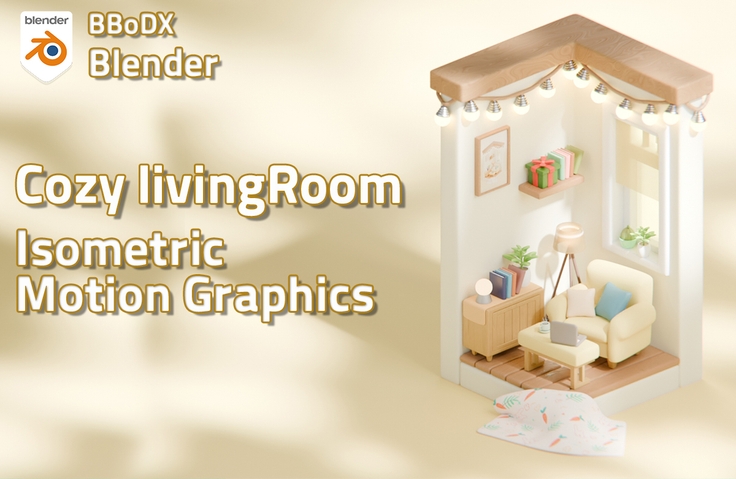
Blender Cozy Living Room Isometric Motion Graphics

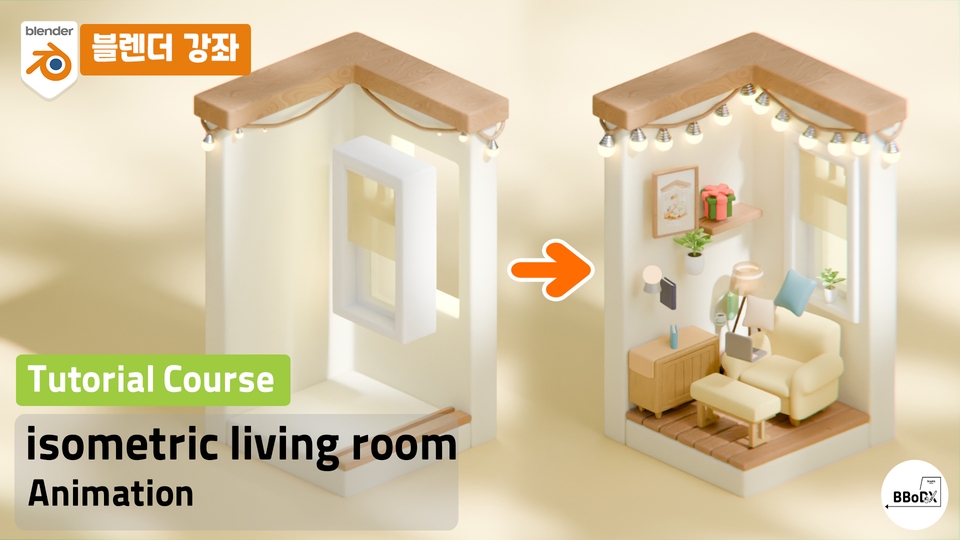
This is a basic tutorial to learn room isometric motion with Blender. 😁

(5.0) 수강평 10개

강의소개.상단개요.수강생.short

난이도 초급

수강기한 무제한

Blender
Blender
3d
3d
3d-rendering
3d-rendering
3d-modeling
3d-modeling
Blender
Blender
3d
3d
3d-rendering
3d-rendering
3d-modeling
3d-modeling
Thumbnail

먼저 경험한 수강생들의 후기

먼저 경험한 수강생들의 후기

5.0

5.0

hong0102842

100% 수강 후 작성

I can't believe this course is free! I really liked how it quickly taught me the key features I think I can apply it to many other tasks~! :)

5.0

O동그라미

100% 수강 후 작성

It's so bright!

5.0

똘똘이스머프

100% 수강 후 작성

Thank you for your valuable lecture. Always take care of your health.

강의상세_배울수있는것_타이틀

  • How to create 3D isometric motion

  • How to Keyframe Animation

Blender isometric motion graphics

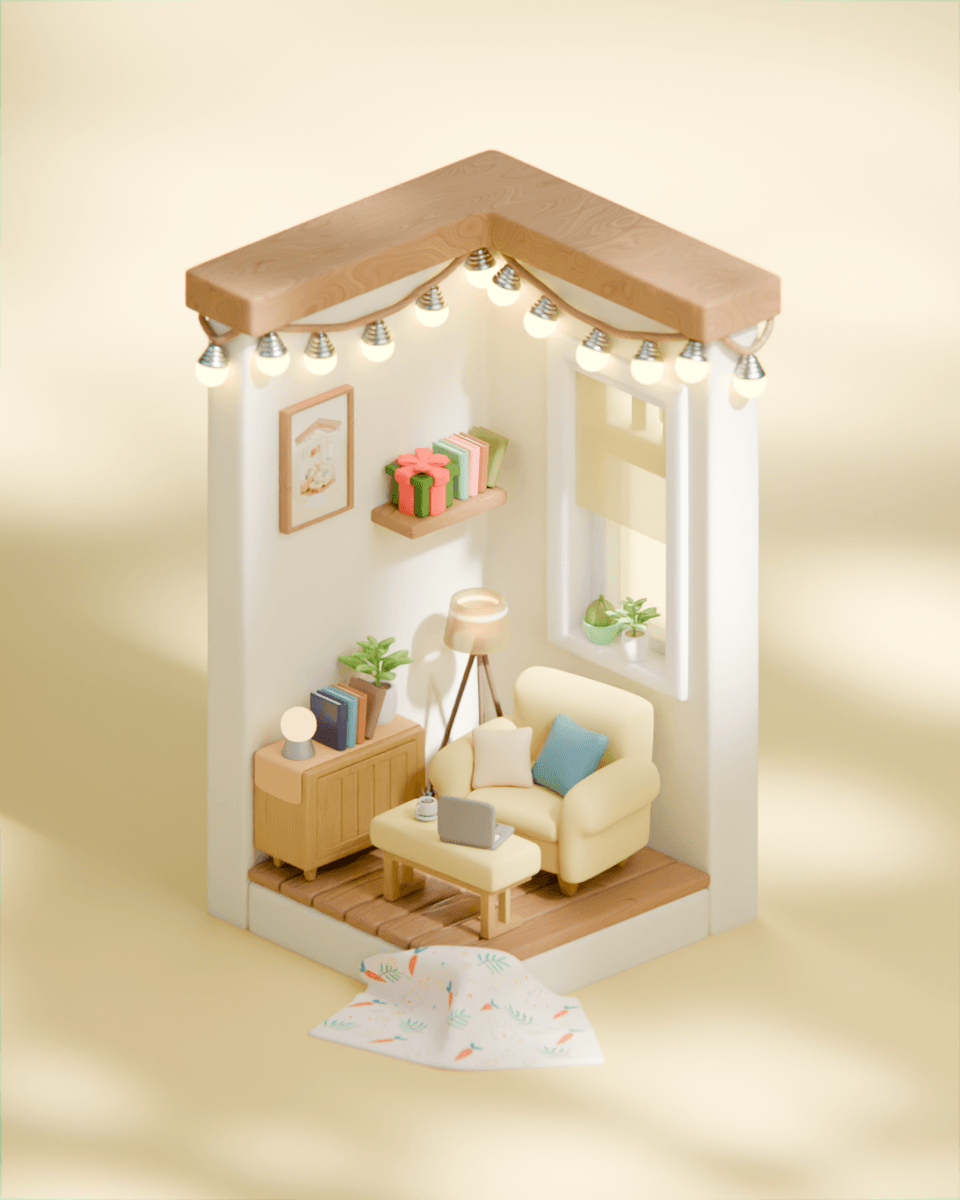
Living Room Isometric Motion Graphics Made with Blender

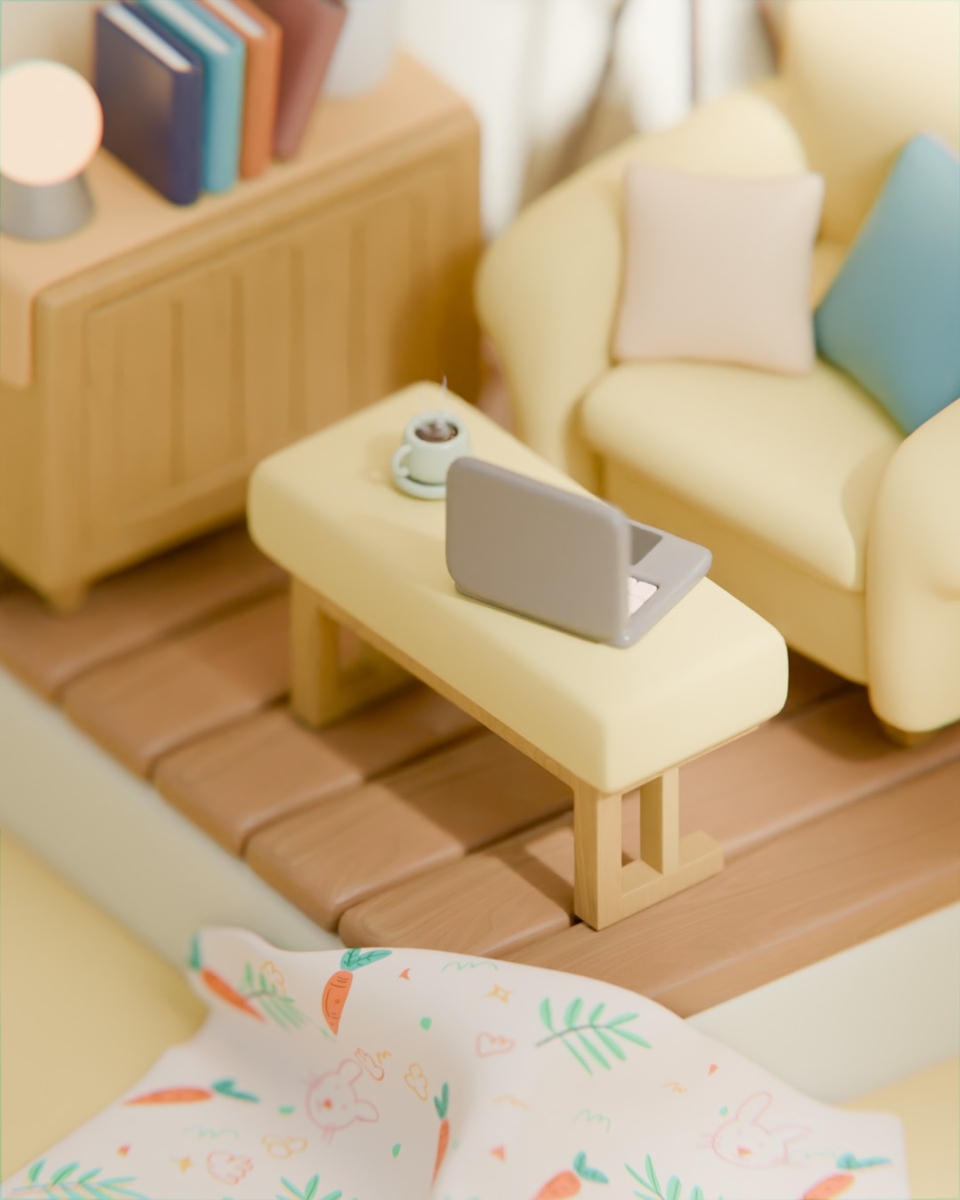
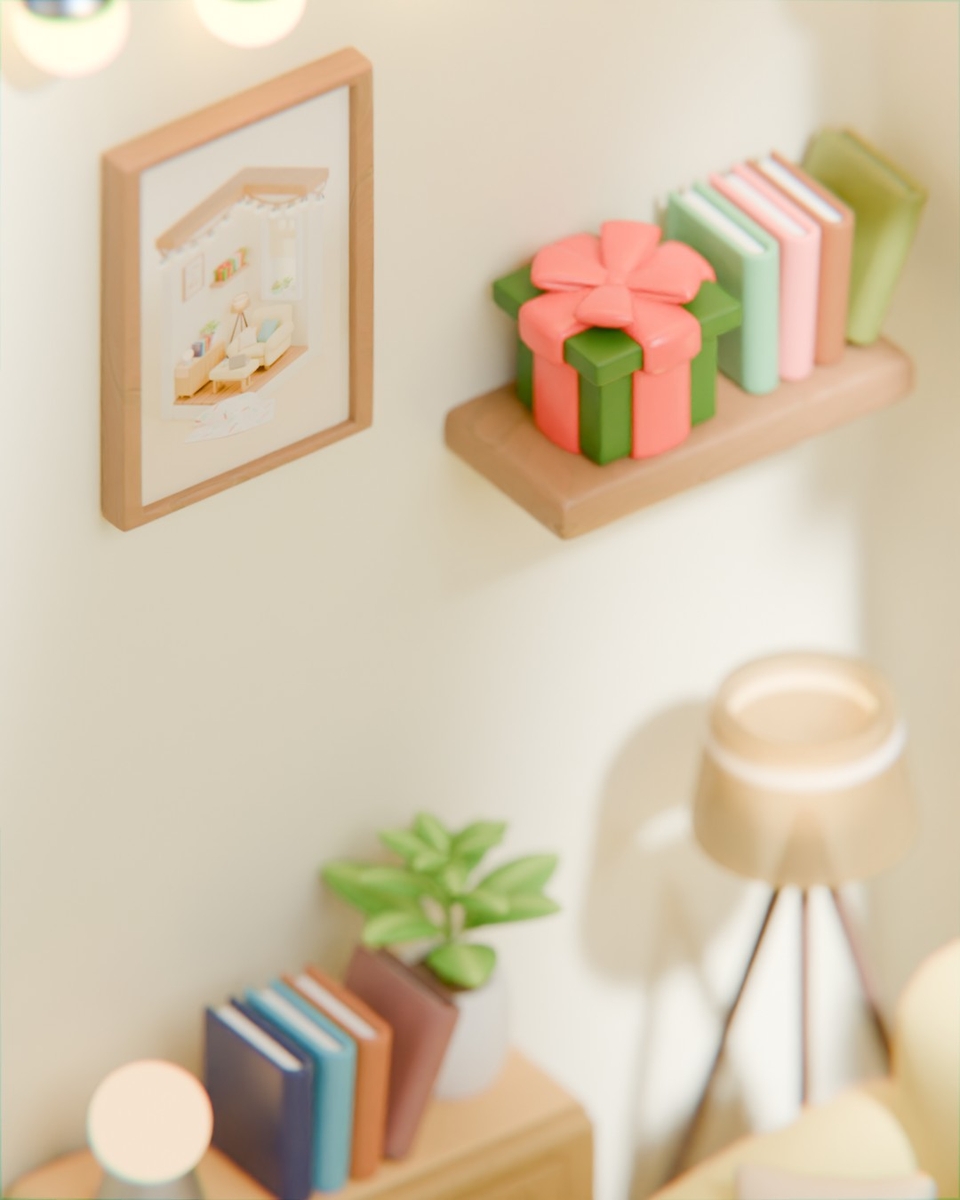
This free course will teach you all aspects of isometric motion graphics, from the cute little props that go into a living room, to the use of materials that determine the look, lighting that expresses the mood, animation that creates movement, and finally, the final rendering! 😃

After taking the lecture, you will be able to create results like this.

Short form size

(The lecture example video size was short-form.)

Blender isometric motion graphics

You can create an isometric motion graphic by learning the entire process from modeling to keyframe animation, geometry node animation, and rendering.

Utilizing textures and procedural materials

You can learn how to use texture materials and procedural materials that can be used on any object.

Various modeling

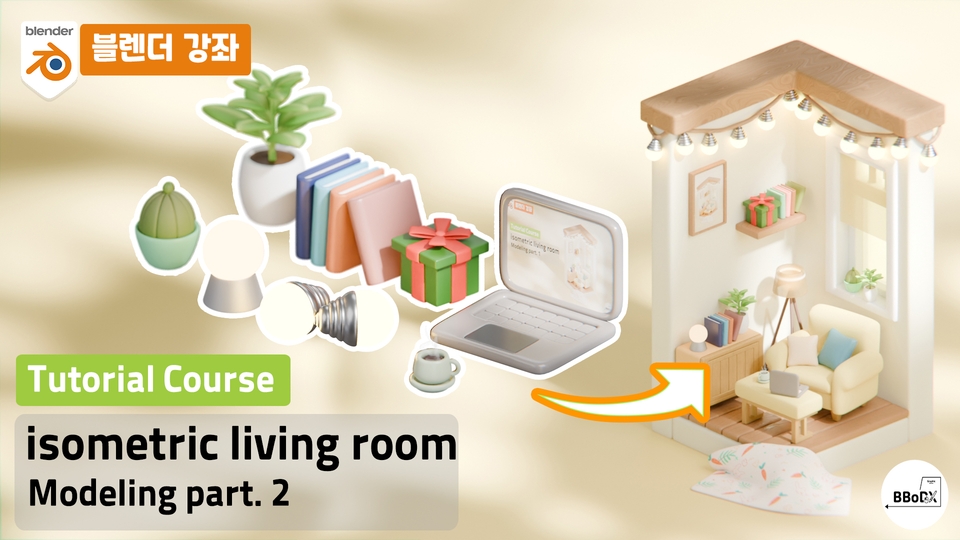
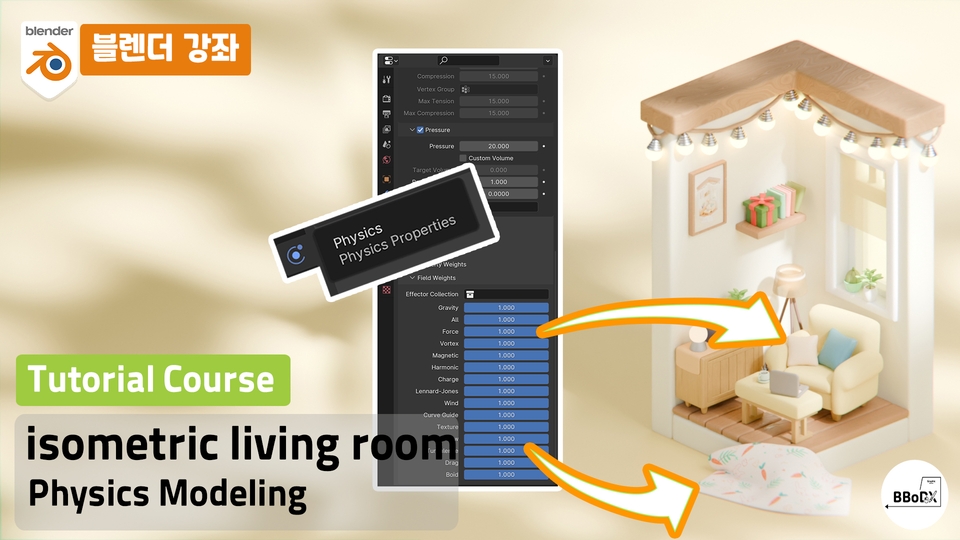
You can learn modeling methods in Blender in various ways, such as modeling using bevel, loop cut, and physics, rather than just one method.

Keyframe animation

You'll learn tips on how to work with looping, along with basic keyframe animation to create motion.

Learning Content

Section 1: From Props to Environment Modeling

  • Modeling the entire room

  • Modeling baby props that go into the room

Section 1: From Props to Environment Modeling

  • Modeling cushions and towels using physics

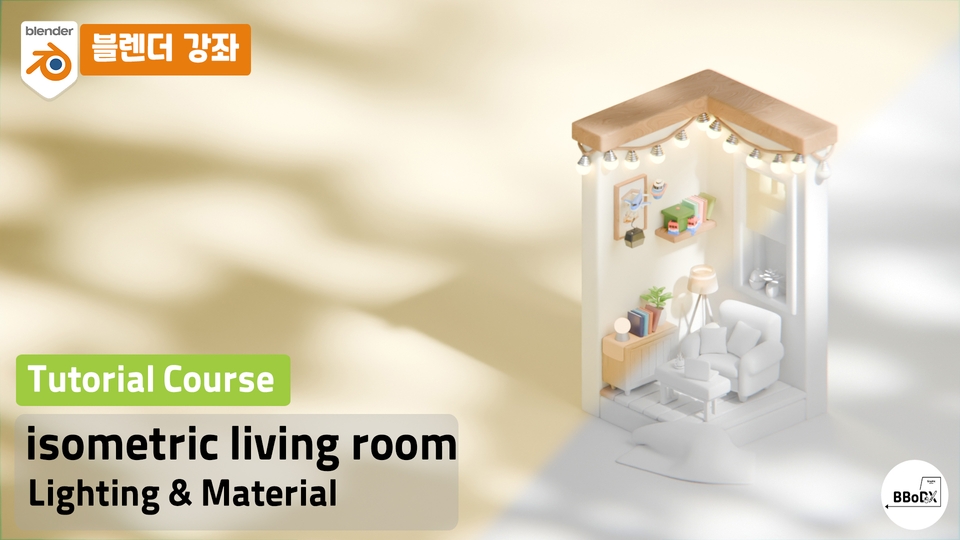
Section 3: Expression of various materials and sensory light

  • Materials using textures

  • Procedural materials available where

  • Lighting that sets the mood

Section 4: Animation that Brings You to Life

  • Easy keyframe animation

  • Repeating loop animation skill

Things to note before taking the course

Practice environment

  • Operating System and Version (OS): Available for Windows, macOS, and Linux.

  • Program version: Version 4.0.1 was used (versions lower than 3.6 may not be able to open)

  • PC Specifications: Please check the recommendations on the official Blender website below.

  • Click the link to check Blender's basic specifications!

Learning Materials

  • Each video comes with a start and finish Blender file.

  • Providing source files required for production

Player Knowledge and Precautions

강의소개.콘텐츠.추천문구

학습 대상은 누구일까요?

  • Anyone who wants to learn Blender isometric motion

  • Anyone who wants to learn Blender animation

강의소개.지공자소개

3,238

수강생

48

수강평

40

답변

4.9

강의 평점

6

강의_other

Hello! This is BBoDX!

In my main career, I am a 3D generalist Artist working in the Asset and Environment departments for film and drama VFX,

As a side project, I run the YouTube channel "BBoDX GraphicArena" for the general public and those who want to learn 3D!

I am creating lectures that make every step—from modeling to the final video—easy to learn, and I upload videos that break down both professional industry techniques and personal tips as simply as possible!!

I hope this becomes a time where you can enjoyably and happily create the 3D art you desire!

youtube : https://www.youtube.com/@bbodx

instar : https://www.instagram.com/bbodx_graphicarena/

I hope this will be a time where you can enjoyably and happily create the 3D art you desire! youtube : https://www.youtube.com/@bbodx instar : https://www.instagram.com/bbodx_graphicarena/

I hope this will be a time where you can enjoyably and happily create the 3D art you desire! youtube : https://www.youtube.com/@bbodx instar : https://www.instagram.com/bbodx_graphicarena/

더보기

커리큘럼

전체

6개 ∙ (강의상세_런타임_시간 강의상세_런타임_분)

해당 강의에서 제공: [object Object]
강의 게시일: 
마지막 업데이트일: 

수강평

전체

10개

5.0

10개의 수강평

  • seodam271455님의 프로필 이미지
    seodam271455

    수강평 1

    평균 평점 5.0

    5

    67% 수강 후 작성

    • binuccak78028597님의 프로필 이미지
      binuccak78028597

      수강평 1

      평균 평점 5.0

      5

      100% 수강 후 작성

      It's so bright!

      • bbodx
        지식공유자

        Thank you!! 😍👍

    • surkamiru2873님의 프로필 이미지
      surkamiru2873

      수강평 14

      평균 평점 5.0

      5

      67% 수강 후 작성

      Study hard!!

      • hong01028429327님의 프로필 이미지
        hong01028429327

        수강평 1

        평균 평점 5.0

        5

        100% 수강 후 작성

        I can't believe this course is free! I really liked how it quickly taught me the key features I think I can apply it to many other tasks~! :)

        • bbodx
          지식공유자

          Thank you!! If you have any questions, please leave a comment anytime!

      • hyongsu44님의 프로필 이미지
        hyongsu44

        수강평 868

        평균 평점 5.0

        5

        100% 수강 후 작성

        Thank you for your valuable lecture. Always take care of your health.

        • bbodx
          지식공유자

          Thank you! Take care of your health!

      BBoDX님의 다른 강의

      지식공유자님의 다른 강의를 만나보세요!

      비슷한 강의

      같은 분야의 다른 강의를 만나보세요!

      무료