
Creating an online booking system for your company - MS Bookings

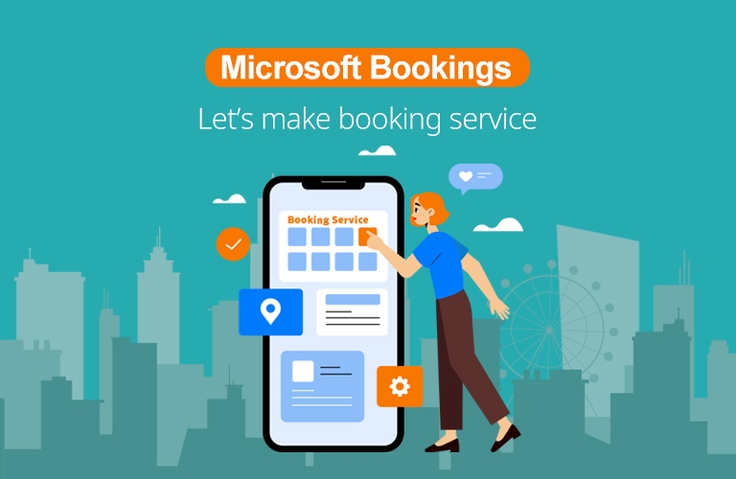
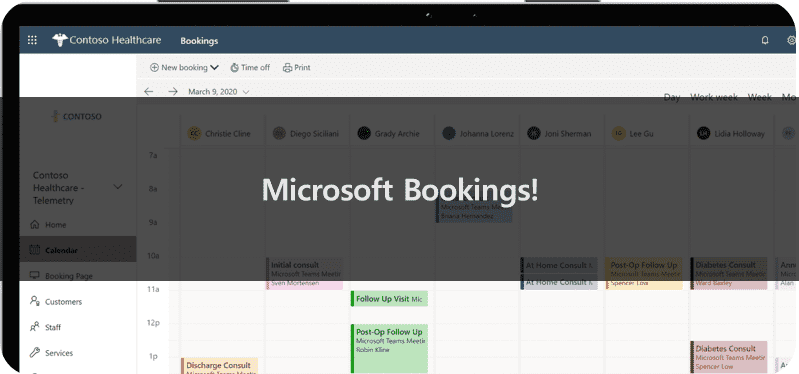
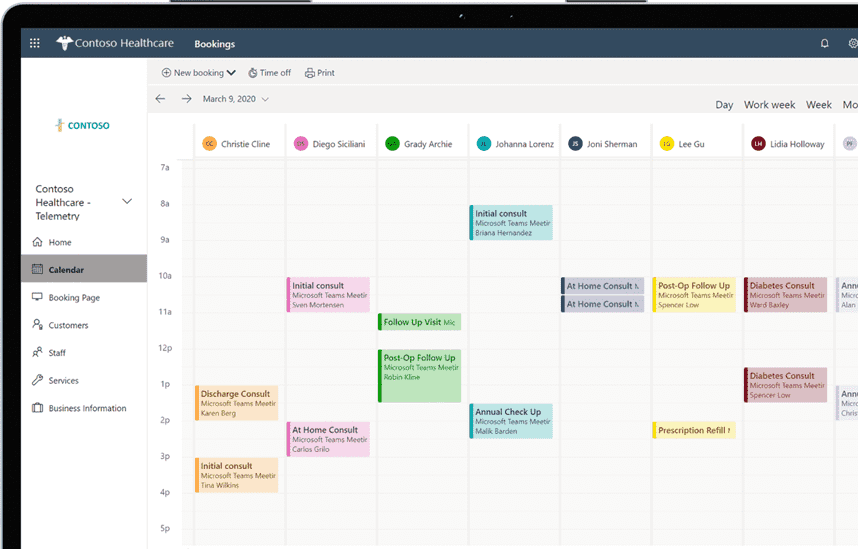
You can create an online reservation system through Microsoft Bookings where customers can see our company's services at a glance, select a schedule, time, and person in charge, and make a reservation right away. Everything from reservations to reservation confirmation emails and advance notifications is automated, and customers can easily make reservations and change their schedules. Now manage your reservations smartly!

(3.5) 2 reviews

48 learners

Level Basic

Course period 3 months

MS-Office
MS-Office
MS-Office
MS-Office
날개 달린 동전

Course 추천하고 성장과 수익을 만들어 보세요!

날개 달린 동전

Marketing Partners

Course 추천하고 성장과 수익을 만들어 보세요!

What you will gain after the course

  • How to create a reservation system with Microsoft Bookings

  • Activate Bookings service

  • Setting up the Bookings service

  • Posting a reservation system created with Bookings

  • Operating a reservation system created with Bookings

  • How to create your own online reservation system

Increase work efficiency!
Creating an online reservation service that allows instant reservations

Lecture Introduction 📝


To reserve our services, customers must contact us during business hours, receive an explanation of the service, inquire about pricing, coordinate their schedule, be assigned a representative, confirm their schedule, receive an email confirmation, and then use the service according to their schedule. If they need to change their schedule or representative, they must repeat this process.

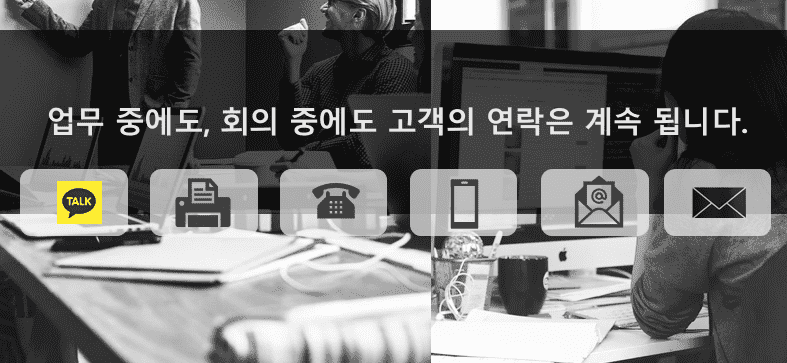
What about the person in charge? These customer contacts continue even during work hours and meetings, requiring repeated explanations of services and prices, assigning staff, and coordinating schedules. Furthermore, confirmation emails and advance notices are required to prevent no-shows.


So, what we're looking for is an online reservation system. However, building one is expensive and time-consuming.

But what if you could create and use an online reservation system easily and simply, without any additional costs? With Microsoft Bookings, we can create and operate a reservation system without any hosting costs or separate license subscriptions.


What I learned in class ✏️

In this course, you will learn the following so that you can create and operate your own online reservation system for your company.

Lecture Table of Contents

  • Course Introduction
  • About Bookings
  • Bookings Settings
    • Service activation
    • Set up company information
    • Staff Settings
    • Service Product Settings
    • Publish page
  • Bookings Operation
    • Announce reservation page
    • Manage your reservation schedule
    • Customer Information Management
    • Use and operation
    • Additional Uses


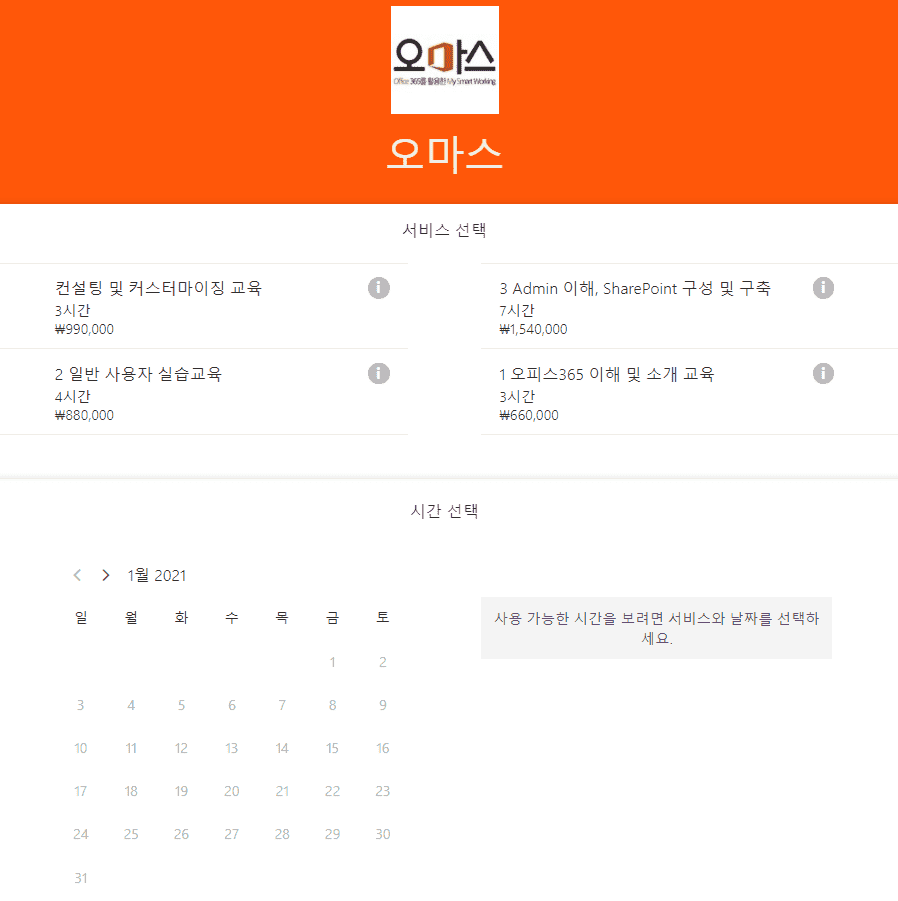
The image below shows Omas' reservation management system, built using Bookings. This is a working system, and you can view the screen directly through the system view.


Tools covered in the lecture 💡

  1. Microsoft Bookings
  2. https://www.microsoft.com/ko-kr/microsoft-365/business/scheduling-and-booking-app

What you need to take this course 🙋🏻‍♂️

  • Internet
  • Windows or Mac computer
  • Licenses that include Bookings
    • Microsoft365 Business Standard
    • Microsoft 365 Business Premium
    • Microsoft 365 Enterprise E3
    • Microsoft 365 Enterprise E5
    • or the free trial license above

Recommended for
these people

Who is this course right for?

  • Anyone who wants to create an online reservation system for their company

  • Anyone who wants to create an online reservation system for their team

  • Anyone who wants to create a homepage to promote the company's services and products

  • Anyone who wants to create a consultation reservation system

Need to know before starting?

  • No prior knowledge required, you can follow along slowly from the beginning to create your own online reservation system.

Hello
This is omas

2,634

Learners

294

Reviews

165

Answers

4.6

Rating

47

Courses

Nice to meet you! We are "Omas", Microsoft 365 experts.
As Microsoft 365 experts, we will help you work more easily and smartly.

Introducing Omas's instructors!!

Instructor Hyunjung Ko
Microsoft MVP (Microsoft 365 Apps & Services, 2016 – Present)


Official Blog & Café


YouTube


Books 

  • Microsoft 365 Business for Users & Admins

  • OMAS: My Smart Work using Office 365

  • Office 365 Quick Guide Series 1. Creating a SharePoint Site for Collaboration

  • Office 365 Quick & Easy Series 2. BI that business users can apply to work immediately without expert help

  • Office 365 Quick & Easy Series 3. From Basics to Advanced All at Once! OneDrive for Business

  • Office 365 Quick Series 4. Creating mobile apps your company needs: PowerApps

  • Office 365 in SMBs: My Smart Work using Office 365

  • Using OneNote 2016! - Basic Edition

  • OneNote 2016 Utilization! - Advanced Guide

  • Female office workers, never do this! A cheerful look at how to succeed in your professional life by thinking outside the box.


Recognitions

  • MS-102 - Microsoft 365 Certified: Administrator Expert

  • MS-100 - Microsoft 365 Identity and Services

  • Teams Meetings and Meeting Rooms Technical Assessment

  • MS-700 - Microsoft 365 Certified: Teams Administrator Associate

  • MS-900 - Microsoft 365 Certified: Fundamentals

  • AZ-104 - MS Azure Administrator Associate

  • AZ-900 - Microsoft Certified: Azure Fundamentals

  • SC-900 - Microsoft Certified: Security, Compliance, and Identity Fundamentals

  • PL-900 - Microsoft Certified: Power Platform Fundamentals

  • Exam 347: Enabling Office 365 Services

  • Microsoft Office Specialist Word 2016 Expert

  • Microsoft Office Specialist PowerPoint 2016 Core

  • Certificate of Qualification. Presentation Speech 1st  Level

Other Qualifications

  • Presentation Speech Level 1 (Korea Vocational Skills Certification Association, Ministry of Employment and Labor)

  • CS Instructor Level 1 (Korea Vocational Competency Assessment Association, Ministry of Trade, Industry and Energy)

  • e-Learning Senior Consultant (Korea U-Learning Association)

  • e-Learning Instructor Level 2 (Korea U-Learning Association)

  • Computer Science Teacher Certificate (Minister of Education)

  • Lifelong Education Specialist Level 2 (Seoul University of Buddhism and Culture)

More

Curriculum

All

8 lectures ∙ (1hr 7min)

Published: 
Last updated: 

Reviews

All

2 reviews

3.5

2 reviews

  • hiboy8509님의 프로필 이미지
    hiboy8509

    Reviews 9

    Average Rating 4.3

    5

    38% enrolled

    • jwr1221님의 프로필 이미지
      jwr1221

      Reviews 1

      Average Rating 2.0

      2

      100% enrolled

      It was like a promotional lecture for ms bookings ㅠ

      • omas
        Instructor

        Oh... I see... 😭 I'm sorry that it wasn't a satisfactory lecture~

    omas's other courses

    Check out other courses by the instructor!

    Similar courses

    Explore other courses in the same field!

    $8.80