


inflearn logo

Mastering AI Assistant NotebookLM: Increasing Efficiency in Reports, Meetings, and Data Analysis for Professionals by 10x

Through this course, students will master the core functions of NotebookLM step-by-step and learn how to delegate repetitive office tasks—such as report writing, meeting minute summaries, and data analysis—to an AI assistant. Moving beyond simple conceptual learning, the course provides actual work routines and checklists, equipping students with practical skills that can be applied to their jobs immediately after completion.

(4.8) 6 reviews

44 learners

Level Beginner

Course period 12 months

AI
AI
Business Productivity
PowerPoint
PowerPoint
ChatGPT
ChatGPT
MS-Office
MS-Office
AI
AI
Business Productivity
PowerPoint
PowerPoint
ChatGPT
ChatGPT
MS-Office
MS-Office

What you will gain after the course

  • Understanding how to properly automate reports, meeting minutes, and data analysis using NotebookLM

  • Completing a work efficiency routine that can be immediately applied to practical tasks by comparing and combining ChatGPT and NotebookLM

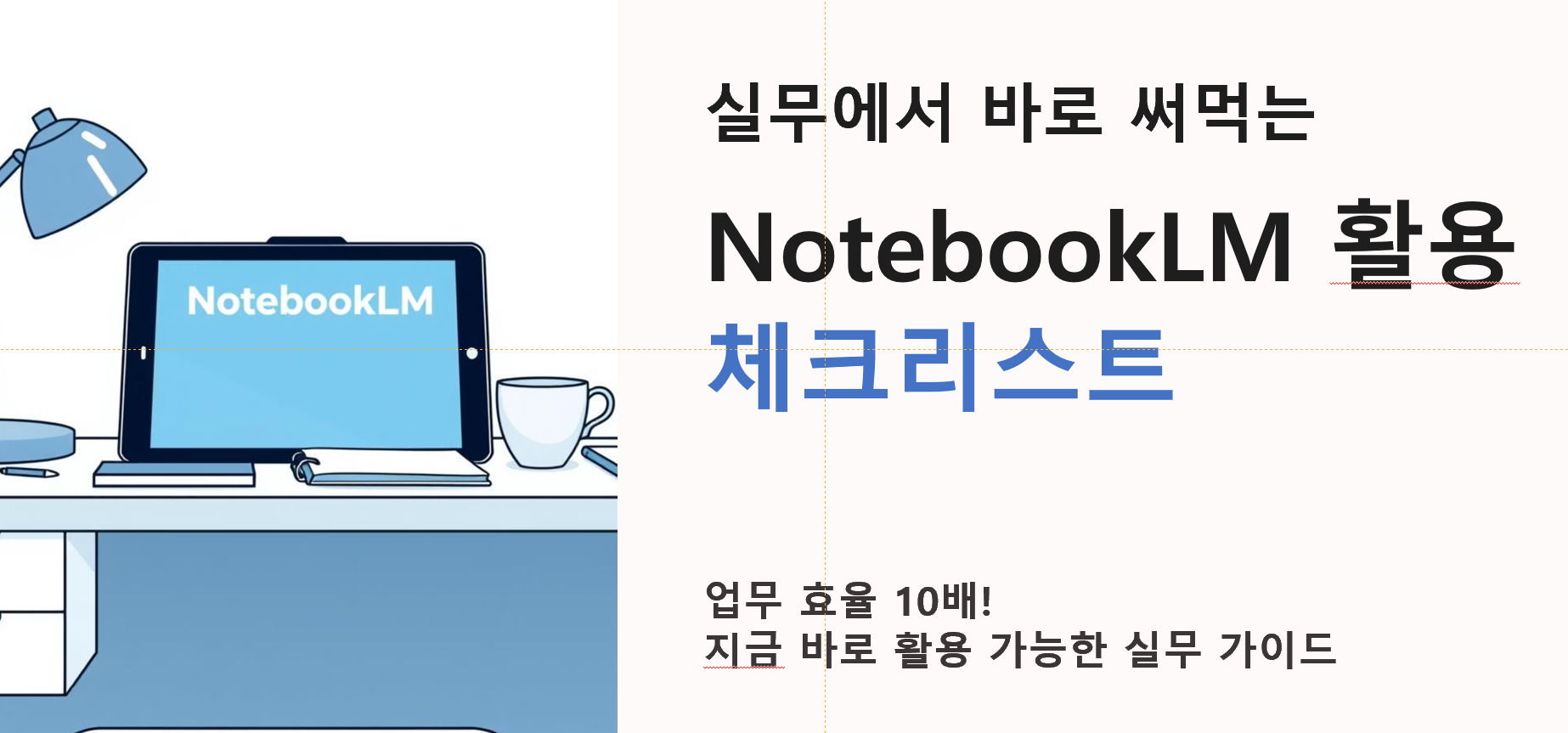
Mastering AI Assistant NotebookLM:
Increasing Efficiency 10x for Office Workers' Reports, Meetings, and Data Analysis

  • This course is a lecture on fully applying Google's AI assistant "NotebookLM" (free) to the practical tasks of office workers.

  • If you have been wanting to break free from repetitive tasks like report writing, meeting minutes, and data analysis, now is the best time to start.

  • Through this course, you will learn how to use NotebookLM as an AI assistant-style research tool and acquire techniques to increase the efficiency of your report writing, meetings, and data analysis tasks by more than 10 times.

  • Beyond simply learning the functions, we provide practical checklists and usage routines that can be applied immediately in the workplace.

This is especially beneficial for people like this!

  • Office workers who are wasting time writing extensive reports and meeting minutes

  • Practitioners who are in charge of data analysis but lack the time to focus on important tasks due to repetitive work

  • Those who have used ChatGPT but have not yet experienced NotebookLM's "source-based analysis" and "document-centric usage."

  • All professionals who want to achieve smart work and business innovation using AI

What you will learn!

Section 1: Mastering NotebookLM Basics & Experiencing Core Features

  • Overview: Introduction to the process of automatically analyzing Excel data with NotebookLM and automating everything from recording to writing meeting minutes with AI.

  • Features: A stage where you can see how to shorten two of the most common basic tasks for office workers (data analysis and meeting minutes) using NotebookLM.

  • Effect: You can immediately experience why NotebookLM is necessary and how much more efficient it is compared to traditional work methods.

Section 2: Advanced Practical Application of NotebookLM

  • Overview: 4 Ways to Use NotebookLM, Creating an AI Personal Database with NotebookLM, Summarizing Reports & Automatically Generating Presentation Materials with NotebookLM

  • Features: Expands beyond a simple summarization tool into advanced functions such as a "personal knowledge DB" and "presentation automation."

  • Effect: Covers everything from reports to presentation materials, allowing you to utilize NotebookLM like an expert.

Section 3: NotebookLM × ChatGPT Comparison & Practical Expansion

  • Overview: NotebookLM vs ChatGPT comparative utilization strategies, job-specific usage scenarios, practical checklists & closing

  • Features: Demonstrates how to combine and utilize NotebookLM and ChatGPT for specific job roles.

  • Effect: Can be applied to suit your own work + provides a guide that can be applied to practical tasks immediately after taking the course

[Special Bonus Video] Creating High-Quality Infographics & Slides with NotebookLM

Key Video Content

Through this video, you can learn how to visualize text data with NotebookLM and practical secrets for resolving Korean language errors that occur when using generative AI.

  1. Creating "Infographics" with NotebookLM:
    We introduce how to summarize long, text-heavy webpages or documents into a 'One Page Infographic.' Even complex content can be converted into intuitive images with just a few clicks using NotebookLM.

  2. Creating "Slides" with NotebookLM:
    This is a useful feature when you need presentation materials in a hurry. It covers the process of quickly generating slide drafts for presentations using NotebookLM's built-in features.


  3. Problem Solving:
    While NotebookLM is powerful, there are two issues that Korean users may encounter. These are the "broken Korean fonts" in the output and "file compatibility" issues that make re-editing difficult. We will examine the causes of these limitations.

  4. The perfect solution using Gemini:
    Here are some tips to solve the previously mentioned limitations of NotebookLM by linking it with Google's other generative AI, 'Gemini'. Check out the know-how to obtain results in an editable format without broken Korean fonts.

Who created this content?

  • Name: Kwon Hyun-wook (Exceller)

  • CEO of iExceller.com, Microsoft Excel MVP (Most Valuable Professional), Excel Programmer, Author

  • Served as Group Strategy Team Leader/Innovation Team Leader/Planning Team Manager at AMOREPACIFIC, CFO at SKINFOOD, and Professor at Korea National Open University (Department of Industrial Engineering, Prime College).

  • Performed various Excel & VBA-related activities, including winning the Microsoft Excel Template Contest, receiving the Microsoft Community Star Award, and being selected as a Microsoft MVP.

  • He has been operating "iExceller.com" for 25 years and provides online lectures on the YouTube channel "Exceller TV."

  • He has authored over 10 books, including <The Standard of ChatGPT + Excel Business Automation>, <The Standard of Copilot + Excel Business Automation>, <The Standard of Excel>, and <The Standard of Excel VBA Power Coding>, and has contributed to various media outlets, including the computer magazine <Monthly PC Love>.

Notes before taking the course

Learning Objectives

  • Develop the ability to automate reports, meeting minutes, and data analysis using NotebookLM.

  • Master the entire workflow, from uploading documents to automatically generating summaries, notes, and presentation materials.

  • Compare and combine ChatGPT and NotebookLM to acquire the most efficient practical strategies.

  • You will master immediately applicable methods for work innovation through job-specific utilization scenarios and practical checklists.

Learning Materials

  • Examples and reference materials for hands-on practice while watching the lectures are introduced in each video.

  • Some PDF materials are provided as URLs. You can easily download them using the simple method introduced in the lecture.

Prerequisites and Important Notes

  • This course is intended for those who want to improve work efficiency and achieve automation using Google's NotebookLM (free version).

  • If you have experience using tools (or apps) like ChatGPT, Excel, or Gamma AI, it will be even easier to understand, but you can still follow along easily even if you don't.

  • NotebookLM is a generative AI. Therefore, even if you use similar or identical prompts, the results may vary every time.

Recommended for
these people

Who is this course right for?

  • Office workers who spend excessive time writing extensive reports and meeting minutes

  • Practitioners who are in charge of data analysis tasks but feel their efficiency is dropping due to repetitive work

  • Those who have used ChatGPT but have not yet experienced NotebookLM's "source-based analysis" and "document-centric" approach.

  • All professionals who want to achieve smart work and business innovation using Artificial Intelligence (AI)

Hello
This is iexceller

98

Learners

14

Reviews

4.7

Rating

3

Courses

Nice to meet you. I am Kwon Hyun-wook (Exceler).

I will become a solution provider for everyone who seeks to improve work efficiency.


  • Current: CEO of iExceller.com

  • Current: Excel Programmer Solution Provider Author

  • Current: YouTube Creator Channel Name: Exceller TV

  • Current: Microsoft Excel MVP

  • Previous: Amorepacific Group Strategy Team Leader, Innovation Team Leader, Planning Team Manager

  • Former: Skinfood Chief Financial Officer (CFO, Managing Director), Director of Management Support

  • Former: Professor at Korea National Open University | Department of Industrial Engineering, Prime College

  • Former: Samsung SDS Multicampus Tutor

  • Former: Tutor and Inspection Committee Member at 'Baeumnara', Korea Agency for Digital Opportunity and Promotion

More

Reviews

All

6 reviews

4.8

6 reviews

  • chea29128651 [DEL] 260225215224님의 프로필 이미지
    chea29128651 [DEL] 260225215224

    Reviews 1

    Average Rating 5.0

    5

    30% enrolled

    You provided only the necessary information, making it easy to understand and quick to learn.

    • vmfmgl1221님의 프로필 이미지
      vmfmgl1221

      Reviews 14

      Average Rating 4.6

      4

      100% enrolled

      It was great to learn various practical use cases utilizing Notebook LM. Thank you.

      • iexceller
        Instructor

        I'm glad it was helpful. Thank you.

    • youngyean15481님의 프로필 이미지
      youngyean15481

      Reviews 2

      Average Rating 5.0

      5

      100% enrolled

      Helpful for beginners

      • mmww903775님의 프로필 이미지
        mmww903775

        Reviews 1

        Average Rating 5.0

        5

        33% enrolled

        • xerang1138님의 프로필 이미지
          xerang1138

          Reviews 6

          Average Rating 5.0

          5

          33% enrolled

          Similar courses

          Explore other courses in the same field!

          $33.00